- Use 1/250s as your baseline and 1/500s to freeze active performers.
- Raise ISO and open wide, but keep shutter fast to beat blur.
- Focus continuously and reframe fast when crowd heads block the stage.
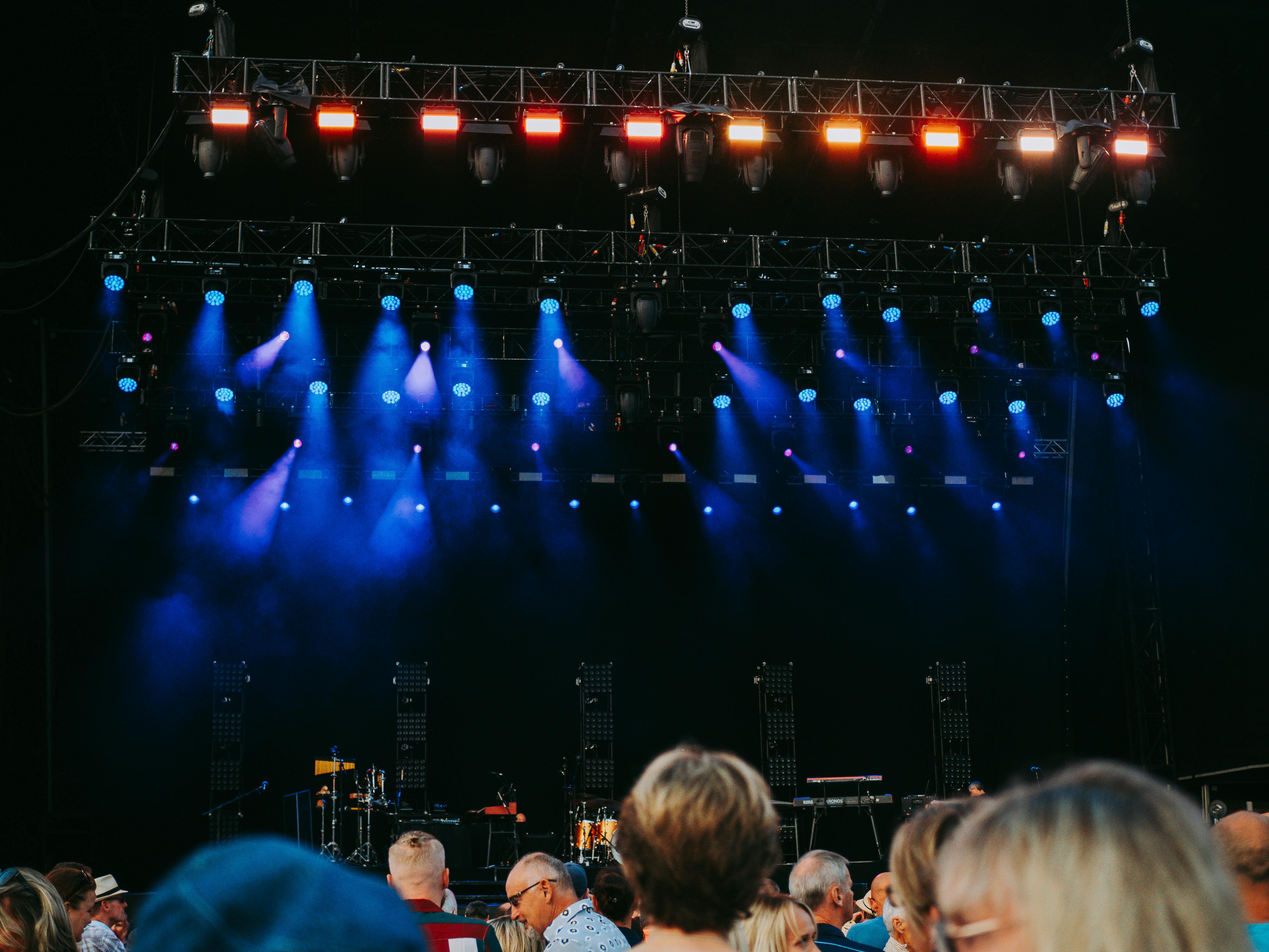
Shutter speed is how long the shutter stays open and lets light reach the sensor. From the back row, it can work against you: the stage is dim, the lens is usually long, and people keep moving. Concerts get difficult for one more reason. Light shifts in a blink, and the far end of the venue usually gives you less clean detail than the pit.
Shop the setup

- Regular price
-
€42 - Regular price
-
€44 - Sale price
-
€42
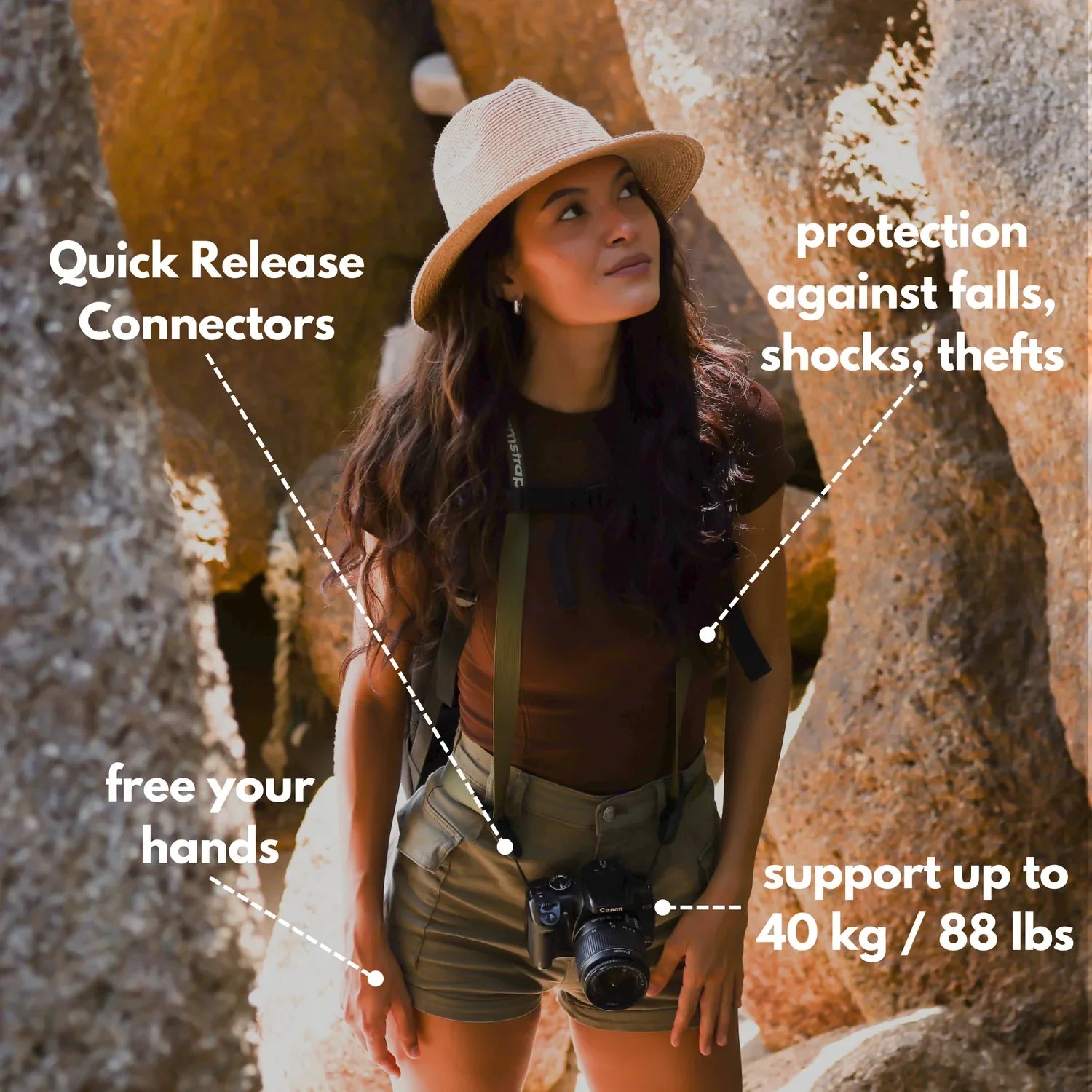
By choosing the Camstrap strap, you are opting for a high-quality product designed to meet the needs of the most demanding photographers.
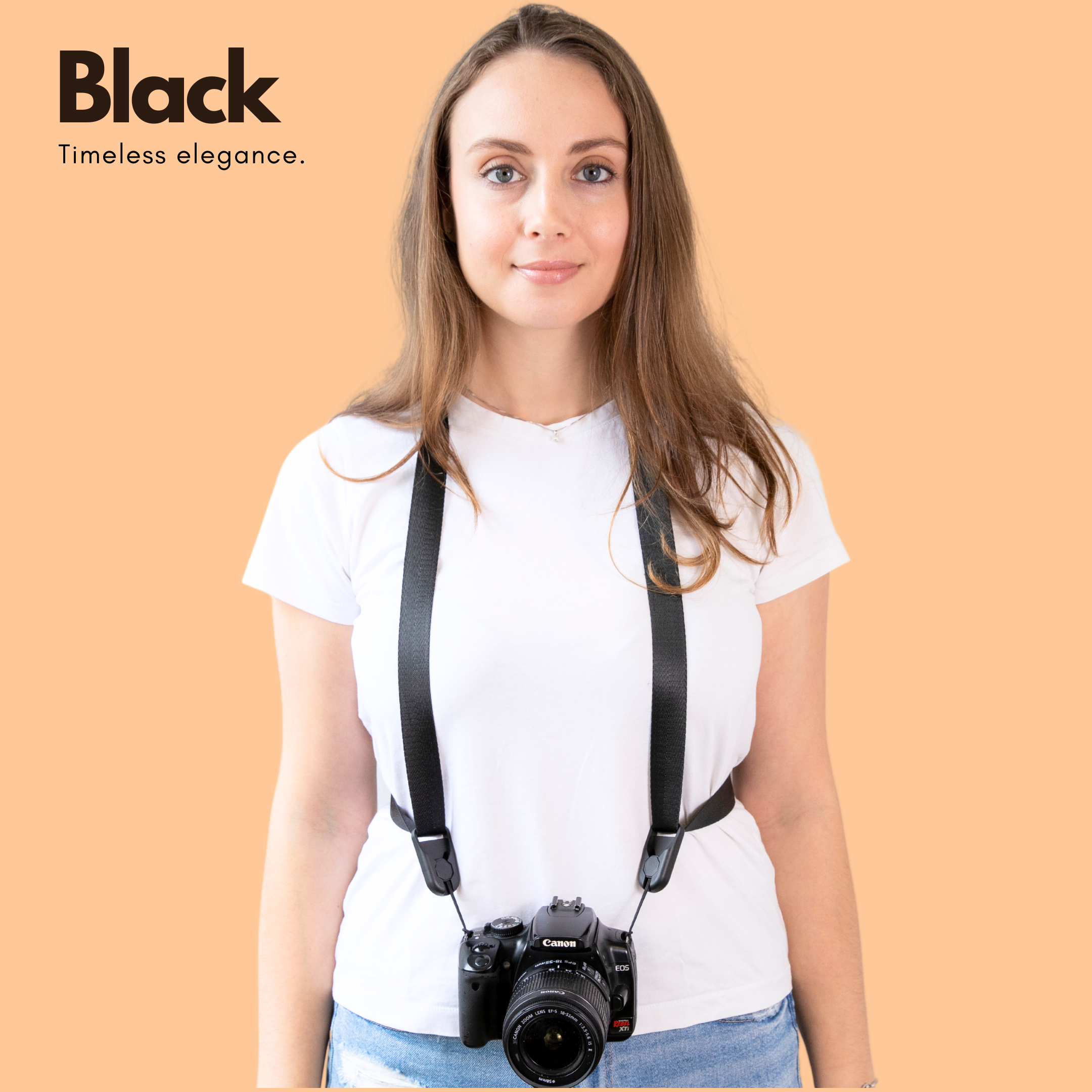
- Developed by a physiotherapist to relieve neck and back pain.
- Fast delivery with tracking by the Post Office 🚚
- Can be used as a shoulder strap or hands-free harness

- Regular price
-
€36 - Regular price
-
€42 - Sale price
-
€36
Free shipping included
The farther you are, the more light falls apart
Back-row concert shots turn muddy because the camera has to juggle weak light and weak subject detail at the same time. A singer under a bright spot may still look fine, while a guitarist two rows deeper can slide into noise and blur.
Distance changes the file in a few ways. Fine texture softens, contrast drops, and the camera may raise ISO just to keep exposure usable.

What the camera sees from far back
From the back row, the subject often fills only a small part of the frame. The camera records less face detail, more haze, and more stage spill from colored lights. Higher ISO can save brightness, but it also adds noise. Nikon notes that concert work often starts around ISO 1600 to 3200, and many scenes push to ISO 6400 with f/2.8 and 1/500s.
That tradeoff hits harder in the back row than near the stage. Noise on a close portrait can look gritty, while noise on a tiny subject can look muddy and flat.
Why do concert photos get blurry in low light?
Concert photos get blurry in low light because the camera needs more time to collect light, and that longer exposure lets motion show up. Fast shutter speeds freeze action, while slow ones let the performer or your hands smear the frame.
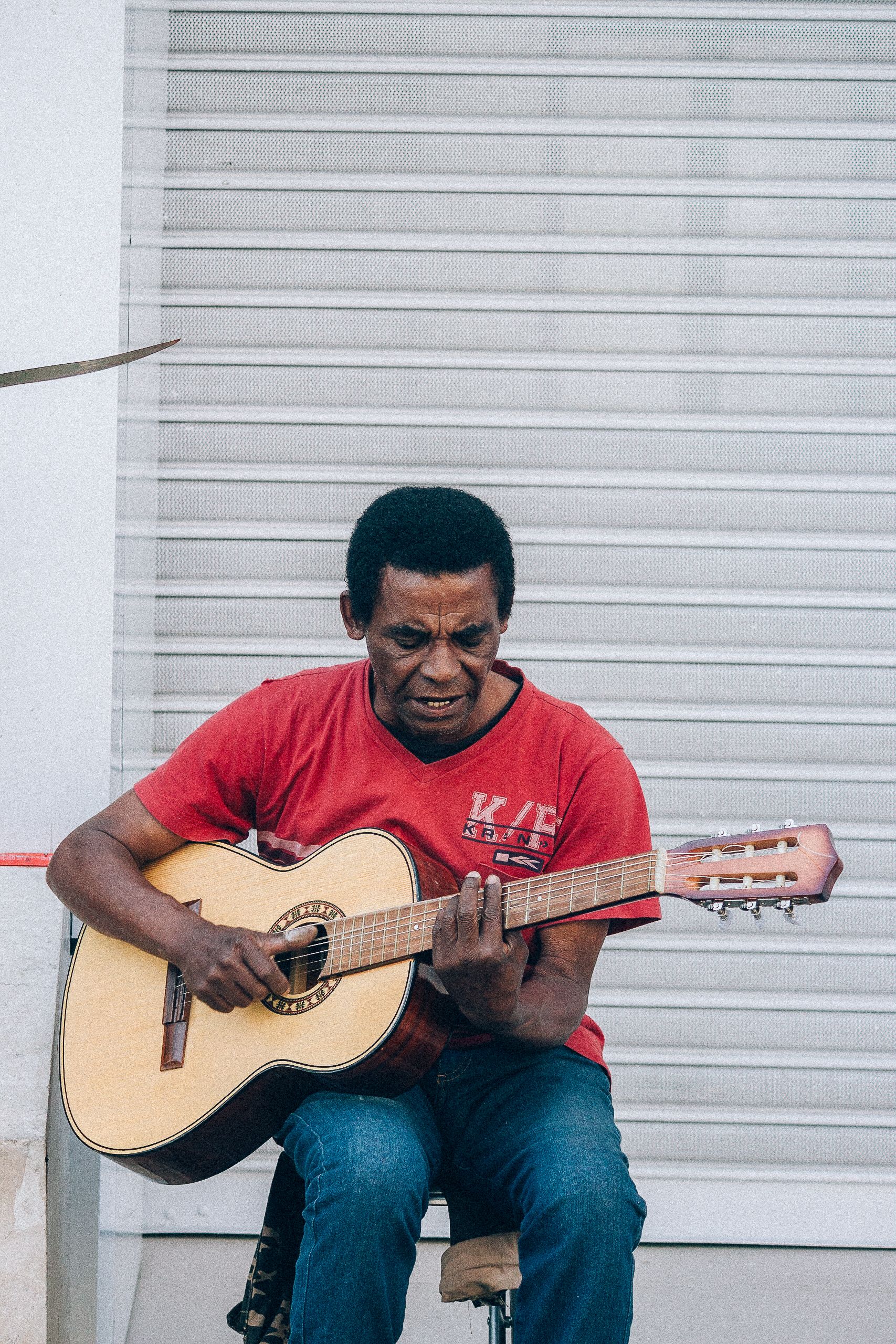
Camera shake adds to the problem. Canon notes that a 50mm lens on a 1.6x crop body needs about 1/80s for steady handholding, and moving performers need even faster speeds.
Low light forces a hard choice. At 1/125s or 1/60s, you may gain brightness, but you also risk soft faces and smeared hands.
The hidden role of color and contrast
Muddy concert photos are not always just blurry. Dark clothing, smoke, red lights, and blue LEDs can wipe out edge detail and make skin tones look dirty. Back-row seats make that worse because the stage lights hit you at a steeper angle. The camera then sees less clean shape and more mixed color.
What shutter speed should I use for moving performers?
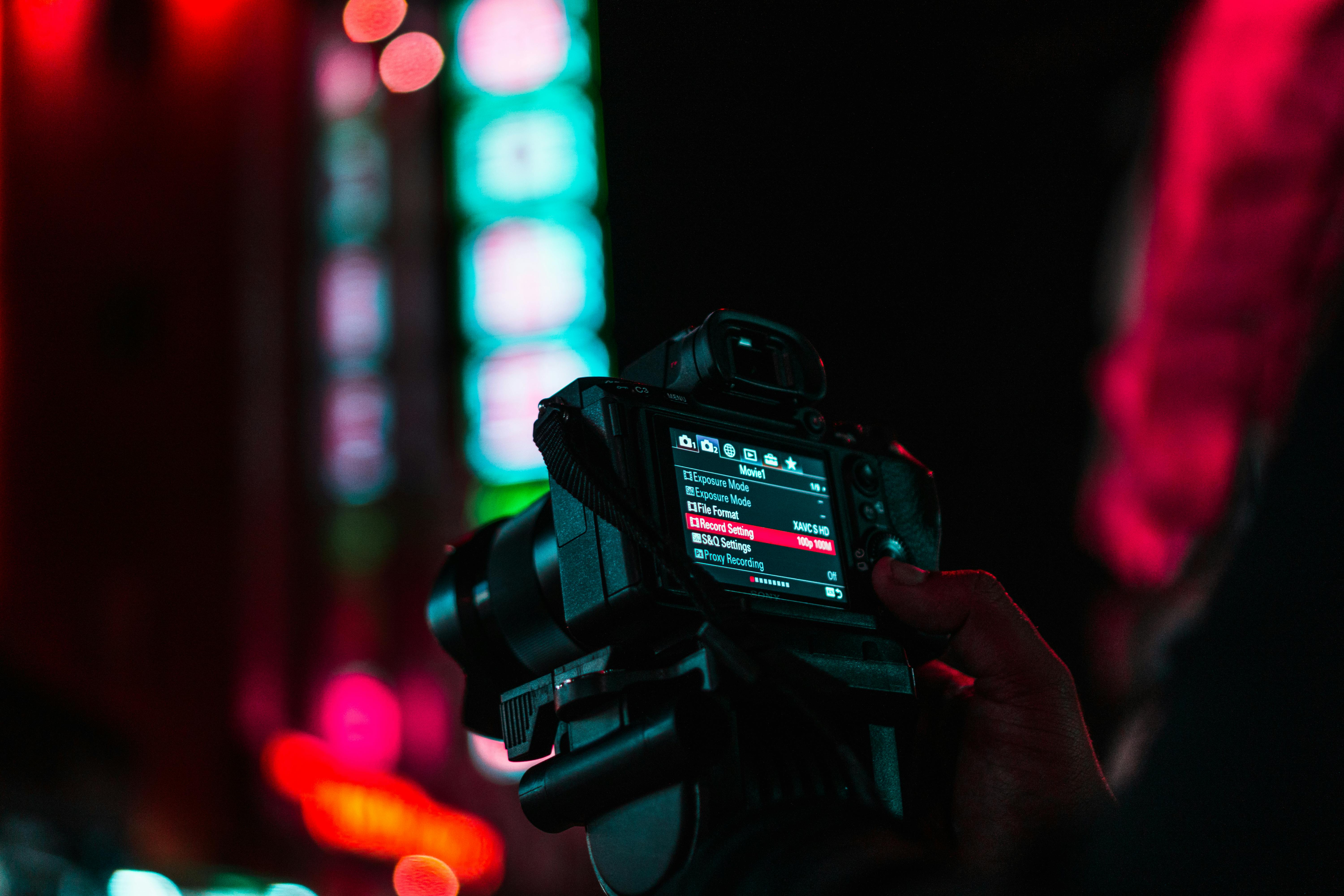
For moving performers, 1/250s is a solid starting point, and 1/500s gives a safer freeze on singing, walking, and arm motion. Canon says about 1/250s can freeze a walking subject, while faster action may need 1/1000s or more.
That range fits real concert work well. A drummer, a jump, or a hair whip can need 1/800s to 1/1000s, while a steady vocalist may hold at 1/250s or 1/320s.
How I choose the speed on stage
- Use 1/250s for slower singing and calm poses.
- Use 1/500s for guitar moves, head turns, and walking.
- Use 1/1000s for jumps, spins, and drum hits.
- Drop slower only if the scene is still and the light is truly weak.
Wide apertures help you keep those speeds. An f/2.8 lens passes more light, so you can hold a faster shutter without pushing ISO as high. A wider aperture also narrows depth of field. In the back row, focus becomes more fragile because a slight shift can pull the face soft.
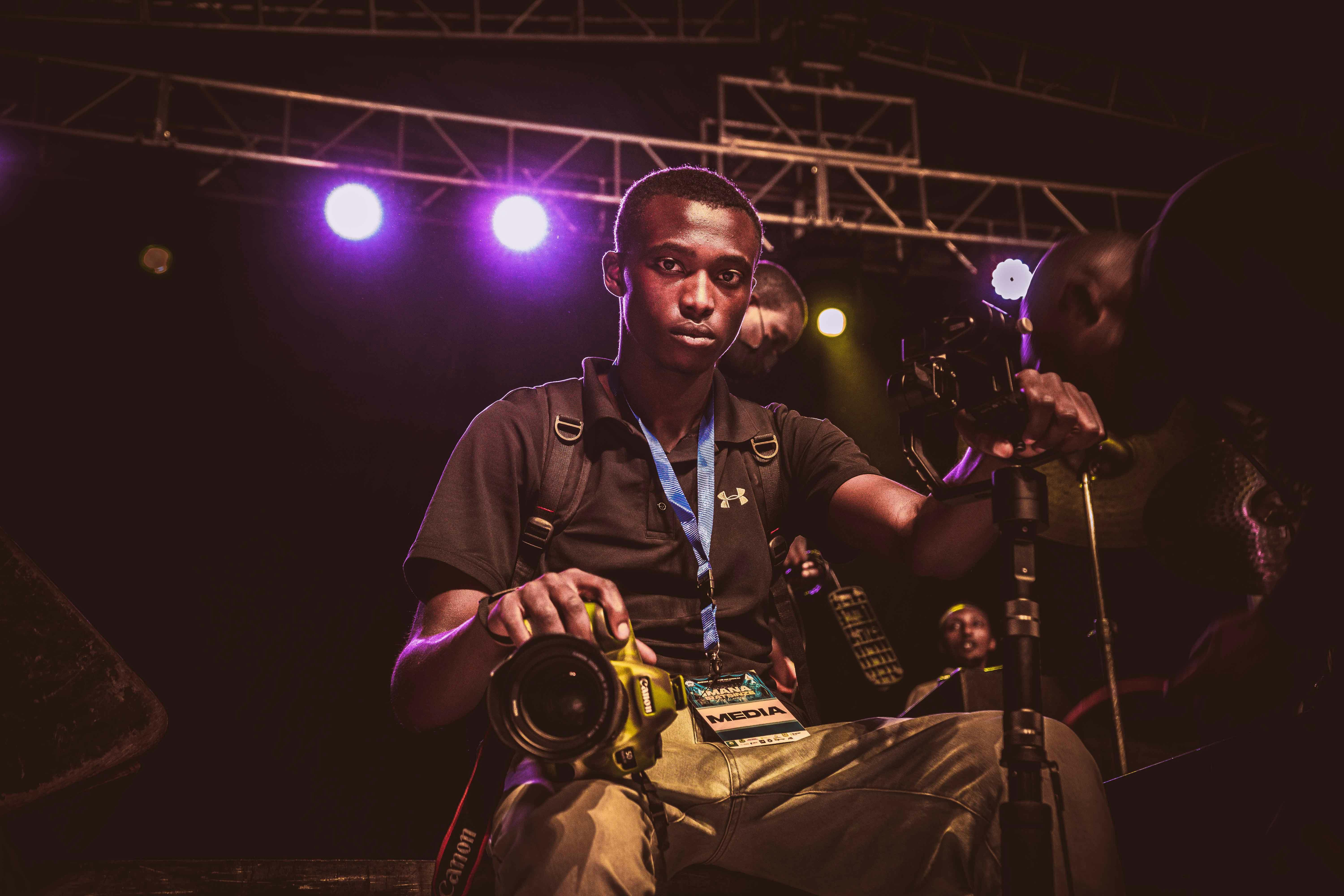
Should I raise ISO or slow the shutter first?
Raise ISO first in most concert cases because slowing the shutter first creates blur that you cannot fix later. A bit of noise is easier to clean up than motion smear.
There is a limit, though. Very high ISO can make distant subjects look grainy and thin, especially when the stage light is weak or mixed.
A practical order that works
- Set the shutter for the motion you want to freeze.
- Open the lens as wide as it can go.
- Raise ISO until the exposure is usable.
- Only then slow the shutter if the subject barely moves.
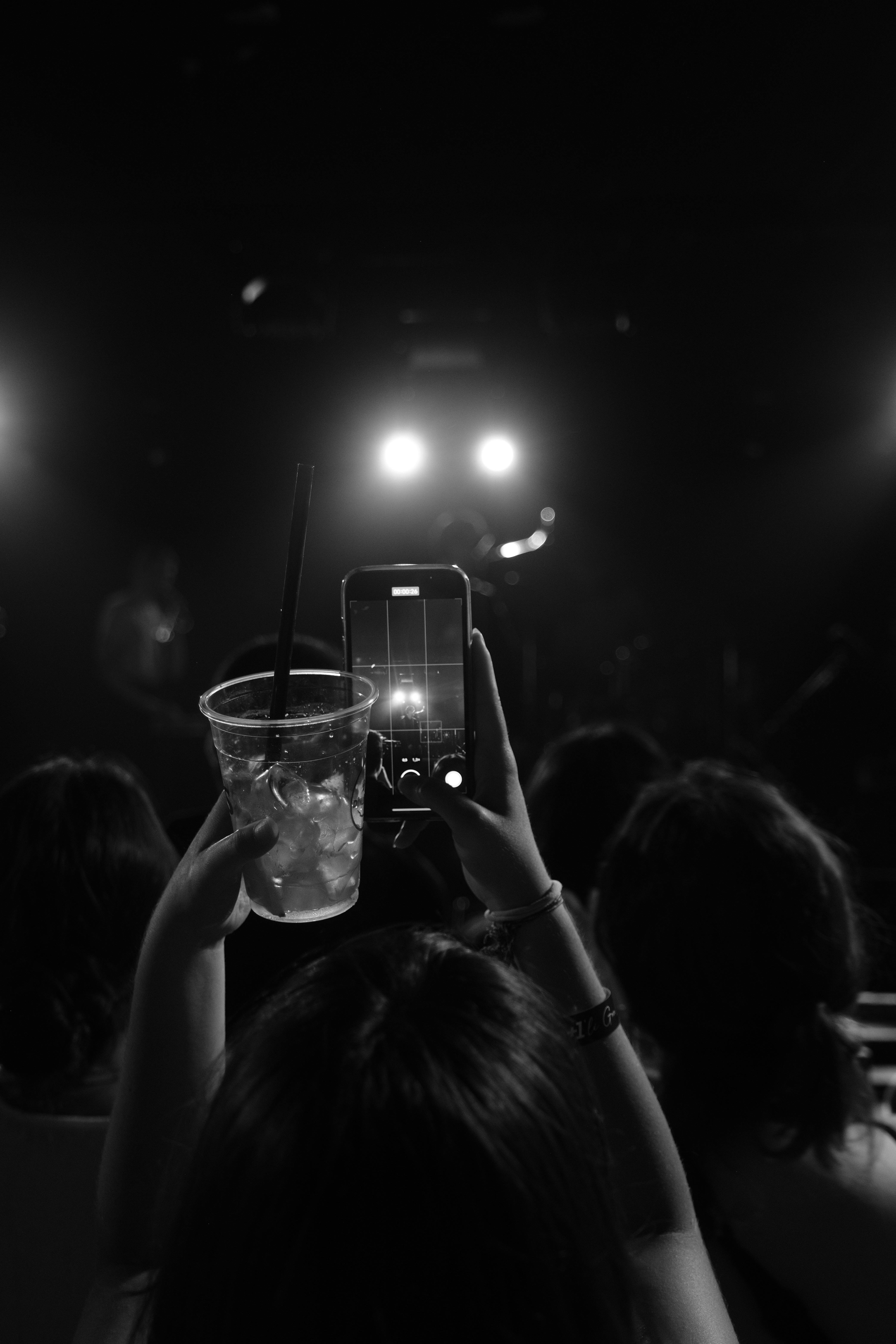
Nikon’s concert guide lines up with that approach. It points to 1/250s or faster and ISO 1600 to 3200 as a starting range, with many scenes needing more. In plain terms, the camera can trade noise for speed. It cannot trade blur back into detail once the shutter goes too slow.
How do I keep focus when people block the stage?
Keep focus by using continuous AF, a small group of focus points, and back-button focus if your body supports it. AF-C on Nikon or AI Servo on Canon keeps tracking active as people cross the frame.
Stage blockers are common in the back row. Hands, phones, and heads can steal focus for a split second, so the camera needs a plan that stays locked on the performer.
What helps most in a crowded venue
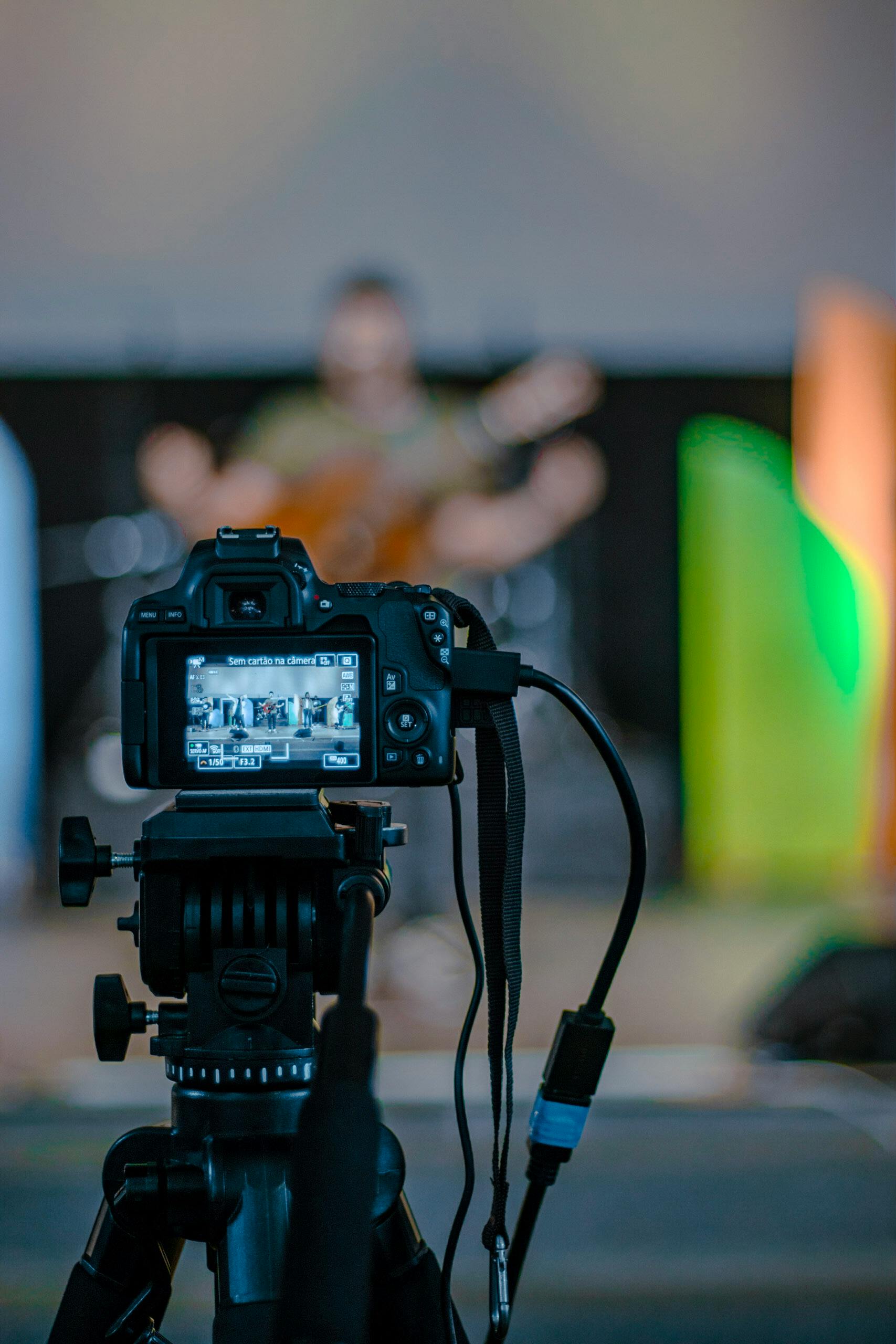
- Use continuous AF with eye or subject detection when the light allows it.
- Choose a single point or a tight zone, not a wide auto area.
- Move the point to the face, mic, or upper chest.
- Use burst mode for short runs when the view clears.
- Try back-button focus so the shutter does not refocus every frame.
Pre-capture or pre-burst can help if your camera offers it. It records frames just before full press, which is useful when the singer steps into a light cue for only a second. One useful limit to remember is buffer depth. Many mid-tier bodies can hold about 20 to 40 RAW frames before slowing, while JPEG shooting lasts longer.
Can I shoot a concert handheld without a tripod?
You can shoot a concert handheld without a tripod, and it is often the best choice in a packed venue. Tripods are awkward in tight rows, and they can block other people or run into venue rules.
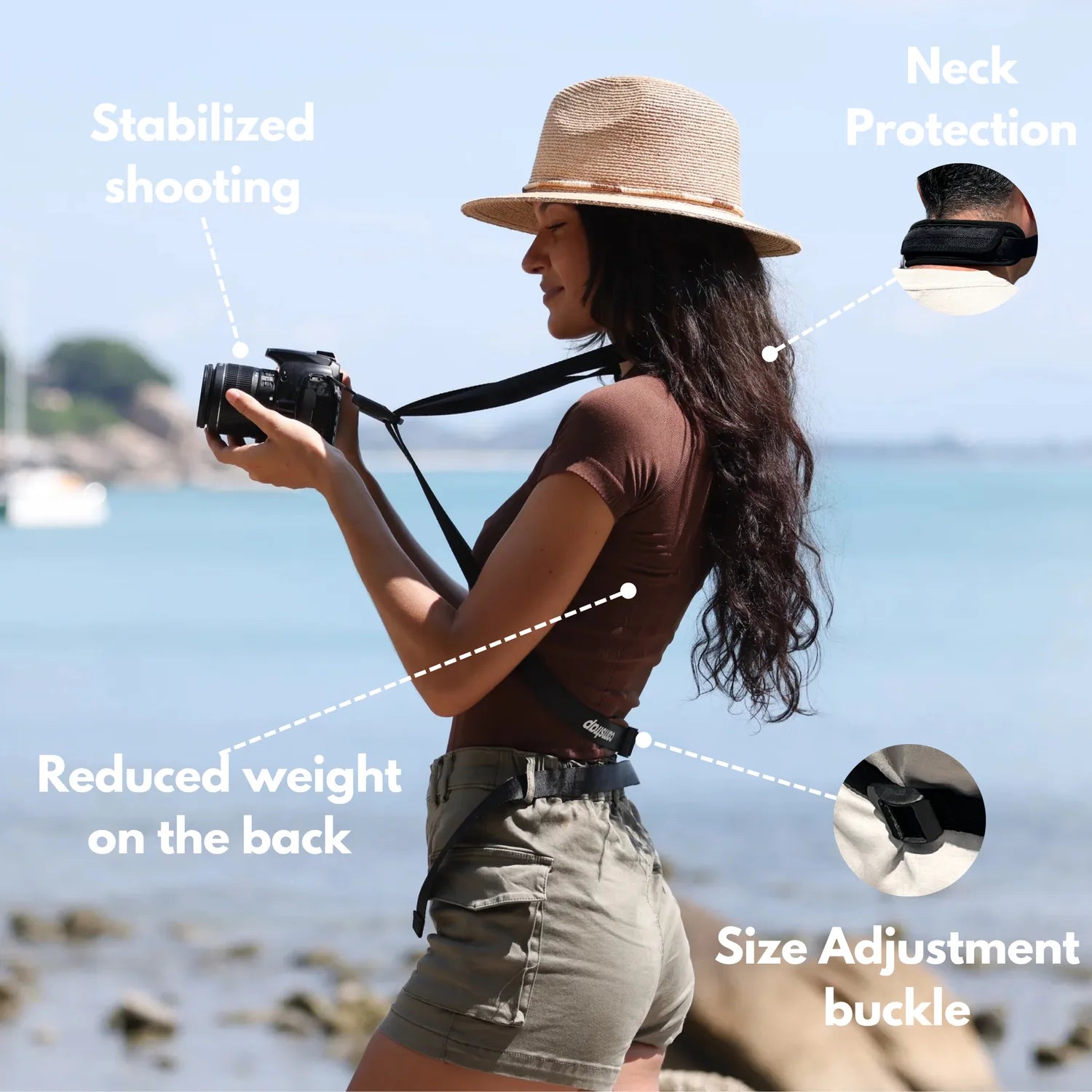
A stable handhold matters more than a heavy support in most concert spaces. A secure strap can keep the camera ready without dangling it in a crowd, and a Camstrap Voyager fits that role well because it spreads the load and keeps quick access simple in tight aisles.
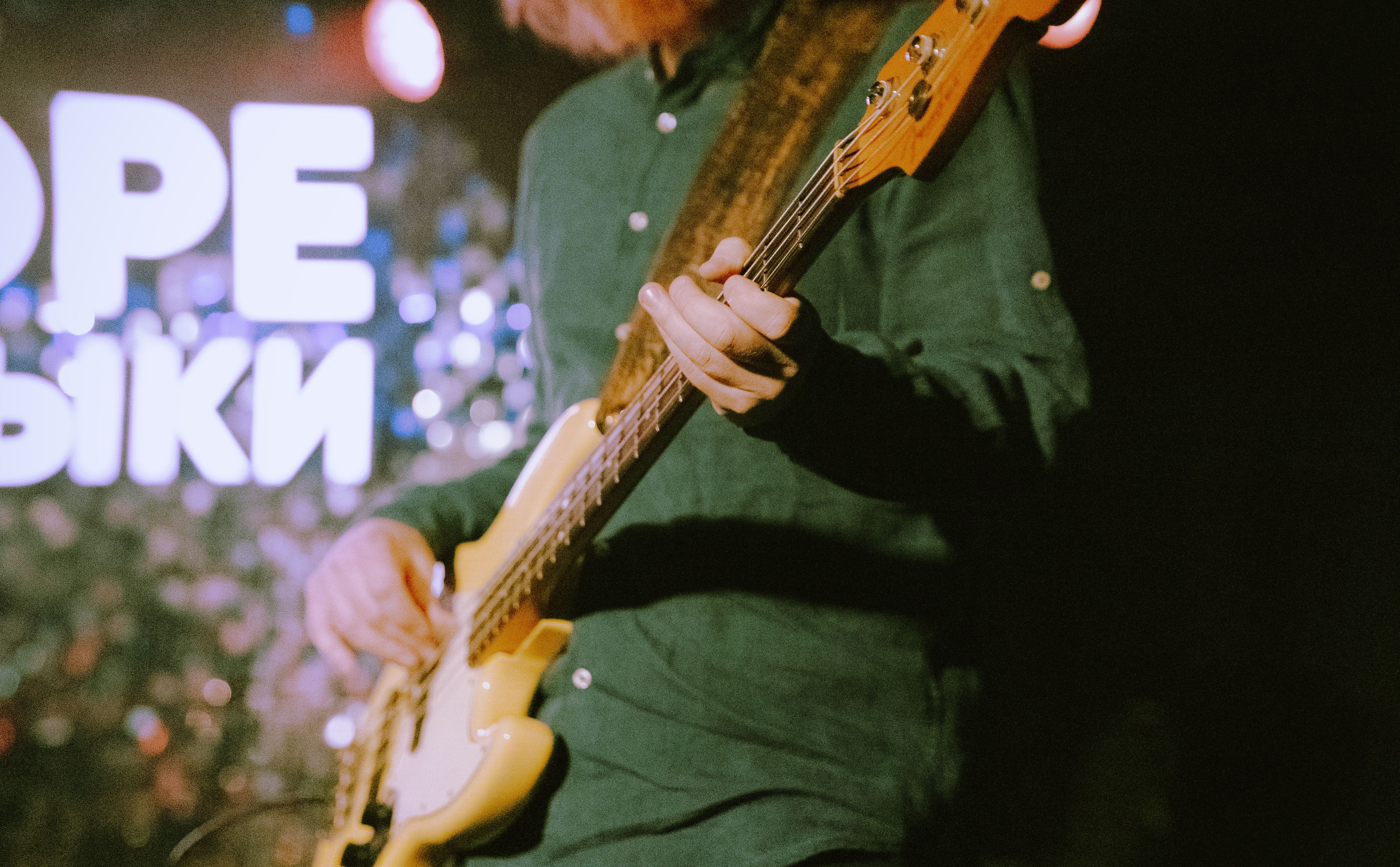
Handheld gear that actually helps
- A fast zoom or prime with f/2 to f/2.8 aperture.
- Image stabilization, if your lens has it, for slower static moments.
- A body that can shoot around 10 fps mechanically, or faster with electronic shutter.
- UHS-II V60 or V90 cards, or CFexpress, if your burst work is heavy.
Electronic shutter can be very fast, often 20 to 40 fps on some bodies, but it may show rolling-shutter skew or LED banding. Mechanical shutter stays safer under flickering stage lights, especially when the rig uses strong color changes. Battery drain matters on mirrorless cameras. The EVF, rear screen, and image review use a lot of power, so turning down review time can help you last through a full set.
The back-row fix in one shooting flow
Back-row concert work improves when you treat the scene like a speed problem, a focus problem, and a framing problem at once. The best files usually come from a setup that keeps the shutter fast, the focus area small, and the camera easy to move.
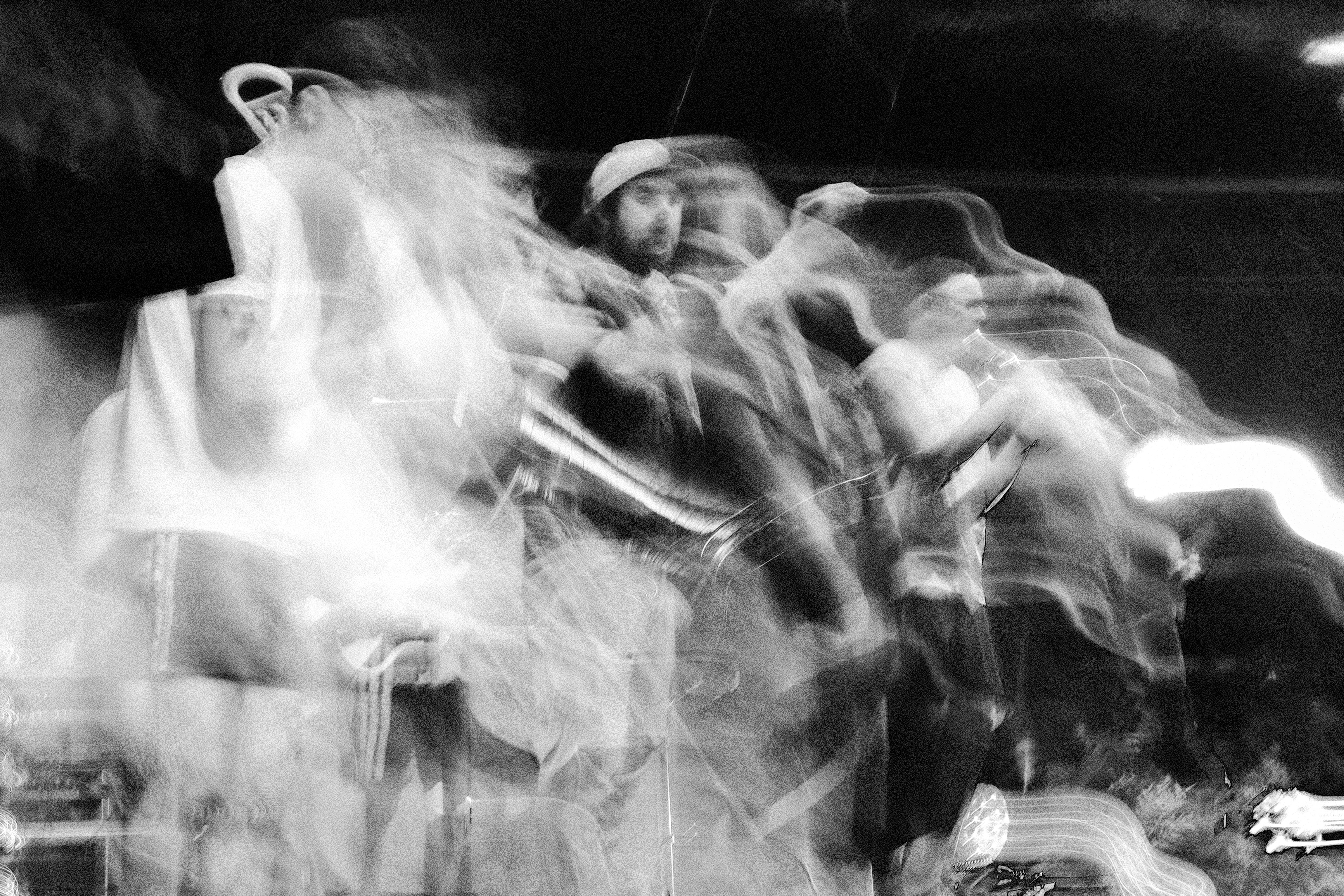
Use this simple flow during the show:
- Start around 1/250s to 1/500s.
- Open to f/2 to f/2.8 if your lens allows it.
- Raise ISO until the face has clean shape.
- Use AF-C or AI Servo with a tight focus point.
- Shoot short bursts when the performer hits a pose.
If the shot still looks muddy, check the cause before changing everything. Blur points to shutter speed or focus, while grain points to ISO, and color mush often points to bad stage light or mixed LEDs.
That last step saves time. It keeps you from fixing the wrong problem with the wrong setting.
What makes a back-row frame look clean instead of muddy?
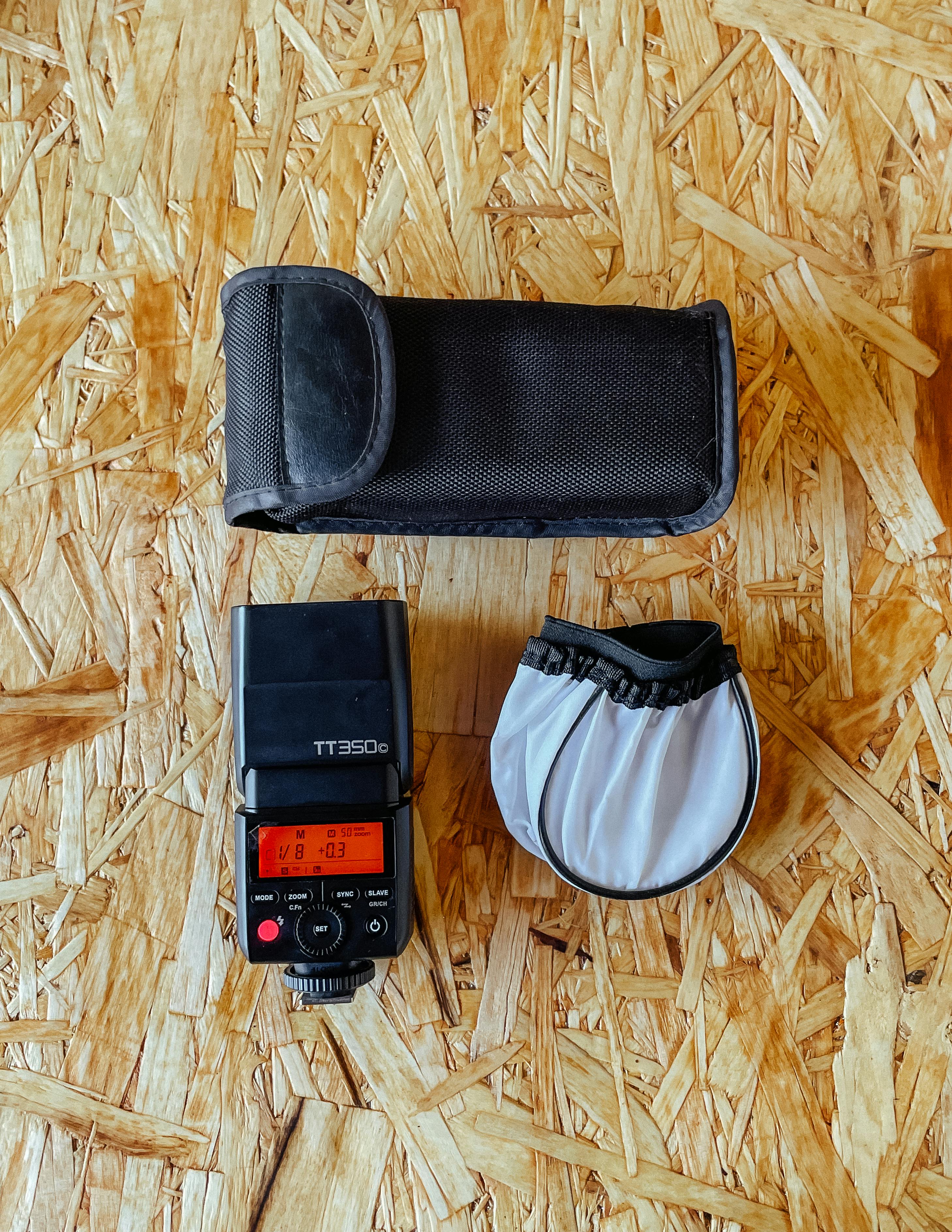
A clean back-row frame needs two things working together: enough speed to stop motion and enough light to keep detail alive. If either one slips too far, the image starts to look soft, noisy, or flat. The goal is not perfection. The goal is a file with a sharp face, clear shape, and enough space to crop if the crowd gets in the way.
In practice, that means 1/500s when the action picks up, a wide lens setting near f/2.8, and ISO high enough to expose well without crushing the file. When those pieces line up, the back row stops feeling like a bad seat and starts feeling like a workable angle.
Frequently Asked Questions
Why do concert photos get blurry in low light?
Concert photos get blurry in low light because the camera needs a longer exposure to collect enough light, and that extra time lets performer motion and camera shake smear the frame. Fast shutter speeds freeze movement, while slow shutter speeds make faces and hands look soft.
What shutter speed should I use for moving performers?
For moving performers, 1/250s is a solid starting point, and 1/500s is safer for freezing singing, walking, and arm motion. Faster action such as jumps, spins, and drum hits often needs 1/800s to 1/1000s.
How do I keep focus when people block the stage?
To keep focus when people block the stage, use continuous autofocus and keep the focus point on the performer whenever possible so the camera can track movement. Refocus quickly if the obstruction clears, because back-row subjects are small and easy for the camera to lose against crowd movement and stage lights.
Should I raise ISO or slow the shutter first?
Raise ISO before slowing the shutter if the performer is moving, because shutter speed is what freezes motion. Slowing the shutter may brighten the frame, but it also increases blur from both the subject and your hands.
Can I shoot a concert handheld without a tripod?
Yes, concert photos can be shot handheld without a tripod, but the shutter speed needs to stay fast enough to offset camera shake. A 50mm lens on a 1.6x crop body needs about 1/80s for steady handholding, and moving performers usually require faster speeds than that.
Sources