

User Guide
Camstrap adapts to all camera models and installs in seconds to revolutionize the way you photograph.
STEP 1 - EQUIP YOUR CAMERA WITH THE CONNECTORS
STEP 2 - ATTACH THE STRAP TO THE CONNECTORS
STEP 3 - PUT ON YOUR STRAP AND ENJOY! 😀
TRAVEL, OUTDOOR AND SPORTS USE
HOW TO USE CAMSTRAP WITH 2 CAMERAS
Easily switch from one camera to another in less than a second.


HOW TO FIT YOUR TREK
PUT IT ON AND FIT IT TO YOU
Hold the harness open, with the yoke facing away from you. Lift it over your head and let both straps drop onto your shoulders.
THREAD THE CORDS
Feed the loop through the strap lug, pass the end back through, and pull it tight. Thread the two spare cords onto a second camera.
ATTACH AND DETACH
To mount the camera, clip a connector onto each shoulder strap. To take the camera off, do the same in reverse.
SHOOT
Raise the camera to your eye and shoot. The straps pay out as you lift, so the camera comes up with you.
CLIP ON BINOCULARS
The same connectors take binoculars. They have no strap lugs, so the clip hooks through the cord loop at the hinge.
HOW IT CARRIES
At the back, two straps cross into a moulded plate. It spreads your camera's weight across both shoulders and your back, so no single shoulder carries it all.


Voyager Strap Presentation

Camstrap Trek Presentation

Nomad Backpack Presentation

-
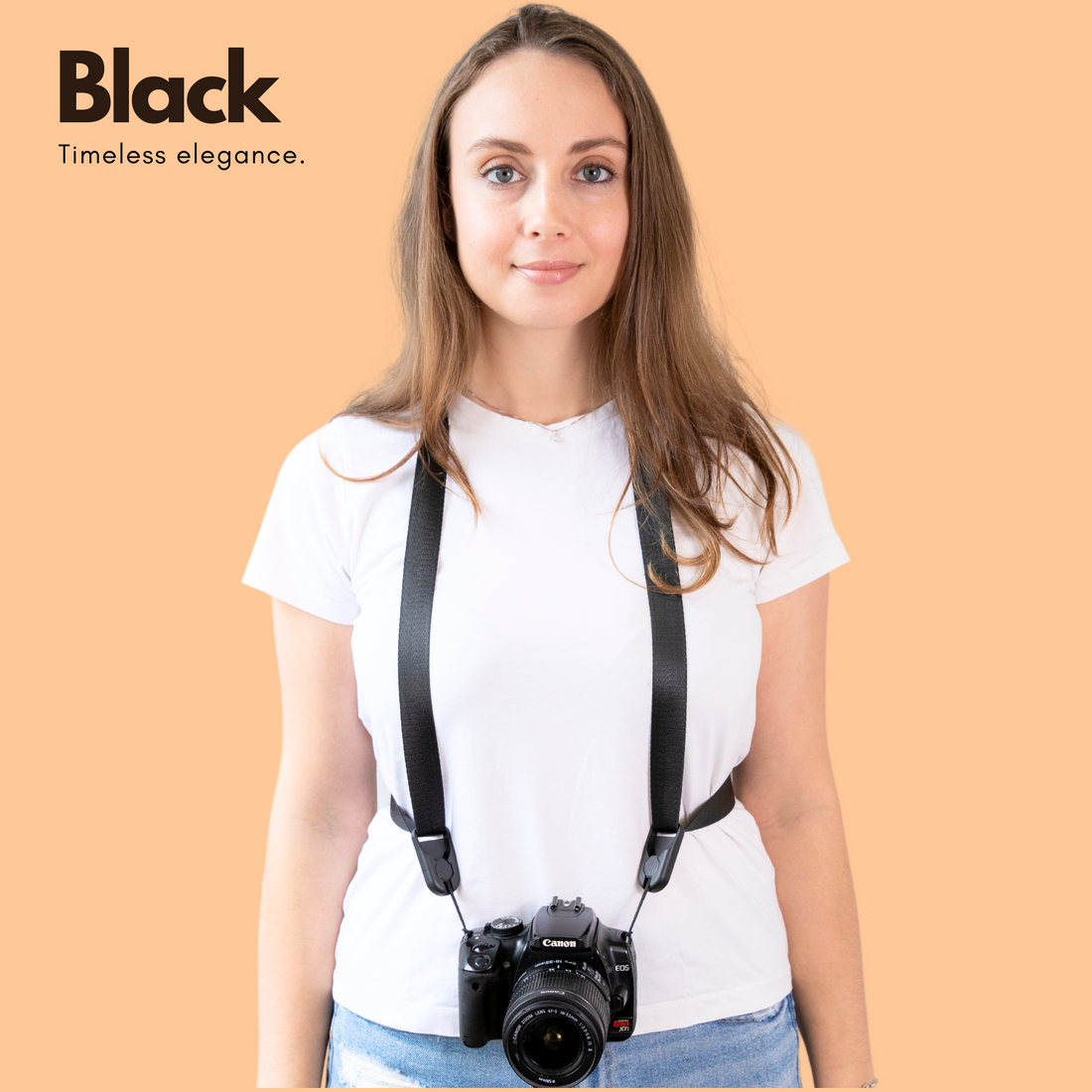 Camstrap Voyager - Strap for Cameras and BinocularsCamstrap Voyager - Strap for Cameras and Binoculars
- Regular price
-
€42 - Regular price
-
€44 - Sale price
-
€42
IDEAL FOR BRIDGE, MIRRORLESS & LIGHT DSLRQuick view
-
 Camstrap Explorer - Strap for Cameras and BinocularsCamstrap Explorer - Strap for Cameras and Binoculars
- Regular price
-
€60 - Regular price
-
- Sale price
-
€60
IDEAL FOR HEAVY CAMERAS AND LONG LENSQuick view
-
 Camstrap Trek - Harness for Cameras and BinocularsCamstrap Trek - Harness for Cameras and Binoculars
- Regular price
-
€35 - Regular price
-
- Sale price
-
€35
IDEAL FOR LONG SHOOTS & HEAVIER KITQuick view
-
 Camstrap Satellite – Ultralight Foldable Hands Free - Camera Backpack to attach your Camstrap VoyagerCamstrap Satellite – Ultralight Foldable Hands Free - Camera Backpack to attach your Camstrap Voyager
- Regular price
-
€36 - Regular price
-
€42 - Sale price
-
€36
NEW: Hands-Free Foldable BackpackQuick view


