


- Choose a strap by where it puts the weight: one point on the neck, one shoulder, or spread over both shoulders and the back.
- Stability matters as much as comfort: a camera that stays close to the body is easier to carry when you walk, hike or move through crowds.
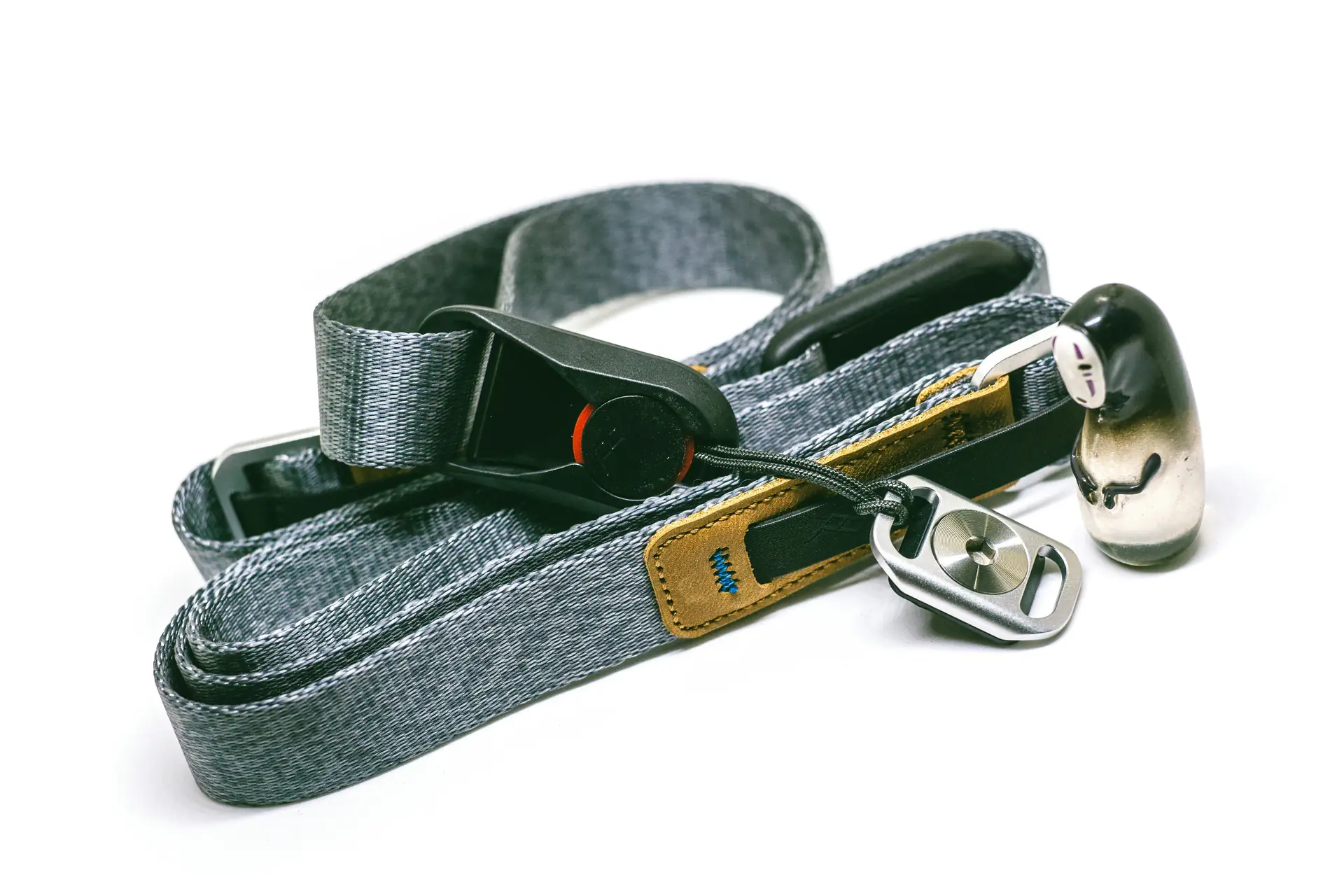
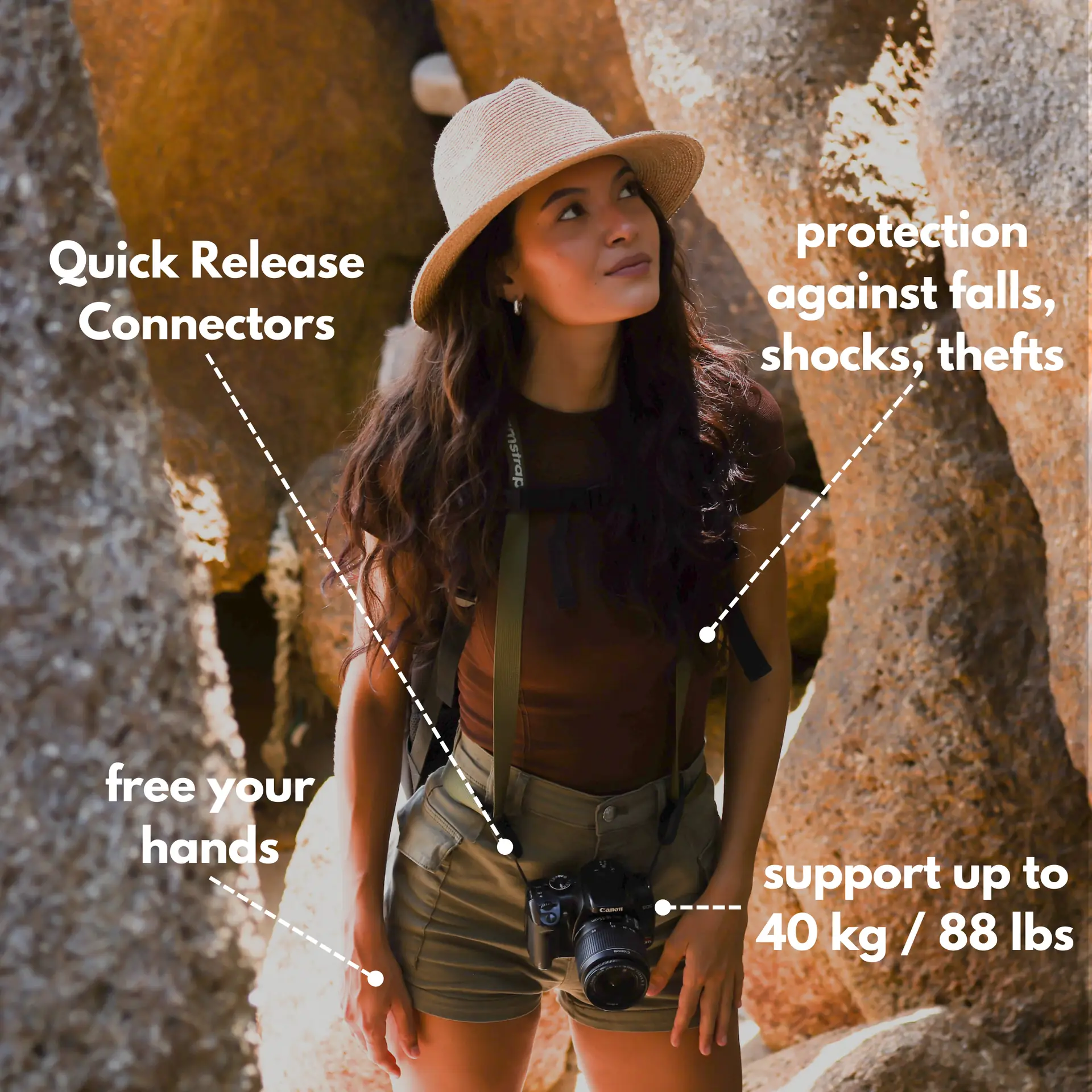
- Quick-release connectors make it easy to move between strap, tripod and bag.
- Test any strap with your own camera and heaviest lens, and check the stitching, buckles and connectors regularly.
A DSLR camera strap decides how your camera feels at the end of a long day. It can hang from your neck, swing at your hip, or sit steady against your chest. This guide covers the main strap types, the features worth checking, a quick fitting test and simple care, so you can match a strap to the way you carry and shoot.
Why the strap matters when you carry a DSLR
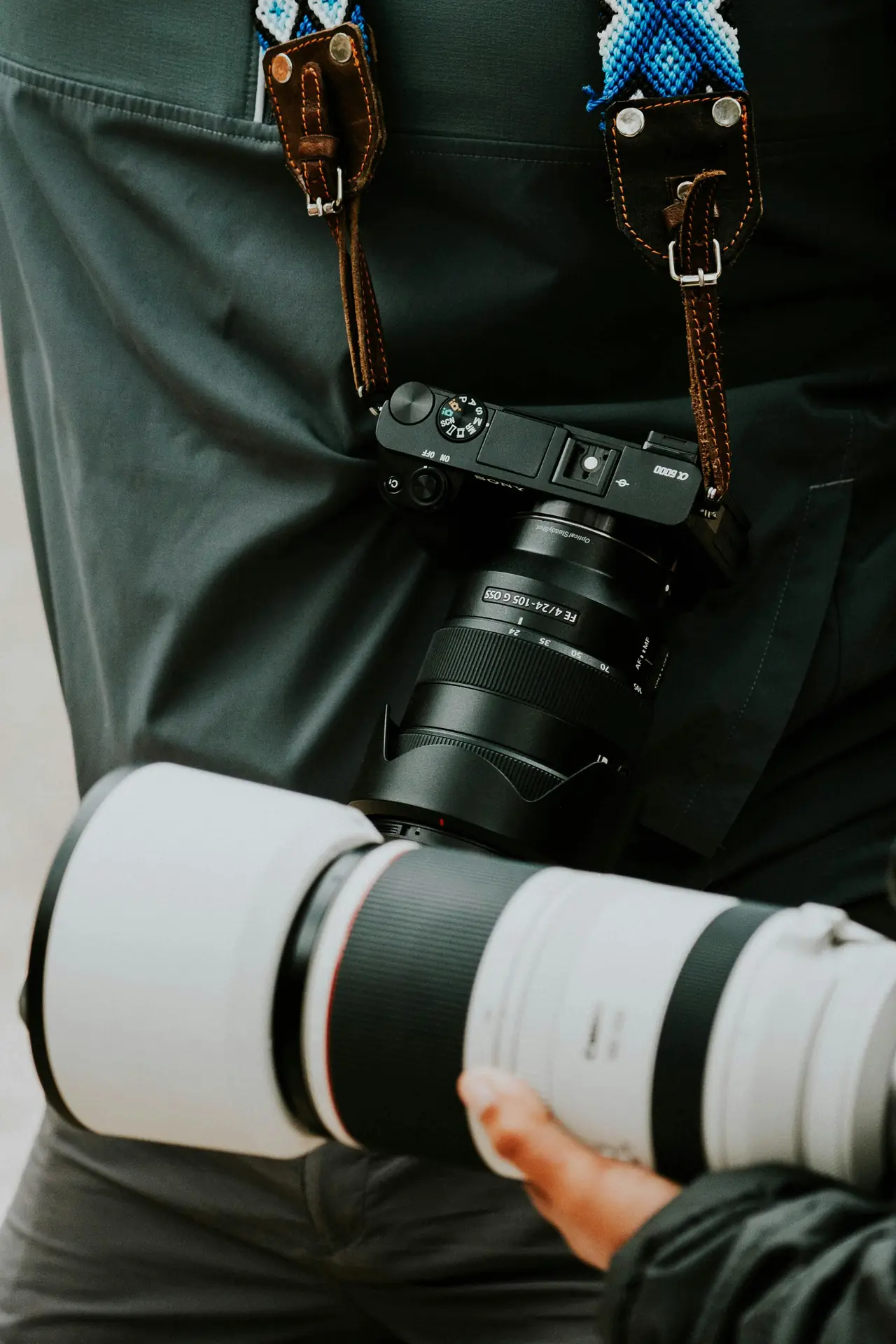
A DSLR with a lens attached is compact but dense. On a thin strap, all of that weight hangs from a single point, usually the back of your neck. When you walk, the camera swings and knocks against your chest or hip.
Shop the setup

- Regular price
-
€42 - Regular price
-
- Sale price
-
€42
By choosing the Camstrap strap, you are opting for a high-quality product designed to meet the needs of the most demanding photographers.
- Developed by a physiotherapist to relieve neck and back pain.
- Fast delivery with tracking by the Post Office 🚚
- Can be used as a shoulder strap or hands-free harness

- Regular price
-
€36 - Regular price
-
€42 - Sale price
-
€36
Free shipping included
A well-chosen strap changes two things: where the load sits and how much the camera moves. Weight spread over the shoulders and back feels very different from weight concentrated on one spot. A camera held close to the body also stays out of the way when you climb, bend or move through a crowd.
It changes how often you shoot, too. If the camera is always within reach, you take it out more often instead of leaving it in the bag.
What to look for in a DSLR camera strap
Before comparing brands, check the few features that decide daily comfort and safety.
How it attaches
Most straps connect to the two strap lugs on the camera body. Some use the tripod socket under the camera instead. Quick-release connectors let you detach the strap quickly, which helps when you move the camera to a tripod or pack it away.
Adjustment and stability
A buckle or sliders let you set the length over a t-shirt or a thick jacket. Watch how the strap behaves when you move: some let the camera hang loose, others keep it steady against your body. For hiking, cycling or busy streets, stability matters as much as comfort.
Material and build
Nylon webbing is light and dries fast, which suits travel and outdoor use. Leather looks classic and ages well but is usually heavier and slower to dry. Whatever the material, inspect the stitching, buckles and hardware, since these are the parts that hold your camera.
Quick access
Raise the camera to your eye a few times. A good design lets it come up without twisting the strap or fighting a buckle, and lets you shoot in both landscape and portrait orientation.
Neck, sling, wrist or harness: the main strap types
Each style balances speed, stability and comfort differently. Match the type to how long you carry the camera and how much you move.
Neck straps
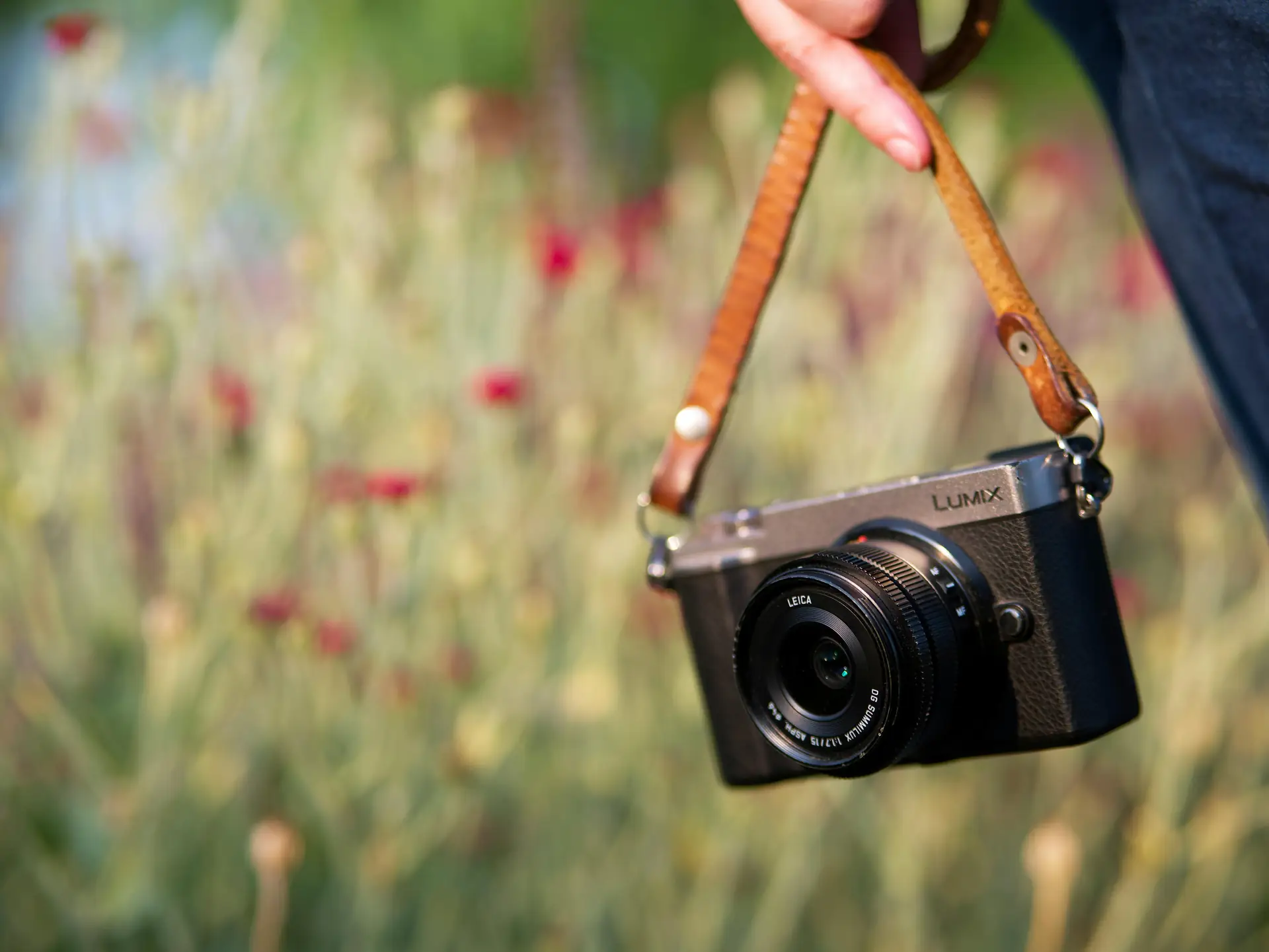
The camera maker's own neck strap is simple, light and familiar. The trade-off is that the full load rests on the back of the neck and the camera swings when you lean forward. It works well for short outings and light kits.
Sling straps
A cross-body sling, such as a BlackRapid or a Peak Design Slide, carries the camera at your hip and lets it slide up to your eye quickly. The weight moves to the opposite shoulder, which many people find easier over a day, though the camera can still swing when you walk fast or climb.
Wrist straps and clips
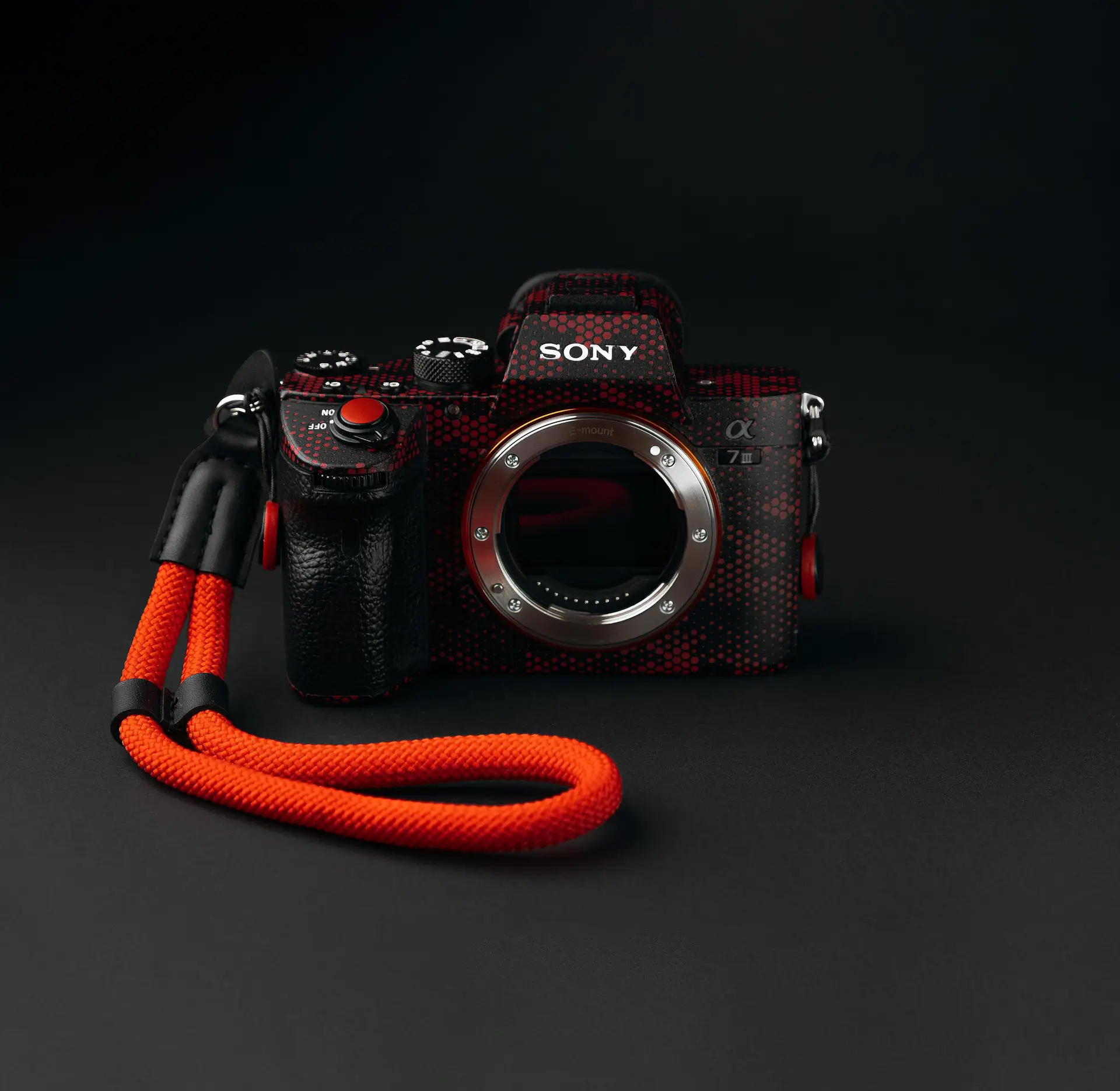
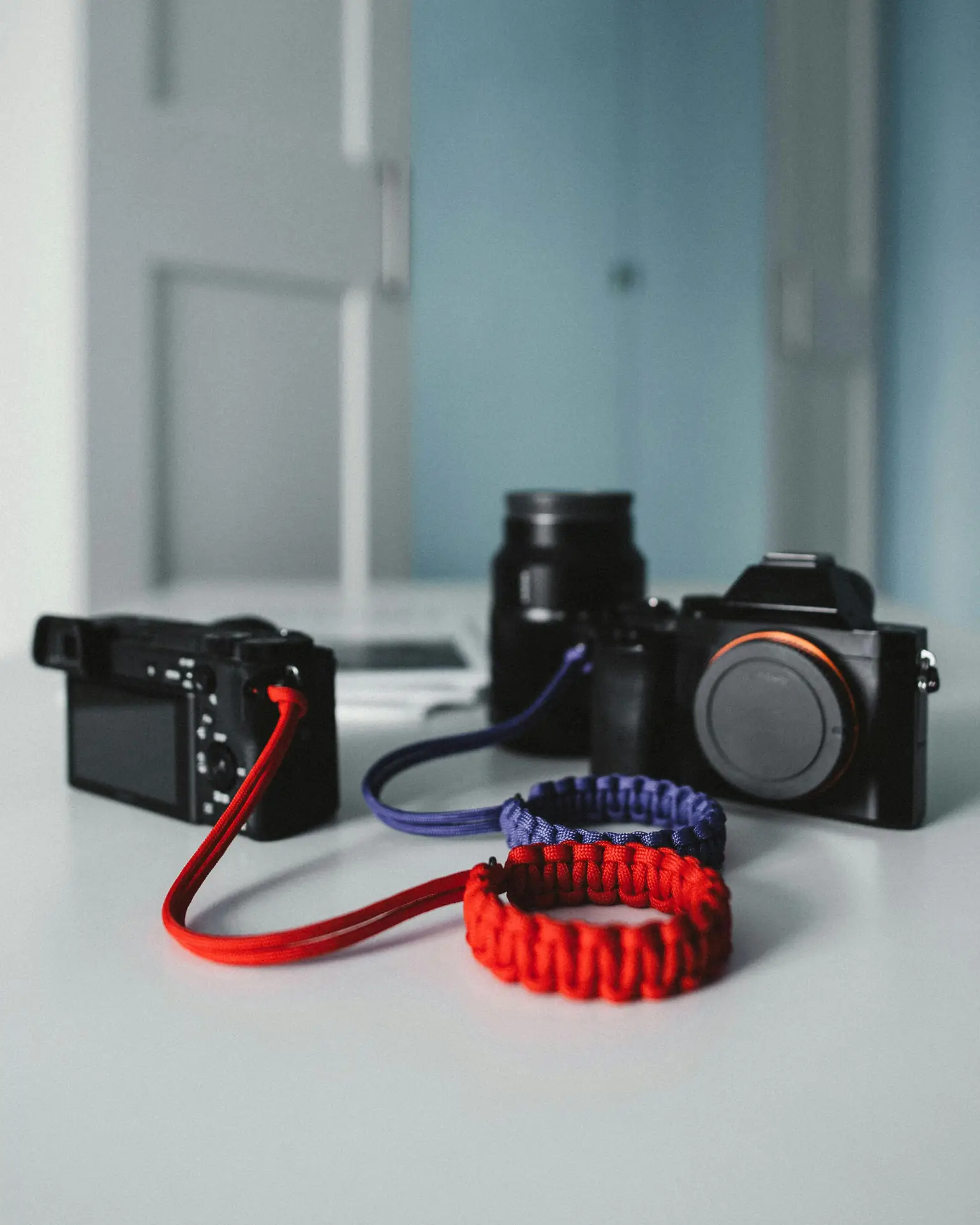
A wrist strap suits a light setup in town and keeps the camera secure in your hand. Clips are another route: the Peak Design Capture mounts the camera on a backpack strap, and the Spider Holster carries it at the belt.
Harnesses
A harness holds the camera on your chest with straps over the shoulders, so the load is shared rather than hung from one point, and the camera stays still while you move. Cotton Carrier chest systems and Camstrap harnesses both follow this idea, with different designs.
A quick checklist to test comfort and safety
Run these checks with your usual camera and heaviest lens before you settle on a strap.
- Attach the strap and walk around for a while. Notice slipping, pressure points and how much the camera moves.
- Raise the camera to eye level several times. Check reach, balance and whether the strap twists.
- Open and close every buckle and connector. Make sure each one locks firmly.
- Bend forward and climb some stairs. The camera should stay close to your body.
- Inspect the stitching, buckles and connectors for loose threads or play.
Also check the warranty and return policy. A clear guarantee lets you try a strap in real conditions with little risk.
Carrying a DSLR hands-free on travel and hikes
If you walk for hours, hike or travel with a camera, a hands-free setup keeps your hands available for poles, maps or a railing while the camera stays ready.
The Camstrap Voyager is designed for this. It can be used as a shoulder strap or as a hands-free harness, adjusts with a buckle and keeps the camera stable instead of swinging, which helps during sports and hiking. It is ultra-light for travel, works with any camera model through Easy-Clip connectors that install in a few seconds, and lets you shoot in portrait or landscape. It was developed by a physiotherapist to relieve neck and back pain and is made in France. Details are on the Camstrap Voyager page.
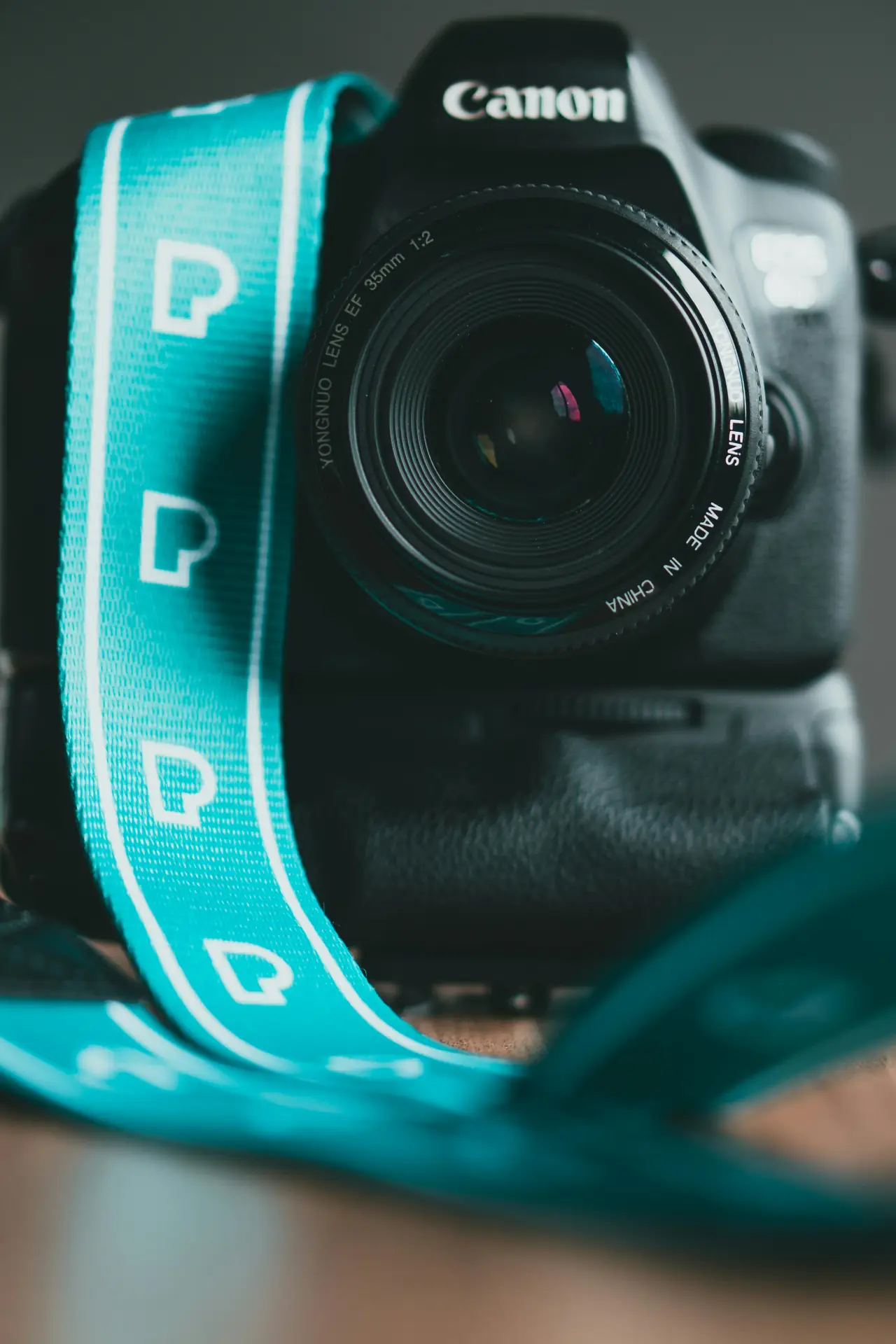
The Voyager holds up to 40 kg. That is a maximum load rating, not a weight you would want to carry all day. For long days with heavier kit, the Camstrap Trek uses an X-back yoke that spreads the weight across both shoulders and the back, like a backpack, and its connectors equip up to 2 devices. The Camstrap Explorer is another hands-free harness in the range.
Other approaches work too. A Cotton Carrier chest system suits heavy telephoto setups, and many birders use a dedicated binocular harness from Vortex, Zeiss or Swarovski. For a side-by-side view, see how the Voyager compares with Cotton Carrier.

Matching the strap to your shooting style
Start with how you shoot most days. City streets or mountain trails? One lens or several? Instant access or maximum security? Your answers narrow the choice quickly. For a step-by-step method, read our guide to choosing a camera strap.
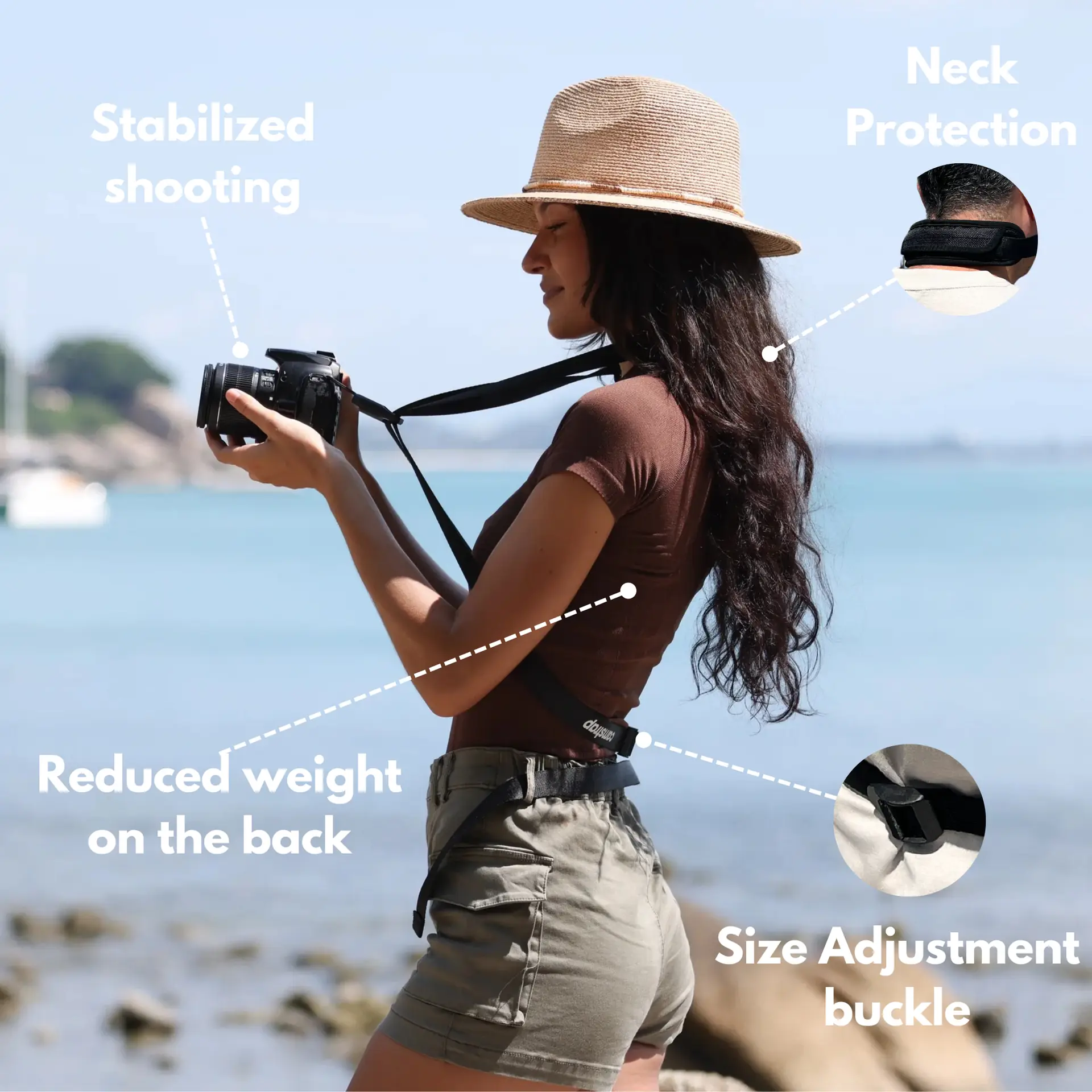
- Travel: a light strap that switches between shoulder and hands-free use keeps bulk low and the camera ready in airports and old towns.
- Hiking and outdoor: a harness keeps the camera stable on the trail and leaves both hands free. Check how it fits over a jacket.
- Events and weddings: long hours on your feet favour a design that spreads the load over both shoulders.
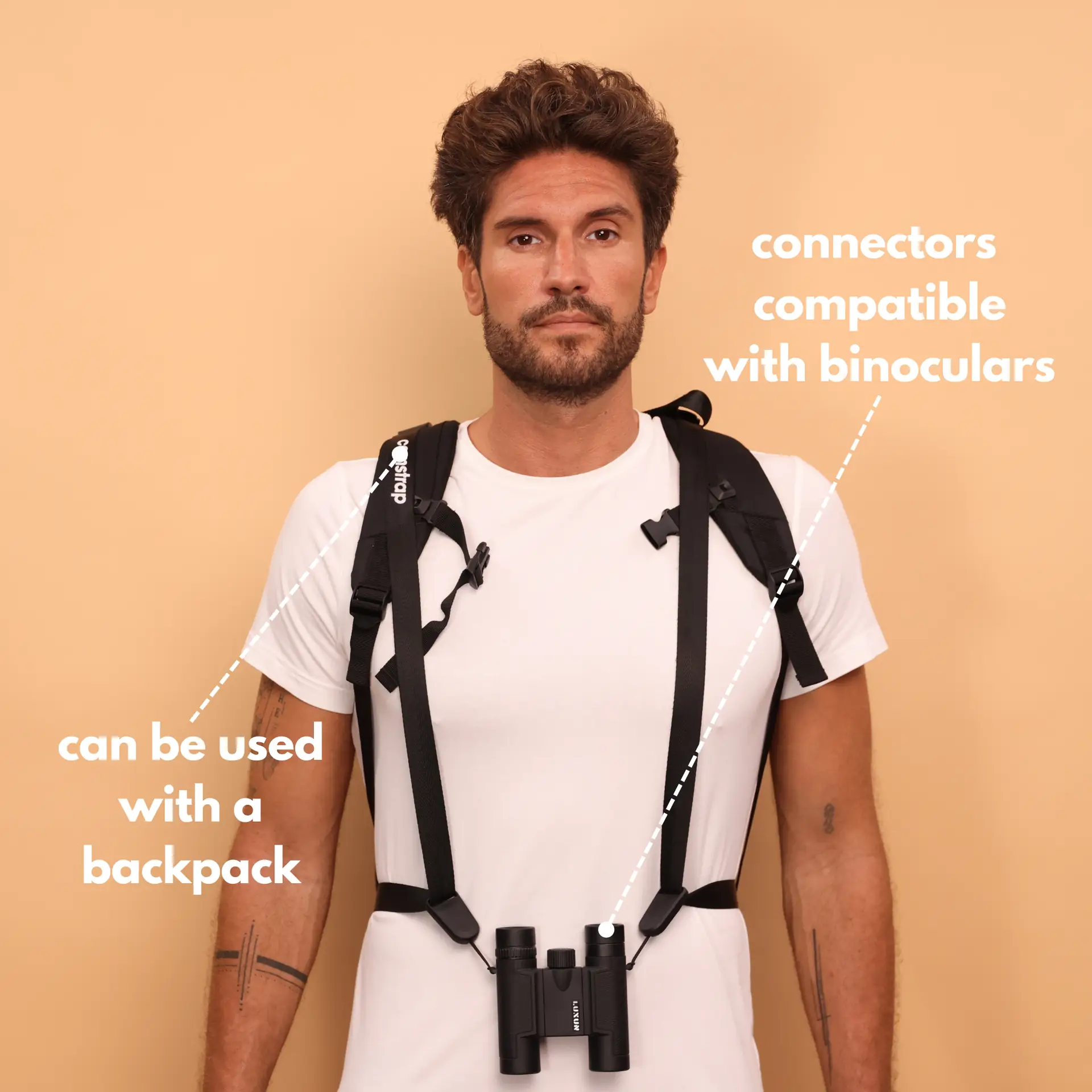
- Wildlife and birding: if you carry a camera and binoculars, look for a system that can hold both.
- Short city walks: a neck strap, wrist strap or sling is often all you need.
The Camstrap Voyager is a strap for cameras and binoculars that works as a shoulder strap or a hands-free harness, keeps the device stable and attaches with Easy-Clip connectors. It was developed by a physiotherapist to relieve neck and back pain, is made in France and comes with a 5-year warranty. Discover the Camstrap Voyager.
Care and maintenance to keep your strap lasting
A clean, regularly checked strap stays safe for longer. Wash it by hand and let it dry flat in the shade. Avoid harsh cleaners that can weaken webbing or leather.
- Clean with mild soap and water
- Dry away from direct sun and heaters
- Store it dry, away from heat and damp
- Check stitching, buckles and connectors regularly
Replace any connector or buckle that looks cracked or no longer locks firmly. Camstrap sells Easy-Clip connectors separately, offers a 30-day money-back guarantee, and covers the Voyager with a 5-year warranty. For fitting help, follow the Camstrap installation guide.
In the end, the right DSLR camera strap is personal: one that suits a city weekend may not suit a mountain trail. Pick the type that matches how you move, test it with your own kit, and you will carry your camera more often.
Frequently Asked Questions
What is the most comfortable type of strap for a DSLR?
It depends on how the weight is carried. Designs that spread the load over both shoulders or the back, such as a harness, usually feel easier on long days than a neck strap that hangs from one point.
Is a harness or a sling better for hiking with a DSLR?
A sling gives quick access, but the camera can swing as you move. A harness holds the camera against your body so it stays stable on the trail and leaves your hands free.
Can I use the same strap for my camera and my binoculars?
Some straps are made for both. The Camstrap Voyager works with cameras and binoculars, and optics brands such as Vortex, Zeiss and Swarovski also offer dedicated binocular harnesses.
How do I attach a strap to my DSLR?
Most straps connect to the two strap lugs on the camera body, and some use the tripod socket. Camstrap straps use Easy-Clip connectors that install in a few seconds and let you detach the camera quickly.


