- Set shutter near 1/50s at 25 fps, then use ND filters to hold it.
- Keep ISO at base and change shutter first for clean, smooth motion.
- Use shutter speed to freeze action or add blur, depending on the shot.
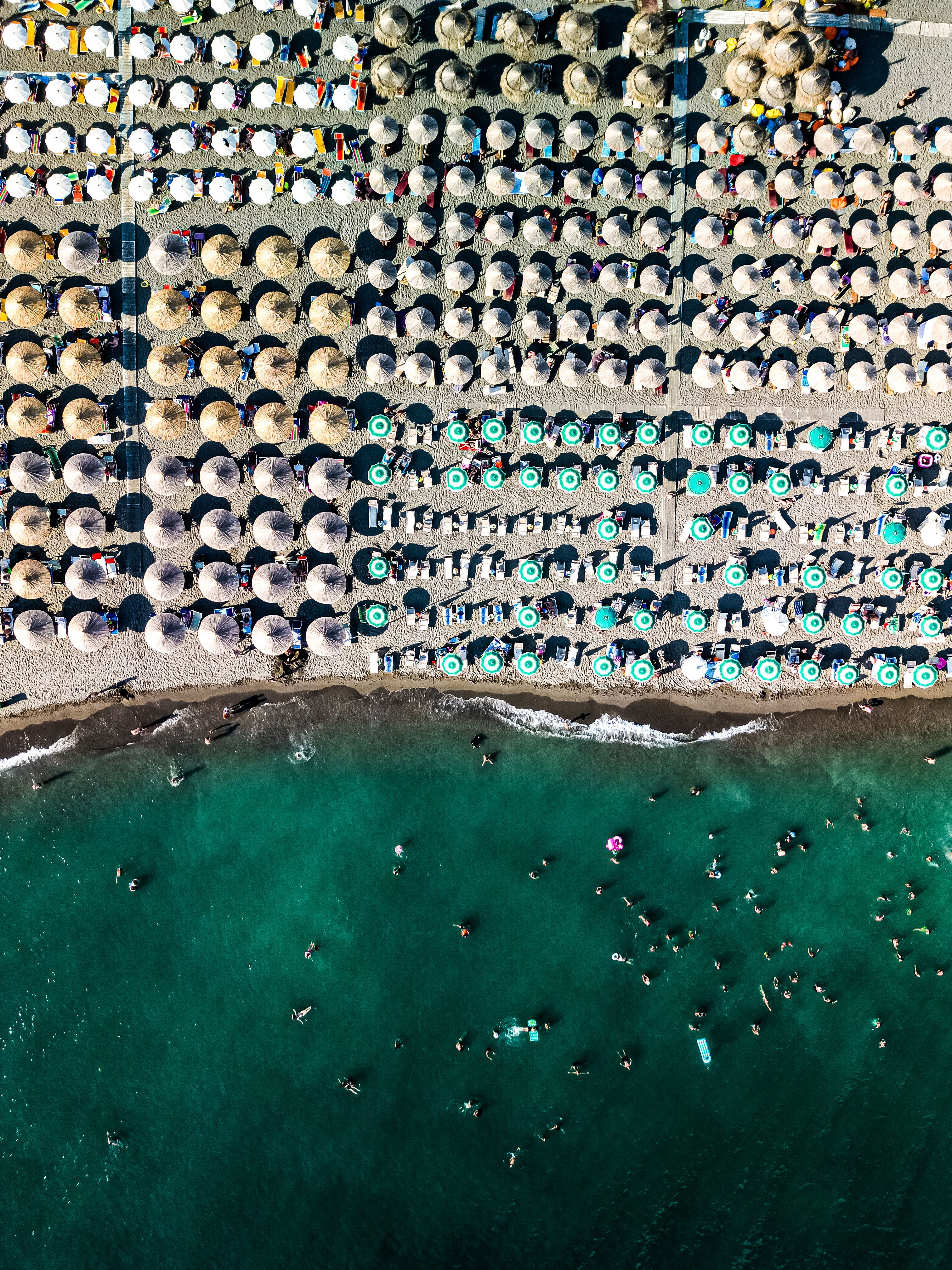
Shutter speed is the length of time a camera sensor stays open to light. On a drone, it shapes motion in every frame, from crisp surf lines to the softer drift of a crowd below. Over a packed shoreline, that choice matters most because people, waves, and the aircraft all move at once. The aim is a clip that feels calm, clean, and easy to watch.
Translation missing: en.blog_cta.bundle_heading

- Regular price
-
€42 - Regular price
-
€44 - Sale price
-
€42
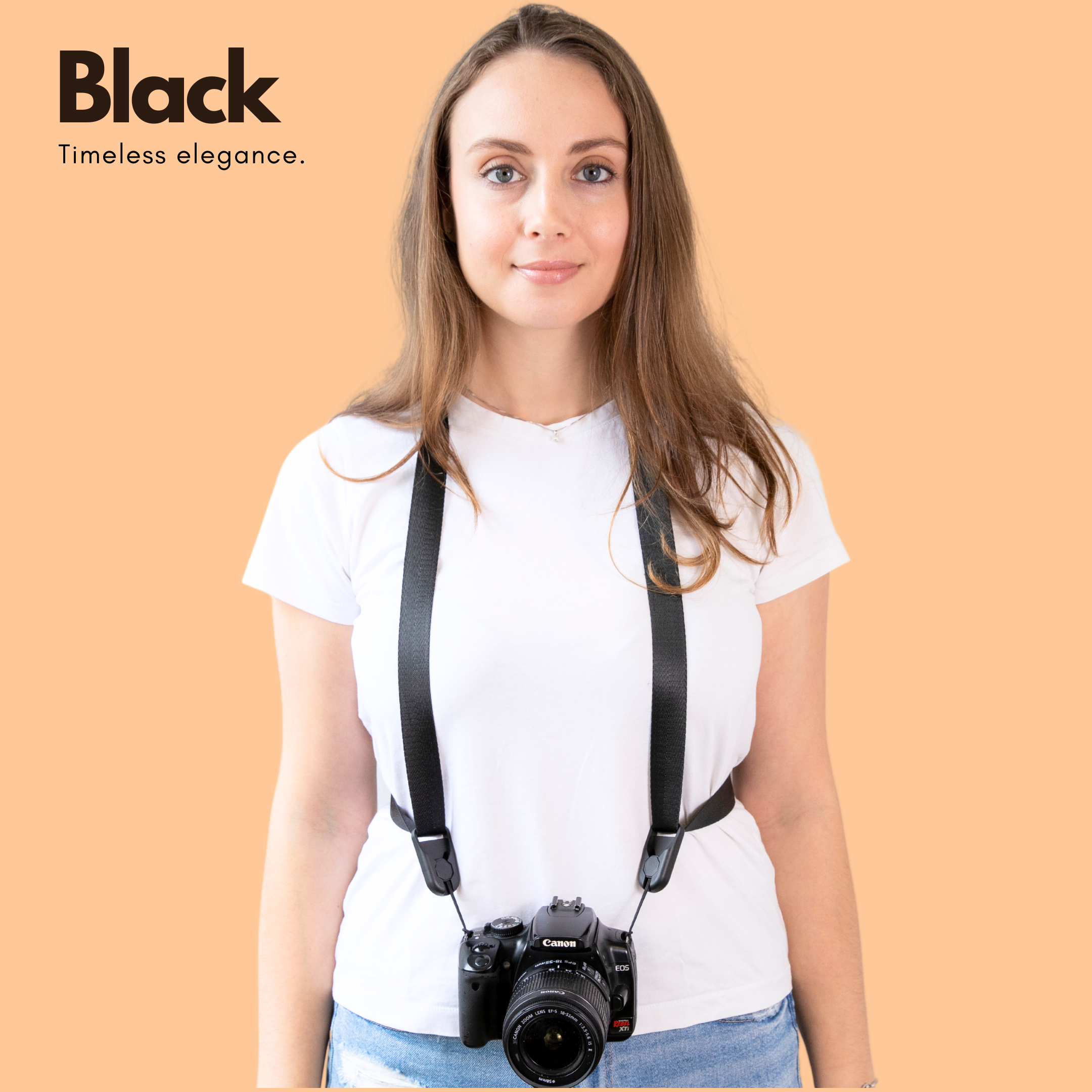
By choosing the Camstrap strap, you are opting for a high-quality product designed to meet the needs of the most demanding photographers.
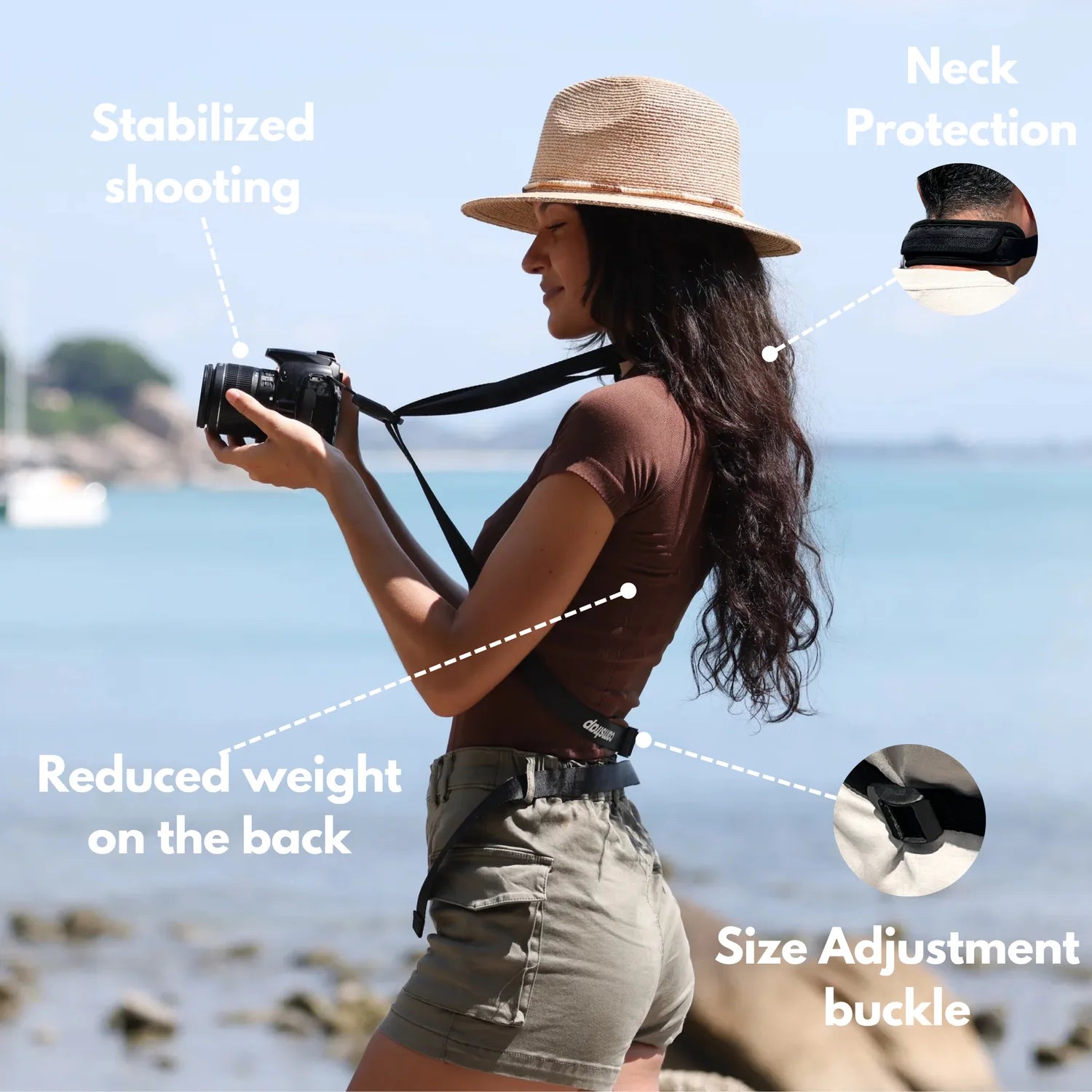
- Developed by a physiotherapist to relieve neck and back pain.
- Fast delivery with tracking by the Post Office 🚚
- Can be used as a shoulder strap or hands-free harness

- Regular price
-
€36 - Regular price
-
€42 - Sale price
-
€36
Translation missing: en.blog_cta.free_shipping_included
Choose the motion you want onscreen
Decide first what should stay sharp and what can blur a little. A fast shutter freezes people and spray, while a slower one adds motion blur and gives the scene a more natural flow.
For video, I start with the 180-degree shutter rule. At 25 frames per second, that lands near 1/50s. At 100 frames per second, it moves to 1/200s.

Keep motion fluid instead of brittle
Very fast shutter speeds can make every frame look overcrisp. Motion starts to feel choppy and hard-edged, and in video a little blur usually looks better.
For a shoreline scene, I set the shutter to match the frame rate first. After that, I change it only if the light or the movement forces my hand.
Prepare the drone before takeoff
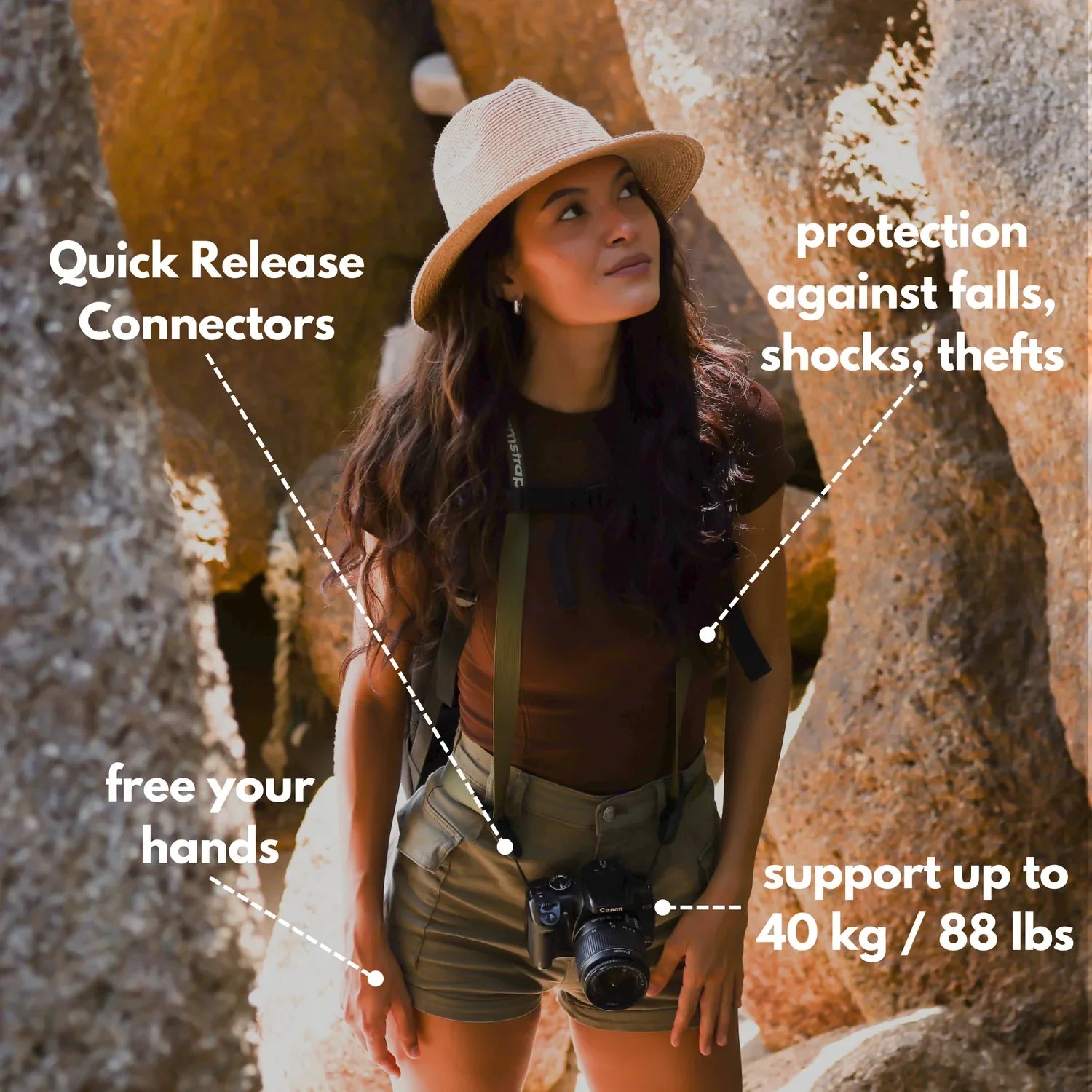
A stable shot begins before launch. A hands-free carry setup keeps the controller and camera easy to swap between launch points, while leaving both hands free for quick checks. A Camstrap camstrap voyager fits that role well because it keeps the camera close and ready to grab fast.
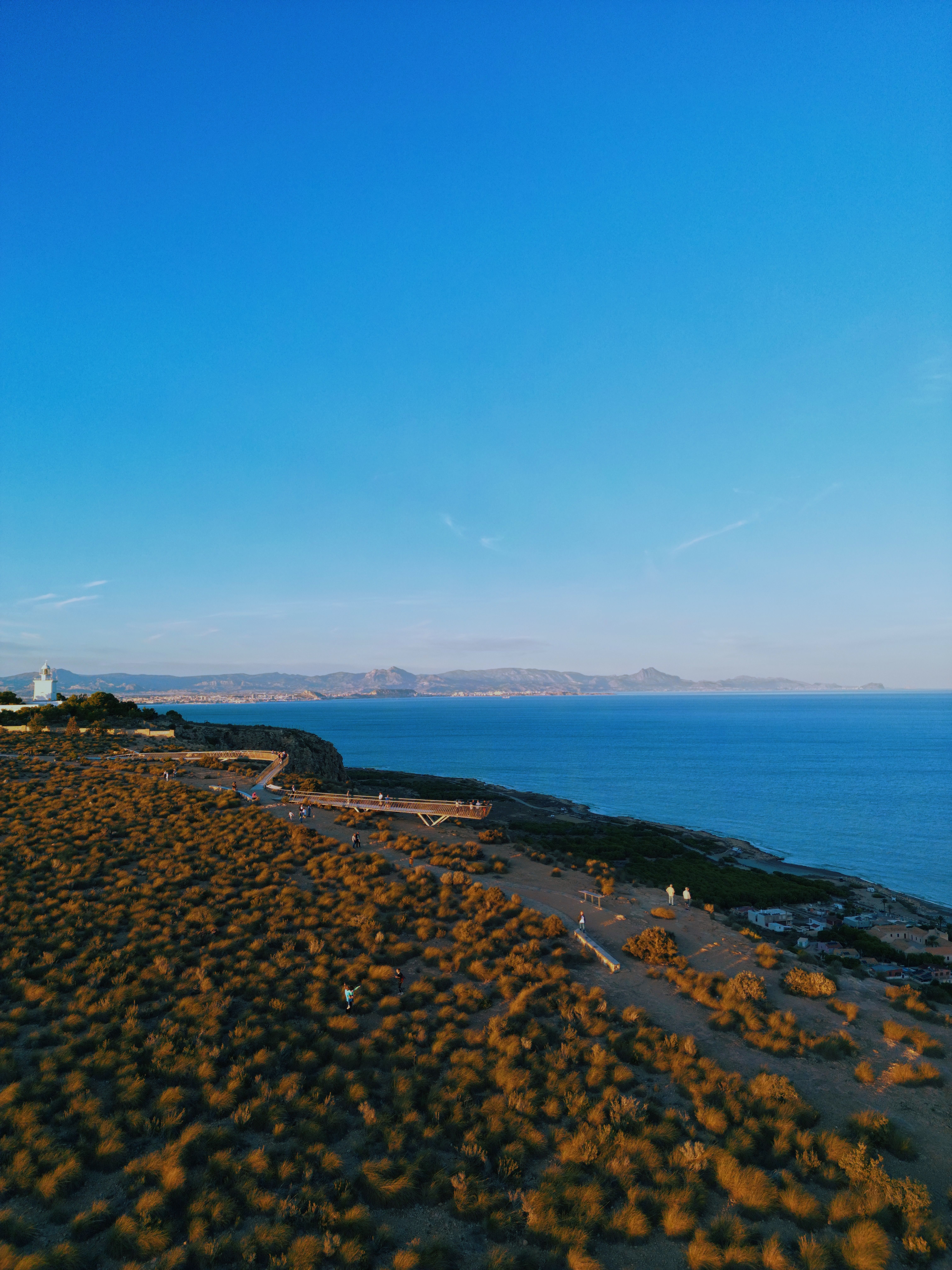
Before takeoff, I switch the camera to manual exposure or a mode with exposure lock. Bright sand, dark water, and white shirts can push the image around if I let the camera decide on its own.
Match frame rate and filter
Higher frame rates help when you want slow motion later. At 60 fps, I use a shutter near 1/120s. At 25 fps, I stay around 1/50s.
An ND filter helps hold those slower shutter speeds in bright light. A 10-stop ND filter can even let me shoot at f/4 in strong sun, which comes in handy on a glare-heavy shoreline.
- Use 24–30 fps for a normal look.
- Use 50–60 fps for smoother slow motion.
- Use an ND filter when the image is too bright at your chosen shutter.
- Keep ISO near base, often ISO 100 or 200, for cleaner skies and water.
Hold the horizon steady while the scene moves
A smooth drone shot needs a level horizon and gentle flight moves. Small yaw turns often work better than fast side slides near a busy beach. Slow movement gives the viewer time to read the scene.
Use tripod mode, cine mode, or another slow flight profile if your drone has one. Lower stick sensitivity if the aircraft feels twitchy. One small adjustment can remove the jerky feel that ruins shoreline footage.
Pick routes that avoid the crowd
Stay well above people and keep your path simple. A wide arc over open water is usually safer and smoother than a low pass over a packed beach. Moving from the water toward the sand can frame the scene without crossing over the crowd. The angle adds depth and keeps the shot from feeling intrusive.
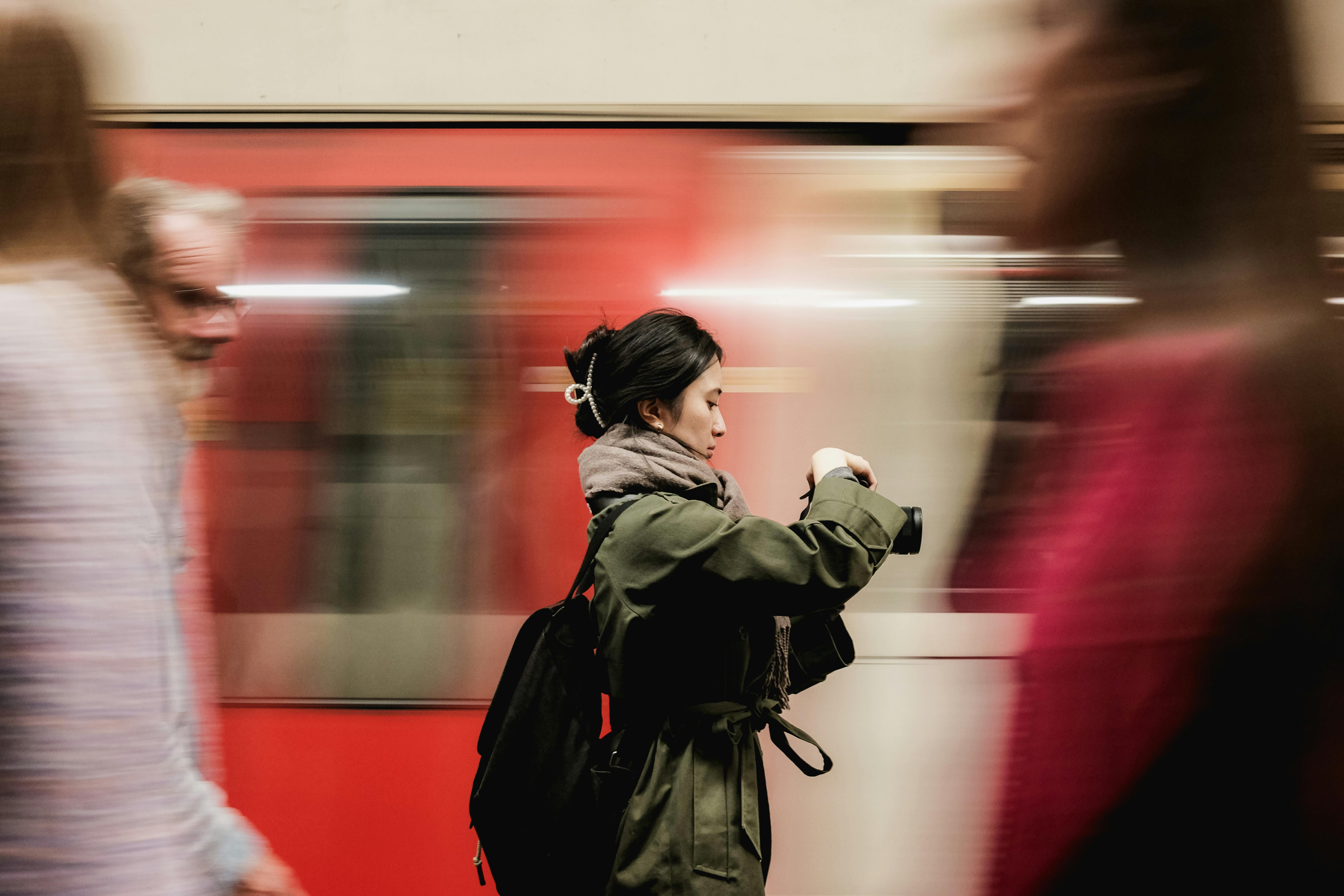
What shutter speed means in plain words
Shutter speed is how long the camera looks at the scene. A short time freezes motion. A long time lets motion blur into the frame.
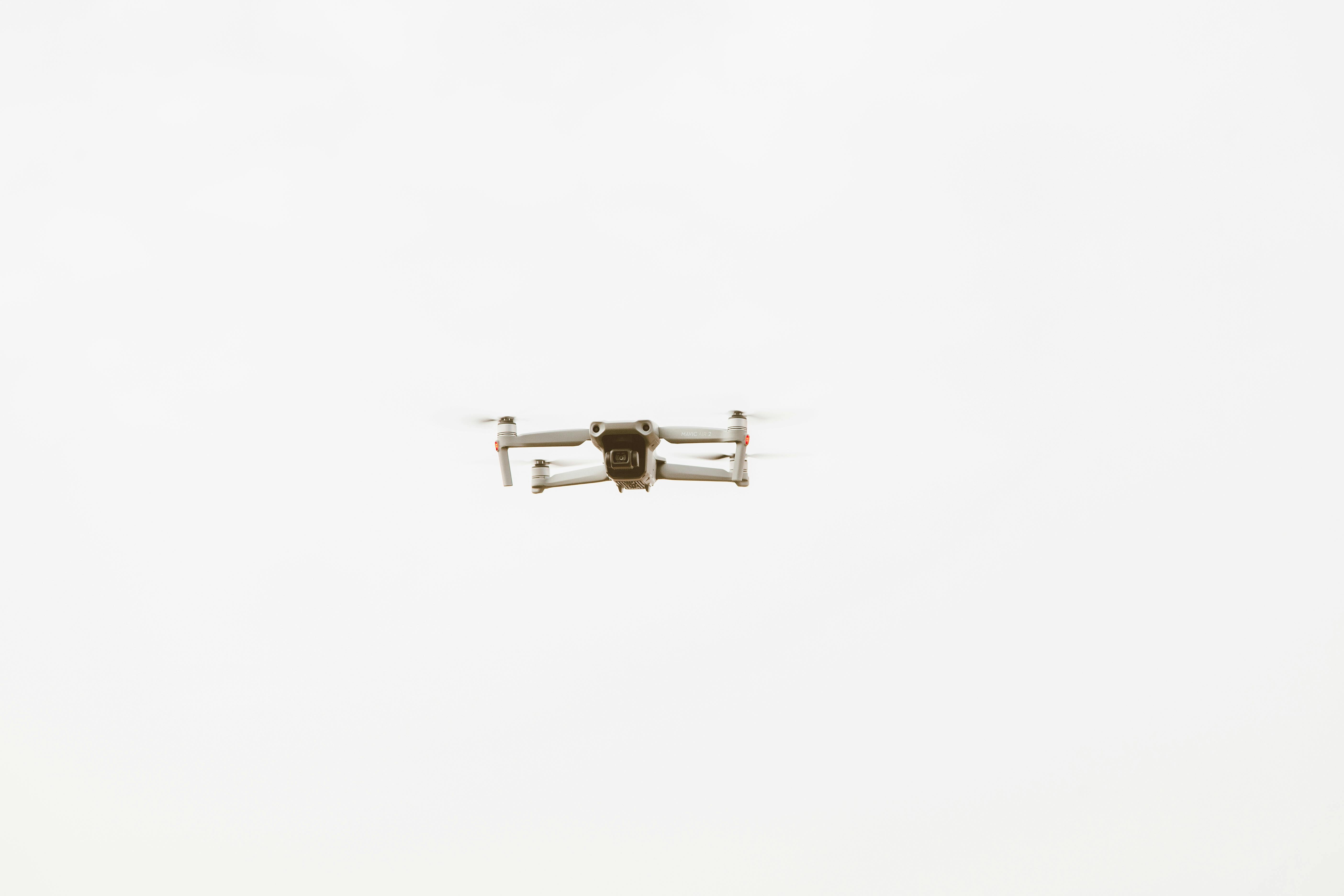
For a drone shot, one setting changes the whole feel of the clip. A fast value can freeze a flying gull. A slower value can soften waves and make the camera movement feel smoother.
Which shutter speed works best for photos?
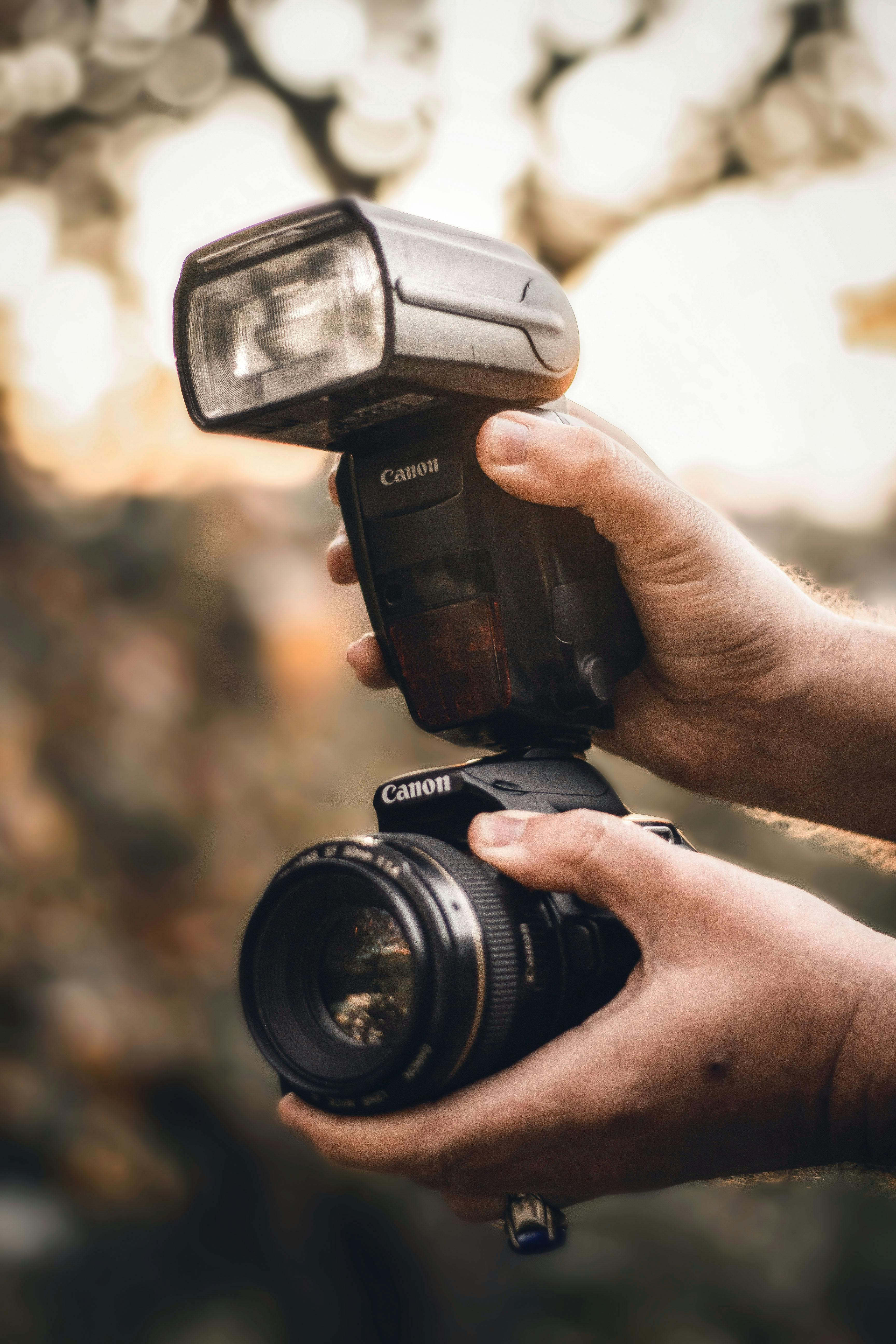
The best shutter speed for photos depends on what is moving in the frame. For a walking person, Canon recommends about 1/250s. For faster subjects like birds in flight, it can take 1/1000s or even 1/4000s.
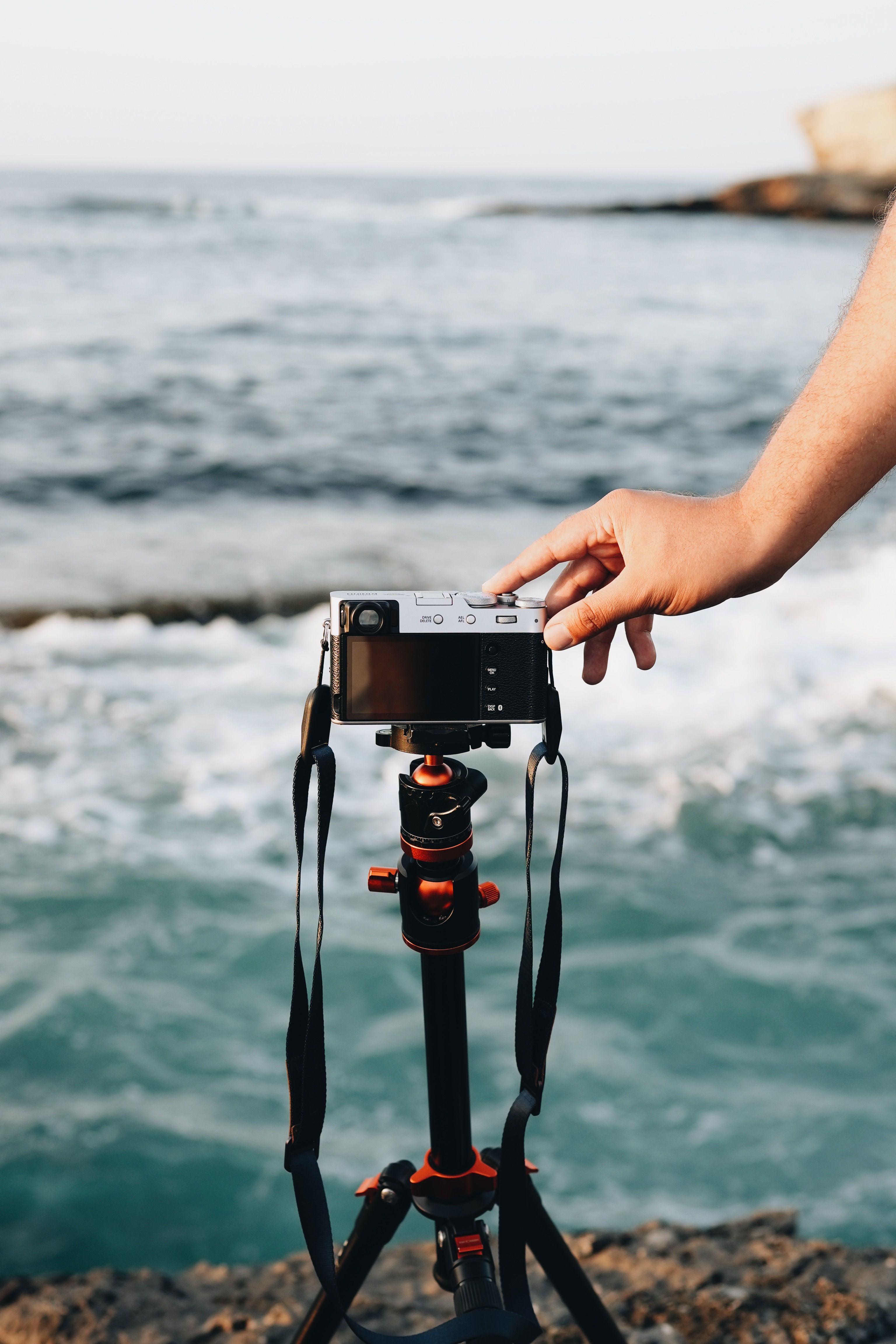
On a crowded shoreline, I choose the speed around the main subject. If I want people crisp, I go faster. If I want the water to feel soft, I slow down and steady the drone more carefully.
Let focal length guide the choice
Longer focal lengths show shake more clearly, so they need more care. A 50mm to 85mm view asks for steadier hands and cleaner flight than a wide drone view.
For still photos from a drone or ground camera, the shutter usually needs to rise with the focal length. A narrow view over a moving shoreline can blur quickly if the speed stays too low.
Should shutter speed or ISO come first?
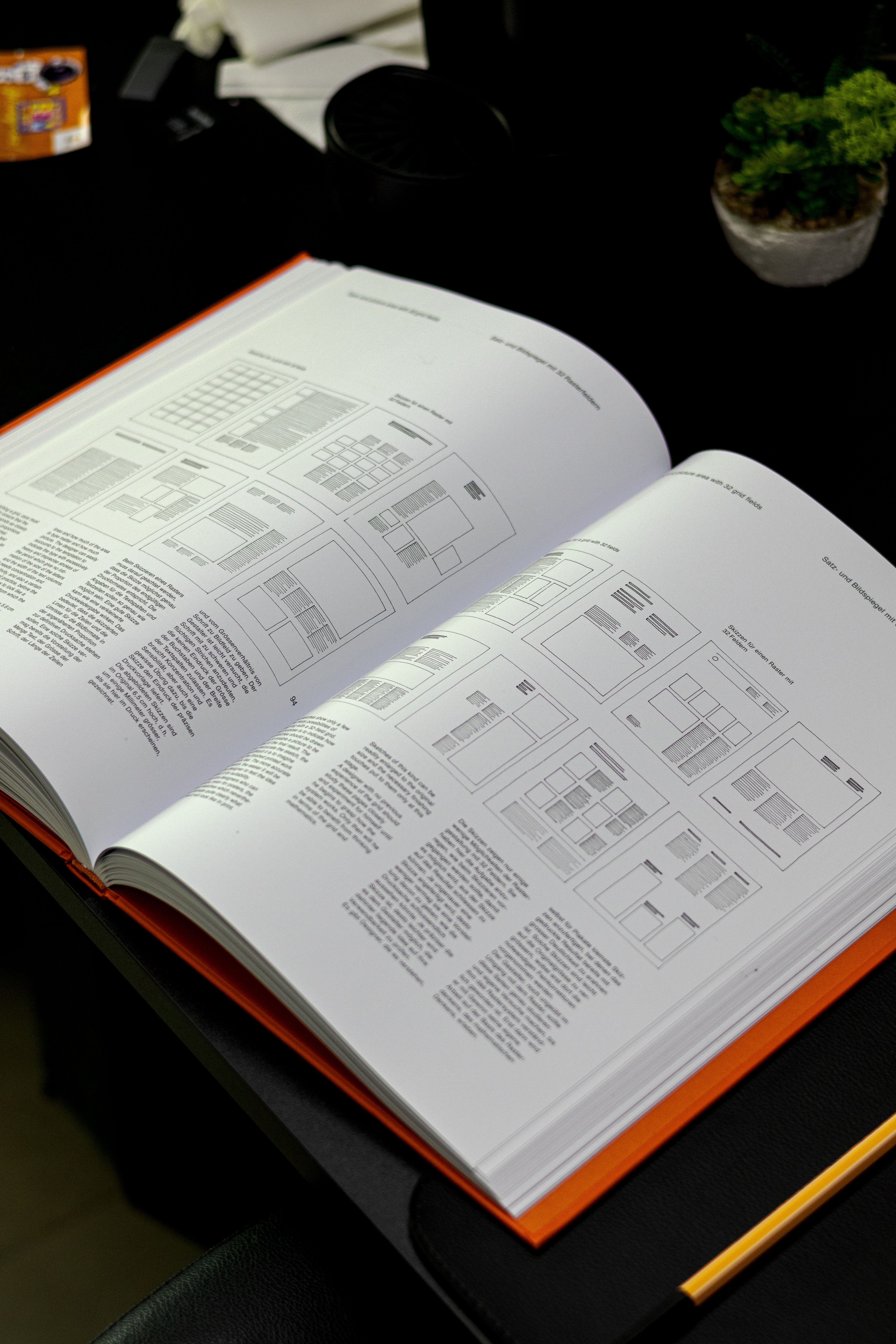
Adjust shutter speed first when motion looks wrong. After that, raise ISO only if the exposure still needs help. ISO changes brightness by adding gain, while shutter speed changes both brightness and motion blur.
On a bright shoreline, I protect the shutter target first, then bring ISO up only if I have to. If the image is still too bright, I add an ND filter instead of breaking the shutter rule.
Keep ISO fixed when the light allows it
Raising ISO can save a shot, but it also adds noise. Pale sky, sea foam, and smooth sand show that noise fast. If the scene is already bright, I keep ISO low and use an ND filter. If the light drops quickly near sunset, I may raise ISO before I sacrifice the shutter speed I need.
What shutter speed does in photography
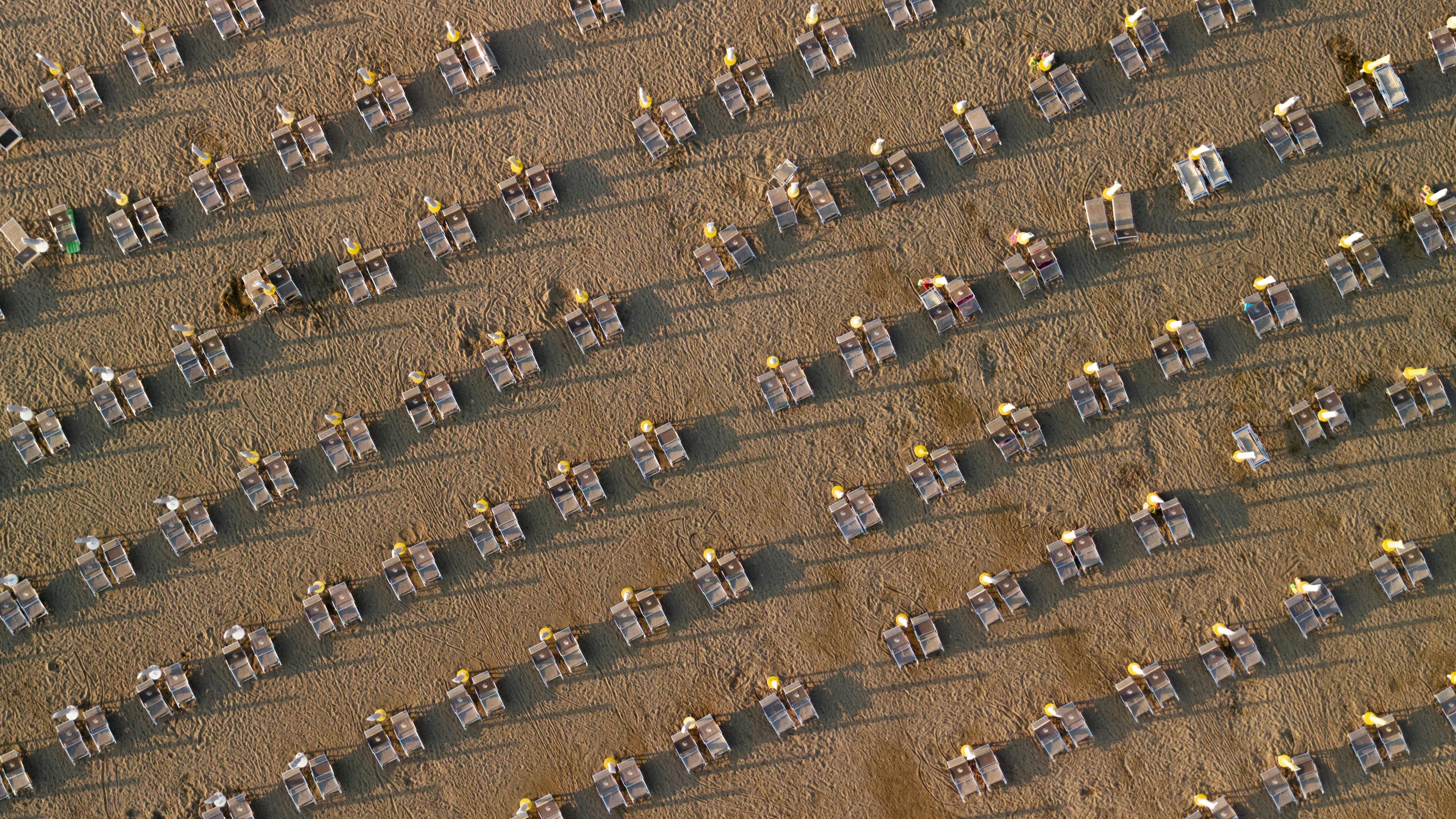
Shutter speed has three main uses in photography: it freezes motion, adds motion blur, and controls light. Those three jobs shape both stills and drone video.
It also creates looks like panning shots. When the camera moves with the subject, a slower shutter can keep the subject sharper while the background blurs. That works well when a drone tracks a boat edge or a runner near the surf.
Use subject speed as the guide
A slow wave needs a different shutter than a child running along the sand. The camera does not care what the subject is. It only records the motion in front of it.
That is why the same beach can call for several shutter choices in one session. A wide reveal may suit 1/50s, while a close pass with moving people may need 1/250s or faster.
Gear and settings that keep the shot clean
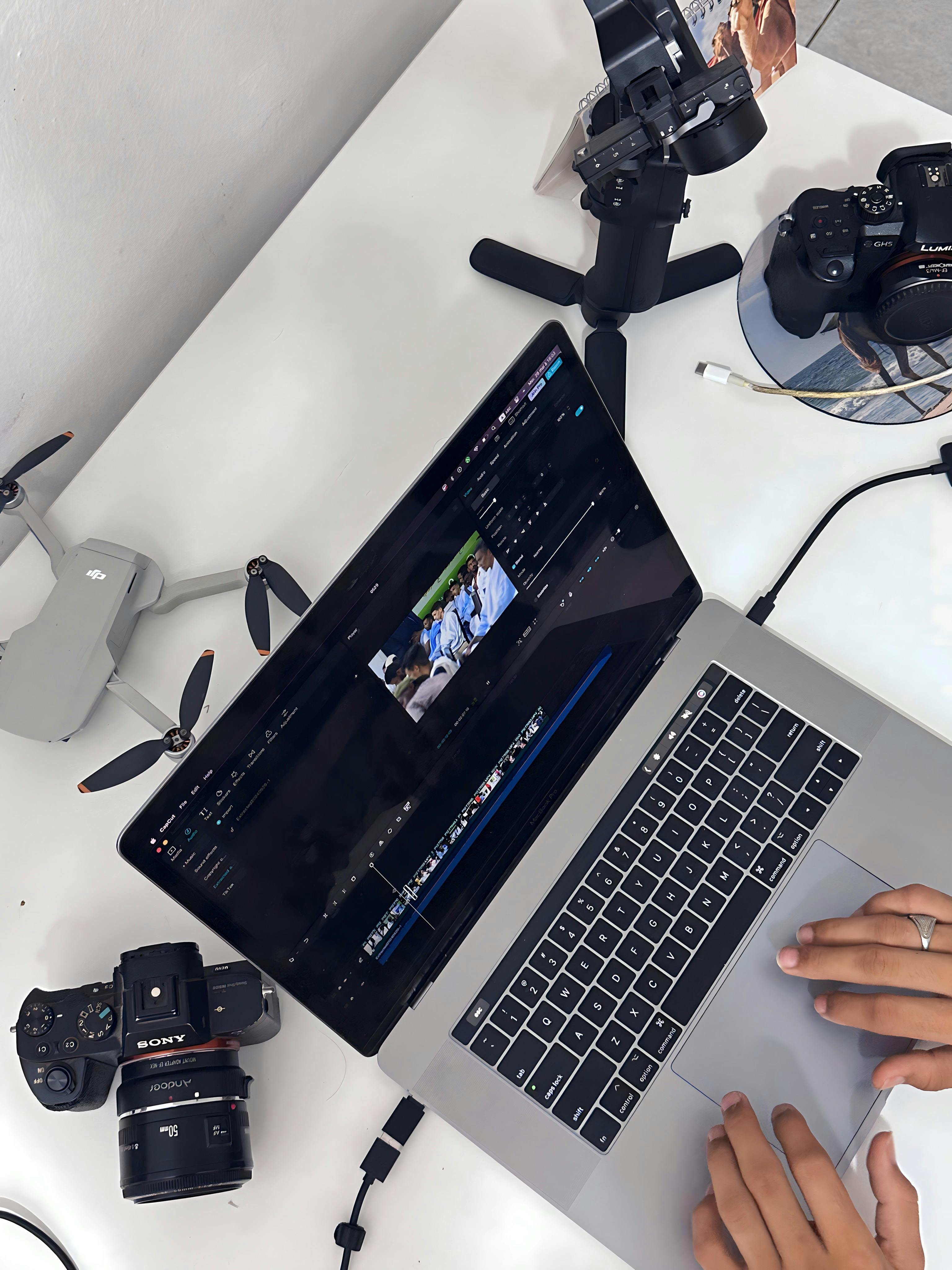
The right setup helps more than people expect. A camera that can shoot around 10 fps in mechanical mode gives you some backup for stills, while 20–40 fps electronic modes can help when timing is hard. Very fast electronic shooting can bring rolling-shutter skew or banding under LED and fluorescent light.
Buffer depth matters too. Many mid-tier bodies can hold roughly 20–40 RAW frames before they slow, while JPEG gives more room. UHS-II V60 or V90 cards and CFexpress cards clear data much faster than UHS-I, so the camera recovers sooner after a burst.
- Use continuous AF with subject detection for moving shore scenes.
- Use back-button focus if you want to lock focus before a pass.
- Use pre-capture or pre-burst if your camera offers it.
- Review clips less often, because the EVF or LCD drains battery fast.
- Cull later with pick and reject flags in Lightroom or Photo Mechanic.
Heat and power can limit a shoot just as much as storage. Long live-view use, constant tracking AF, and repeated clip review can drain a mirrorless body fast. On a crowded beach, that matters because you may be waiting through many short gaps between people.
How I keep footage usable in post
A smooth shot only helps if you can sort it quickly later. I name clips by location and time, then mark the best takes with pick flags right away. That keeps the good passes from getting buried in a long card dump.
If I need to slow footage down, I look for clean motion blur and a steady horizon. Choppy motion is hard to repair later. A clean take at the camera is much easier to save in edit.
In bright daylight, I watch for blown water highlights and hot sand first. In golden hour, I watch for a shutter that drops too low and makes the drone path feel floaty in the wrong way. The best result is usually simple: steady flight, the right shutter, and a small ND filter that lets both work together.
Frequently Asked Questions
What is the best shutter speed for photos?
For drone photos, the best shutter speed is the one that freezes the motion you want to capture while keeping the image clean. Fast shutter speeds freeze people and spray, while slower shutter speeds let motion blur show movement more naturally.
Should I adjust ISO or shutter speed?
Shutter speed should be set first to match the frame rate or the motion you want, and ISO should stay near base when possible. If the image is still too bright or too dark after setting shutter speed, adjust ISO or use an ND filter to control exposure.
What are the uses of shutter speed in photography?
Shutter speed controls how long the camera sensor gathers light, which affects exposure and motion blur. In photography and drone footage, it is used to freeze action, soften movement, and shape how sharp or fluid the scene looks.
What is shutter speed in simple words?
Shutter speed is the amount of time a camera sensor stays open to light. A shorter shutter speed captures a quick, sharp moment, while a longer one lets more light in and can blur motion.
Sources