


- Turn on continuous shooting before the dog settles, then fire a short burst at the calm glance.
- Use burst mode to capture the best still moment; it increases your odds, not image quality.
- Find burst mode in the drive-menu, release-mode settings, or camera app before shooting.
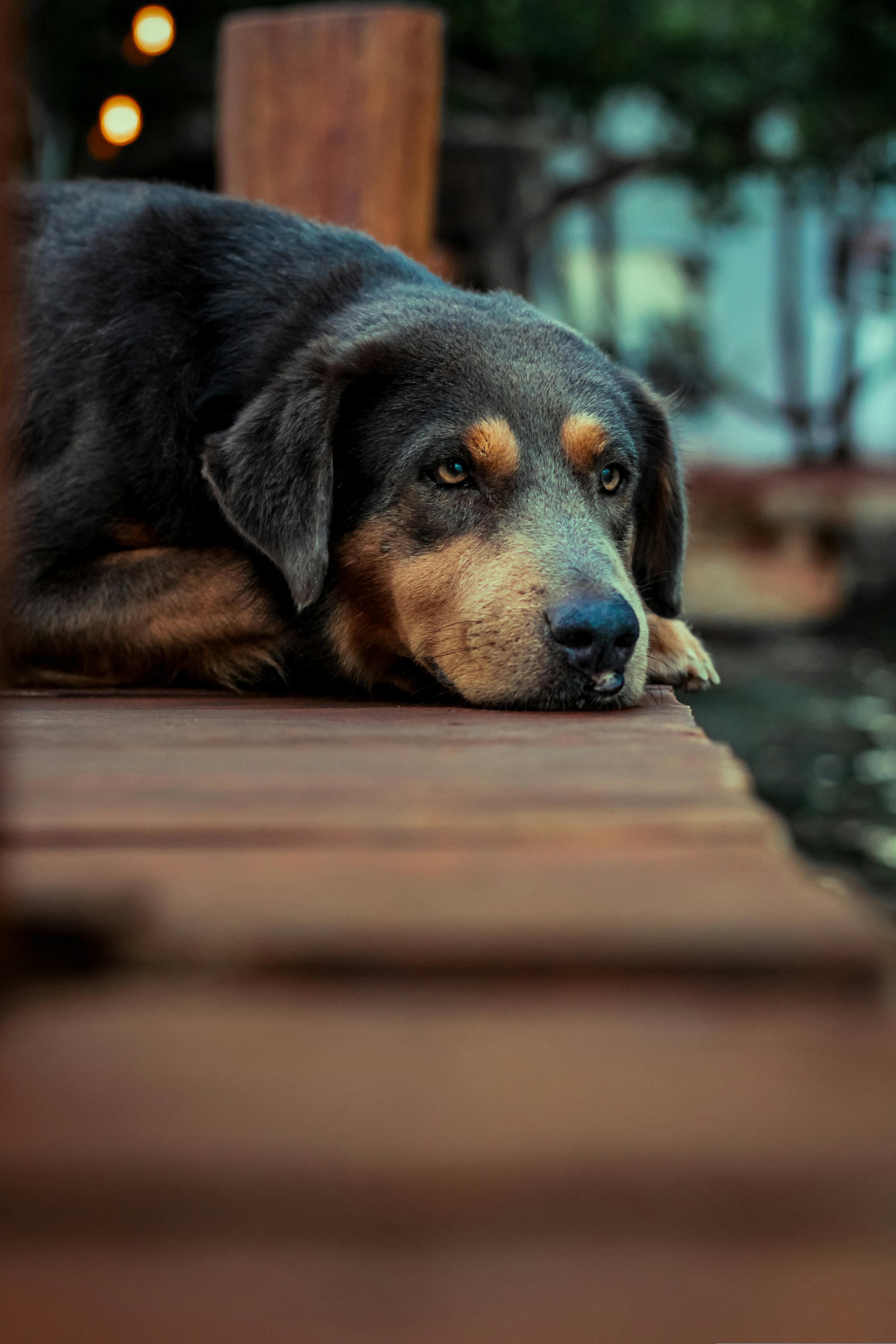
Burst mode photography records several frames with one shutter press. For park dog portraits, it gives you a better chance of catching the one calm look before the dog turns away. A relaxed portrait comes from timing, light, and accurate focus. A hands-free camera carry helps too, because the camera is already there when the dog finally settles.
Translation missing: en.blog_cta.bundle_heading

- Regular price
-
€42 - Regular price
-
€44 - Sale price
-
€42
By choosing the Camstrap strap, you are opting for a high-quality product designed to meet the needs of the most demanding photographers.
- Developed by a physiotherapist to relieve neck and back pain.
- Fast delivery with tracking by the Post Office 🚚
- Can be used as a shoulder strap or hands-free harness

- Regular price
-
€36 - Regular price
-
€42 - Sale price
-
€36
Translation missing: en.blog_cta.free_shipping_included
What creates a calm park portrait?
A calm dog portrait starts with a clear subject and a quiet frame. The dog should read as the main subject, with the background pushed back and softened.
Eye contact, gentle blur, and a low-stress setup work together to create that look. A longer focal length, like 50mm to 85mm, lets you stay close visually without crowding the dog.

Pick a background that stays out of the way
Busy parks add noise fast. Trees, paths, benches, and people can steal attention in an instant. Move a few steps until the dog stands against open grass, dark bushes, or a plain path. Then open the aperture, such as f/1.8 to f/2.8, to soften everything behind the dog.
Watch the eyes first
The eyes carry the mood of the portrait. Sharp eyes make the whole frame feel more settled right away.
Step back a little and use a longer lens if you can. Canon’s pet advice notes that keeping focus on the eyes and adding distance can improve background blur and make the portrait feel calmer.
Where do I find burst mode?
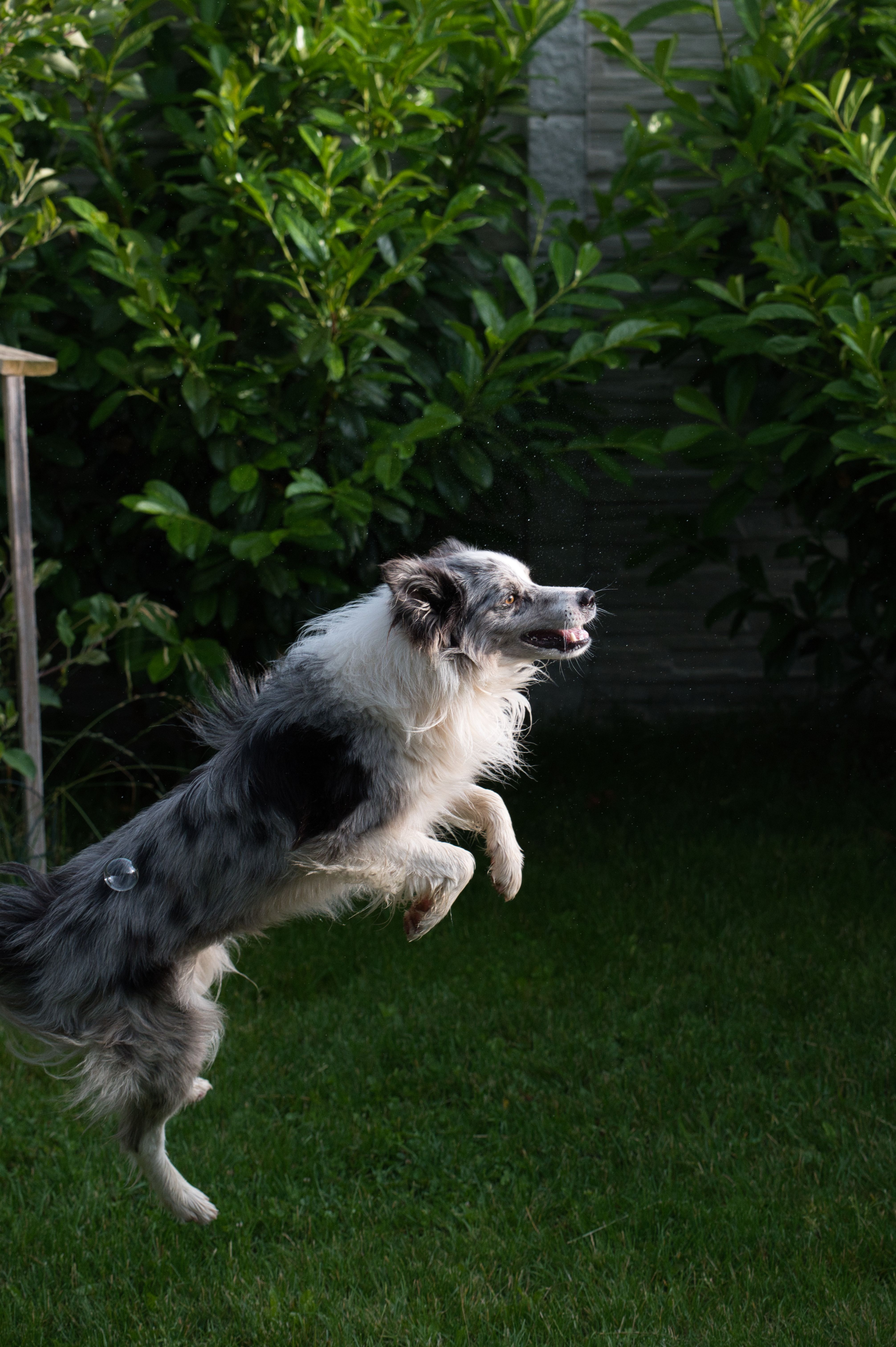
Burst mode is built into most cameras, and many models call it continuous shooting mode. On some cameras, it runs from about 5 to 60 frames per second. Look for a drive mode button, a camera menu item, or a setting in the camera app. On many bodies, you turn the mode dial or open the shooting menu, then choose continuous shooting or high-speed drive.
Set it before the dog settles
Do not wait until the dog is already looking at you. Set the drive mode early, then test one short burst.
- Open the drive or release mode menu.
- Choose continuous shooting or high-speed burst.
- Pick single AF or continuous AF, based on the dog’s movement.
- Take one test burst of 3 to 6 frames.
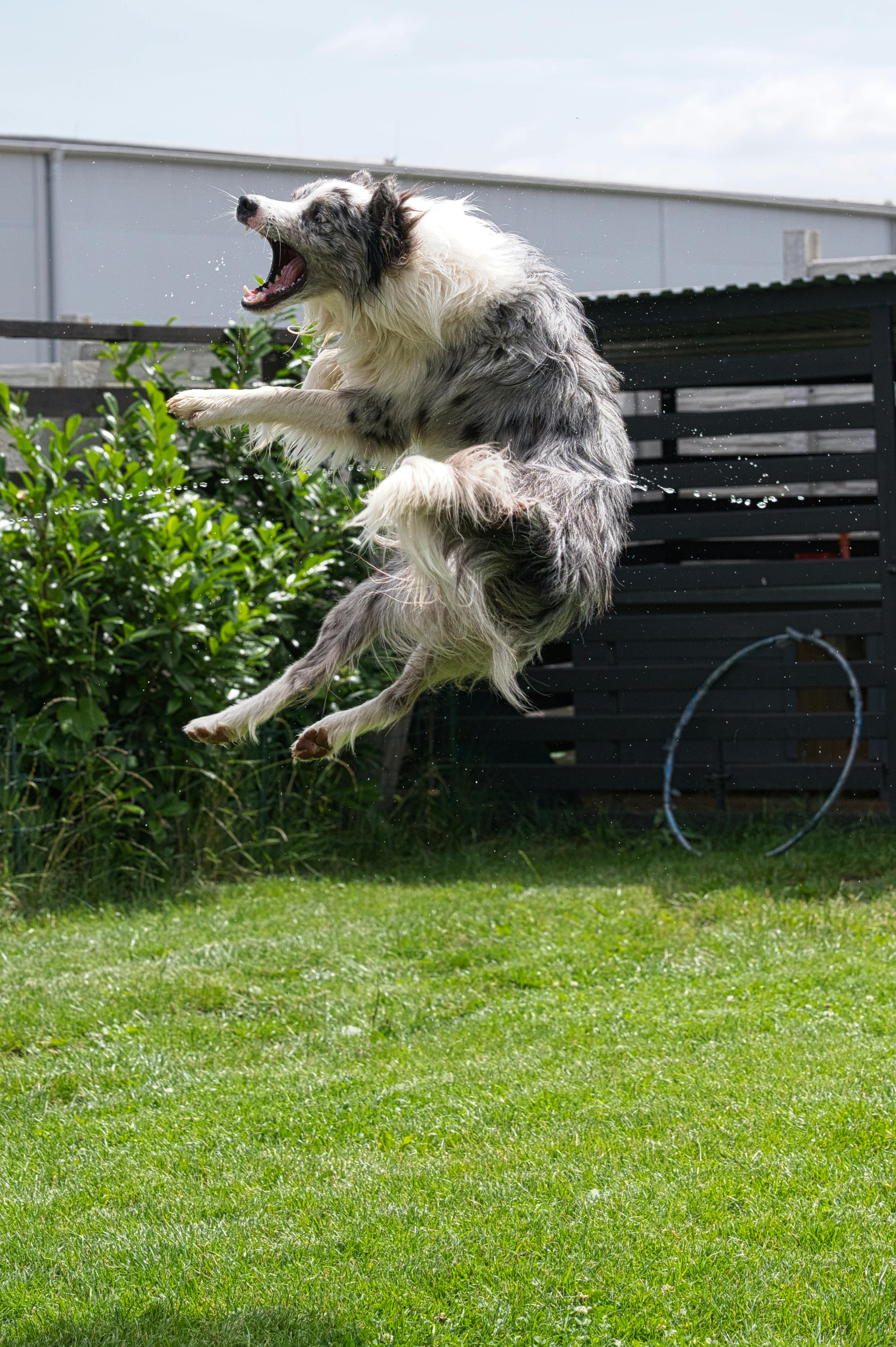
That short test shows whether the camera is ready. It also reveals whether your shutter speed and focus mode match the light in front of you.
How do I use burst mode for photos?
Use continuous shooting, keep the shutter half-pressed, and fire a short burst when the dog looks settled. A clean sequence of 3 to 8 frames is often enough for a calm portrait.
For a dog in a park, I prefer Aperture Priority with a wide aperture, then I watch shutter speed closely. Canon recommends Aperture Priority for pet portraits because it gives you control over background blur while the camera handles part of the exposure.
Use focus modes that track movement
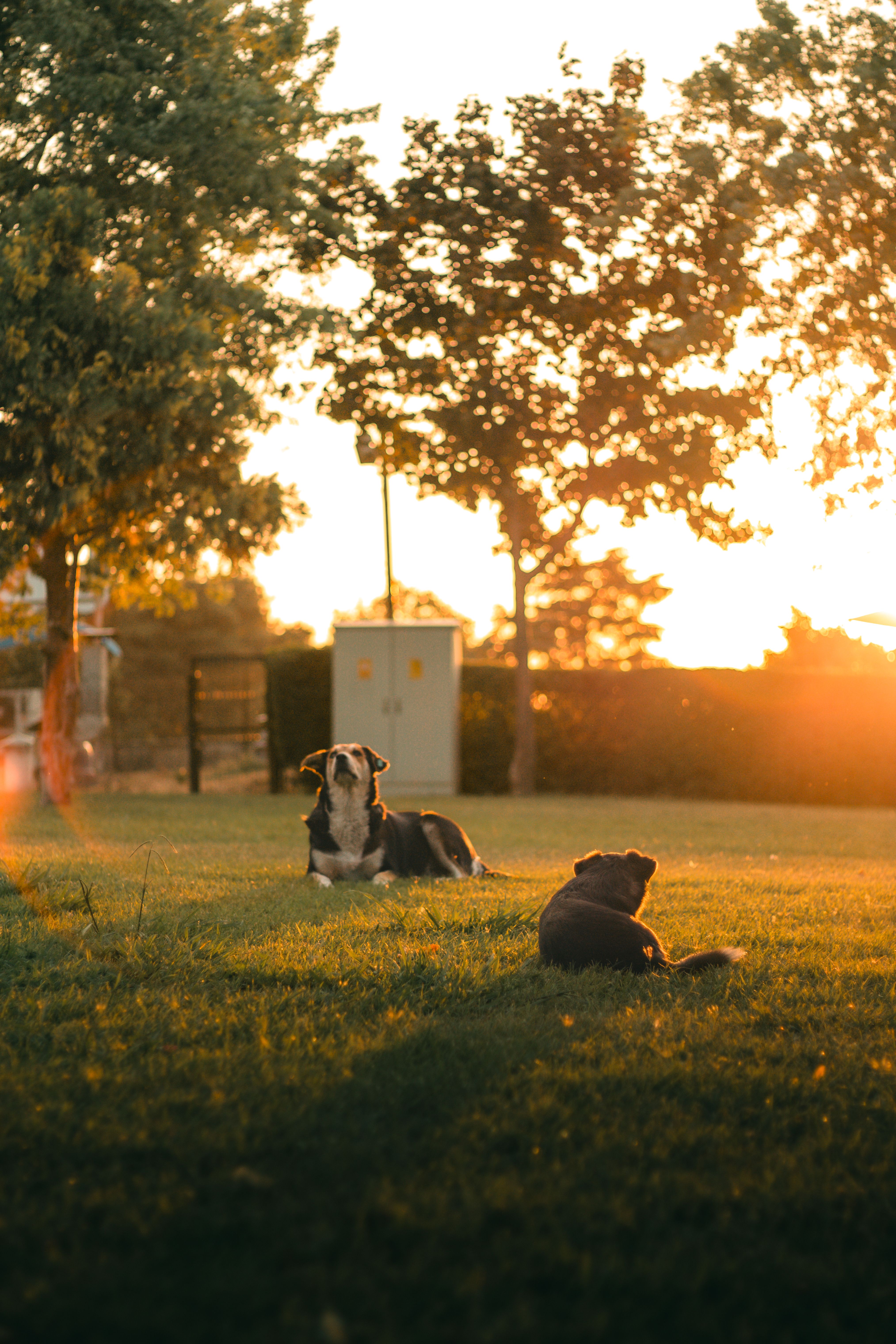
Pre-focus on the dog, then switch to continuous autofocus, also called AF-C or AI Servo. The camera keeps tracking if the dog shifts its head. Back-button focus helps here. It separates focus from the shutter, so you can lock focus, wait, and then fire the burst without refocusing each time.
Match shutter speed to the dog’s energy
Canon notes that around 1/200 sec can work when an animal is fairly still. Faster movement needs a faster shutter speed.
For running dogs, one established pet guide recommends at least 1/1000 sec to avoid blur. In softer park light, that may push ISO higher, so watch noise and exposure together.
Does burst mode take better photos?
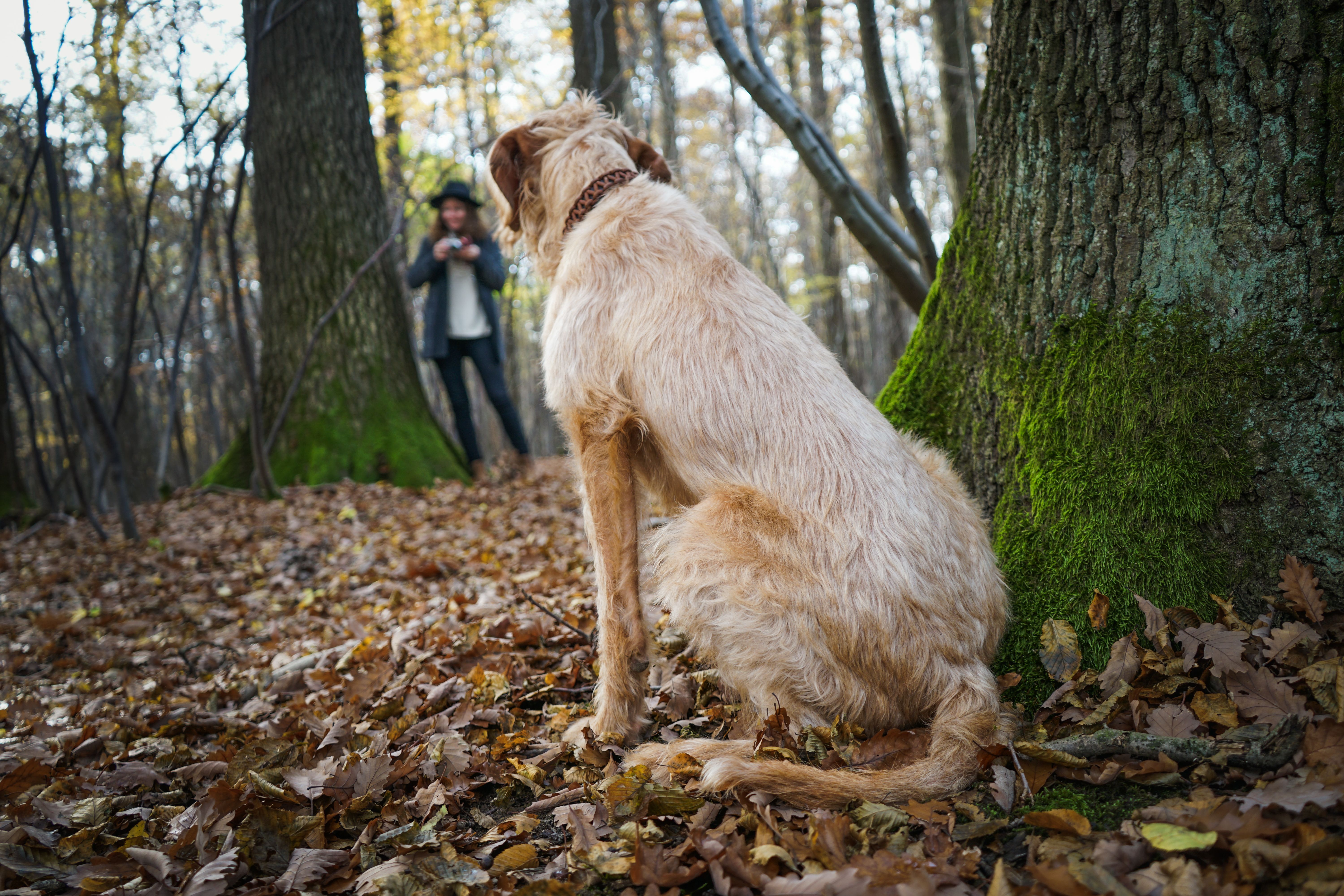
Burst mode raises your chances of getting one sharp, well-timed frame, but it does not fix weak light or poor focus. It works best when the dog moves fast or blinks at the wrong moment. It also captures tiny changes in expression. One frame may show a relaxed mouth, another may catch a clean eye line, and the next may miss both.
Know the tradeoffs before you hold the shutter down
Fast bursts create more files, and more files take time to sort. They also depend on buffer depth, card speed, and file size.
A mid-tier mirrorless body may slow after roughly 15 to 30 RAW frames, while JPEG bursts can run longer. UHS-II cards, especially V60 or V90 types, clear the buffer faster than UHS-I cards, and CFexpress clears it even faster on supported bodies.
Frame rate adds another tradeoff. Electronic shutters can reach 20 to 40 fps on some cameras, but they may show rolling-shutter skew or LED banding.
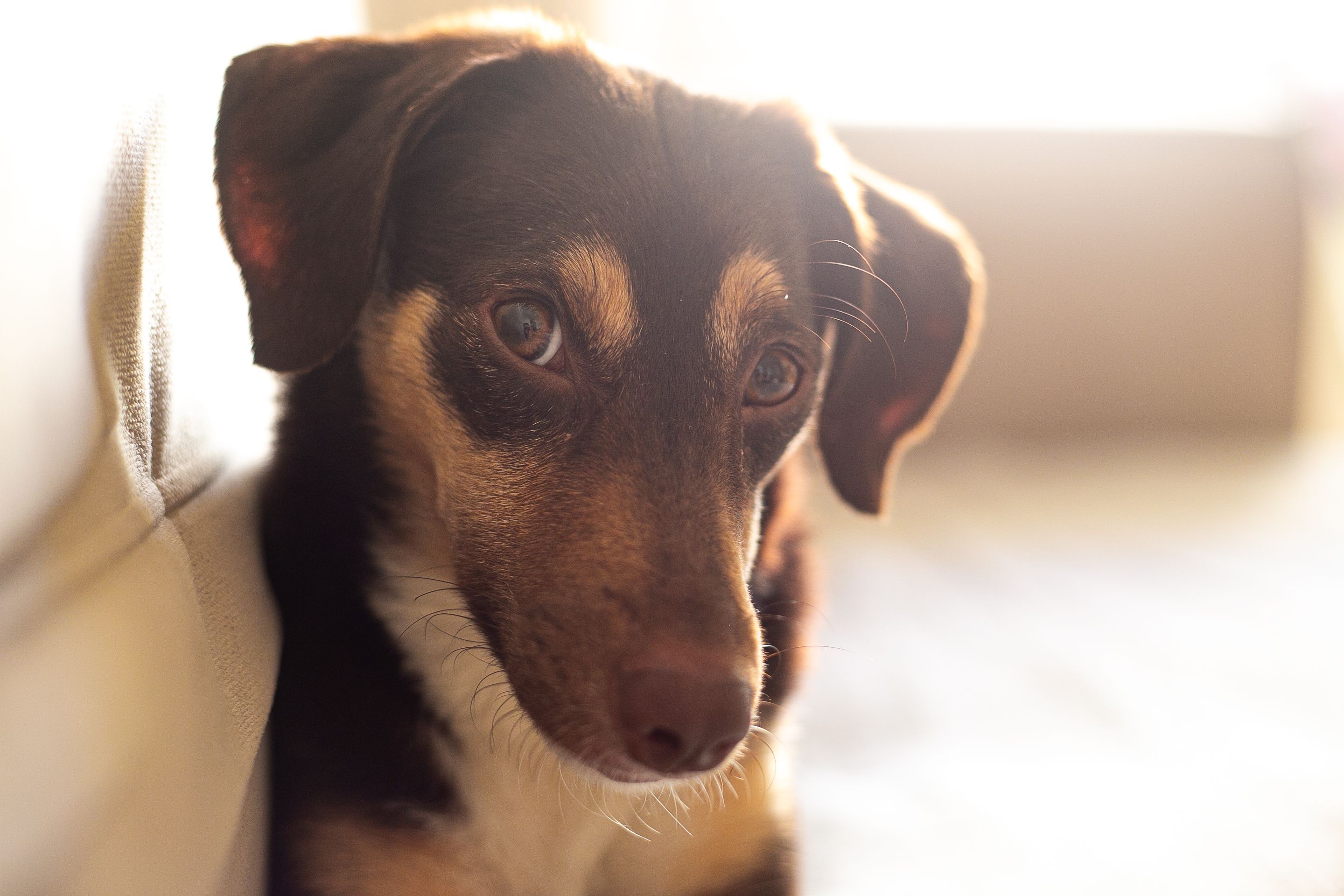
Use the right file type for the job
RAW gives more room for color and exposure fixes later. JPEG lets the camera keep shooting longer because each file is smaller. If the dog is only pausing for a second, RAW is still worth it. If the dog is bouncing around, a JPEG or a compressed RAW setting may keep the camera ready for the next look.
Why park light changes the whole shot
Park light shifts quickly under trees, open sky, and shade. Exposure can change from one step to the next.
Cloud cover makes the scene soft and even, which helps fur and eyes. Bright sun can flatten the face or make the dog squint, so open shade often works better.
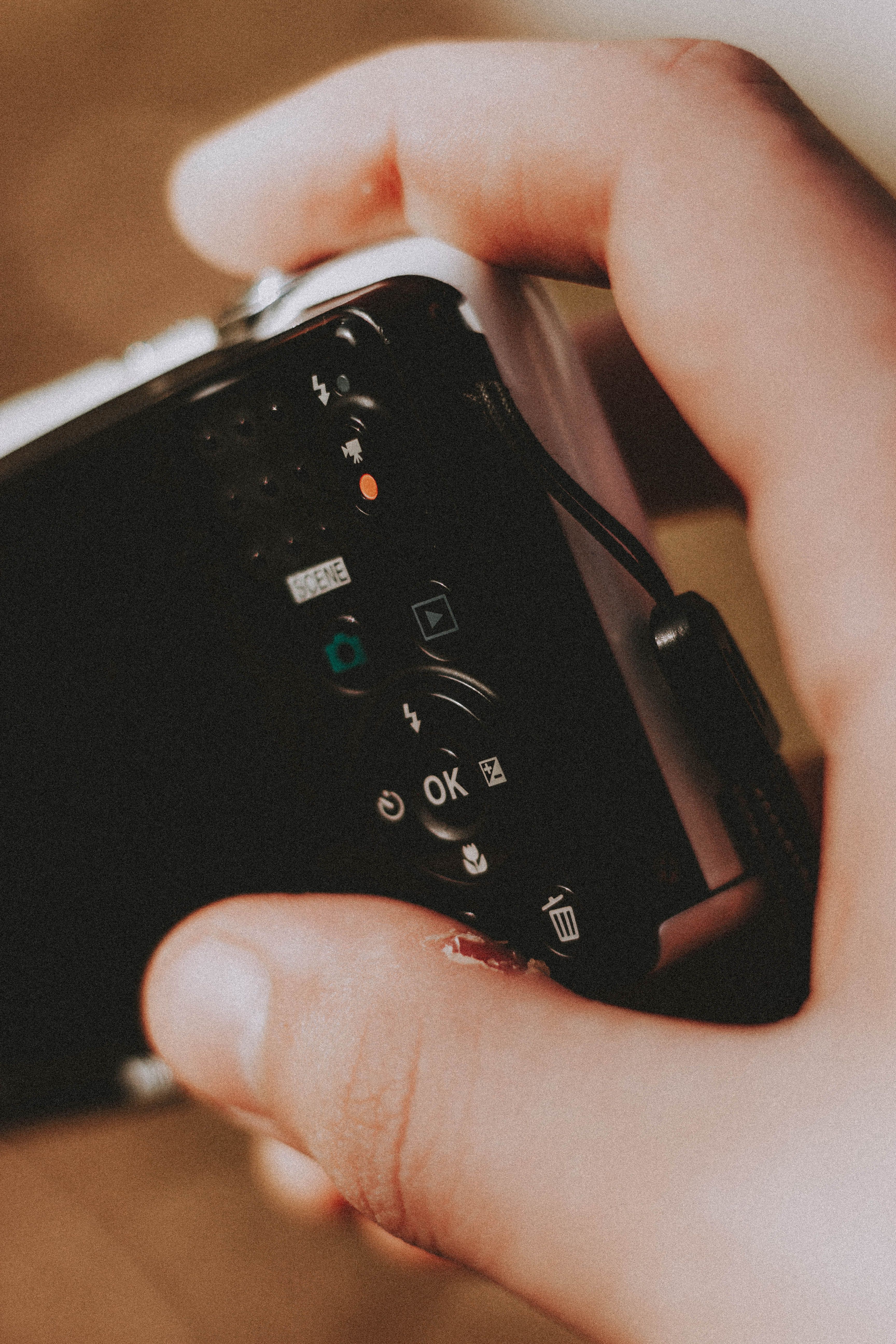
Keep the frame simple and the dog relaxed
Simple framing helps the dog stand out. It also makes the portrait feel calmer, even before you edit.
- Use open shade near a tree line or path.
- Stay low enough to meet the dog at eye level.
- Leave space around the ears and paws.
- Use one toy or sound cue, then stop.
Short breaks between bursts matter. If you keep firing nonstop, many dogs lose interest and turn away.
Carry the camera so you can react fast
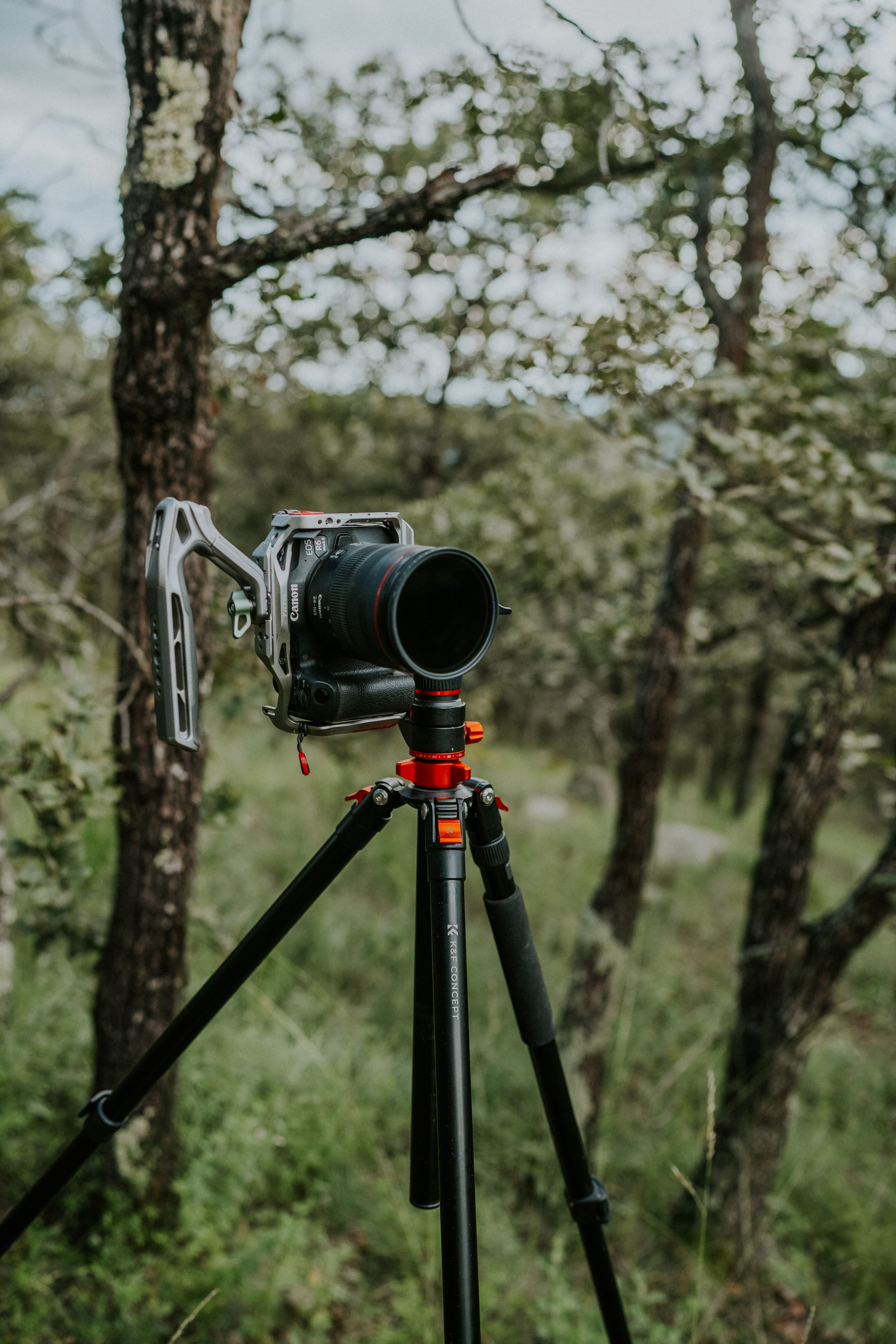
A hands-free strap keeps the camera ready while you watch the dog. In a park, the calm face often lasts only a second. Camstrap Voyager fits this use well because it keeps the camera close and stable, so I can move without grabbing a bag first. That small change saves time when the dog sits down on its own.
What I check before I press the shutter
Good prep makes the burst more useful. It cuts missed focus, bad exposure, and wasted frames.
I keep the setup simple, then wait for the dog to settle. After that, one short burst is usually enough to give me choices.
- Set Aperture Priority and choose a wide aperture.
- Pick continuous AF with eye or subject detection.
- Use a shutter speed near 1/200 sec for still dogs, then raise it as movement grows.
- Switch to continuous shooting mode.
- Place the focus point on the dog’s eyes.
- Take one short burst when the dog looks calm.
- Review only the best frames after the moment ends.
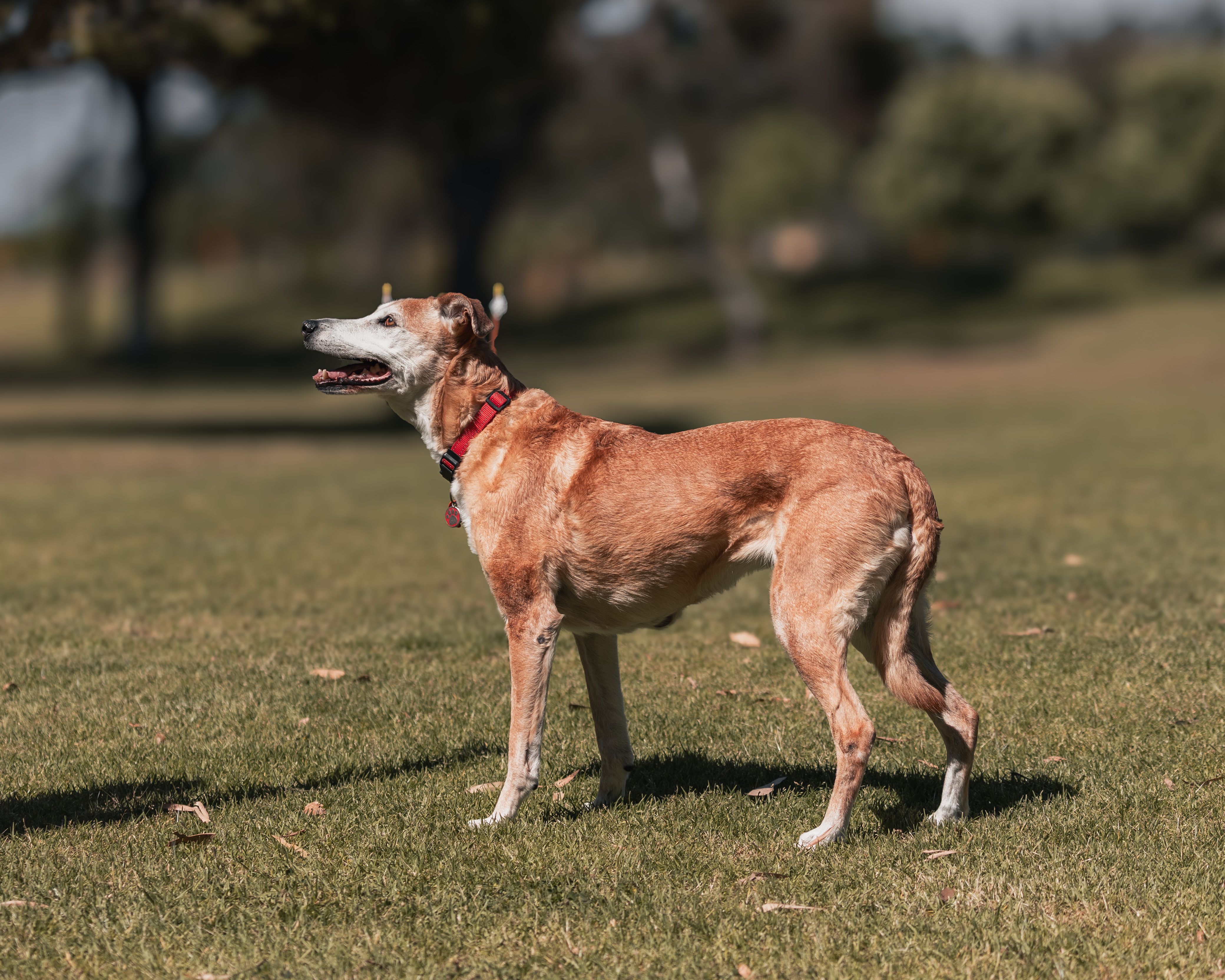
This workflow keeps the dog from feeling chased by the camera. It also makes culling easier, because each burst tells a small, clear story.
How do I choose the keeper later?
The best frame is often the one with the softest face and the steadiest eyes. A dog can blink in one frame and look perfect in the next. Lightroom and Photo Mechanic both make quick culling simple with pick and reject flags. I mark the sharp frames first, then narrow the set to the one with the calmest expression.
Sort for expression, not just sharpness
Sharp fur does not always mean a strong portrait. The dog may be sharp and still look tense or distracted.

Look for open eyes, a loose mouth, and a clean body angle. If the ears are forward and the head is still, the photo usually feels more settled.
How do I use burst mode for photos? Use a short, timed burst after the dog settles, not a long spray of frames. Start with 3 to 6 shots, and let the camera rest if the dog moves again.
Where do I find burst mode?
Open the drive mode menu and choose continuous shooting or high-speed burst. On many cameras, a single button or dial press gets you there in seconds.
Does burst mode take better photos? It helps you catch better moments, but only if focus and light are set well. In park portraits, the biggest gain is timing, not magic sharpness.

What is burst mode in photography?
It is a way to take several photos with one press of the shutter. That gives you more chances to catch the one frame where the dog looks calm and alert.
A calm dog portrait at the park comes from patience, simple settings, and quick reaction time. If the dog settles near open shade, I start with a wide aperture, continuous AF, and a short burst, then choose the frame with the softest eyes and cleanest background.
Frequently Asked Questions
How to do burst mode on photos?

To do burst mode on photos, set the camera to continuous shooting or high-speed drive and hold the shutter button down for a short sequence. A burst of about 3 to 8 frames is usually enough to catch a calmer dog portrait without filling the card with unnecessary shots.
Does burst mode take better photos?
Burst mode can produce better photos when the subject is moving or changing expression quickly, because it captures several frames from one press. For a dog portrait, it increases the chance of getting one sharp, calm look with good eye contact.
What is burst mode in photography?
Burst mode in photography is a shooting mode that records multiple frames with one shutter press. It is also called continuous shooting mode and is commonly used to capture fast action or brief expressions.
How do I get burst mode?
To get burst mode, open the drive mode, release mode, or shooting menu and choose continuous shooting or high-speed burst. On many cameras, the setting is also available through a drive mode button, the mode dial, or the camera app.


