


- Expose by balancing aperture, shutter speed, and ISO for each light change.
- Use Sunny 16 at noon: f/16 and shutter near your ISO.
- Bracket less, trust the meter, and adjust only when highlights clip.
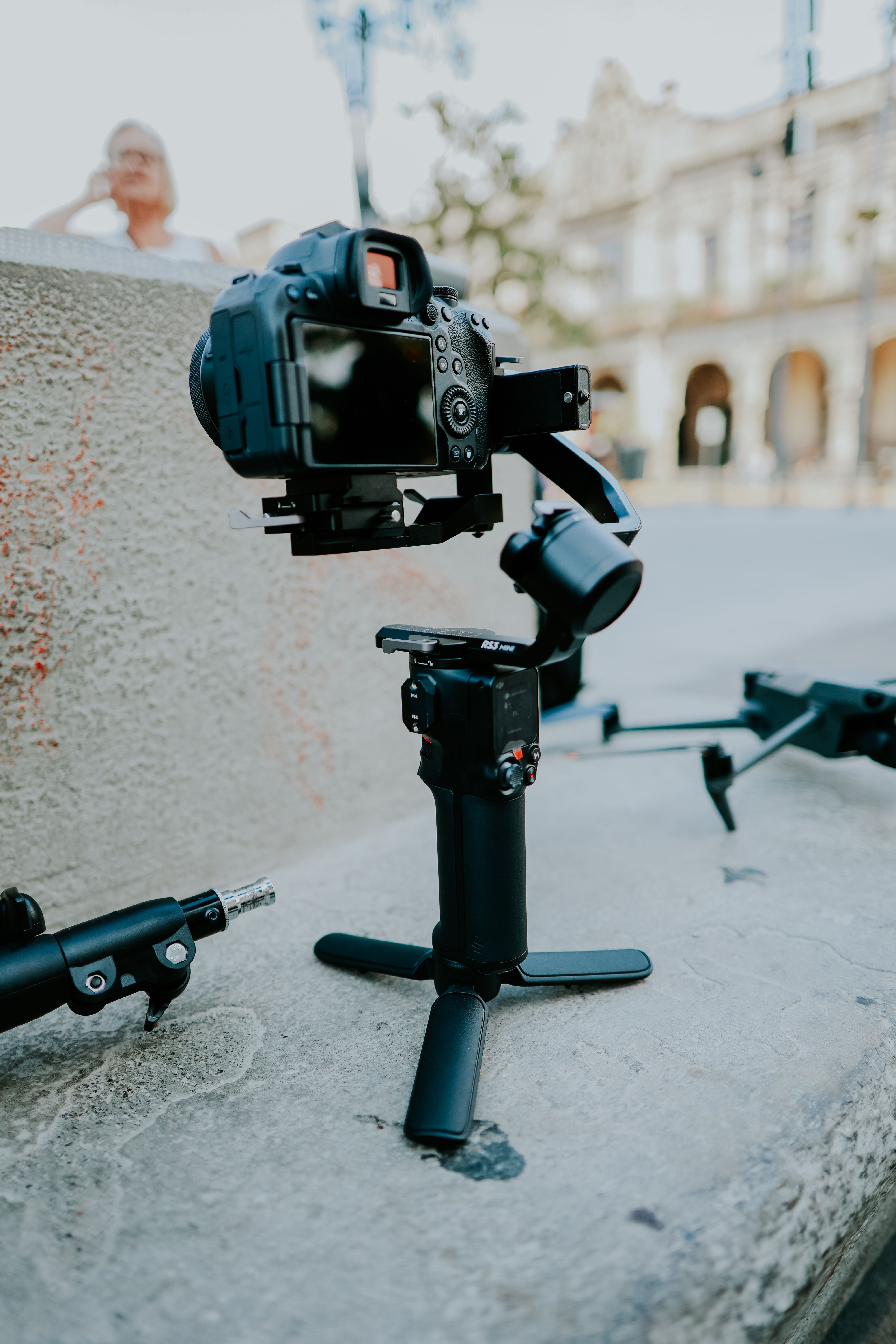
Exposure is the blend of aperture, shutter speed, and ISO that determines how bright a photo or clip appears. On a city walk, that balance shifts quickly as you move from shade to sun to storefront glow. Brightness is only part of the job. Clean motion, steady framing, and quick switches between stills and video matter just as much, so this guide keeps both moving smoothly without slowing your pace.
Translation missing: en.blog_cta.bundle_heading

- Regular price
-
€42 - Regular price
-
€44 - Sale price
-
€42
By choosing the Camstrap strap, you are opting for a high-quality product designed to meet the needs of the most demanding photographers.
- Developed by a physiotherapist to relieve neck and back pain.
- Fast delivery with tracking by the Post Office 🚚
- Can be used as a shoulder strap or hands-free harness

- Regular price
-
€36 - Regular price
-
€42 - Sale price
-
€36
Translation missing: en.blog_cta.free_shipping_included
Build a shooting setup that can move
A city walk throws mixed light, moving people, and almost no reset time at you. Your camera needs to stay ready while you keep going.
For stills, I use a simple base: aperture priority, Auto ISO, and continuous AF-C or AI Servo with subject detection. For video, manual exposure gives me a steadier look from shot to shot.
Choose carry gear that handles quick changes
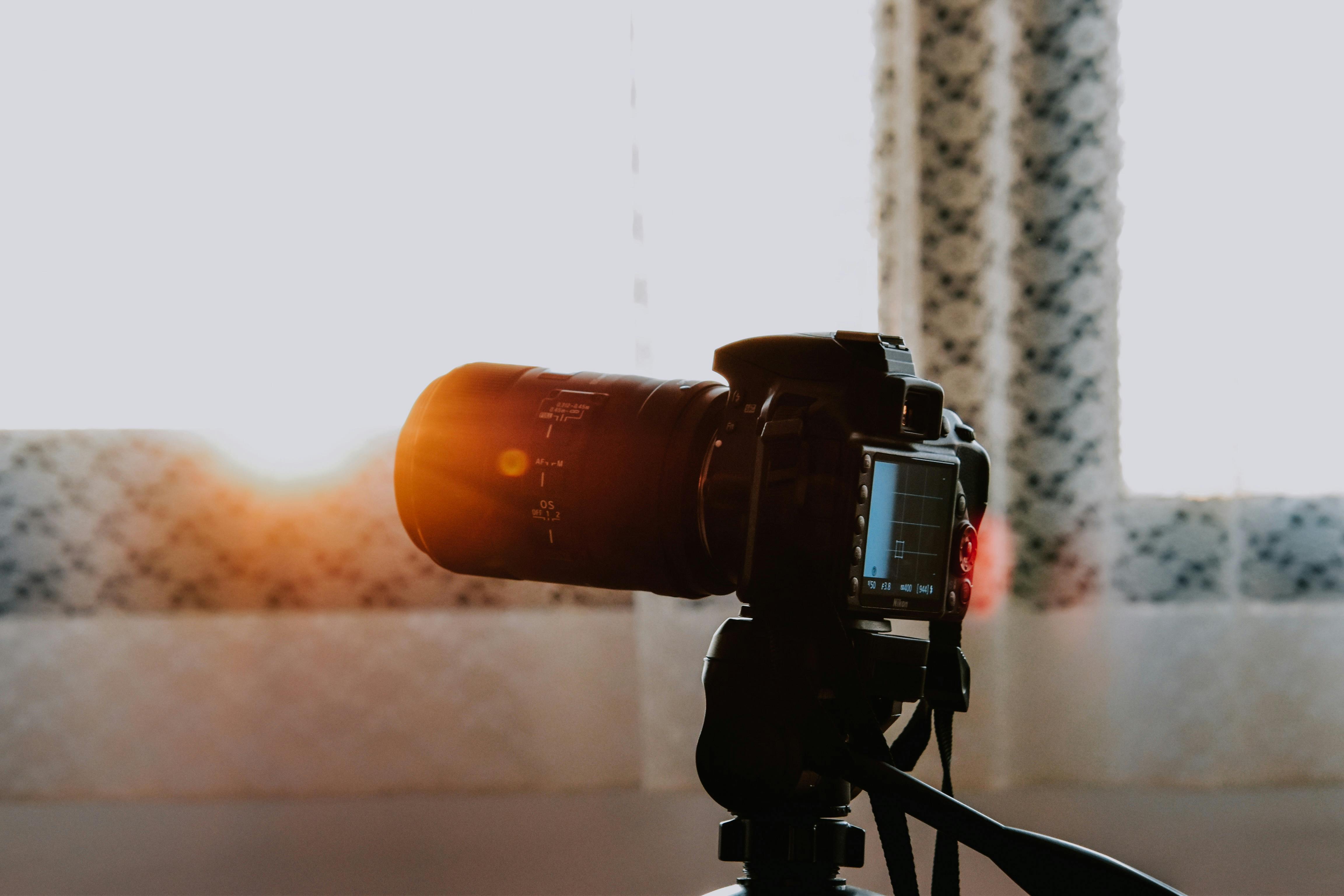
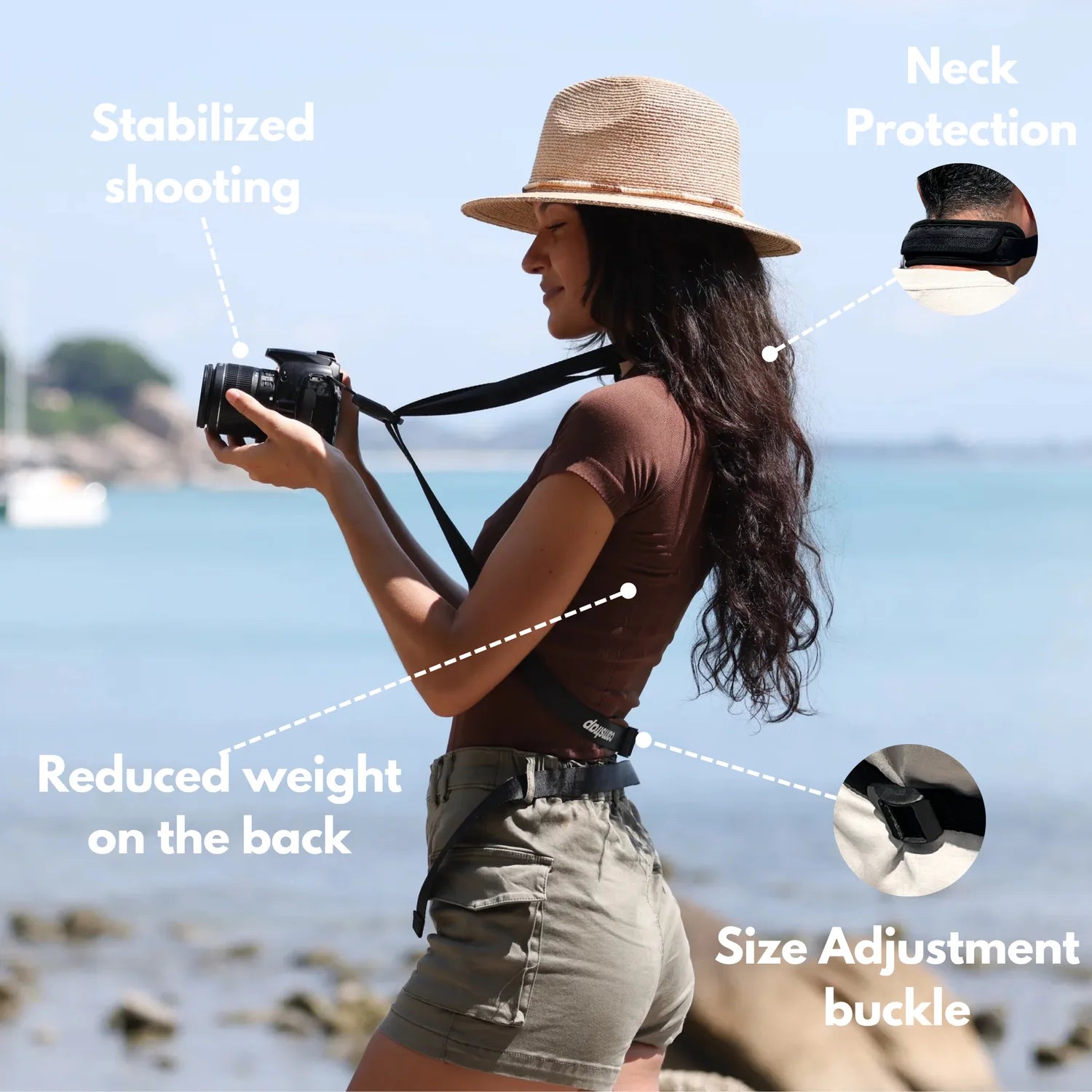
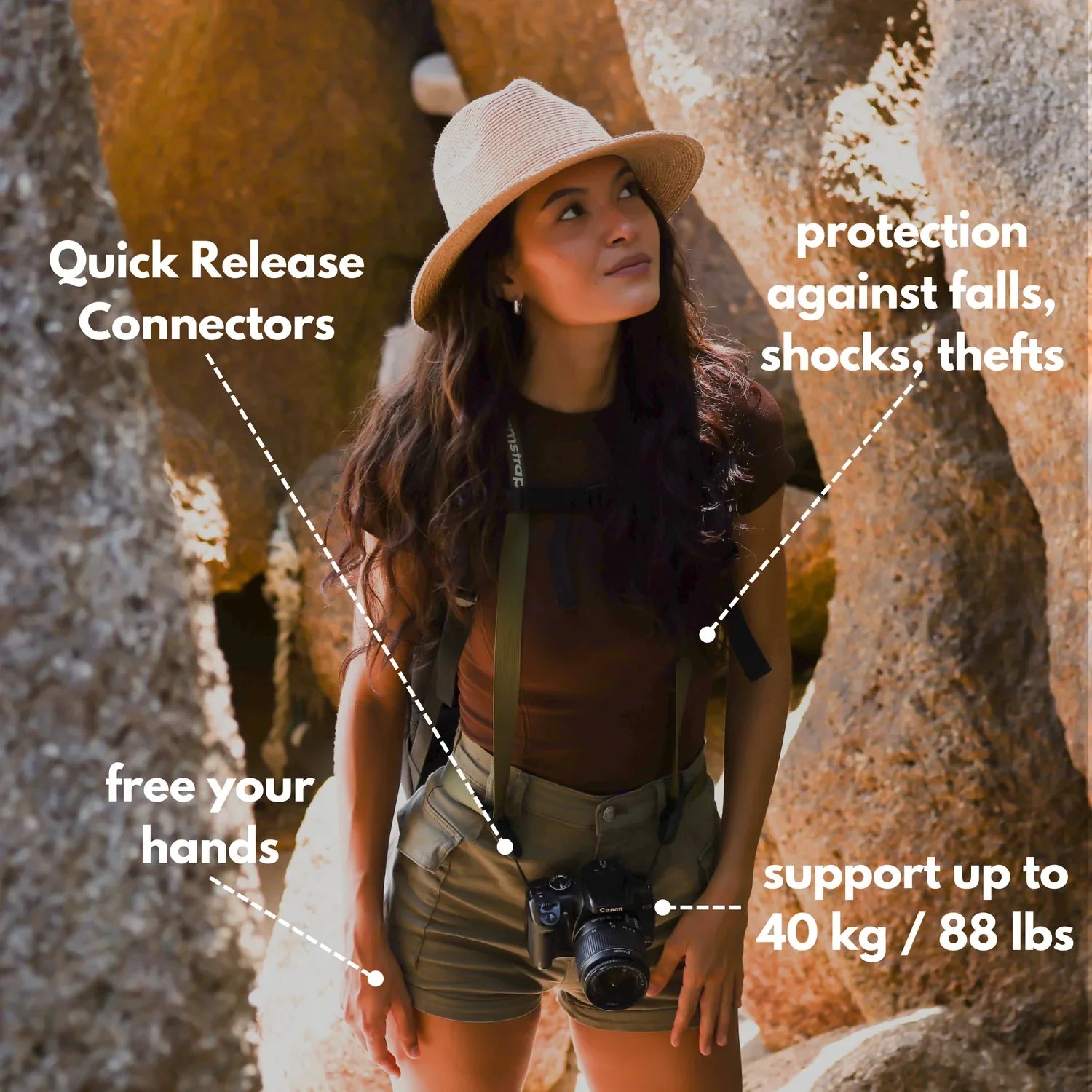
A hands-free carry setup keeps the camera close without bouncing all over the place. A strap such as the Camstrap Voyager helps by spreading weight well and keeping the camera ready for a fast lift. Sidewalks, crosswalks, and transit stops reward that kind of setup. The camera stays secure, yet it comes up fast when a scene changes in a block.
Pick settings that reduce hesitation
- Set AF-C or AI Servo for moving people and passing traffic.
- Turn on face or eye detection when the scene is crowded.
- Use back-button focus if you switch often between stills and video.
- Keep image review short, or turn it off during active walking.
- Leave drive mode on single shot unless a moment really calls for a burst.
Those choices save time and cut missed frames. They also keep the camera from feeling like extra baggage.
What exposure means in a camera
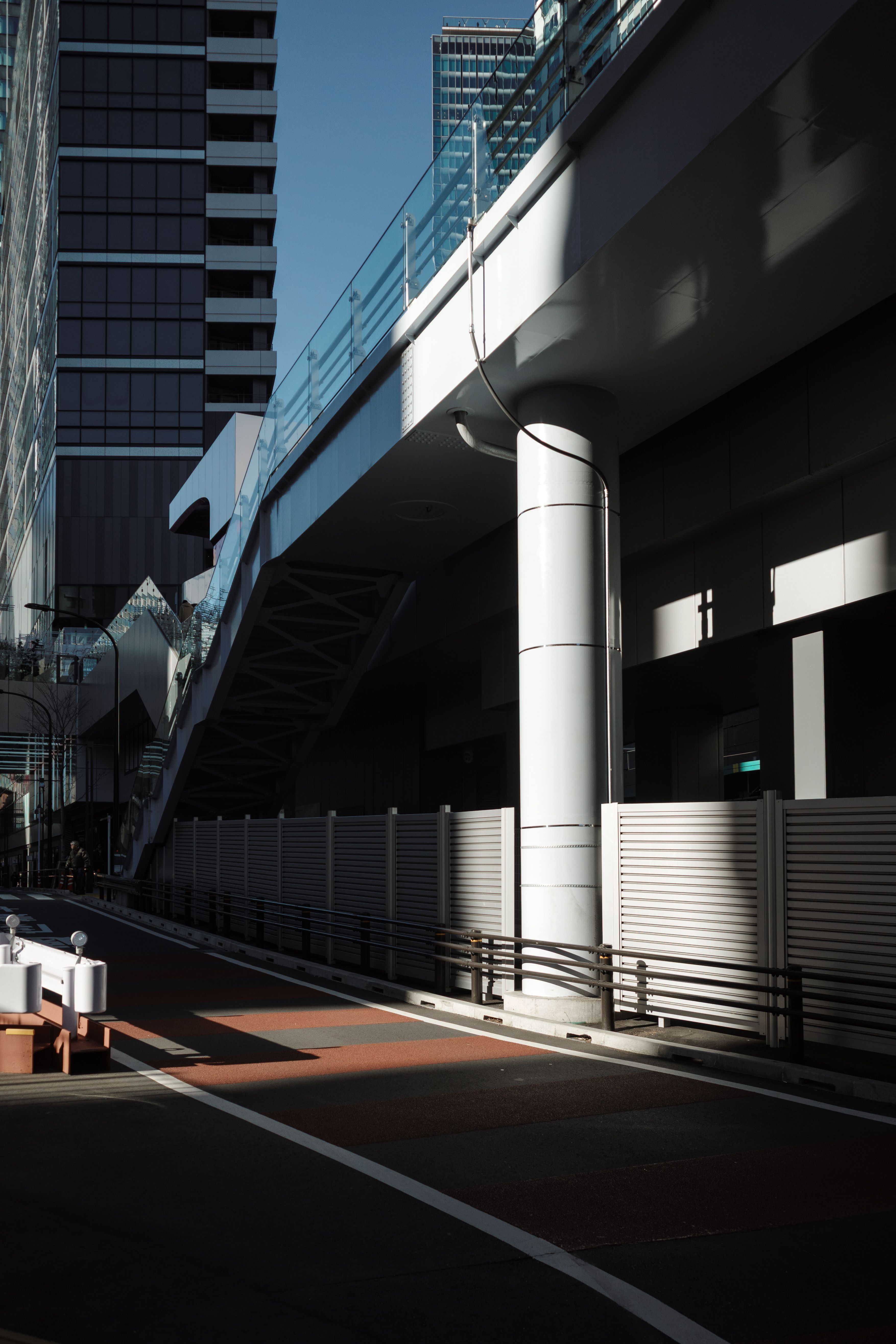
Exposure is the amount of light that reaches the sensor or film. Aperture, shutter speed, and ISO shape it together.
Open the aperture and more light comes in. Slow the shutter and more light reaches the sensor. Raise ISO and the image brightens, though noise can rise too.
Why the triangle shows up so often on the street
Each setting affects the others. A wider aperture like f/2.8 helps in shade, but it can push shutter speed or ISO upward.
On a walk, that balance can change several times an hour. A café doorway, a bright plaza, and a subway entrance each ask for a different mix.
How the Sunny 16 rule works
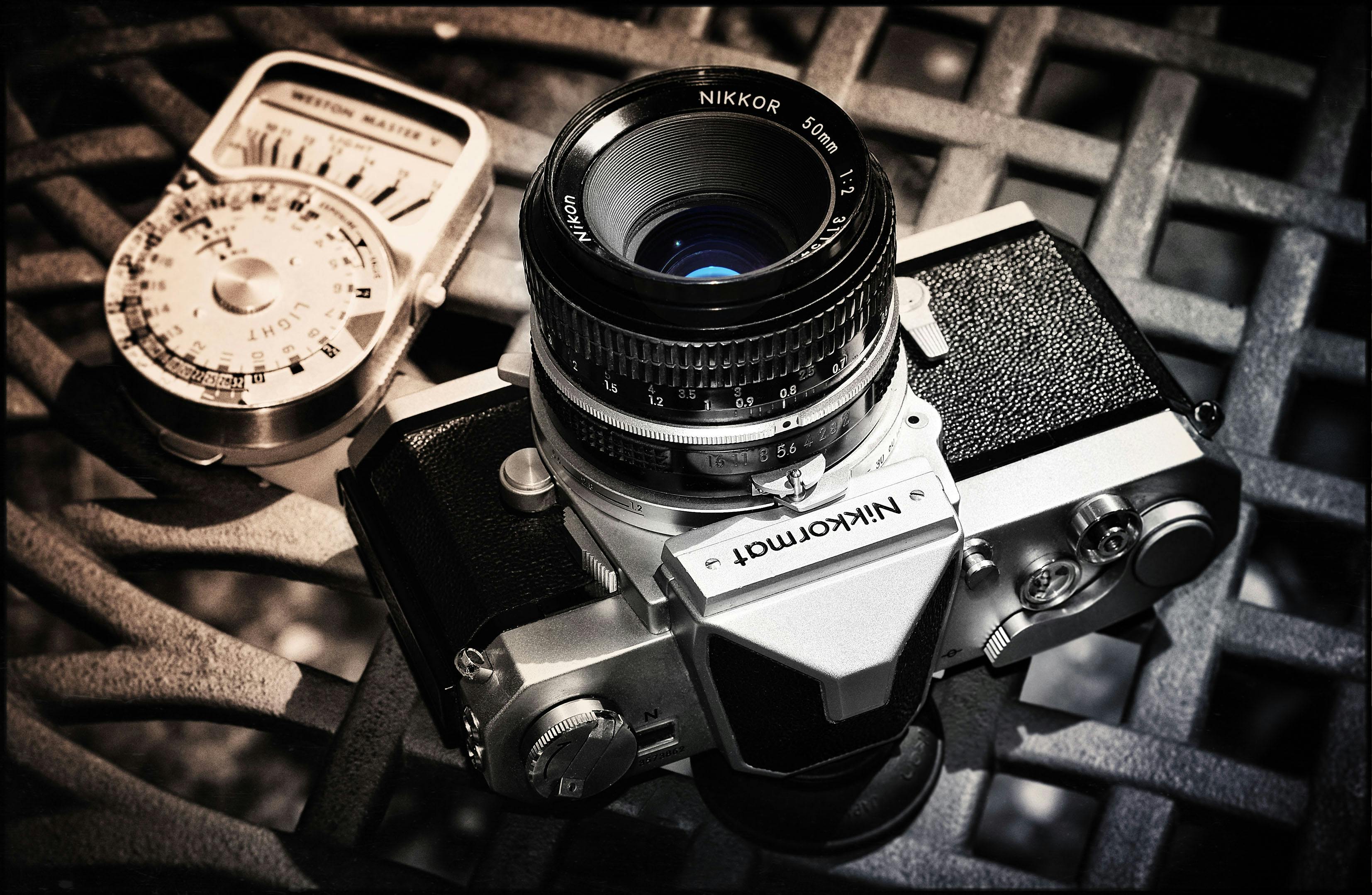
The Sunny 16 rule gives you a fast daylight exposure without a meter. In full sun, use f/16 and set shutter speed near the ISO value. At ISO 100, that works out to about 1/100s at f/16. If clouds move in, open one stop or slow the shutter one stop.
A simple fallback for walking light
This rule is handy when you need a starting point in a hurry. It works for film, and it helps digital shooters who want a reliable backup.

Use it when bright pavement or dark clothing throws off the meter. It gives you a safe base before you fine-tune the look.
How to expose film correctly
Correct film exposure starts with careful metering and enough light on the frame. Film usually leaves less room for recovery than digital, so the first exposure carries more weight. For negative film, slight overexposure is often safer than underexposure. A common street setup is ISO 400 film, f/5.6 to f/8, and a shutter near 1/250s in bright light.
Keep the film routine lean
- Set the film speed on the camera.
- Check the light with a meter or the Sunny 16 rule.
- Pick one aperture and watch the shutter speed.
- Bracket only when the light changes fast.
- Note the scene after each frame if you want to learn from it later.
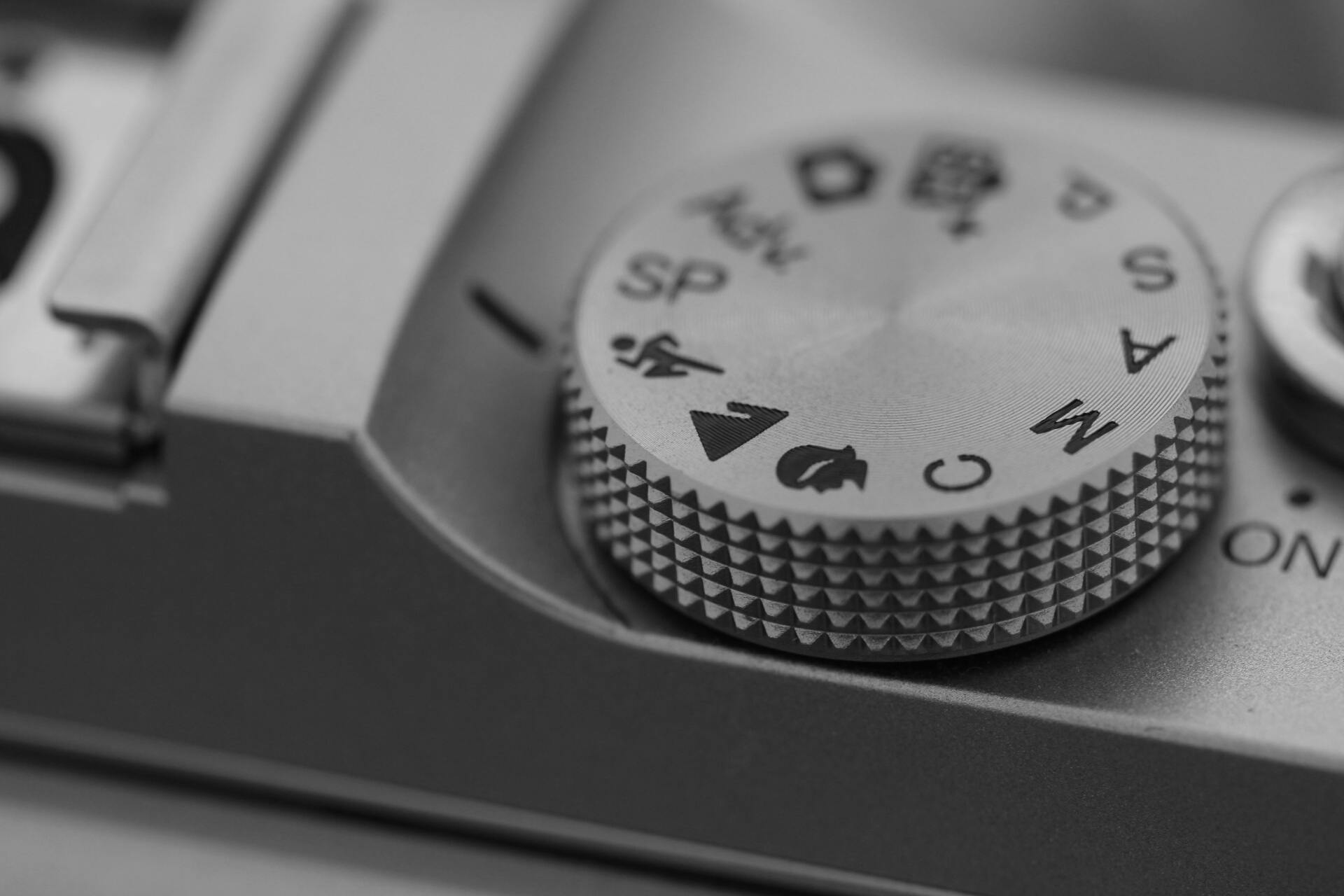
That routine cuts down on guessing and makes patterns easier to spot, like how shade under trees can shift by a full stop or more.
How to keep motion smooth while filming
Natural-looking motion blur in video comes from the 180-degree shutter rule. It puts shutter speed at about twice the frame rate.
At 30 fps, that means 1/60s. At 60 fps, it means 1/120s. For 25 fps, 1/50s is the usual target, and 24 fps often lands around 1/50s as well.
Match the mode to the light

Manual exposure is the cleanest choice for a walk video. It keeps the image from pulsing as you pass under trees, signs, and tall buildings.
For 4K 60p, Canon recommends about 1/125s to avoid too much blur while keeping motion from looking choppy. In bright city light, that can mean a smaller aperture or lower ISO.
A faster shutter can make video look stiff, while a slower one can smear motion when you pan or walk.
Stabilize the shot with your body
Walk with bent knees and short steps. Keep your elbows close and turn your torso instead of swinging your arms. If your lens has optical stabilization, turn it on for handheld clips. It helps with small shakes, but it will not fix a bouncing walk on its own.

Should you adjust exposure or brightness?
Adjust exposure, because it changes the actual light captured by the camera. Brightness is mostly a display or edit change after the fact.
If a file looks too dark, raise exposure with shutter, aperture, or ISO first. A raw file then gives you room to fine-tune brightness later without flattening the image.
Use each control for the right problem
- Change shutter speed when motion looks wrong.
- Change aperture when depth of field needs to shift.
- Change ISO when light is low and the scene still needs speed.
- Adjust brightness later in editing if the capture is already solid.
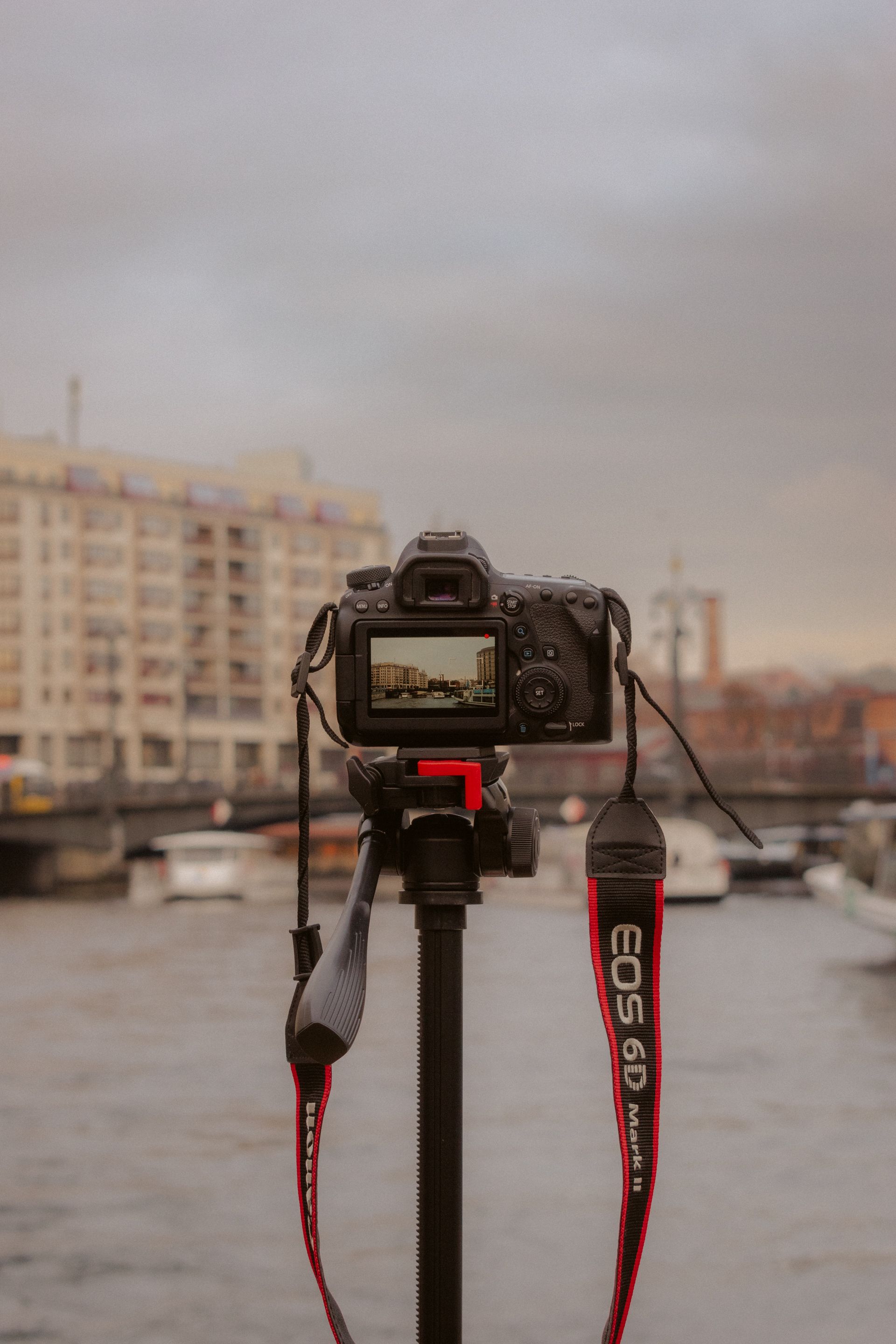
That order keeps the shot clean. It also protects detail, since heavy brightness boosts can expose noise and dull color fast.
What to do when every block looks different
City light changes quickly, so a fixed setup rarely lasts long. A better approach is to hold one base setting and change only what the scene demands. For stills, I often start near f/2 to f/2.8 in shade and move toward f/5.6 outdoors. On a full-frame body, 35mm to 50mm gives a natural walk-around view, while 85mm helps isolate faces and details.
Watch these three clues before changing settings
First, check motion blur on people walking past you. A shutter around 1/500s freezes most street movement, while 1/30s will blur a casually walking person.
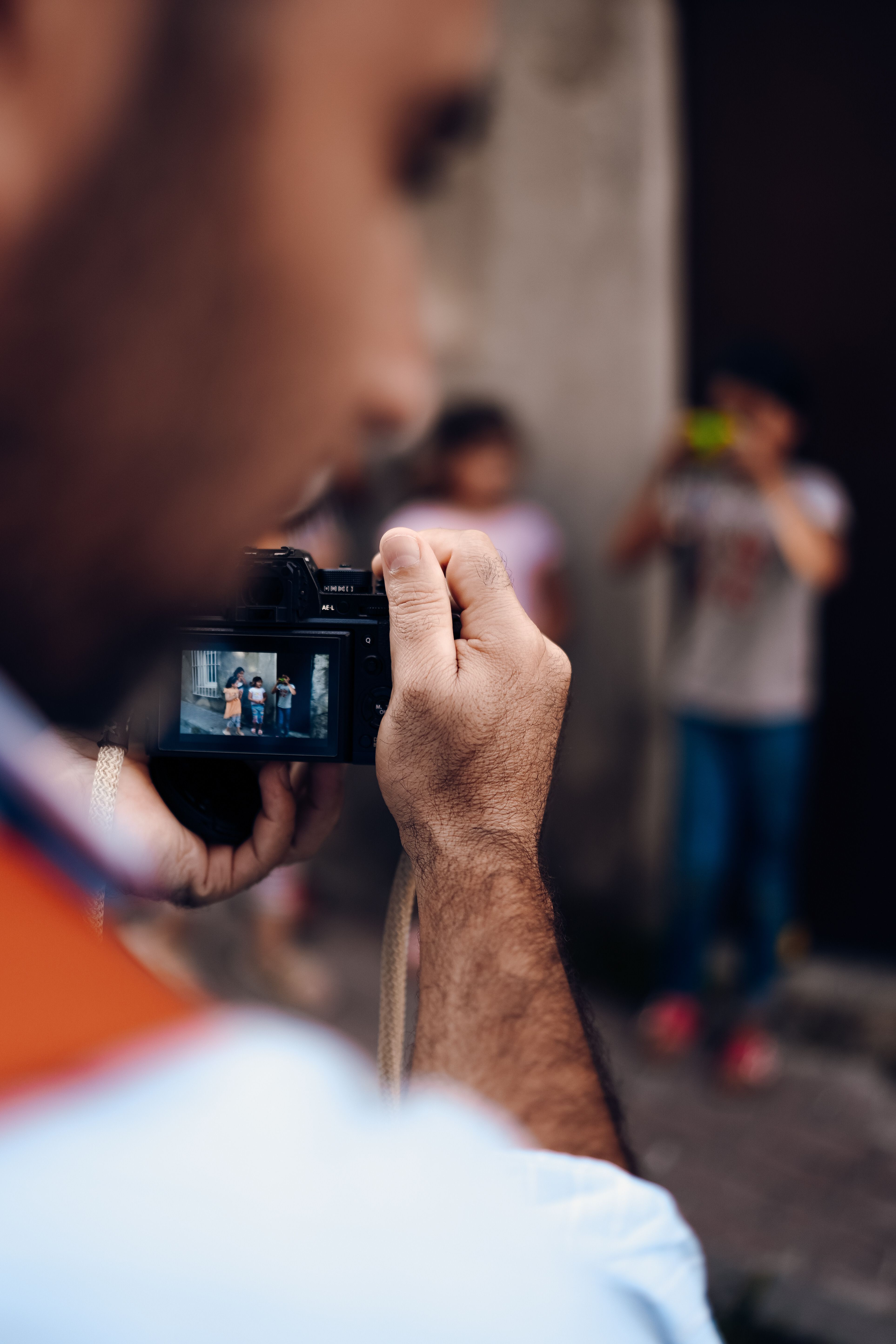
Second, watch the sky and bright signs. They can clip before the rest of the frame looks too bright.
Third, listen to your camera’s buffer and card speed if you shoot bursts. Mid-tier bodies often slow after about 20 to 40 RAW frames, while UHS-II V60 or V90 cards clear data faster than UHS-I.
Field routine for a smooth city walk
Use a short routine so you spend more time seeing and less time tweaking. It keeps your stills sharp and your video clean.
- Set a stills base with AF-C, Auto ISO, and a safe minimum shutter.
- Switch to manual exposure for video before you start walking again.
- Keep shutter speed near the frame-rate rule when filming.
- Lift the camera with both hands and avoid sudden pans.
- Review only the shots you need, then move on.
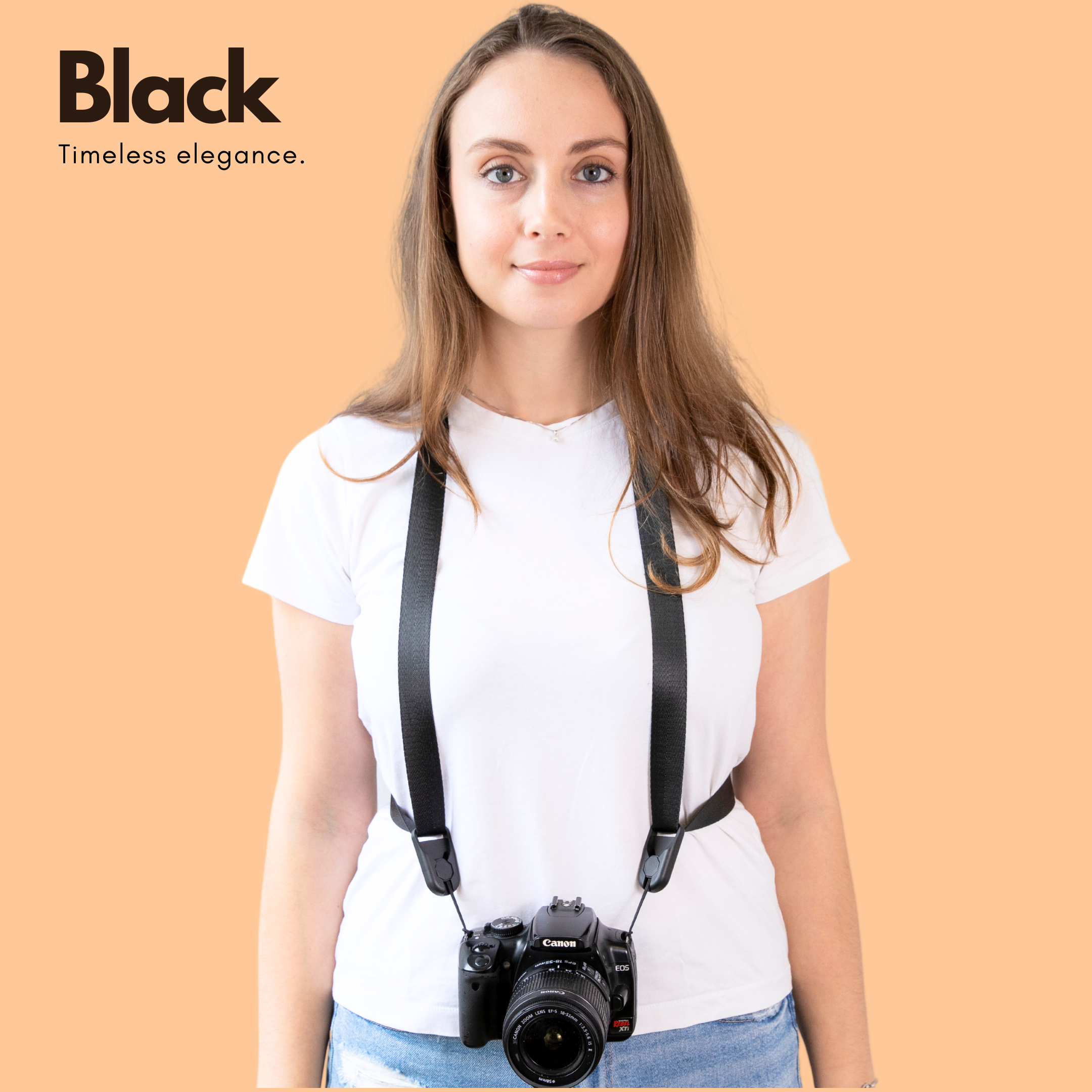
That workflow sounds simple because it is. The less you stop, the smoother your footage and stills will feel. By the end of a long walk, perfect control is not the point. Steady choices that hold up from bright avenues to narrow side streets are.
Keep the camera ready, respect the exposure triangle, and match shutter speed to motion, and your files will stay clean and natural. On the next walk, start with 1/60s for 30 fps video, watch your ISO in shade, and check one frame before you cross the street.
Frequently Asked Questions
What is meant by exposure in a camera?
Exposure is the amount of light that reaches the camera sensor or film. Aperture, shutter speed, and ISO work together to control how bright the image appears.
What is the Sunny 16 rule?
The Sunny 16 rule is a daylight exposure shortcut that uses f/16 in full sun with a shutter speed close to the ISO value. At ISO 100, that means about 1/100s at f/16, with adjustments for clouds or shade.
How to correctly expose film?
Correctly exposing film starts with accurate metering and enough light reaching the film to capture detail in the shadows and highlights. The Sunny 16 rule can serve as a reliable fallback starting point when a meter is unavailable or the light is tricky.
Is it better to adjust exposure or brightness?
Exposure is the more important control because it determines how much light actually reaches the sensor or film. Brightness is only the visible result, while exposure changes the image at capture through aperture, shutter speed, and ISO.


