


- Set burst mode to high-speed continuous and track the car through a clear fence gap.
- Use burst shooting to catch the cleanest frame; one burst often beats a single shot.
- Burst mode is rapid-fire photo capture, and it increases your odds of freezing the action.
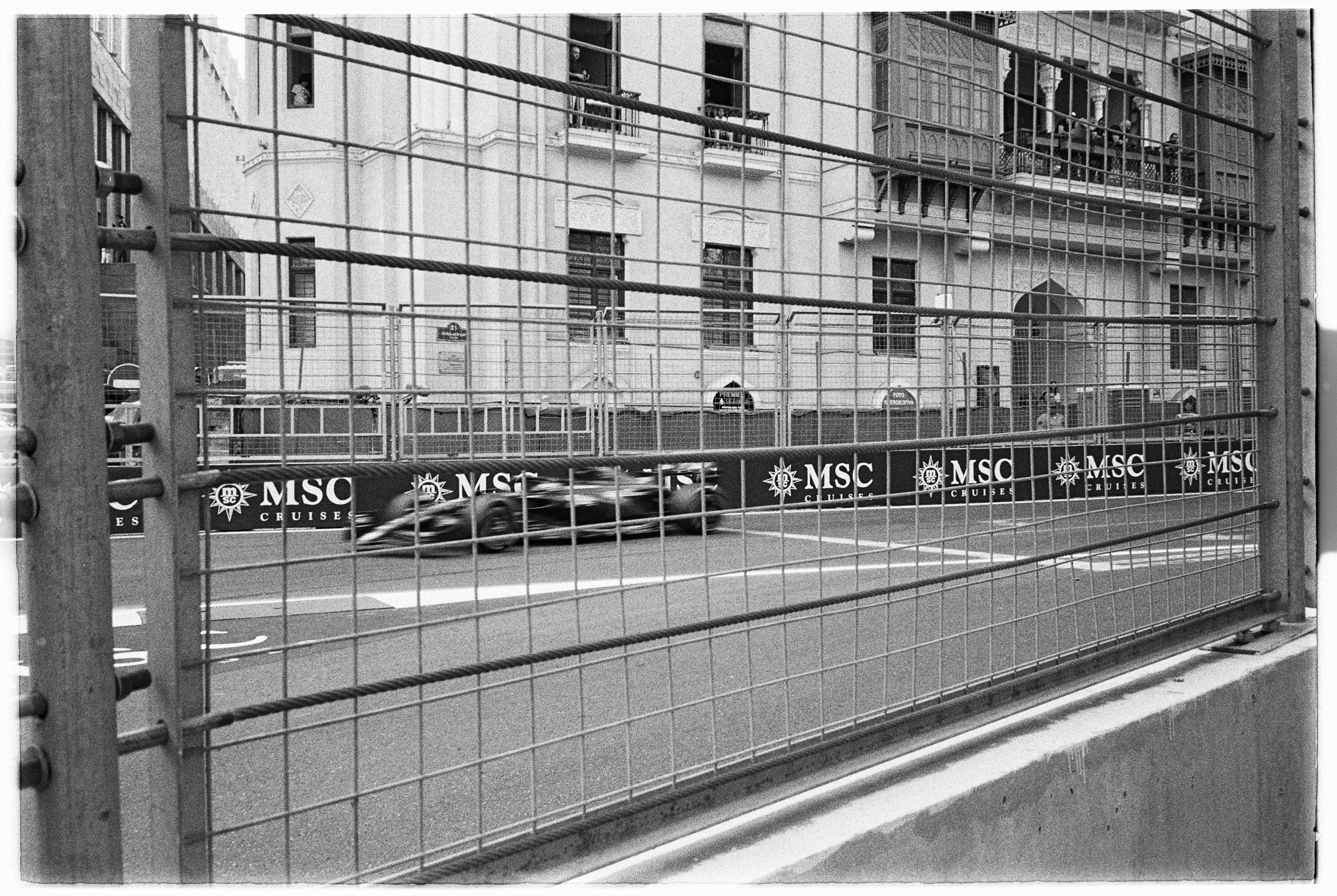
Burst mode photography fires off a rapid string of frames. At a racetrack, that extra pace gives you a better shot at freezing a car between fence wires. Speed is only part of the job. Timing, focus, and a simple plan in a cramped shooting spot do the real work.
Shop the setup

- Regular price
-
€42 - Regular price
-
€44 - Sale price
-
€42
By choosing the Camstrap strap, you are opting for a high-quality product designed to meet the needs of the most demanding photographers.
- Developed by a physiotherapist to relieve neck and back pain.
- Fast delivery with tracking by the Post Office 🚚
- Can be used as a shoulder strap or hands-free harness

- Regular price
-
€36 - Regular price
-
€42 - Sale price
-
€36
Free shipping included
Why the Fence Changes the Shot
Fence lines can wreck a race photo in a hurry. They throw dark bars across the frame, create odd shadows, and steal focus if you hesitate.
Handled well, the fence can help shape the image. Pick the right position and use short bursts, and you can catch the car in the cleanest opening in front of you.
Pick a gap before the car arrives
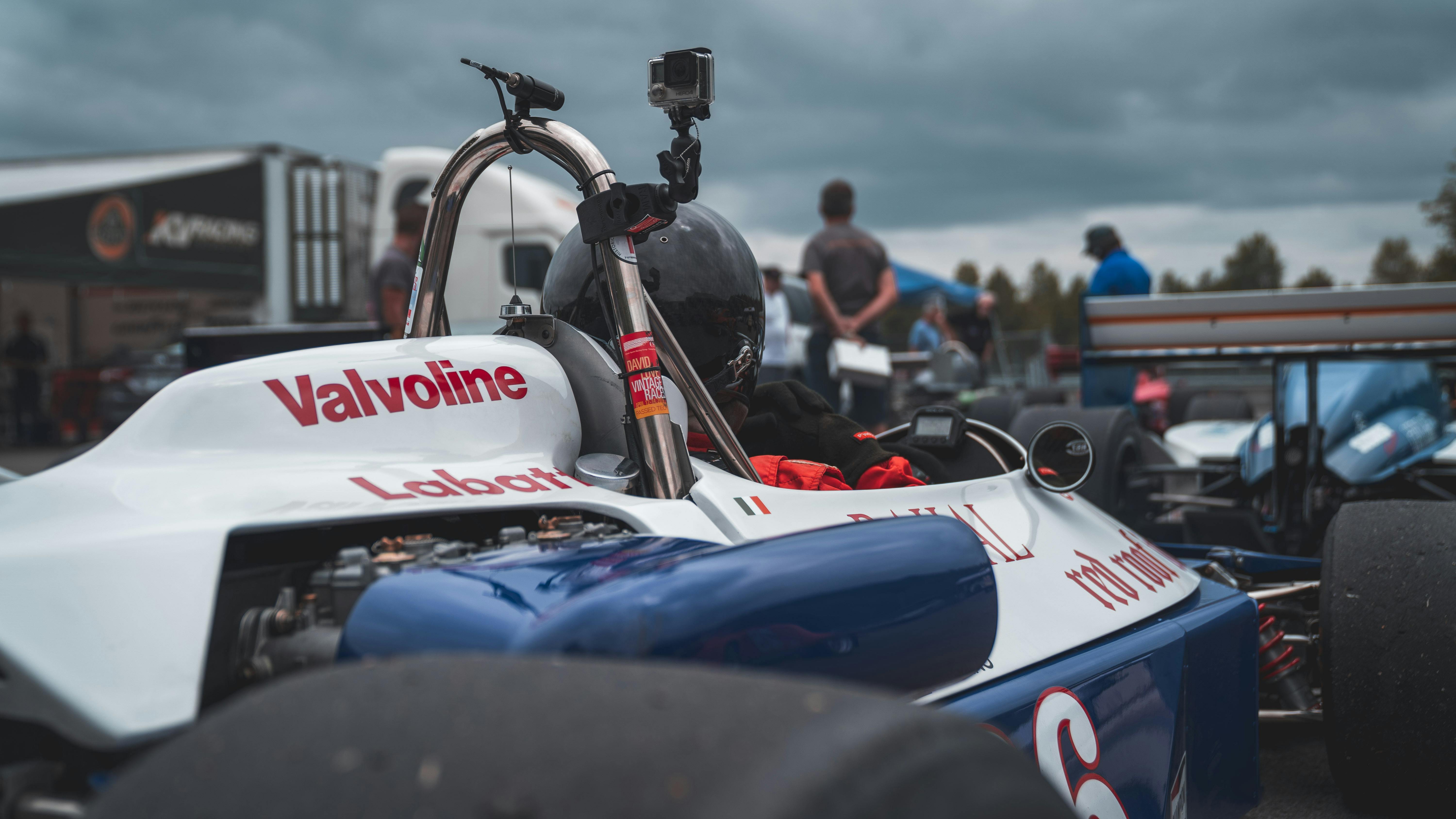
Find a small opening in the fence and plant your feet there. Then follow the car with your head and lens before it reaches that gap. Knowing the circuit line pays off here. On many corners, the same stretch of track gives the clearest view lap after lap.
Use a strap that keeps the camera ready
A hands-free strap lets you shift between fence openings without wrestling your gear. A sling style like the Camstrap Voyager can keep the camera close, steady, and ready for a quick lift.
Race moments disappear in seconds. If the camera hangs well, you can raise it fast and stay alert for the next opening.
How to Set Up the Camera Before the Cars Come By
Set the camera for speed before the race starts. A solid setup cuts down the time you spend fiddling with settings once the action begins. Use continuous autofocus, or AF-C on Sony and Nikon, or AI Servo on Canon. Add subject detection or eye detection for vehicles if your camera supports it.
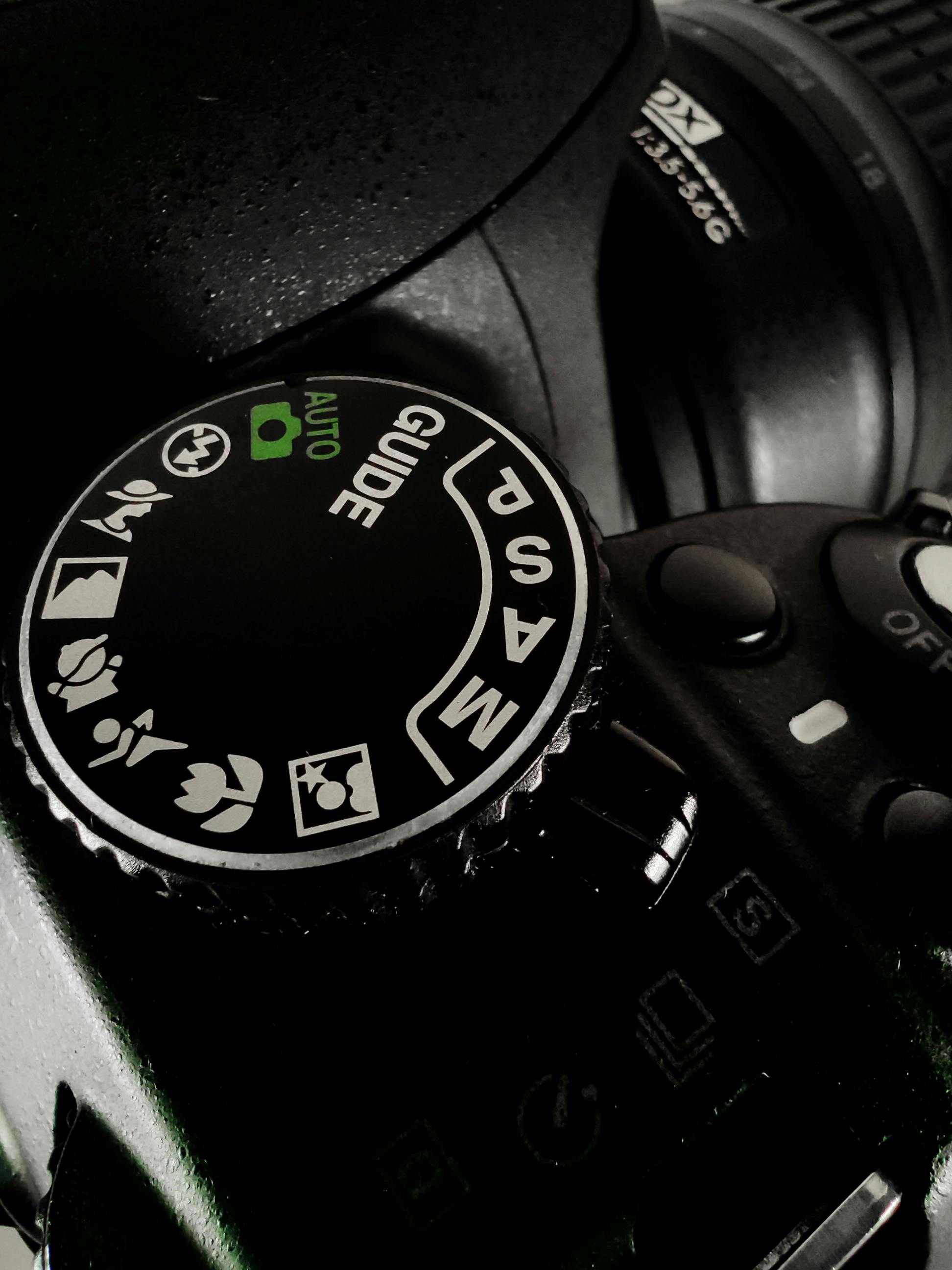
Start with these settings
- Shutter speed: 1/1000s or faster for crisp car detail
- Aperture: f/2.8 to f/5.6, based on light and depth
- ISO: Auto ISO with a cap you can live with, often 3200 or 6400
- Drive mode: high-speed continuous
- Focus mode: AF-C / AI Servo with tracking
Those settings leave room to react. A fast shutter freezes body roll, spinning wheels, and the spray kicked up by the tires.
In dimmer sections of the track, a wider aperture or higher ISO may be necessary. That tradeoff works fine, because a usable exposure beats a technically neat low-ISO file in the middle of racing.
Keep focus on the right point
Use the central tracking area when the fence feels busy and distracting. The middle point is often the most dependable choice through narrow openings. Back-button focus helps too. It lets you track the car with one finger and fire with another, which makes timing feel cleaner.
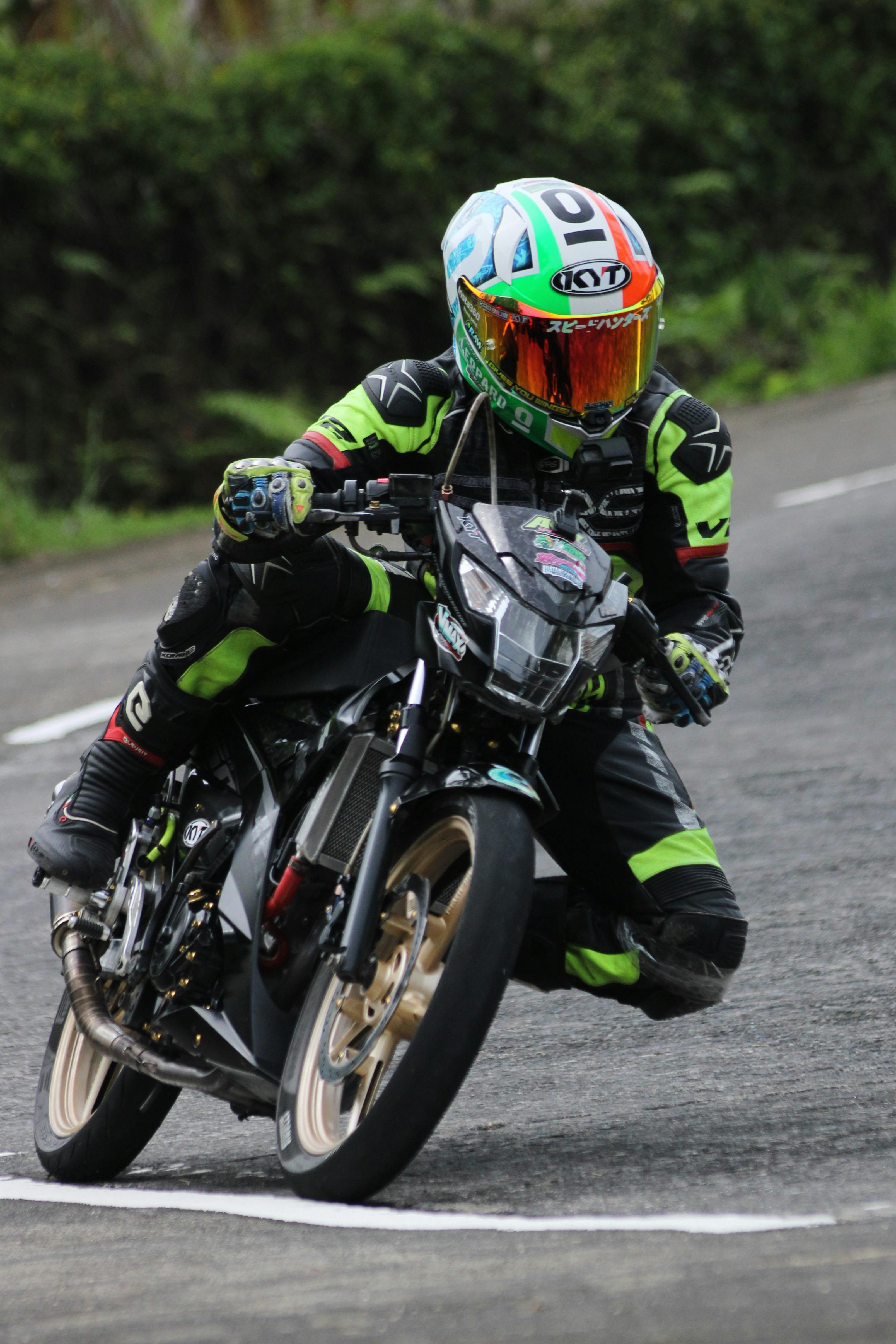
How to Do Burst Mode on Photos?
Burst mode uses the camera’s continuous drive setting to record several frames in a row. In racing, that means one press can catch the exact car position you want.
Set the drive mode to high-speed continuous. On many mirrorless bodies, that works out to about 10 frames per second with the mechanical shutter, or 20 to 40 fps with the electronic shutter.
Use the right firing rhythm
- Track the car before it reaches the opening.
- Half-press or hold your focus button to lock tracking.
- Press the shutter in short bursts, not one long hold.
- Review only after a full sequence ends.
Short bursts give you control, and they also keep you from filling the buffer too quickly on older bodies. Pre-capture or pre-burst modes can help even more. These features save frames from just before full shutter press, which is useful when the car slips into view fast.
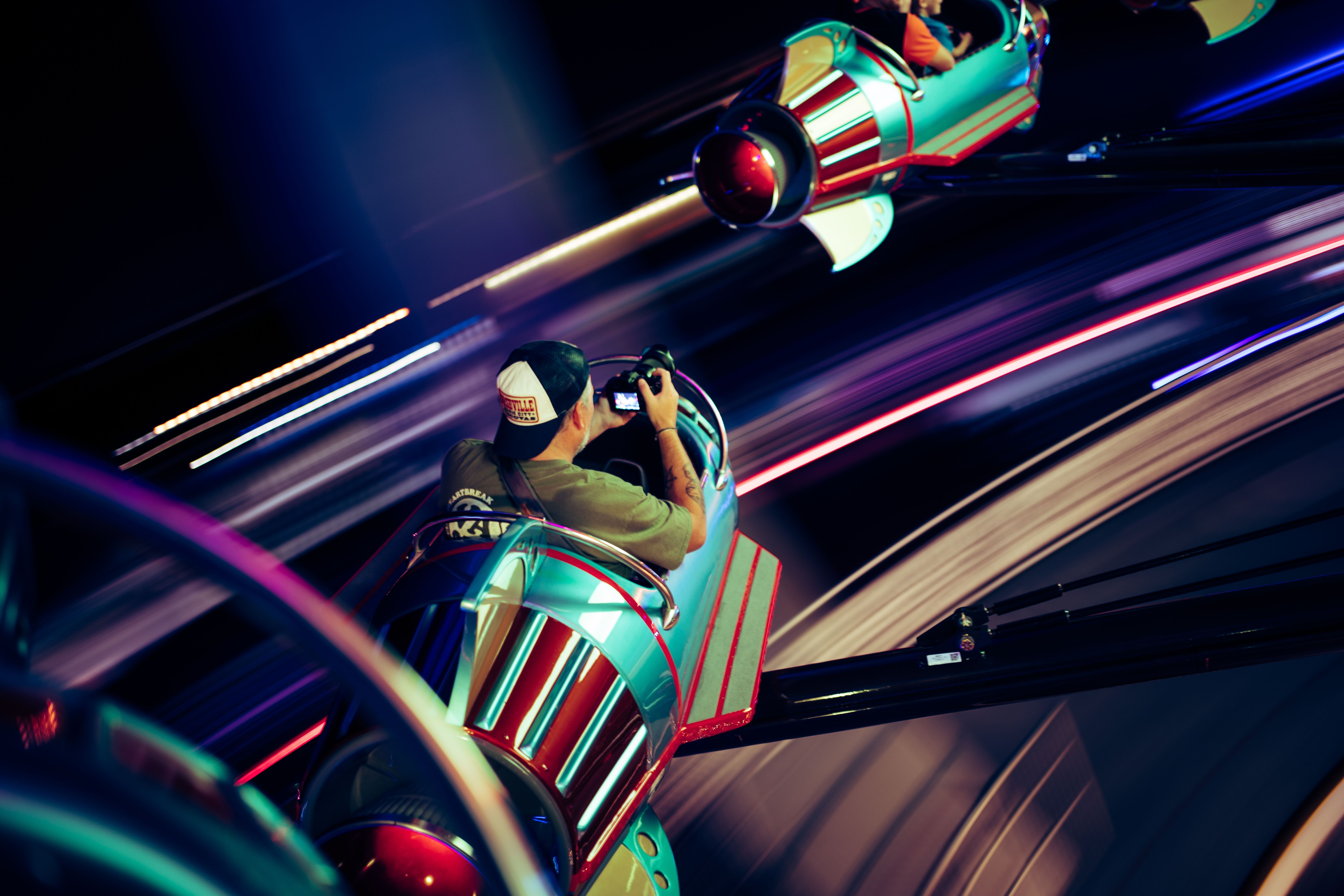
Does burst mode take better photos?
Burst mode can improve racing photos because it raises your odds, not because it sharpens anything on its own. The camera still needs good focus, light, and timing.
A short sequence comes in handy when the car turns, hits a bump, or clears the fence opening for only a moment. In those moments, a five-frame run can beat a single shot.
Where it helps most
- Cars crossing a gap at high speed
- Wheel lift in a corner
- Driver helmet detail through the side window
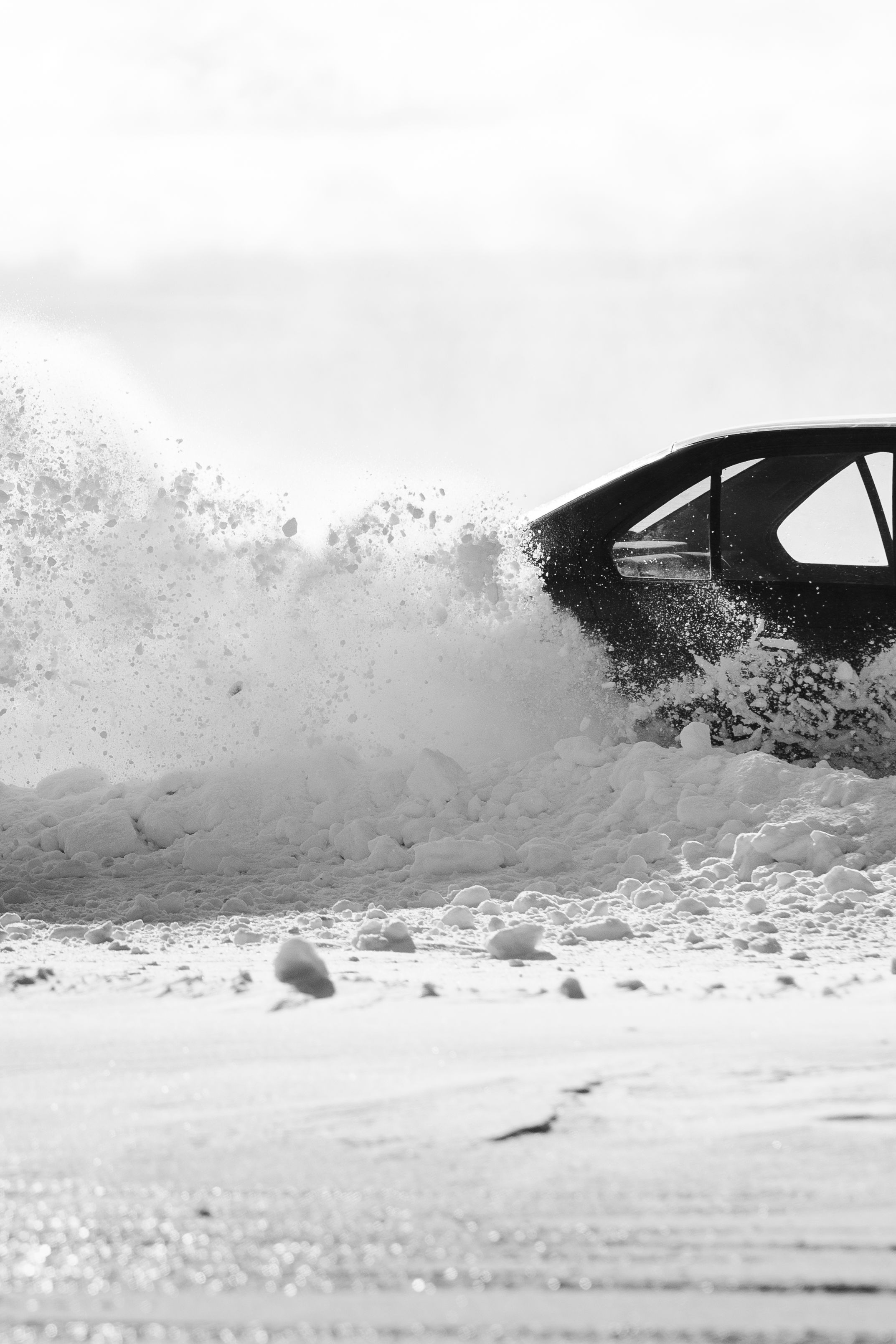
- Spray, dust, or tire smoke at the peak moment
The tradeoff is straightforward. More frames also means more files to sort, and plenty of them will be no better than a well-timed single shot. At 20 fps, the car may shift a lot between frames. That speed helps, but it can also leave you with more near-duplicates than you need.
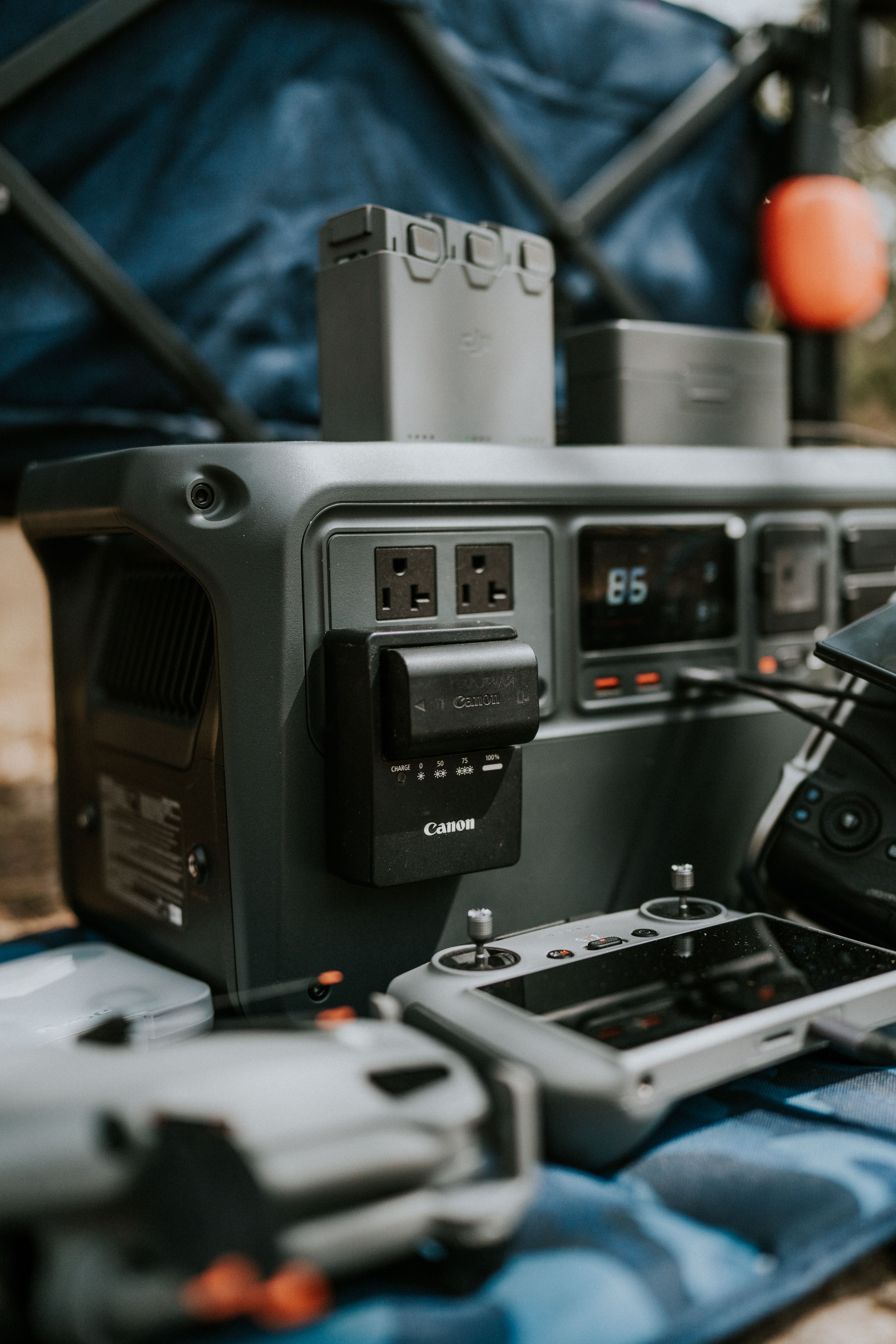
What is a burst in photography?
A burst is a short run of photos made one after another while the shutter stays active. It is a quick way to catch motion changes that happen too fast for one frame.
In race work, a burst often lasts a second or less. That brief span is enough to show the car before the fence, in the gap, and just after it passes.
Why race scenes suit short runs
Cars follow clean paths, but the best view is often brief. A burst lets you sample that moment several times without losing your place. It also gives you options later. One frame may show the logo, another the helmet, and a third the best wheel angle.
Does burst mode drain the battery?
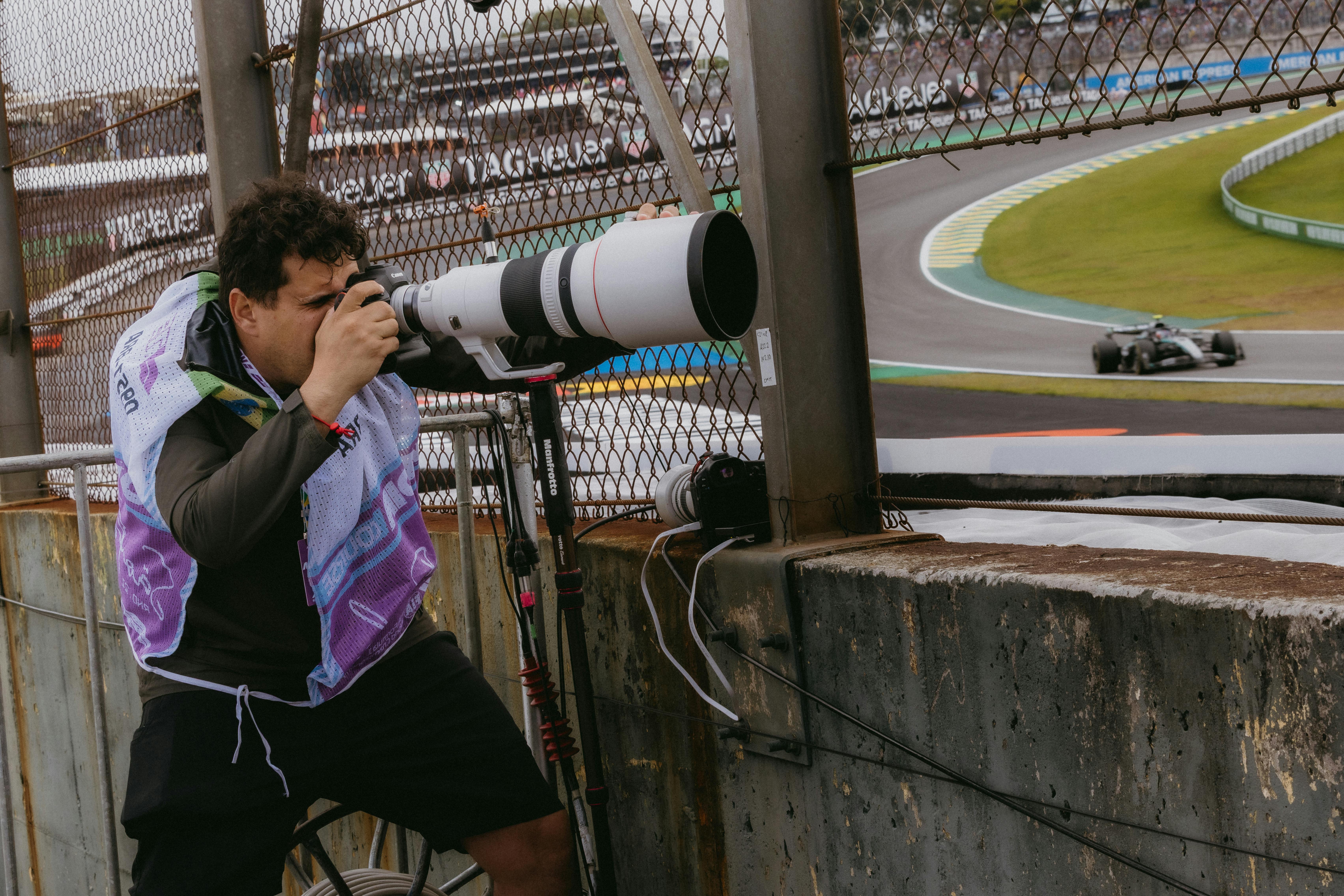
Burst mode can drain the battery faster, but on a mirrorless camera the EVF, LCD, and image review usually use more power. The shutter drive itself is rarely the main drain.
The real battery load comes from long tracking, bright screens, and constant frame review. If you keep chimping after every burst, power drops faster than many people expect.
Ways to save power at the track
- Lower screen brightness when light allows
- Shorten image review time or turn it off
- Use airplane mode if your camera has wireless on
- Carry at least one spare battery for a long session
A good buffer helps here too. A mid-tier body may hold roughly 15 to 30 RAW frames before it slows, while JPEG runs can go much longer. Card speed matters at that point. UHS-II V60 or V90 cards write faster than UHS-I, and CFexpress is faster still on supported bodies.
Lens choice, shutter speed, and the fence line
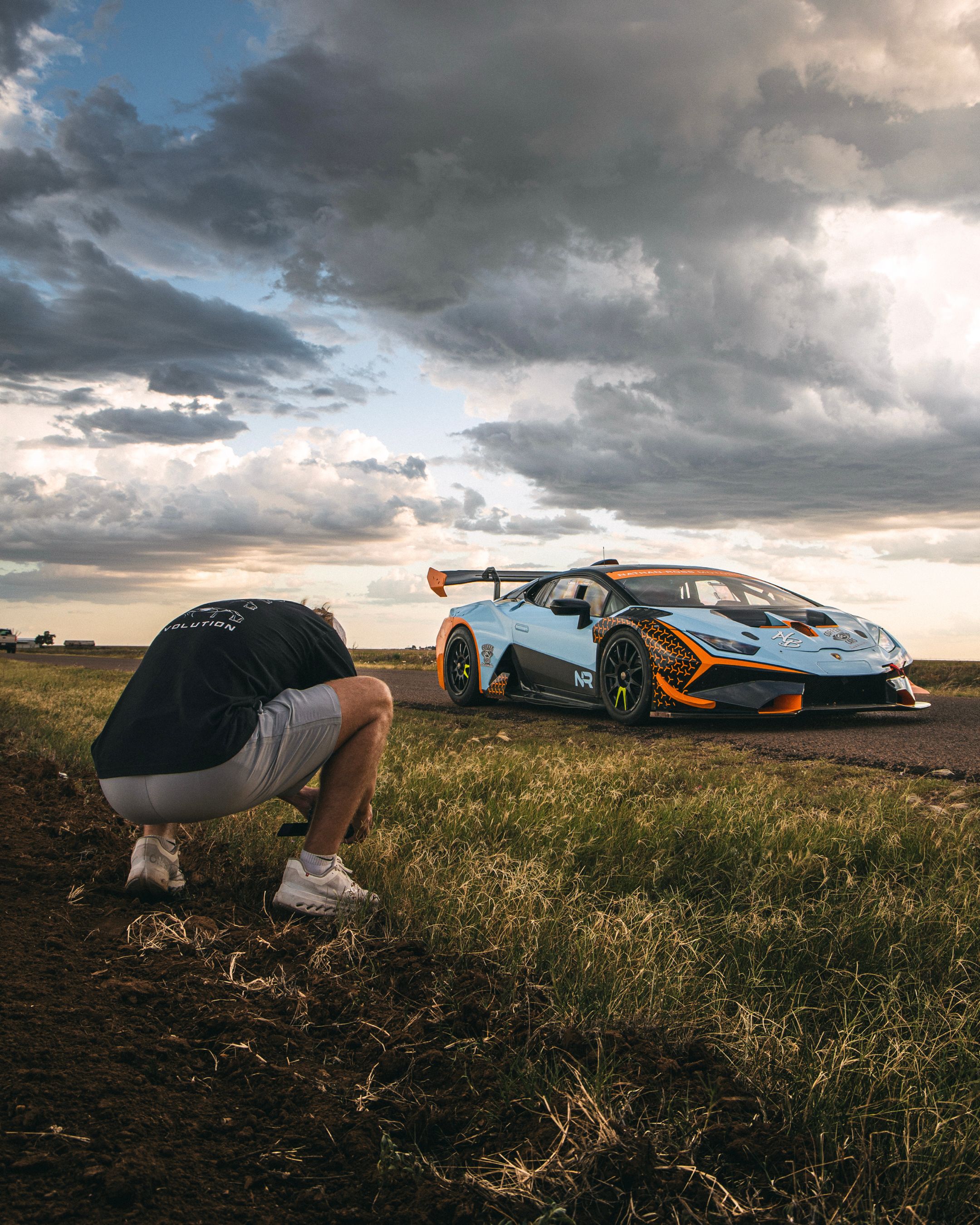
Race photos shot through fencing often work best with a short telephoto lens. A 50mm to 85mm lens gives a tight view without forcing you too close to the barrier.
If the track sits farther away, a 70–200mm zoom helps frame the car and trim extra fence from the shot. A wider lens can work too, but it usually makes the fence feel more obvious.
Use light and angle to hide the mesh
Shift a little left or right until the fence line falls off the focus plane. A wider aperture like f/2.8 can soften the fence if your subject stays sharp. Do not open up so far that the car’s nose and tail slip out of focus in a side view. Racing cars are long, and a little depth helps.
Shutter speed matters more than aperture here. At 1/1000s, you can freeze the car cleanly while still keeping enough detail in the frame.
Field workflow that keeps pace with the cars

Good race shots through fencing come from a simple workflow. Set up once, track cleanly, fire in short runs, then sort fast.
Use pick and reject flags in Lightroom or Photo Mechanic right after the session. That makes it easier to keep the best car angle and drop the frames where the fence cuts the subject badly.
A fast track-side routine
- Find one fence gap with the cleanest view.
- Set AF-C and high-speed continuous drive.
- Lock exposure in manual or use shutter priority with Auto ISO.
- Track one car through the turn.
- Fire a short burst at the opening.
- Check only the best moments after the lap ends.
This routine works because it cuts waste. You spend more time watching the race and less time fixing gear. For long days, keep the camera hanging where your hand can reach it fast. The best camera is the one you can raise before the opening disappears.
What the data says about speed and storage
Modern cameras can shoot very fast, but speed only helps if the rest of the chain keeps up. A 30 fps electronic burst sounds great, yet it can show rolling-shutter skew on fast cars or bands from LED lights.
Mechanical shutters are slower, often near 10 fps, but they can look more natural under mixed track lighting. That makes them a safer choice when the scene has bright signs, shade, and harsh sun in one frame.
Card speed changes how long you can keep shooting at full pace. Faster write speeds matter most for RAW files, since they are larger and fill the buffer sooner.
Know the limits before race day
- Electronic shutter: very fast, but can warp fast motion
- Mechanical shutter: slower, but more stable in many race scenes
- RAW: best for editing, but heavier on the buffer
- JPEG: lighter, faster, and easier on storage
Autofocus lag is another limit in crowded fence scenes. If the camera keeps grabbing the mesh, no frame rate can rescue the shot.

Subject detection, a clean focus zone, and a steady shooting position matter as much as fps. The goal is not just more frames. The goal is more useful frames.
Closing the gap cleanly
Freezing race action through fencing takes more than fast burst shooting. You need a clear gap, the right focus mode, and short, smart bursts that match the speed of the car. Use 1/1000s or faster, stay in AF-C or AI Servo, and keep your firing runs brief. If you manage battery use and card speed well, the camera will stay ready for the whole session.
The cleanest finish is simple: watch one fence opening, wait for the car to line up, and press just before it reaches the gap. That half-second is usually where the keeper lives.
Frequently Asked Questions
How to do burst mode on photos?

To do burst mode on photos, set the camera’s drive mode to high-speed continuous and keep the shutter button pressed to record several frames in a row. For race photography, continuous autofocus and a fast shutter speed help the burst capture the car at the best position.
Does burst mode take better photos?
Burst mode can produce a better race photo by increasing the chance of catching the car in a clean gap between fence wires or at the best moment in motion. Burst mode does not improve every image by itself, because timing, focus, and a fast shutter still matter.
What is a burst in photography?
A burst in photography is a rapid sequence of frames captured by holding the shutter or using continuous drive mode. In race photography, burst mode can freeze a moving car across several frames so one shot lands on the best position.
Does burst mode drain the battery?

Burst mode uses more battery than taking single shots because the camera fires and processes many frames quickly. Battery drain depends on the camera, shutter type, and how long the burst is used, with electronic shutter and high frame rates generally using more power.


