


- Expose for skin and let the sky run slightly bright if needed.
- Schedule the shoot within an hour of sunrise or sunset for soft light.
- Place the sun behind or beside your subject to cut squinting.
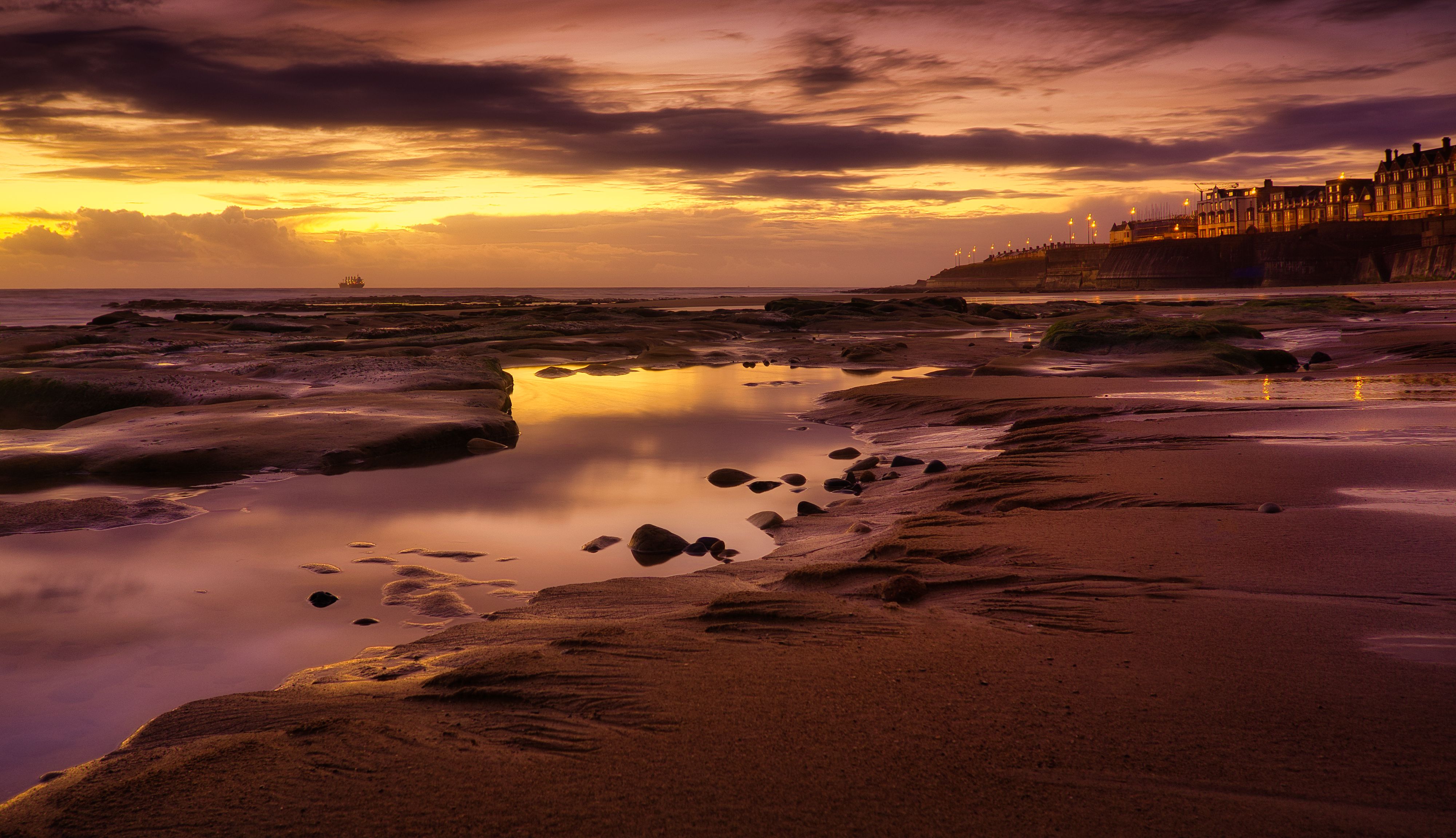
Golden hour beach portrait tips help you make soft, flattering portraits in the hour after sunrise and the hour before sunset. Light sits lower, warms up, and becomes easier to shape than harsh midday sun. At the beach, that gentle light can still turn tricky. Bright sand, glare off the water, and a low sun can wash out the sky or leave people squinting, so the setup has to be dialed in.
Translation missing: en.blog_cta.bundle_heading

- Regular price
-
€42 - Regular price
-
€44 - Sale price
-
€42
By choosing the Camstrap strap, you are opting for a high-quality product designed to meet the needs of the most demanding photographers.
- Developed by a physiotherapist to relieve neck and back pain.
- Fast delivery with tracking by the Post Office 🚚
- Can be used as a shoulder strap or hands-free harness

- Regular price
-
€36 - Regular price
-
€42 - Sale price
-
€36
Translation missing: en.blog_cta.free_shipping_included
Why sunset beach light behaves so differently
Water and sand throw sunlight back at you, which changes the scene fast. As the sun sinks, the light softens and the shadows stretch out.

That lower angle is exactly why this window works so well for portraits. It can also put faces in silhouette and hollow out the eyes if the exposure leans too far toward the sky.
What golden hour gives you
Golden hour usually means the last hour before sunset and the first hour after sunrise. Adobe describes it that way, and the light is often kind to skin because it lacks the punch of midday sun. Low-angle light also carves out facial shape. It adds depth without the heavy under-eye shadows overhead sun creates.
Why the beach adds risk

Sand works like a giant reflector, and calm water can do the same. That extra bounce can brighten the background while leaving the face too dark or too bright.
Wind brings its own headaches. Hair moves, clothing shifts, and small pose changes happen between frames, so the settings need enough flexibility to keep up.
How do I expose beach portraits in bright sunlight?
Start with the face, then protect the highlights. In bright sun, manual mode, ISO 100, and a shutter around 1/500s with an aperture near f/2.8 make a solid baseline. That setup gives you a clean file and helps freeze small movements. If the background still runs bright, pull the exposure down by about 1/3 to 2/3 stop and lift shadows later.

Settings that keep detail in both skin and sky
- Use manual exposure or aperture priority if the light stays steady.
- Keep ISO as close to 100 as you can in open light.
- Open the lens to f/2 to f/2.8 for soft background blur.
- Use 1/500s or faster if hair, hands, or fabric are moving.
- Check the histogram, not just the rear screen.
Adobe recommends ISO 100 as the starting point in available light, with 800 or 1600 saved for scenes that need much more brightness. On a bright beach, those higher values usually stay on the bench unless clouds roll in quickly.
Longer shutter speeds let in more light, but they also raise the blur risk. A wider aperture gives a shallow look, yet focus becomes easier to miss if the subject turns their head.
What time is golden hour at the beach in summer?
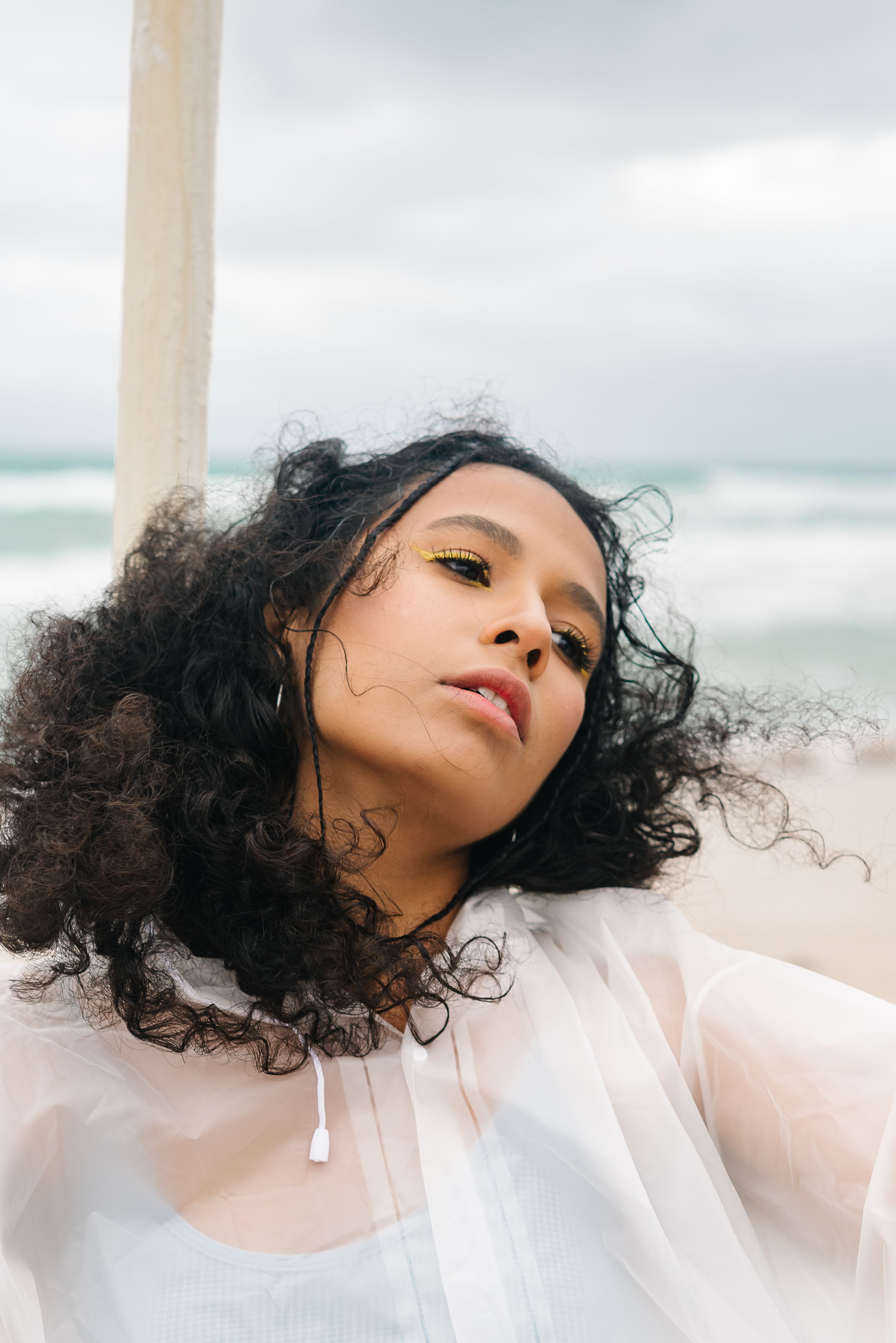
In summer, golden hour at the beach usually falls about one hour before sunset and one hour after sunrise. The exact timing shifts with location, date, and weather, so a weather app or sun-tracking app is worth checking the day before. Late summer sunsets can give you a longer shoot window. Even so, the best light may last only 20 to 30 minutes if clouds thicken or the sun drops behind dunes.
Plan the session around the light, not the clock
Arrive 30 to 45 minutes early. That leaves time to scout the tide line, find a clean background, and set your direction before the light peaks.
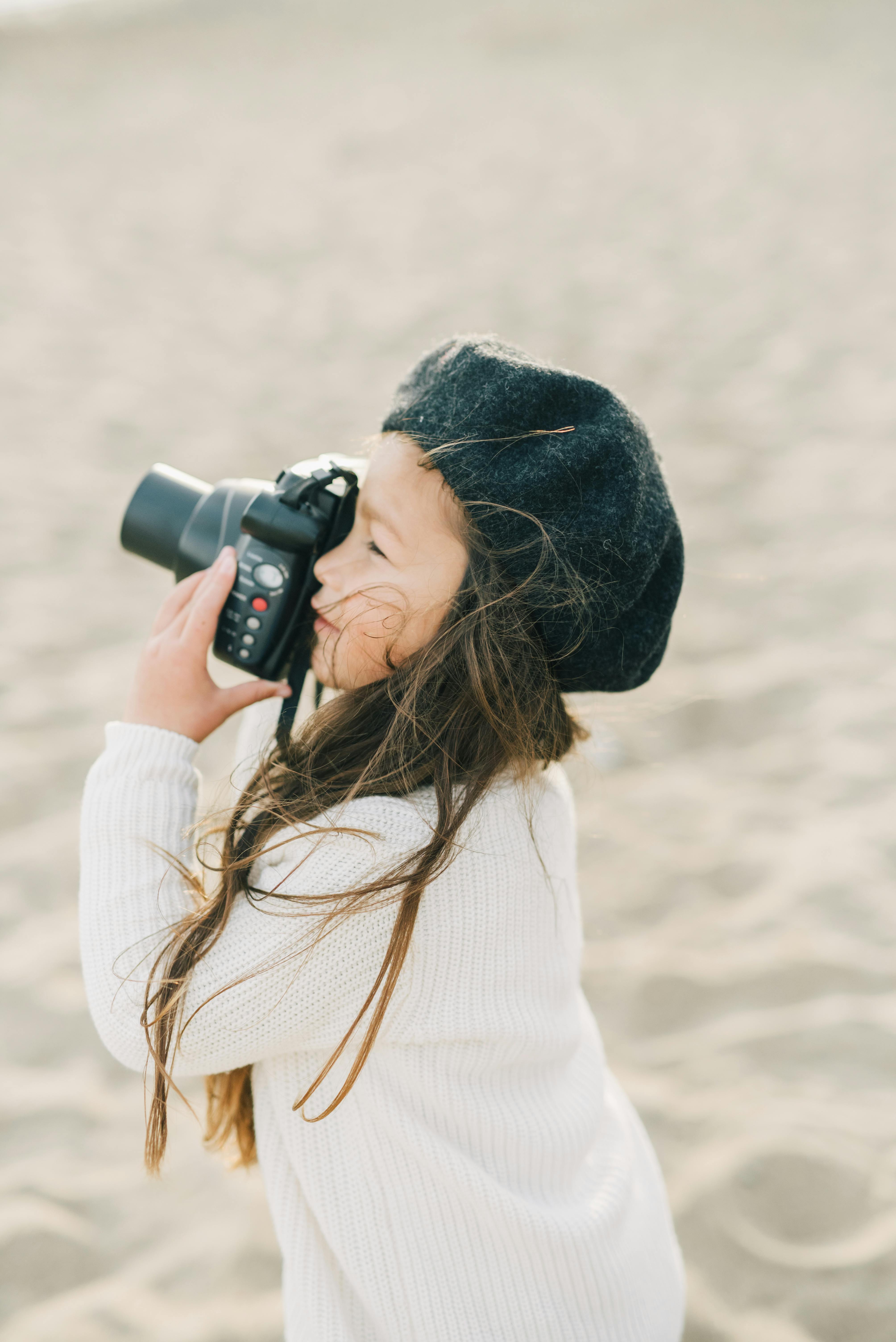
Sunrise sessions are often calmer and less crowded. The air can feel cleaner too, which helps the light stay soft a little longer.
How do I stop subjects from squinting in harsh light?
Turn the subject away from direct sun and let the light come from the side or behind. That simple move cuts eye glare and keeps the face relaxed. Ask for a quick eyes-closed reset, then count them back into the pose. A short cue like “open on three” keeps the timing clear.
Posing moves that reduce eye strain

- Place the sun behind the subject or just off one shoulder.
- Raise the chin a little, but not so high that the neck looks tight.
- Use a hand, hat brim, or body angle to block direct glare during setup.
- Shoot in short bursts once the pose feels good.
- Watch for tearful eyes after a few seconds in strong wind or sand glare.
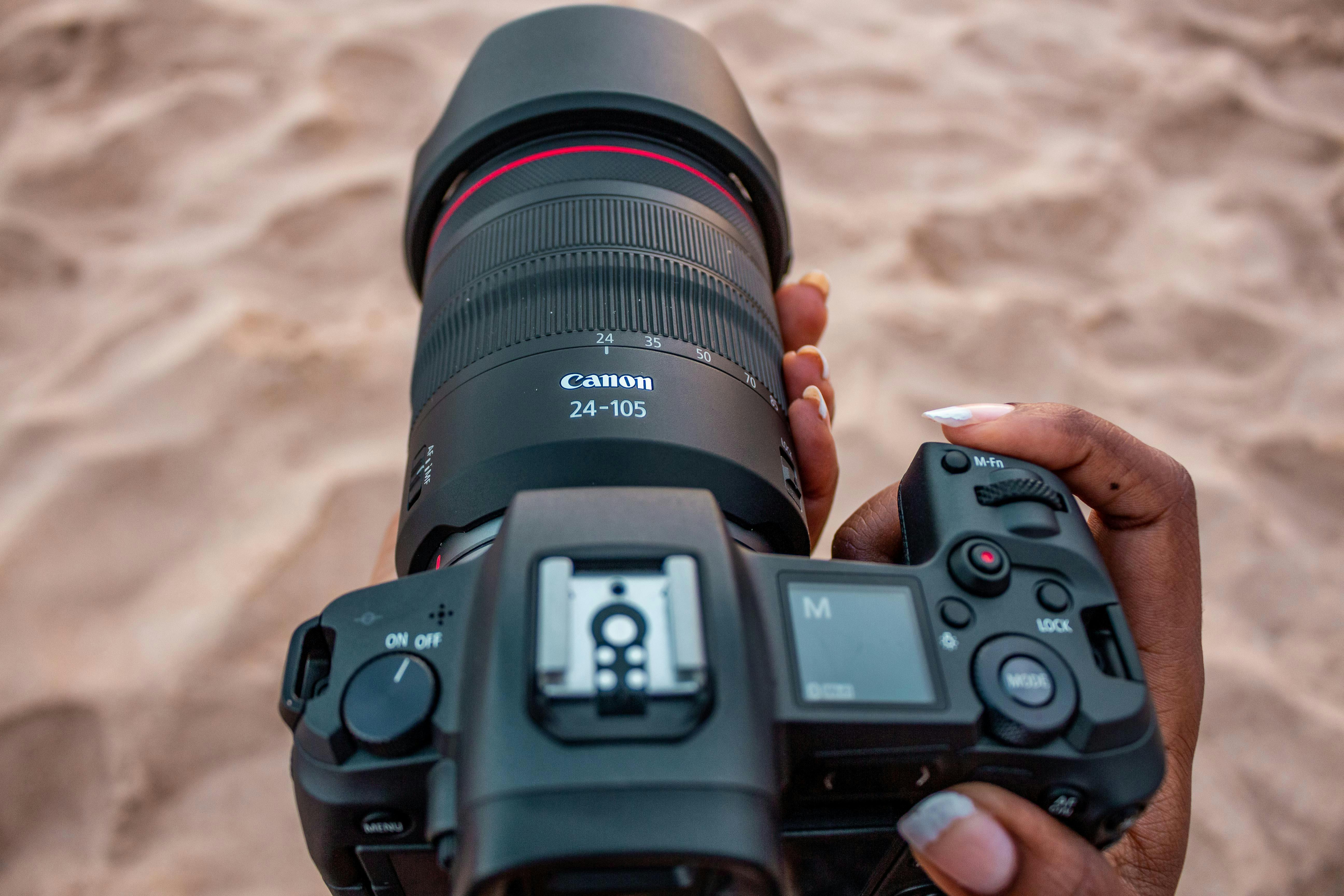
Canon suggests moving back and using a longer focal length for better face shape and stronger control over the background. A 50mm to 85mm lens on full frame is a strong range for this kind of portrait work.
That distance also makes people more comfortable. Most subjects relax once the camera is not right in their face.
Should I use a reflector for beach photos?
A reflector helps on beach shoots when the sun is low and the face needs a little fill. It pushes light into the eyes and softens shadows without flattening the scene. At the beach, a white reflector or a carefully used silver side usually works best. Silver has more punch, but it can look too hot if the sun is already strong.
Where fill light helps most
Backlit portraits often need a bit of lift on the face. A reflector can open the shadows under the eyes and chin while keeping the background bright and clean.
If the wind picks up, a reflector gets hard to hold, so bring a helper or keep the angle low. Flash can do the same job, but natural fill often looks softer in beach portraits.

Lens, focus, and camera handling that make the shot cleaner
A longer lens gives the portrait a calmer look and keeps you farther from the glare. On phones, Adobe points to 2x or 3x focal length as a strong portrait choice, with a working distance of about 2 to 8 feet. On a camera, AF-C or continuous AF with eye detection keeps the eyes sharp while the subject turns or laughs. Back-button focus adds even more control because you can lock focus and recompose without refocusing every time.
Useful capture choices at the shore
- Use eye detection when the face is clear and well lit.
- Switch to a single focus point if the camera hunts in glare.
- Try a burst of 3 to 6 frames for hair movement and blinks.
- Use pre-capture or pre-burst if your camera offers it.
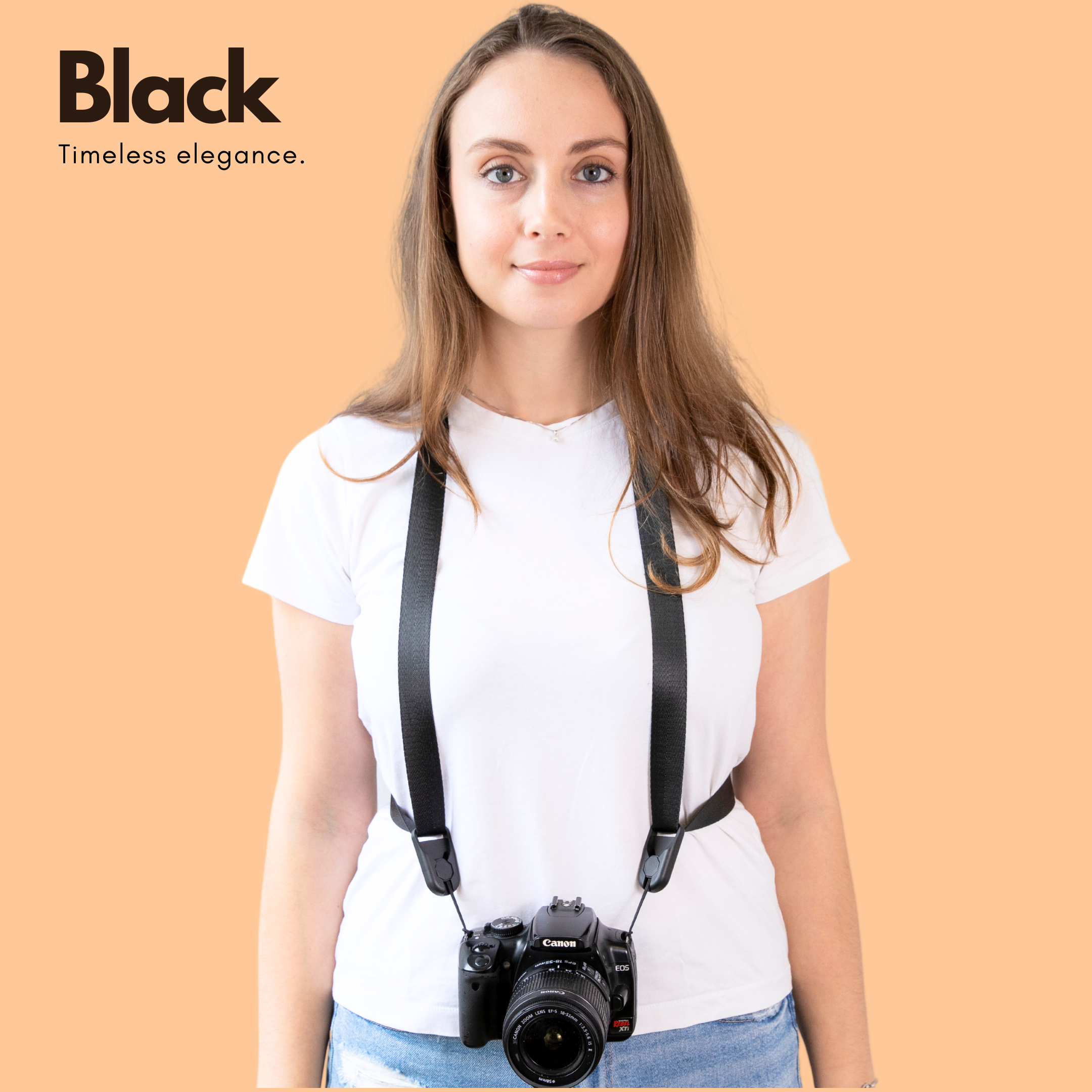
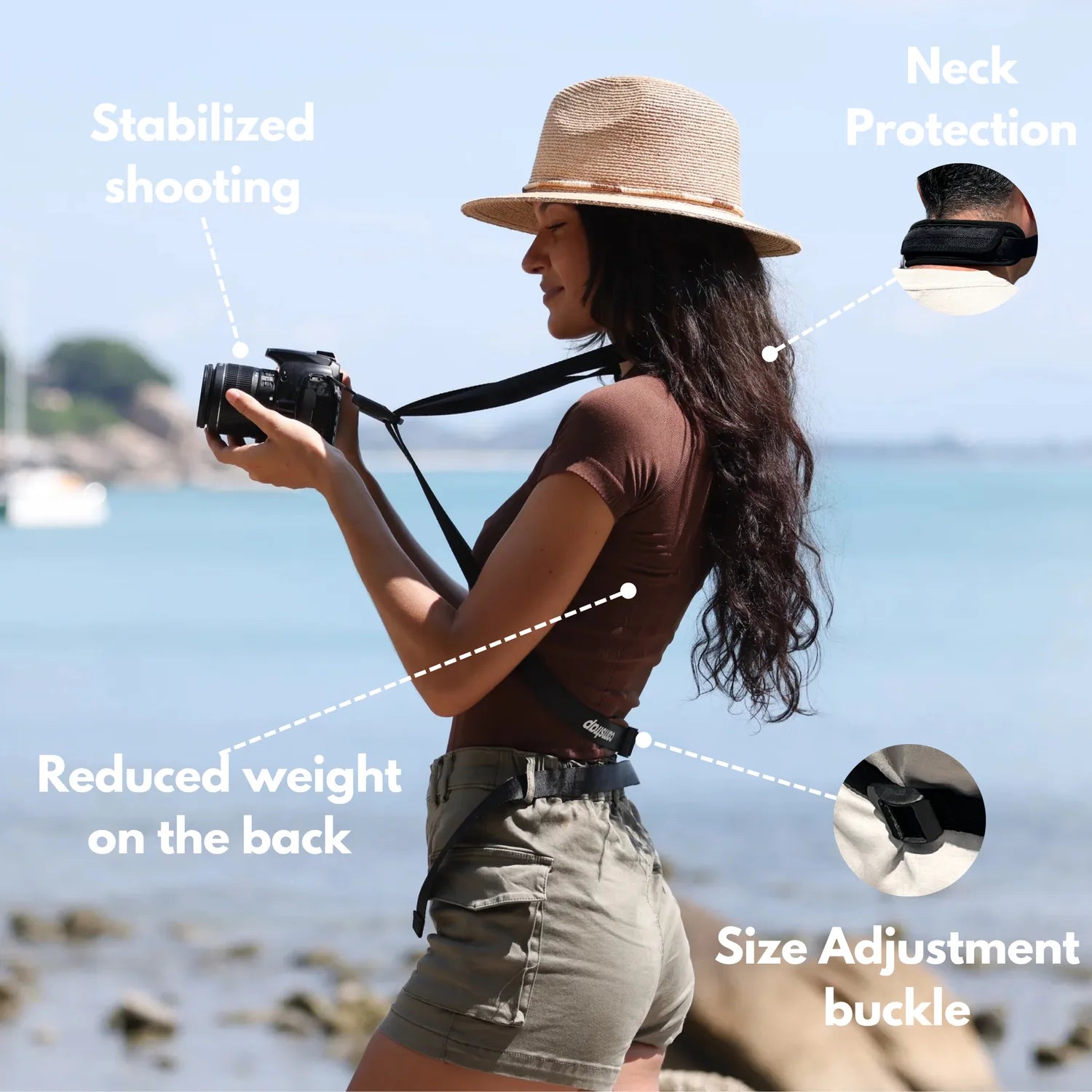
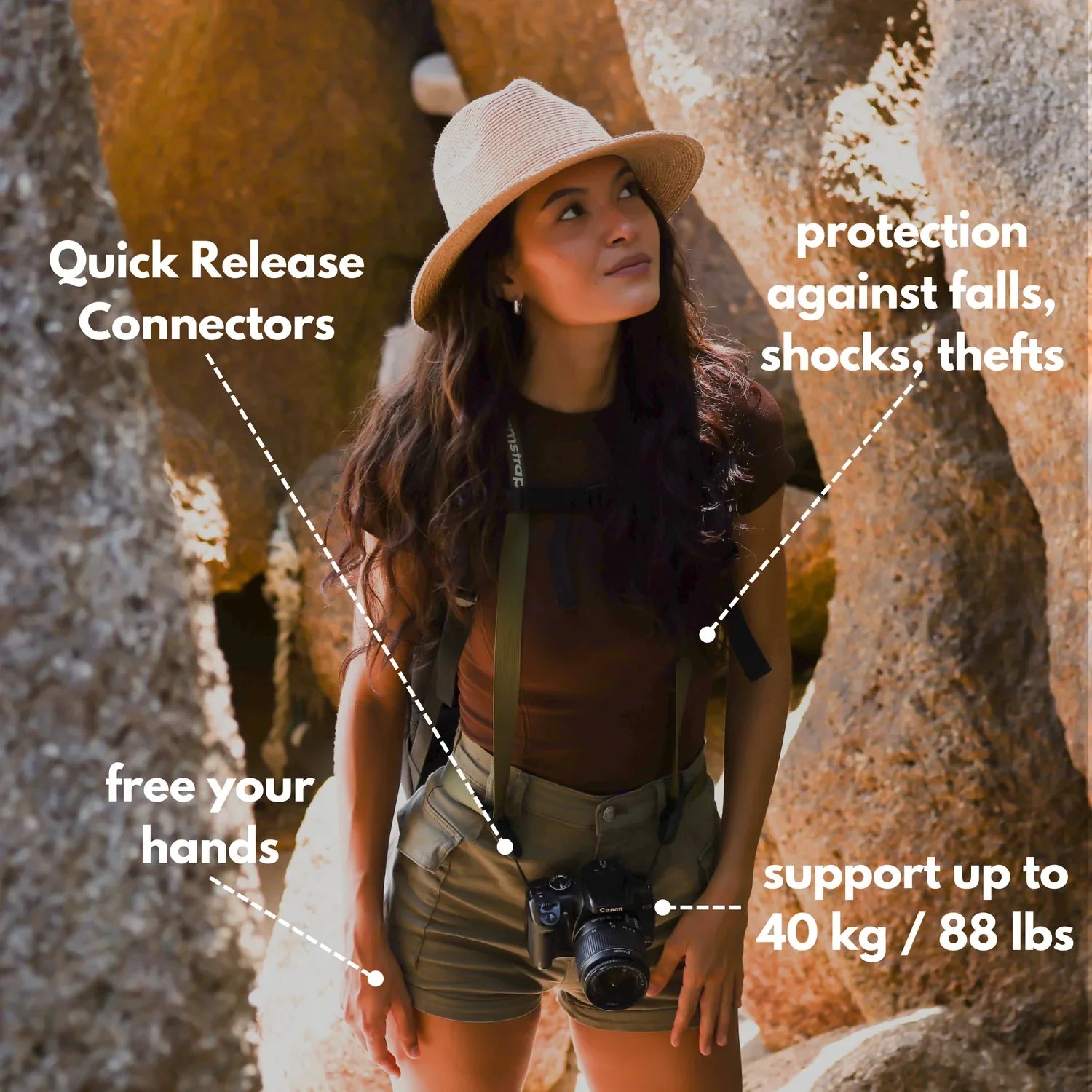
- Carry the camera on a strap or sling that keeps it ready while walking the shore.
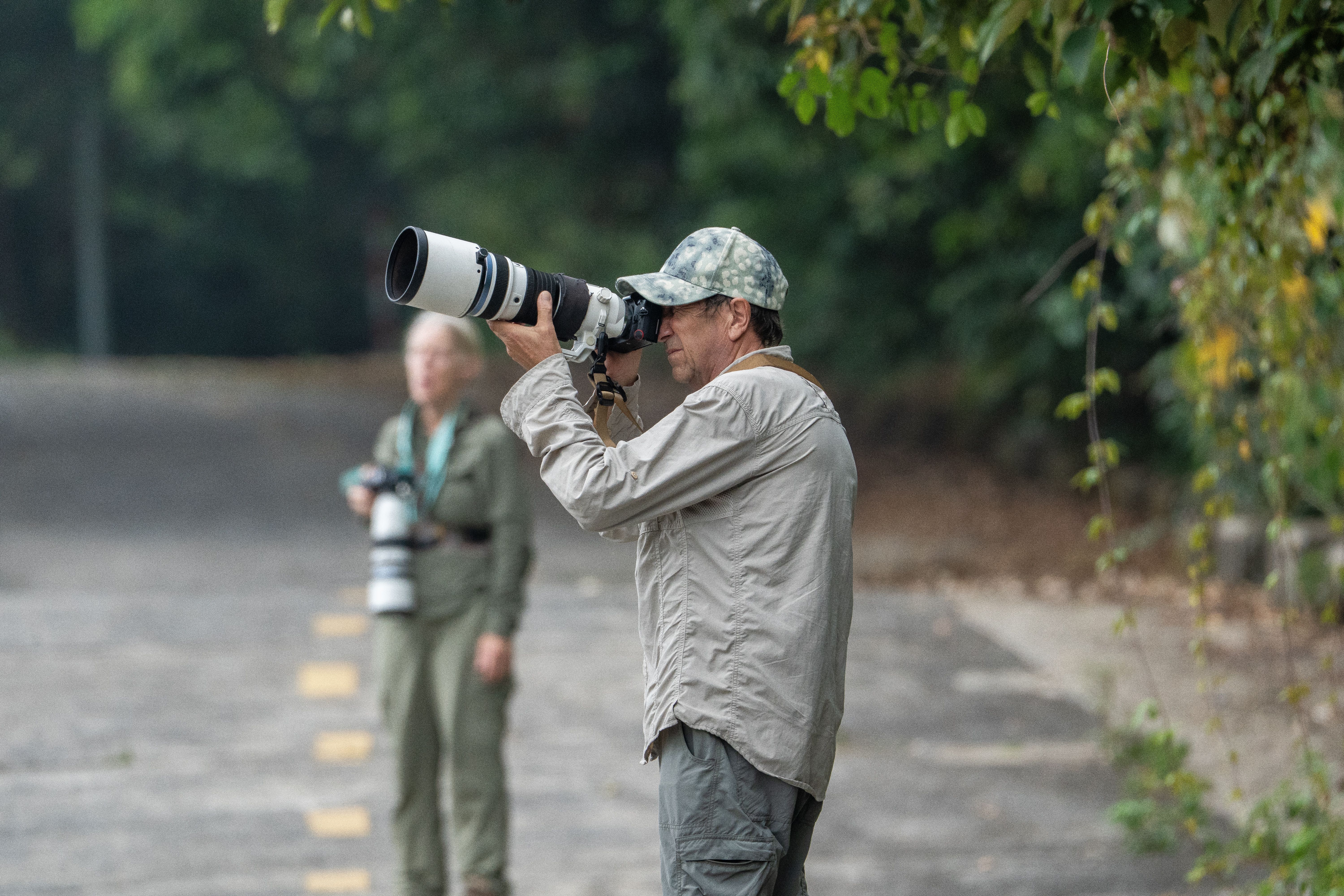
A comfortable strap counts for more at the beach than it first seems. Camstrap Voyager fits this job well because it keeps the camera stable while you move, then lets you lift it fast when the light shifts.
Clouds can open for ten seconds and vanish just as quickly. Beach light rewards speed, and comfort keeps you ready long enough to use it.
Editing choices that fix bright skies without losing skin tone
Careful editing can save a strong frame, but it should not replace good exposure. Start by pulling down highlights and lifting shadows until the face and sky feel balanced. In Lightroom or a similar editor, use the Highlights and Shadows sliders first. If the water or sand still looks too hot, lower Whites a little before you touch saturation.
A simple beach portrait edit path
- Set white balance so skin looks natural, not orange.
- خفض Highlights to recover clouds and bright water.
- Raise Shadows enough to open the face.
- Use a light mask on the subject if the background still pulls focus.
- Crop with space behind the subject to keep the horizon clean.
Watch the horizon line as you crop. A small tilt jumps out fast at the beach because the sea gives you a clear straight edge.
One more habit pays off: review the shot at 100 percent before moving on. Eyelash sharpness, glare in the eyes, and clipped highlights all show up fast there.
Putting it all together on the sand
The best beach portrait plan stays simple: get there early, watch the sun angle, and keep the face in soft light. Start with ISO 100, f/2 to f/2.8, and a shutter near 1/500s, then adjust from the histogram. Use side light or backlight to stop squinting, and add a reflector only when the shadows need help. If you are working with a phone, the 2x or 3x lens view gives you a cleaner portrait look than the wide camera.
Golden hour is brief, but it gives you room to work if you stay organized. Check the sun time before you leave, keep the camera on a comfortable strap, and be ready to shoot the second the light turns soft at the waterline.
Frequently Asked Questions
How do I expose beach portraits in bright sunlight?
Expose beach portraits by starting with the face and protecting the highlights. In bright sun, manual mode, ISO 100, and a shutter around 1/500s with an aperture near f/2.8 are a solid baseline, then reduce exposure by about 1/3 to 2/3 stop if the background still runs bright.
What time is golden hour at the beach in summer?
Golden hour at the beach in summer usually falls about one hour before sunset and one hour after sunrise. Exact timing changes with location, date, and weather, so a weather app or sun-tracking app should be checked the day before.
How do I stop subjects from squinting in harsh light?
Keep subjects from squinting by avoiding direct harsh light and using the low-angle light of golden hour, when the sun is softer and less punishing than midday sun. At the beach, positioning subjects so the face is not aimed into the brightest glare from sand or water also helps reduce squinting.
Should I use a reflector for beach photos?
A reflector can help beach portraits because sand and water already bounce light and a reflector adds more controlled fill to lift shadows on the face. On a bright beach, use it carefully because too much bounce can blow out highlights or flatten facial shape.


