


- How can I get smooth footage without a gimbal
- What shutter speed and stabilization settings help handheld video
- How do I switch quickly between photo and video modes

Want to film smooth handheld travel videos with your mirrorless this summer? You do not need a gimbal for every shot. With the right setup, a steady hold, and a few smart settings, you can capture clips that feel clean and easy to watch.
Shop the setup

- Regular price
-
€42 - Regular price
-
€44 - Sale price
-
€42
By choosing the Camstrap strap, you are opting for a high-quality product designed to meet the needs of the most demanding photographers.
- Developed by a physiotherapist to relieve neck and back pain.
- Fast delivery with tracking by the Post Office 🚚
- Can be used as a shoulder strap or hands-free harness

- Regular price
-
€36 - Regular price
-
€42 - Sale price
-
€36
Free shipping included
Summer travel is busy, bright, and full of motion. That makes it an ideal time to shoot video. It also means your camera work needs to stay light, quick, and simple. The good news is that a mirrorless camera can handle all of that very well.
Why handheld travel video works so well in summer
Handheld video feels fast and real. It lets you film a market, a beach walk, or a train ride without extra gear slowing you down. For travel, that matters because plans change quickly and moments do not wait.

A secure, low-profile strap can help a lot here. It keeps your camera close, frees both hands, and makes two-handed shooting much easier. That extra support can help you frame shots faster and keep your footage steadier.
Pick a camera that fits travel life

Some mirrorless cameras are better suited to travel video than others. The Fujifilm X-T5 is a strong all-around travel pick because it balances size, image quality, battery life, and lens choice. The Nikon Z6 III is a top full-frame option for better low light and strong image quality.
If you want a smaller system, the OM System OM-3 is a very light and flexible travel choice. For video-first users, the Panasonic LUMIX GH7 stands out because it can record uncropped 4K video at up to 120 fps. The Sony ZV-E10 II is also a smart entry-level option for YouTube and travel video.
How to film smooth handheld travel videos without a gimbal

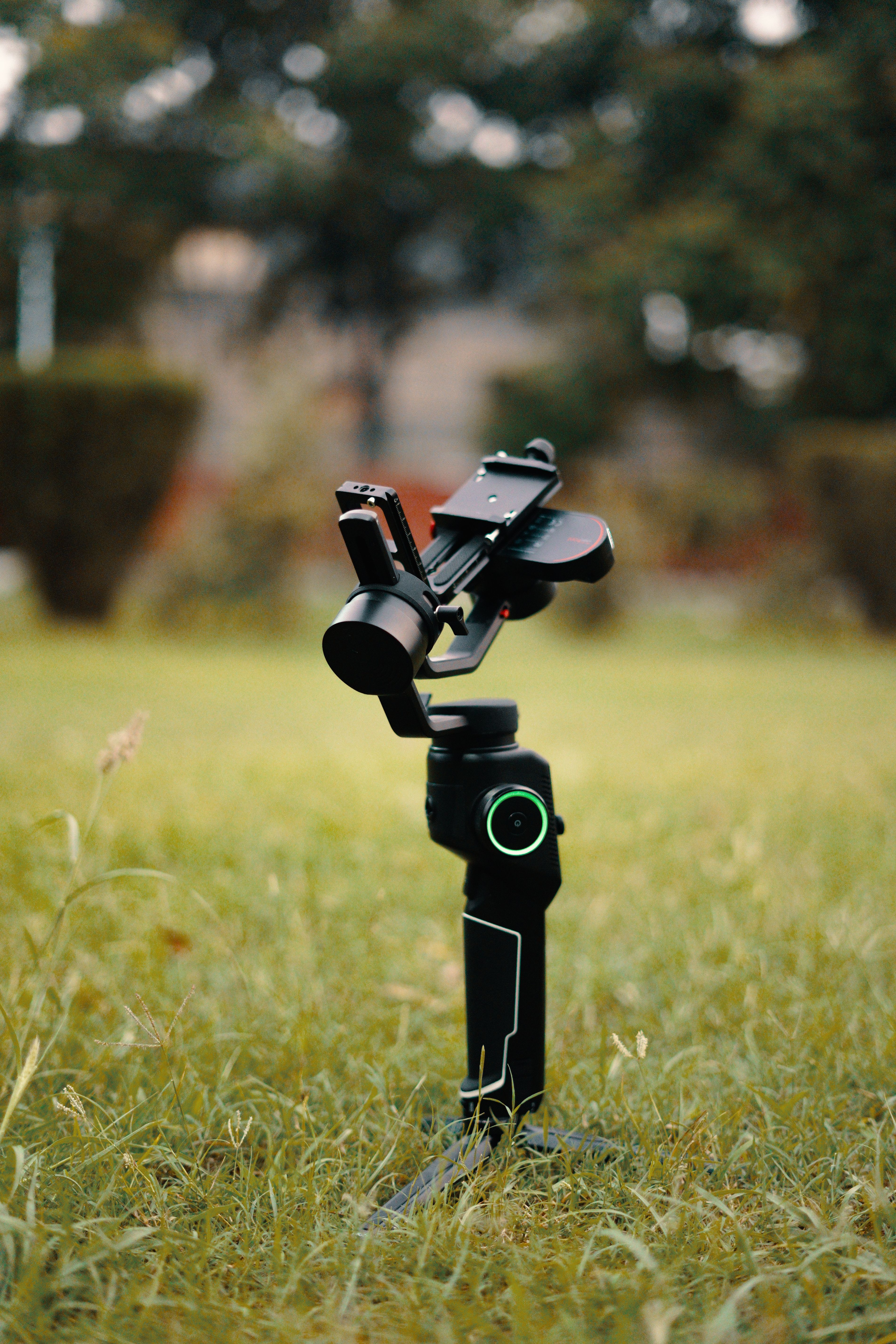
You can shoot smooth handheld travel videos without heavy gear. The trick is to move less, brace more, and keep your shots short. A gimbal helps, but good technique often matters more.
Start by holding the camera with two hands whenever possible. Keep your elbows close to your body. Bend your knees slightly and walk as if you are gliding. This simple body control can make handheld footage feel much smoother.
Use your strap as support, not just storage
A good strap does more than carry your camera. A low-profile strap like the Camstrap Voyager, Camstrap Explorer, or Camstrap Nomad can help keep your camera secure while you move. That leaves your hands free for map checks, lens changes, or quick framing.
When you are ready to film, bring the camera up quickly and start recording. This is useful in busy streets, airports, and outdoor spots. You spend less time adjusting gear and more time getting the shot.

Walk and pan with care
Fast moves make handheld footage look shaky. Slower steps work better, as do short pans and gentle tilts. If you need to follow a subject, turn your whole body instead of twisting only your arms.
Also, keep clips short. Five to ten seconds is often enough for travel edits. Short clips hide small bumps and help your final video feel smoother.
Best settings to film handheld travel footage
Your settings shape how your video looks. If you want smooth footage, begin with a shutter speed that matches your frame rate. For 24 fps, use about 1/50s. For 30 fps, use about 1/60s. For 60 fps, use about 1/125s.
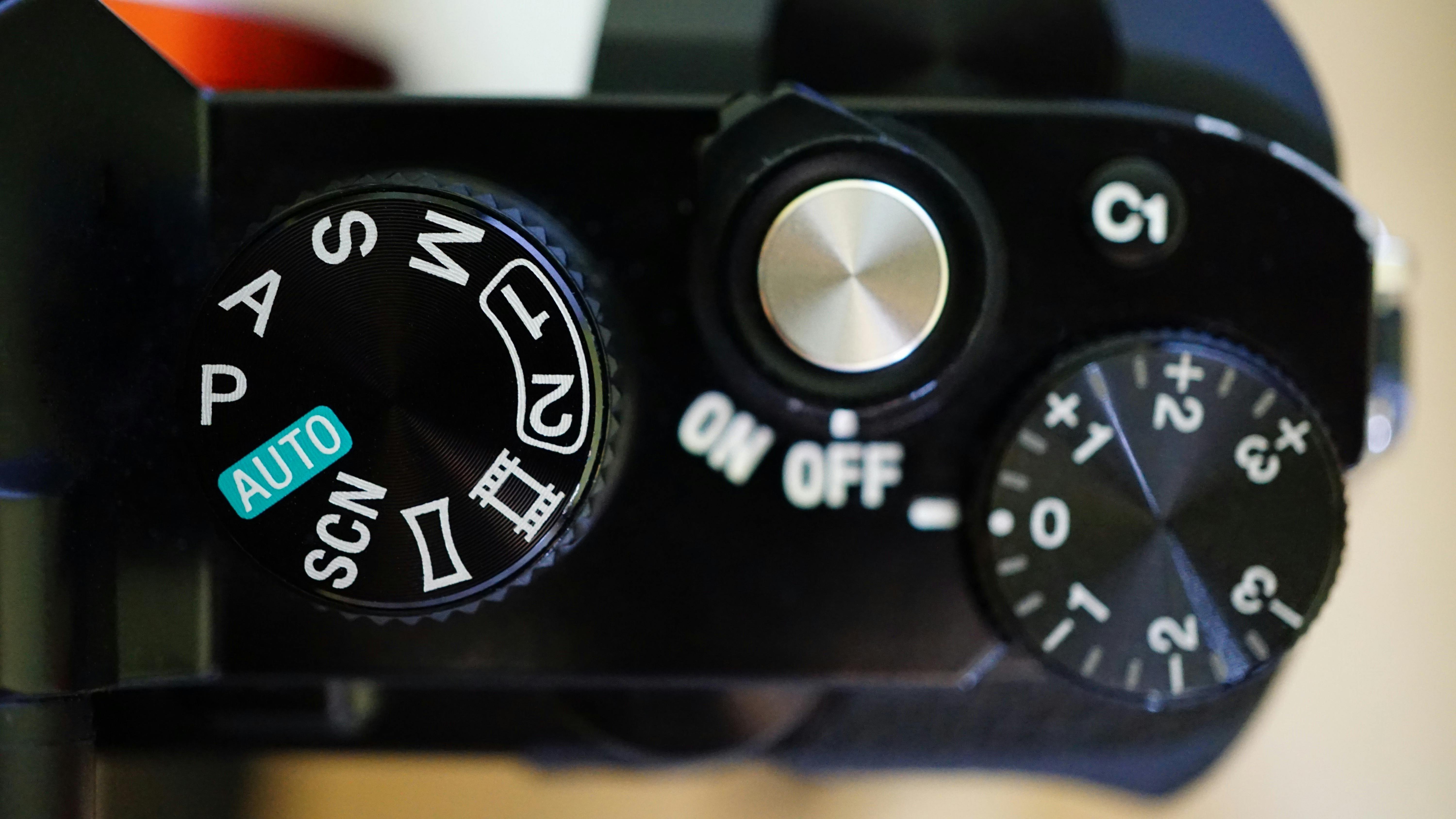
These speeds help motion look natural. They also keep your footage from appearing too sharp or too choppy. If your camera has stabilization, turn it on when you shoot handheld. That can help reduce small shakes.
Choose stabilization settings with care
Many mirrorless cameras offer in-body image stabilization, or IBIS. Some also add digital stabilization. Use both only when needed, since stronger digital help can crop the frame. For walking shots, a light stabilization mode often looks best.
If your camera offers a crop-free or low-crop mode, try that first. The Panasonic S5 II can record up to 6K video internally, which gives you room to crop later in editing. That can help when you need to reframe a shot.
Use the right lens for steadier travel clips
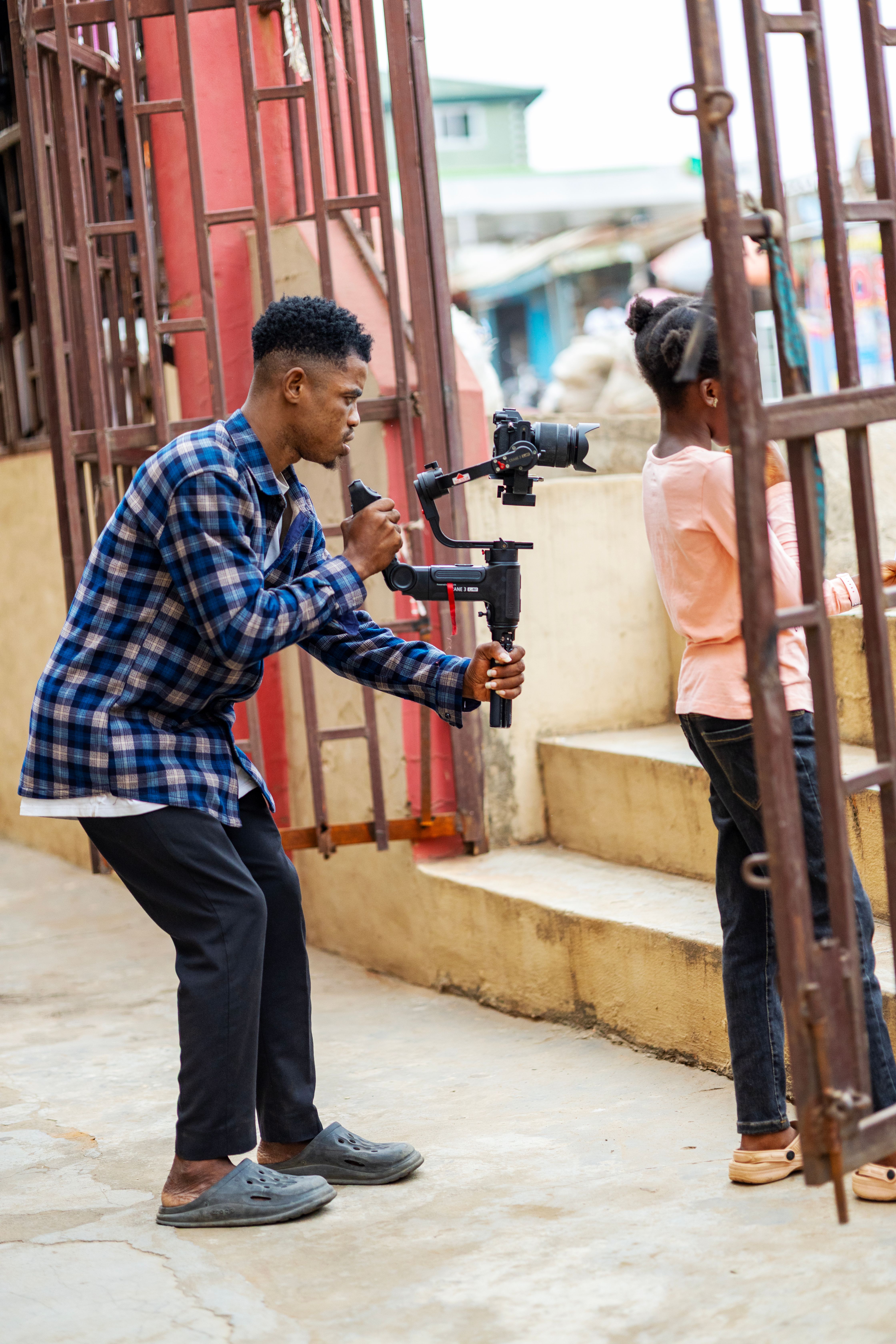
Lens choice affects how stable your video feels. A wider lens hides shake better than a long lens. Many travel shooters like focal lengths around 24mm to 35mm for walking shots. These are easy to hold and frame.
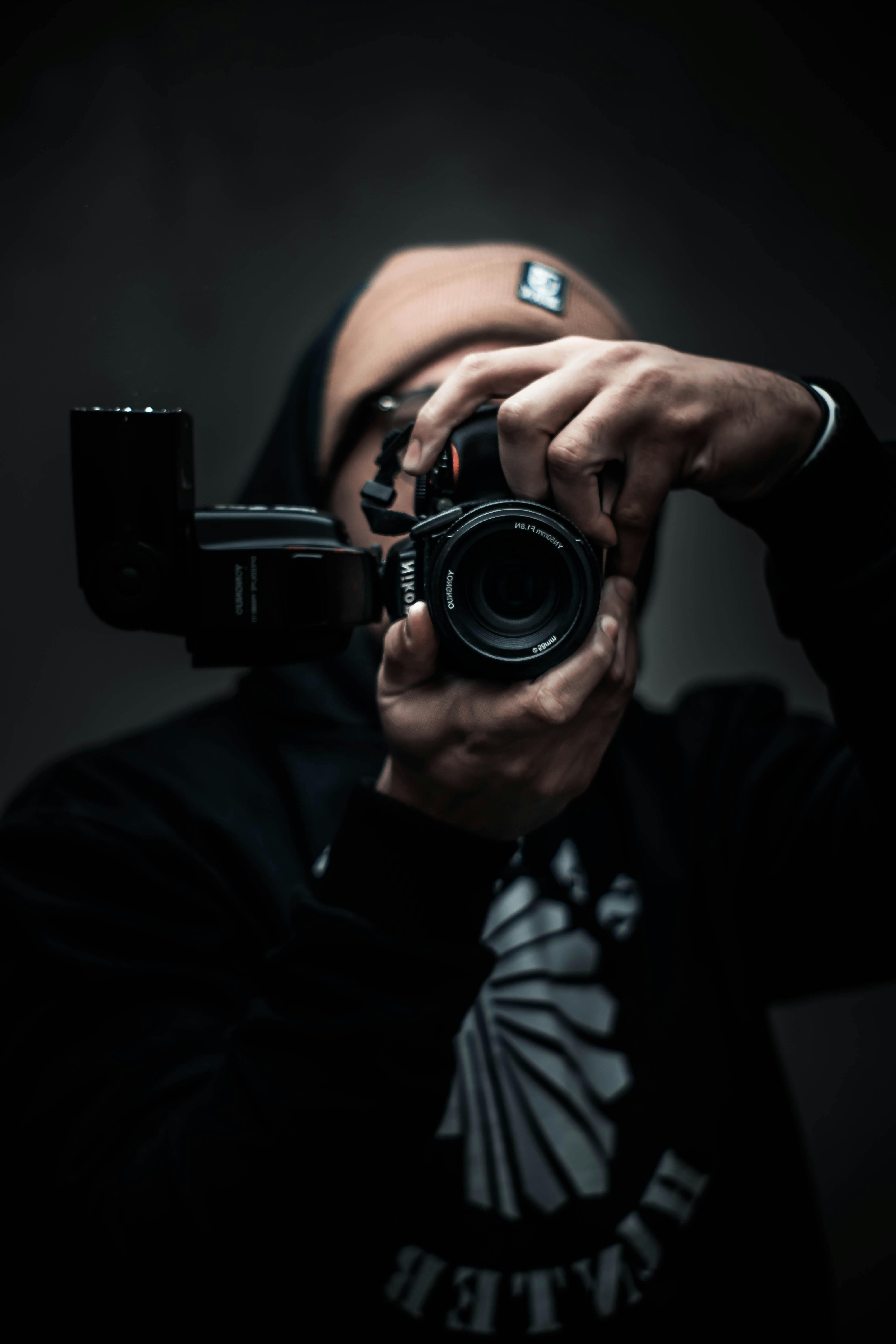
A lens like the Sony FE 50mm F1.8 can also work well for travel video. It gives a natural view and a bright f/1.8 aperture. That helps in low light and lets you separate your subject from the background.
If you want a very steady look, keep your zoom range short and your shots simple. Avoid long focal lengths unless you are standing still. A 50mm lens can look great, but it needs a calmer hand.
Plan your travel shots before you press record
Good travel video starts before you film. Think about the scene first. Ask what the viewer should feel. Then pick one clear subject. This makes your footage easier to cut into a clean story later.
Try to film a wide shot, a medium shot, and a close detail in each place. For example, at a street cafe, film the full scene, then the table, then the drink. This gives your edit more shape and makes your travel video feel complete.
- Wide shot: show the place and the mood.
- Medium shot: show the action.
- Close shot: show a detail, like hands, food, or signs.
Use light to your advantage
Summer light can be harsh in the middle of the day. Early morning and late afternoon often look better. The light is softer, and skin tones usually look nicer. This can help your handheld travel footage feel more polished right away.
If you must film at noon, look for shade. Shoot under trees, near buildings, or inside open spaces. Shade lowers contrast and makes it easier to keep faces and details clear.
Switch fast between photo and video modes
Travel days move fast, so mode changes should be simple. Set up your camera before you leave. Save your stills and video settings in custom modes if your mirrorless body allows it. That way, you can switch with one dial turn or one button press.
This matters because travel often gives you both photo and video moments at once. A sunset may be perfect for a still and a clip. A market scene may need a quick photo, then a smooth handheld video take. Fast switching helps you catch both.
Create a quick video preset
Use one preset for your main travel video look. Set your frame rate, shutter speed, white balance, and stabilization in advance. You can also save a photo preset with a different ISO and exposure mode.
If your camera supports it, set one custom button for video record and one for photo review. This cuts down on menu time. In travel work, speed often matters more than perfect control.
Keep your bag simple
A light bag helps you move faster and shoot more often. Carry one camera, one main lens, one spare battery, and one memory card. That setup is enough for most summer trips.
If you switch gear often, use a strap system that stays out of the way. The Camstrap MagClip can be a useful option if you want quick access without a bulky setup. It keeps the camera close, so you can move from photo to video in seconds.
Travel video ideas that look smooth on screen

Some shots work better than others for handheld travel edits. Simple actions often look the best. You do not need big scenes or complex moves. You need clear motion, clean framing, and steady hands.
Begin with basic travel moments. Film walking shots, taxi rides, food prep, signs, and quick skyline views. These clips connect your story and make the trip feel real. They also hide small shakes better than long, slow scenes.
- Walk toward a landmark and let it fill the frame.
- Film a slow push-in on a sign, dish, or doorway.
- Use a short pan to show a beach, street, or market.
- Film a two-second detail shot of hands, shoes, or luggage.
- Record a calm reaction shot after you reach a new spot.
These simple shots work well because they match real travel pace. They are easy to film and easy to edit. Therefore, they help you make a smooth final video even if you shoot on the move.
What the best travel cameras tell us about video needs

Current camera picks show a clear trend. Travel shooters want small bodies, good battery life, and strong video tools. The Fujifilm X-T5 is a top travel choice because it balances size and image quality well. The Nikon Z6 III gives you full-frame quality and strong low-light results.
For video-heavy work, camera makers are pushing harder. The Panasonic LUMIX GH7 records uncropped 4K at up to 120 fps, which gives you room for smoother motion and slow motion. The Sony ZV-E10 II fits creators who want an easy path into travel video and YouTube.
These facts matter because they show what to look for in a travel camera. You want good stabilization, a useful lens range, and a body that feels easy to carry all day. Even a high-end camera like the Nikon Z9, with its 45-megapixel sensor and 20 FPS bursts, still needs simple handling for travel use.
Video features matter, but so does comfort
Great specs do not help if the camera feels heavy or awkward. The Canon EOS R5, for example, brings a 45-megapixel sensor, 20 FPS stills, and 8K video. That is impressive, but travel comfort still depends on how you carry it.

That is why a good strap setup matters. A secure strap reduces strain and makes your camera easier to use for long days. In real travel use, comfort often leads to better footage because you film more often and with less stress.
Finish strong: keep your summer travel videos simple
If you want to film smooth handheld travel videos with your mirrorless this summer, keep the process simple. Use a camera that fits your style. Hold it steady with both hands. Set a proper shutter speed. Turn on stabilization. Then shoot short, clear clips.
Also, use your strap as part of your workflow, not just for carrying. A low-profile option like the Camstrap Voyager, Camstrap Explorer, Camstrap Nomad, or Camstrap MagClip can help you move faster and stay ready. That means less fuss and more filming.
The best travel videos do not come from fancy gear alone. They come from good timing, simple settings, and steady hands. If you keep those things in mind, your handheld summer footage will look smoother, feel more alive, and be much easier to share.

Frequently Asked Questions
How can I get smooth footage without a gimbal?
Use two hands, keep your elbows close to your body, bend your knees slightly, and walk with slow, gliding steps. Keep movements minimal, use short clips, and make pans or tilts gently.
What shutter speed and stabilization settings help handheld video?
The provided article excerpt does not specify exact shutter speed values. It does recommend using your camera’s stabilization features and relying on steady body technique, but does not name specific stabilization settings.
How do I switch quickly between photo and video modes?
The article excerpt does not give a specific camera-menu method for switching modes. It does emphasize keeping your setup light and simple so you can bring the camera up quickly and start recording without much adjustment.


