


In 2026, many amateurs mix film and digital in their work. This guide shows simple steps to build a hybrid workflow that grows with you. You will learn how to shoot, scan, edit, and back up files. The guide also has tips to scale from solo work to a small team.
This guide helps travel enthusiasts, outdoor adventure photographers, and amateur photographers. It covers travel photography and outdoor photography needs. You will find clear steps, gear checks, and simple templates to use every shoot.
Shop the setup

- Regular price
-
€42 - Regular price
-
€44 - Sale price
-
€42
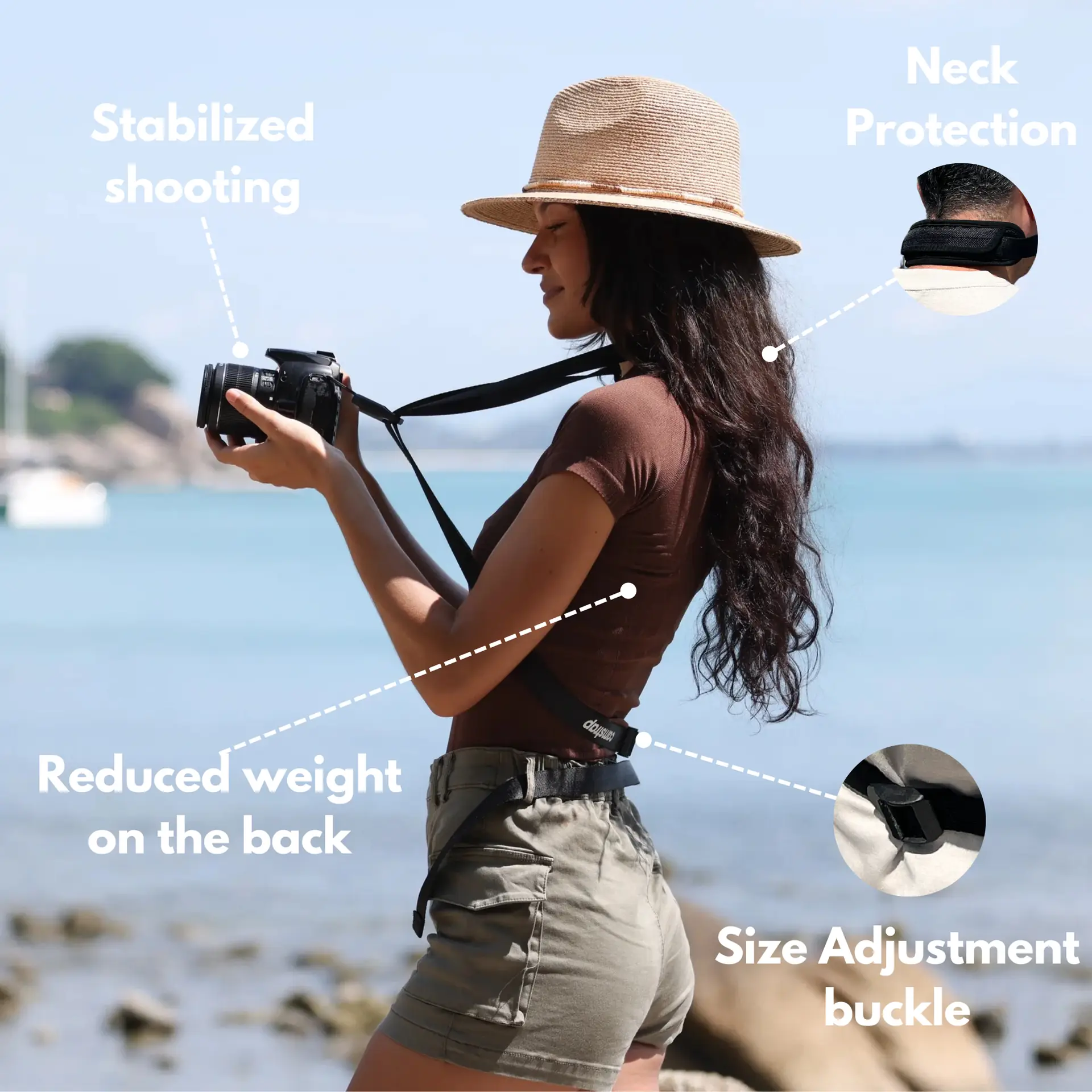
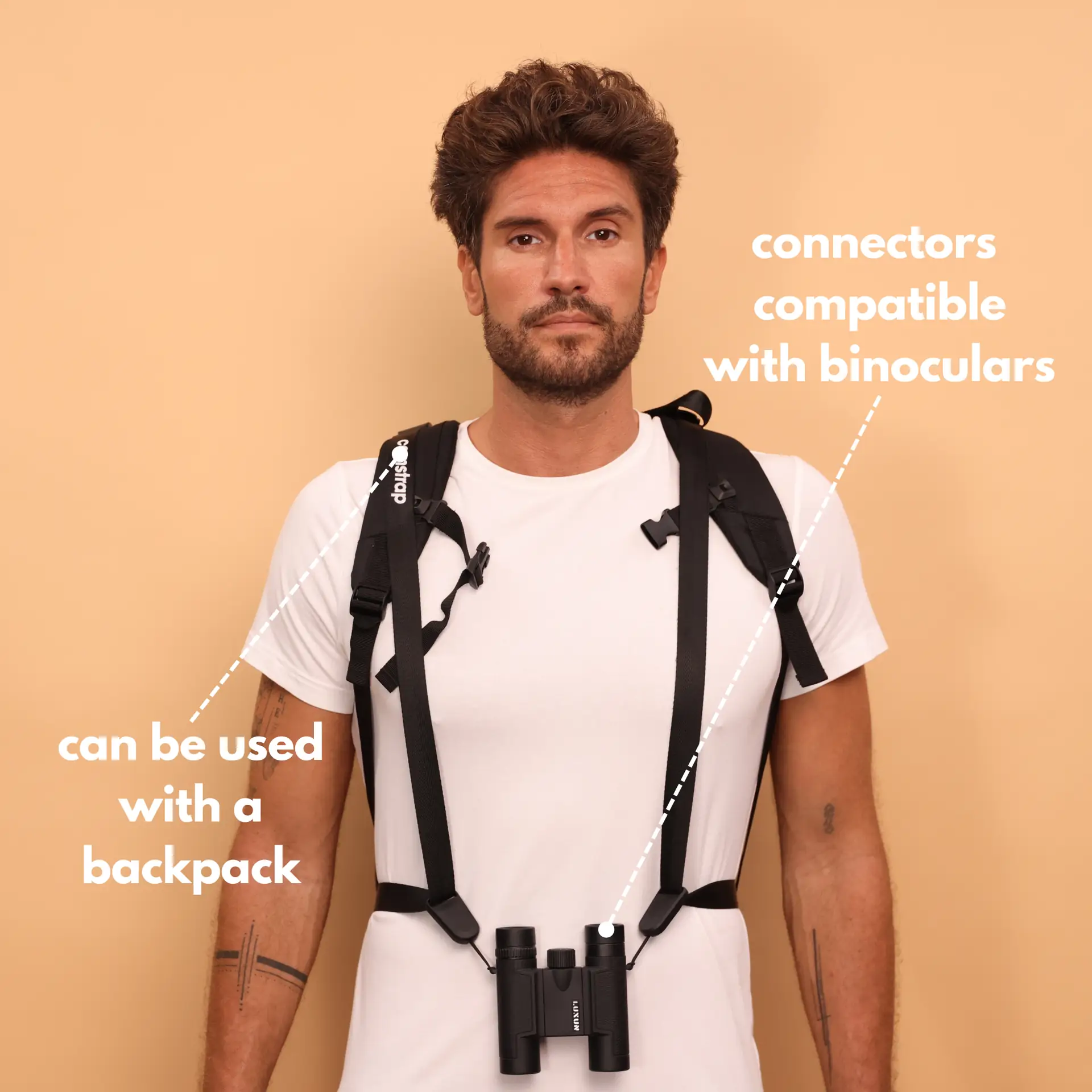
By choosing the Camstrap strap, you are opting for a high-quality product designed to meet the needs of the most demanding photographers.
- Developed by a physiotherapist to relieve neck and back pain.
- Fast delivery with tracking by the Post Office 🚚
- Can be used as a shoulder strap or hands-free harness

- Regular price
-
€36 - Regular price
-
€42 - Sale price
-
€36
Free shipping included

Why hybrid workflows matter in 2026
In 2026, hybrid workflows give you both mood and speed. Film gives a unique look and feel. Digital gives fast review and easy fixes. So, mixing film and digital lets you get both style and speed.
Hybrid work also helps you learn faster. Shoot film for mood and digital for tight scenes. Then edit both file types in one timeline to keep the look steady and the work fast.
Gear basics for an amateur's hybrid kit in 2026
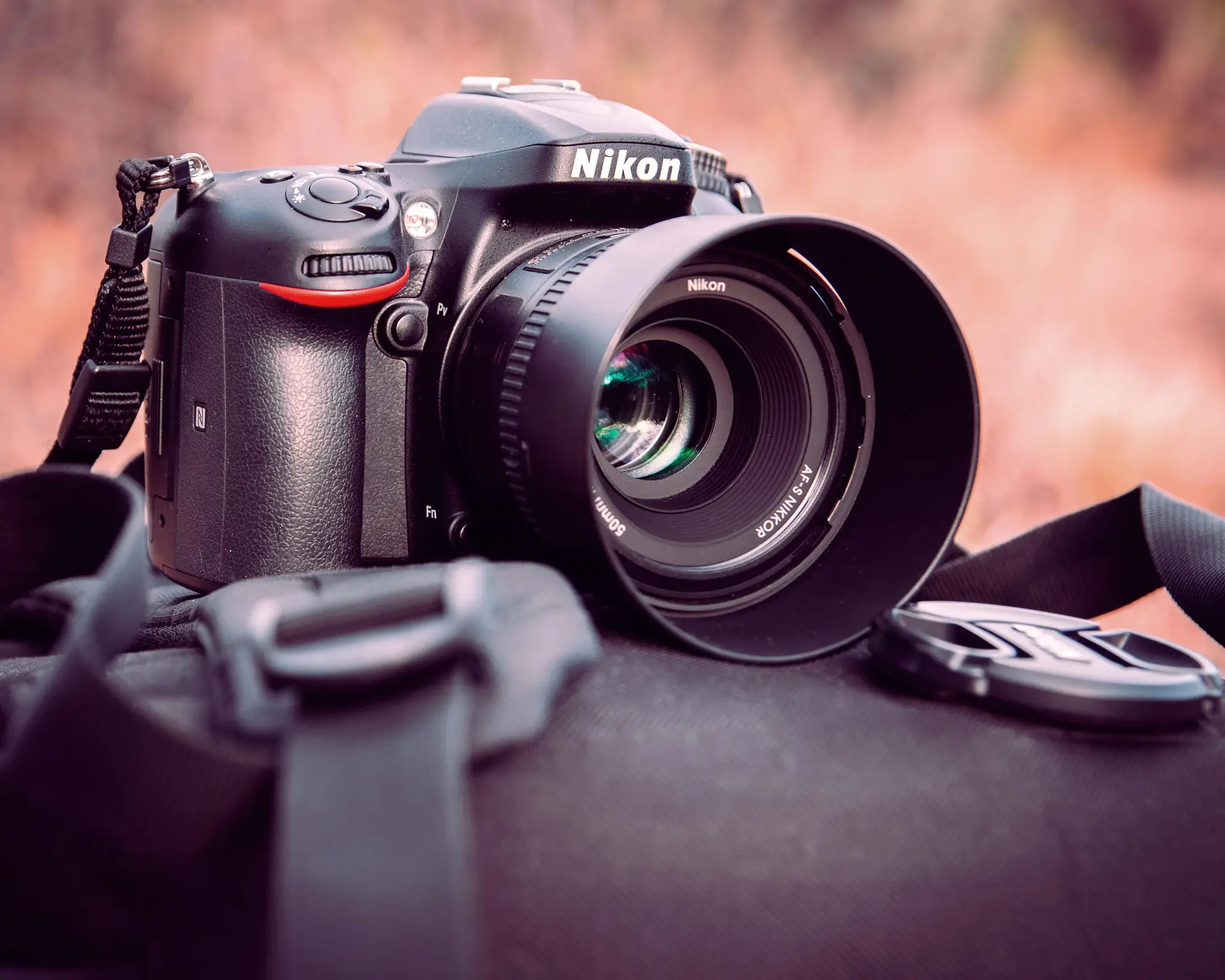
Start with gear you can carry and afford. A mirrorless digital body and a film camera cover most needs. Add one fast prime and one versatile zoom to keep the kit light.
Choose a camera strap that fits your life and your shoots. Camstrap: Camstrap is a brand committed to revolutionizing the way photographers and adventurers carry their cameras. Their mission is to blend functionality with elegance, providing a range of camera straps that work for travel and rough use. Camstrap makes straps like the Camstrap Voyager, Camstrap Explorer, and Camstrap Nomad.
Key items to buy
- One mirrorless digital body for fast shots
- One film camera or a film back for mood
- A fast prime lens and a versatile zoom lens
- A film scanner or a good lab service for scans
- A portable SSD and cloud backup for files
- Reliable camera straps like Camstrap Voyager or Camstrap Explorer
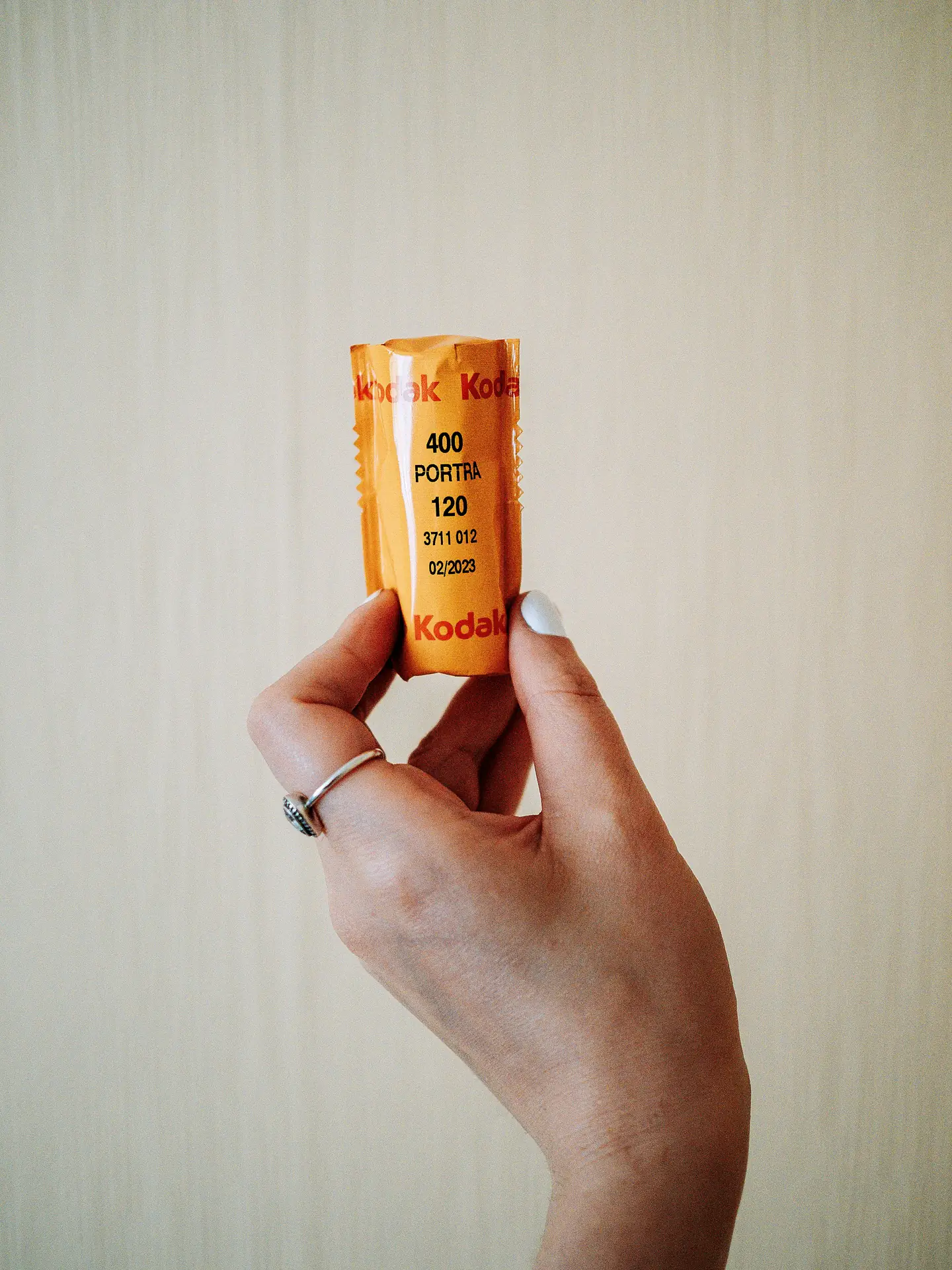
Capture and labeling tips for smooth 2026 workflows
Label files as you shoot to avoid mix-ups later. For digital, use date and scene numbers. For film, write roll numbers on a log sheet and add short notes about light and mood.
Shoot simple test frames on film and mark them in your log. This helps you match color and exposure in edit. Keep a small notebook or a phone note for roll notes.
Sync notes between film and digital
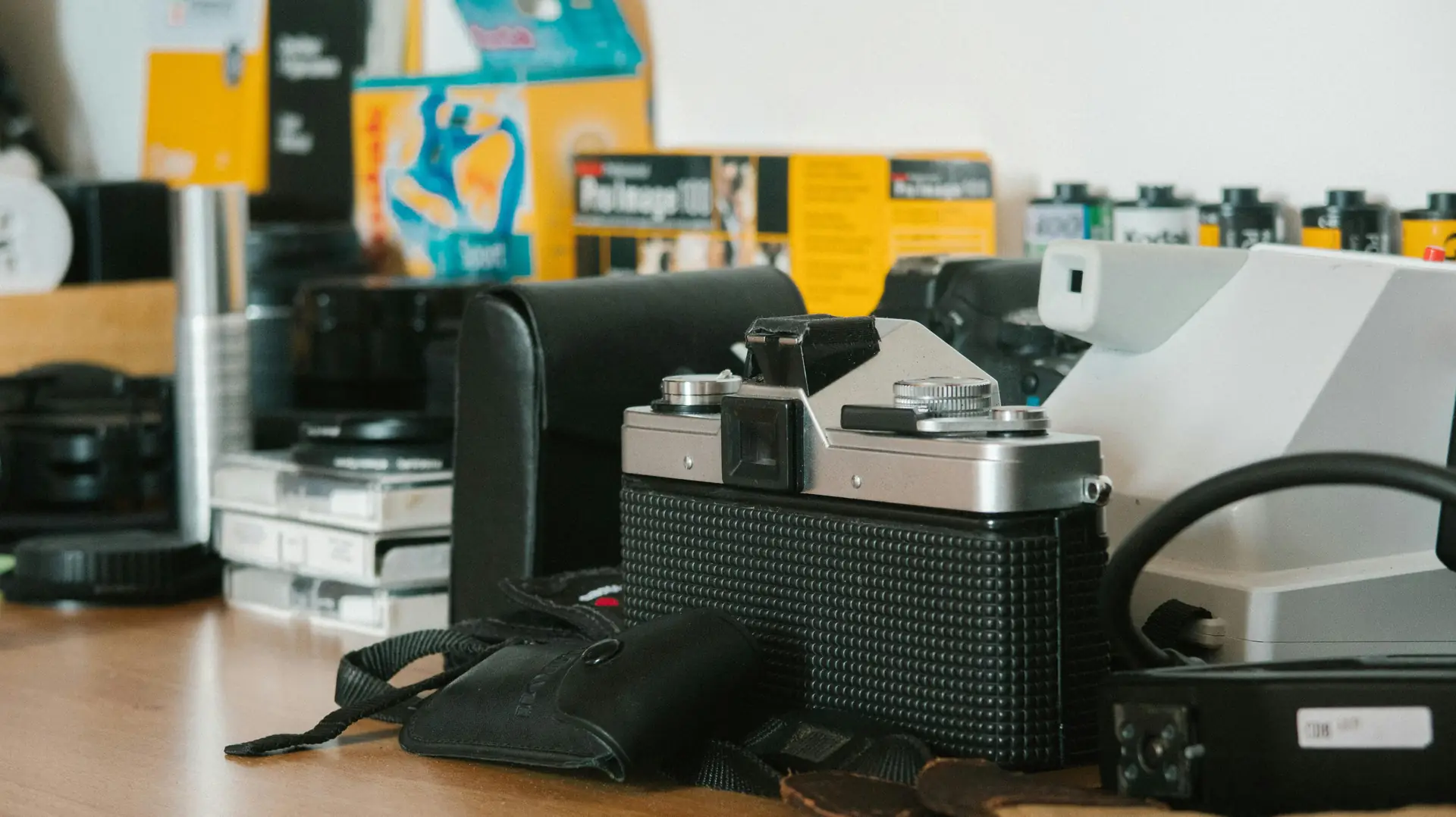
Use a shared note for each day so the whole team sees it. In 2026, many teams use simple tools like Google Docs. So, everyone can view roll notes, shot lists, and quick color ideas. This keeps edits tidy and saves time.
Scanning and digitizing film in 2026
Scan film with one clear plan. You can scan at home or use a lab. Home film scanners cost less now but need time and skill. Labs give steady results and save time for busy shoots.
Use the same scan settings for all rolls to make color match easier. Scan at the same DPI and pick one color space. Save scans as high-quality TIFF or lossless files so you keep detail for edits.

Home scanning vs lab scans
Home scanning can be cheap and flexible so you can re-scan when needed. But home scans take time and practice to get right. Labs give steady quality and save you hours. So, pick what fits your budget and goals for the project.
Edit and color: matching film and digital in 2026
Start with one edit app and one color tool. In 2026, many use DaVinci Resolve for video and Lightroom for photos. Pick one color space like Rec.709 for video or sRGB for photos. This keeps the look consistent across files.
Create LUTs and presets for repeatable color. Make one preset for your film scans and another for your digital raw files. Apply both to test shots and tweak to match. This step saves time on repeated shoots.
Practical color steps
- Import film scans and digital files into one project.
- Apply a base exposure and crop to each file first.
- Use one film LUT or preset for all film scans.
- Match digital files to film with a second LUT or preset.
- Fine-tune color on key shots, then copy settings to similar shots.
File management and backup rules for 2026 scaling

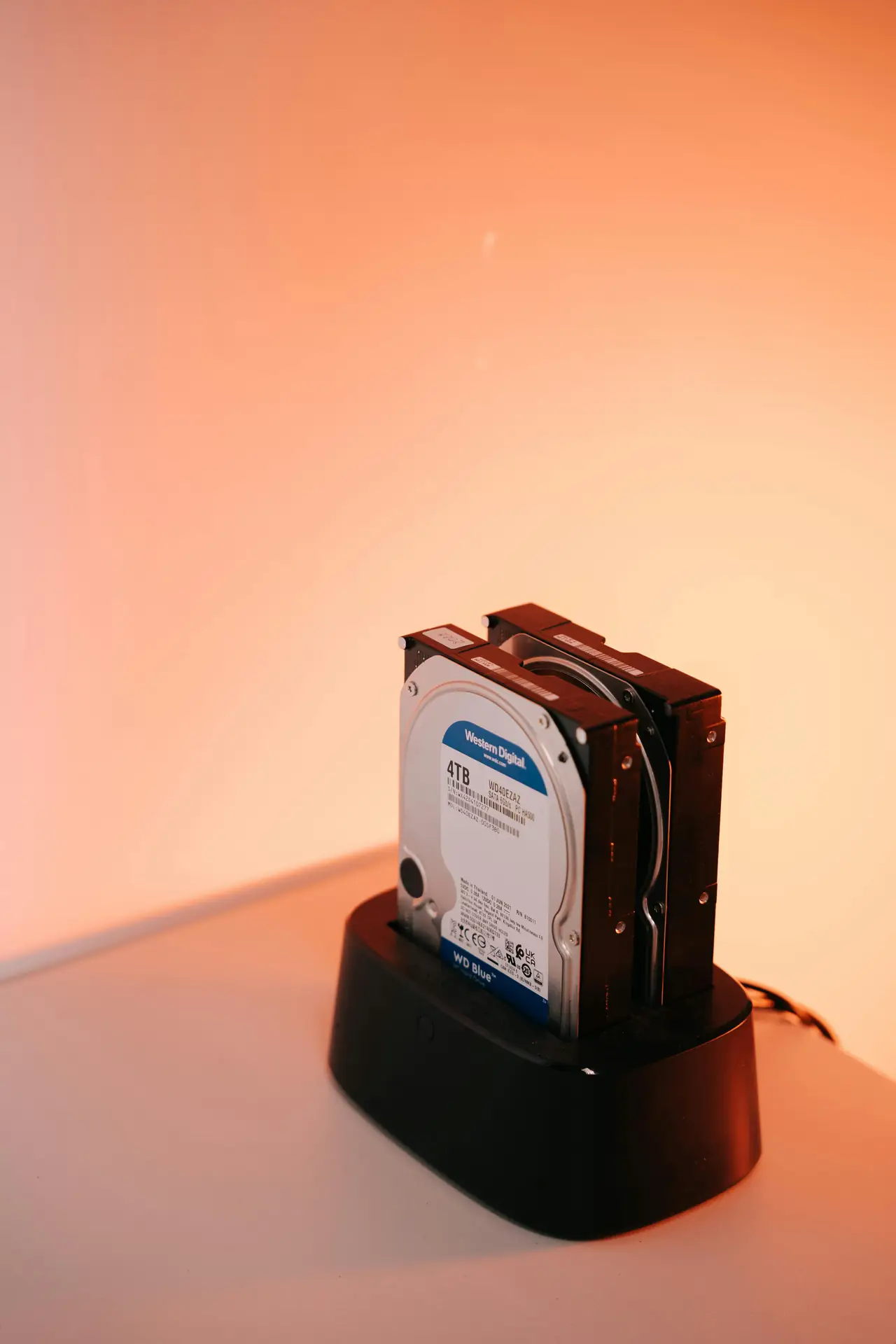
Good backup stops stress and lost work. Use the 3-2-1 backup rule in 2026. That means three copies, on two types of media, with one copy off-site or in cloud. This protects files if a drive fails or you lose gear.
Name folders by date and project for fast find. Use clear names like "2026-06-10_SydneyTrip". For teams, add a shared drive so everyone can see final files. Use checksums to confirm file transfers.
Storage choices that scale
- Portable SSD for field work and fast copies
- Desktop RAID for home storage and speed
- Cloud backup for off-site safety and sharing
- Checksum tools to verify each file transfer

Workflow templates and automation for 2026
Save time with templates and small scripts. In 2026, many creators use batch actions and presets to speed work. Set export presets in Lightroom and project templates in your editor so you repeat fewer steps.
Automate file renaming and backups to cut manual work. Small scripts can copy new files to cloud and local drives. This helps you scale to more shoots without extra stress.
Example template steps
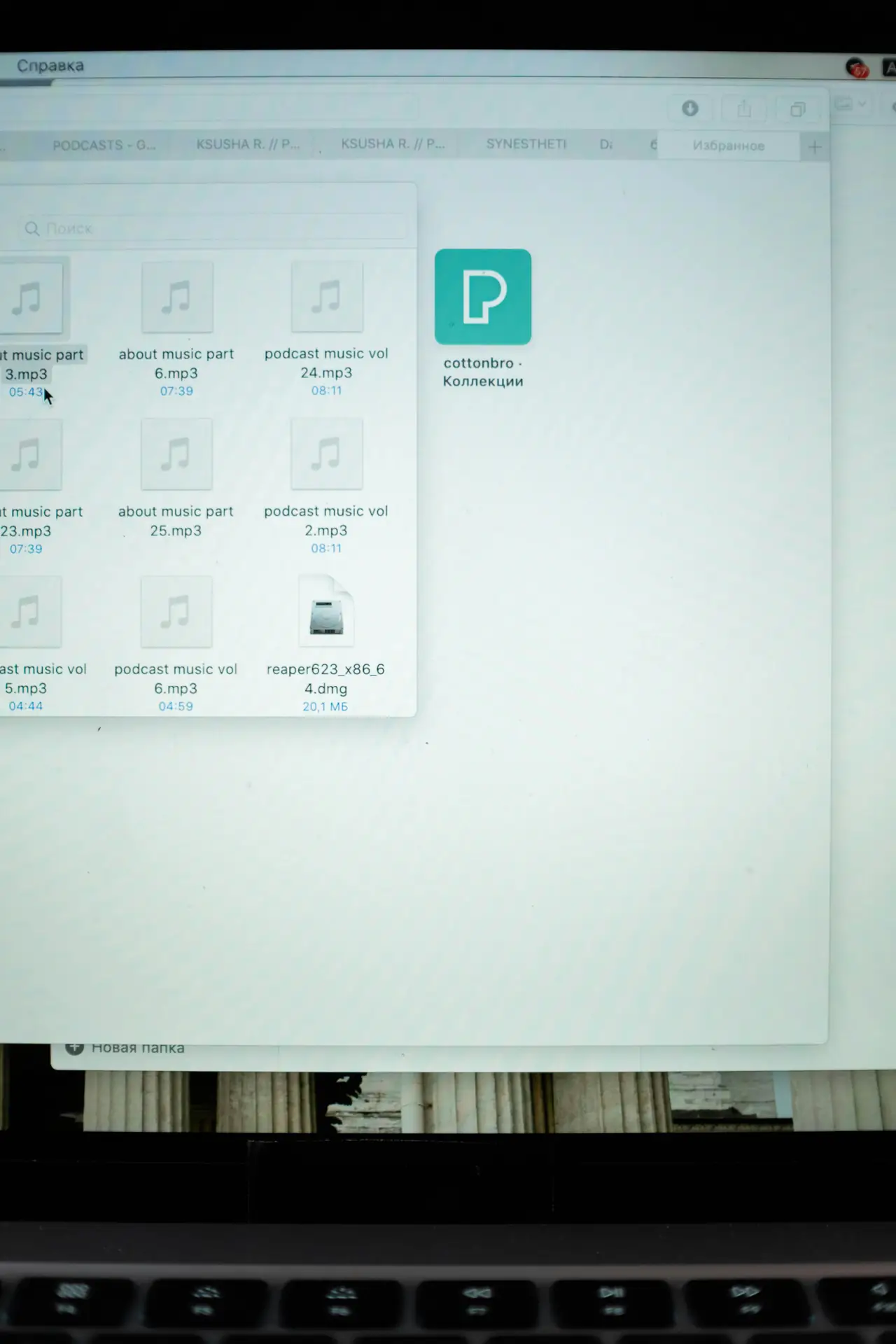
- Ingest files to an "inbox" folder dated by shoot.
- Run a rename script that adds project codes and dates.
- Auto-copy files to a local drive and cloud backup.
- Open a project template in your editor and import the new files.
Scaling from solo to small team in 2026
When you add a second person, keep roles clear and simple. Teams often split tasks: shoot, scan, edit, and deliver. Give each person clear naming rules and access to the shared drive to cut mistakes.
Use simple checklists for handoffs between team members. A handoff note should list which rolls were scanned, which digital files match, and which LUTs to use. This keeps projects moving fast and cuts back-and-forth delays.
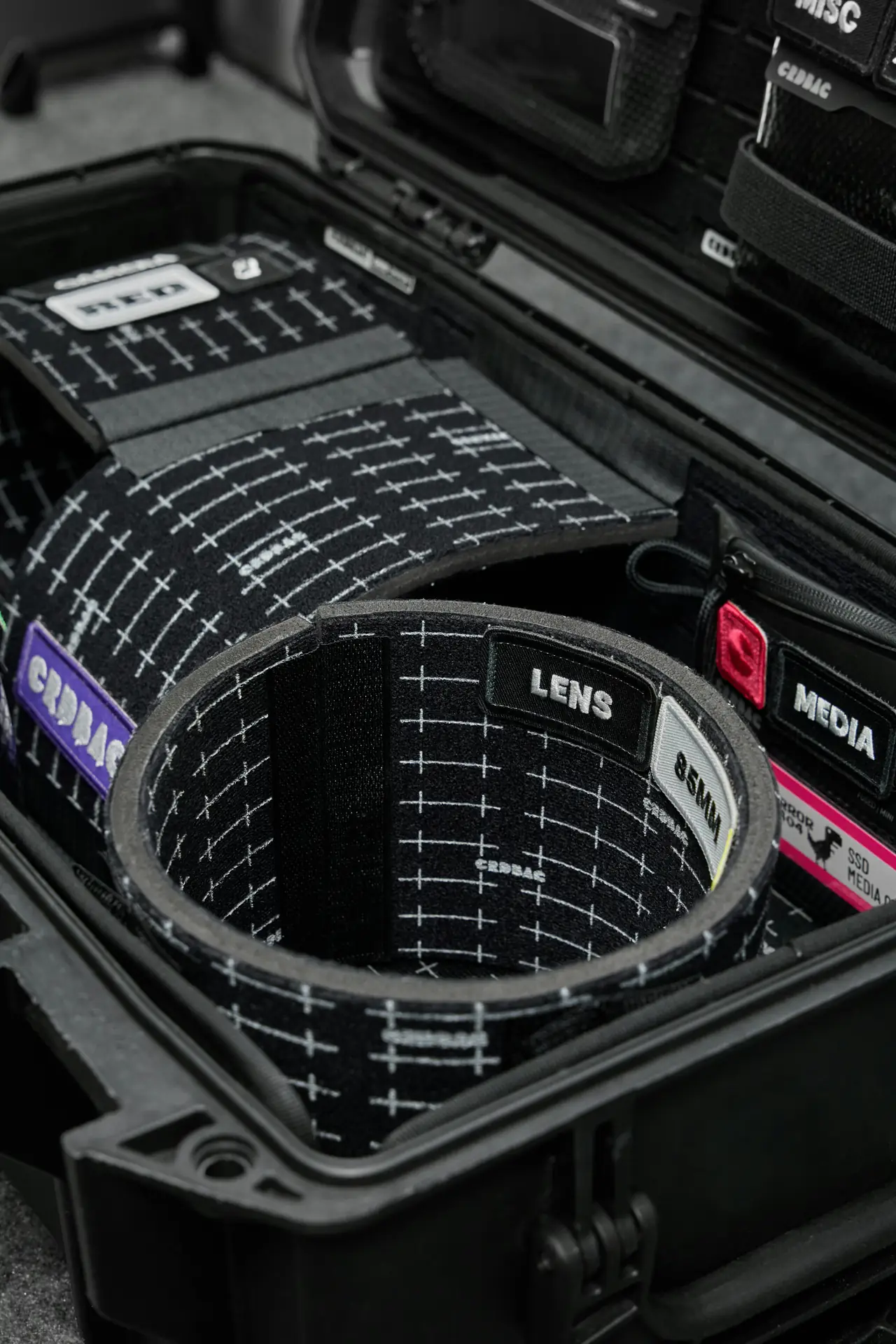
Team tools and habits
- Shared cloud folders with clear access rights and labels
- One master edit project per deliverable to avoid duplicates
- Weekly sync notes to keep tasks on track and clear
- Stable field gear like Camstrap Voyager and Camstrap Nomad for comfort
Delivery, archiving, and long-term care in 2026
Deliver files in the format your client needs. For photos, give TIFF or high-quality JPEG. For video, deliver ProRes or a high bit-rate H.264. Use cloud links that expire if you want to limit access.
Archive projects for long-term use and easy finds later. Keep one offline drive and one cloud copy for each project. Label archives by year and project so you can find work years later for remaster or reprint.
Archiving checklist
- Final exports in the client formats they need
- All raw files and scan masters saved and labeled
- One offline drive stored in a safe place
- Cloud copy with expiry and clear permissions
Practical case study: a small travel shoot in 2026
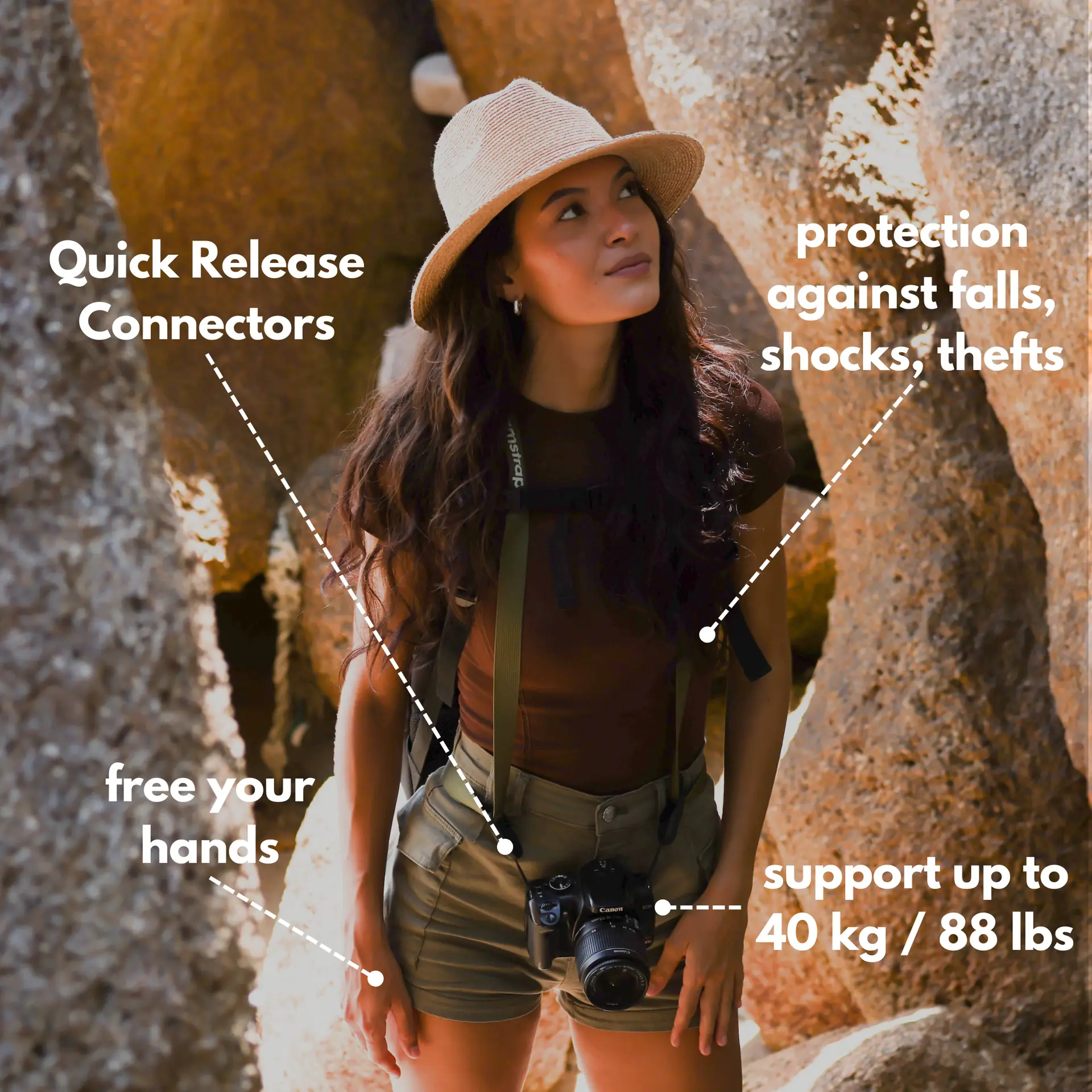
Imagine a short travel shoot in 2026 with light gear. You bring a mirrorless body, a film camera, and a Camstrap Explorer. You shoot digital B-roll and film portraits. You log rolls and tag shots on your phone as you go.
Back at the guesthouse, you scan two rolls and copy files to a portable SSD. You run a rename script and upload files to cloud backup. The next day you edit and match shots using your film LUT and digital preset. The job stays tidy and fast.
Why this works
It works because each step is simple and repeatable. In 2026, many small creators copy this pattern. They keep gear light, use repeatable settings, and trust solid straps like Camstrap Nomad for tough hikes.
Resources and learning paths for 2026 amateurs
Read up-to-date guides that match 2026 tech and trends. The February 2026 issue of Digital Camera World has gear tips and a seven-day challenge to build your skills. The Content Creation Equipment Guide 2026 lists gear and common beginner mistakes to avoid.
Look for local guides too, like the Ultimate 2026 Media Production Guide for Vancouver. These local guides show how small teams scale. Use them to shape your hobby into a steady workflow or small business plan.
Where to practice
- Try a seven-day photo challenge to learn camera controls
- Scan one roll each week to learn film color and scans
- Build one project template and use it for every shoot
- Test a cloud backup routine and pretend a drive fails to learn recovery
Conclusion: Start simple and scale in 2026
In 2026, amateurs can build hybrid workflows that grow with their skills. Start with gear you can carry and trust. Use clear labels and consistent scans to keep files tidy and easy to edit.
Make presets and automations so edits stay fast as you scale. Protect your work with a 3-2-1 backup plan. Use shared notes and simple templates for team work. And choose reliable camera straps like Camstrap Voyager, Camstrap Explorer, Camstrap Nomad, and Camstrap MagClip to keep shoot days smooth. This 2026 guide helps you move from hobby to a steady, scalable hybrid workflow.


