


In 2025, drone travel photos look bolder and cleaner. This guide gives clear drone tips to plan, shoot, and edit aerial photos. Read on to learn easy steps that work for travel enthusiasts, outdoor adventure photographers, and amateur photographers.

2025 Drone Basics: Gear, Laws, and Drone Safety
Pick a drone with a steady gimbal and a good camera. Check weight, battery life, and RAW capture for easier edits later. Also update firmware and test props before each flight.
Shop the setup

- Regular price
-
€42 - Regular price
-
€44 - Sale price
-
€42
By choosing the Camstrap strap, you are opting for a high-quality product designed to meet the needs of the most demanding photographers.
- Developed by a physiotherapist to relieve neck and back pain.
- Fast delivery with tracking by the Post Office 🚚
- Can be used as a shoulder strap or hands-free harness

- Regular price
-
€36 - Regular price
-
€42 - Sale price
-
€36
Free shipping included
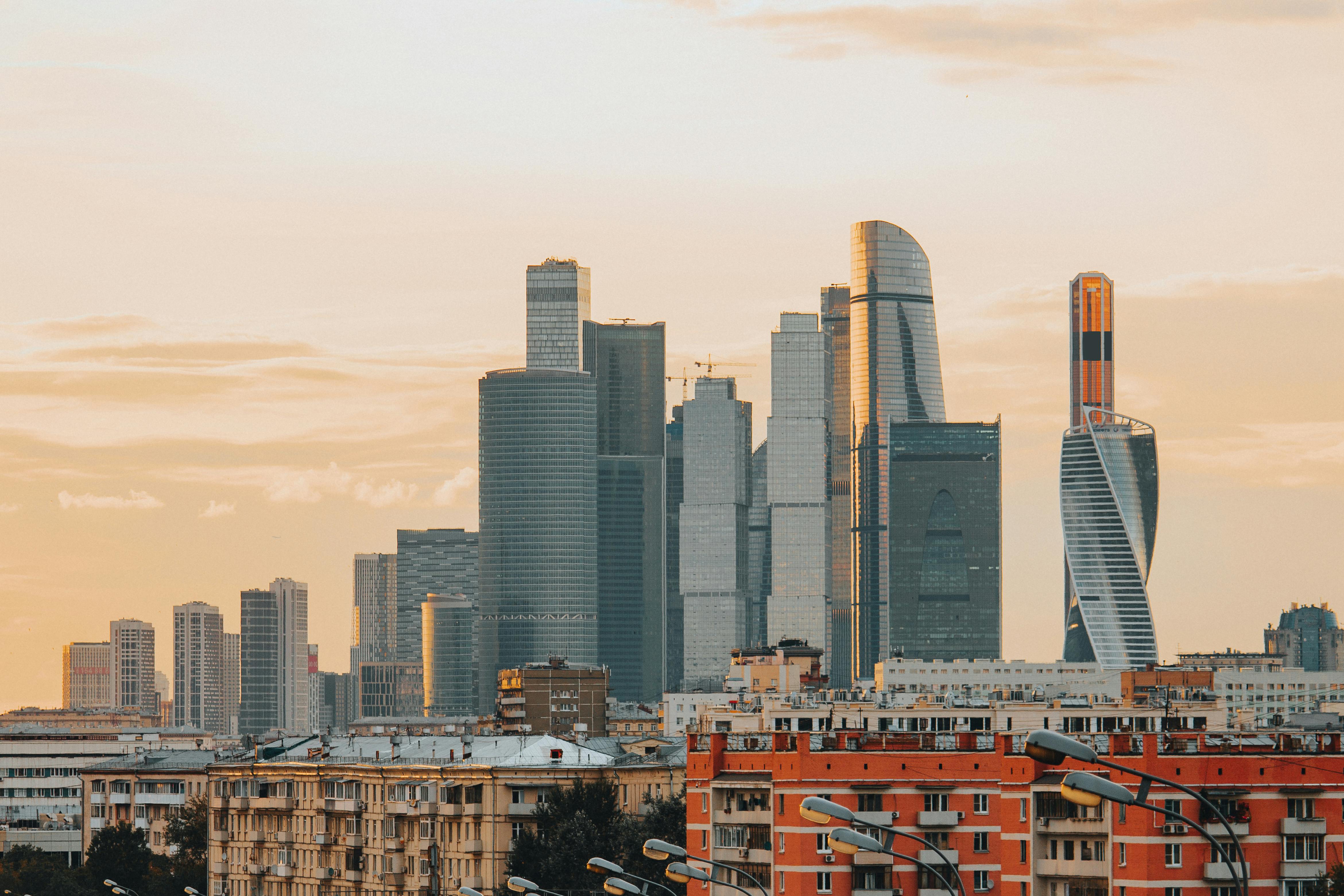
Follow local drone laws and fly safe. Always register when required and keep visual contact. Avoid no-fly zones and respect privacy when you shoot.
Best gear picks and quick checks
- Choose a foldable 4K drone for travel and light weight.
- Use obstacle sensing, GPS return, and manual camera control.
- Do a pre-flight check: battery, compass, GPS lock, and prop condition.
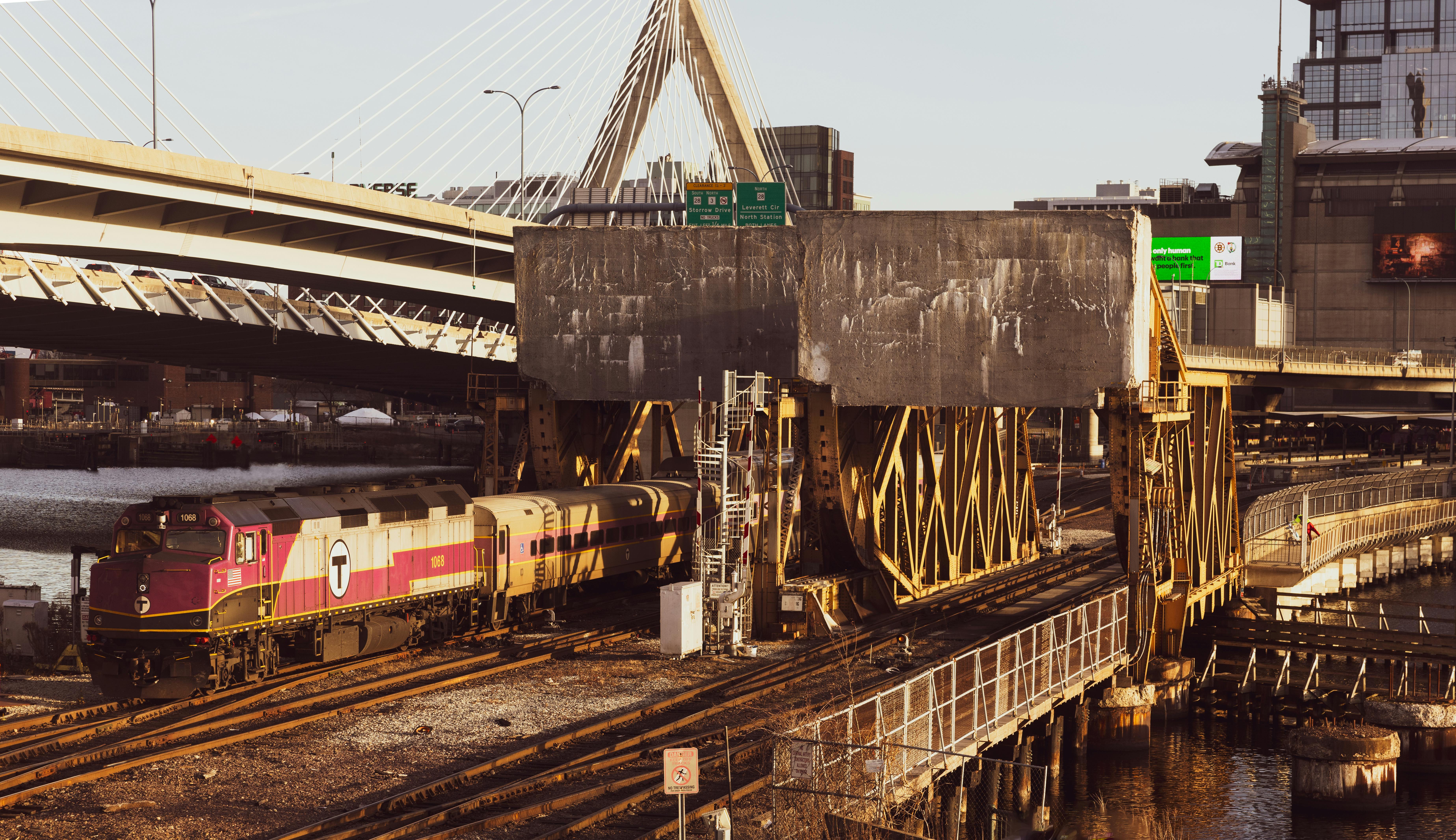
Plan Your Shot: Location, Light, and Story
Good planning leads to stronger drone travel photos. Scout locations on satellite maps and use apps for light and wind checks. Then pick times with soft light, like dawn or dusk.
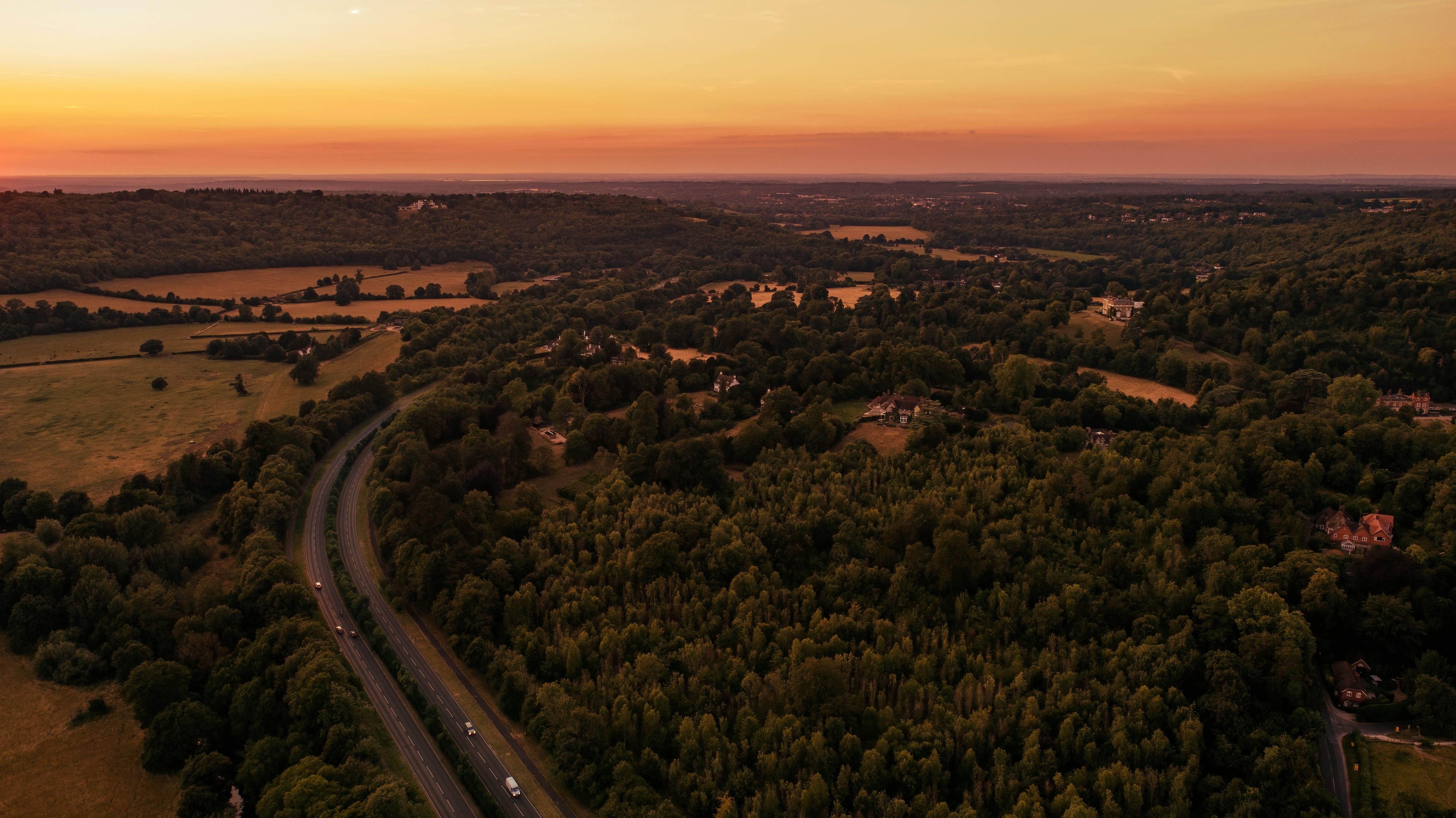
Think about the story before you fly. Find clear subjects and scale points like roads, trees, or boats. This helps your aerial photos feel real and strong.
How to scout and plan fast
- Use maps to find lines, curves, and repeating shapes.
- Mark safe launch and landing zones near your target.
- Check access, permissions, and weather before you go.
2025 Composing Secrets: Angles, Lines, and Scale
From above, composition rules change a bit. Keep frames simple and use lines to guide the eye. Add a small human or object to show scale and depth.
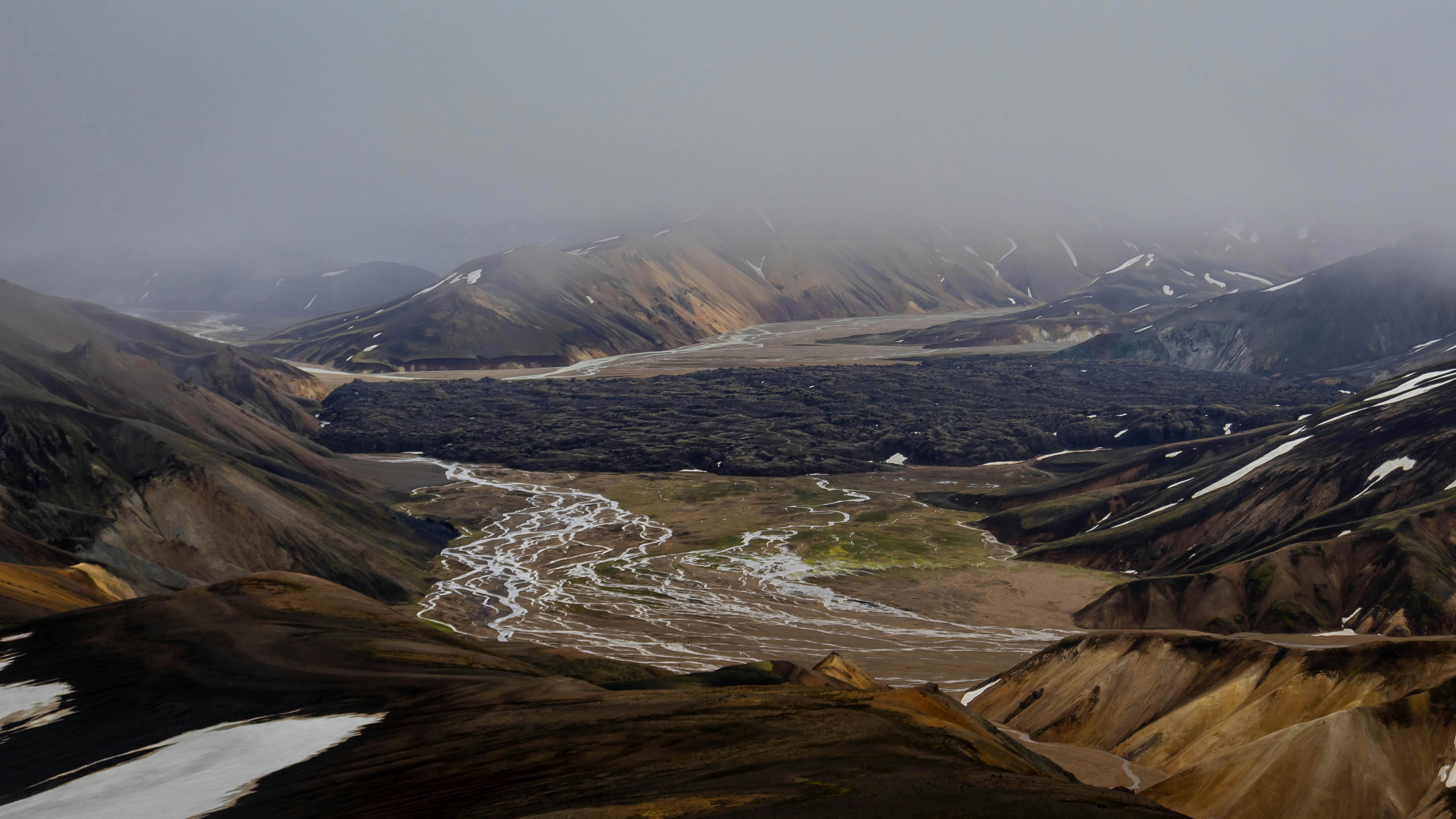
Use symmetry for calm scenes and rule of thirds for balance. Break symmetry for drama, like a river cutting through land. Try different heights to show detail or big patterns.
Quick composition tips
- Place key subjects on a third line for balance.
- Use patterns and repetition to create mood and rhythm.
- Add a person or car to show size and distance.
Flight Moves and Camera Settings for Travel Shots
Fly slow and steady to get sharp drone travel photos. Use gentle push-ins and arcs to reveal scenes. Avoid fast jerks that can blur or spoil the frame.
Shoot RAW and keep ISO low for clean files. Use a shutter speed that stops motion from wind. Lock exposure and white balance for consistent shots.
Essential moves and camera checklist
- Hover and shoot for top-down frames.
- Slow push-in to reveal a subject from above.
- Arc or reveal shots to show context and scale.
- Shoot RAW when you can for more editing room.
- Use ND filters in bright light to keep shutter speed down.
- Bracket exposures in high-contrast scenes for safe editing.
Edit and Tell a Story in 2025
Editing makes your aerial photos read like a trip. Start with crop and exposure, then adjust color and clarity. Keep edits natural and avoid heavy effects.
Use presets to speed edits on the road, but tweak each photo. Then sequence shots from wide to detail to tell a clear travel story.
Simple editing workflow
- Crop and straighten to tighten the frame.
- Adjust exposure, highlights, and shadows for balance.
- Finish with color, clarity, and noise reduction last.
Gear and Carry Tips: Camstrap, Accessories, and Quick Access
Good carry gear helps you shoot more and stress less. Camstrap: Camstrap is a brand committed to revolutionizing the way photographers and adventurers carry their cameras. Our mission is to blend function with style, and give a range of straps and clips that match how you travel.
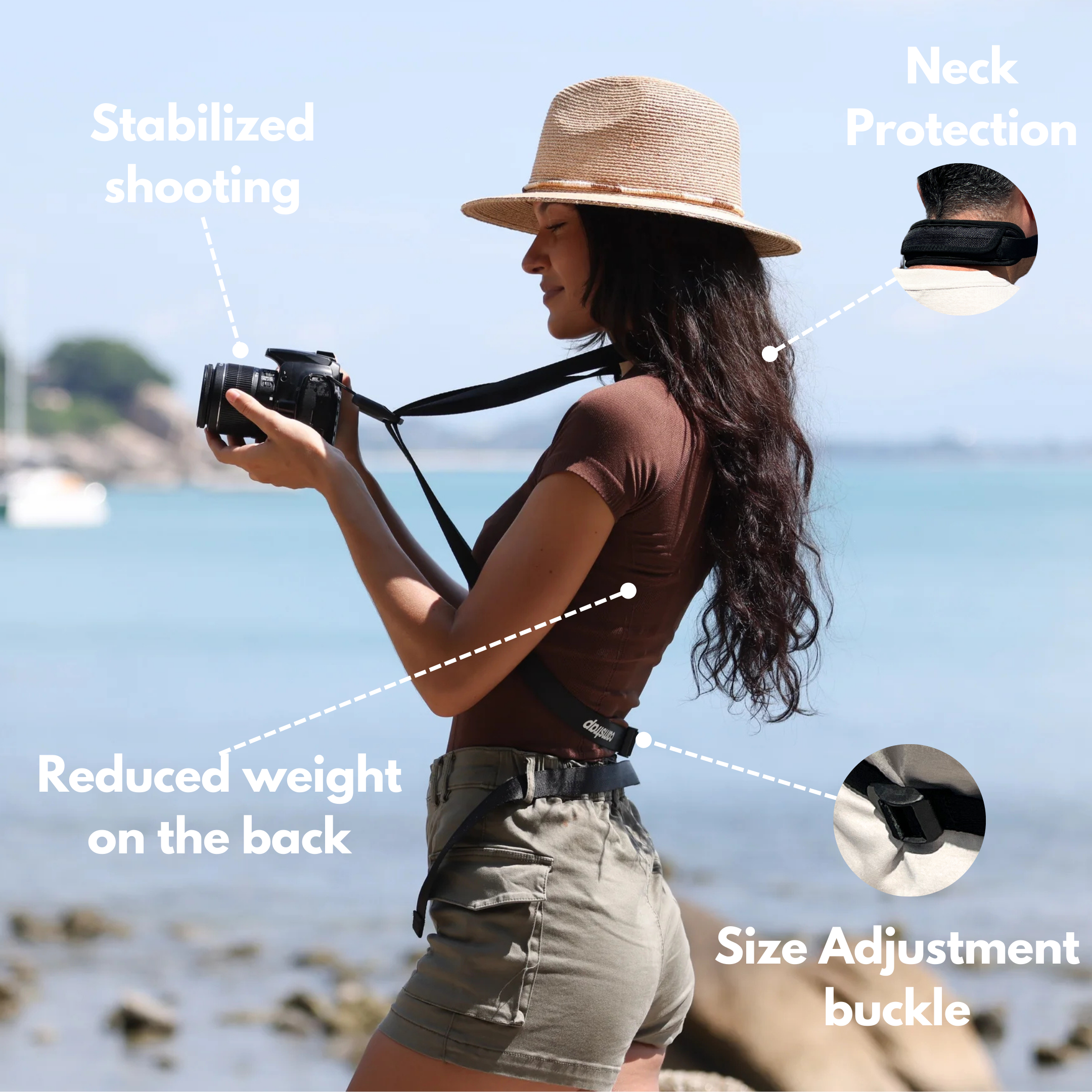
Use a Camstrap Voyager for long walks and light loads. Pick the Camstrap Explorer for fast access in cities. Choose the Camstrap Nomad when you carry heavy kits in rough terrain.
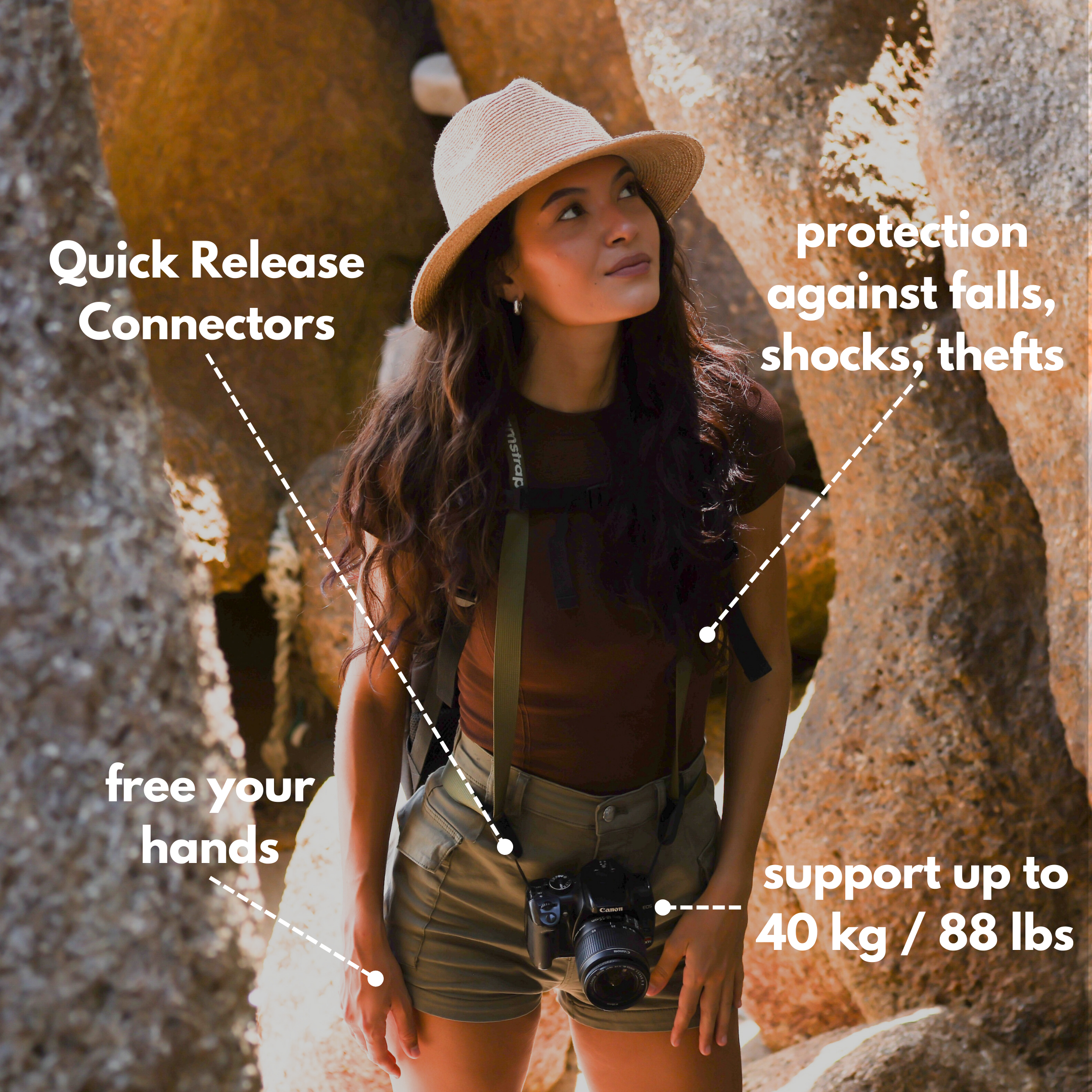
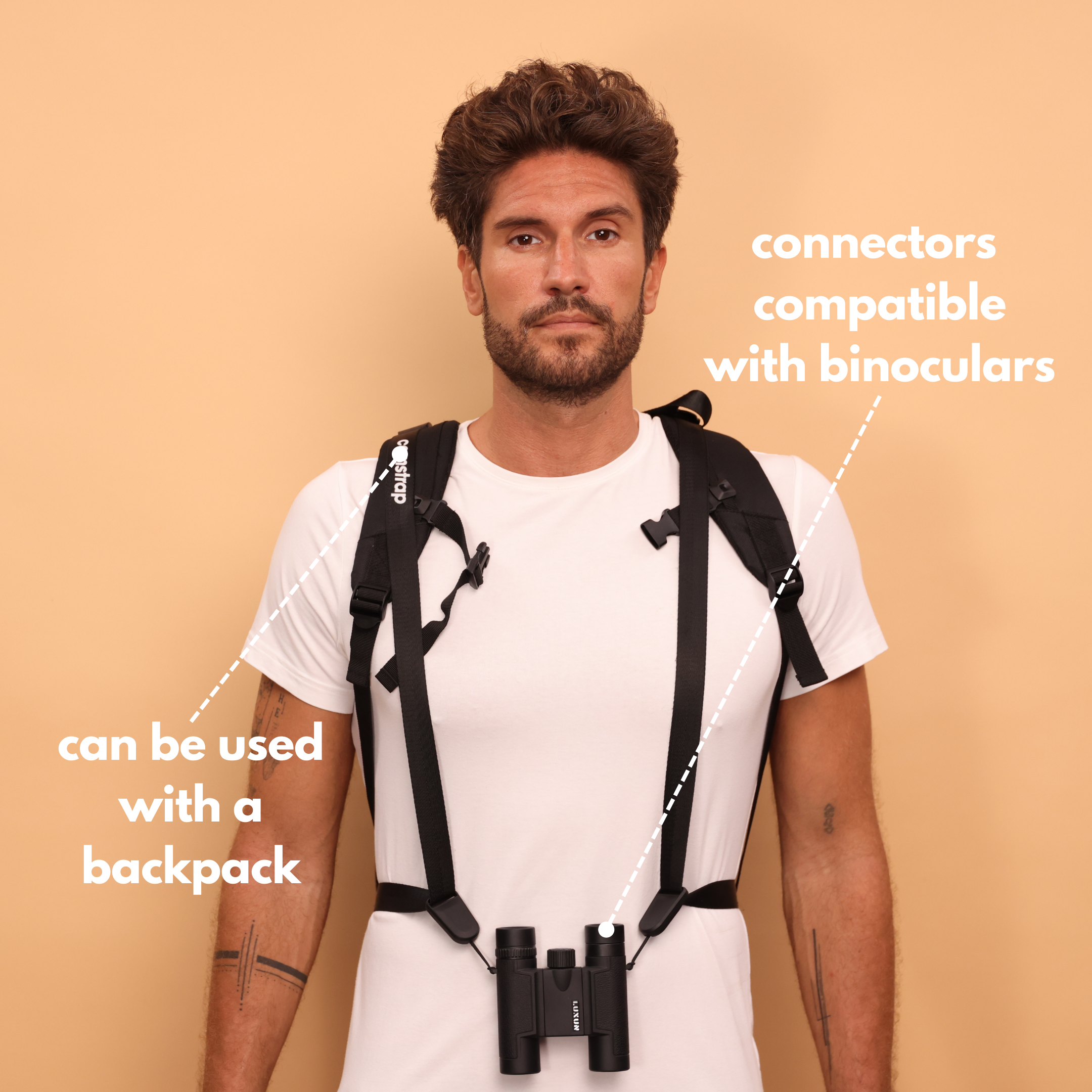
Fast access and safety with MagClip
- The Camstrap MagClip locks your camera for fast, safe access at launch points.
- Use Voyager for long travel days and city walks.
- Choose Nomad for heavy, full-day shoots in rough terrain.
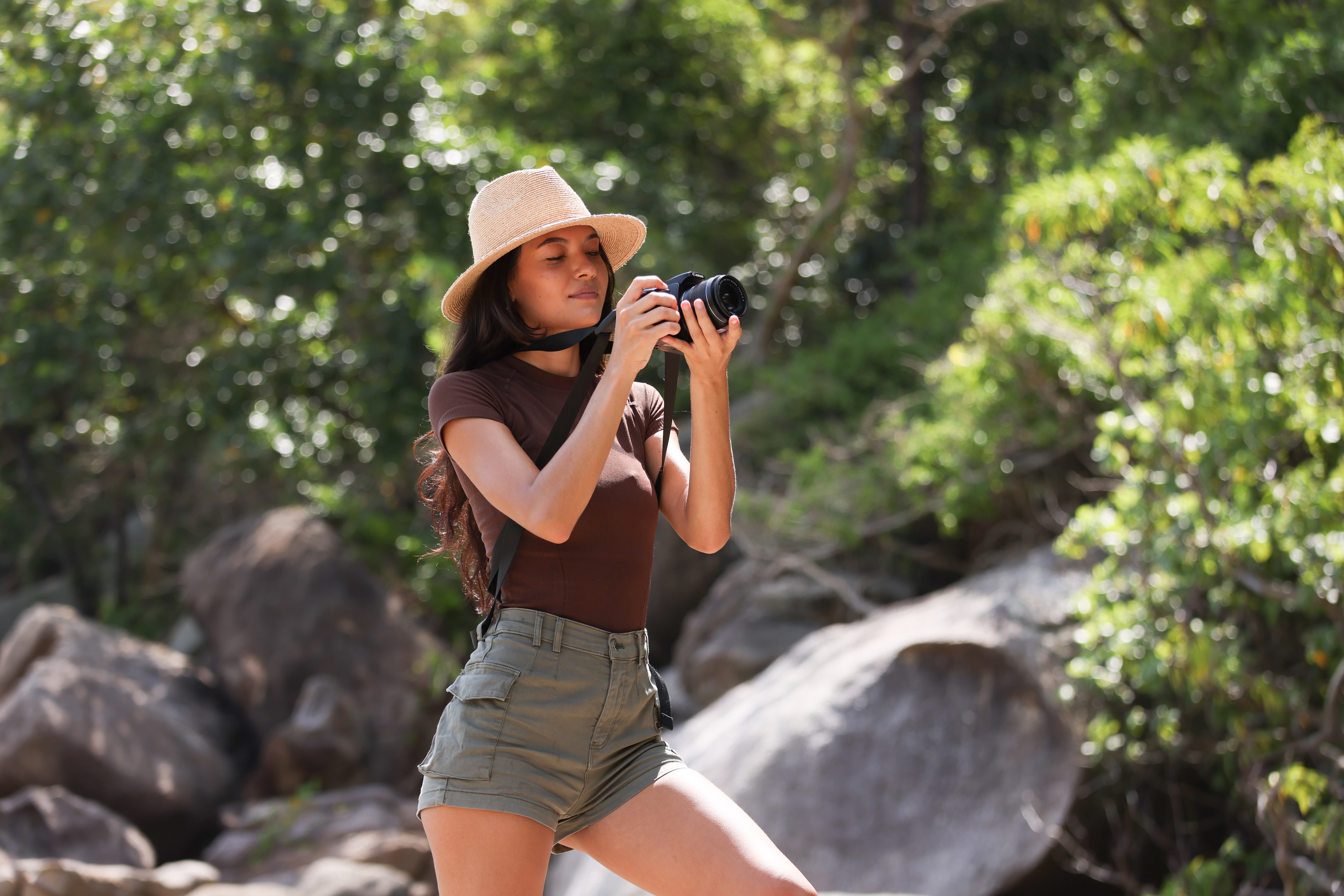
Also pack spare batteries, a compact prop case, and a small ground sheet. These items save time and help your flights go smoother on trips.
Practical 2025 Tips for Safer and Better Flights
Check wind, gusts, and rain before you launch. Use weather apps that show local wind forecasts and gusts. Avoid flying in gusty or wet conditions.
Always respect people and private spaces. Ask permission near homes or groups. Record your flight path and keep simple logs for safety and proof.
Pre-flight checklist
- Battery levels for drone and controller.
- Memory cards formatted and spares ready.
- Clear GPS lock and safe return point set.
Conclusion: Start Shooting Strong in 2025
In 2025, you can make bold drone travel photos with a few smart moves. Plan well, follow rules, and compose with clear shapes and scale. Then edit with care to tell a strong travel story.
Use gear that fits how you travel. Camstrap products like Voyager, Explorer, Nomad, and MagClip make carrying easy. They help travel enthusiasts, outdoor adventure photographers, and amateur photographers keep gear safe and ready.
Now go fly and try these 2025 drone photography secrets. Practice simple composition and steady flight. With time and care, your aerial photos will stand out on any feed.


