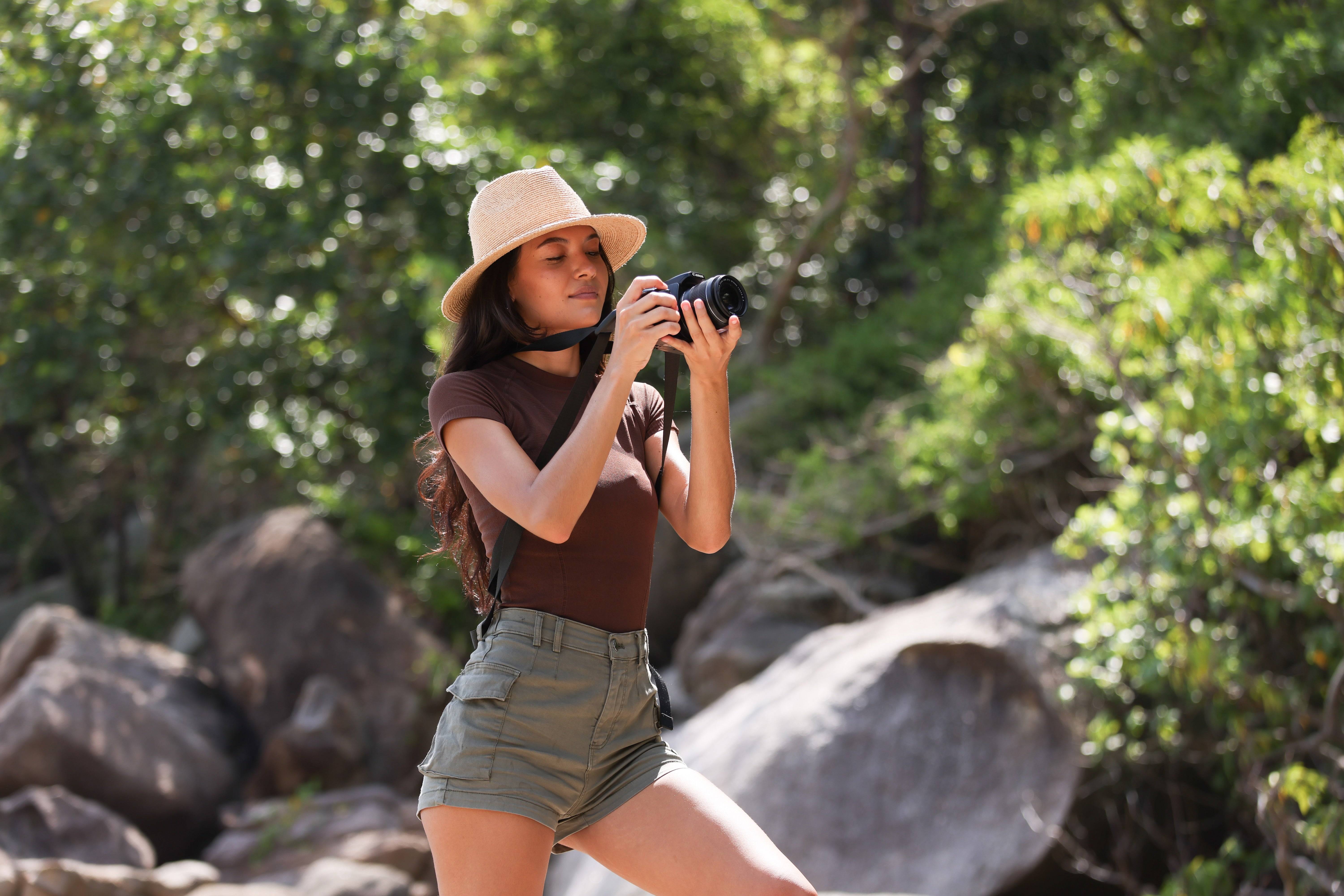
Street photos need clear intent. You must know when blur adds art and when it ruins a shot. This guide shows simple settings, tools, and tips to control motion on the street. It also covers gear choices like the Nikon Z8, Panasonic Lumix S5, and lighter options like the Sony A6000.
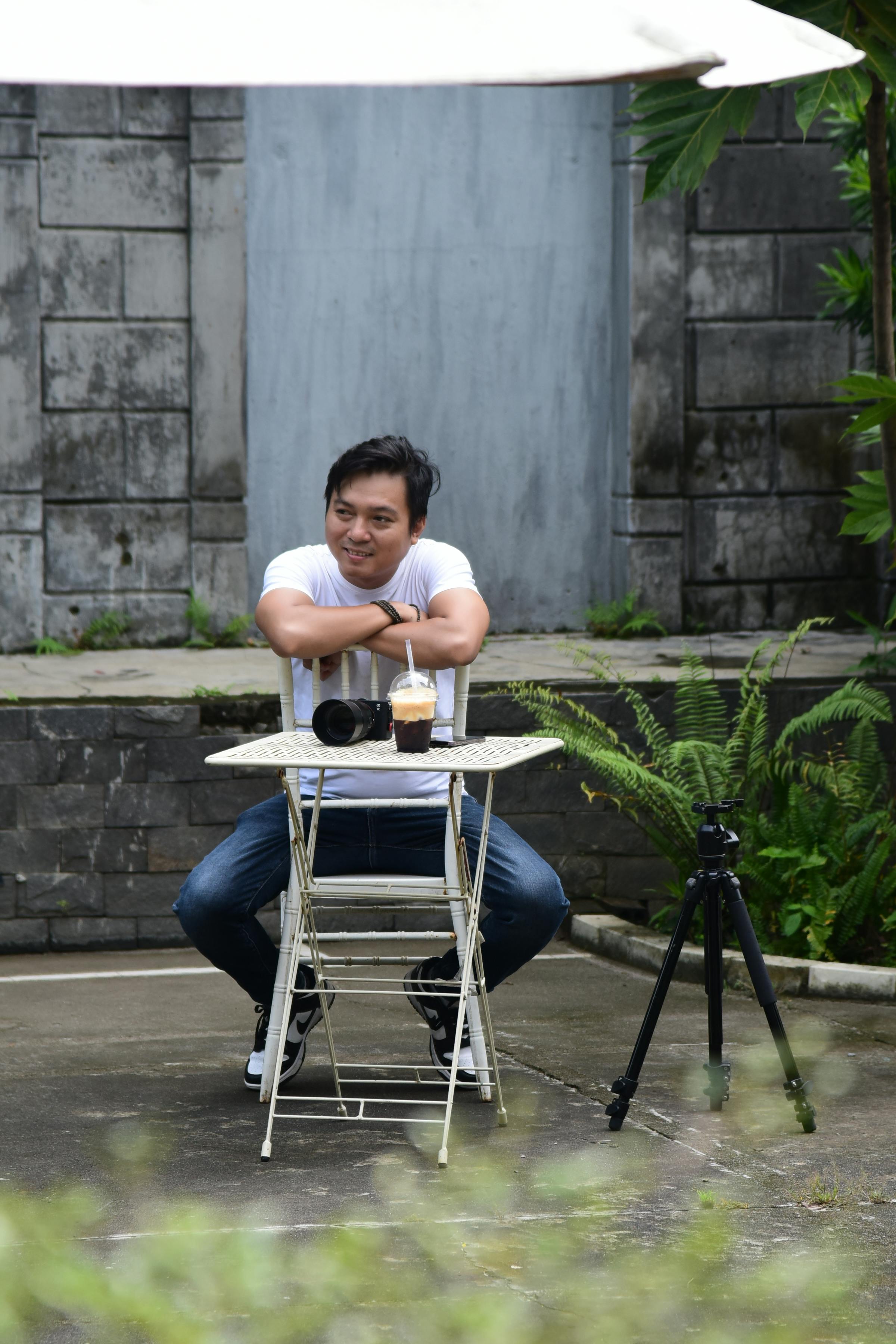
Camstrap helps keep your camera ready. Camstrap blends function with style to make carry simple. The camstrap voyager, camstrap explorer, camstrap nomad, and camstrap magclip all make quick access easy. Travel enthusiasts, outdoor adventure photographers, and amateur photographers will find useful gear advice here.
Translation missing: en.blog_cta.bundle_heading

- Regular price
-
€42 - Regular price
-
€44 - Sale price
-
€42
By choosing the Camstrap strap, you are opting for a high-quality product designed to meet the needs of the most demanding photographers.
- Developed by a physiotherapist to relieve neck and back pain.
- Fast delivery with tracking by the Post Office 🚚
- Can be used as a shoulder strap or hands-free harness

- Regular price
-
€36 - Regular price
-
€42 - Sale price
-
€36
Translation missing: en.blog_cta.free_shipping_included
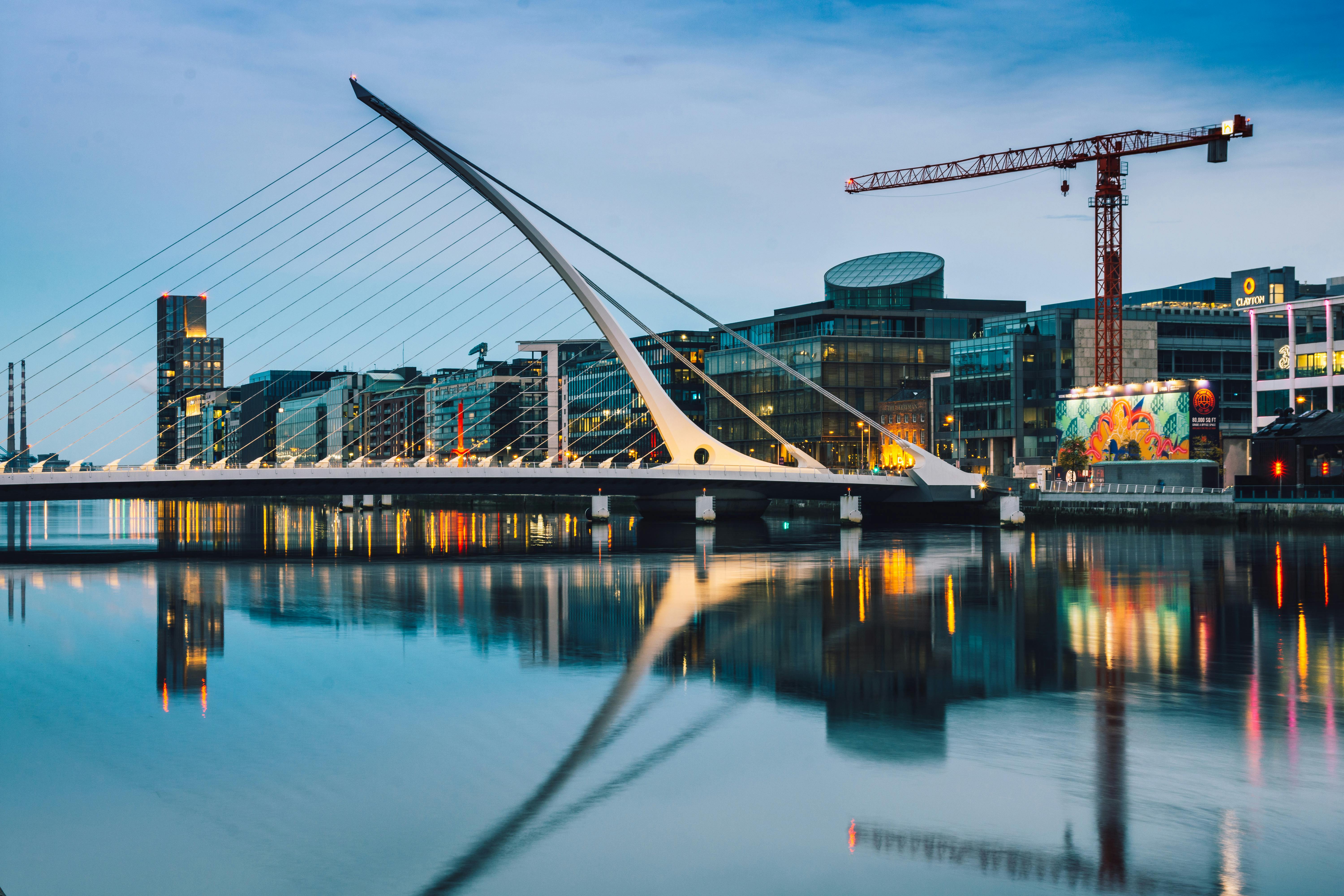
Why intentional blur matters in street work
Intentional blur can add mood and show movement. It gives a sense of place and speed. But blur without intent hides detail and harms the story. Decide first if blur will help the image or hurt it.
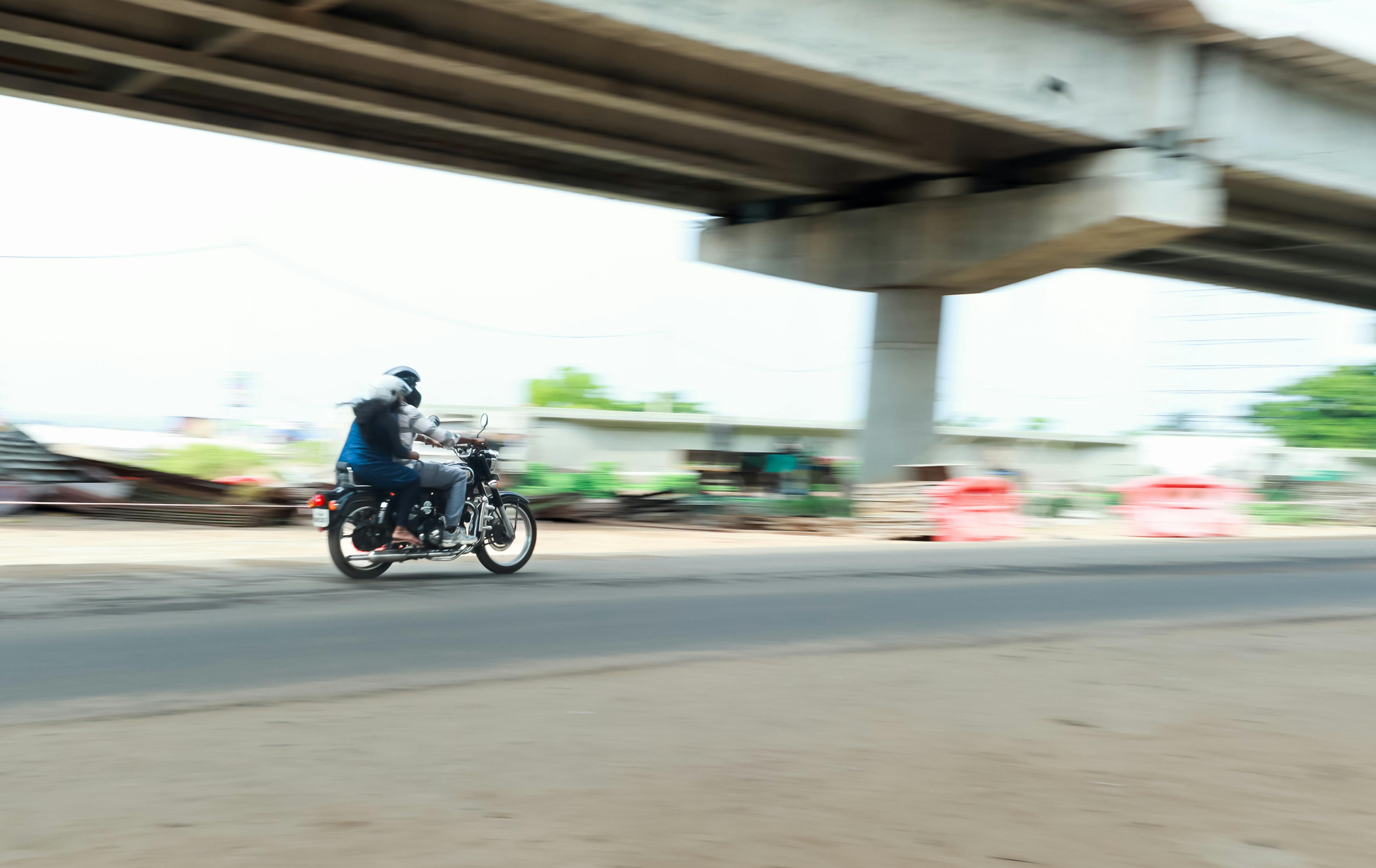
Art vs. accident
Artful blur is chosen before you press the shutter. You pick a slow shutter or pan the camera to match motion. Accident blur comes from wrong settings or shaky hands. Learn to spot both kinds and you will save your best shots.
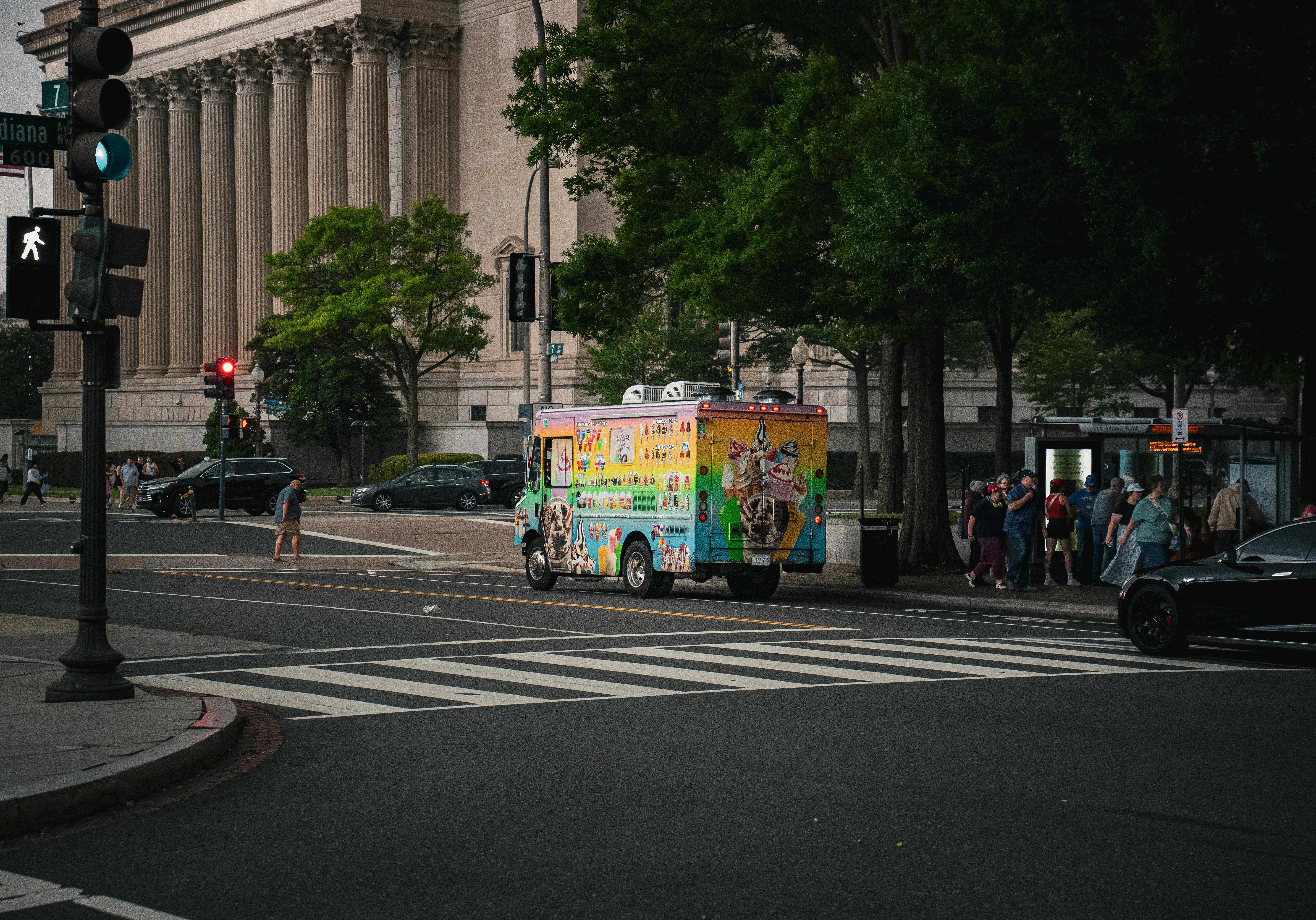
Street camera settings for clear blur control
Change shutter, aperture, and ISO to shape blur. Slow shutters add streaks. Fast shutters freeze action. Balance the three to keep the exposure right.
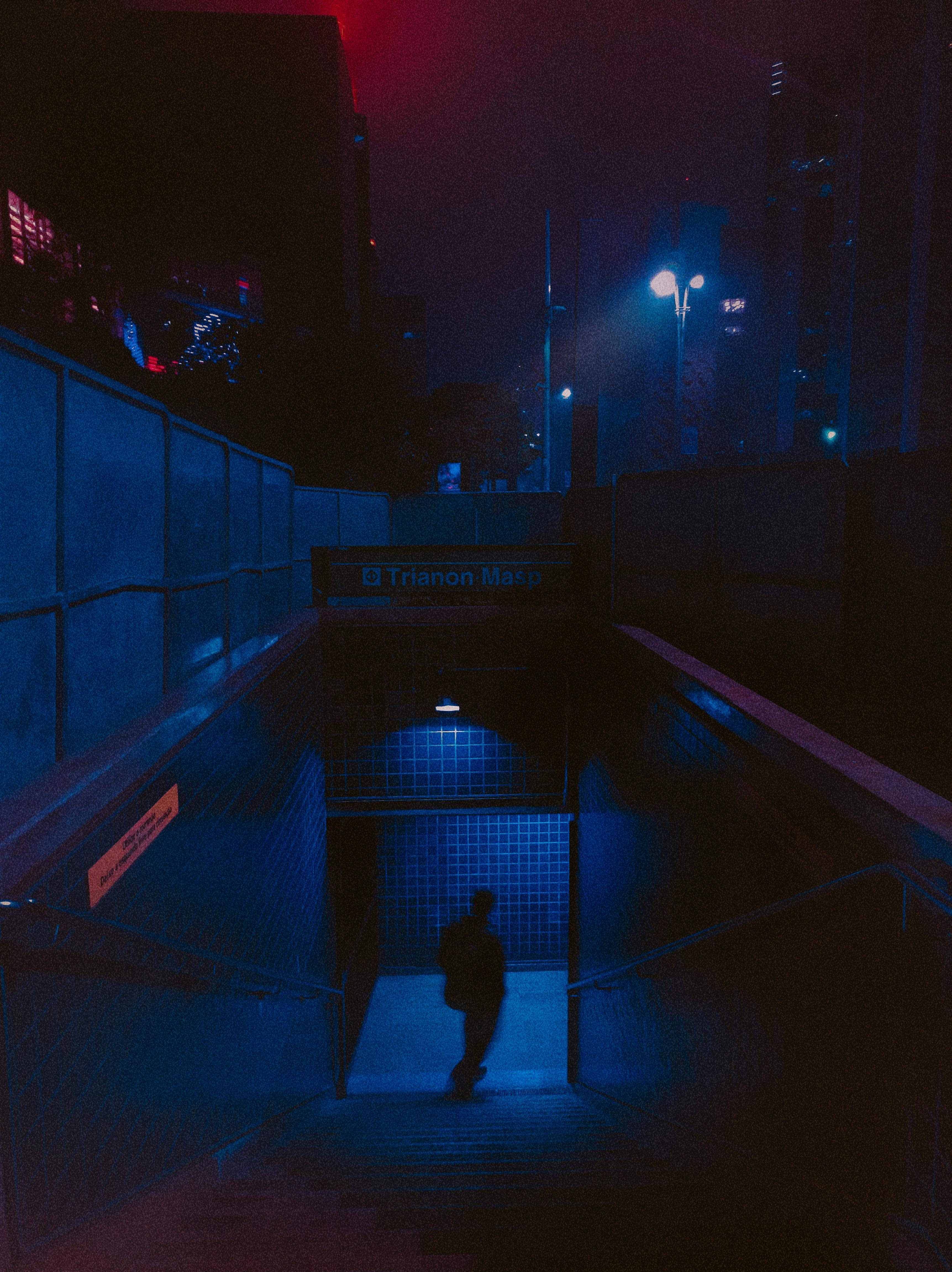
- Shutter: 1/8 to 1/60 sec for general blur.
- Panning: 1/30 to 1/125 sec to keep a subject sharp.
- Aperture: f/2.8 to f/8 to control depth and light.
- ISO: raise for low light, but watch noise on older bodies.
Pick speeds by subject
Walkers work well at 1/30 to 1/60 sec for mild blur. Bikes and cars need 1/125 sec or faster unless you pan. Crowds can use very slow speeds to show flow and energy.
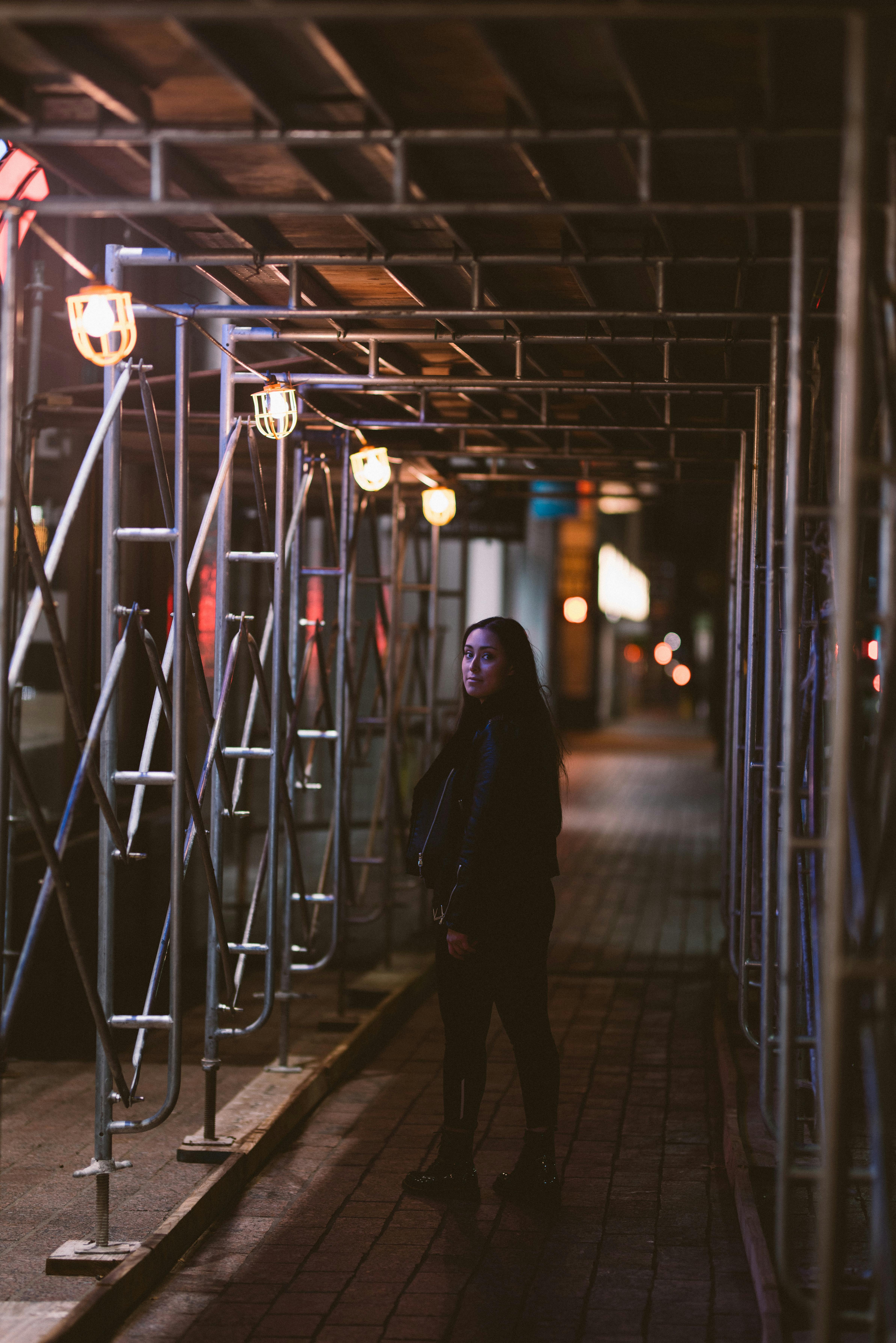
Composition and intent on the street
Good framing helps blur tell the story. Place the subject where motion guides the eye. Use lines, windows, and light to anchor the frame.
Framing tips for blur
Use a 35mm or 50mm prime to show people and place. Try a short tele to isolate a person from chaos. When panning, keep your subject in the same part of the frame. Try low angles to make motion feel larger.
Gear, straps, and quick handling
Good gear helps you react fast on the street. You do not need the most costly kit. But fast focus and light weight make long walks easier.
- Nikon Z8 gives fast AF and strong low-light performance.
- Panasonic Lumix S5 is a light full-frame choice for long walks.
- Canon EOS R5 Mark II works well for tricky, fast moments.
- Sony A6000 and Nikon D7500 are solid, lighter options for travel.
- Phase One and Insta360 suit specific needs like ultra-high detail or 360 capture.
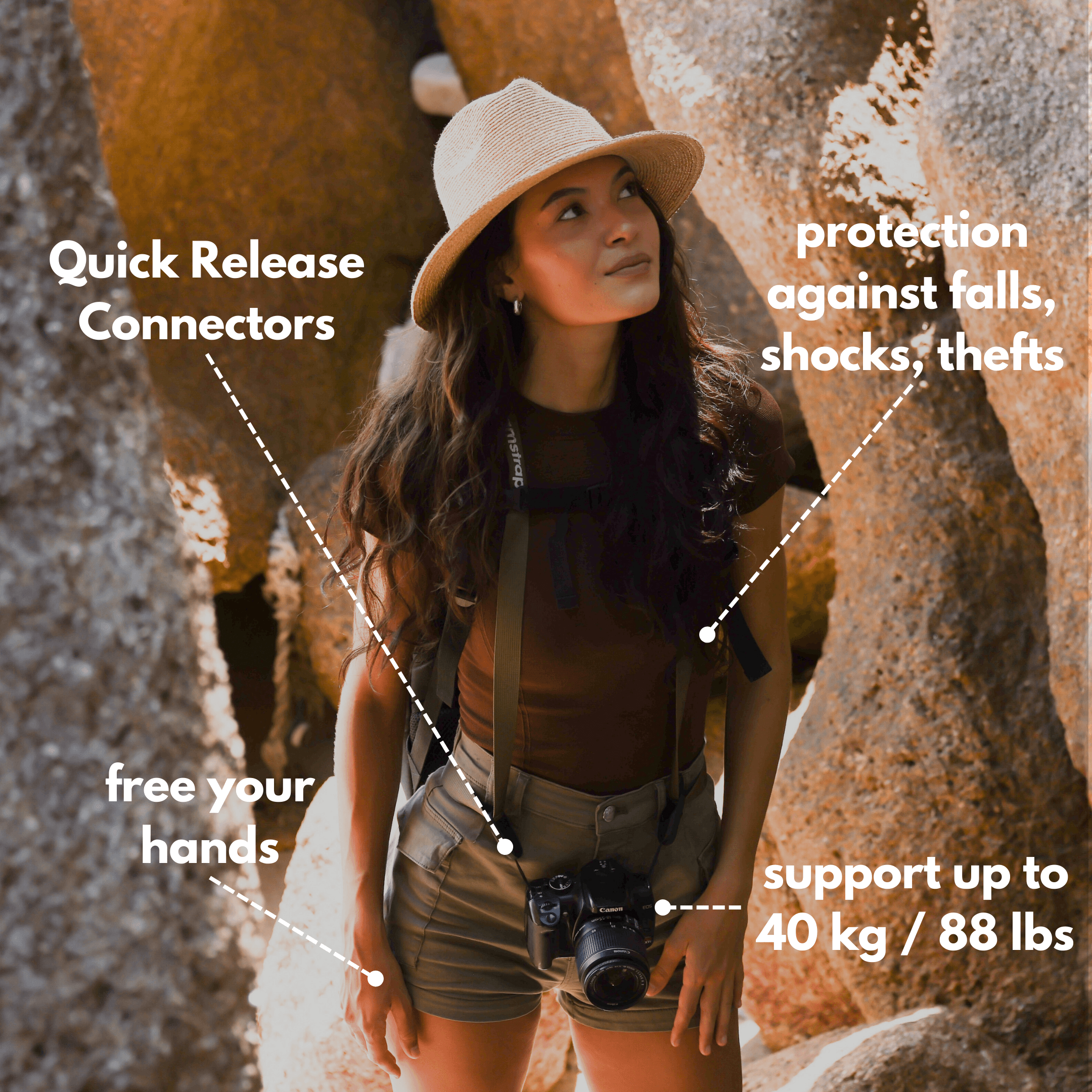
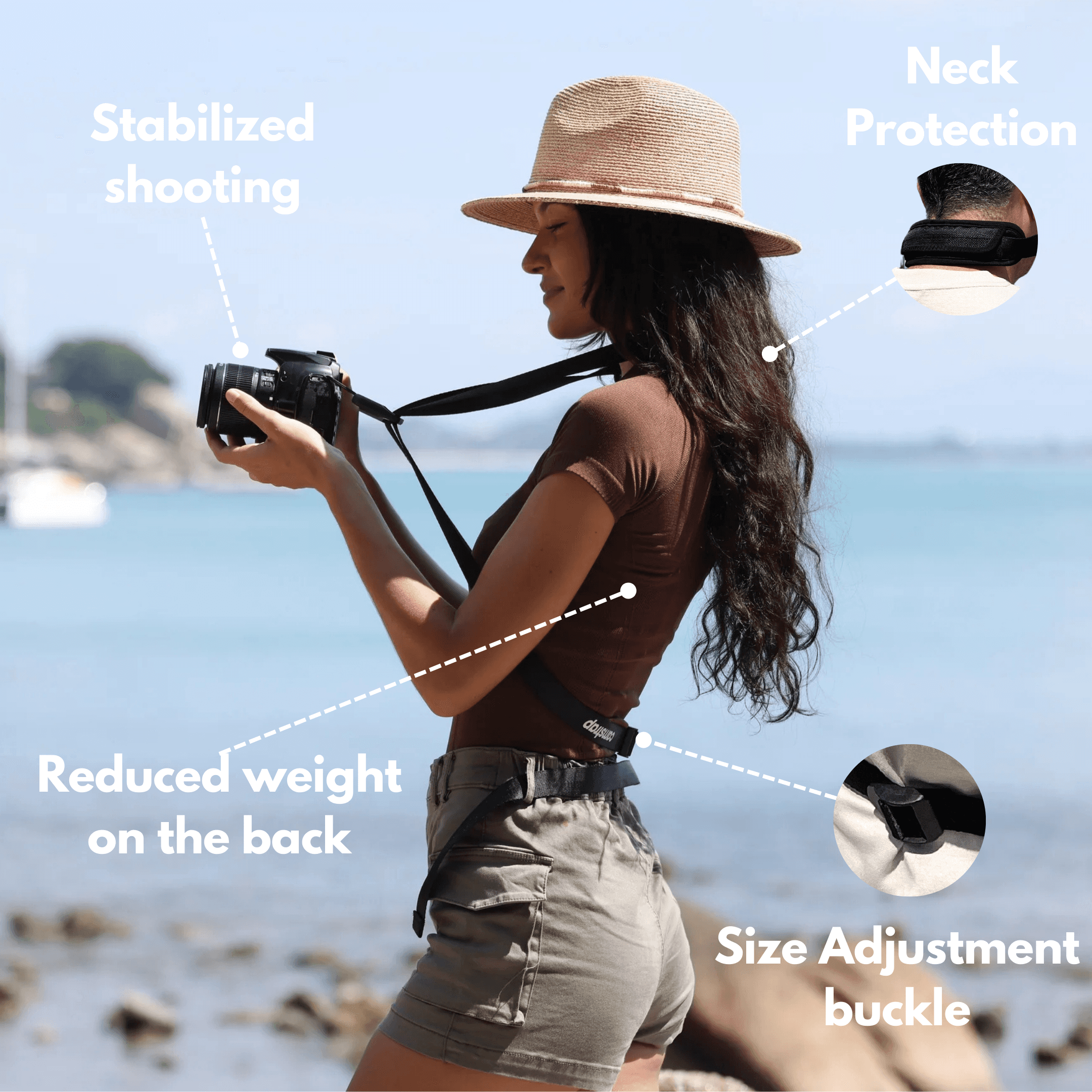
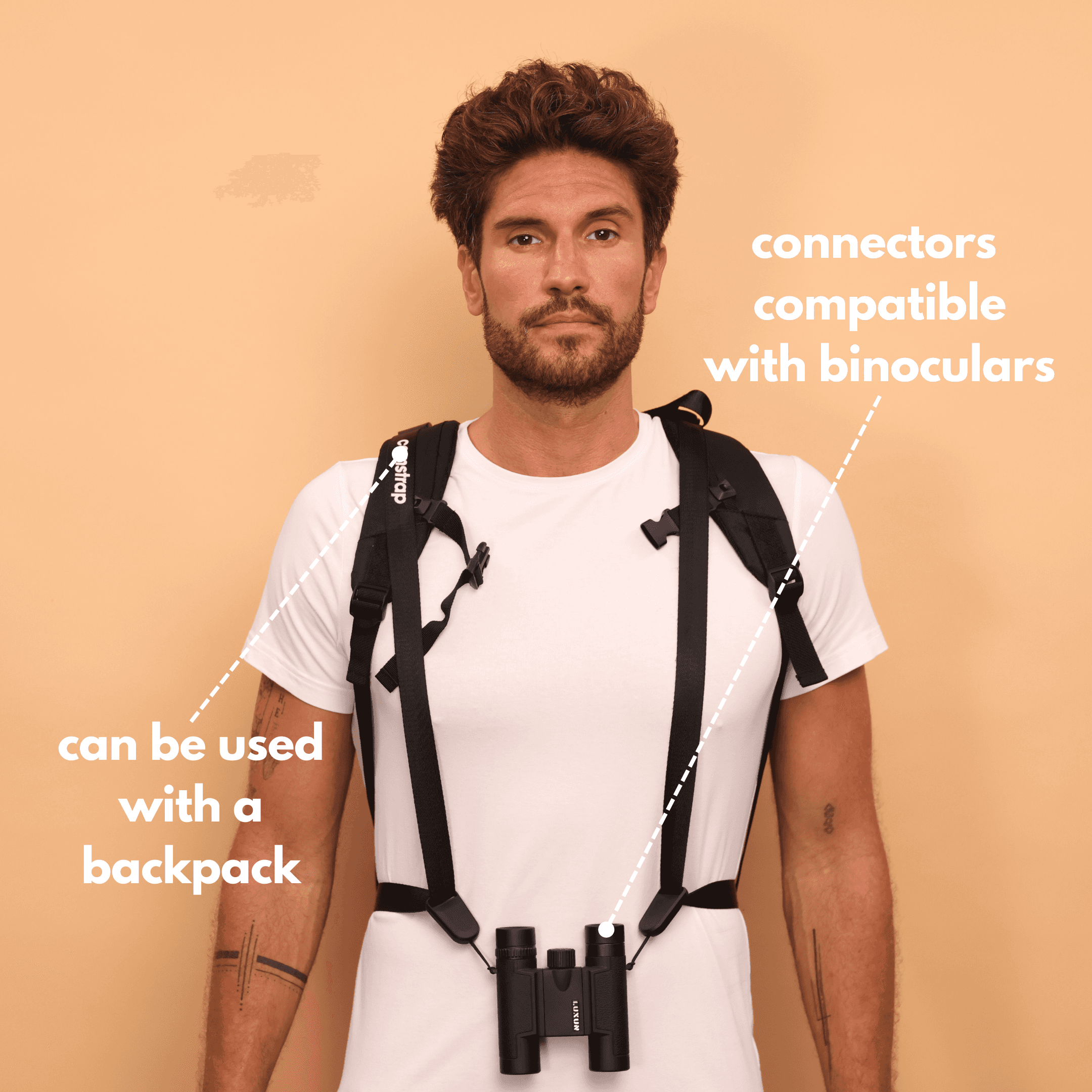
Use a strap that frees your hands. The camstrap voyager and camstrap explorer let you go from sling to shooting fast. The camstrap nomad spreads weight on long days. The camstrap magclip helps with fast on-off action.
Shooting techniques: avoid common mistakes
Intent matters more than gear. Walk slowly and watch light and movement. Anticipate your subject and press the shutter with purpose.
Common fixes
Too slow shutter? Raise it or brace the camera. Focus misses? Use single-point AF and aim for the eye. Busy backgrounds? Change angle or move closer. Too much blur? Use a faster speed to keep key detail.
Use of continuous modes
Continuous drive helps in fast scenes. Burst plus panning often gives one clear face and a blurred background. Try this with fast bodies like the Nikon Z8 or Canon EOS R5 Mark II.
Lighting, flash, and mixed light on the street
Light shifts fast in cities. Mixed light can help or harm your blur. Use drag flash to freeze a subject while keeping motion trails.
How to use drag flash
Set a slow shutter and a gentle flash. Start at 1/30 sec and test to see the mix. The flash freezes the closest subject. Ambient light paints motion trails behind it.
Travel locations, tips, and creative spots
Street ideas work in many places. Try New York for rush and contrast. Visit Berlin alleys for gritty light and texture. Also explore Myanmar or Morocco for colorful markets and strong motion scenes.
Pack light for long days. A Panasonic Lumix S5 or a Sony A6000 with a Sigma prime keeps weight low. Use a camstrap voyager or camstrap explorer for fast access. Bring spare batteries and a small card reader for quick backups.
Workflow, post, and when to keep blur
Shoot RAW so you can fix exposure and color later. Use local masks to sharpen faces while keeping blurred areas soft. Crop to remove distractions and guide the eye.
- Keep the blur when it adds mood or motion.
- Fix the blur when it hides key details or eyes.
- Try multiple exposures to blend stillness and motion where needed.
Conclusion: make blur a choice, not a mistake on the street
Mastering blur takes clear intent and steady practice. Pick your shutter, lens, and position before you press the shutter. Test panning and drag flash on bodies like the Nikon Z8, Panasonic Lumix S5, or Canon EOS R5 Mark II to see how they behave.
Use Camstrap gear to keep your camera ready. The camstrap nomad helps on long trips. The camstrap magclip gives fast access in tight moments. Then go out to New York, Berlin, Myanmar, or Morocco and shoot with purpose. Let your blur show motion, not an accident.