


This guide shows how to plan, shoot, and deliver multi‑aspect content that wins on social. It helps travel enthusiasts, outdoor adventure photographers, and amateur photographers work faster. It also explains gear and tools like the Camstrap voyager and Camstrap magclip.
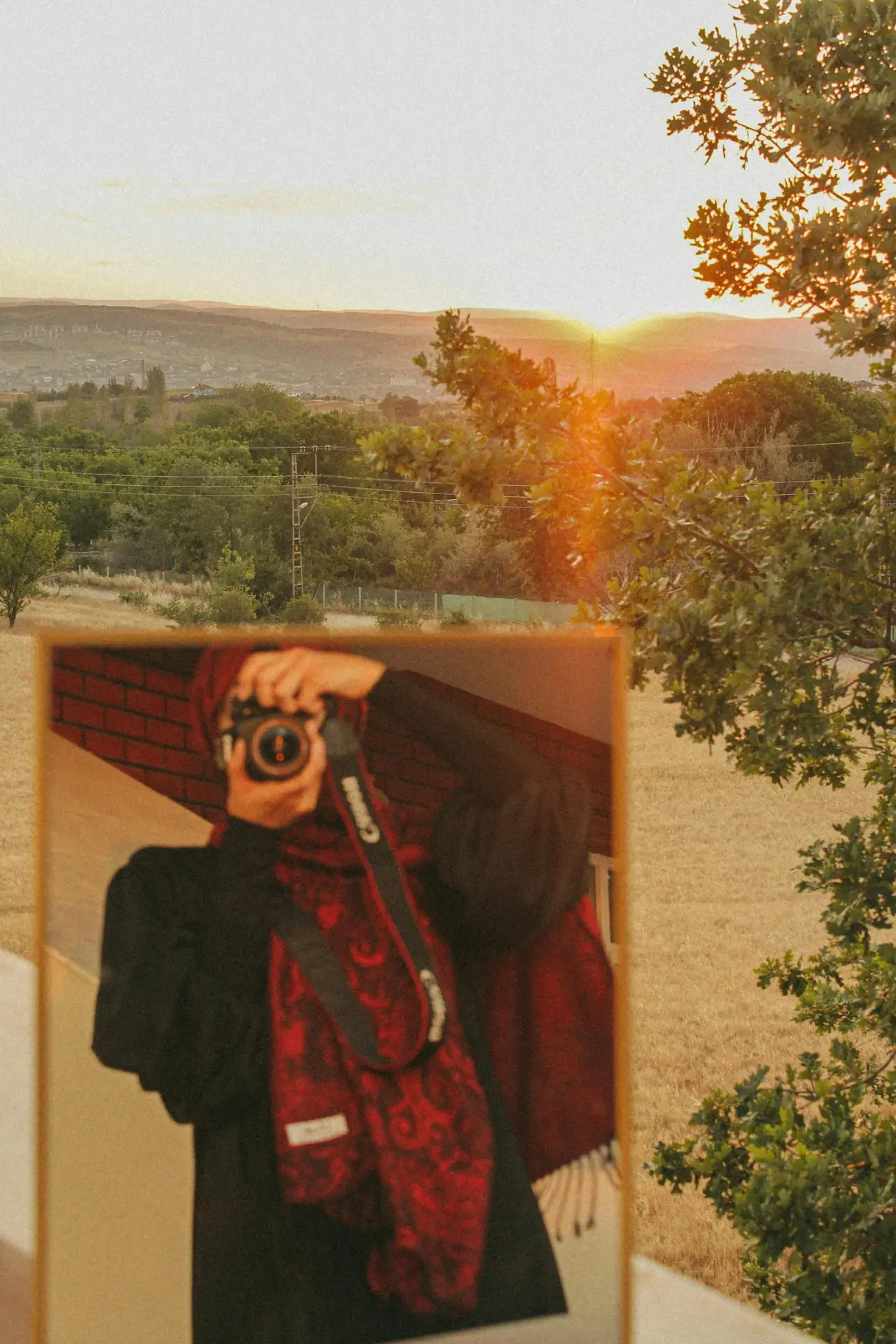
Why you must master vertical multi‑aspect deliverables
Attention on phones is short and fast. Vertical video grabs eyes on TikTok and Instagram. So brands and creators must give the right formats to grow reach.
Shop the setup

- Regular price
-
€42 - Regular price
-
€44 - Sale price
-
€42
By choosing the Camstrap strap, you are opting for a high-quality product designed to meet the needs of the most demanding photographers.
- Developed by a physiotherapist to relieve neck and back pain.
- Fast delivery with tracking by the Post Office 🚚
- Can be used as a shoulder strap or hands-free harness

- Regular price
-
€36 - Regular price
-
€42 - Sale price
-
€36
Free shipping included

Clients now ask for vertical, square, and landscape cuts from one shoot. A repeatable process saves time and keeps quality high.
Master planning: brief, formats, and KPIs
Good work starts with a clear brief. Ask the client what formats, lengths, and KPIs they need.
- List ratios: 9:16, 4:5, 1:1, and 16:9.
- Note runtimes: 15s, 30s, 60s, and ad lengths.
- Set KPIs: views, watch time, clicks, and shares.
Map scenes by crop and key moments. Use a simple grid to mark safe zones for each ratio. This step saves edit time and keeps the subject in frame.

How to master shoots for multi‑aspect output
Shoot with the end in mind. Put a vertical guide on your monitor and also shoot a wider master for room to crop.

Camera and gear choices
Pick cameras that hold detail when you crop. The Canon EOS R5 and Leica Q2 give clean files for tight crops. You can also use Kodak or Fujifilm looks for film style.
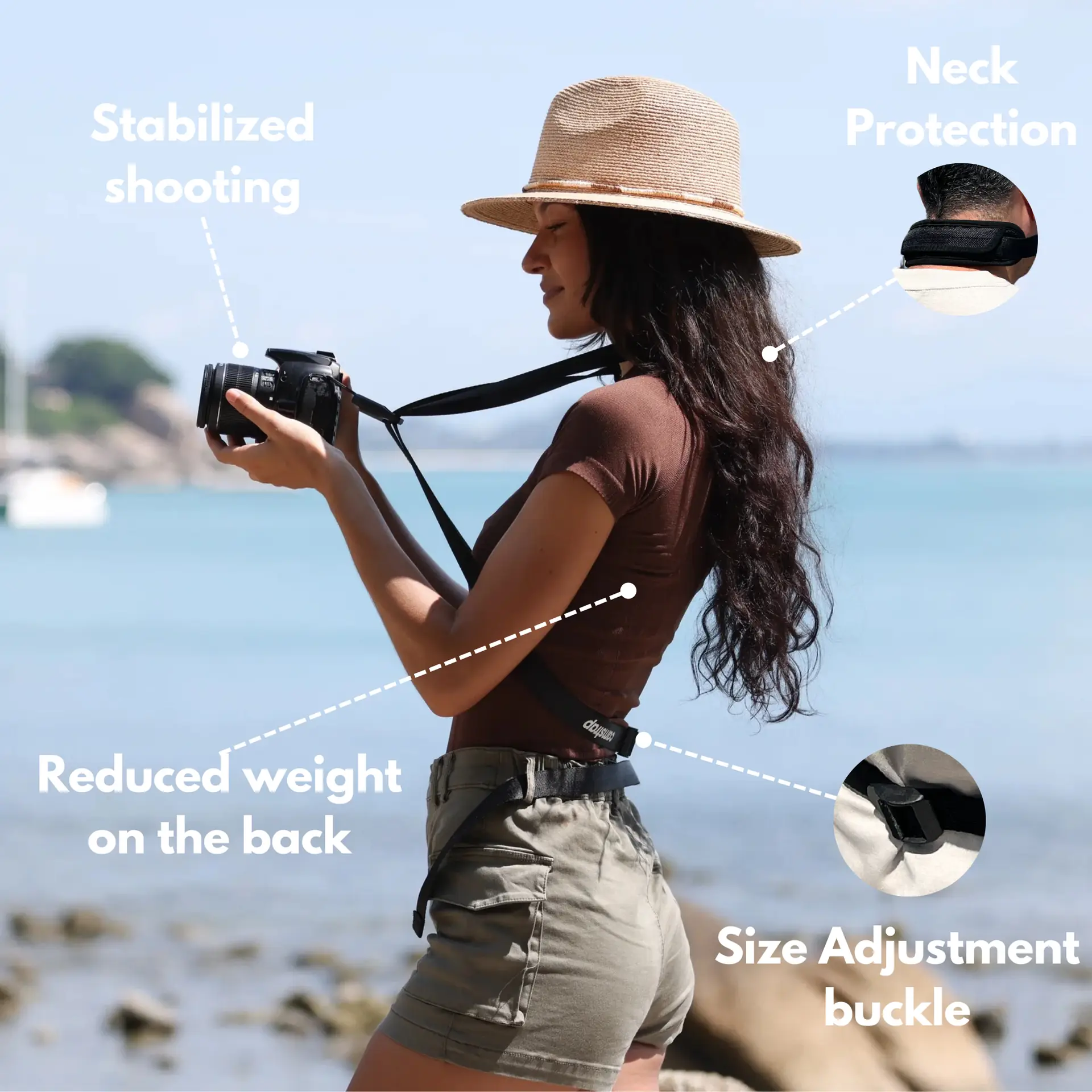
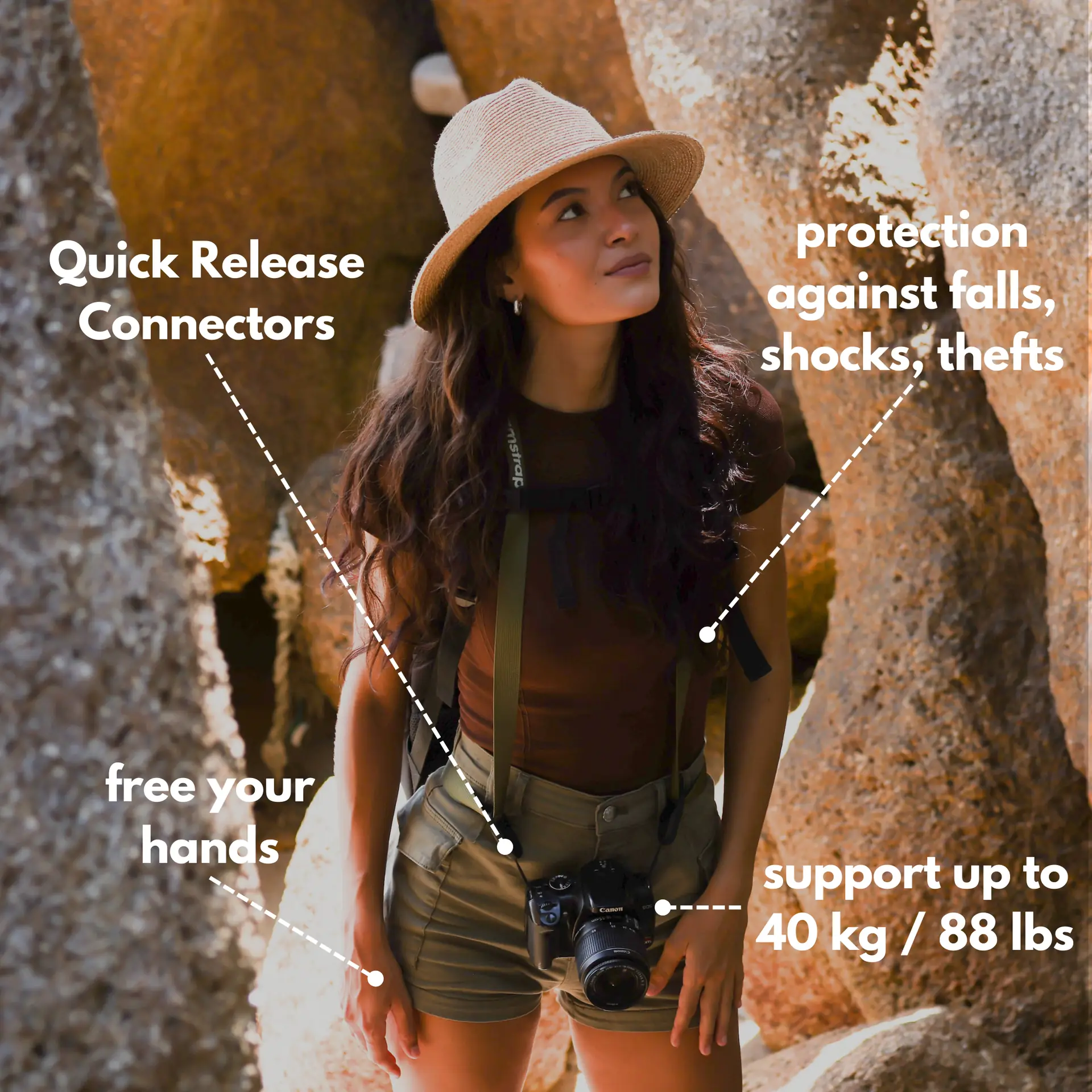
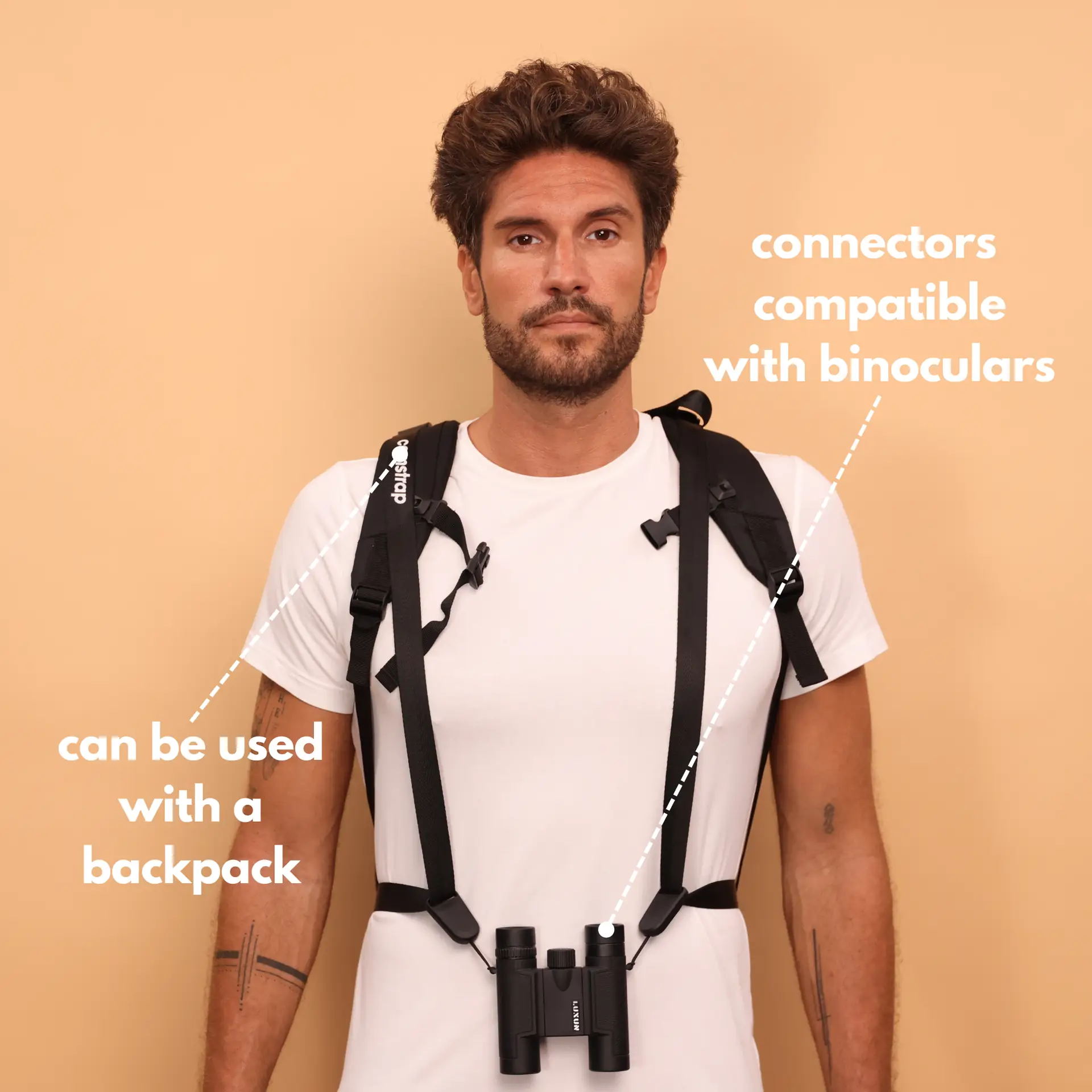
Use a gimbal or tripod to keep motion smooth. Pack a compact kit and a Camstrap explorer or Camstrap nomad. Camstrap is a brand that blends function with style, so gear stays safe and ready.
Framing tips for vertical and multi crops
Mark the vertical safe zone on your monitor. Keep eyes and faces on the top third for interviews. For motion, light the path where the subject moves.
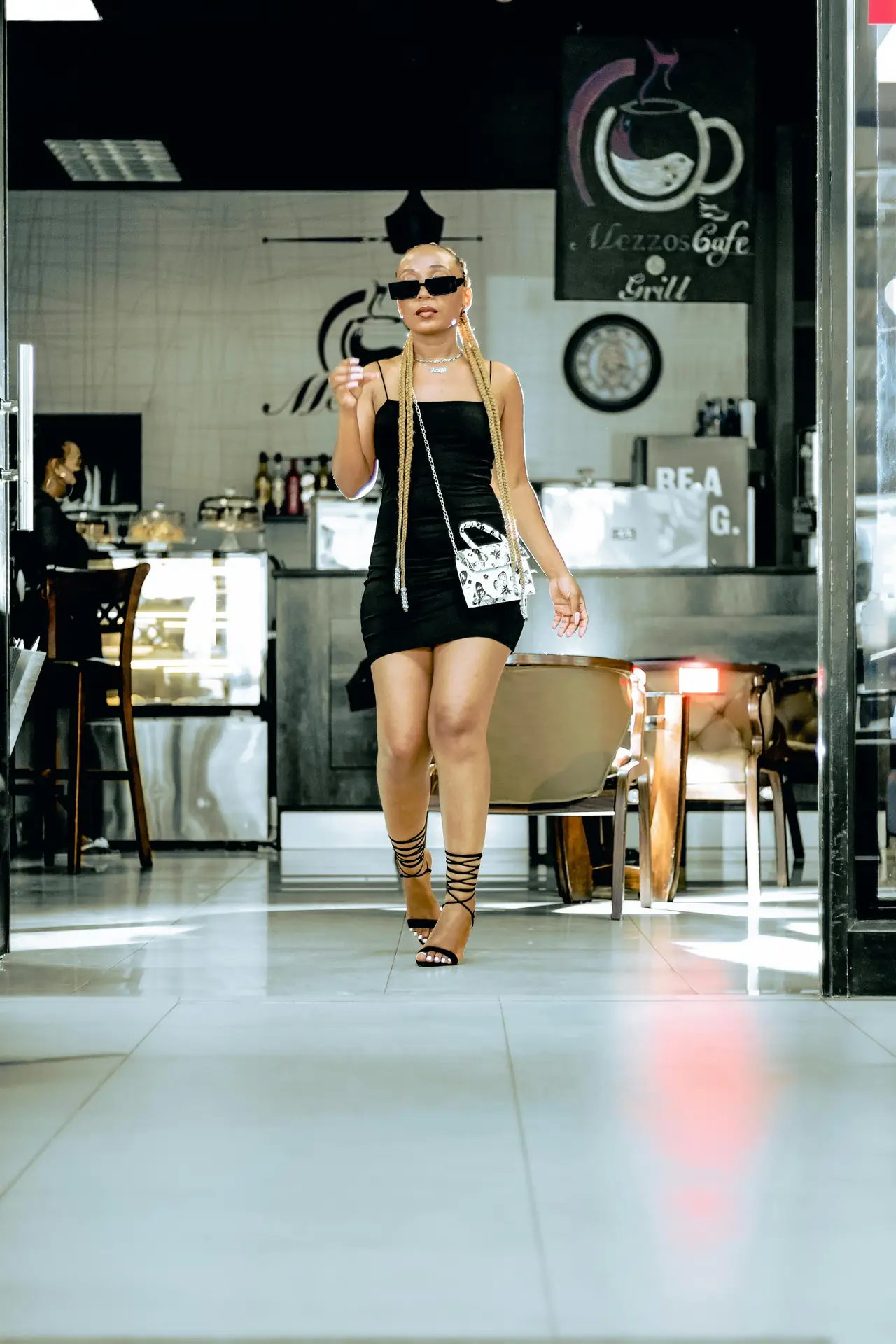
Shoot wide pans and close-ups. Wide masters give editors options for left and right pans. Close shots keep emotion in vertical cuts.
How to master editing for vertical multi‑aspect deliverables
Edit with ratio timelines ready. Start with a wide master sequence and make nested 9:16, 4:5, and 1:1 sequences.
Efficient crop and tracking methods
Use motion tracking to keep faces in frame when you crop to vertical. Auto tools help, but check each cut by hand. Tweak keyframes to hold the look.
- Build safe‑zone guides for each ratio.
- Use keyframe position to follow the subject.
- Export client proofs before final render.
Match color and sound across all cuts. Use the same grade and levels so every deliverable feels like the same campaign.
How to master an efficient delivery system
Delivery is more than render and upload. Name files, add metadata, and share proofs in a clear folder.
- Render masters in high quality.
- Export platform cuts: 9:16, 4:5, 1:1, and 16:9.
- Upload to a labeled client folder with notes.
Create a repeatable folder template and a delivery checklist. Include codecs, thumbnails, and extra 15s and 6s cuts for ad tests.
How to master strategy, testing, and repurposing
Use data to learn what works. Test hooks in the first three seconds and track views, watch time, and clicks. Then scale the best cuts into paid ads.
Plan a content calendar to repurpose one shoot into many posts. For travel work, show spots like Norway and Jerusalem to win attention. Add drone clips above Zanzibar to show scale and give context.
How to master team roles and brand voice
Clear roles speed deliverables. Assign a producer, a lead editor, and a social manager. Keep a simple feedback loop with timestamps and deadlines.
- Producer: plans the brief and client check‑ins.
- Lead editor: builds the master timeline and crops sequences.
- Social manager: writes captions and picks thumbnails.
Keep one brand voice across sizes. Use the same fonts, color grade, and tone. Make a short style sheet with logo safe zones and share it with the team.
Examples from cameras and creators
Some creators like a Kodak or Fujifilm look for nostalgic color. Others pick clean RAW from the Canon EOS R5 or Leica Q2 for detailed crops. These choices shape the final edits and thumbnails.
Use steady drone opens to hook viewers. Short vertical drone clips can boost watch time and shares.
Tools, templates, and quick wins
Use presets to save hours. Make sequence templates for 9:16, 4:5, and 1:1. Keep a library of music cues and thumbnail tests.
- Make export presets for each platform.
- Keep a simple file naming system for fast finds.
- Use a client proofing tool for time‑stamped notes.
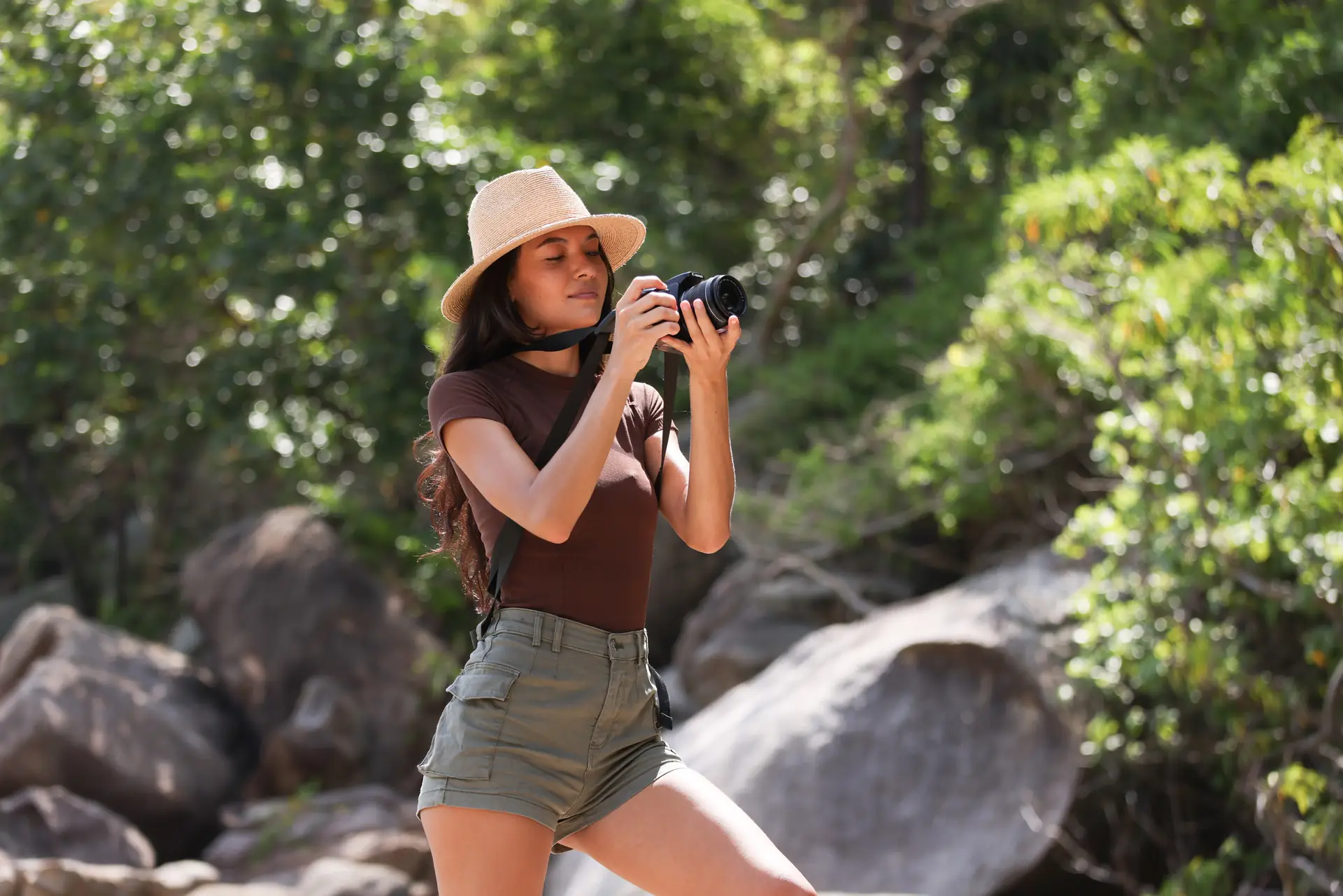
Pack a small travel kit. Bring spare batteries, a compact tripod, and a Camstrap magclip for quick access. These small tools keep you ready for long shoots and changing light.
Conclusion: How to master vertical multi‑aspect deliverables in 2026
Mastering multi‑aspect work means you plan, shoot for crops, and edit fast. Use clear briefs, repeatable templates, and simple delivery systems. Test often and scale winners to grow client results.
Start today by building one crop template and one strong vertical reel from your next shoot. Use camera choices like the Canon EOS R5 or Leica Q2 and tools like Camstrap to stay ready. Measure the result and repeat what works.


