


How motion-blur adds cinematic feel in 2026
Motion blur adds mood and flow to photos. It helps stills feel like film and tells a clear story.
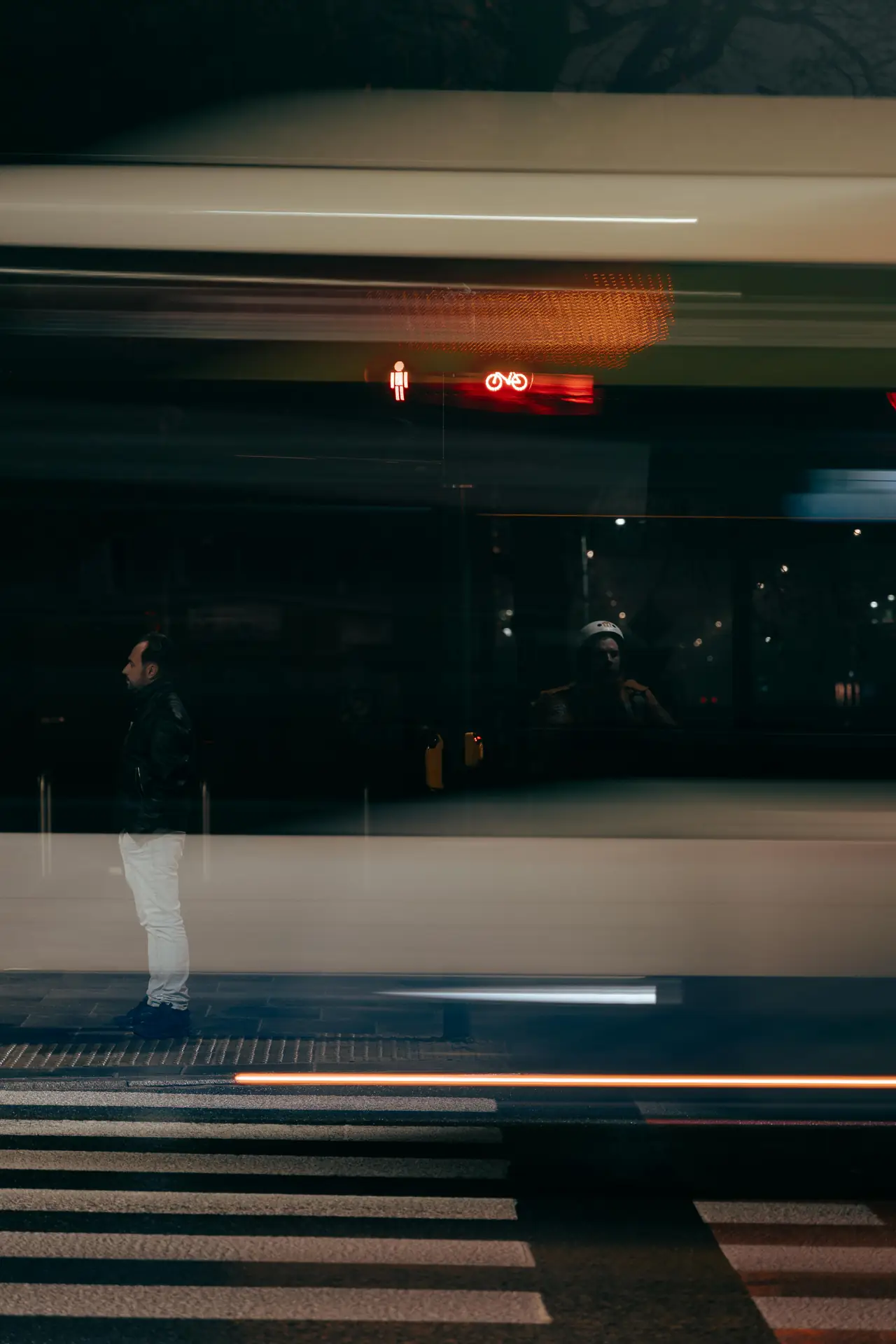
In 2026, better sensors and smart AI make motion blur easier to control. This guide shows how to shoot and edit cinematic stills step by step.
Translation missing: en.blog_cta.bundle_heading

- Regular price
-
€42 - Regular price
-
€44 - Sale price
-
€42
By choosing the Camstrap strap, you are opting for a high-quality product designed to meet the needs of the most demanding photographers.
- Developed by a physiotherapist to relieve neck and back pain.
- Fast delivery with tracking by the Post Office 🚚
- Can be used as a shoulder strap or hands-free harness

- Regular price
-
€36 - Regular price
-
€42 - Sale price
-
€36
Translation missing: en.blog_cta.free_shipping_included
How gear and settings help you master motion-blur
Good gear makes learning faster and more fun. Use a camera with strong low-light performance and good stabilization.
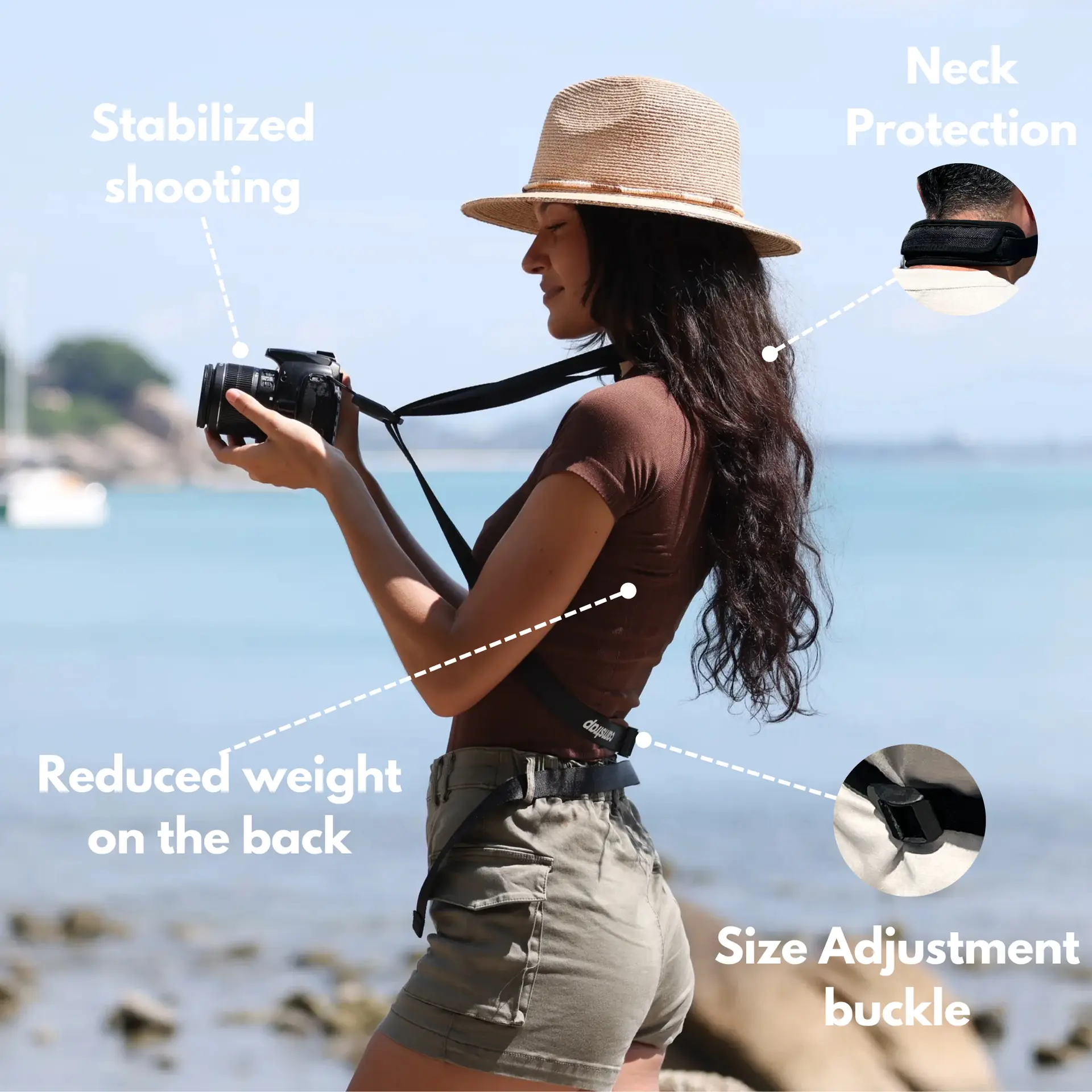
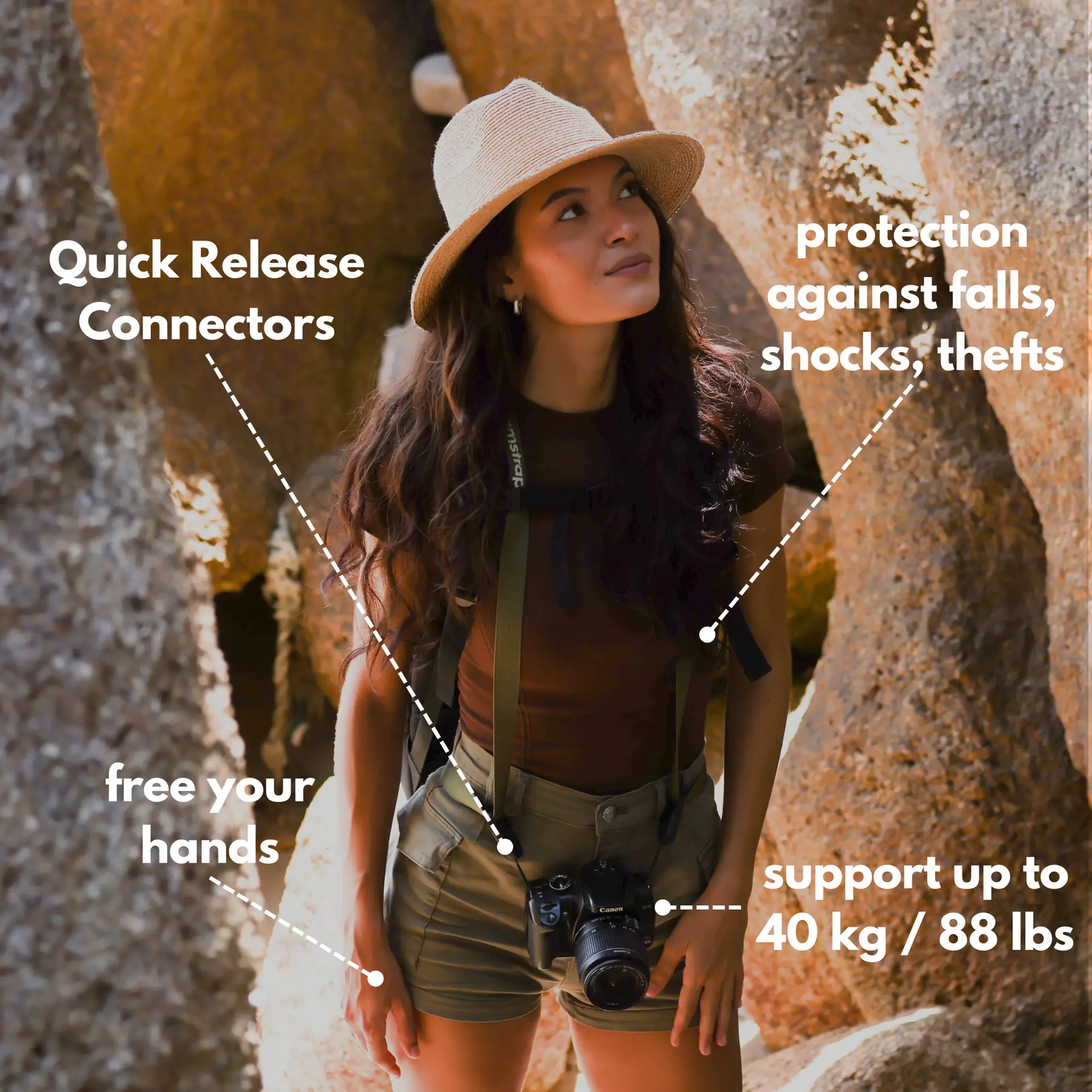
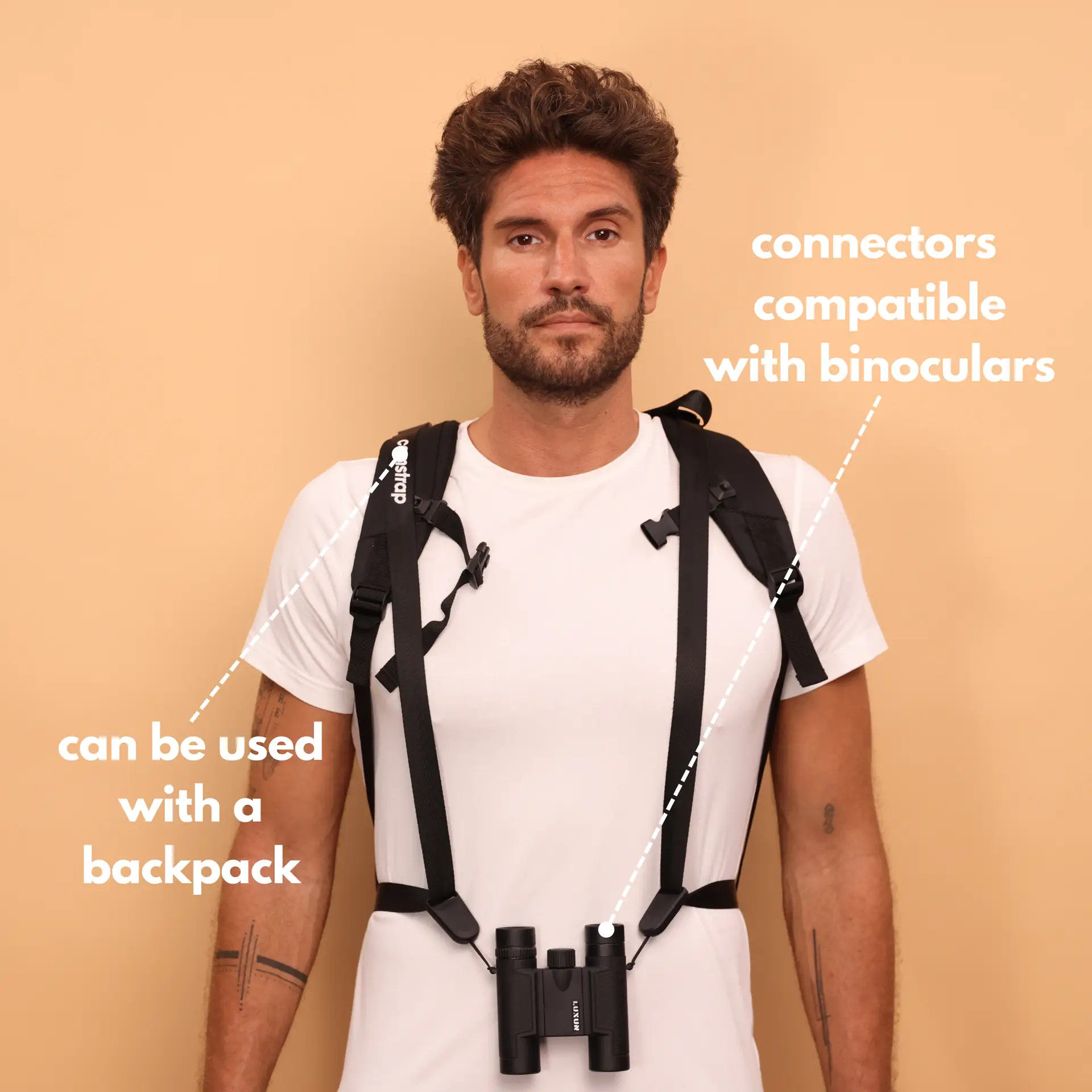
Carry straps and mounts that keep your gear safe on trips. Camstrap makes straps like the Camstrap voyager and Camstrap explorer. These straps help travel enthusiasts, outdoor pros, and hobbyists move with confidence.
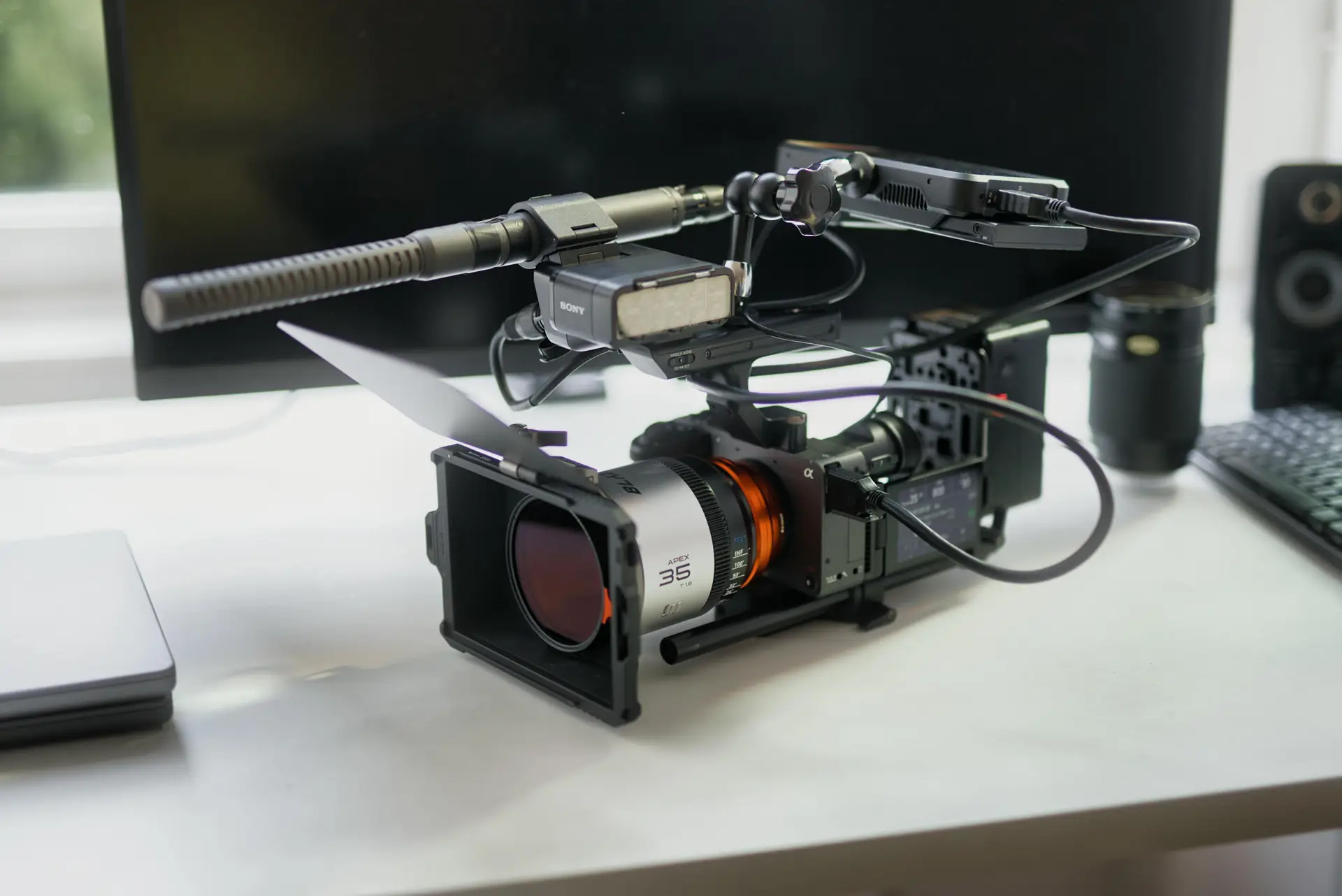
Essential camera body and lens choices
Pick a mirrorless or DSLR with good high-ISO use. New models from 2024–2026 handle noise well and keep color rich.
Choose fast primes from 24mm to 85mm for a film look. A 35mm or 50mm often works best for night scenes and portraits.
Shutter speed, aperture, and ISO basics
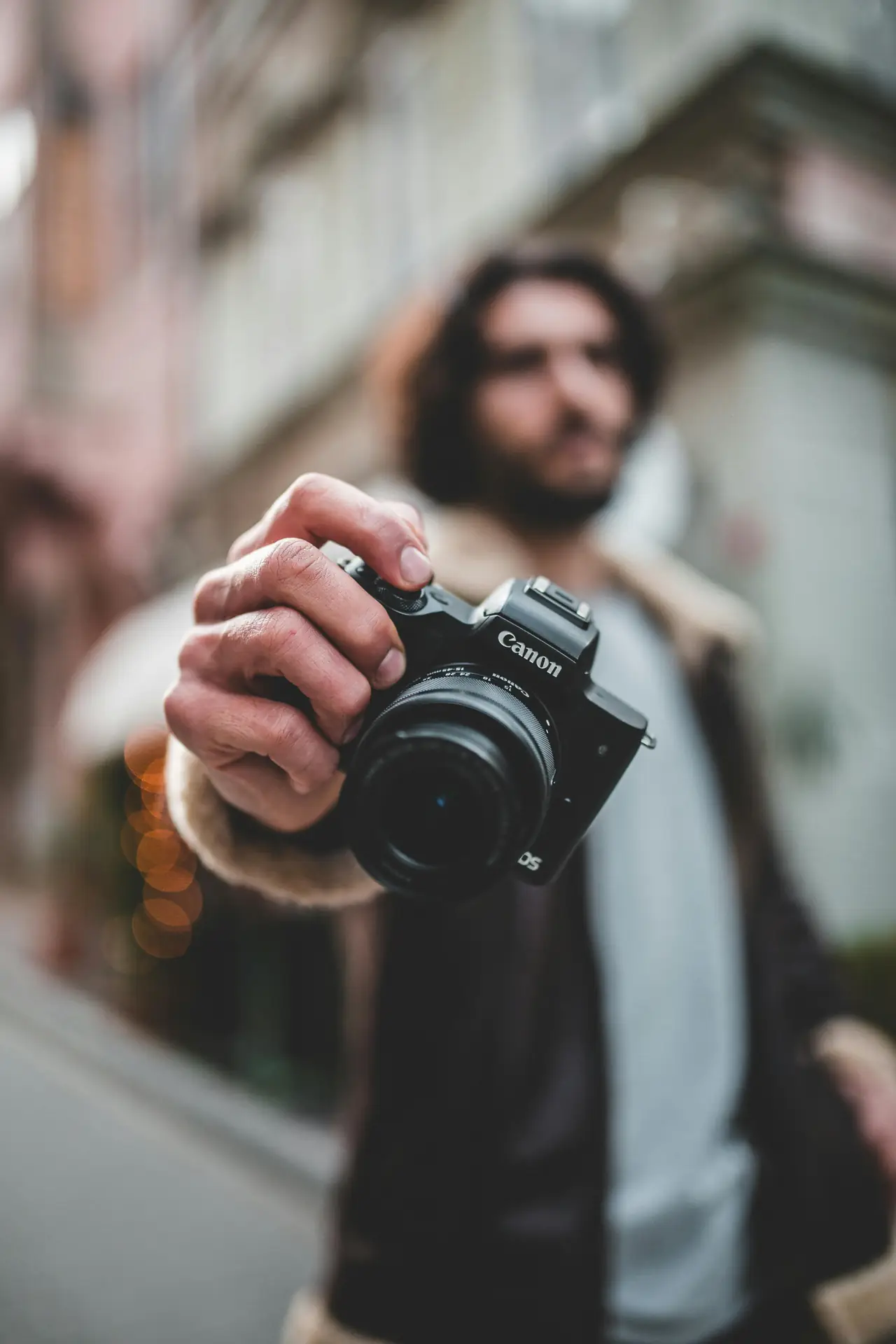
Set shutter speed to show motion but keep subject shape. Try 1/15 to 1/2 second for slow movers like cars and runners.
Use 1/60 or faster for quick action and add intentional camera move. Open the aperture for soft backgrounds, and keep ISO low to cut noise.
Stabilization and handheld tricks
Use a firm stance and tuck your elbows when shooting handheld. Brace on a wall or car to cut small shakes without killing motion lines.
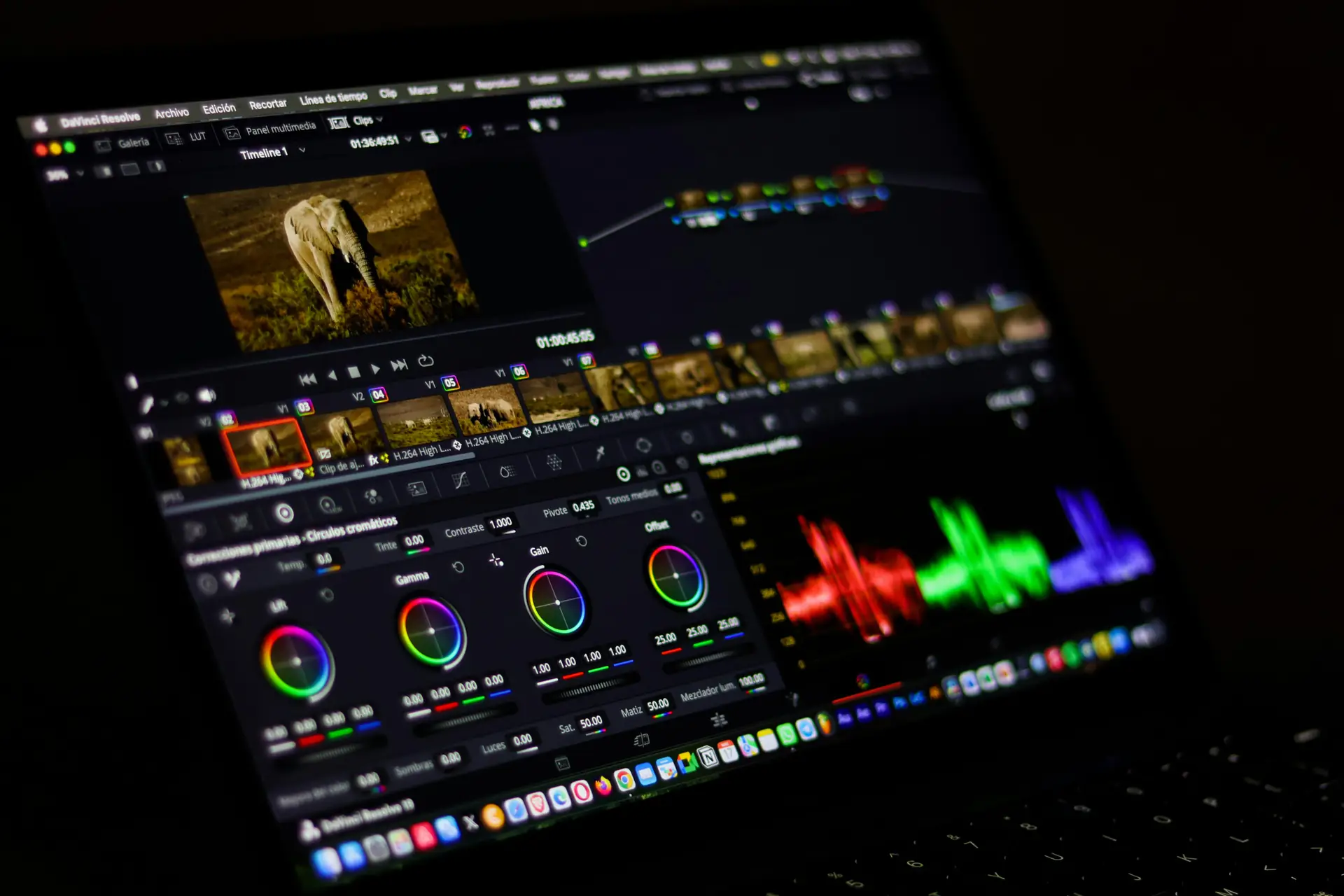
Try slow panning and match your move to the subject speed. Monopods and small tripod heads also help when you need more control.
How to shoot and compose for cinematic motion-blur
Shooting with intent helps you make strong cinematic images. Plan the subject path and use light and lines to guide the eye.
Leave breathing space and place moving objects on strong lines. This helps motion feel natural and keeps the story clear.

Panning and deliberate camera move (DCM)
Panning keeps the subject sharp and blurs the background. Track the subject, move smoothly, then fire the shot at the right time.
Deliberate camera move adds a creative streak. Move up, down, or sideways to make mood and flow. Keep moves smooth for clean blur.
Subject-led blur vs full-frame blur
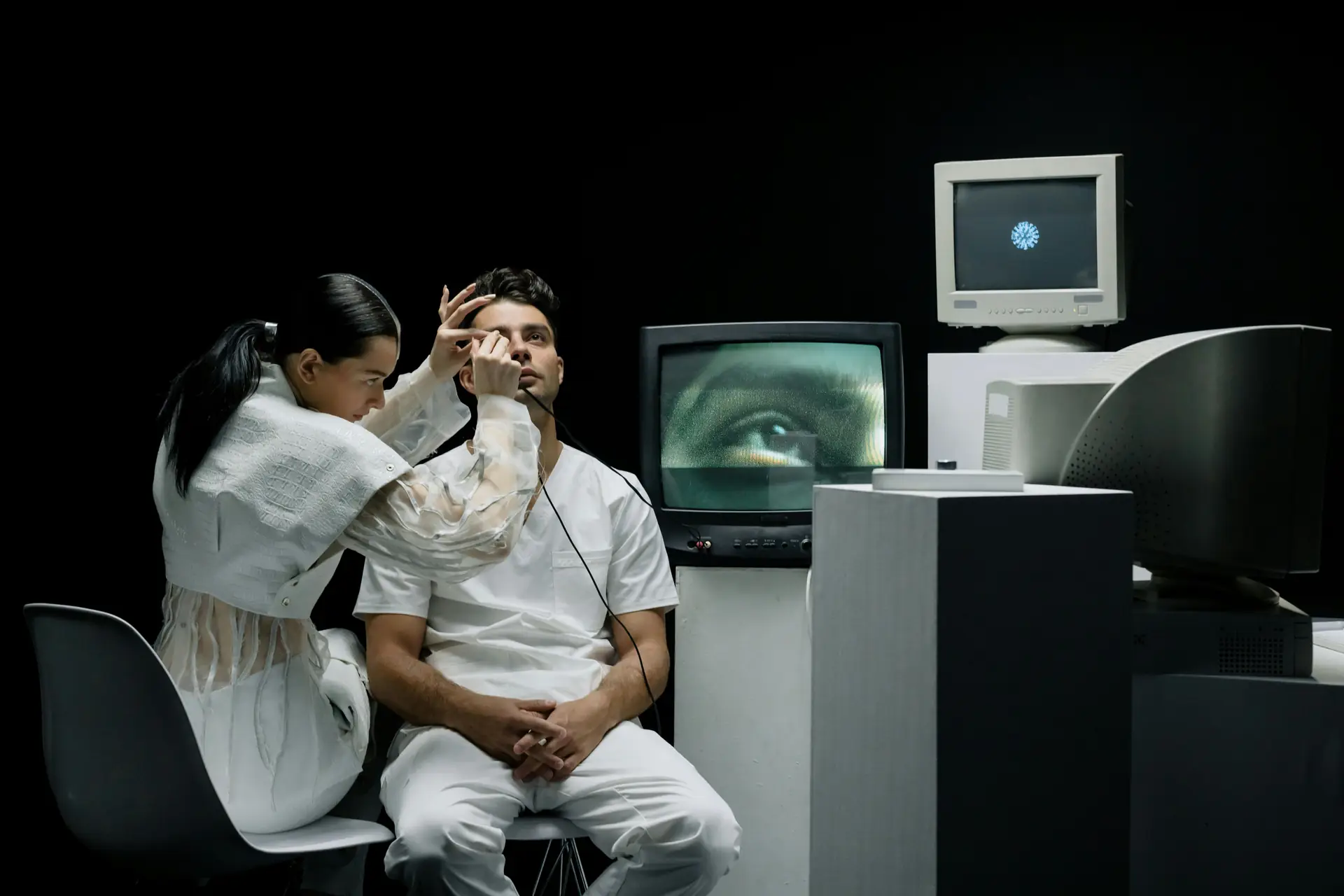
Subject-led blur keeps the main subject clear and blurs the rest. Use panning or a rear-curtain flash to freeze your key subject.
Full-frame blur makes abstract motion images. Use longer exposures and bolder camera moves. This works well for travel art and street scenes.
Lighting and color choices
Light sets mood in cinematic stills. Warm streetlights and neon create strong streaks and color contrast.
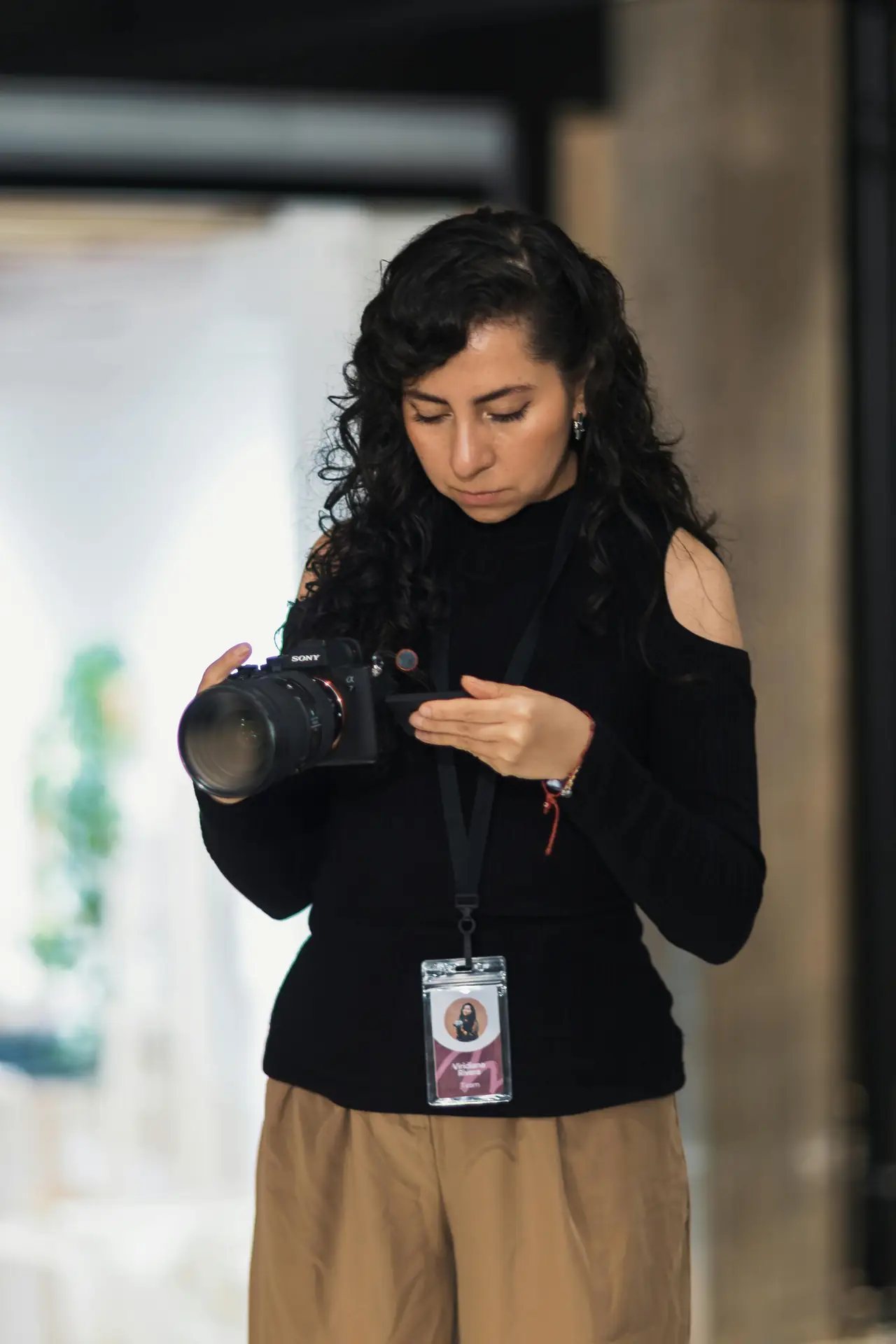
Try a hybrid method with flash and long exposure. Freeze the subject with a flash and let the background blur for drama.
How to edit motion-blur like a pro
Editing turns a good shot into a great one. Start in RAW to keep detail and color and to give you more control.
Then refine motion lines, color, and grain to match your idea. Use masks to protect the subject and smooth the rest.
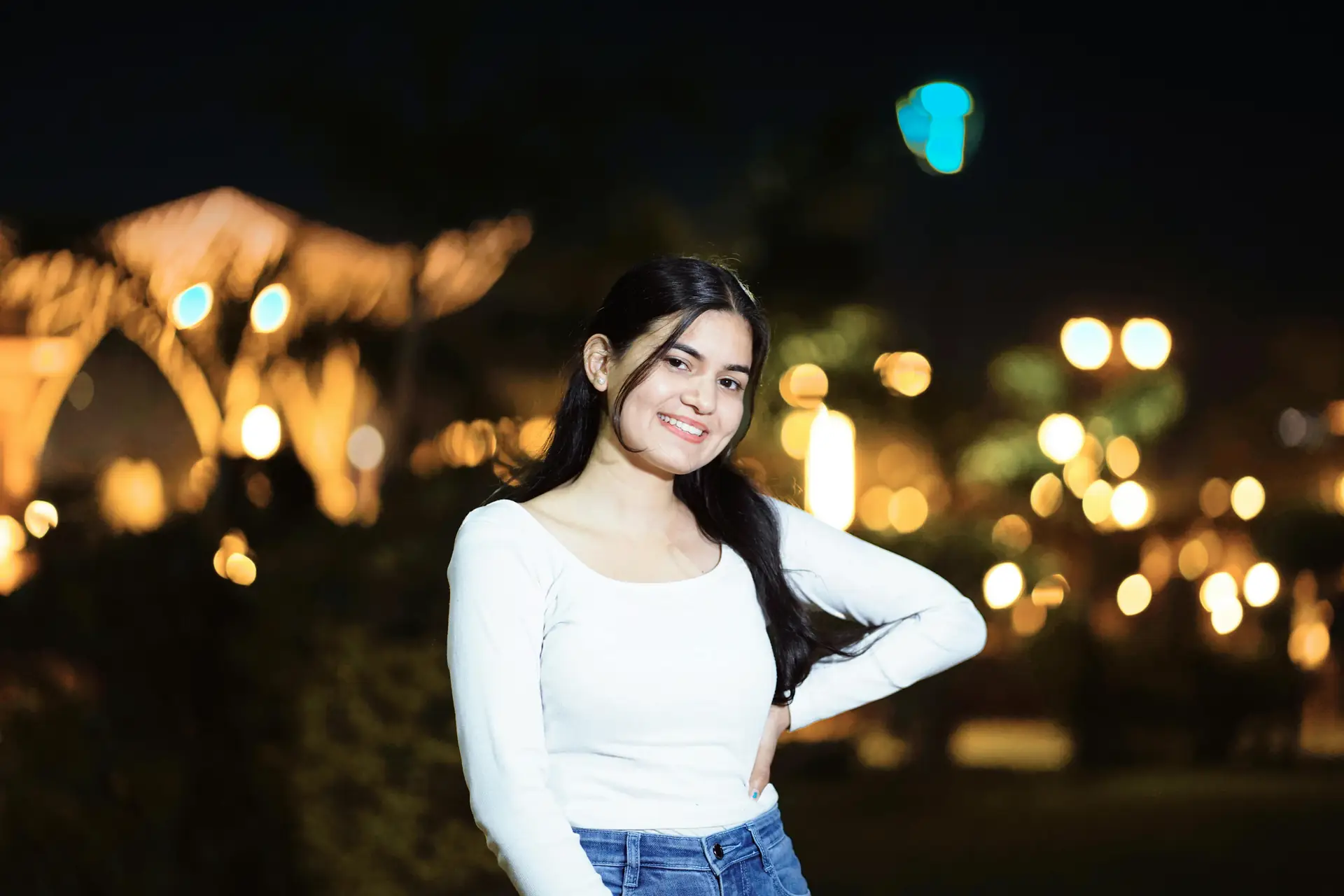
Basic workflow: RAW import to final export
Import RAW files and pick the best frames. Crop for stronger composition and fix lens issues early.
Adjust white balance and exposure to match the mood. Then add local edits, color grade, and export in the right size for web or print.
Selective blur and mask techniques

Mask the subject to keep it sharp and clear. Soften the background and add streaks only where you need them.
Use feathered masks for smooth blends and lower clarity on blurred areas. This keeps the eye on the subject and not the blur edges.
Using AI and motion tools in 2026
AI tools in 2026 can clean noise and boost dynamic range. Use them to keep sharp parts clean and blur parts smooth.
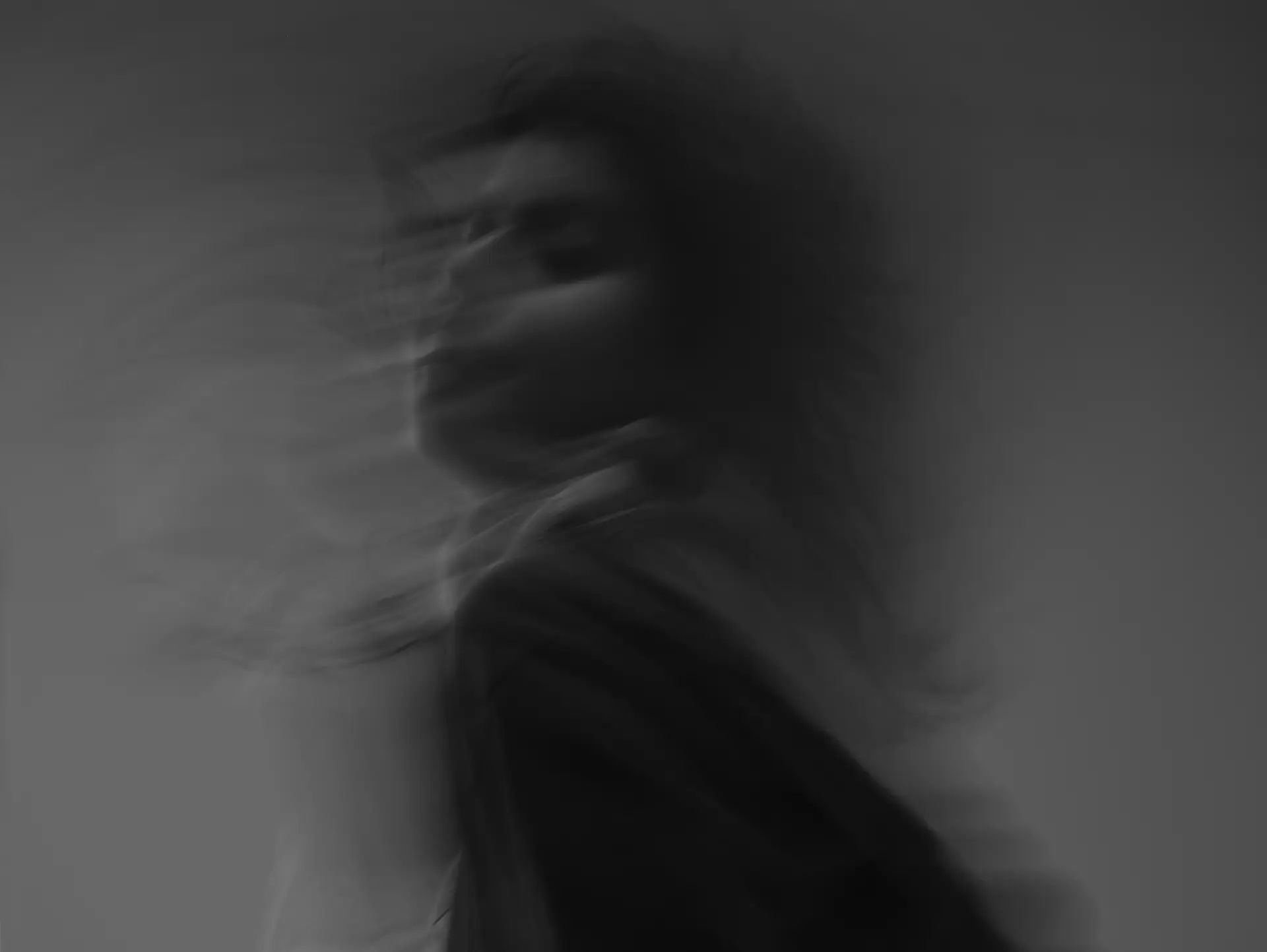
Try AI stabilizers to remove unwanted shake but keep planned motion lines. Test different settings to avoid an artificial look.
How to practice projects and stay safe in the field
Practice projects help you learn fast and build a routine. Start simple and add complexity as you grow more confident.
Always use secure straps and safe packing. Camstrap nomad and the Camstrap magclip let you swap gear quickly and keep it secure on hikes.
Project ideas to build your skills
- Urban panning: Shoot cars at night with 1/15–1/60 second shutters for light streaks.
- Motion portraits: Try 1/30 second with rear curtain flash to freeze faces and blur limbs.
- Nature flow: Use 1–2 seconds to make rivers smooth and keep rocks sharp.
- Event blur: Capture dancers with slow shutters and a stable flash to isolate faces.
- Abstract travel: Use full-frame blur in crowds to show motion and mood.
Field tips to stay safe and get consistent results
- Balance camera weight on your body to move fast and steady.
- Scout locations and check light before long exposures.
- Carry backup batteries and a headlamp for night shoots.
- Watch traffic and crowds when you use long exposures.
How to fix problems and use advanced tips
Troubles happen when you learn. Check jitter, noise, and over-blur with simple tests and small changes.
Keep notes on settings and conditions. This helps you repeat wins and avoid past mistakes.
Fixing jitter and unwanted shake
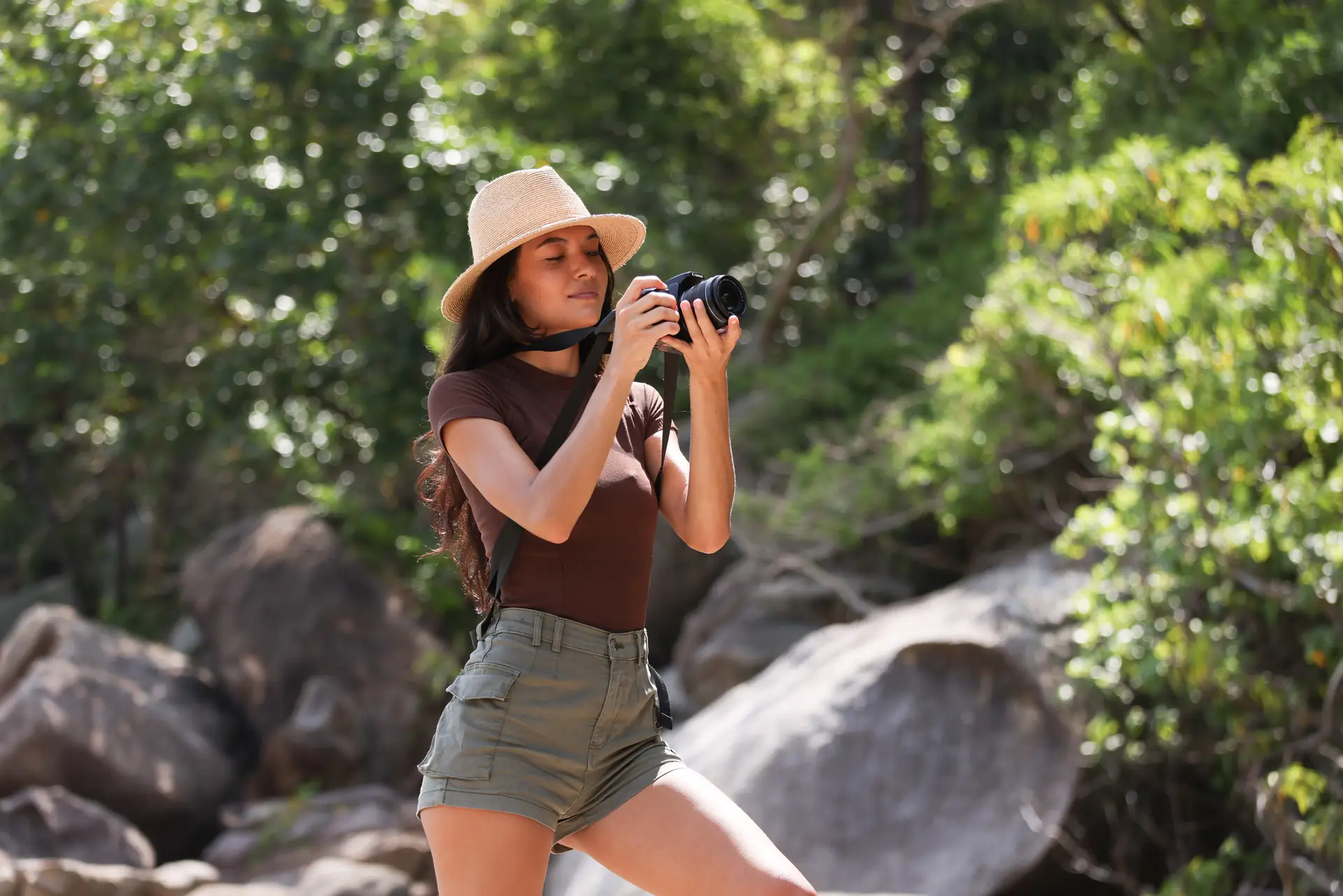
Small shakes cause jitter in long shots. Use a firmer stance, a monopod, or a short tripod to steady your camera.
Try burst mode to raise the chance of a sharp frame during motion. If jitter stays, use AI stabilizers in edit.
Managing noise while keeping motion-blur
Noise climbs when you push ISO high. Use a wide aperture or longer shutter to keep ISO low when you can.
Apply noise reduction to blurred areas only in post. Keep sharp areas clear to protect detail. AI denoisers work well when used with care.
Balancing sharp subject and blurred background
Match your pan to the subject speed to keep the subject sharp. Use a faster shutter if subject blur is too strong.
Add a brief flash to freeze the subject while the background blurs. In edit, mask the subject and raise clarity for a cinematic finish.
Advanced tips: AI camera moves and motion data
Record camera motion data and use it in AI tools to re-create real moves in edit. This helps match blur to real motion.
First remove jitter with hardware or software. Then add planned blur. This keeps the handheld feel while improving image quality.
How to keep improving: Conclusion
Mastering motion-blur cinematic stills takes time, play, and good gear. Start small, then build to harder scenes and AI workflows.
Use reliable straps like Camstrap voyager and Camstrap explorer to stay safe and steady. Try Camstrap nomad for hikes and the Camstrap magclip for quick swaps.
Test settings, keep notes, and learn from each take. With steady work, you will master motion blur and make stills that feel cinematic. So grab your camera and start shooting today.


