


Want to learn how to shoot great mobile-first vertical travel photos for Instagram Reels? This guide shows clear steps. You will learn gear tips, framing, lighting, editing, and posting strategies for real trips.
How to Adopt a Mobile-First Mindset for Vertical Travel Photos
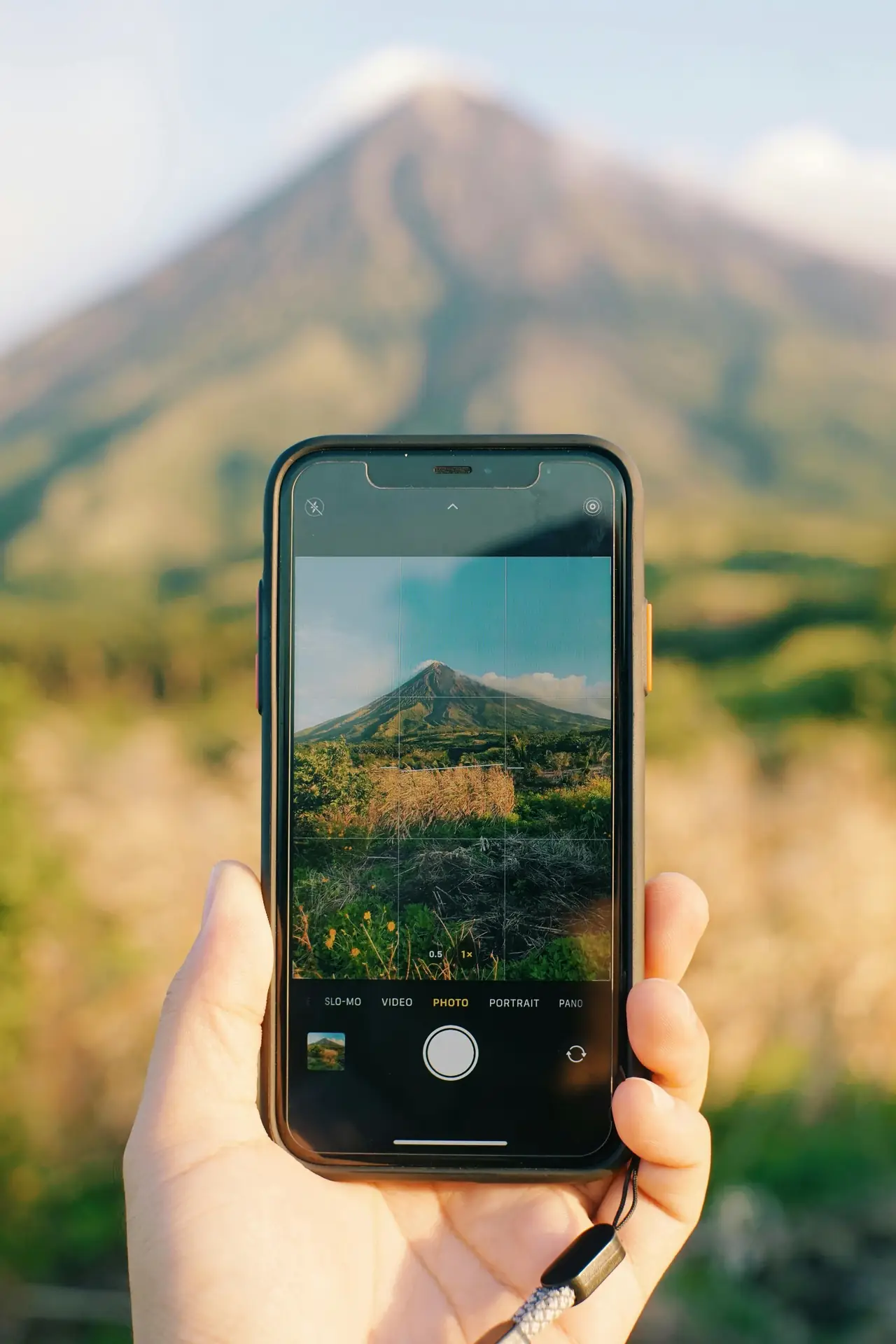
Think vertical from the start. Frame scenes in 9:16, not 3:2 or 4:5. This helps pick strong subjects and clean backgrounds for Reels.
Translation missing: en.blog_cta.bundle_heading

- Regular price
-
€42 - Regular price
-
€44 - Sale price
-
€42
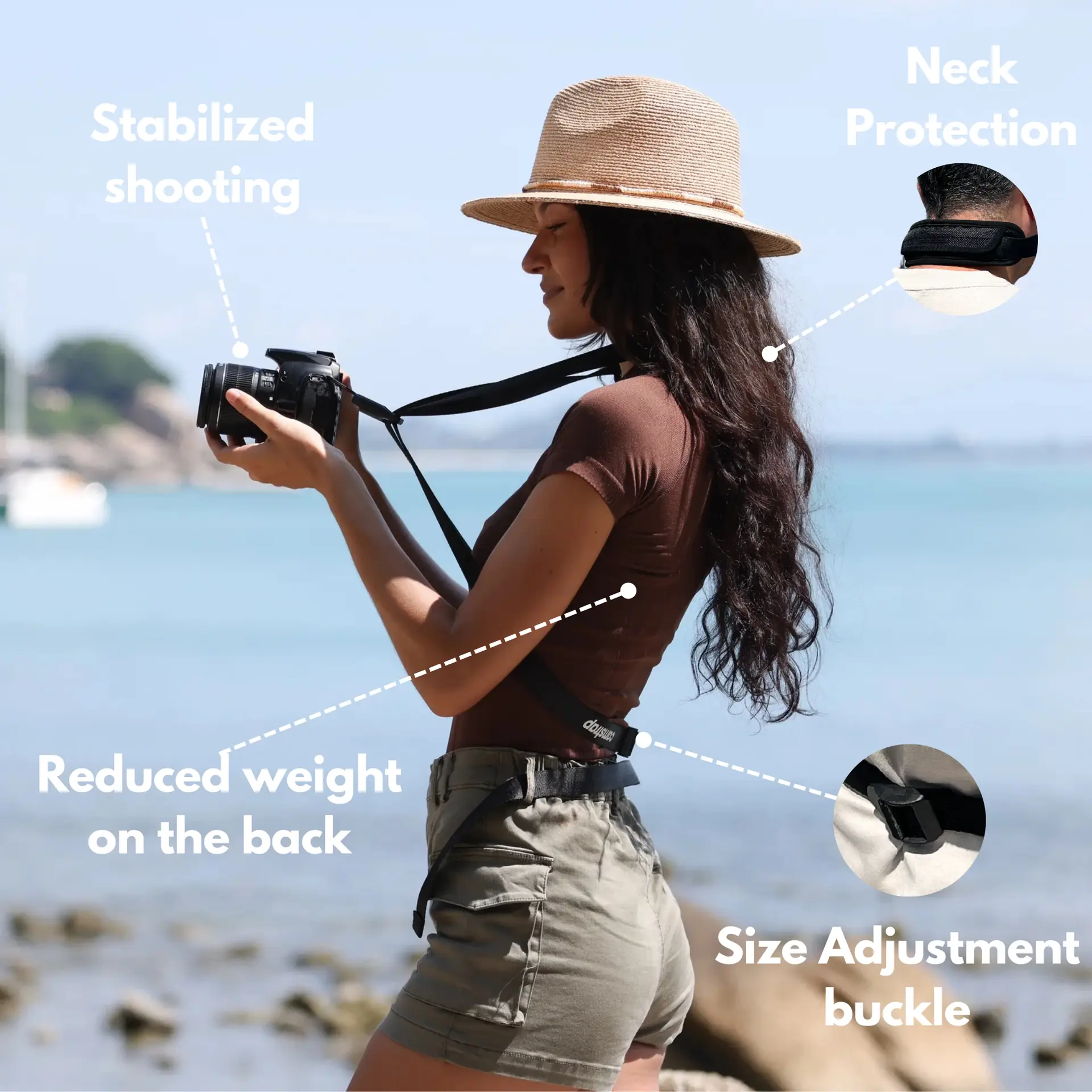
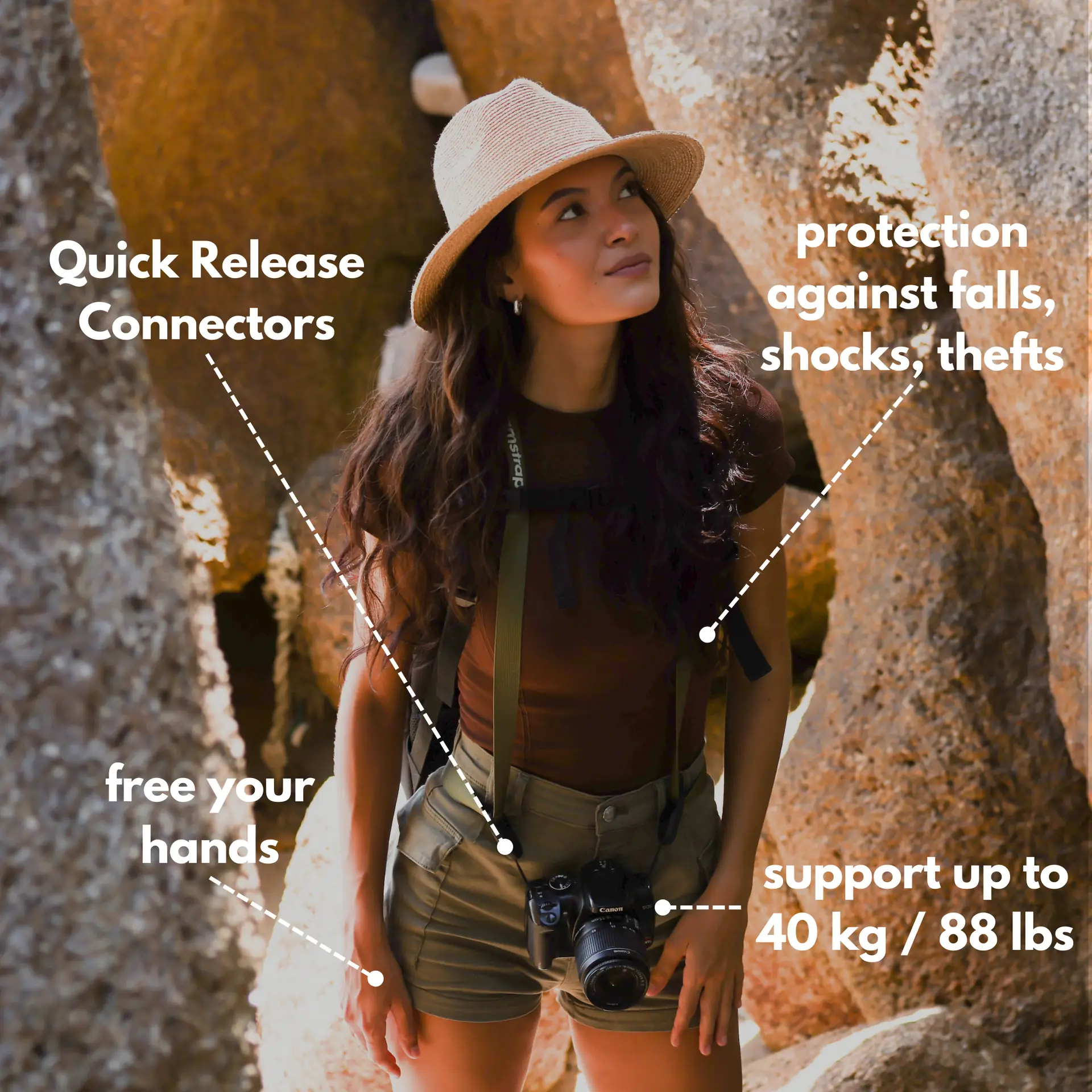
By choosing the Camstrap strap, you are opting for a high-quality product designed to meet the needs of the most demanding photographers.
- Developed by a physiotherapist to relieve neck and back pain.
- Fast delivery with tracking by the Post Office 🚚
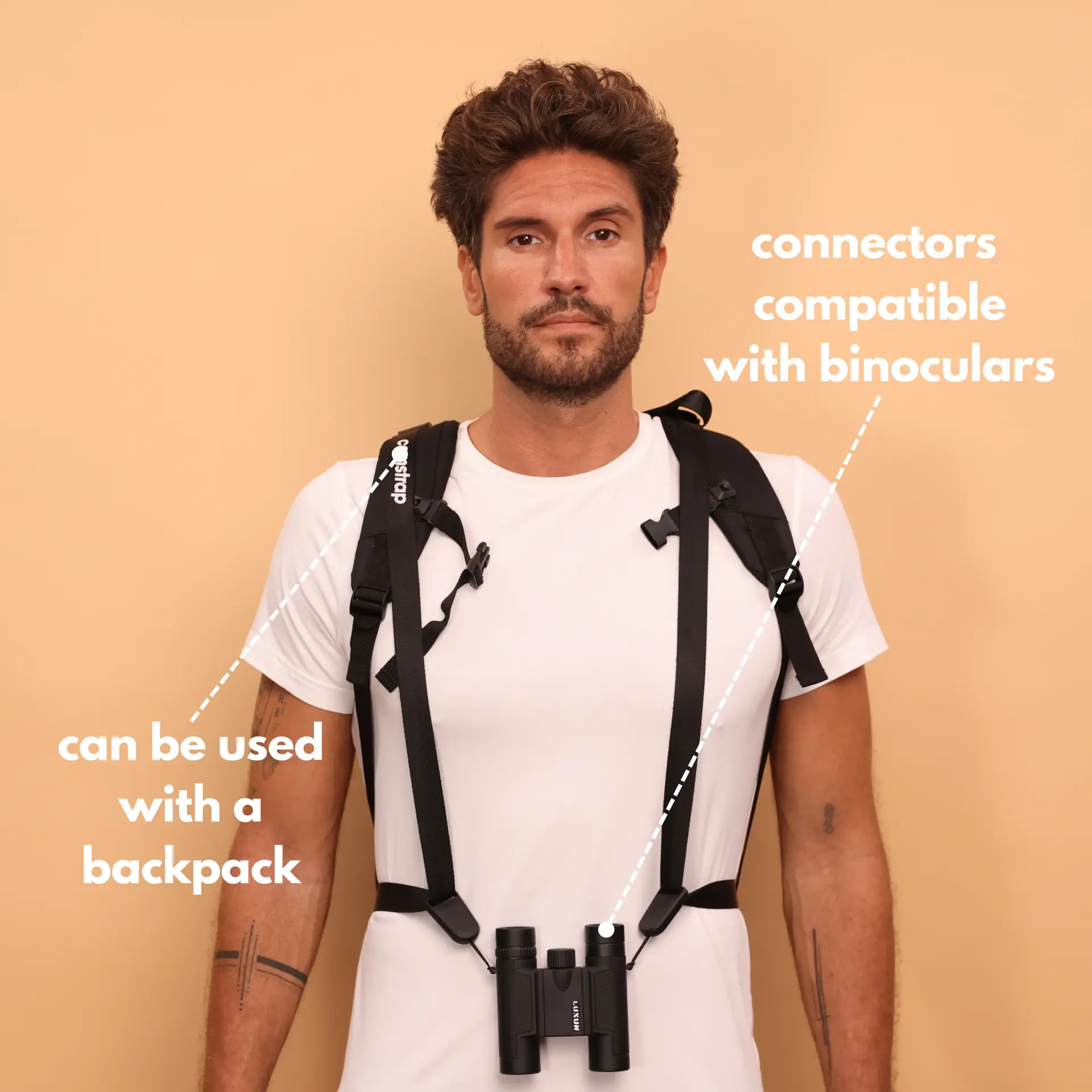
- Can be used as a shoulder strap or hands-free harness

- Regular price
-
€36 - Regular price
-
€42 - Sale price
-
€36
Translation missing: en.blog_cta.free_shipping_included
Accept your phone’s limits and use its strengths. Phones read light well and let you edit fast. This makes mobile-first work a smart travel choice.
Gear that helps you shoot on the move

You do not need a lot of gear to shoot mobile-first travel photos. A good camera strap keeps your phone or camera ready. Camstrap makes straps that blend function and style. Camstrap is a brand that aims to change how photographers carry cameras. Their goal is to mix function with a clean look.
Try the Camstrap Voyager for long hikes. It feels light and stays steady as you move. For heavy kits use the Camstrap Explorer. For mixed photo and video days try the Camstrap Nomad. Add the Camstrap MagClip to lock gear to a pack or belt. These simple gear choices speed up shooting on the road.
Settings and apps to keep control

Learn your phone camera’s Pro mode to lock focus and exposure. Lock exposure when light changes to keep color steady across clips.
Use remote capture apps for solo shots and timed group photos. Many apps give live preview and quick connect. Lightroom mobile is a strong tool for on-the-go color and noise fixes.
How to Frame and Compose for Vertical Reels
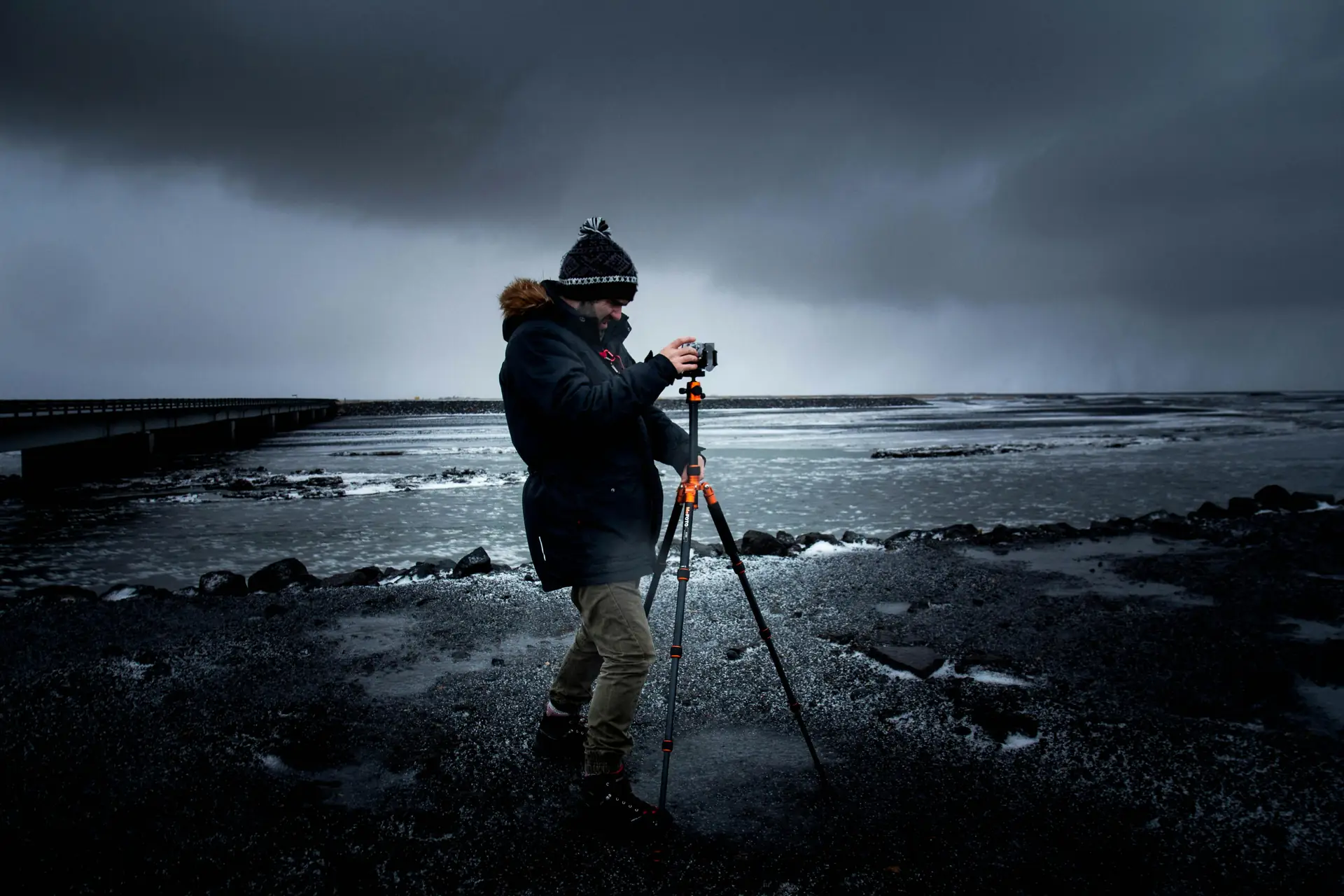
Good framing pulls the viewer’s eye on a tall screen. Use the rule of thirds and leave headroom. Top-to-bottom lines help guide the eye in vertical shots.
Move closer to cut clutter and make subjects pop. Fewer elements help your image read well on phone screens.
Basic composition tips for vertical impact
- Place your subject on a third line for balanced shots.
- Use leading lines that run top to bottom to guide view flow.
- Add foreground detail to show depth and scale.
Try portrait and split-screen ideas for variety. Reels love quick visual shifts, so test a few frames per scene.
Motion and movement to hold attention

Add slow moves or walking shots to keep focus. Use a phone stabilizer or a gimbal to keep motion smooth. Smooth shots feel more like film and keep viewers watching.
Try a slow push-in to add drama. Move inward to make faces or details stronger. Then hold the shot so the view can sink in.
Lighting, Color, and Exposure on a Phone
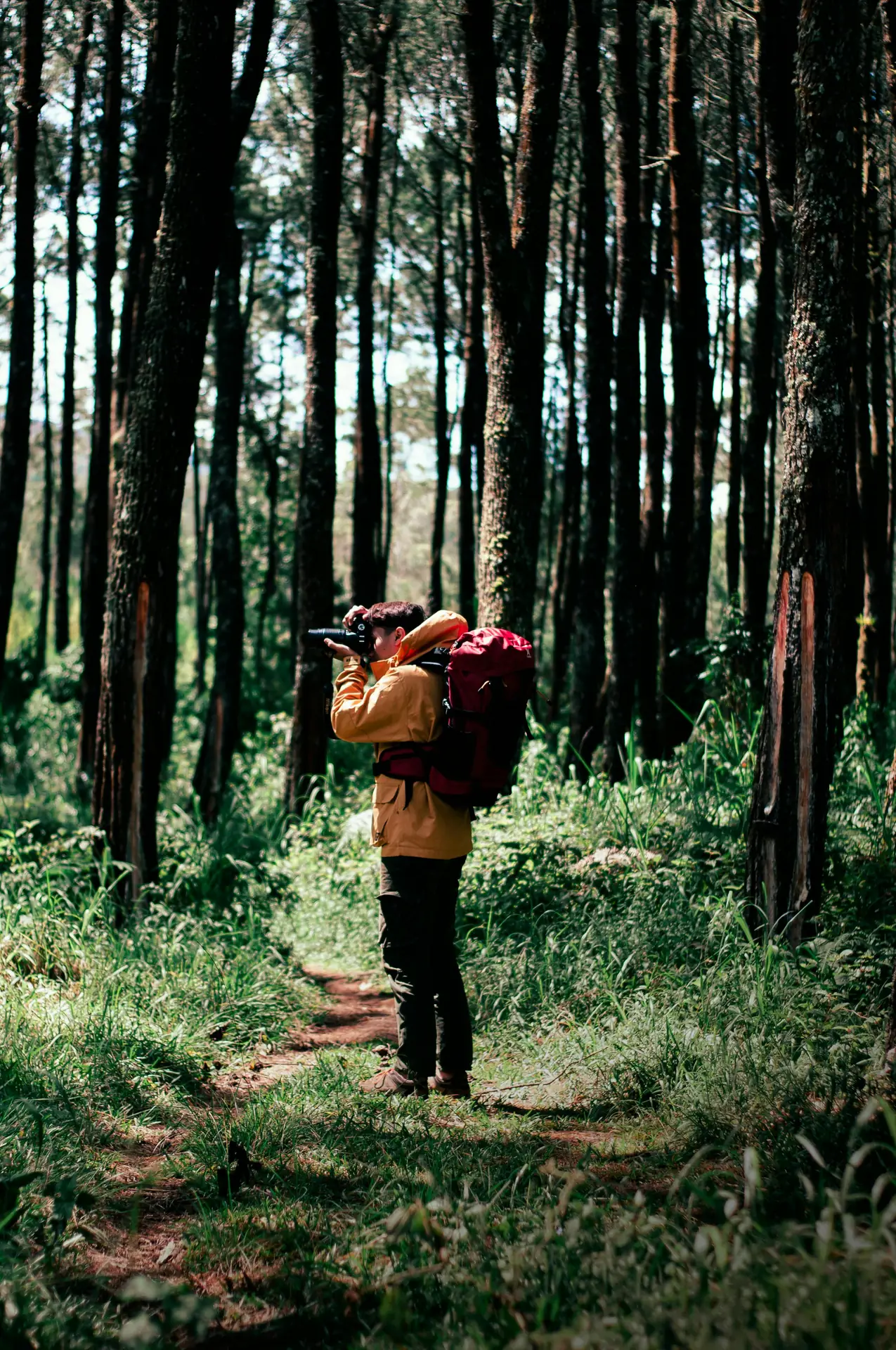
Light will make or break your vertical travel photos. Shoot during golden hour when possible. Soft side light adds detail to faces and landscapes.
Decide which area must keep detail in bright scenes. Phones often use HDR, but you still choose mood by exposing highlights or shadows. This choice gives your shots clear feel and depth.
Simple color tweaks that help

Set white balance manually when light looks off. Use a preset if you want speed, but check the result. A few small color tweaks can unify many clips.
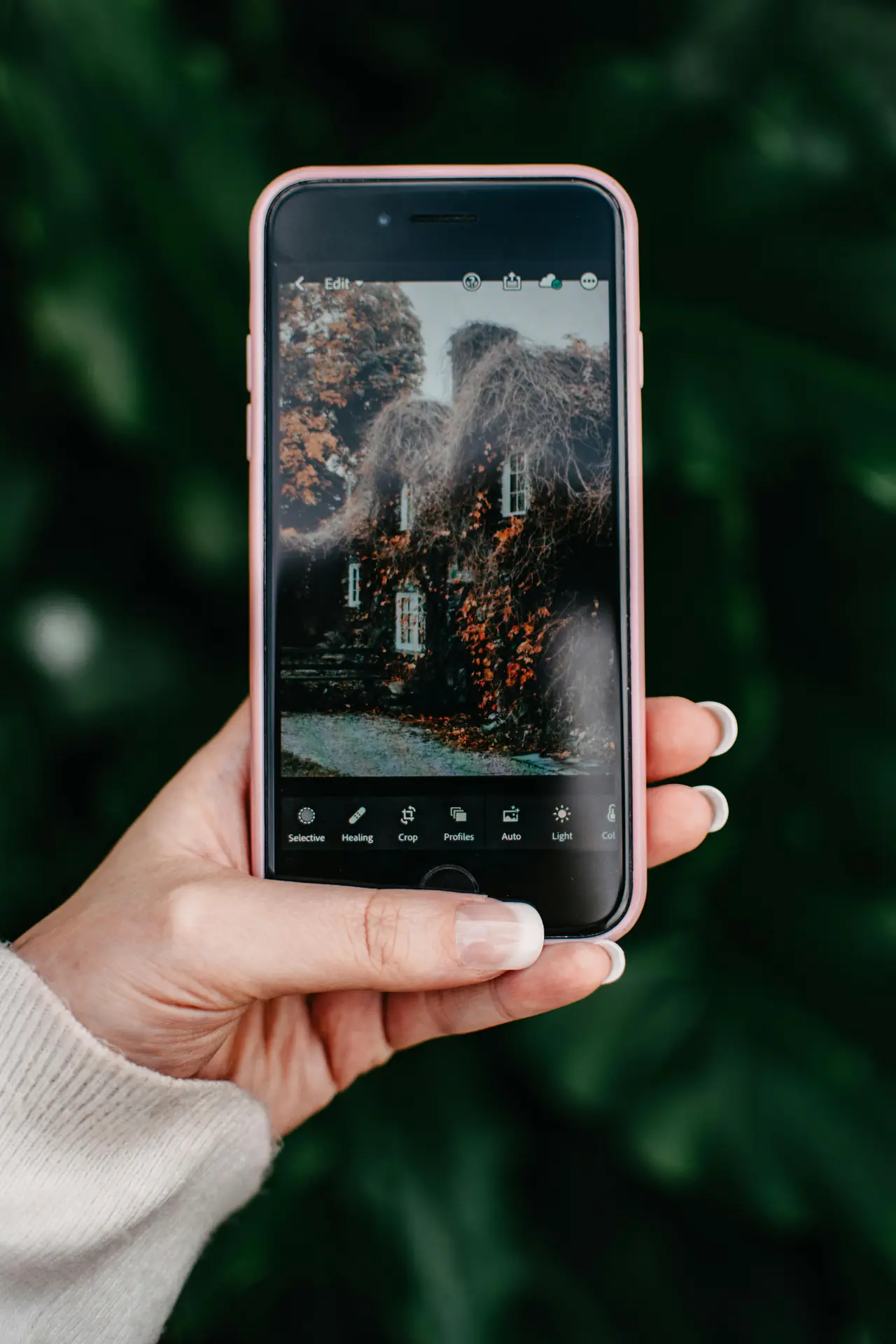
Use local edits in Lightroom mobile to brighten one section in a vertical frame. This brightens a face without blowing out the sky. It helps you keep a consistent travel style across clips.
How to Capture Solo Travel Shots: Tools and Tricks
Traveling alone does not stop you from getting strong vertical photos. Use a tripod, a small gimbal, or a low-cost stand to set the phone. These tools give stable shots and free your hands to pose.
Remote capture apps make solo shoots simple. They let you see a live preview and take photos from a distance. Many users prefer these apps over a simple timer for timing and framing.
Practical solo-shot workflow for quick setups
- Set the phone vertical and frame the scene for your shot.
- Turn on a remote app or Bluetooth trigger to control timing.
- Use burst mode or a short video to capture movement and pick the best frame.
Try voice control for fully hands-free capture. Practice a few poses to learn how they read in vertical frames. This practice saves time and makes better Reels.
Edit Fast for Mobile-First Vertical Reels
Keep your edit process simple and repeatable. Use Lightroom mobile to batch color grade and remove noise. Then move to a Reels editor to crop to 9:16 and add sound.
Short edits win on Reels. Keep clips tight and cut on motion or beat changes. This helps you keep viewer attention and work with the Instagram algorithm.
Step-by-step edit workflow for speed
- Import vertical clips into Lightroom mobile for quick color fixes.
- Apply a preset to match shots and keep a unified look.
- Export clips and build your Reel in a Reels editor to master pacing.
Lightroom mobile and Canva offer fast templates for vertical Reels. Watch simple tutorials like "Instagram Reel Tutorial for Beginners (2026 Update)" if you need guidance. These guides break down each step and save time.
How to Share, Optimize, and Grow on Instagram Reels
Post with purpose to grow reach and engagement. Grab viewers in the first two seconds with motion, a bold color, or a face. A strong hook makes people stay longer.
Use captions and hashtags to find travel fans. Mix broad tags with niche and location tags. Test posting times and watch your analytics to see what works.
Thumbnail, caption, and tags that get clicks
Make a bold thumbnail that reads on small screens. Write a short caption that tells a quick story and adds context. Use three to eight targeted hashtags and a location tag to help discovery.
Add a clear call-to-action like "save this" or "follow for more." Small asks help grow engagement and return viewers.
Wrap-Up: How to Master Your Mobile-First Vertical Travel Photos
Practice the core steps often to learn how to shoot better. Think 9:16, use simple gear, and keep a fast edit flow. This focus makes stronger Reels that grow your audience.
Travel light and stay ready. Use the Camstrap Voyager for long days and the Camstrap Nomad for mixed trips. The Camstrap Explorer holds heavier gear and the Camstrap MagClip gives quick access. These small tools help you move faster and shoot more.
Keep learning how to use remote capture apps and Lightroom mobile. Watch 2026 Reels tutorials to learn upload steps. Shoot one vertical clip today, edit it, and post to Reels. Repeat this loop to master every step and grow your travel feed.


