


- Use high-speed burst mode to capture the apex before the subject slips past sharp focus.
- Start around 1/1000s and keep continuous AF locked on through the turn.
- Apply the 20-60-20 rule to time the corner entry, apex, and exit frames.

Burst mode photography records a string of frames in a fraction of a second, keeping a fast moment sharp. It pays off when a rider, car, or runner reaches the first-corner apex and changes direction almost instantly. Timing is the hard part. The subject arrives quickly, the turn tightens, and the best body angle can vanish in less than a blink.
Shop the setup

- Regular price
-
€42 - Regular price
-
- Sale price
-
€42
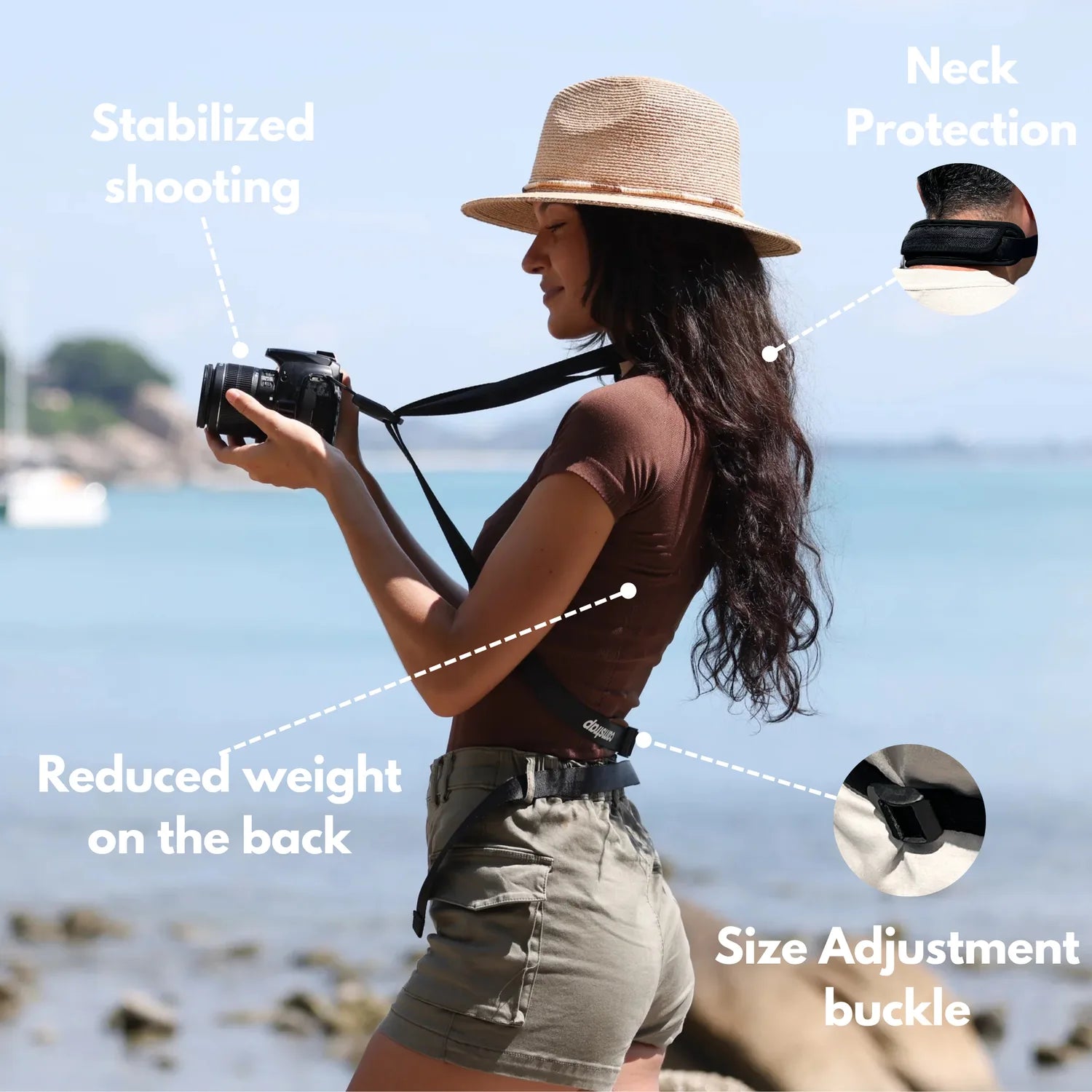
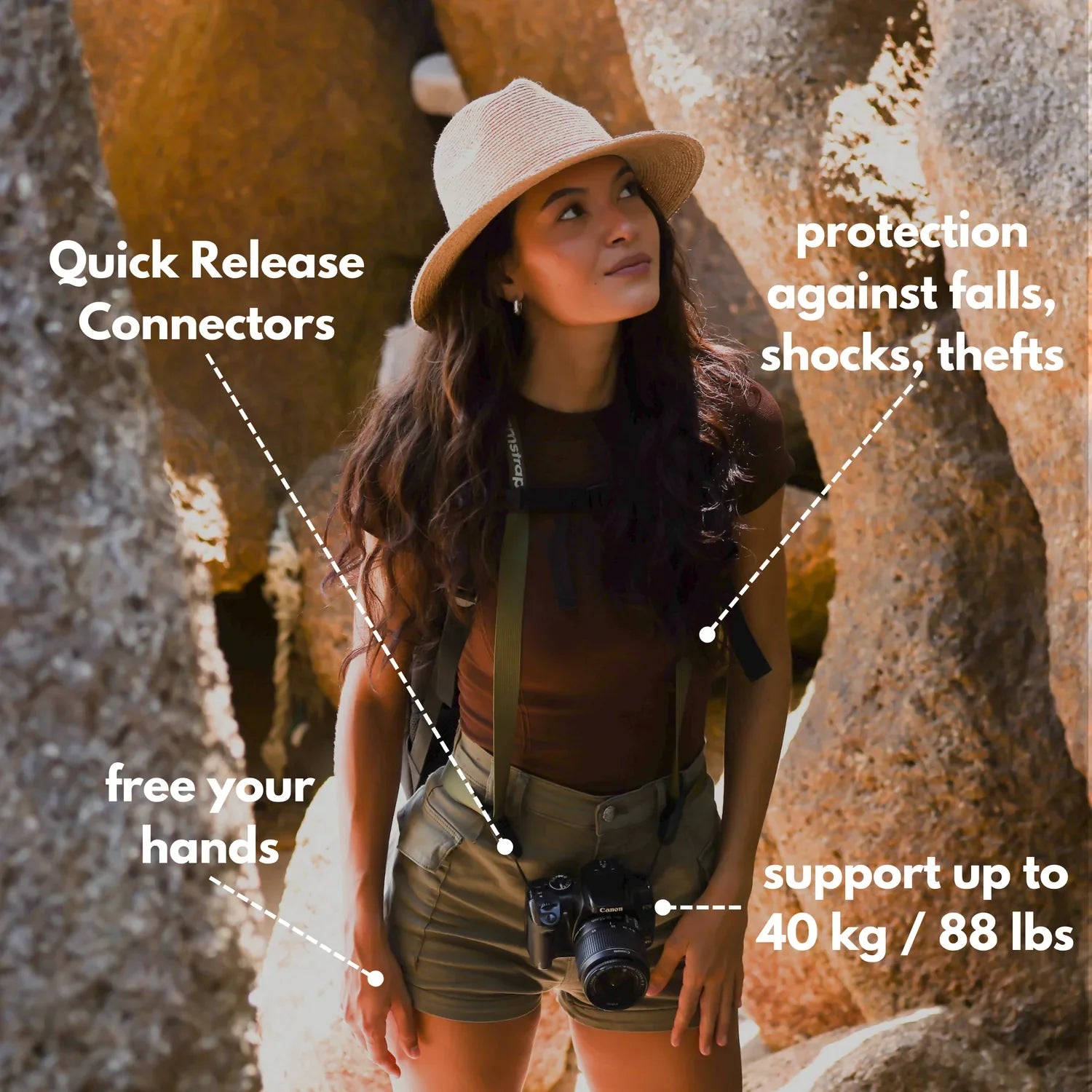
By choosing the Camstrap strap, you are opting for a high-quality product designed to meet the needs of the most demanding photographers.
- Developed by a physiotherapist to relieve neck and back pain.
- Fast delivery with tracking by the Post Office 🚚
- Can be used as a shoulder strap or hands-free harness

- Regular price
-
€36 - Regular price
-
€42 - Sale price
-
€36
Free shipping included
Why the apex is hard to hold sharp
The first corner apex brings motion, angle, and tension together at once. Shift your timing even slightly and the subject goes from clean shape to blur.
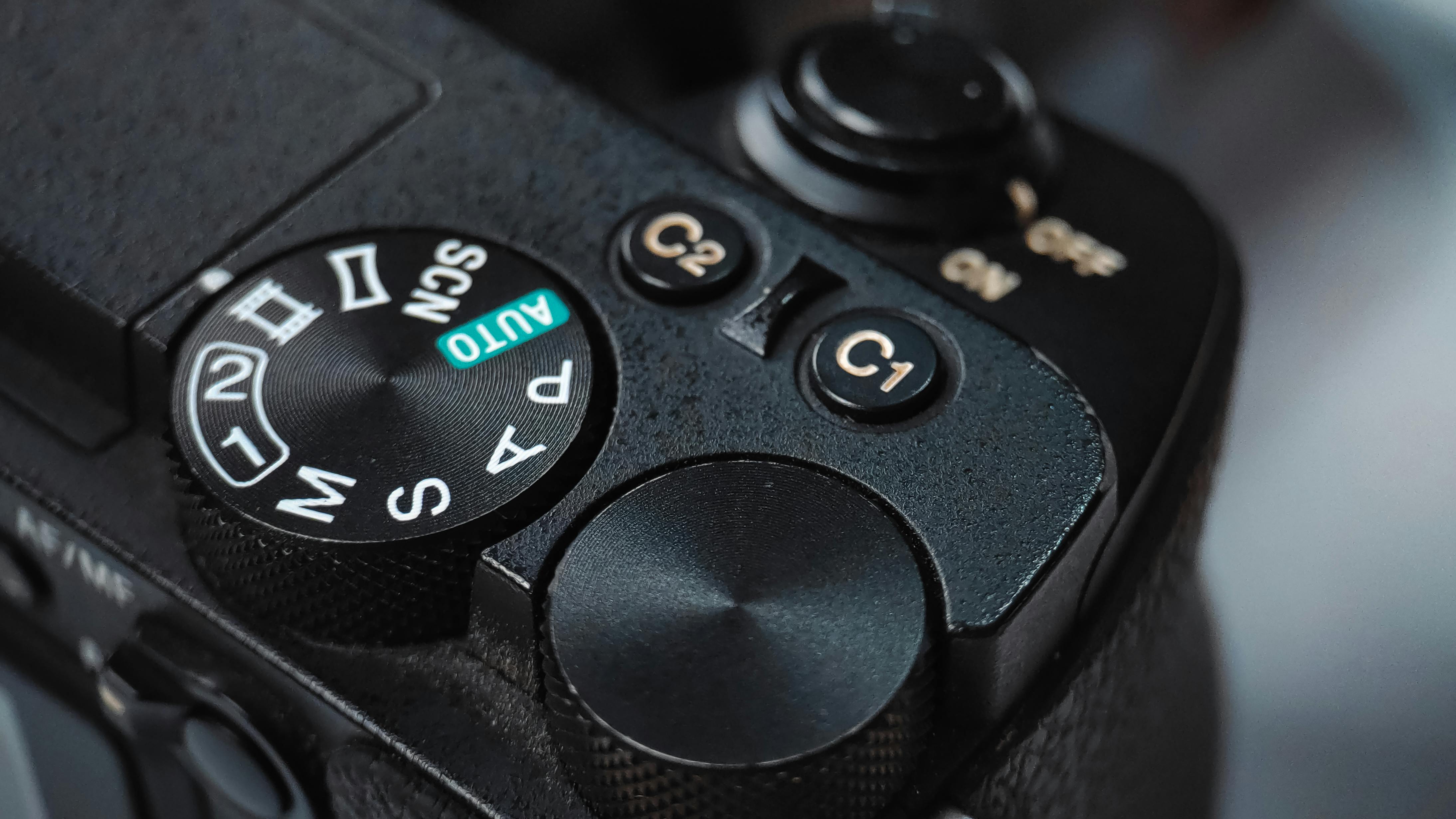
Blur builds fast as shutter speed drops. Canon notes that 1/60s or slower can blur a panning shot, while 1/1000s is a safer floor for fast action.
The scene changes in a tiny window
At the apex, the subject is often turning, leaning, and loading weight all at once, which changes the body position very quickly. One frame can miss the best face angle, wheel turn, or spray of dirt. A short burst gives you several chances inside that narrow window.
Light and angle work against you
Corner shots often fall in mixed light, with one section of the track bright and the apex in shade.
That mix can push you toward a slower shutter speed. The blur shows up first at the edges, hands, wheels, and helmet lines.

Camera settings that lock in the peak frame
The cleanest way to freeze the apex is a fast shutter speed, continuous autofocus, and a short burst. Start at 1/1000s, then go faster if the subject is very quick. Canon sports guidance sets 1/1000s as the minimum for fast action, and a football photographer cited by Canon uses 1/1600s or faster. Those numbers give you a solid base for turning subjects and rapid body movement.
Focus mode and frame rate work together
Continuous autofocus keeps tracking as the subject moves through the turn. On Canon bodies, that is AI Servo AF, and it works best with subject or eye detection when the camera supports it.
Continuous shooting then records a burst of frames while focus keeps adjusting. A Canon EOS 90D can shoot at 10 fps, while the EOS M6 Mark II reaches 14 fps with continuous autofocus.
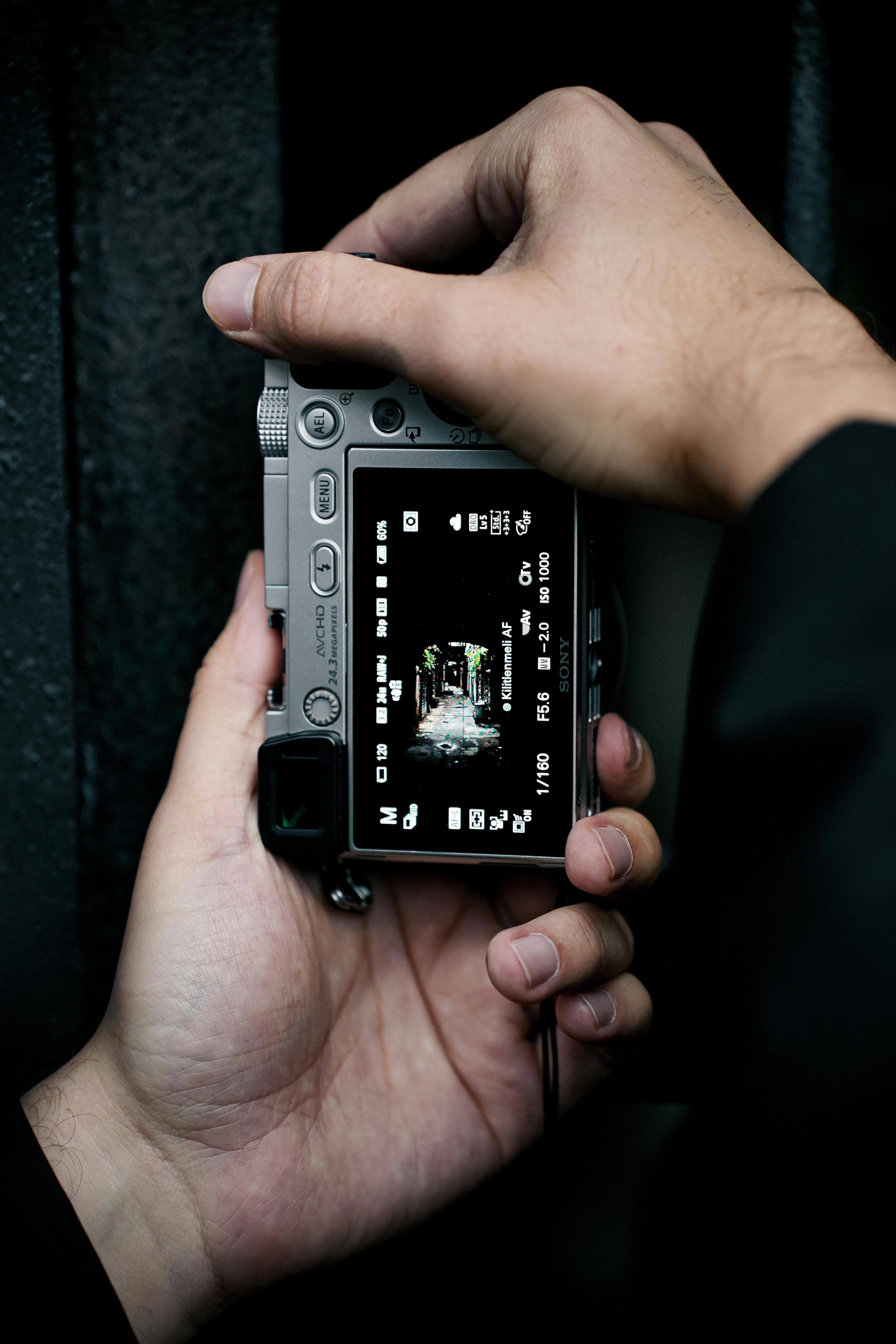
- Shutter speed: start at 1/1000s for fast corner action.
- Aperture: use f/2 to f/2.8 when you want light and subject separation.
- ISO: raise it as needed to keep the shutter fast.
- Focus mode: use continuous AF, such as AI Servo AF.
- Drive mode: use high-speed continuous shooting.
These settings solve different problems. Shutter speed stops motion, autofocus keeps the subject locked, and frame rate gives you more chances at the exact apex.
Pre-capture helps when the turn is sudden
Pre-capture, also called pre-burst or pre-release buffering, stores frames from just before the full press. It helps when the apex happens a half beat earlier than expected. Some newer cameras handle this very well. High-end models now reach up to 30 fps on the EOS R5 Mark II and 40 fps on the EOS R1, both with full autofocus tracking.
Buffer size still matters. A mid-tier camera may hold roughly 30 to 50 RAW frames before it slows, and RAW plus a fast card keeps it useful longer than JPEG alone.

How the 20-60-20 rule helps you time the turn
The 20-60-20 rule is a simple timing guide that divides the action into approach, peak, and exit. The middle 60% is where the best apex frame usually sits.
The subject often settles into the turn before the exact apex. The first 20% helps you pre-focus, the middle 60% carries the main action, and the last 20% catches the exit shape.
Use it as a timing map, not a strict law
The rule is a guide, not a hard stop. Some corners are slow and wide, while others snap open and close very fast. Use it to steady your timing. Watch the approach, follow the center of the turn, and keep firing as the subject loads into the apex.

For racers, cyclists, and runners, that middle zone often gives the cleanest body angle. It also gives autofocus more time to stay locked before the peak frame arrives.
What is continuous shooting?
Continuous shooting is a drive mode that records a series of frames while you hold the shutter down. It is the core tool for catching one exact frame out of a fast move.
On modern cameras, it may run in mechanical or electronic form. Mechanical modes can handle flicker more gracefully, while electronic modes can reach higher frame rates but may show rolling-shutter skew or banding under LED light.
Card speed and buffer depth shape the result

A fast memory card keeps the camera writing data without long pauses. UHS-II cards in V60 or V90 grades help more than UHS-I when you shoot long RAW bursts. CFexpress helps even more on high-end bodies, especially if you want long pre-capture runs or deep RAW sequences. A short 3 to 6 frame burst usually will not fill a modern buffer, but a long run can slow the camera once the buffer fills.
Back-button focus adds control
Back-button focus separates focus from the shutter. That helps when you want to lock on the apex line, then fire several frames without refocusing from scratch.
I use it when the subject may pass behind a post, fence, or curb edge. It gives me more control over when the camera starts tracking and when it keeps shooting.
What is a burst shot on Samsung?

A burst shot on Samsung is a rapid series of photos taken while you hold the shutter button or the on-screen capture control. It helps you catch one sharp frame in a fast turn. Samsung phones often label this as burst or motion capture in the camera app. The result is the same idea: several frames in a second, so you can pick the one with the best apex body angle.
Phone shooters need to watch the same weak points
Fast phone bursts still need stable framing and clean timing. The main limits are usually light, focus lag, and hand shake.
For a clean apex frame, keep the phone steady, tap to focus on the turning point, and hold your line as the subject enters the corner. A phone can work well here, but only if the scene has enough light for a fast shutter.
What is burst mode good for?

Burst mode is useful for moments that change shape too quickly for one press to do the job. It works best for corners, jumps, facial changes, and quick body moves. It raises your odds of getting the decisive frame because expressions and body positions shift fast during action. It works so well at the first-corner apex, where the best pose may last only a fraction of a second.
Use it for more than speed alone
Burst mode also helps when your timing is close but not perfect. Start a little early and the sequence can still include the peak frame.
It also helps with subject motion inside the frame. A wheel turn, spray of gravel, or lean angle can all land better in one frame than another.
A simple field workflow for the corner
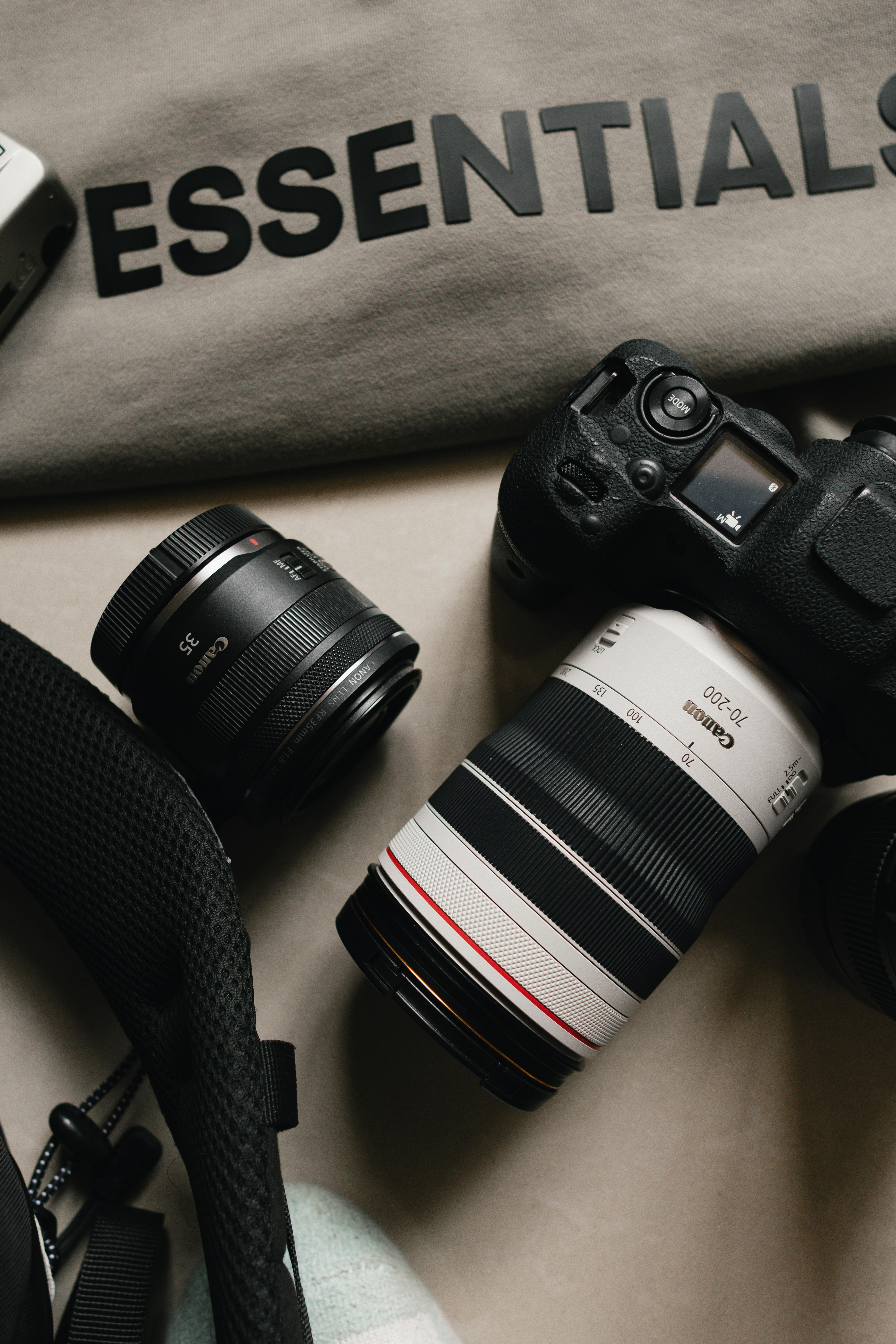
The cleanest workflow starts before the subject arrives. I pick the spot, set my focus point, and test the framing on the approach line. A good carry setup helps here too. A strap that keeps the camera close and stable, such as the Camstrap voyager, makes it easier to move between corners and raise the camera fast without fighting swing or slack.
- Pick the apex position and watch one full lap or run first.
- Set 1/1000s or faster, then raise ISO if needed.
- Choose continuous AF and a high-speed burst drive.
- Use back-button focus to lock and track the subject.
- Start the burst just before the apex, not after it.
- Keep tracking through the exit so you do not cut off the best frame.
That sequence keeps the camera ready while you move between corners, grid walkways, and viewing spots. It also cuts down on fumbling, which matters when the best frame disappears in an instant.
Editing the keeper frame without losing the story
The best apex frame is not always the sharpest one. It is the one that looks alive, balanced, and clean at the same time.
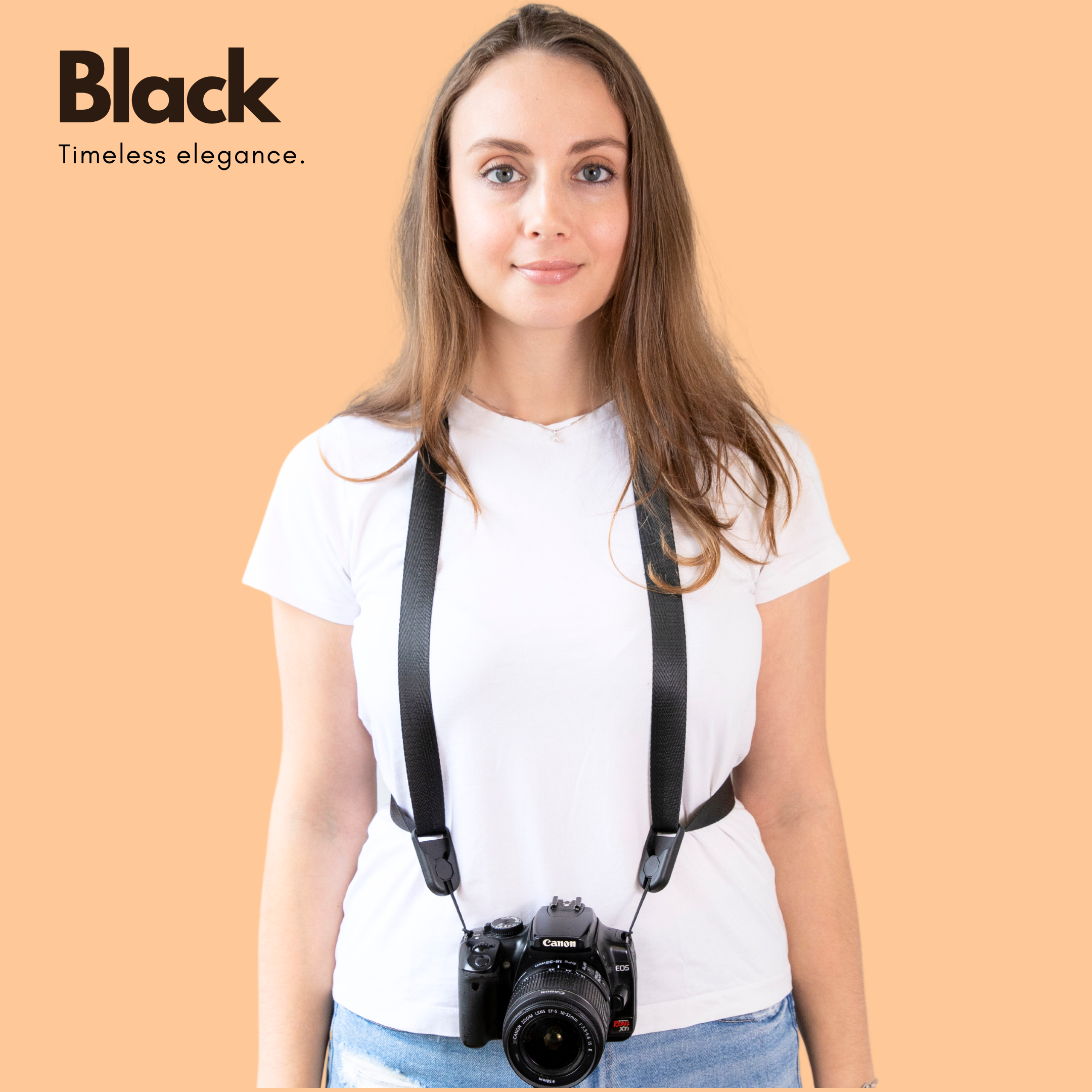
In Lightroom or Photo Mechanic, I use pick and reject flags to sort the burst fast. I zoom to 100%, check the eyes or helmet edge, and keep the frame with the strongest shape.
Watch for three things during cull time. First, look for sharp tires or hands. Next, check whether the body angle feels strong. Finally, keep the frame where the car, bike, or runner sits deepest in the turn.
Fixes that help, and mistakes that waste time
If the whole burst is soft, the shutter was likely too slow. If only one frame is sharp, your timing was close, but the burst began too late or too early. Reviewing the sequence teaches you the turn’s rhythm. After a few runs, you will know where the apex peak lands in relation to the approach line and the exit.
That is the skill that matters most. Once you know the corner, the camera settings become much easier to repeat on the next lap.
Frequently Asked Questions
What is a burst shot on Samsung?
A burst shot on Samsung is a rapid series of photos captured in quick succession by holding the shutter button. This mode is useful for fast action because it creates several frames in a fraction of a second, increasing the chance of catching the sharpest moment.
What is the 20-60-20 rule in photography?
The 20-60-20 rule in photography is a composition guideline that divides attention into three parts: 20% for the strongest opening or subject lead-in, 60% for the main action or subject, and 20% for the ending or exit space. It helps create balanced images with clear visual flow.
What is continuous shooting?
Continuous shooting is a camera drive mode that records multiple frames while the shutter button is held down. It is also called burst shooting or high-speed continuous shooting, and it lets autofocus keep adjusting between frames as the subject moves.
What is burst mode good for?
Burst mode is good for fast action where the best moment lasts only a fraction of a second, such as a rider, car, or runner at a corner apex. It gives multiple sharp frames inside a tiny timing window, making it easier to catch the peak body angle and reduce missed shots.


