


- Start at 1/250s for moving performers; jump to 1/500s when action gets wild.
- Cap Auto ISO and widen the aperture first to preserve detail without mushy noise.
- Handhold a fast prime or bright zoom at f/2–2.8; kit lenses struggle as lights fade.
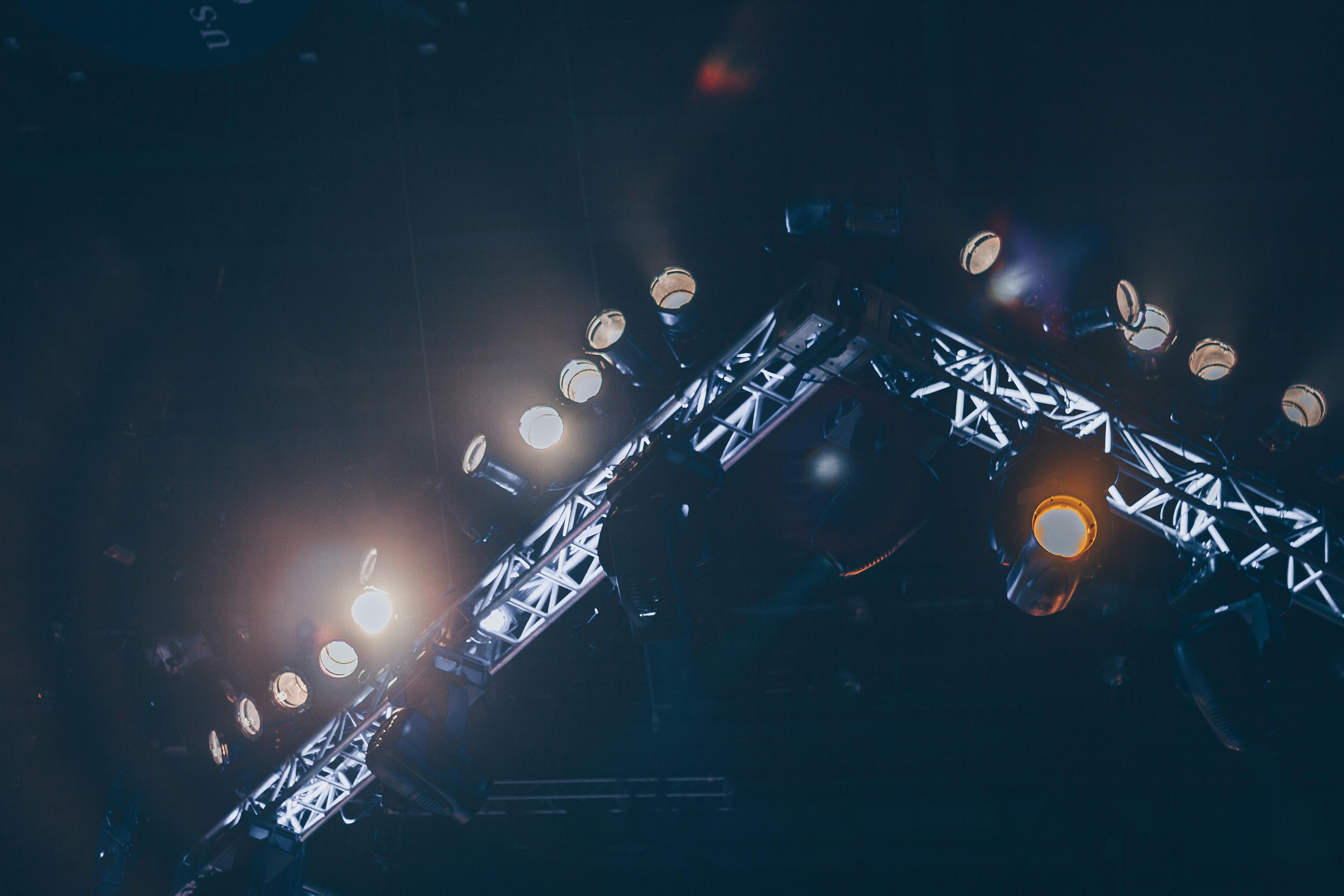
Shutter speed is how long the sensor collects light for each frame. At concerts, a slow setting lets motion blur creep in fast. Sharp frames can soften the moment the lights dim. The camera is still doing its job; the room changes faster than your settings.
Translation missing: en.blog_cta.bundle_heading

- Regular price
-
€42 - Regular price
-
€44 - Sale price
-
€42
By choosing the Camstrap strap, you are opting for a high-quality product designed to meet the needs of the most demanding photographers.
- Developed by a physiotherapist to relieve neck and back pain.
- Fast delivery with tracking by the Post Office 🚚
- Can be used as a shoulder strap or hands-free harness

- Regular price
-
€36 - Regular price
-
€42 - Sale price
-
€36
Translation missing: en.blog_cta.free_shipping_included
The main reason your frame loses edge in low light
Concert shots go soft because less light, more motion, and weaker focus all show up together. The camera has to balance a clean file against a sharp one.
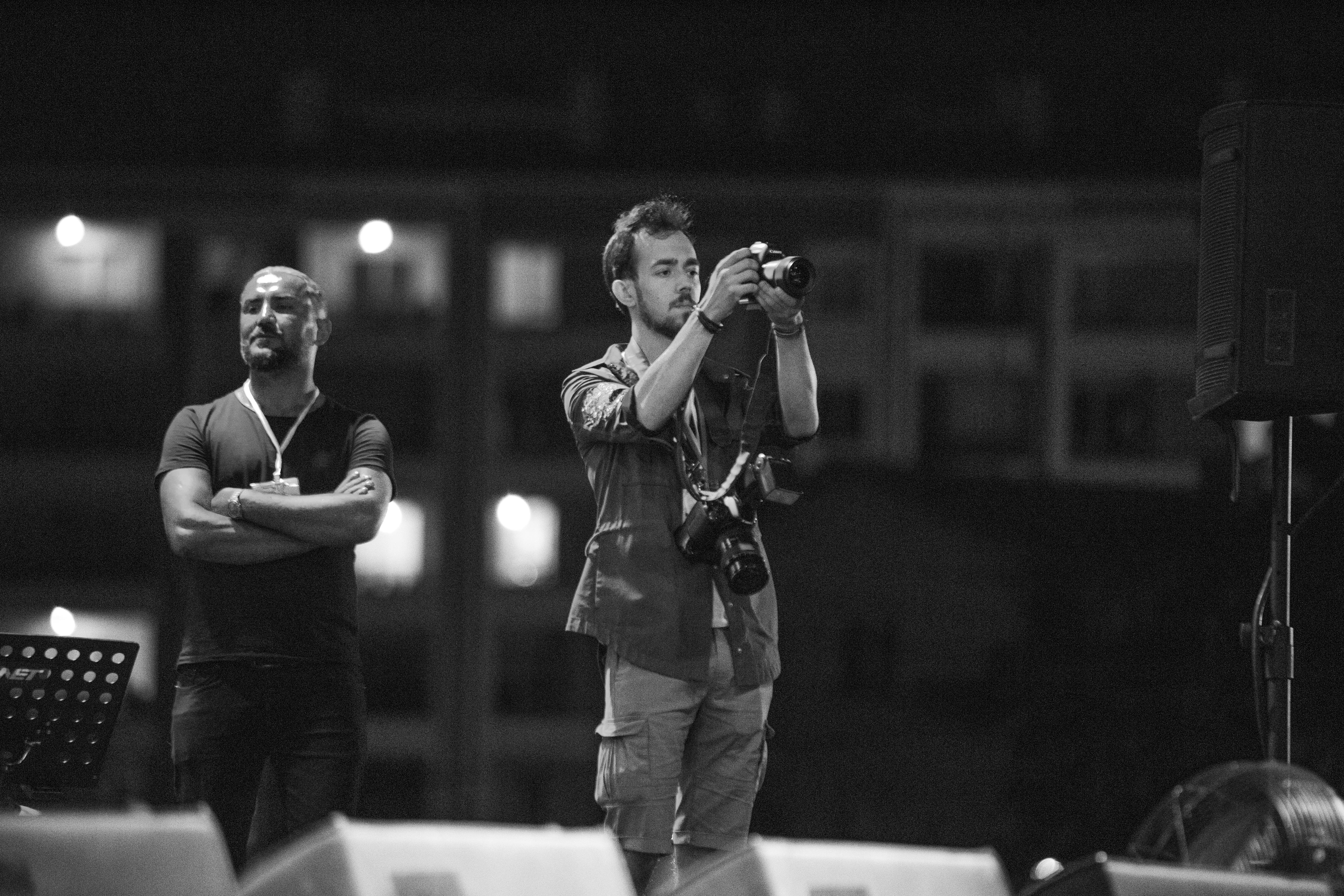
As the light falls, the camera often lengthens the shutter or raises ISO. A slower shutter smears hands, faces, and mic moves, while high ISO adds grain that hides fine detail.
Motion blur shows up first
A singer may move only a little, but that is enough at 1/60s. A guitar hand, drum stick, or head turn can smear before you notice it. For most moving performers, 1/250s is a safe floor. For jumpy stage action, 1/500s or faster gives a cleaner hit.
Focus gets less confident

Autofocus needs contrast, and dark stages often strip it away. LEDs can also shift color and brightness from frame to frame, which makes focus hunt.
The lens may grab the wrong edge. Your file then looks soft even if the shutter speed was fine.
The settings that keep moving performers crisp
Manual exposure with Auto ISO gives me the most control in live shows. I set the shutter first, then choose aperture, then let ISO float within a cap. For many shows, start at f/2 to f/2.8, 1/250s, and Auto ISO capped around ISO 6400. If the artist moves a lot, push the shutter to 1/500s and accept more noise.
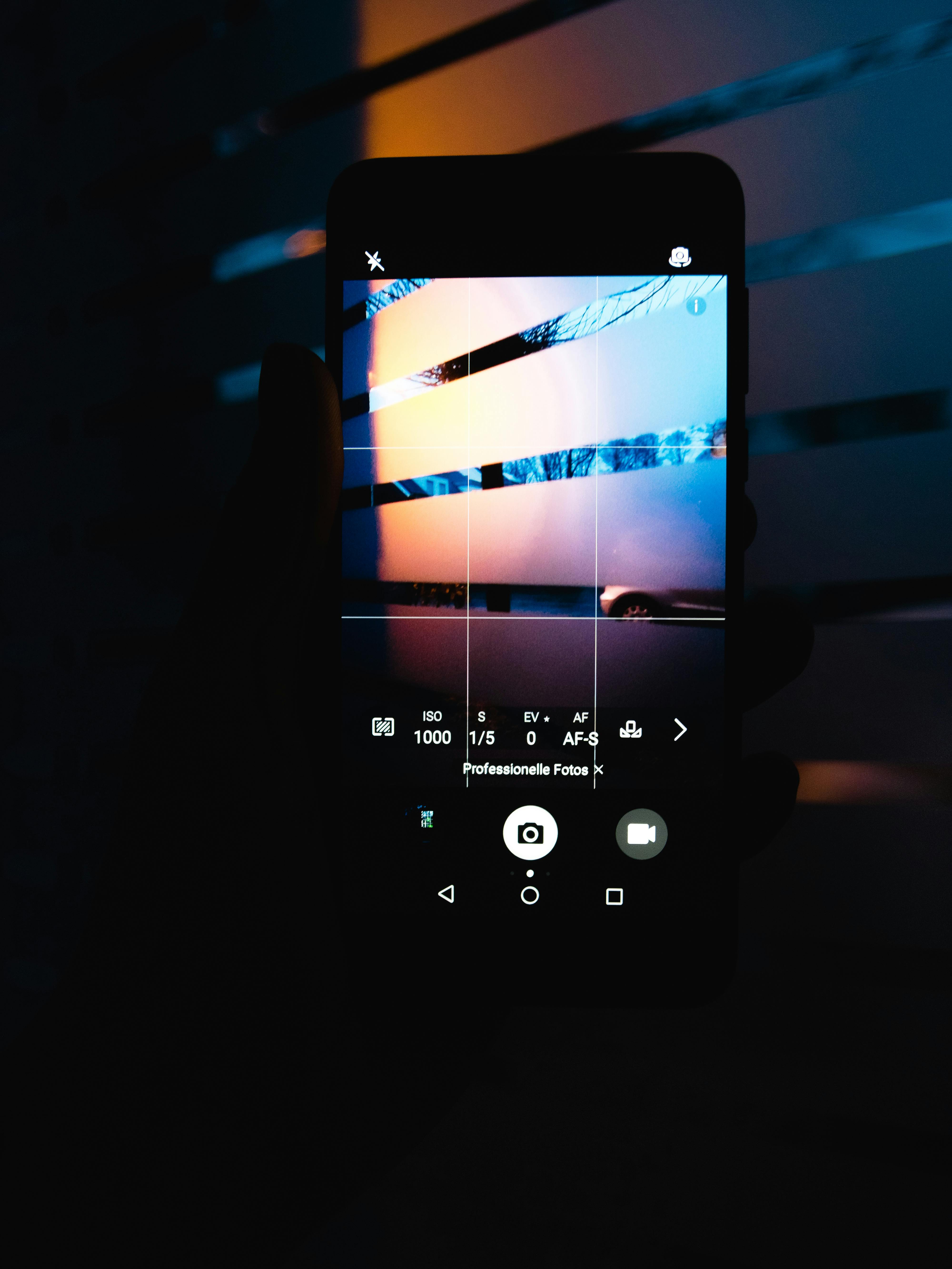
- Use aperture priority only if the light stays steady.
- Use manual mode when the stage lights swing hard.
- Use continuous AF, or AF-C and AI Servo, for moving faces.
- Turn on eye or subject detection if your camera tracks it well.
- Set a small burst, then review the best frame later.
Many mid-tier mirrorless bodies can hold about 20 to 40 RAW frames before slowing, depending on card speed and file size. A short 3 to 6 frame burst usually stays inside that buffer.
Electronic shutter can help quiet rooms, but it can also show LED banding and rolling-shutter skew. Mechanical shutter around 10 fps is often safer under ugly stage lights.
What shutter speed should I use for moving performers?
1/250s is the best starting point for most moving performers. It stops casual motion while still giving ISO room to stay sane. Use 1/500s for singers who pace, jump, or swing a mic. For drum hits or fast dance moves, 1/800s to 1/1000s can save more frames.
Every jump in shutter speed demands more light. If the file starts looking dark, open the lens wider before you raise ISO too far.
How do I keep ISO noise under control in dark venues?
ISO noise stays lower when you protect exposure and avoid lifting shadows later. A slightly bright raw file at ISO 6400 often looks cleaner than a dark file at ISO 3200.
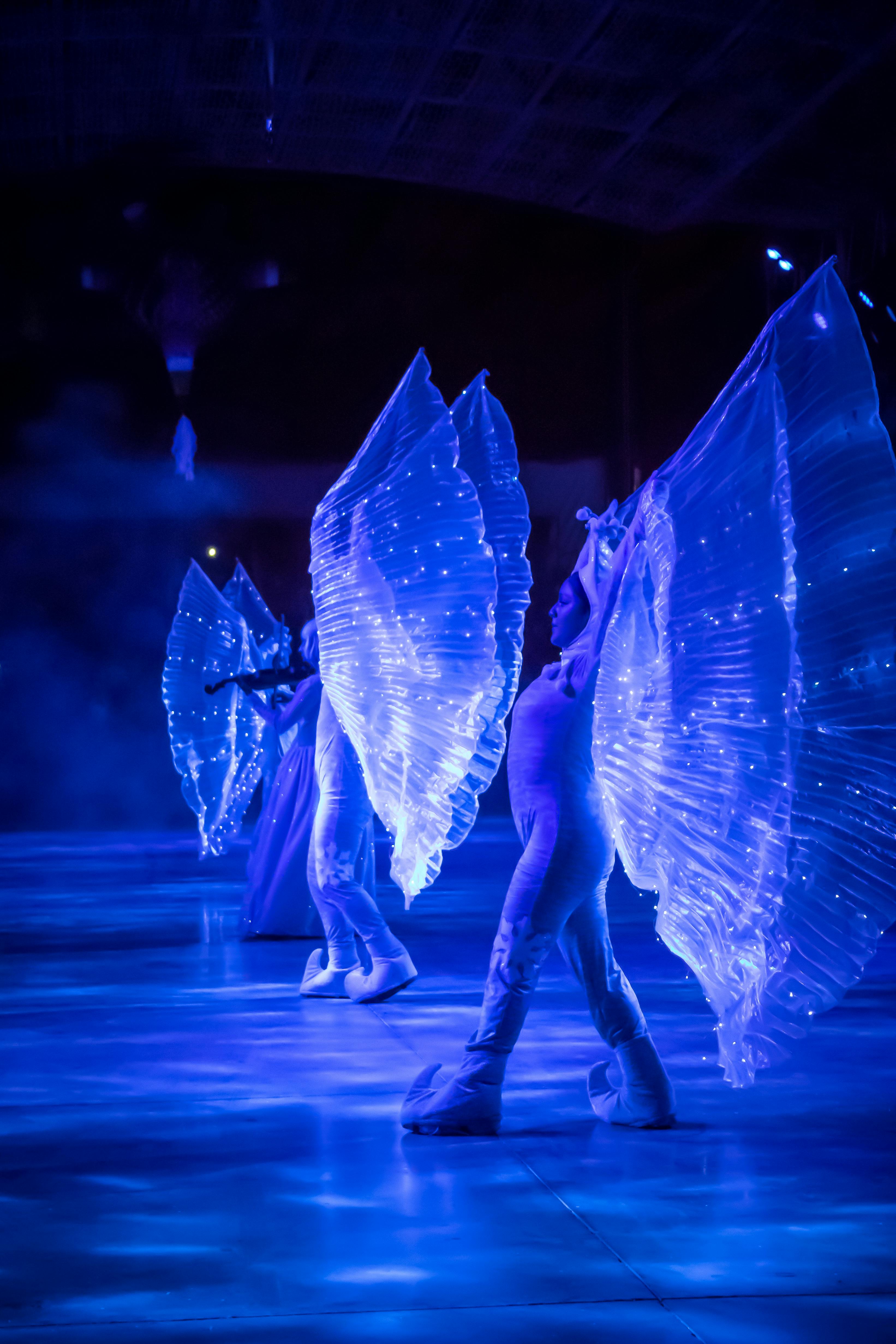
Expose for the face, not the bright spotlight. Then use Lightroom noise reduction lightly, since too much smoothing kills skin detail.
- Keep highlights just below clipping when stage lamps flare.
- Expose a touch to the right, but do not blow skin.
- Use the widest useful aperture your lens allows.
- Export a smaller file when the image is for web use.
A 50mm or 85mm f/1.8 lens can buy you one to two stops over a kit zoom. That extra light often matters more than perfect edge sharpness.
Can I shoot concerts handheld with a kit lens?
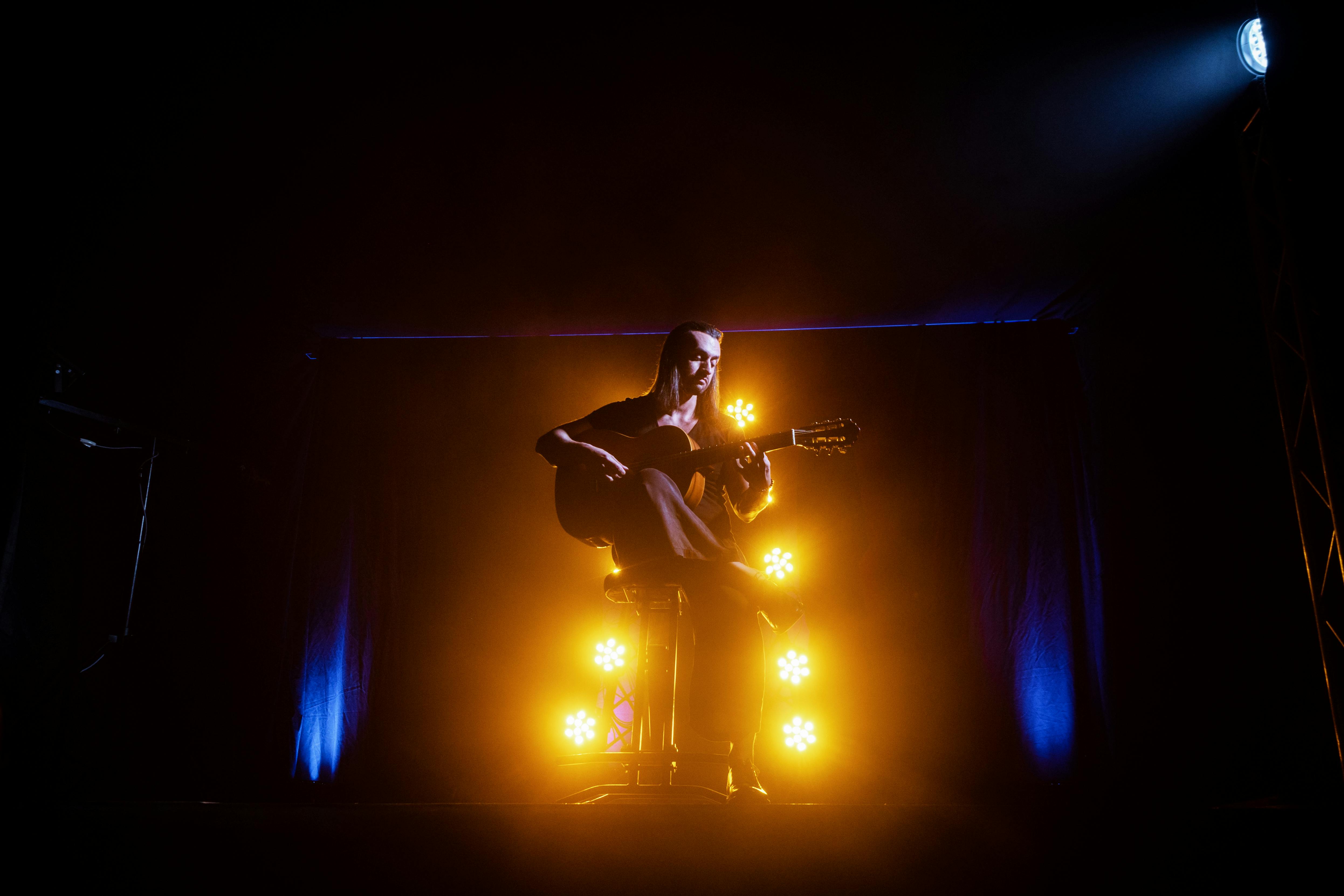
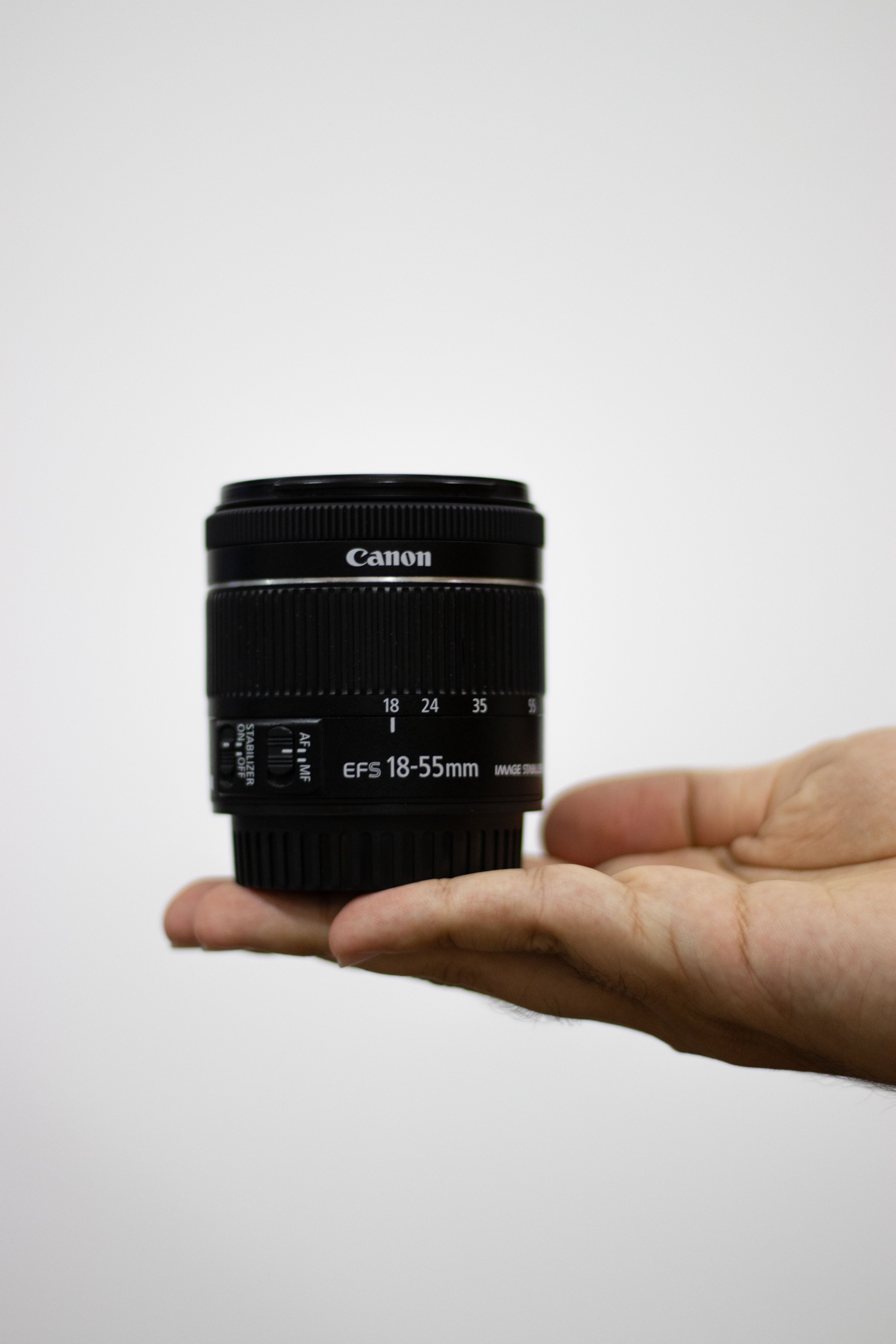
Yes, you can shoot concerts handheld with a kit lens if the stage light is decent and your stance is solid. The real limit is usually the lens aperture, not your hands. Most kit zooms sit around f/3.5 to f/5.6, which forces higher ISO in dark rooms. That means you may need 1/250s or faster and accept more noise than you would with a fast prime.
A compact strap helps here because it keeps the camera ready between songs. A hands-free setup like the Camstrap voyager lets you move through crowds without hanging onto the body all night.
Simple handheld checks that matter
- Brace your elbows close to your ribs.
- Use the viewfinder when you can, since it steadies the body.
- Exhale halfway before pressing the shutter.
- Keep your feet apart for balance near the pit or aisle.
- Shoot a few frames, then reset your grip.

Image stabilization can help with your own shake, but it cannot stop the band’s motion. That tradeoff is easy to miss when the room feels steady.
Why do stage lights make skin tones look strange?
Stage lights make skin tones look strange because their color changes fast and often looks unnatural. Red, blue, and mixed LED light can push faces far from normal skin color.
The problem gets worse when one light hits the face and another hits the hair or shirt. Your camera records both colors, so the frame can look muddy, green, or very red.
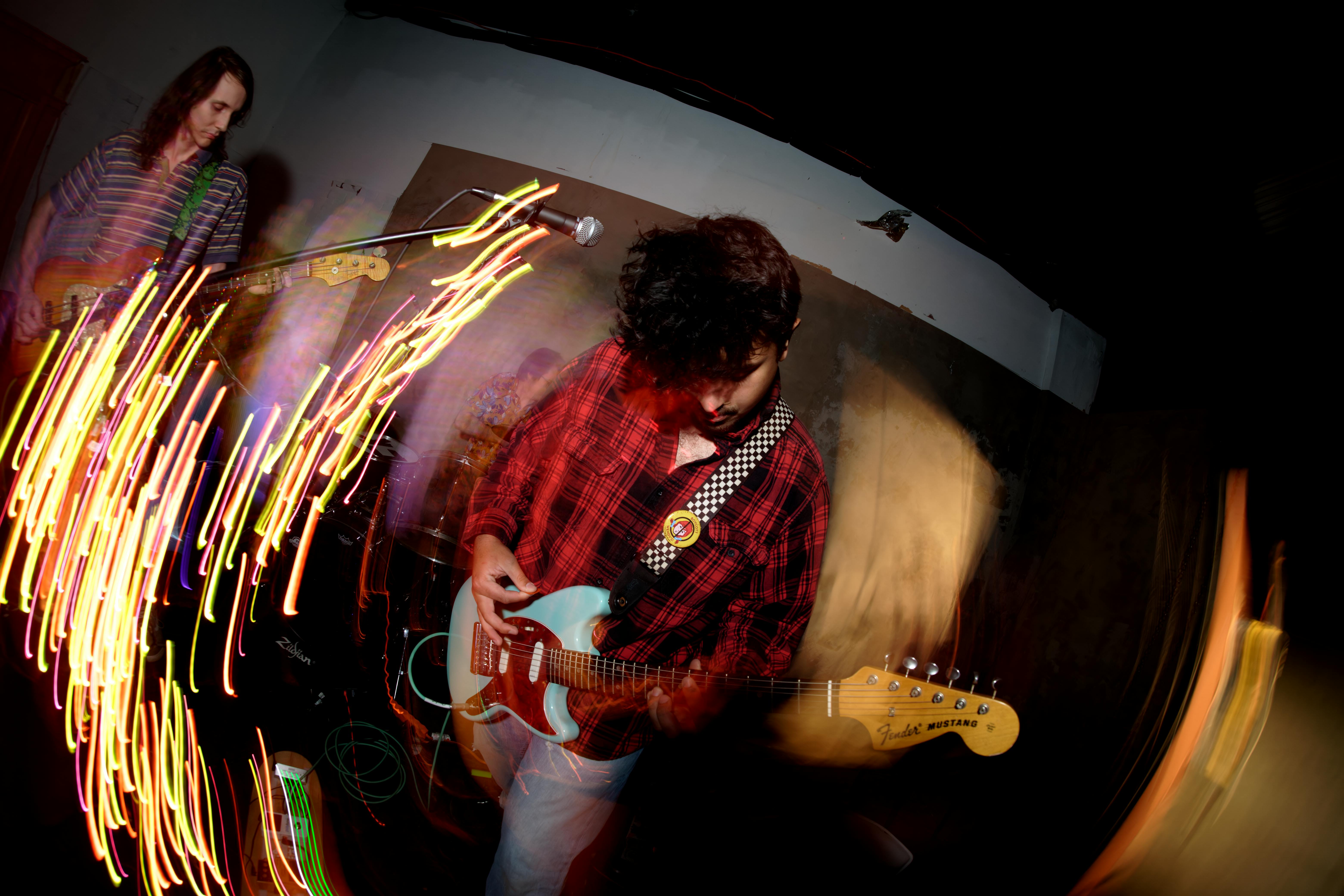
White balance helps, but it cannot fully fix mixed light. I often shoot raw and correct skin later with a custom white balance, then fine-tune the tint slider.
What to watch for in mixed light
- Red wash can make skin look flat and hot.
- Blue light can make faces look gray and cold.
- Green spill from LEDs can make skin look sick.
- Rapid color shifts can fool auto white balance frame by frame.
If the face matters, wait for a cleaner light cue. A brief white spot or warm beam often gives a much better skin tone than a flashy color wash.
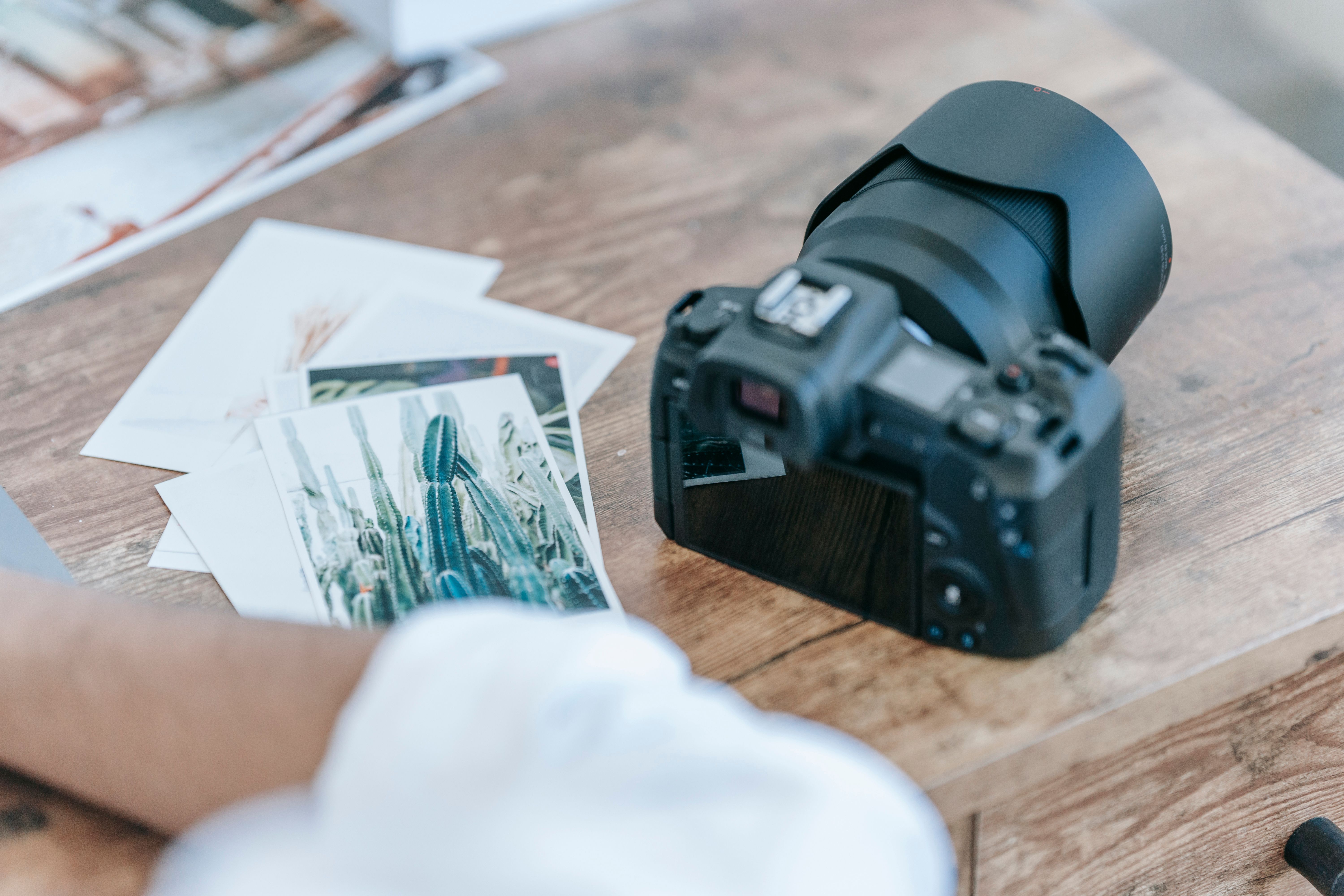
How do I focus when the subject is backlit by LEDs?
Backlit LED scenes need focus points with real contrast. Put the AF point on the edge of the face, the eye, or a bright logo on a mic if the face is too dark. Use continuous AF-C or AI Servo, then switch to back-button focus if your body supports it. That lets you lock focus once and keep shooting while the subject moves.
Face and eye detect can still work, but it may fail when the LED wall blows out the frame. In that case, center point focus or a small zone often wins.
Focus aids that save more frames

- Use a single point when the light is messy.
- Use subject detection only when it locks cleanly.
- Prefocus on the stage edge before the artist enters.
- Take one test frame and zoom in on the display.
Pre-capture or pre-burst modes can also help if your camera has them. They save frames from just before full press, which is useful for a singer’s first step into the beam.
What the best concert shooters keep in mind before the lights fade
The sharpest concert images come from matching shutter to action, aperture to lens, and focus mode to the scene. Once the room dims, every small choice matters more.

Use 1/250s as a baseline, push to 1/500s for faster motion, and stay ready for focus changes. Shoot raw, watch white balance, and keep the camera easy to reach.
In dark venues, soft shots usually come from motion, weak focus, or a shutter that is simply too slow. Fix those first, and most of the blur will disappear before editing enters the picture. After the show, check the sharpest files at 100 percent and note which light cues worked best. The next set gets easier when you already know which song drops the room to black.
Frequently Asked Questions
What shutter speed should I use for moving performers?

For moving performers, 1/250s is a strong starting point because it freezes most motion without starving the sensor of light. Use 1/500s for pacing, jumping, or mic swings, and move to 1/800s to 1/1000s for drum hits or fast dance moves.
How do I keep ISO noise under control in dark venues?
To keep ISO noise under control in dark venues, expose slightly bright in RAW and avoid lifting shadows later. A well-exposed ISO 6400 file often looks cleaner than an underexposed ISO 3200 file that has to be pushed in editing.
Can I shoot concerts handheld with a kit lens?
Yes, concert shots can be made handheld with a kit lens if the shutter speed is high enough and the lens is opened as wide as possible. A kit lens with a small maximum aperture will force higher ISO, so crisp handheld results are harder than with a faster lens.
Why do stage lights make skin tones look strange?
Stage lights can make skin tones look strange because concert lighting changes color and brightness from frame to frame. LEDs especially can shift rapidly, so skin may turn too warm, too green, or uneven even when exposure is correct.
How do I focus when the subject is backlit by LEDs?
To focus on a subject backlit by LEDs, use continuous autofocus such as AF-C or AI Servo and enable eye or subject detection if the camera tracks well. LEDs and low contrast can cause focus hunting, so prioritize the performer’s face and, if needed, use a short burst to capture the sharpest frame.


