


- Use high-speed burst before the pass, then hold only for the peak angle.
- Burst mode doesn’t guarantee a better shot; it multiplies your chances fast.
- A burst is a rapid sequence of frames captured while you keep the shutter pressed.
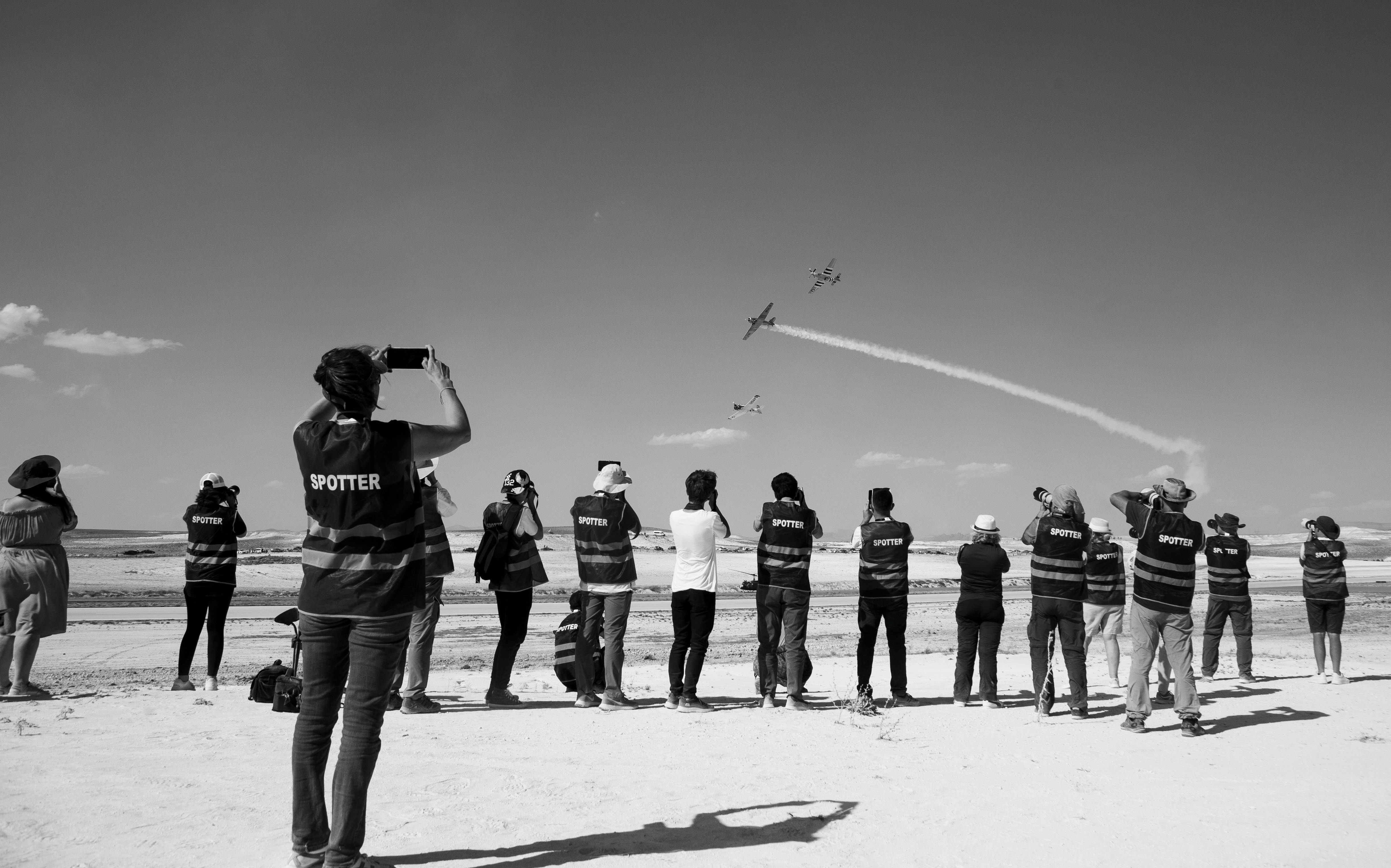
Airshow jets often look sharper from the wrong side of the fence because burst mode gives you more frames during a pass that lasts only a few seconds. Pair that with a fast shutter and good timing, and a near miss can turn into a keeper.
Translation missing: en.blog_cta.bundle_heading

- Regular price
-
€42 - Regular price
-
€44 - Sale price
-
€42
By choosing the Camstrap strap, you are opting for a high-quality product designed to meet the needs of the most demanding photographers.
- Developed by a physiotherapist to relieve neck and back pain.
- Fast delivery with tracking by the Post Office 🚚
- Can be used as a shoulder strap or hands-free harness

- Regular price
-
€36 - Regular price
-
€42 - Sale price
-
€36
Translation missing: en.blog_cta.free_shipping_included
The fence line changes how you work. You stay alert, react sooner, and face fewer distractions between passes. With a jet crossing the sky in seconds, that focus pays off.
How the fence line changes the shot
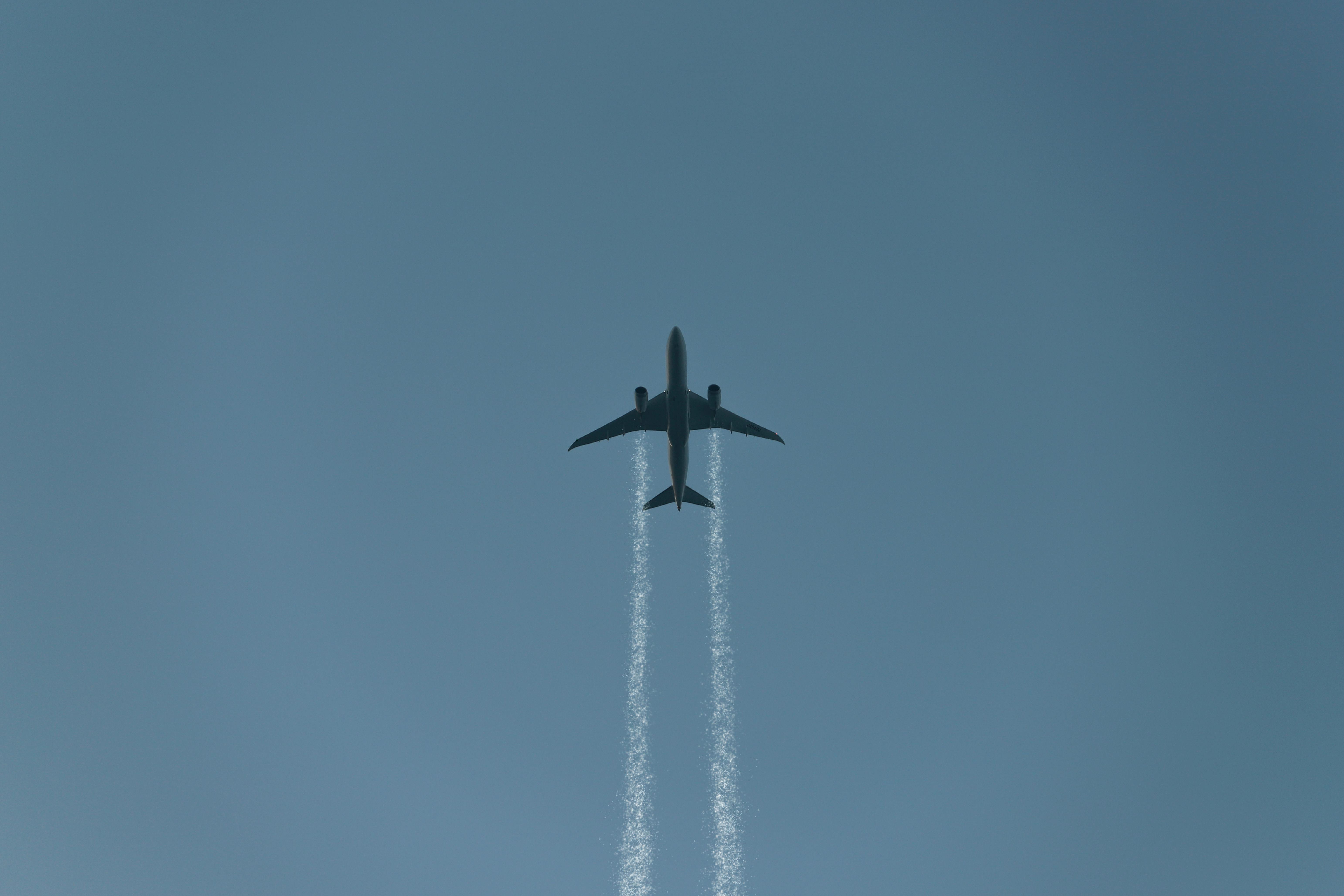
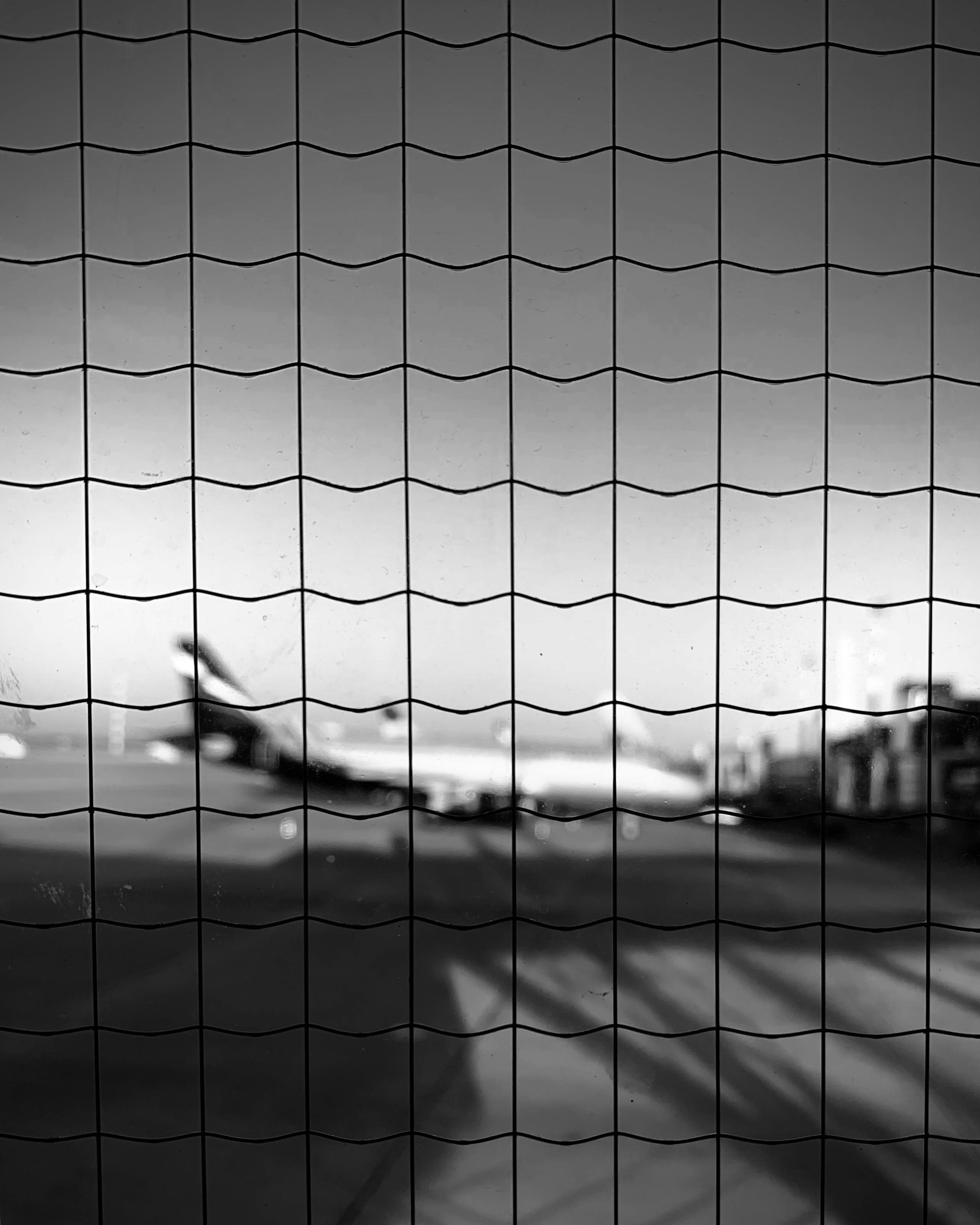
The wrong side of the fence often feels easier because it takes the pressure off landing one perfect frame. You can keep moving, follow the flight line, and fire a short series at the peak of the pass. That shift gives you a better chance of freezing the jet with clean shape, smoke, and angle.
Airshow jets move fast enough that a single frame is easy to miss. Aviation photo guides commonly suggest at least 1/1000 s for jets, and some push that to 1/1600–1/2500 s for very fast aircraft. At those speeds, timing still matters, but the shutter has a better chance of stopping the motion.
Fast jets demand more than luck
Jets do not need prop blur, so a faster shutter does not cost you the feel of motion. One aviation source notes that jet takeoff shots below 1/250 s start to show clear motion, which shows how quickly the scene changes. A sharp jet frame usually lives inside a very narrow window.
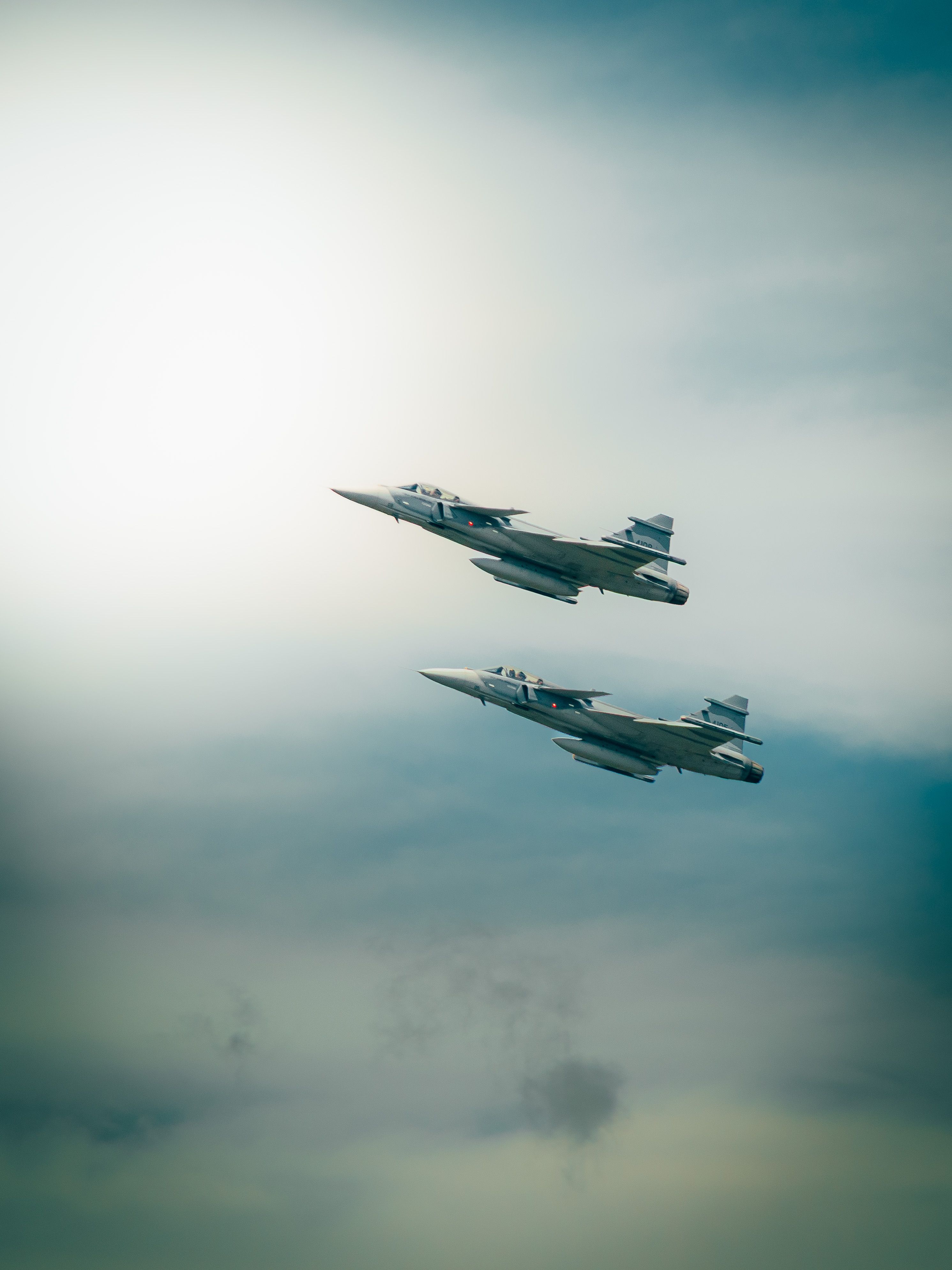
A short burst helps a lot here. A 3 to 6 frame sequence may sound small, but it often covers the best angle in a pass. On a mid-tier mirrorless body, a 20 to 40 frame RAW buffer is common enough to handle that kind of work without stress.
What burst mode really gives you in flight
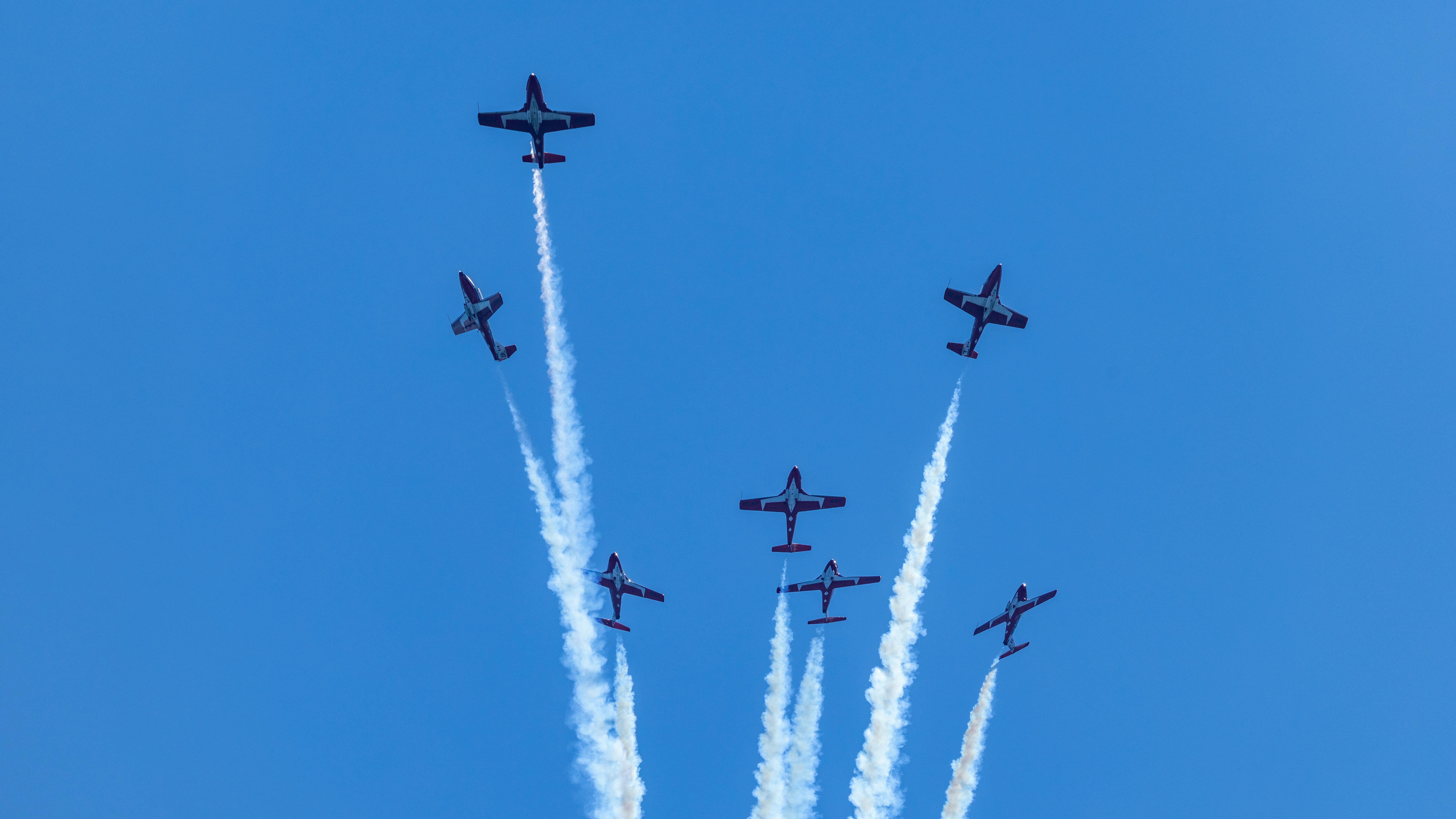
A burst is a short run of frames captured while you hold the shutter down. It suits moments that change fast, like a jet rolling in, banking, or climbing through heat haze. For airshows, it gives you more chances to catch the nose angle, gear position, and smoke shape you want.
This is where the phrase “wrong side of the fence” starts to make sense. You are not hunting one perfect instant by feel alone. You are building a small safety net of frames around that instant.
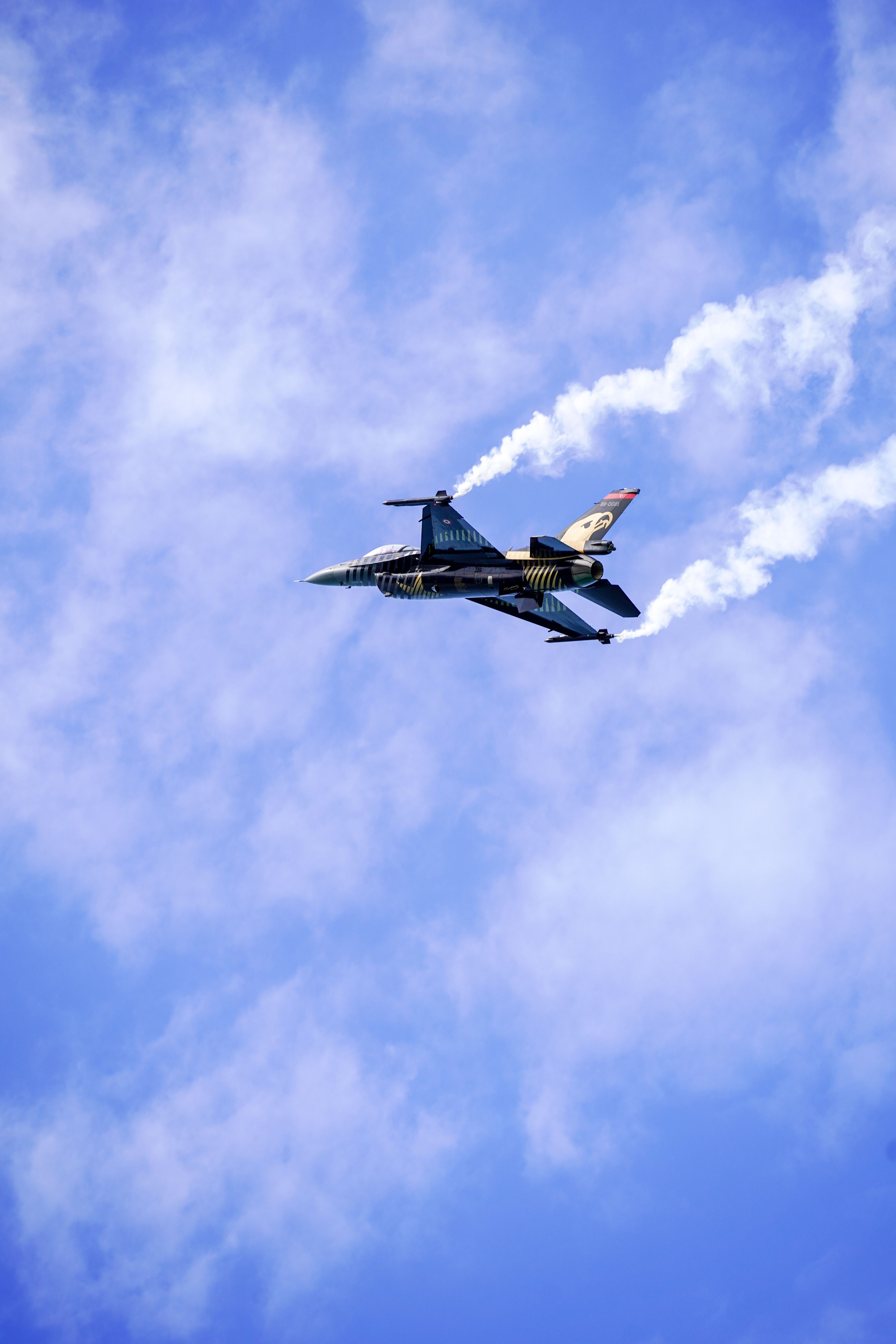
How do you use burst mode for photos?
Burst mode starts with continuous drive, then a fast press and short hold on the shutter. On many bodies, you set High Continuous, choose continuous AF-C or AI Servo, and use back-button focus before the pass starts. A rate of 8–10 fps or faster gives you a strong base for fast jets.
Pre-capture or pre-burst helps even more on newer cameras. It records frames just before full press, which is useful when the jet enters the frame a second early. Pair that with a UHS-II V60, V90, or CFexpress card, and the camera clears the buffer much faster after a long run.
- Set the drive mode to High Continuous.
- Use AF-C or AI Servo with subject detection, if your body has it.
- Pick a shutter speed near 1/1000 s or faster for jets.
- Hold the camera steady before the pass begins.
- Fire in short runs of 4–8 frames, then reset your position.
Does burst mode take better photos?
Burst mode helps when timing is the main risk. It does not improve focus, light, or composition by itself. It simply raises the odds that one frame lands at the right bank angle, with the right wing shape and a clean sky behind it.
Many airshow shooters use it on jets, then keep the runs short. A long spray wastes buffer space and makes culling harder later. A tight sequence gives you choice without flooding your card.
Where timing beats single frames

A jet can move from “almost perfect” to “gone” in a blink. A burst catches the tiny changes in nose pitch, smoke line, and background spacing. It also helps when you pan a little late and need the middle frame, not the first or last one.
There is a tradeoff, though. Very fast frame rates, like 20–40 fps on some mirrorless bodies, can create rolling-shutter skew with fast sweep moves or flashing LED boards. Mechanical shutter around 10 fps often gives a cleaner balance of speed, control, and file size.
Why panning still matters with a fast shutter
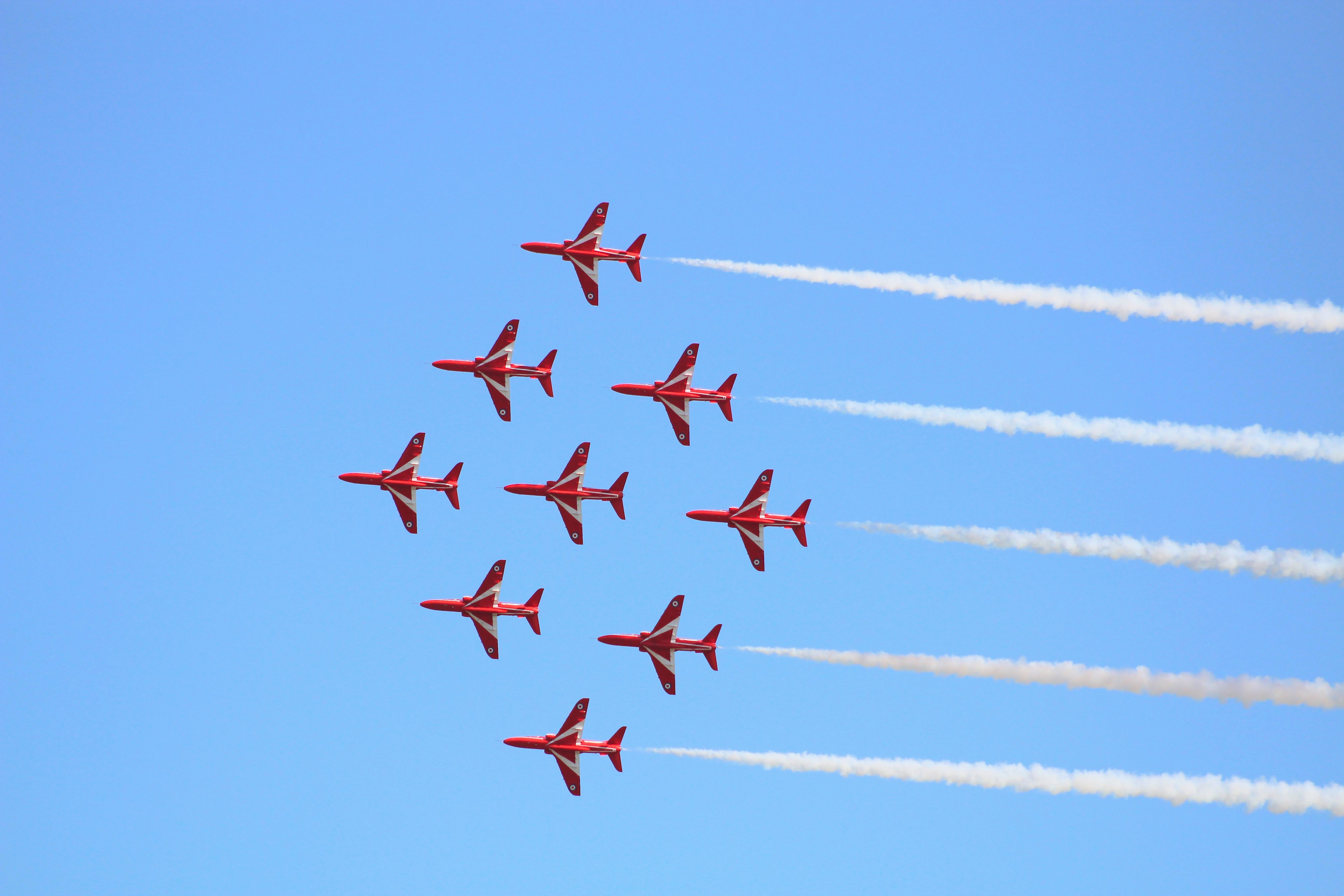
Panning keeps the jet sharp while the background blurs. That blur adds speed and makes the image feel alive, even at 1/1000 s or faster. It also helps your subject stay in the frame as it crosses the fence line.
The key is smooth motion through the full pass. Start moving before you press the shutter, follow through after the frame, and keep your torso loose. A rough stop creates shake, and shake ruins the edge detail you were trying to save.
Shutter speed choices for jets and props
Jets usually need much faster settings than props. For jets, 1/1000 s is a common floor, while 1/1600–1/2500 s works well for very quick pass-bys. Prop aircraft often use 1/125–1/500 s on purpose so the prop looks right.
The goal is different. Jets look best when the body is crisp and the sweep is controlled. Props often look better with some motion in the disk, even if the fuselage is less frozen.

Does burst mode drain the battery?
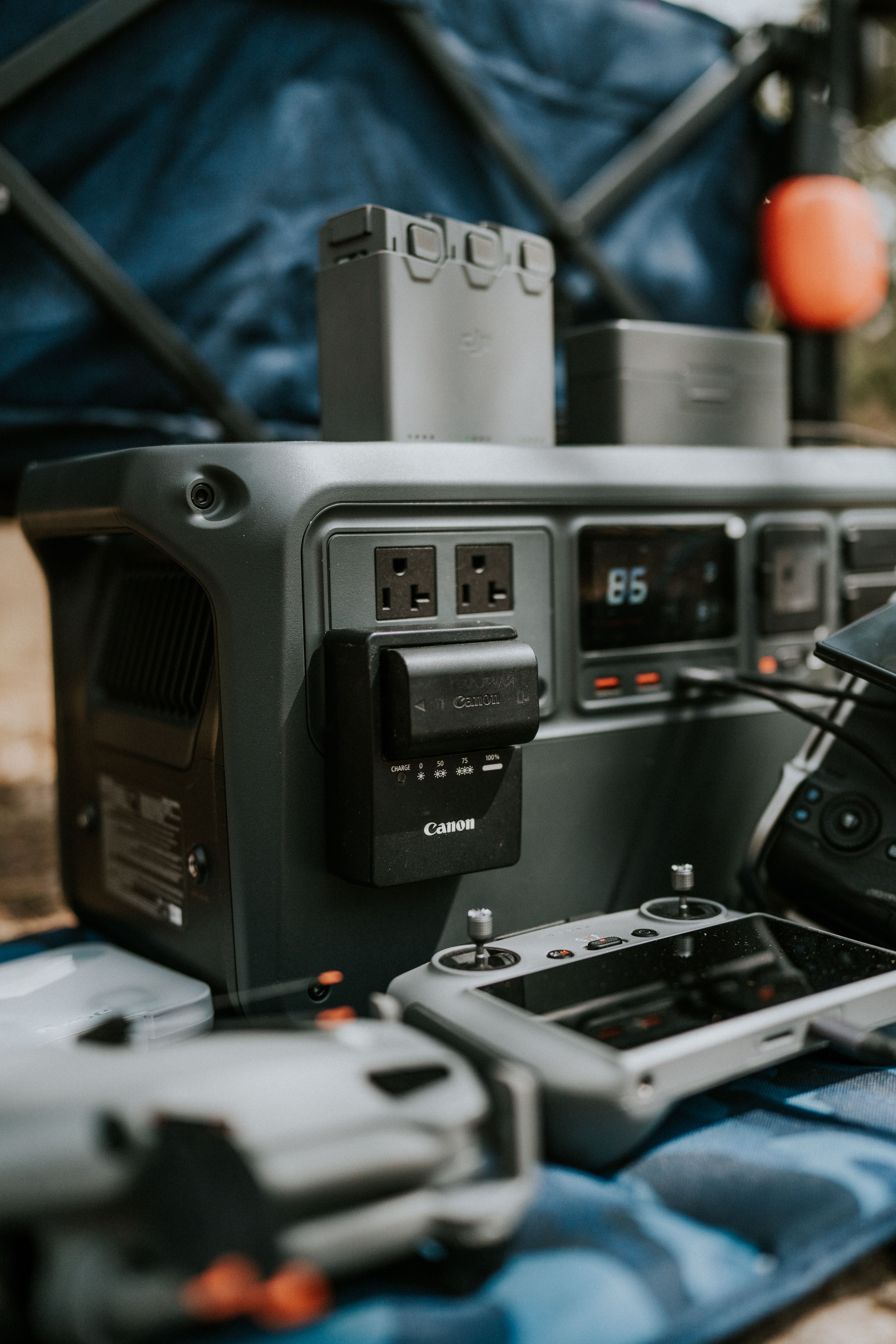
Burst mode uses more battery, but the bigger drains on a mirrorless body are the EVF, LCD, autofocus, and image review. A short burst itself is not the main problem. Long preview time, heavy chimping, and a bright screen are usually worse.
Power use also depends on how often you fire. Repeated long runs, pre-capture, and a high refresh display will lower life faster than a few tight bursts. If you shoot an all-day show, a spare battery is smart, especially in heat.
How to keep power loss under control
One good habit is to dim the rear screen and limit review time. Another is to use the electronic viewfinder only when you need it, then let it sleep between passes. Those small changes can save more power than you expect.
A larger card also helps the pace of the day, because a fast write speed means less waiting on the buffer. That does not create more battery life on its own, but it reduces the stop-start rhythm that breaks your flow. In practice, the camera feels ready when the jet comes back around.
Gear that keeps you ready at the fence
Good airshow work depends on staying set up while you move along the perimeter. A body with reliable subject tracking, an 8–10 fps drive mode, and a lens in the 50mm–85mm range gives you a strong starting point for close passes. At longer distances, a telephoto zoom lets you frame tight without chasing the jet.
A comfortable strap matters because you need both hands free between passes. A strap such as the Camstrap voyager helps here because it spreads weight well and lets the camera come up fast when the next jet enters the box. That kind of carry setup keeps the camera ready instead of buried in your bag.
- Camera with AF-C or AI Servo
- Lens in the 50mm–85mm range for closer ramp work
- Telephoto zoom for runway and climb-out shots
- UHS-II V60, V90, or CFexpress card
- One spare battery
- Lens hood to cut flare from bright sky
What the fence line teaches about timing
The fence line forces you to think in short windows. You do not get endless tries, and that pressure can improve your work fast. You watch the sky, reset your feet, and wait for the next clean angle.

That is also why short bursts feel sharper there than they do in theory. You are not just spraying frames. You are matching the camera to a scene that changes in a second or less.
Keep your focus point locked before the jet arrives, then let the camera track through the pass. Use short bursts of 4–8 frames, review only when the line goes quiet, and cull later with pick and reject flags in Lightroom or Photo Mechanic. End the day with one clear note: the best frame often comes from the second you were already ready.
Frequently Asked Questions
How to do burst mode on photos?

To use burst mode for photos, set the drive mode to High Continuous, then press and hold the shutter for a short run of frames. For fast-moving jets, use AF-C or AI Servo, a shutter speed near 1/1000 s or faster, and short bursts of about 4 to 6 frames.
Does burst mode take better photos?
Burst mode can improve the odds of a sharper photo by capturing several frames during a fast moment, which helps when timing is difficult. It does not make every image better, but it increases the chance of getting the best angle, position, or expression in a rapid sequence.
What is a burst in photography?

A burst in photography is a short sequence of frames captured while the shutter button is held down. It is useful for fast action because it gives multiple chances to catch the exact moment you want.
Does burst mode drain the battery?
Burst mode uses more battery than single-shot shooting because the camera is firing the sensor, autofocus, and processing continuously. The drain is usually manageable for short bursts, but long sequences will reduce battery life faster.


