


- Use about 1/1000s on drone climbs to freeze motion cleanly.
- Raise shutter speed first; only increase ISO when light is tight.
- Use shutter speed to control blur, freeze action, and sharpen aerial detail.
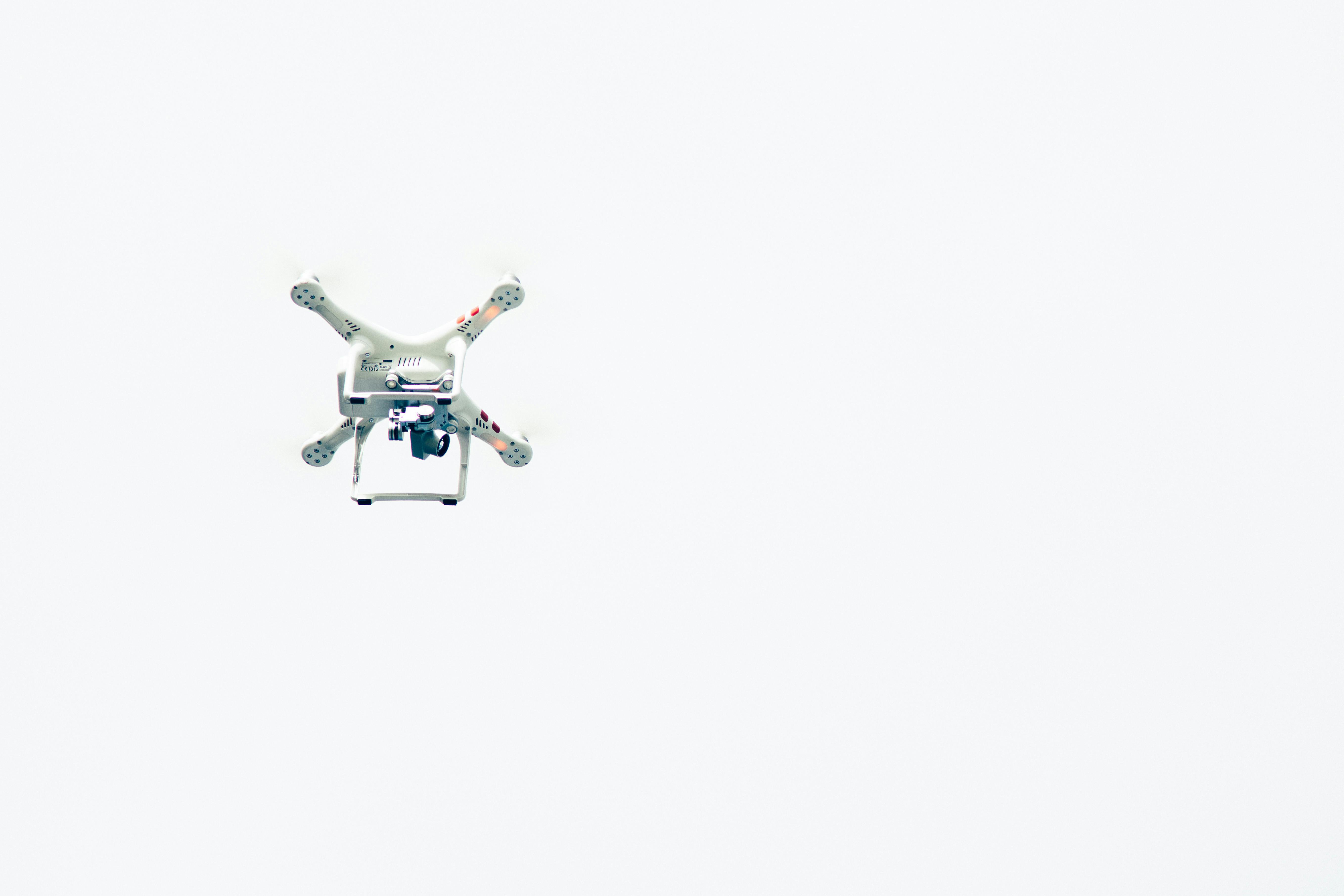
Shutter speed controls how long the camera sensor gathers light, and it shapes the way motion appears in a photo. In drone work, the setting carries extra weight because the camera and the ground are both moving. When you rush a climb, aerial shots often go soft because the scene shifts quickly during the exposure. The blur can look like weak focus, but the real cause is usually motion recorded while the sensor was still open.
Shop the setup

- Regular price
-
€42 - Regular price
-
€44 - Sale price
-
€42
By choosing the Camstrap strap, you are opting for a high-quality product designed to meet the needs of the most demanding photographers.
- Developed by a physiotherapist to relieve neck and back pain.
- Fast delivery with tracking by the Post Office 🚚
- Can be used as a shoulder strap or hands-free harness

- Regular price
-
€36 - Regular price
-
€42 - Sale price
-
€36
Free shipping included
The climb moves the scene faster than the camera can freeze it
A drone that climbs hard creates strong relative motion between the lens and the ground. During a long exposure, that movement smears edges, rooftops, trees, and road lines into a softer frame.
Even with correct focus, aerial blur can still appear. The camera may lock on well, but the scene still moves through the frame before the shutter closes.
Why fast vertical motion hurts detail
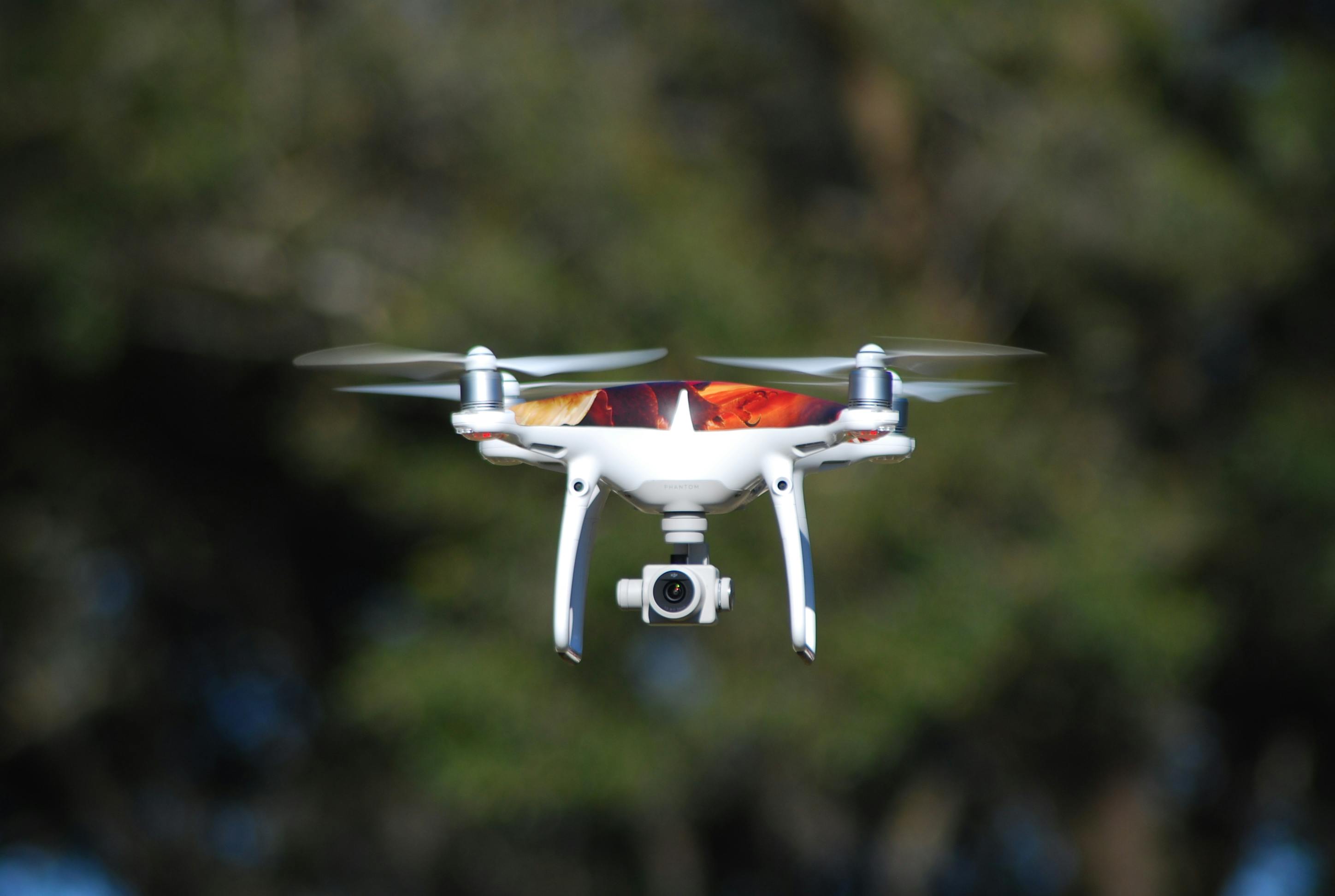
As the drone rises, near objects slide through the frame faster than distant ones. The difference is enough to reduce fine detail, especially near the edges. Adobe’s aerial guidance points to about 1/1000s or faster for cleaner results. Nikon also notes that 1/500s can stop fairly fast motion, while 1/1000s freezes most action.
Why soft frames can fool you
Motion blur often looks like bad focus on the back screen. In reality, the lens may have done its job.
A quick zoom-in check matters after a climb. Look at roof edges, fence lines, and tree leaves, not only the center subject.
What shutter speed means in photography
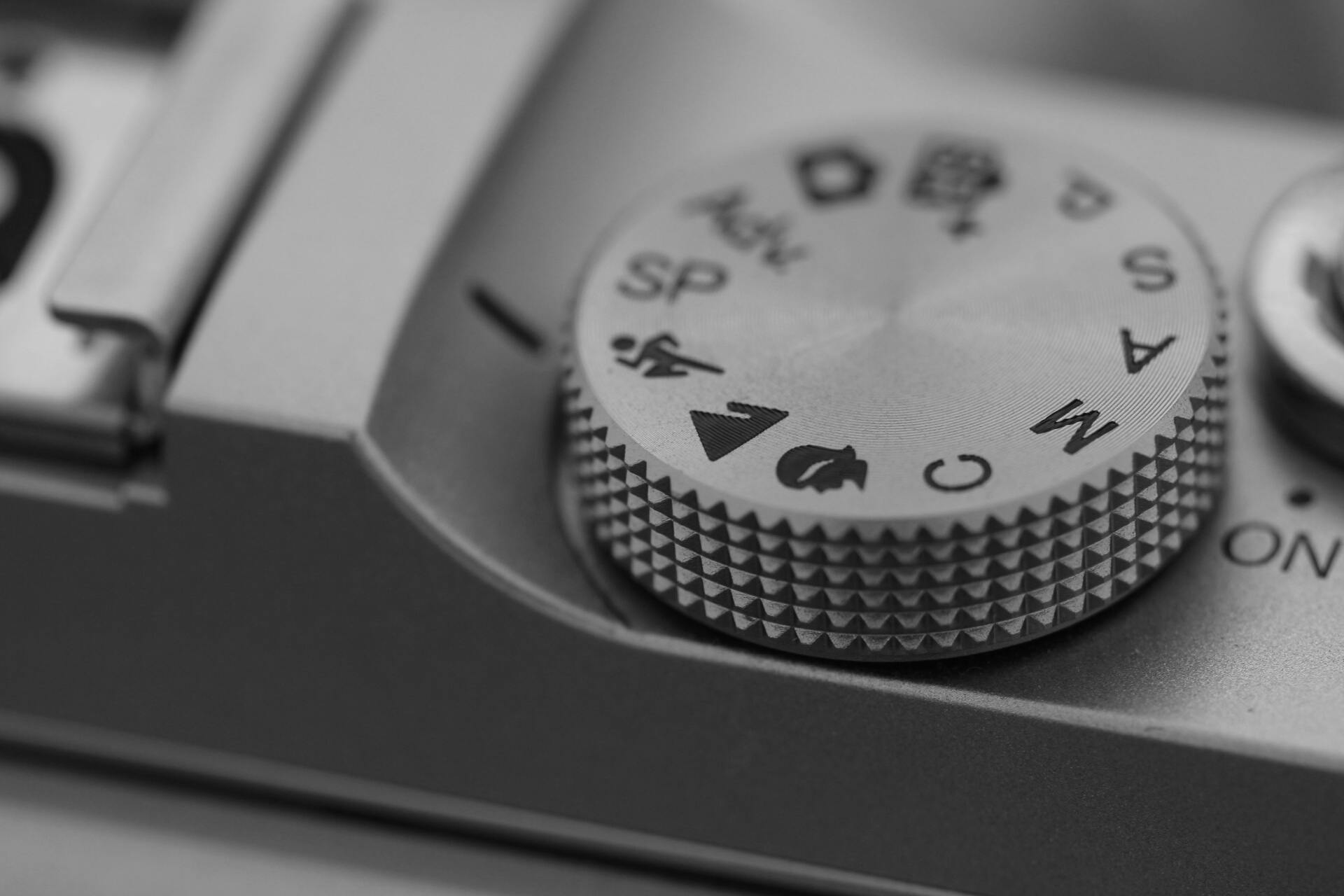
Shutter speed is the amount of time the sensor is exposed to light. It decides how much motion the camera records in the image. Fast settings freeze action, while slow settings let motion streak across the frame. In aerial work, that one choice can decide whether a climb looks crisp or soft.
How the number affects drone images
Short exposures cut the time available for shake and scene movement to show up. Longer exposures give that movement more room to blur detail.
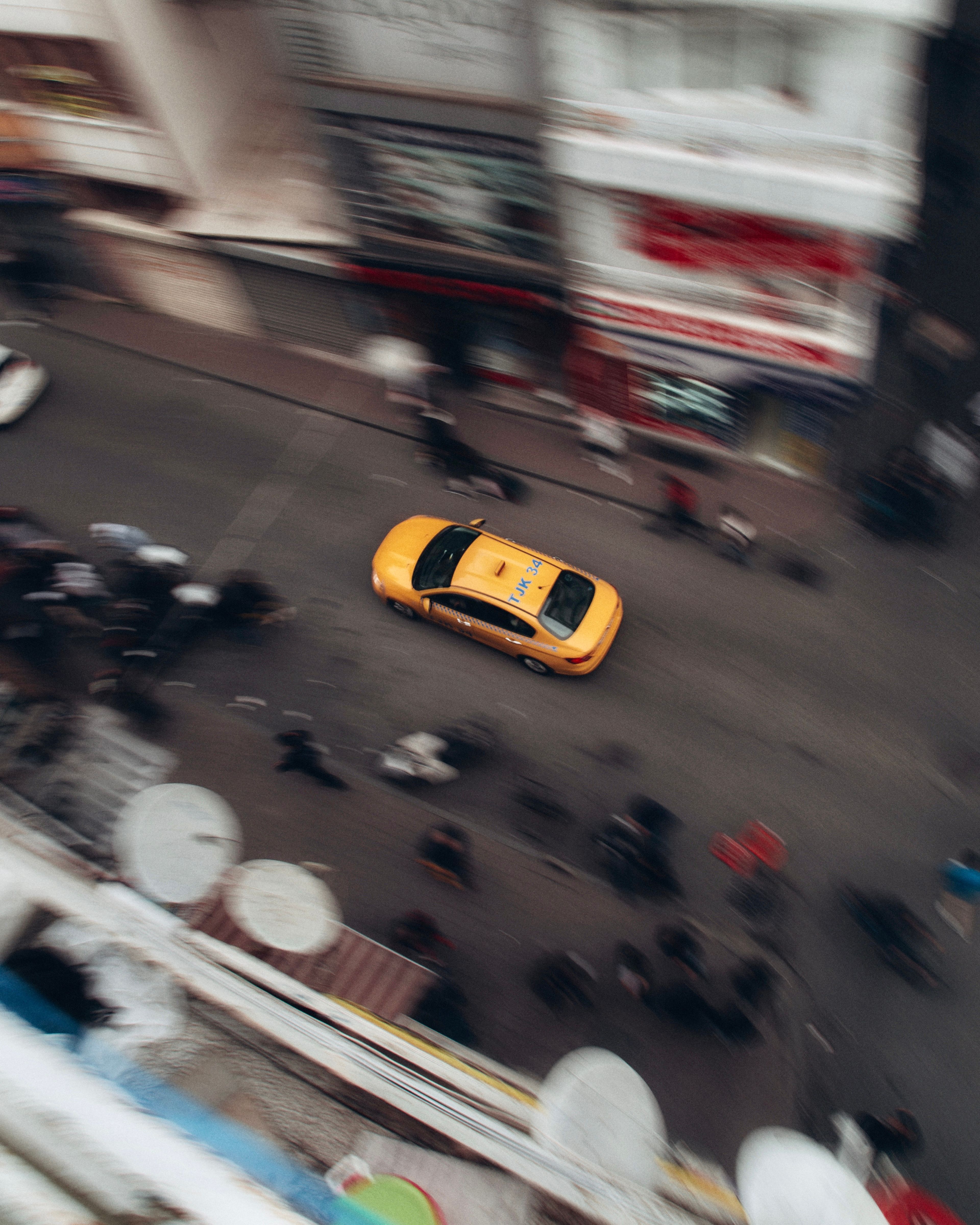
Nikon describes 1/30s as slow enough to blur a casually walking person. At the other end, 1/1000s is fast enough to freeze most action in a clear frame.

What is the best shutter speed for photos?
The best shutter speed for photos depends on subject speed, camera movement, and lens choice. For drones, a good starting point is 1/1000s. That setting gives a strong safety margin for climbs, turns, and wind shake. Nikon’s 1/500s starting point can work for slower motion, but aerial work often needs more speed.
Useful starting points by scene
- 1/1000s to 1/2000s for fast drone climbs, birds, cars, and hard turns.
- 1/500s for calmer flight and slower scene changes.
- 1/250s or slower only when you want visible blur on purpose.
These are starting points, not fixed rules. Wind, lens length, and subject distance can push you faster or slower.
Should I adjust ISO or shutter speed?
Shutter speed should usually come first when the frame goes soft from motion. ISO should rise only after you choose a shutter speed that can freeze the scene.
If you slow the shutter to protect ISO, you may trade noise for blur. For aerial stills, that trade often costs more image quality than a modest ISO rise.
How to balance the two in real use
Start with the shutter you need, then open the aperture if your lens allows it. After that, raise ISO only as much as needed to keep a usable exposure. A wide aperture like f/2.8 helps in low light, but it is not free. It can make depth of field thin, and a small focus miss can show up fast on a moving drone.
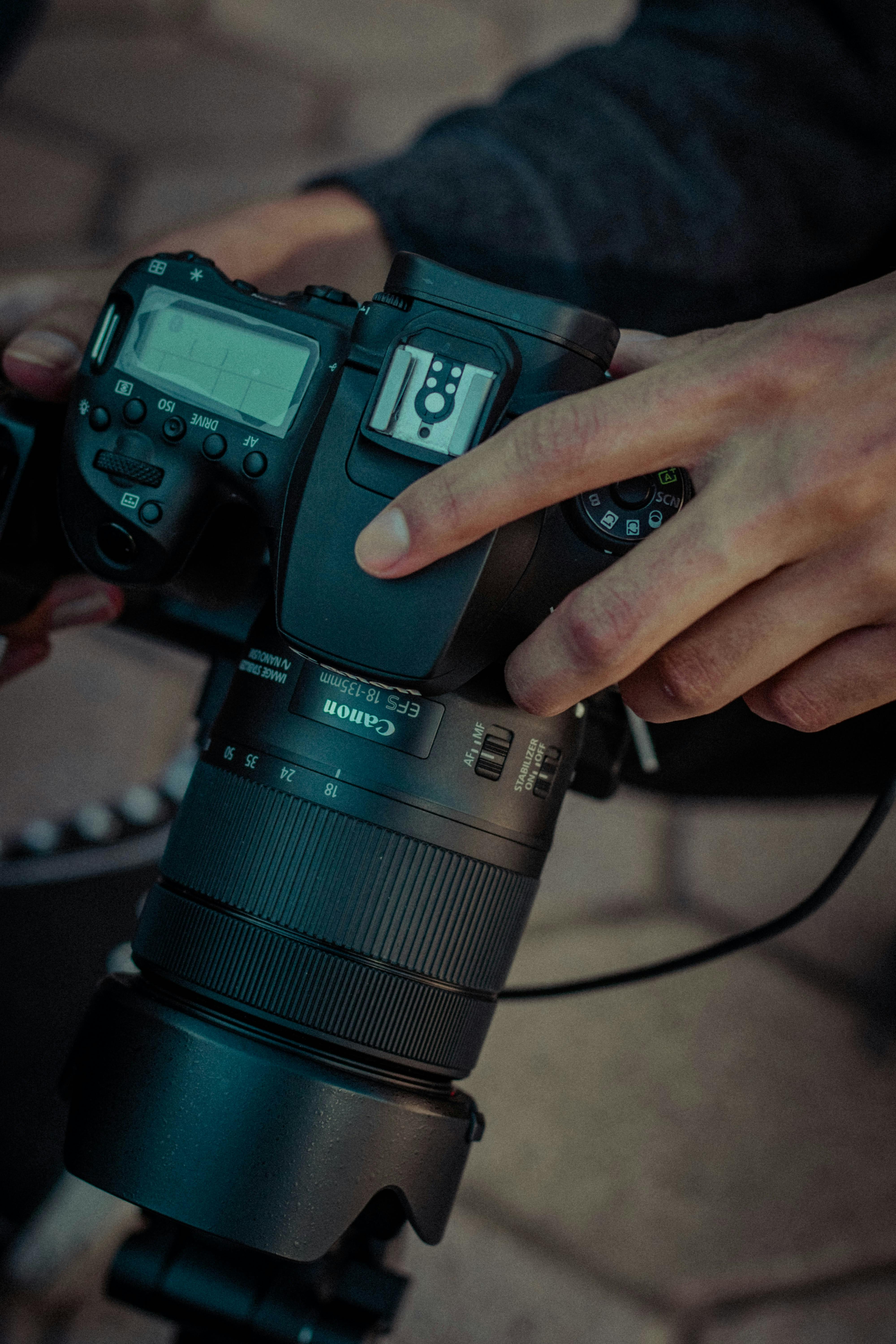
What are the uses of shutter speed in photography?
Shutter speed has three main jobs in photography. It freezes motion, shows motion, and helps control camera shake.
In aerial work, the first job matters most. A rushed climb asks for freezing power, not a dreamy blur effect.
Where it helps most
- Freeze movement in drones, sports, pets, and street scenes.
- Show motion in water, light trails, and long exposure photography.
- Reduce shake when hand movement or platform movement would soften the frame.
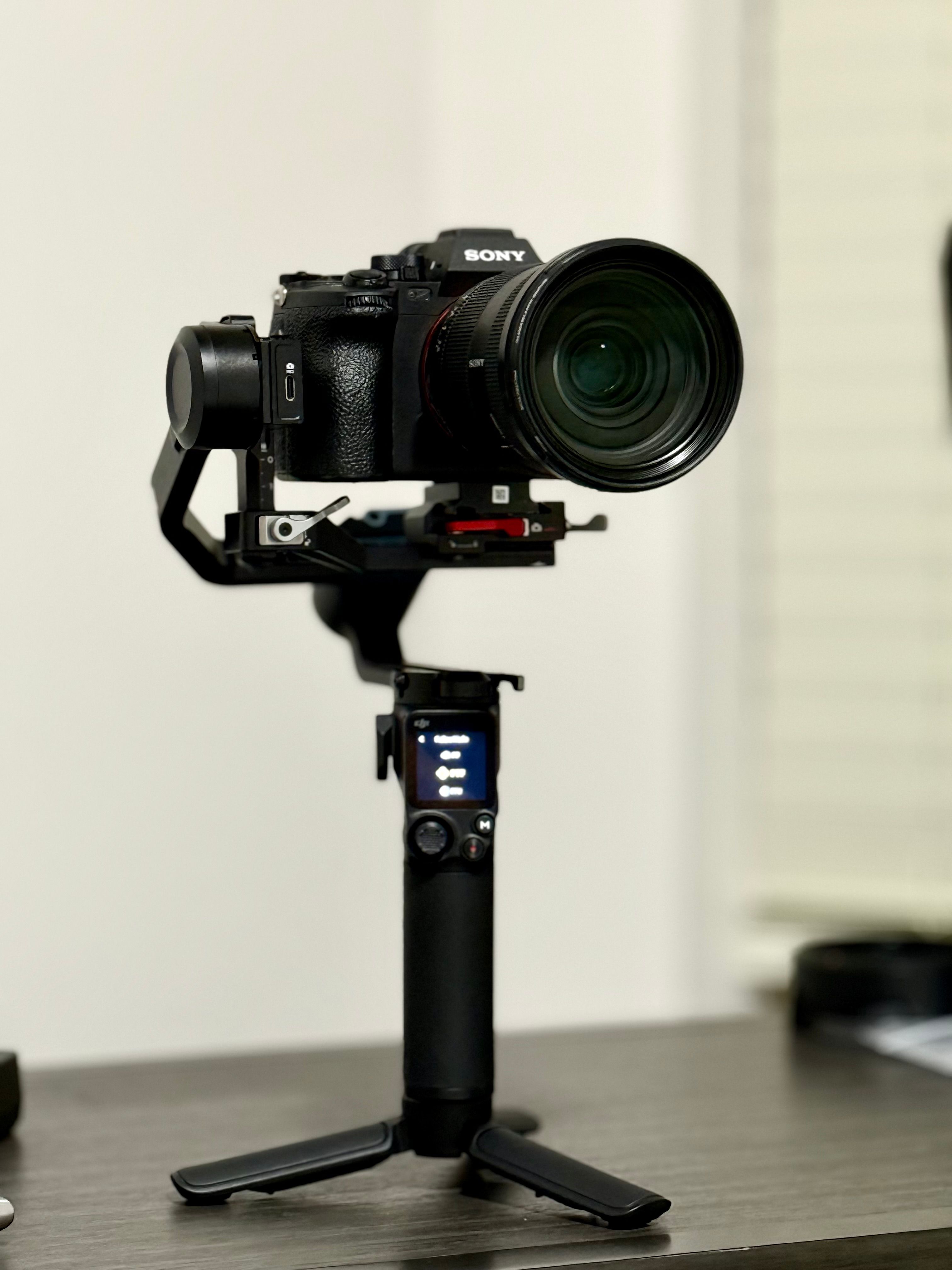
For drones, that third job is easy to overlook. The aircraft itself can act like a moving camera platform, even when the shot feels steady in your hands at the controls.
How do I determine my shutter speed?
You determine your shutter speed by matching it to subject speed, flight path, and light. The cleanest method is to test at one setting, review the result, and adjust in small steps. For a climbing drone, begin at 1/1000s and check detail at 100% zoom. If the frame still looks soft, move to 1/1600s or 1/2000s before touching other settings.
A simple field check
- Set the camera to manual or shutter priority.
- Start at 1/1000s for active aerial movement.
- Use continuous AF-C or AI Servo with subject detection.
- Take a short burst of 3 to 6 frames.
- Review the edge detail, not just the center.

This short test tells you more than guessing. A 3 to 6 frame burst will not fill a modern buffer on most mid-tier bodies, so it is a safe way to check sharpness without stress.
Drone settings that keep the frame crisp
Camera mode matters because it keeps exposure stable while the drone moves. Shutter priority works well when light changes fast, while manual mode gives the most control once you know the scene.
For stills, I often pair fast shutter use with AF-C or AI Servo and subject detection. That combo helps the camera keep up as the drone climbs and the frame composition shifts.
Useful gear and capture choices
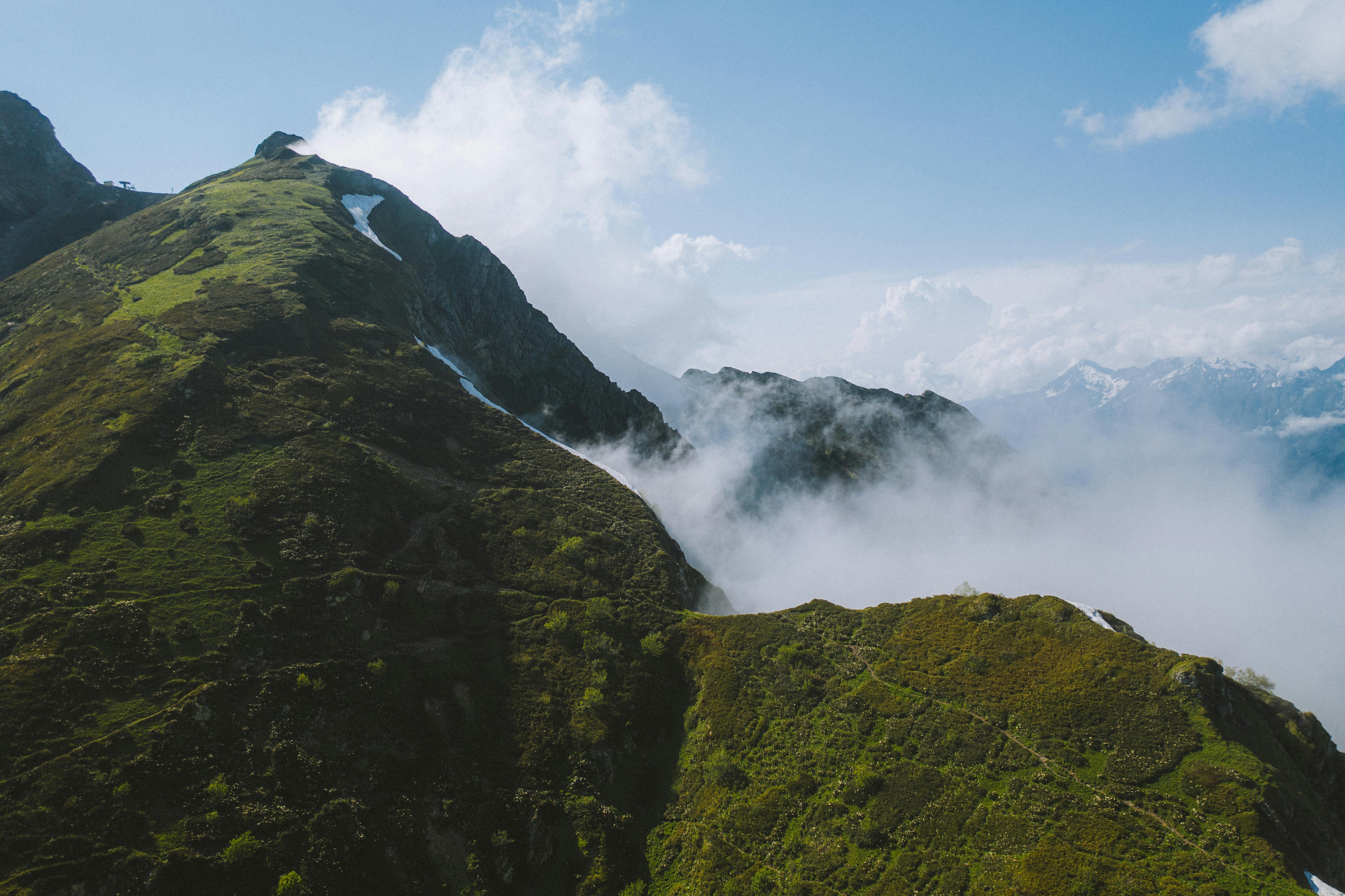
Electronic bursts can help, but they bring tradeoffs. Very fast continuous shooting, like 20 to 40 fps, may cause rolling-shutter skew or banding under some LED or fluorescent lights.
Memory card speed also matters. UHS-II V60 or V90 cards clear data faster than UHS-I, and CFexpress is even faster on bodies that support it. A faster card does not make the image sharper, but it keeps the camera ready for the next burst.
Some cameras also offer pre-capture or pre-burst buffering. That feature saves frames from just before the full press, which helps when the climb starts suddenly or the scene changes fast.
One carry choice that helps on the move
A hands-free strap helps when you walk between launch spots and keep checking framing. A Camstrap camstrap voyager fits that use well because it keeps the camera secure while leaving both hands free for the drone and controller. Less fumbling means fewer missed shots and less chance of bumping the camera while you move.
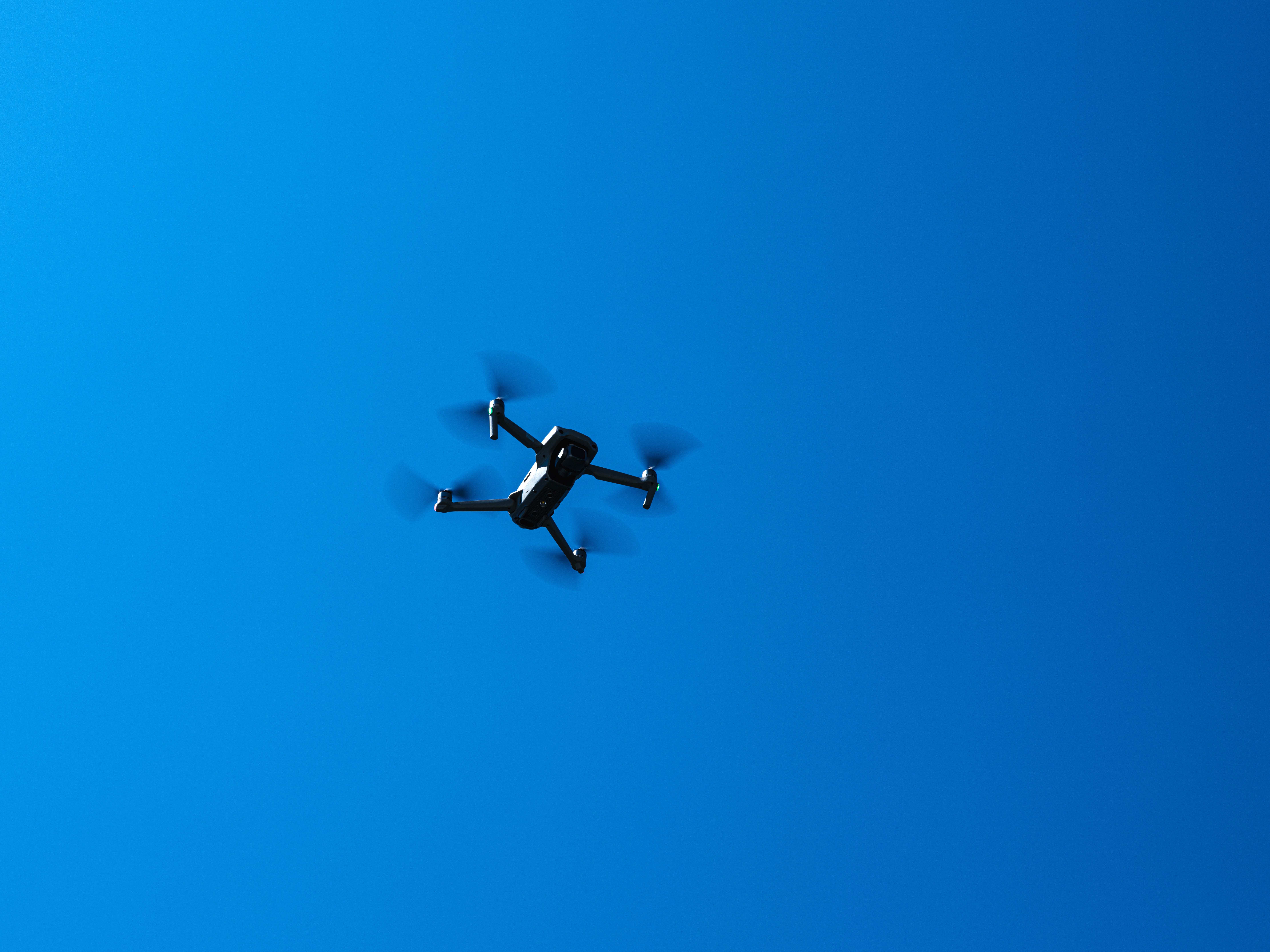
Light, lens, and motion all change the result
Lens choice can change how blur looks, even when shutter speed stays the same. A longer focal length magnifies motion, so a small shake feels bigger in the final frame.
A 50mm to 85mm look needs more care than a wide drone view. The tighter the framing, the easier it is to see soft edges from movement.
Three limits that catch people out
- Low light forces slower shutter speeds unless ISO rises.
- Wind adds tiny movement that the camera records during exposure.
- Fast climbs increase scene speed across the sensor.

These limits stack up. A dim sky, a long lens, and a fast climb can turn a clean setup into a soft frame very fast. For video, the rules shift a little. Canon notes that fast or low FPV flight can call for a 90-degree shutter rule instead of the 180-degree rule, which means a shutter duration about four times the frame rate to avoid too much blur.
Sharper climbs come from small, steady choices
Soft aerial shots usually come from motion, not bad luck. A rushed climb gives the camera too little time to hold detail, so the frame loses crisp edges.
The fix is simple in concept. Use a faster shutter, check focus and motion together, and let ISO move only after the shutter is set.
For most climbing drone stills, 1/1000s is a solid base, and 1/500s is the lower edge for calmer movement. If you want the frame to stay sharp, make the shutter do the hard work before the climb begins, then review one crop at full size before the next launch.

Frequently Asked Questions
What is the best shutter speed for photos?
The best shutter speed for photos depends on subject speed, camera movement, and lens choice. For drone photos, 1/1000s is a strong starting point because it helps freeze climbs, turns, and wind shake.
Should I adjust ISO or shutter speed?
Shutter speed should usually be adjusted before ISO when motion blur is the problem. ISO changes brightness and noise, while faster shutter speed is what reduces blur from drone movement.

What are the uses of shutter speed in photography?
Shutter speed controls how long the sensor gathers light and how motion appears in a photo. Fast shutter speeds freeze action, while slow shutter speeds create blur or streaking for effect.
How do I determine my shutter speed?
Choose shutter speed based on how fast the subject and camera are moving, then start with 1/1000s for drone work. If the scene is calmer, 1/500s may be enough, and slower speeds are mainly for intentional motion blur.


