


- Use the camera’s multiple-exposure mode—or a film body—to layer frames intentionally.
- Apply the 20/60/20 rule by planning most shots, leaving room, then culling hard.
- Yes, iPhone double exposure is easy with layered apps and a steady second image.
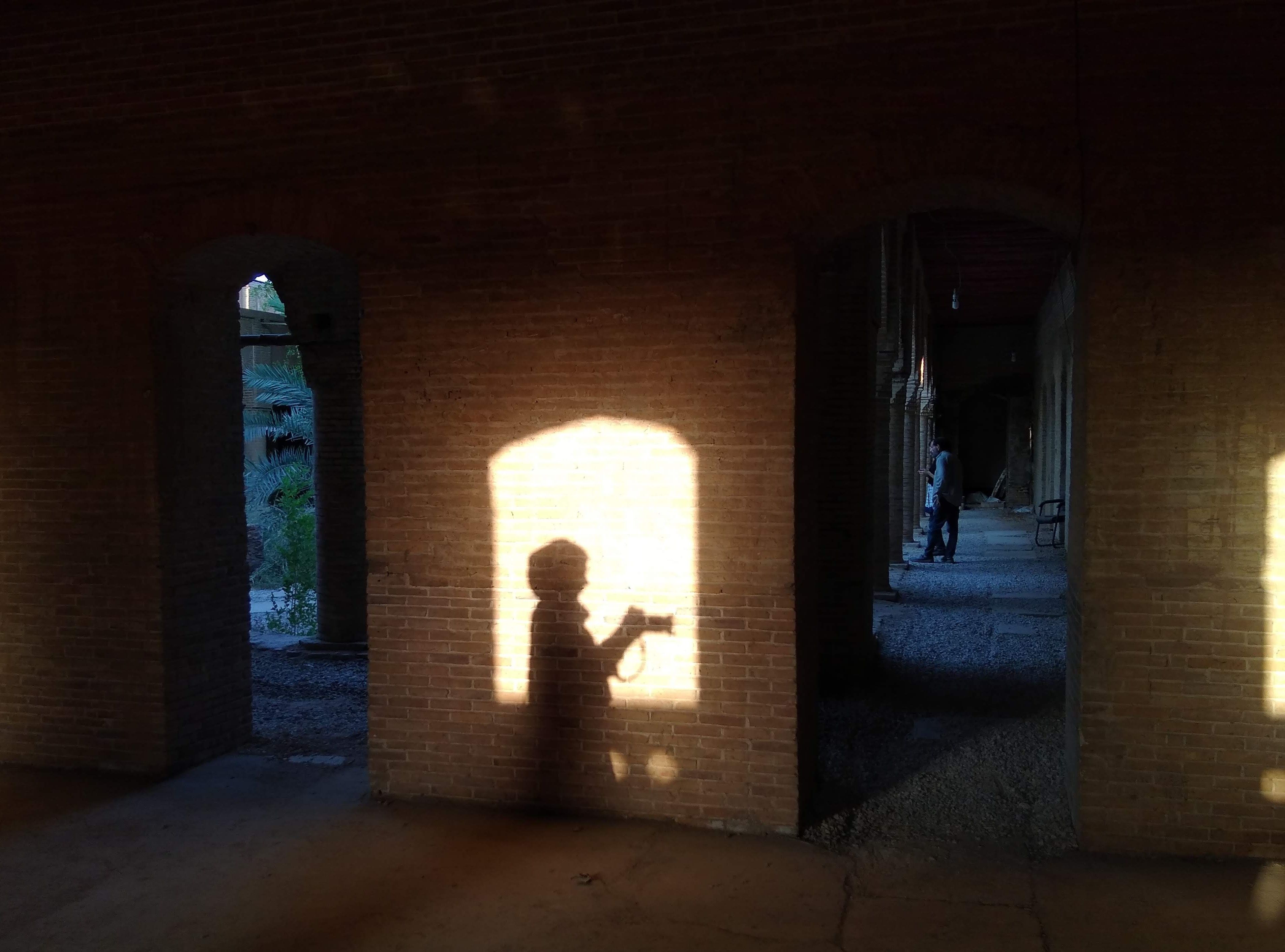
Double exposure photography blends two or more exposures into a single frame. On a one-hour film walk, it stops feeling like a trick and starts to feel like a way of seeing. It asks for slow steps, a clear plan, and a little trust in the process. Three lessons show up quickly: color shifts in small ways, grain shapes the mood, and patience usually strengthens the final frame.
Translation missing: en.blog_cta.bundle_heading

- Regular price
-
€42 - Regular price
-
€44 - Sale price
-
€42
By choosing the Camstrap strap, you are opting for a high-quality product designed to meet the needs of the most demanding photographers.
- Developed by a physiotherapist to relieve neck and back pain.
- Fast delivery with tracking by the Post Office 🚚
- Can be used as a shoulder strap or hands-free harness

- Regular price
-
€36 - Regular price
-
€42 - Sale price
-
€36
Translation missing: en.blog_cta.free_shipping_included
The walk sharpens how you see
Film pushes you to look before you shoot. On a short walk, every stop counts because each frame has a cost and a delay.
With that delay, your pace changes. Brick catches the light, a shadow cuts across glass, and a red sign might become the first layer of a later frame.
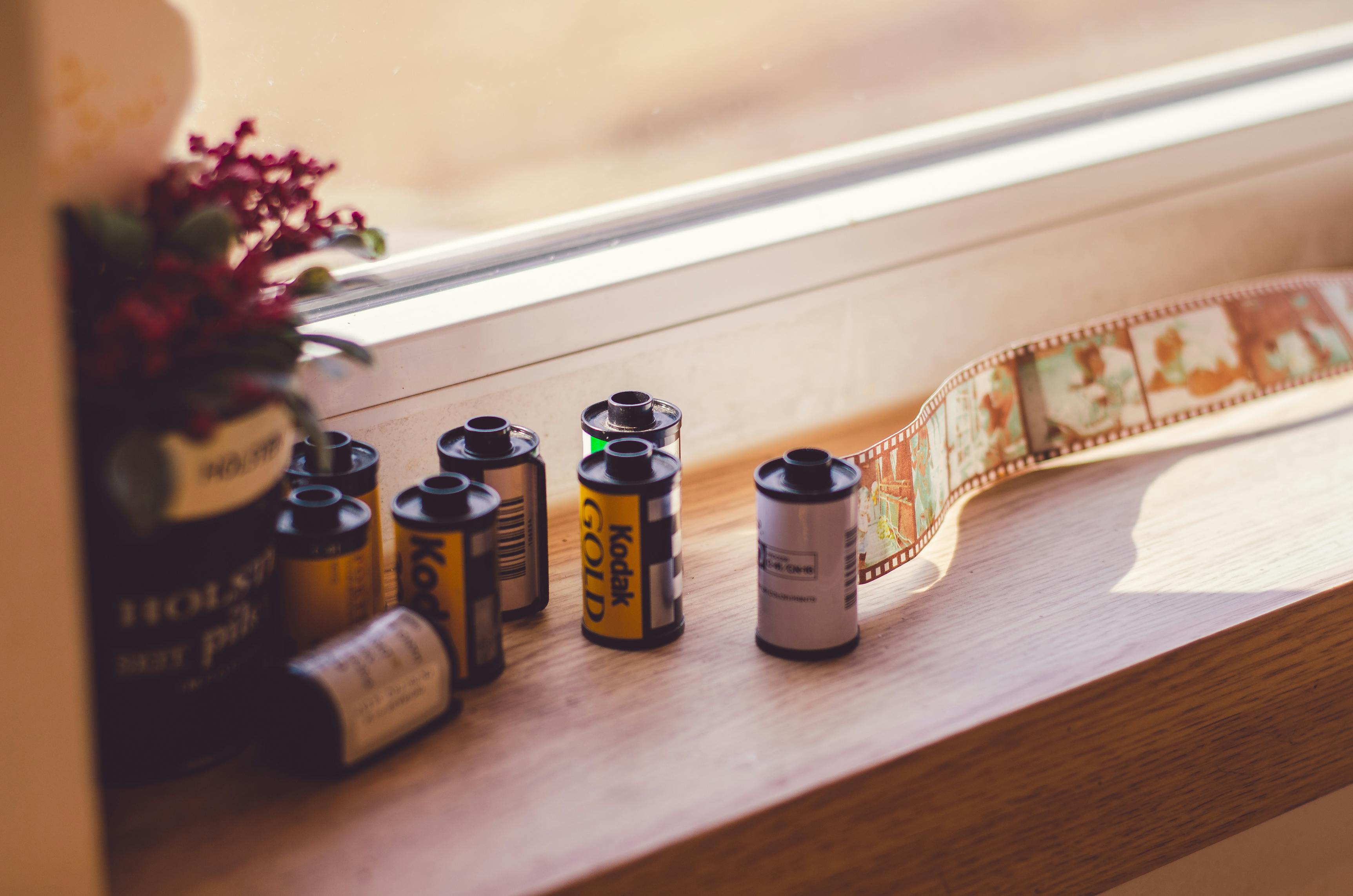
Why an hour is enough
An hour gives you enough time to settle in without letting focus drift. The limited roll keeps random shooting in check. That limit makes real-time editing easier. You start asking which scene can carry the next image, and which one should stay in your head.
Color acts like memory, not a preset
Film color shifts with light, stock, and exposure. A warm wall at 5 p.m. can feel gentle on one frame and loud on the next.
During a walk, that change trains restraint. A strong patch of color does not need to fill the frame to matter.
Layering changes the tone
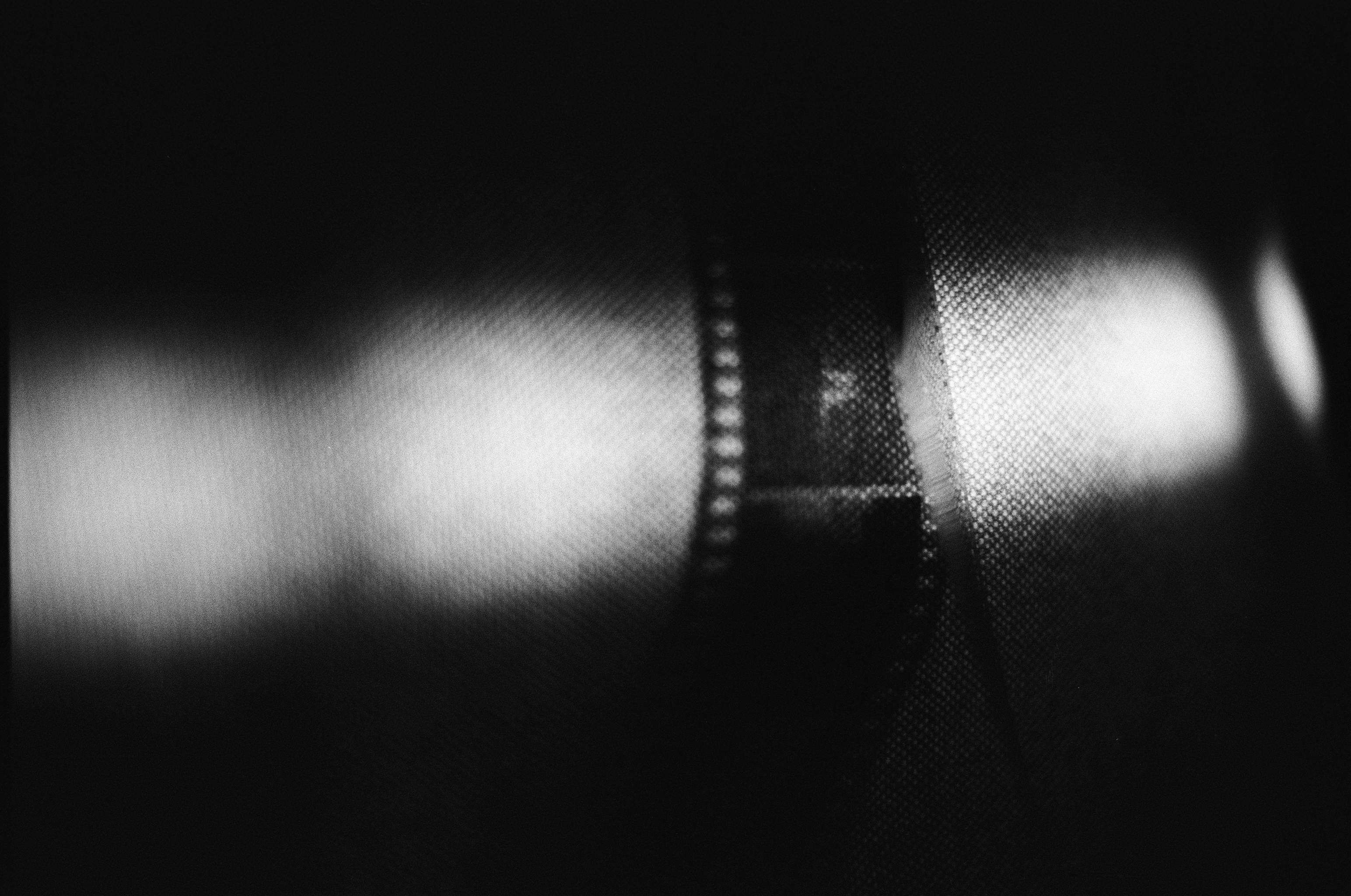
When two frames share the same space, color can add to the mood or drain it. A blue sky over dark leaves feels calm, while red neon over skin feels tense.
Canon describes multiple exposure as combining two or more exposures into one composite image. In film, the same idea lets you shape color by choosing the second frame with care.
One useful habit is to look for color pairs with different jobs. A bright subject can lead the eye, while a muted layer holds the frame together.
- Use one color as the anchor.
- Let the second layer support, not shout.
- Watch how bright areas stack, since they can wash out detail.
- Keep a note of which streets or rooms give you repeatable light.
Grain gives the image its edge
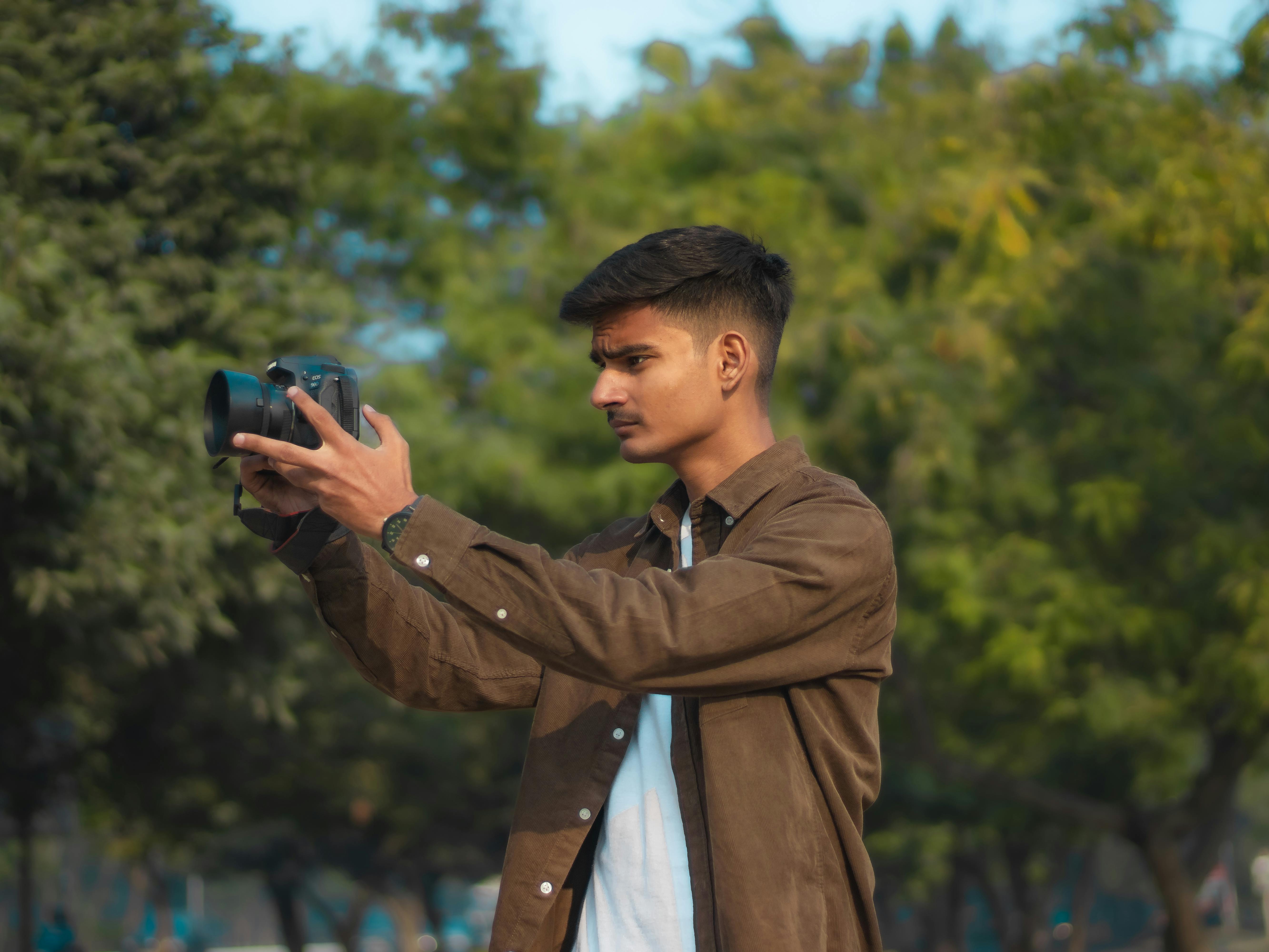
Grain is part of film, not a flaw in it. It changes the way detail feels. Nikon notes that higher-ISO film shows more visible grain because the light-sensitive grains are larger. Lower-ISO film usually gives finer detail, which can make a quiet scene feel cleaner.
What ISO teaches on the street
ISO changes both look and control. Nikon gives a clear example: moving from ISO 200 at 1/250s to ISO 400 allows 1/500s at the same aperture.
On a walk, that tradeoff matters. A faster shutter can catch a passerby cleanly, but the grain may grow, and the frame can lose some smoothness.
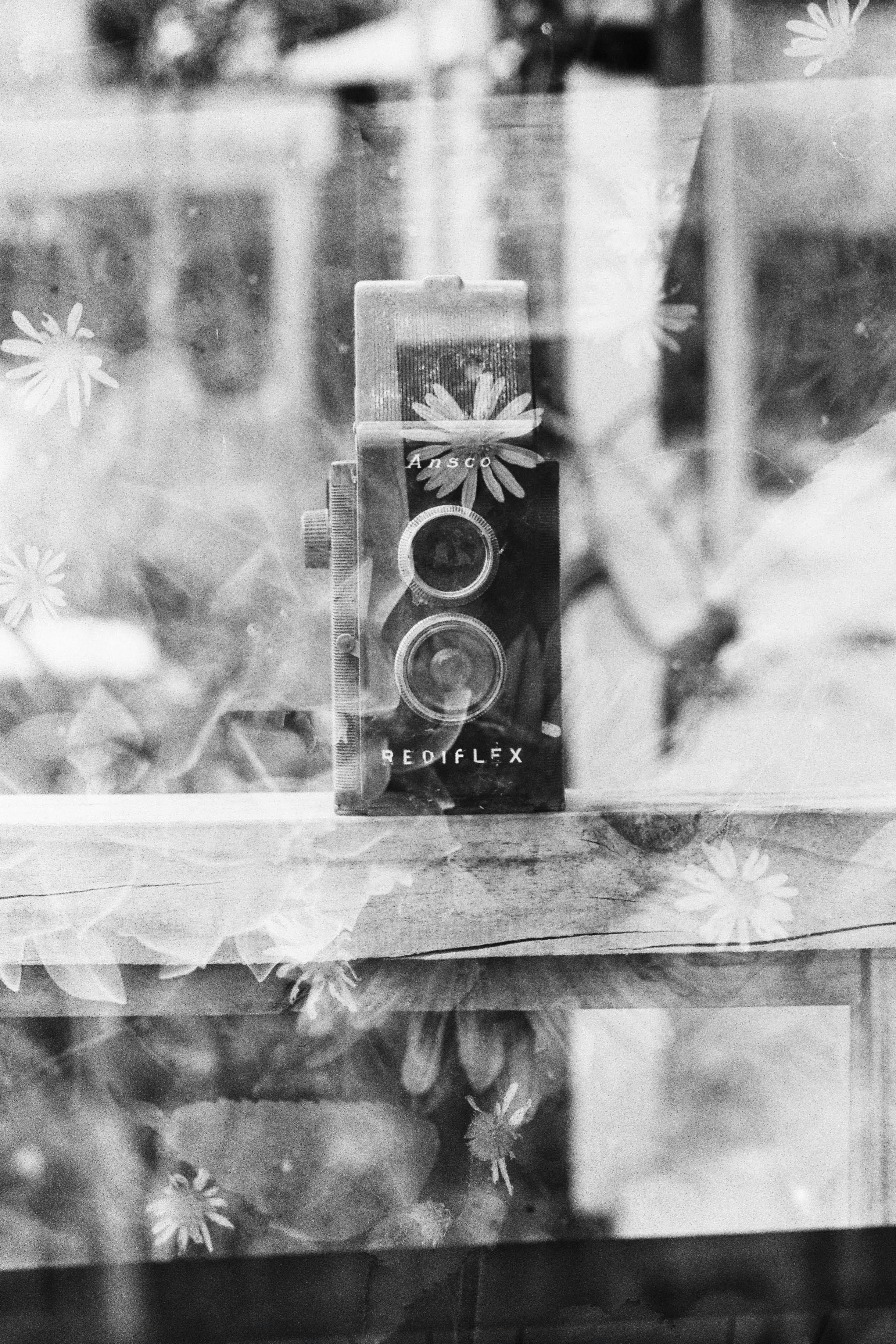
For many film walkers, that is part of the charm. Grain can pull the eye into the image and make a flat scene feel alive.
How grain works with double layers
Stacked frames can make grain feel denser, because the texture from both exposures adds to the look. This can work well when you want a moody result. It can also hide fine detail if both frames are busy. A simple first exposure, such as a wall or a sky, often leaves more room for the second image to speak.
Patience is a camera setting you cannot turn on
A film walk rewards waiting, because the best frame often appears after the obvious one. You may pass the scene once, then find a better angle ten minutes later.
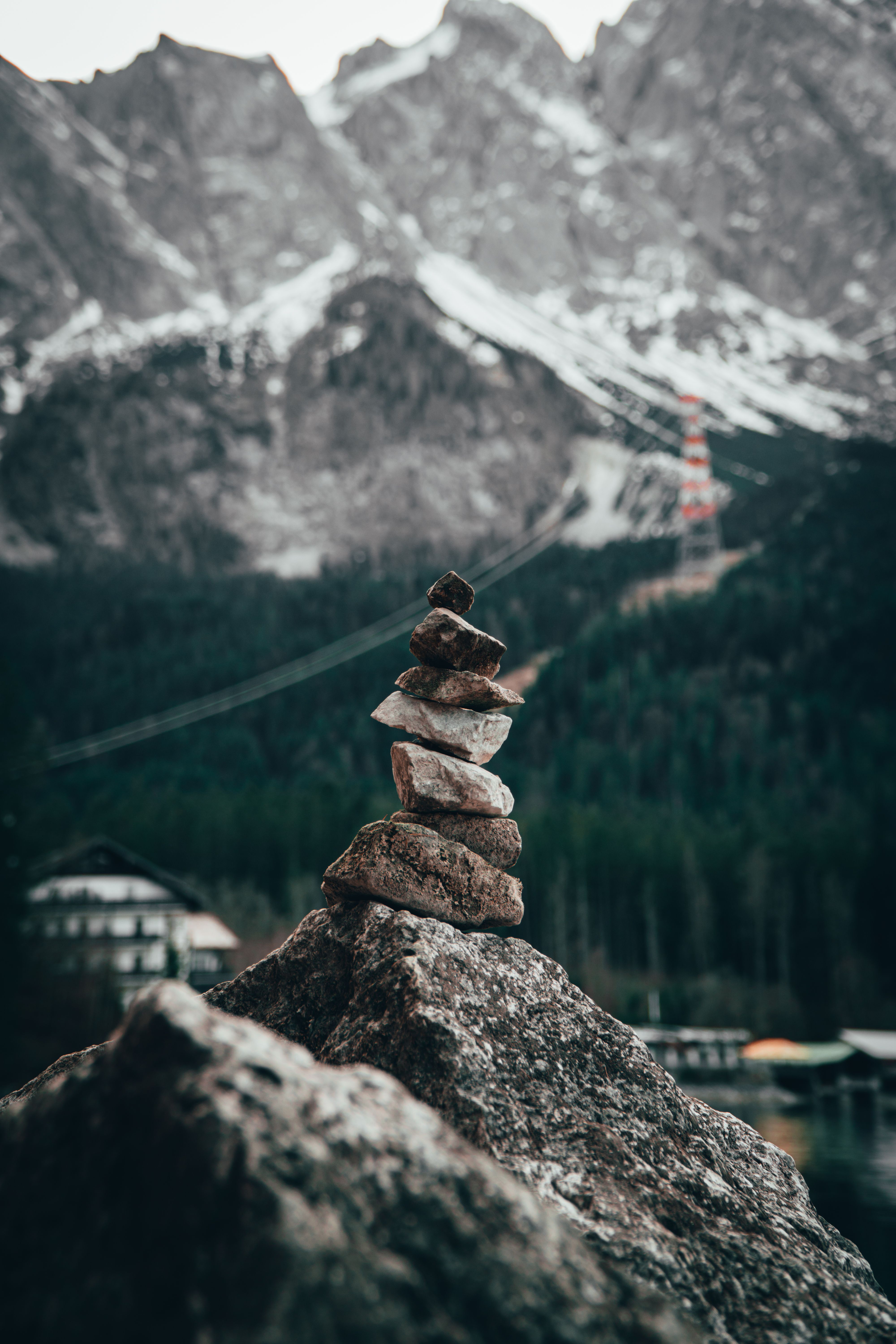
That delay teaches timing better than any menu does. You start to notice how a subject moves through light, not just where it stands.
Slow work improves the frame
Canon’s multiple-exposure workflow can let photographers review an earlier exposure before making the next one. That check helps with alignment and keeps the final image deliberate. The same lesson applies on foot. A few extra seconds often turn up a cleaner line, a better shadow, or a less crowded background.
Patience also keeps film cost in view. When each frame counts, you stop spraying shots and start choosing them.
Which camera handles double exposure?
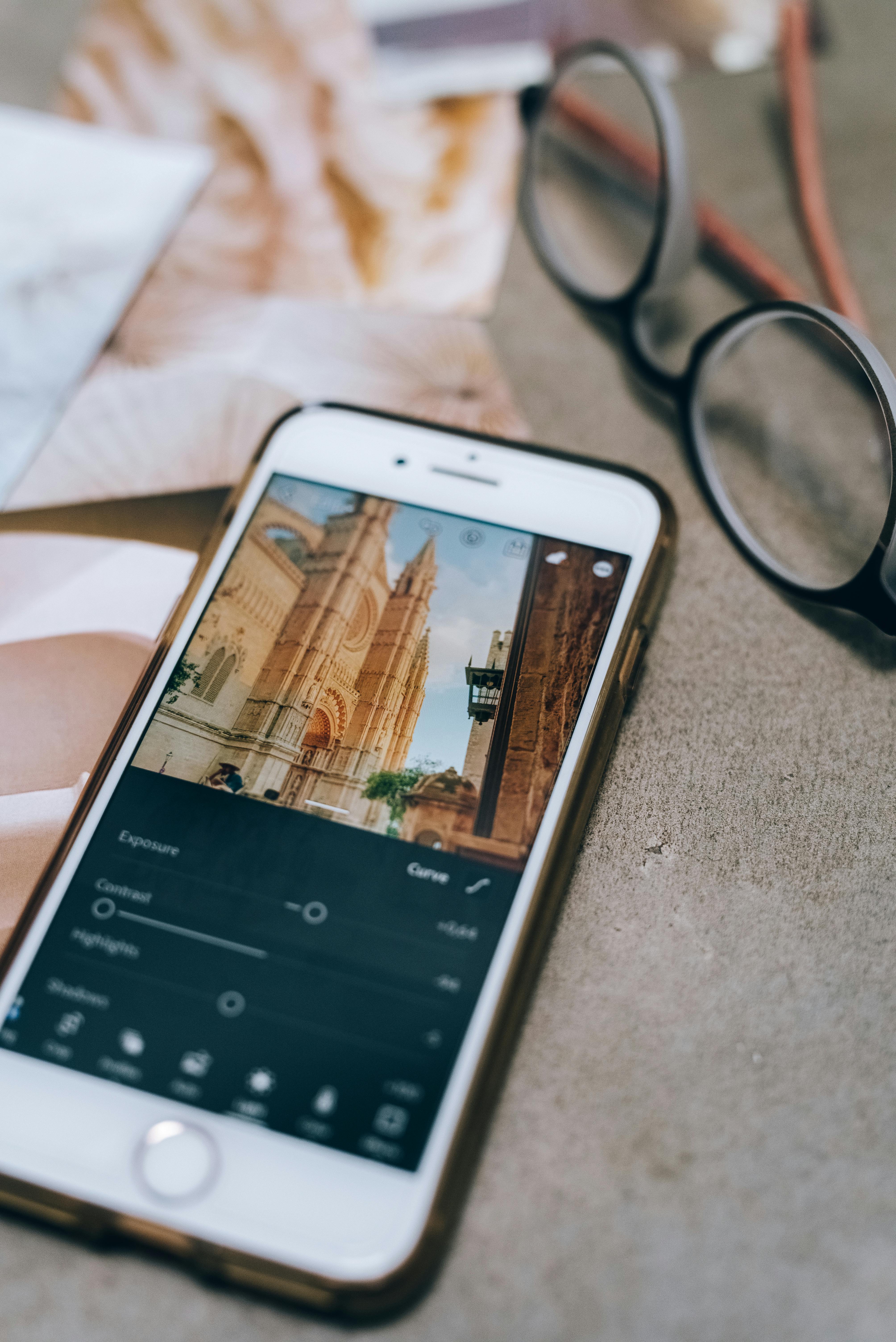
Many digital cameras do multiple exposure in-camera, and some film cameras do it through manual frame control. Canon’s in-camera mode can combine between 2 and 9 images in one composite.
The best camera gives you clear control over overlap, exposure, and review. A body with a multiple-exposure mode makes the process far easier, but even simple cameras can do it with careful winding and restraint.
What to look for in the menu
Check for a dedicated multiple-exposure setting, then look for a blend mode such as additive, average, bright, or dark. Canon notes that additive mode stacks brightness, while average mode underexposes each frame so the final result stays balanced. Bright and dark modes favor lighter or darker areas. That gives you more control when the two frames share similar tones.
If you carry a camera on long walks, a hands-free strap helps more than people expect. A secure strap such as the Camstrap voyager keeps the body ready at your side, so you can raise it fast when a second layer appears.
What is the 20 60 20 rule in photography?
The 20 60 20 rule splits attention across a frame. Roughly 20 percent of the image should be the strongest part, 60 percent should support it, and 20 percent can stay open or quiet.
That ratio helps with layered film frames because every exposure competes for space. If both frames shout, the picture feels crowded; if one leads and the rest support, the image feels settled.
Using the rule without getting stiff
I use it as a loose check, not a fixed law. A bright window may take the 20 percent role, while a person’s outline or a tree trunk fills the middle. The last 20 percent can be blank wall, sky, or soft shadow. That open space gives the eye a place to rest.
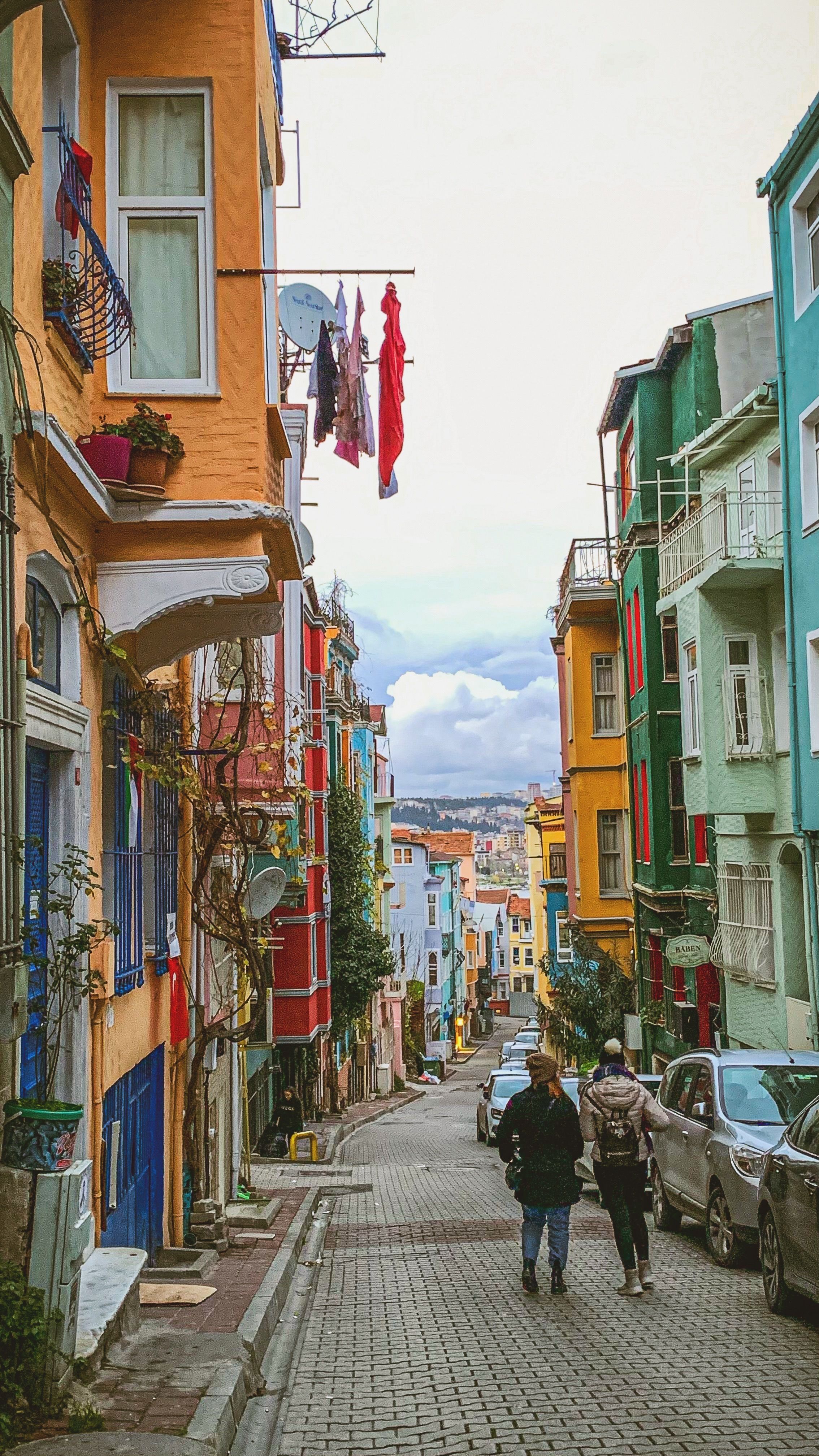
Can you do double exposure on an iPhone?
An iPhone can make double exposure-style images with editing apps, layered photos, or camera apps that support composites. It does not create film-style grain on its own, but it can still teach the same eye for overlap and tone.
For practice, it works well as a stand-in for the real thing. You can test shape, contrast, and subject choice before you load a roll.
Useful phone habits for practice
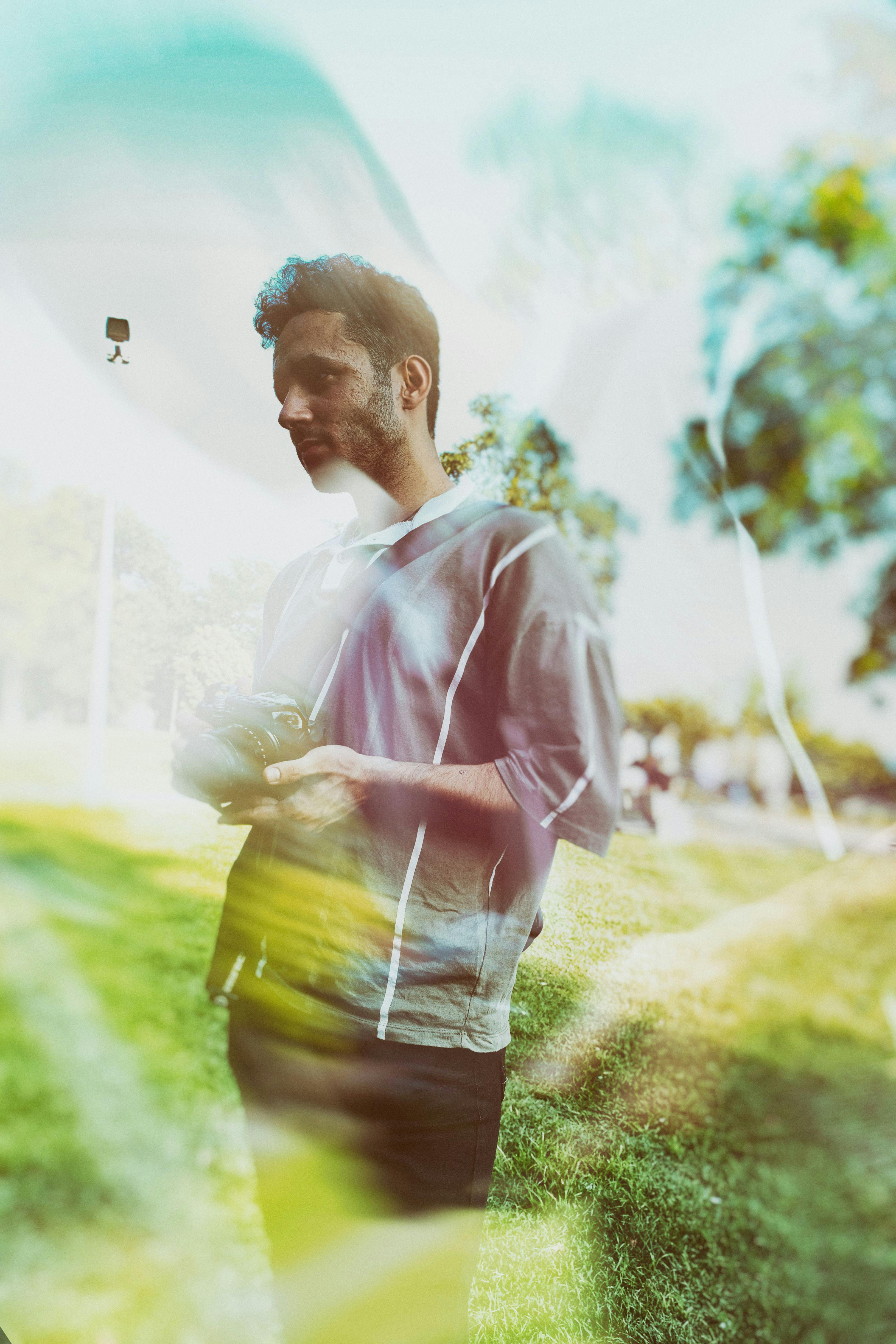
Use one portrait and one texture, such as a face and a tree canopy. Keep the first layer simple, then move the second layer until the main shape still reads clearly. If the effect looks muddy, reduce the brightness of one layer. That mirrors what film teaches: strong overlap works best when one image leads and the other supports.
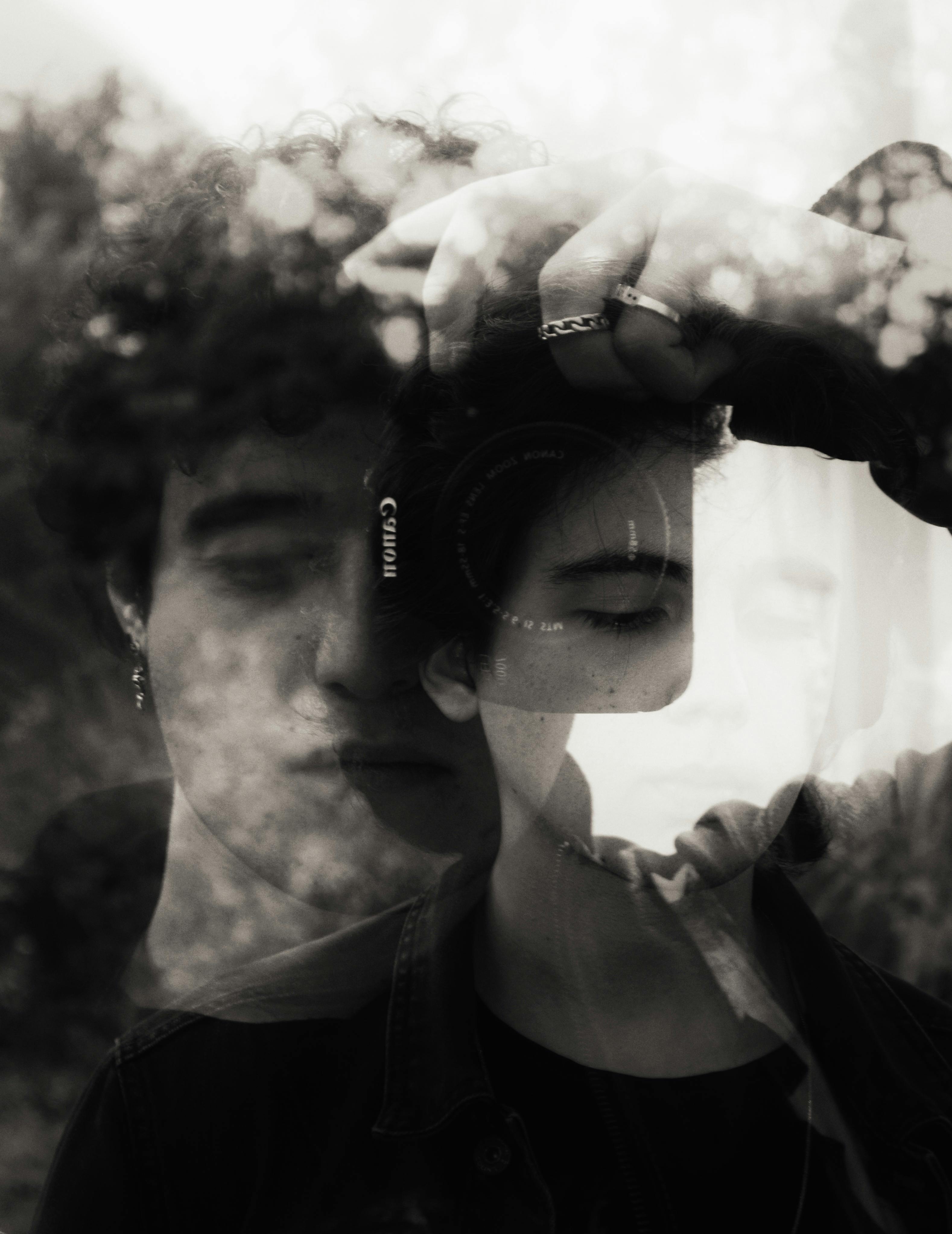
How to set up double exposure?
Set-up starts with a clear plan for the first frame and the second frame. Clean results usually come from simple subjects, careful exposure, and a camera that lets you review progress.
Canon’s multiple-exposure tools give a useful model here. Average mode balances the composite, while additive mode asks you to underexpose each shot more carefully so the final frame does not blow out.
- Choose a simple first subject, such as a person, window, or tree.
- Set the camera to multiple-exposure mode.
- Pick average mode if you want a safer starting point.
- Underexpose each frame by about 1 stop when stacking two images in additive mode.
- Use manual focus or AF-S with a locked point if the overlap must stay exact.
- Review the first frame before making the second one, then adjust the angle.
One practical starting point from Canon for abstract lighting is 13s, f/16, and ISO 100. That base exposure leaves room to build shape without blowing highlights too early. For a more active street walk, a 50mm or 85mm lens can keep the frame focused and simple. A mid-tier mirrorless body with AF-C, subject detection, and about 10 fps mechanical shooting is enough for timing, while a V60 or V90 UHS-II card helps when you shoot RAW and review often.

What the walk leaves behind
A one-hour film walk teaches that color is emotional, grain is physical, and patience is a real skill. Those lessons show up in every frame, not just the finished one.
It also shows why hands-free carry matters. When the camera stays ready and balanced, you spend less time digging in a bag and more time seeing the next overlap, the next patch of light, and the next chance for a clean composite.
By the end of the walk, the lesson is plain: slow work gives the frame room to breathe, and the last exposure often lands best when you wait for the right street corner, the right shadow, and the right 10-second pause before you press the shutter.
Frequently Asked Questions

Which camera does double exposure?
Canon cameras can do double exposure by combining two or more exposures into one composite image. The same effect is also available in film photography by intentionally layering multiple frames onto a single image.
What is the 20 60 20 rule in photography?
The 20 60 20 rule is not defined in the provided text, so no factual answer is given there. In photography, the term can refer to a composition or workflow guideline, but the exact meaning depends on the source using it.
Can you do double exposure on an iPhone?

An iPhone can create a double-exposure look using editing apps or in-camera apps that blend two images. The provided text specifically discusses film and Canon-style multiple exposure, not an iPhone feature.
How to set up double exposure?
To set up double exposure, choose two images that can share the same frame and plan the second exposure to support the first. Start with a strong anchor subject, watch bright areas carefully, and use color or texture combinations that add mood without washing out detail.


