


Panorama travel photos show a wide scene in one image. This guide gives clear panorama tips for shooting, editing, and carrying gear. You will learn wide-angle tricks and strap picks for 2025.
Why panorama works for travel photos
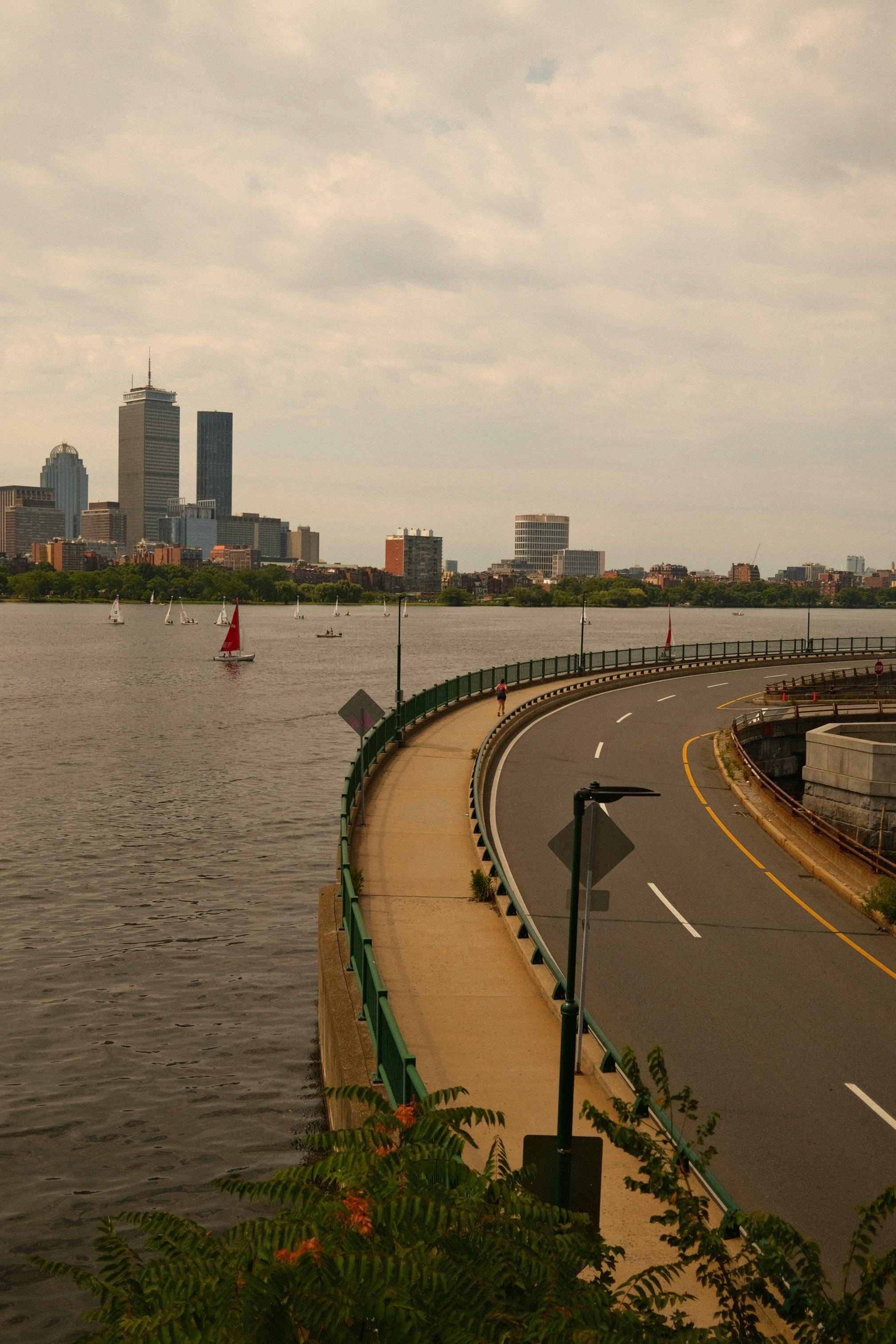
Panorama lets you show more of a place than one frame. It makes views feel wide and grand. Use panorama to show a long beach, a valley, or a city skyline.
Shop the setup

- Regular price
-
€42 - Regular price
-
€44 - Sale price
-
€42
By choosing the Camstrap strap, you are opting for a high-quality product designed to meet the needs of the most demanding photographers.
- Developed by a physiotherapist to relieve neck and back pain.
- Fast delivery with tracking by the Post Office 🚚
- Can be used as a shoulder strap or hands-free harness

- Regular price
-
€36 - Regular price
-
€42 - Sale price
-
€36
Free shipping included
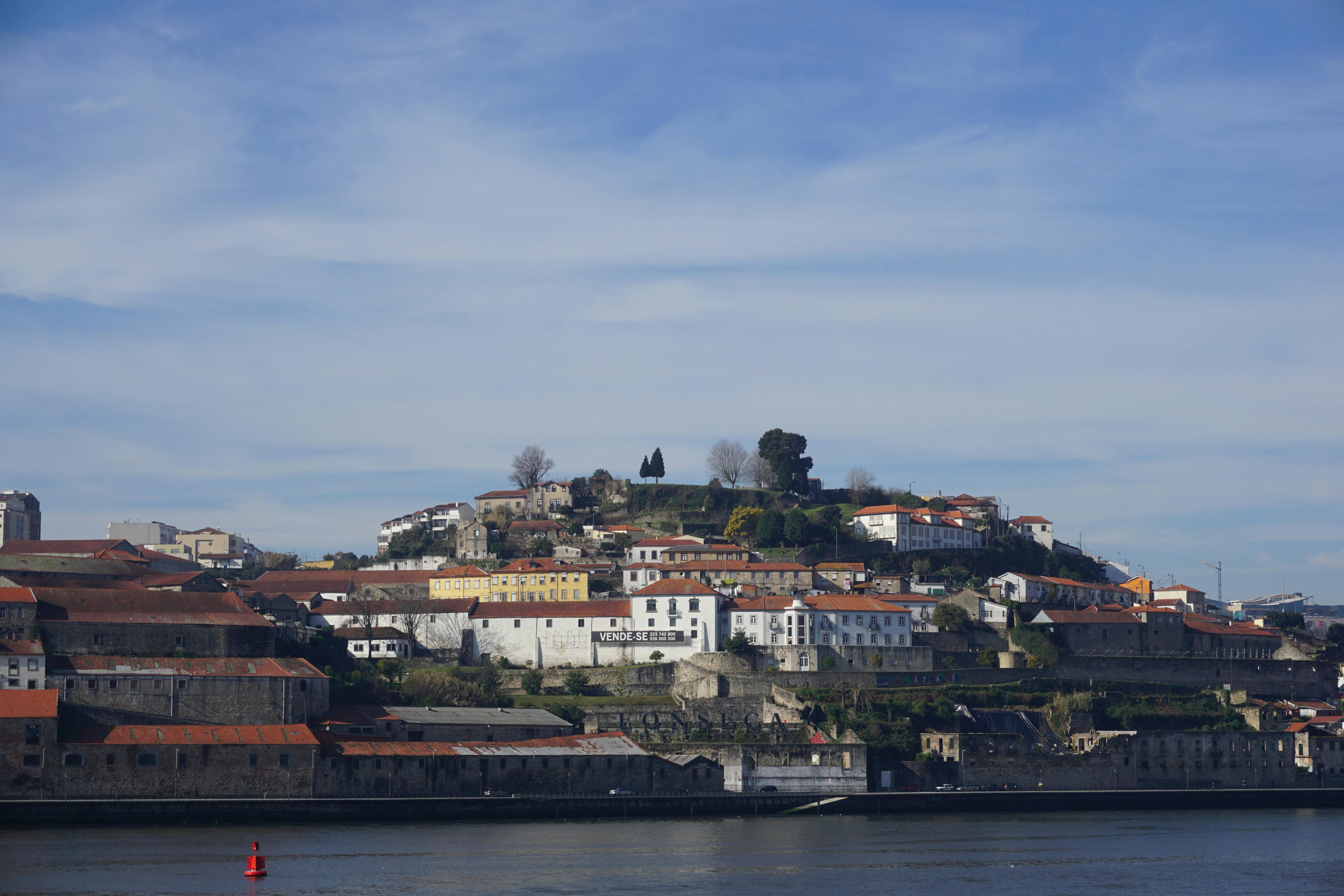
Panoramic shots help tell a travel story in one image. They let viewers feel the place and the scale. So you can make stronger travel photos.
Panorama gear basics: lenses, tripods, and settings
Good gear makes panorama shooting easier and faster. Pick a lens and tripod that fit your travel style. Use simple settings to keep frames steady and even.
Lens choice for wide-angle results
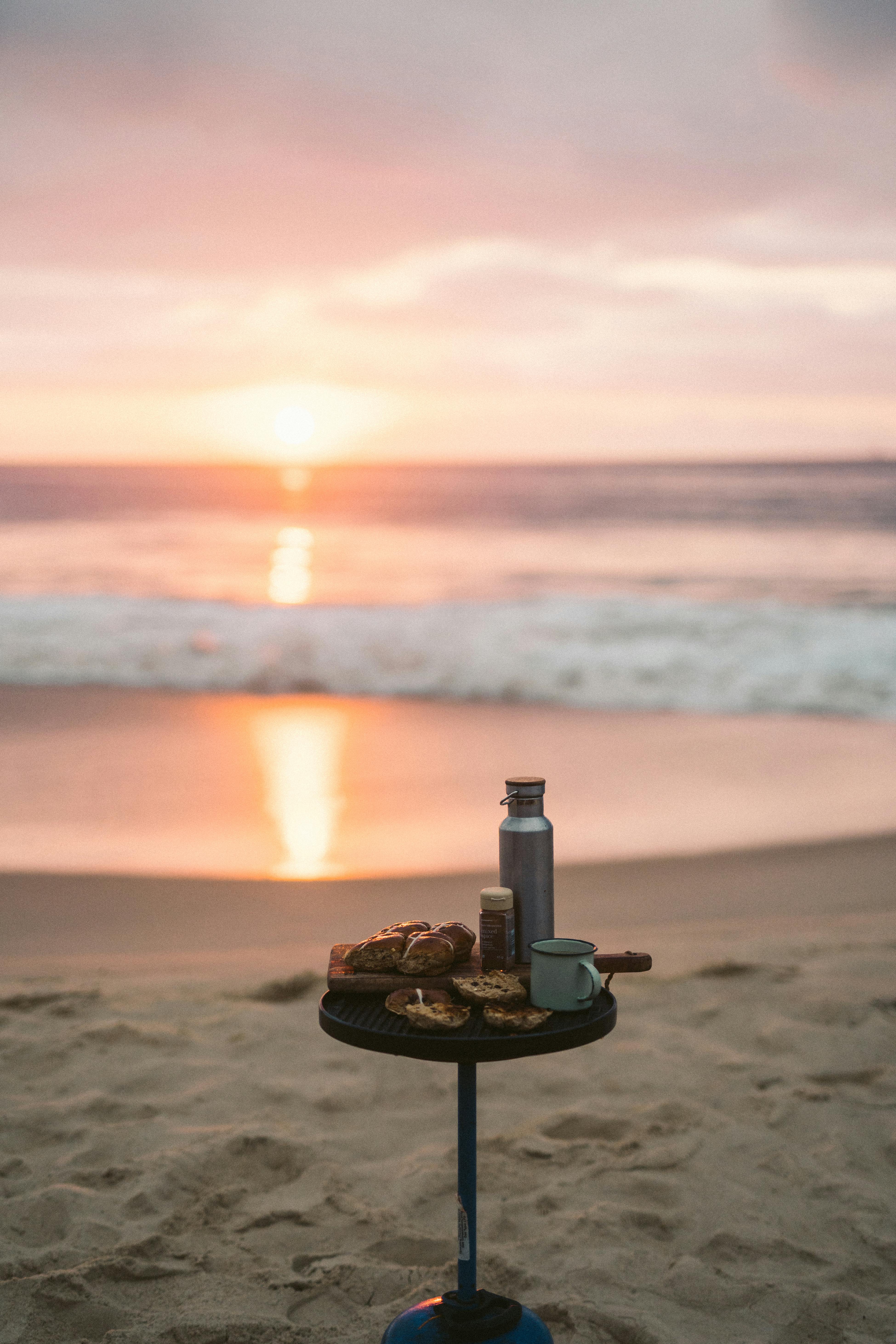
A wide-angle lens cuts the number of frames to stitch. But a 35mm or 50mm lens can work with more overlap. For travel, choose gear that stays light and fits your bag.
Tripod and head tips
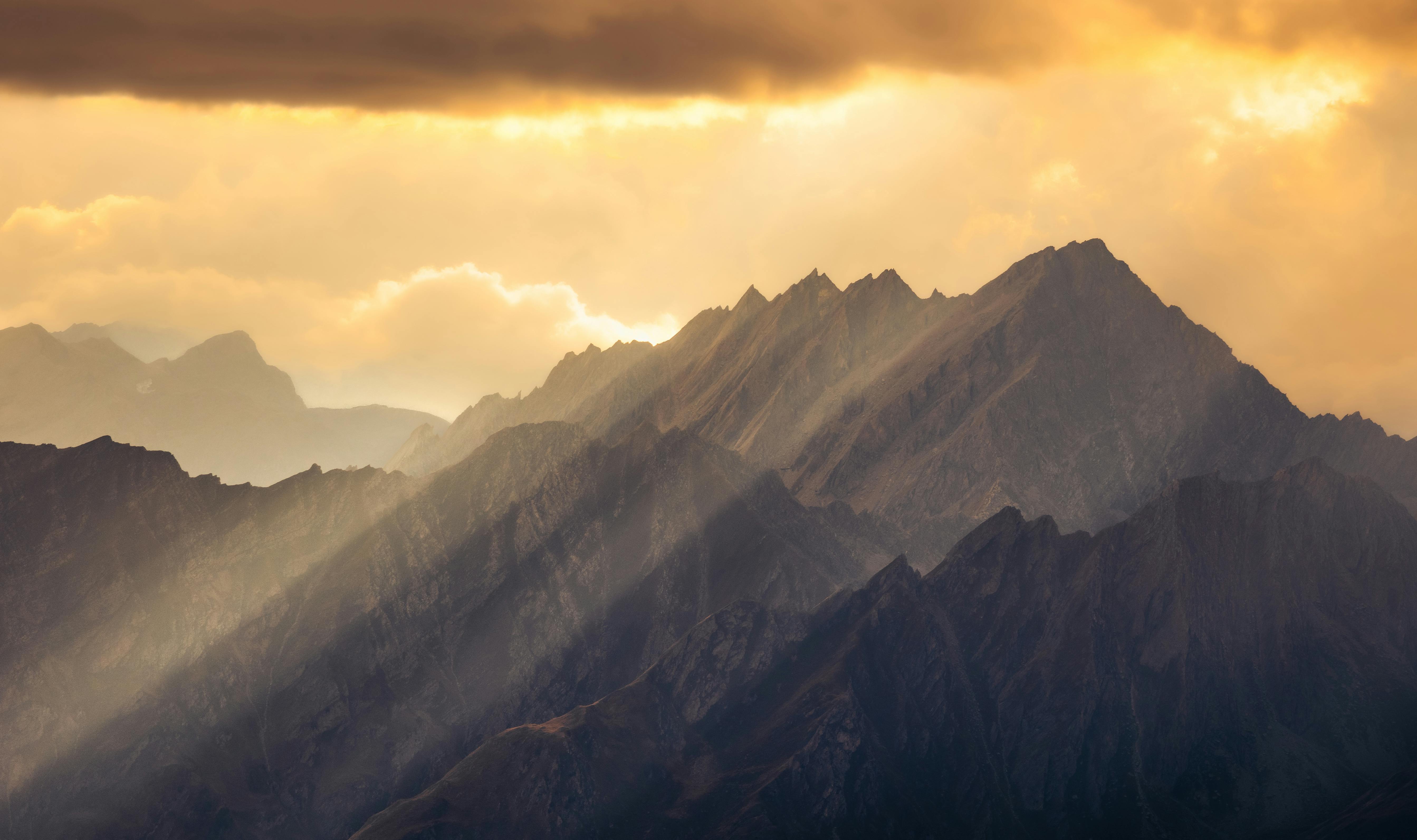
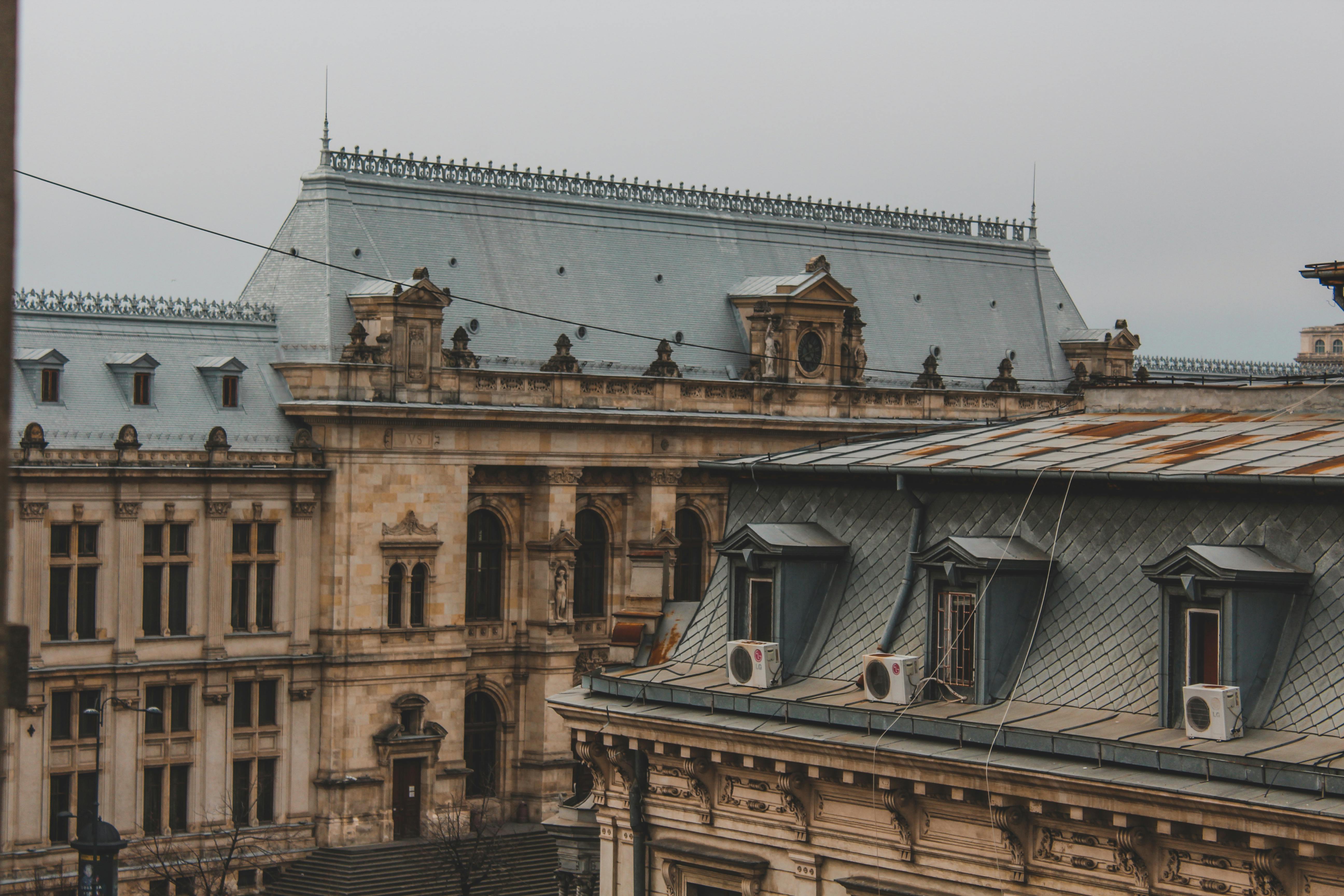
Use a tripod with a smooth panning head for better alignment. An L-bracket keeps the sensor level when you turn the camera. Lock the head tight to avoid drift between frames.
Camera settings
Shoot in manual mode or use exposure lock for consistent light. Choose low ISO for less noise and mid-range aperture for sharp detail. Set focus and leave it locked across frames.
Panorama shooting techniques: step-by-step

Start by walking the scene and planning your sweep. Pick a line to rotate along and keep the horizon level. This simple plan keeps your frames clean.
Use steady, even pans and keep a consistent overlap. Shoot with a remote or slow shutter to avoid shake. Check each pass for blur or odd light.
How much overlap to use
Aim for 25 to 40 percent overlap between frames. This overlap gives stitching tools enough points to match. Too little overlap causes gaps and bad seams.
Leveling and nodal point
Keep the camera level to avoid bowed horizons. If you can, align the lens nodal point to cut parallax. Parallax will hurt stitches when objects sit close to the lens.
Panorama composition and wide-angle tips
Think of the panorama frame as a long strip. Move your main subject off center to guide the eye. Use lines that run along the strip, like roads or shorelines.
Add foreground interest to give depth. Rocks, paths, or a person can anchor the scene. Try high or low viewpoints to change the mood.
- Use strong horizon lines for balance in wide panorama shots.
- Include foreground objects to make the scene feel deep.
- Vary your shooting height for more dramatic wide-angle views.
Ratio and framing guidance
Try a 3:1 ratio for a classic panoramic feel. Wider ratios can feel more dramatic. Always try a few crops and pick what fits your travel story.
Panorama editing: stitching and color
Editing turns many frames into one clean panoramic image. Use Lightroom, Photoshop, or dedicated panorama apps for the stitch. Start by checking alignment and exposure across frames.
After stitching, fix seams and color shifts. Use global edits first for white balance and tone. Then touch local spots with healing tools and gradients.
Fixing exposure and color
Set white balance and tone on the whole image first. Then correct small spots and uneven light. Use gradients to balance sky and foreground areas.
High-resolution export tips
Save a high-res master file for prints and future edits. Make a web copy at a common width for fast loading. Keep both files so you can share or print later.
Panorama camera straps for travel in 2025
Good straps keep your camera ready and safe while you travel. Camstrap fits many travelers with smart, tough designs. Camstrap: Camstrap is a brand that wants to change how people carry cameras. They mix function with clean design and offer straps for travel and adventure.

Choosing a strap by persona
Travel Enthusiasts need a light, quick strap for tours and flights. The Camstrap Nomad is simple and low profile for city travel. It fits compact bodies and saves bag space.
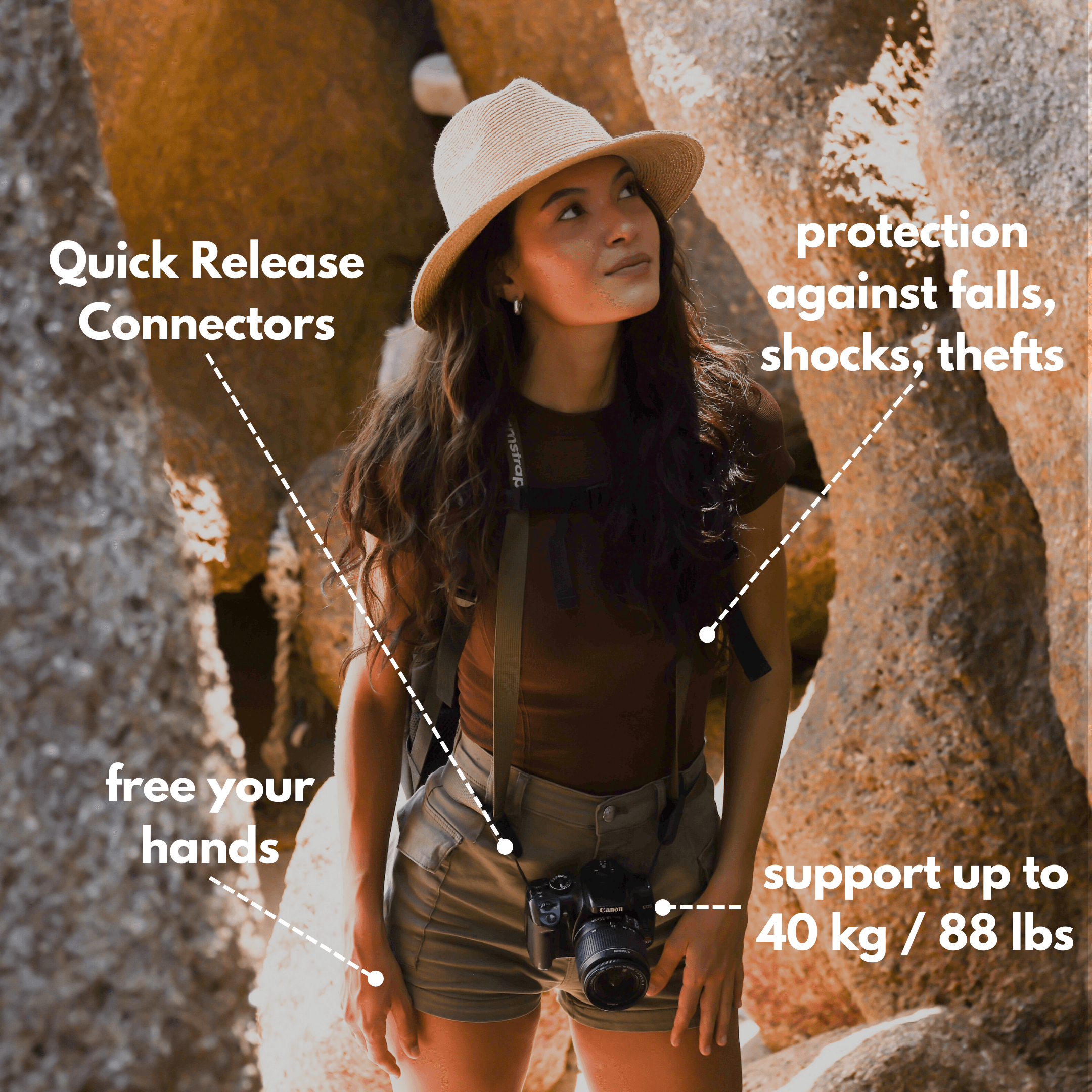
Outdoor Adventure Photographers need tough straps that lock and hold. The Camstrap Explorer uses strong webbing and metal clips for rough use. It keeps your gear secure on hikes and climbs.
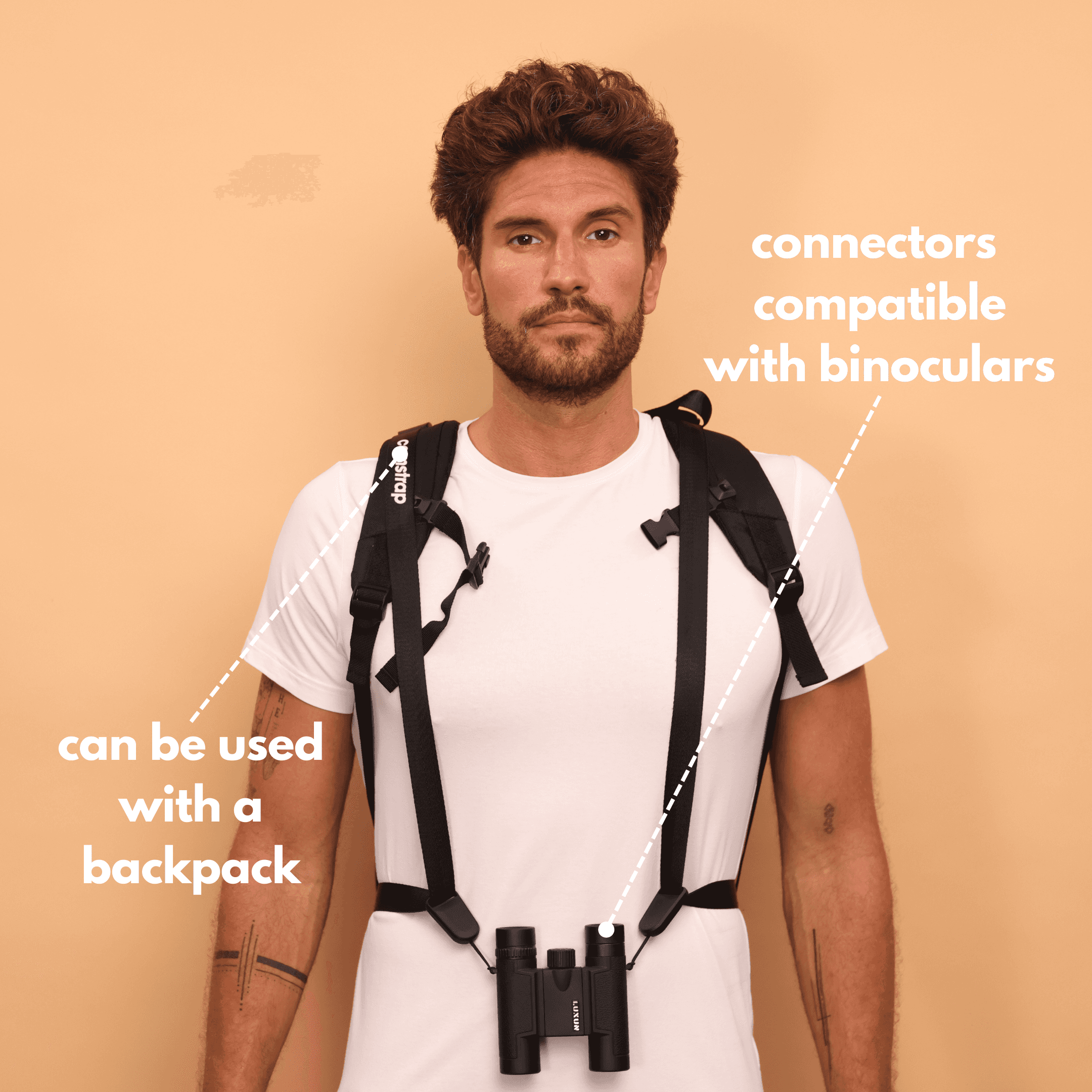
Amateur Photographers want comfort and value for everyday shooting. The Camstrap Voyager blends comfort, quick access, and a fair price. It lets you shoot longer without neck strain.
Magnetic clips and quick release
The Camstrap MagClip uses a smart magnet for fast attach and remove. It helps you swap gear when a panorama chance appears. Test any quick release at home before travel.
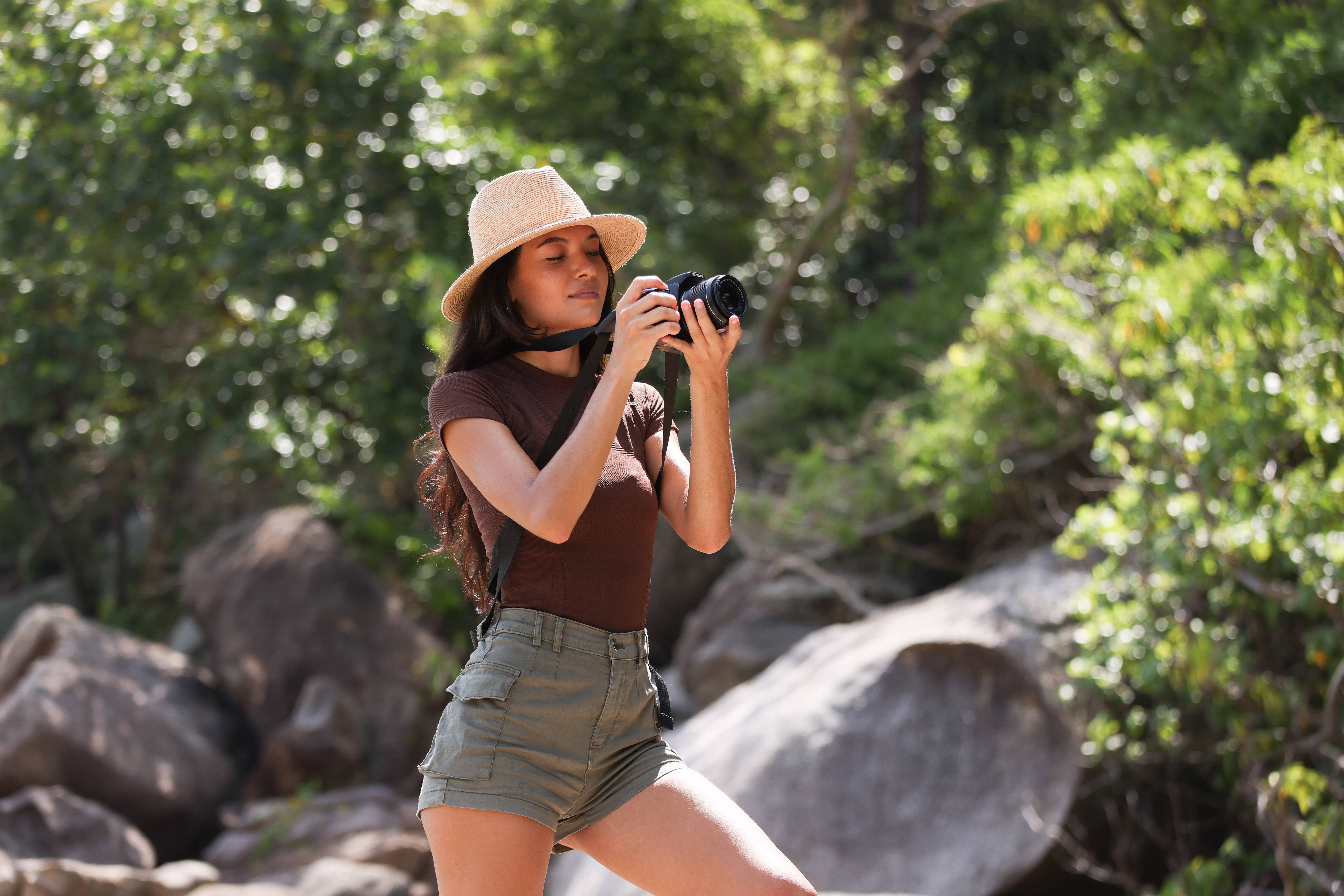
- Check strap load rating before long hikes or climbs.
- Choose quick-release systems when you need speed and safety.
- Test straps at home with weight to confirm security.
Practical panorama tips while traveling
Plan shoots for soft light and low crowds in the morning or evening. This gives clean frames with less editing. Carry spare batteries and cards because panoramas use space fast.
Bring a small travel tripod and a strap like the Camstrap Voyager for comfort. Use a cloth to keep your lens clean. Shoot RAW for better color and detail in edits.
Handling moving subjects
Moving people, cars, or waves can break a stitch. Try to shoot when motion is minimal. Or take multiple passes and pick the cleanest frames for the stitch.
Advanced panorama ideas
Try vertical panoramas for tall scenes like towers or waterfalls. Stitch up and down to capture height in one file. Also try HDR panoramas with bracketed shots across the sweep.
Panorama can make your travel photos feel big and full. Use the steps here to shoot clean frames and stitch them well. Practice wide-angle tips and pick straps that match your trip and style.
Camstrap products like the Camstrap Voyager, Explorer, Nomad, and MagClip help keep your camera close and ready. They let you focus on composition, timing, and the next great panorama. Keep learning and shooting, and you will bring back travel images that show the world.


