


mobile-first travel photography means you use your phone first on trips. This guide shows clear steps for shooting, gear, and editing. It helps travel enthusiasts, outdoor adventure photographers, and amateur photographers get better landscape shots.
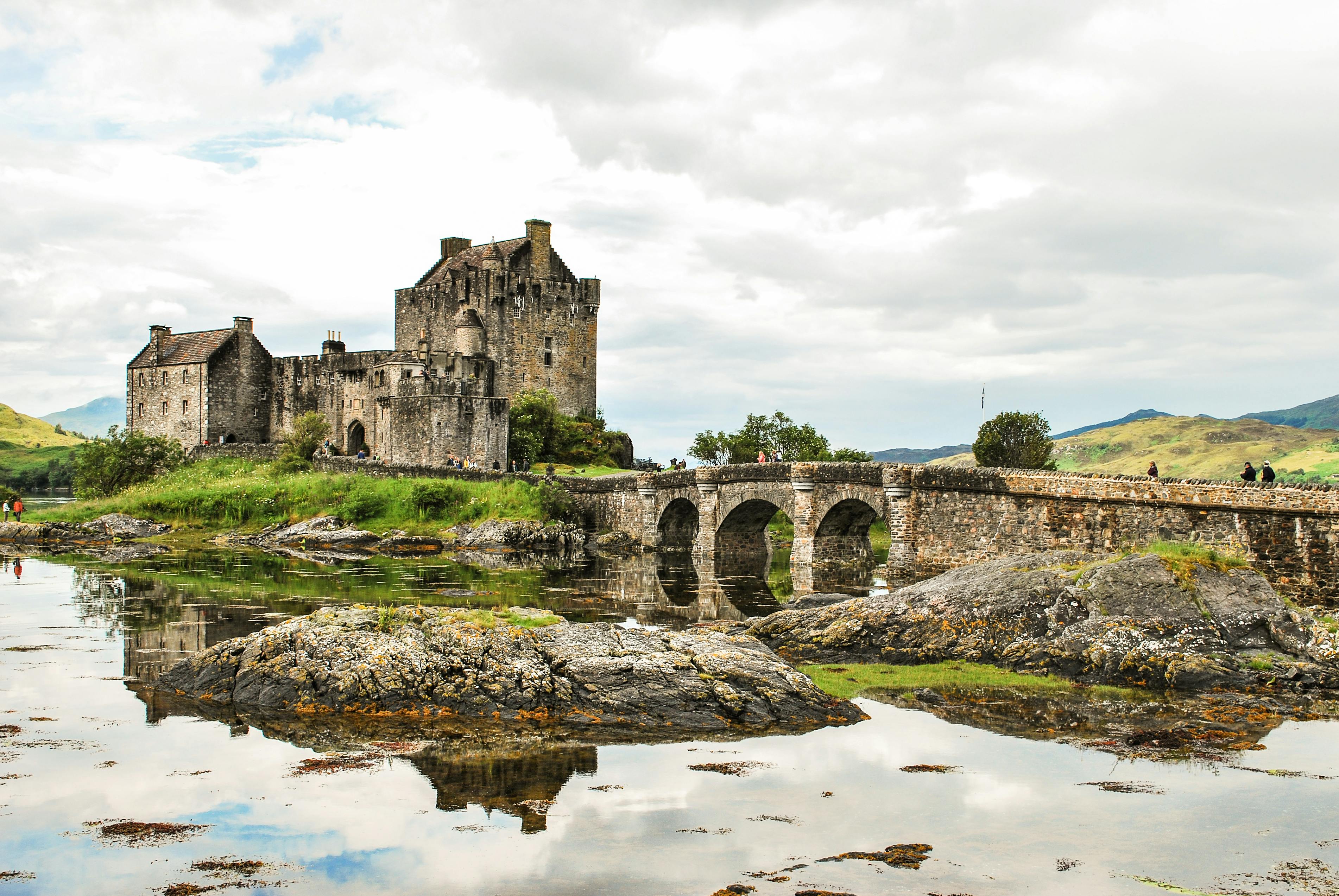
Camstrap is a brand that makes smart straps for photographers and travelers. They mix function with style to help you carry phones and small cameras. Use the right strap and you stay light, safe, and ready to shoot.
Shop the setup

- Regular price
-
€42 - Regular price
-
€44 - Sale price
-
€42
By choosing the Camstrap strap, you are opting for a high-quality product designed to meet the needs of the most demanding photographers.
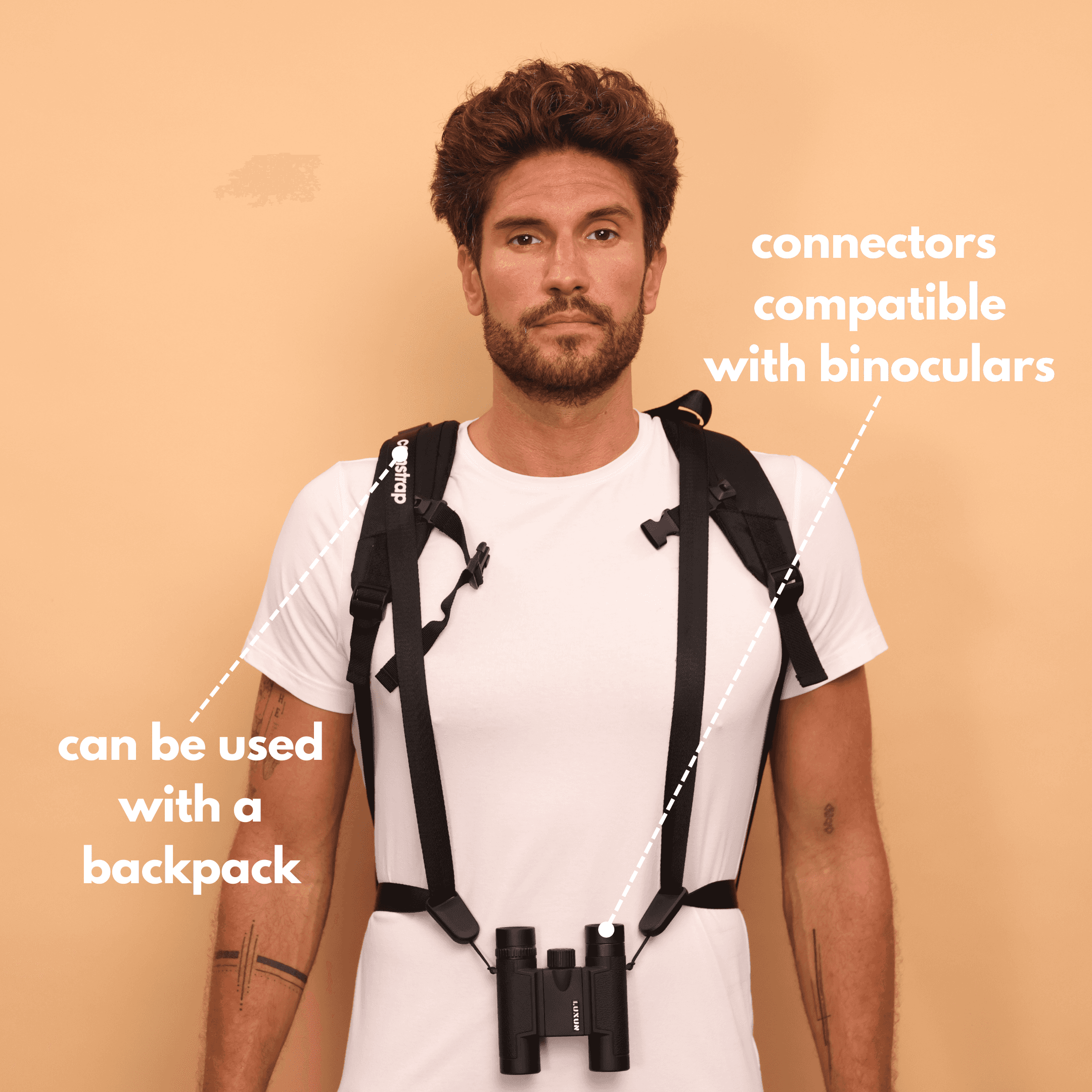
- Developed by a physiotherapist to relieve neck and back pain.
- Fast delivery with tracking by the Post Office 🚚
- Can be used as a shoulder strap or hands-free harness

- Regular price
-
€36 - Regular price
-
€42 - Sale price
-
€36
Free shipping included
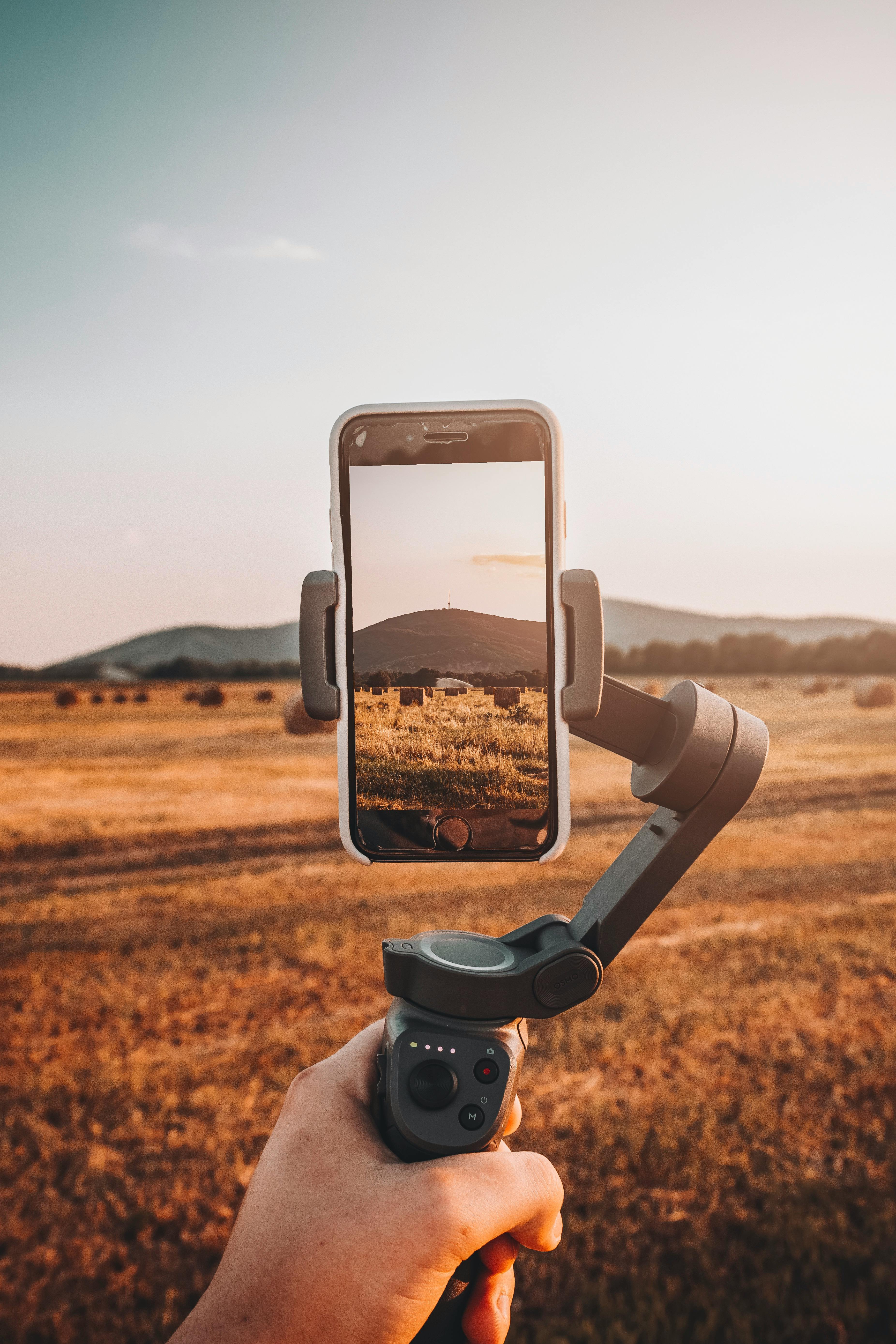
Why mobile-first matters for travel photographers
Shoot with a phone to move fast and pack light. You will see more moments and try more angles. This approach forces you to work on light, shape, and mood.
Modern phones can match many larger cameras when you use them well. A well-made phone shot of Scotland or Norway can beat a rushed camera shot. So learn mobile-first skills to get better images on the road.
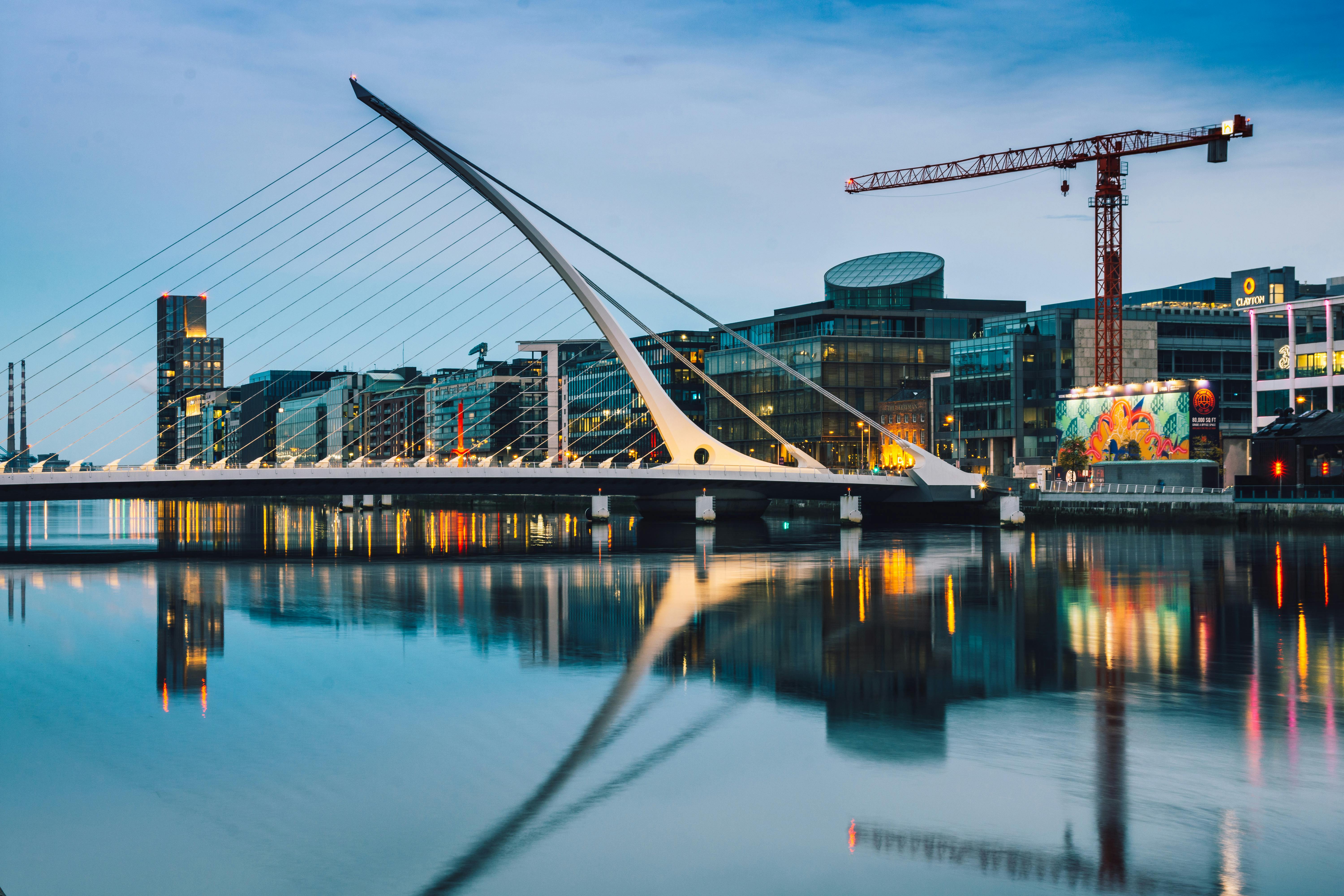
The real gains of a mobile-first workflow
You can shoot, edit, and share in one place. This helps your feed stay fresh and grows your skills fast. You also save bag weight and hike farther with less strain.
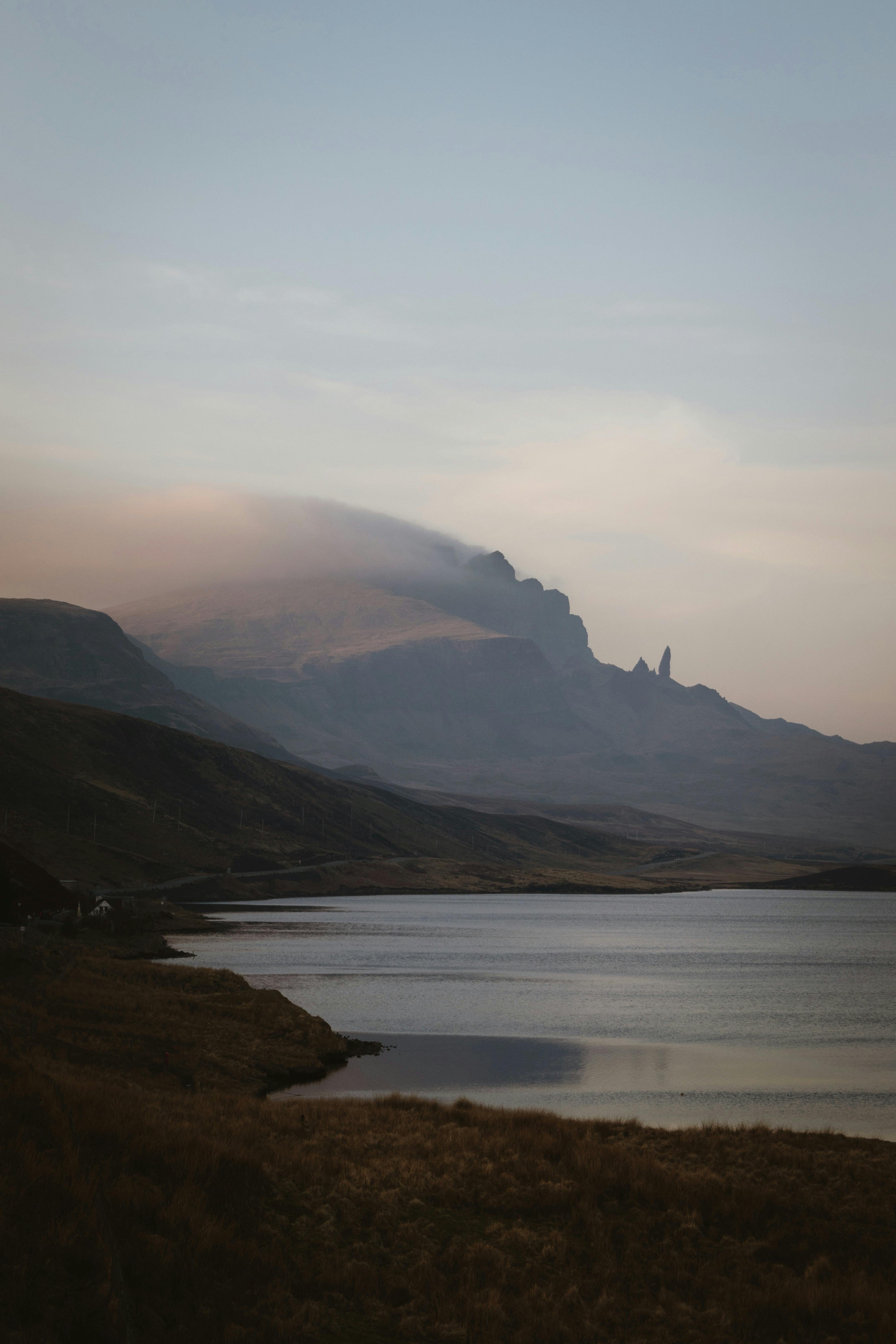
mobile-first gear and practical kit for 2025
Start with a phone that shoots RAW and has multiple lenses. Add a few tools to boost your shots. These items make a big difference for landscape photos.
- Small tripod or mini gimbal for sharp shots and smooth pans.
- ND filters or clip-on lenses for long exposures and wide views.
- Extra battery pack and cloud backup or fast SD for large files.
- A reliable strap like Camstrap voyager, Camstrap explorer, or Camstrap nomad.
- A Camstrap magclip for quick mounts and safe carry.
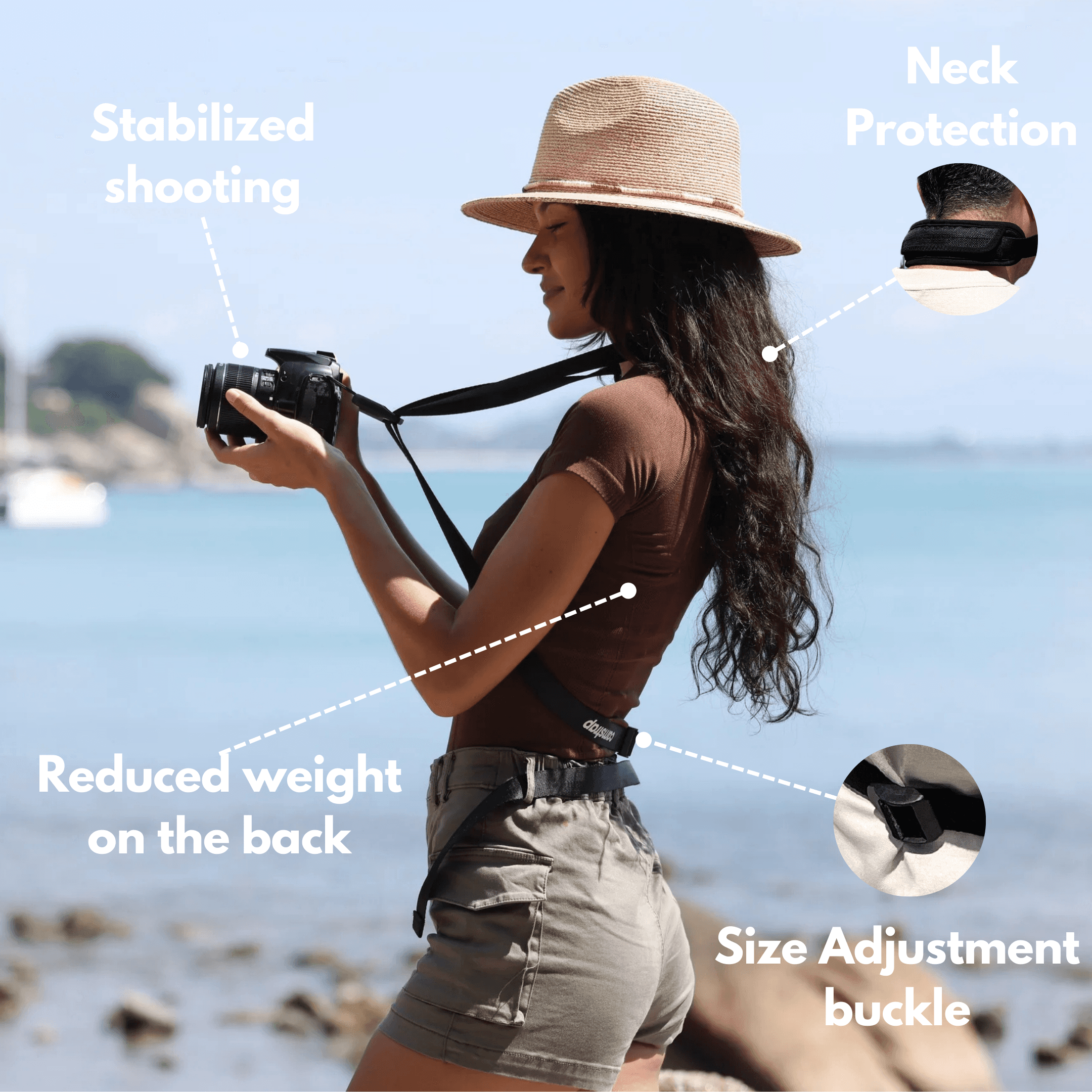
Choosing a phone and why a good strap matters
Pick a phone that handles RAW and has a wide lens option. Clip-on lenses add wide or tele reach when needed. A small tripod helps in low light.
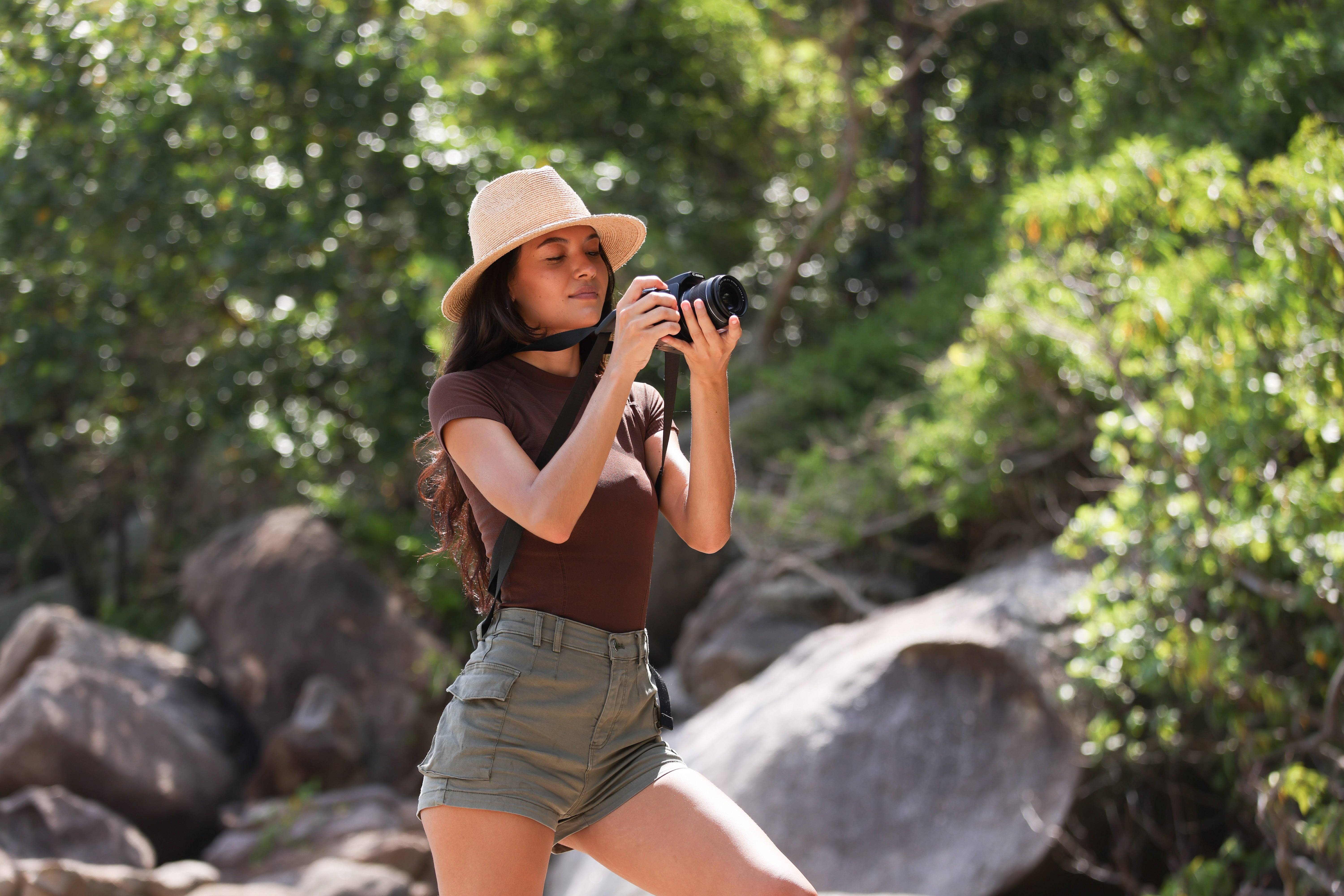
A good strap keeps gear close and stops drops on rough trails. It frees your hands for maps and safety gear. For travel and adventure, a Camstrap makes shooting easier and safer.
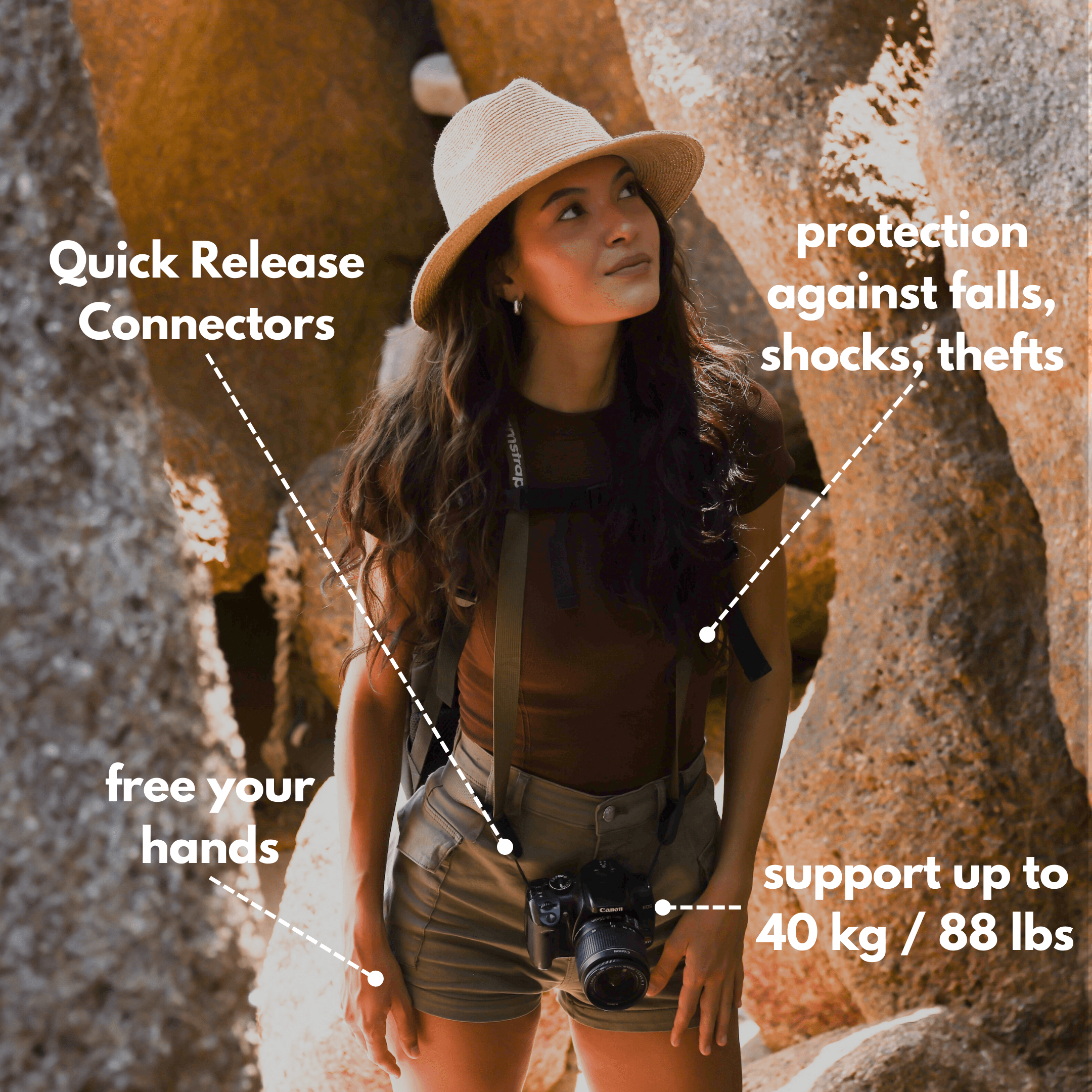
mobile-first shooting techniques for landscapes
Use simple composition rules that work on any gear. Try rule of thirds, leading lines, and layers for depth. Add a person for scale to show vast space.
Hands-on camera settings and exposure tips
Shoot RAW when you can to fix exposure and white balance later. Use tap focus and exposure lock for tricky light. Turn on the grid and check the histogram for balance.
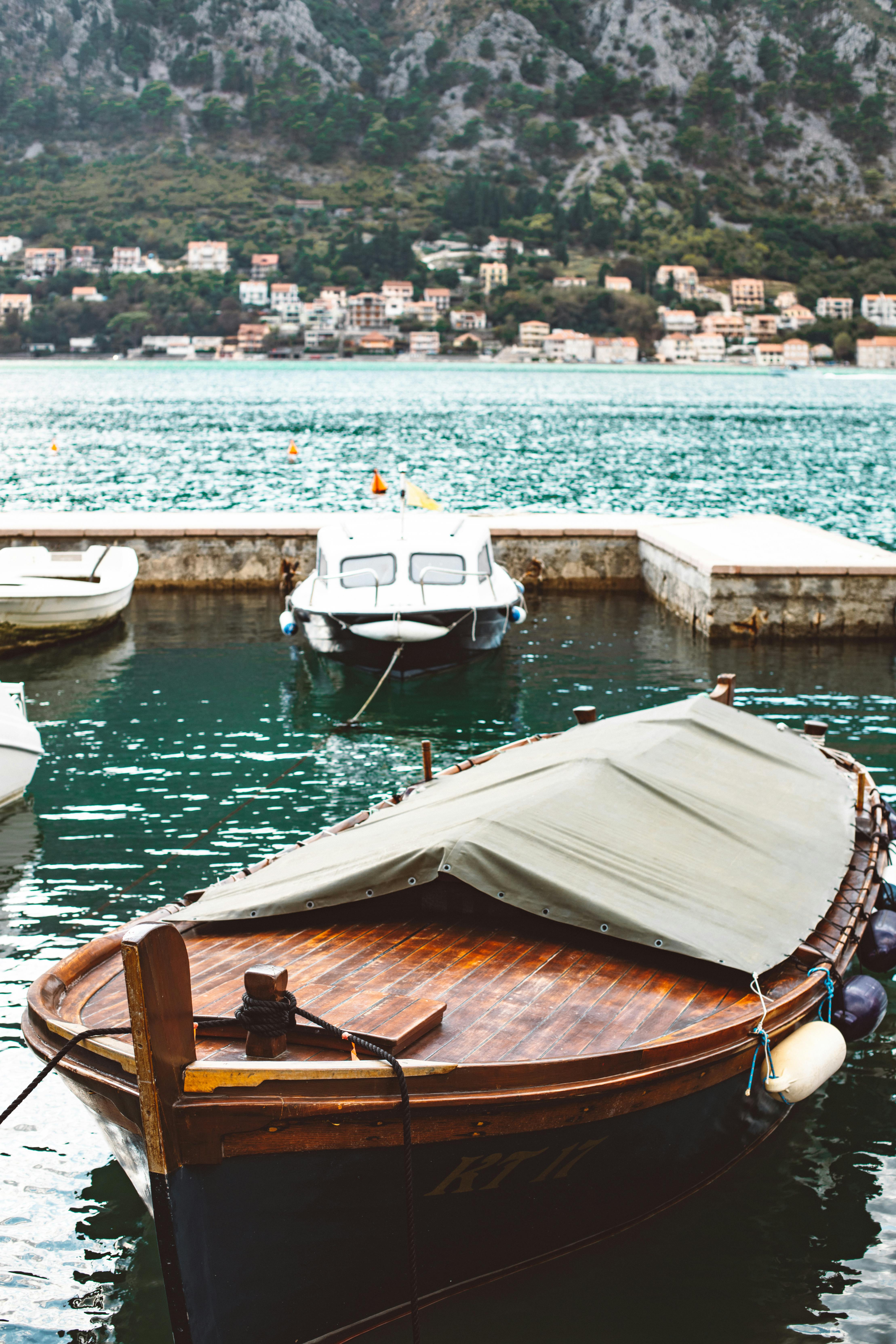
Bracket shots when light is mixed. Then merge files to keep detail in bright and dark parts. This works well on coastlines and fjords.
Composition and scale for strong landscapes
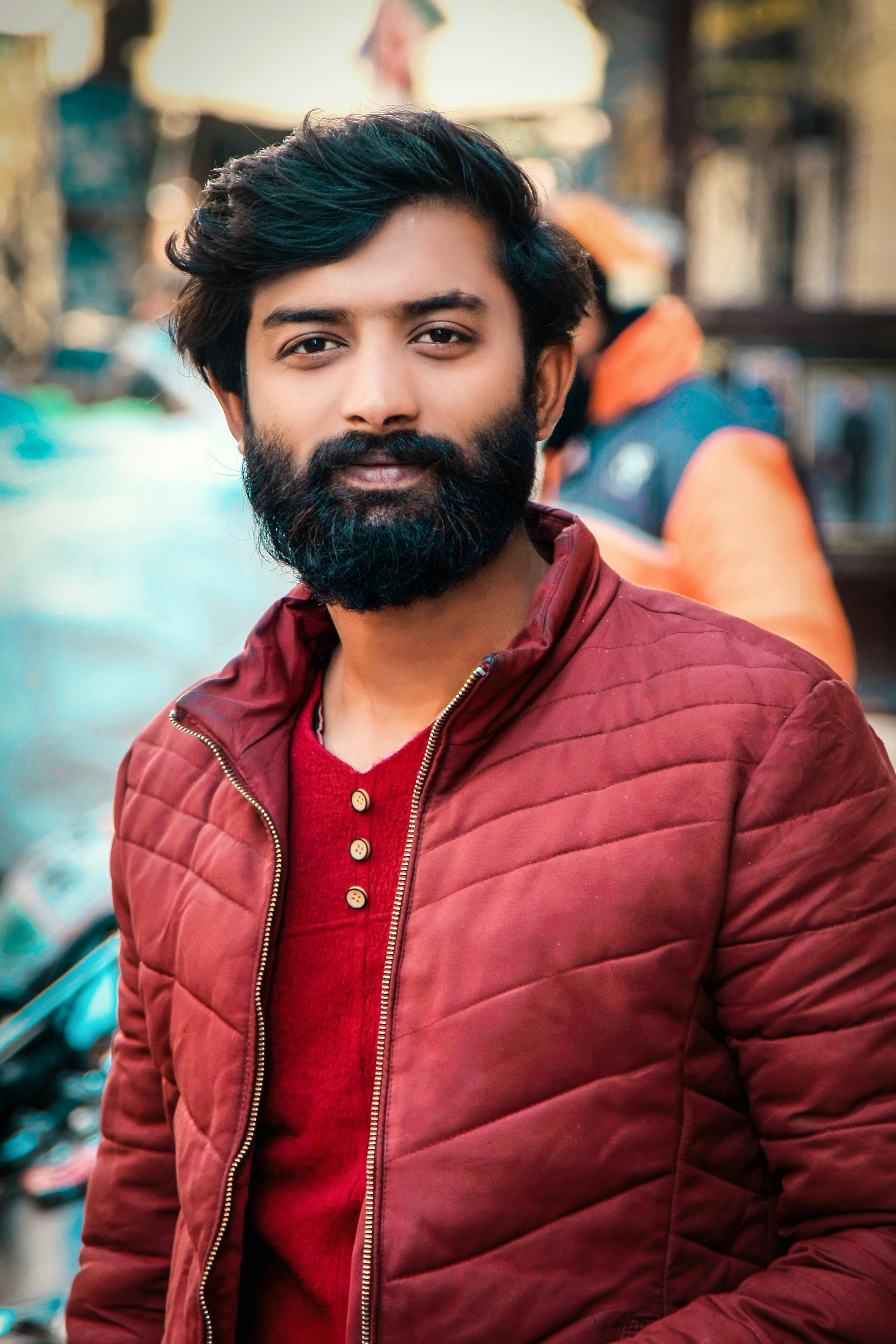
Place your subject off-center to make space feel larger. Look for patterns in sand, rocks, or ridgelines to add rhythm. Use wide shots for detail and tele views to compress distance.
mobile-first editing and workflow: fast and pro results
Edit on the phone with RAW apps for best results. Start with exposure, contrast, and white balance. Then use selective tools to fix key areas.
Keep edits simple so the scene stays natural. Batch edits save time when you have many shots. Back up each night to cloud or SD to protect files.
Apps and steps for a mobile-first edit
- Import RAW and pick the best frame.
- Fix exposure and white balance first.
- Adjust shadows, highlights, and color tone.
- Use selective tools for key areas.
- Export in high quality and back up to cloud or SD.
Field tips, locations, and safety for mobile-first travel shoots
Plan but stay open to change. Weather and light shift fast, so move and try new views. A mobile-first kit helps you adapt on the spot.
Use waterproof gear and a small toolkit to protect your phone. A Camstrap explorer or Camstrap voyager keeps your device ready. These straps help on long hikes and rough trails.
Location picks and what to expect
Scotland gives moody skies and broad lochs for dramatic light. Norway brings fjords, sharp mountains, and long golden hours. Egypt offers deserts, sunlit ruins, and wide sand patterns. Myanmar offers quiet rivers and rich temple scenes at dawn.
Scout spots early and test angles with your phone. Walk the scene, take notes on time and angle, and return with better shots.
Advanced mobile-first techniques and mixing other gear
Push your phone with focus stacking, pano blends, or multiple exposures. Use a tripod and ND filter for long water shots. Blend exposures for HDR at sunrise or sunset.
Mix phone shots with high-end gear when you want detail. Use a Sony A1 or a Panasonic compact for high-res or low-light work. Fly a DJI Mavic Air 2 drone for aerial views when rules allow. Use a Leica lens or small mirrorless for sharp close detail.
Use the phone for quick angles and the other gear for fine detail. This mix gives you speed and top-quality frames on one trip.
Putting it all together: a mobile-first plan and checklist
Make a short plan for each day. Scout the area, pack a light kit, and set clear goals. Then shoot wide, refine angles, and edit at night.
- Phone charged and RAW enabled.
- Tripod, ND filter, Camstrap, and battery pack.
- Scout at golden hour and take test shots.
- Edit a few images and back up each night.
This simple loop helps you learn fast and get more strong shots on each trip. Use mobile-first steps to move fast and try new looks.
Conclusion: make mobile-first your travel photo edge
mobile-first travel photography gives speed, ease, and real power on the road. It helps you capture scenes in Scotland, Norway, Egypt, and Myanmar. It also fits well with mixed kits that include gear like a Sony A1, a Panasonic compact, or a Leica lens.
Practice these tips and refine your eye. Use a Camstrap voyager, Camstrap explorer, or Camstrap nomad for comfort and safety. Add a Camstrap magclip for quick mounts and you will shoot more and carry less.
Stay mobile-first and keep learning from sites and other pros. You will find better views and stronger photos on every trip.


