


Mobile-first adventure photography helps travel enthusiasts take strong outdoor photos fast. This guide shows clear steps to shoot, plan, edit on your phone. It fits real trips, rough weather, and quick social shares.
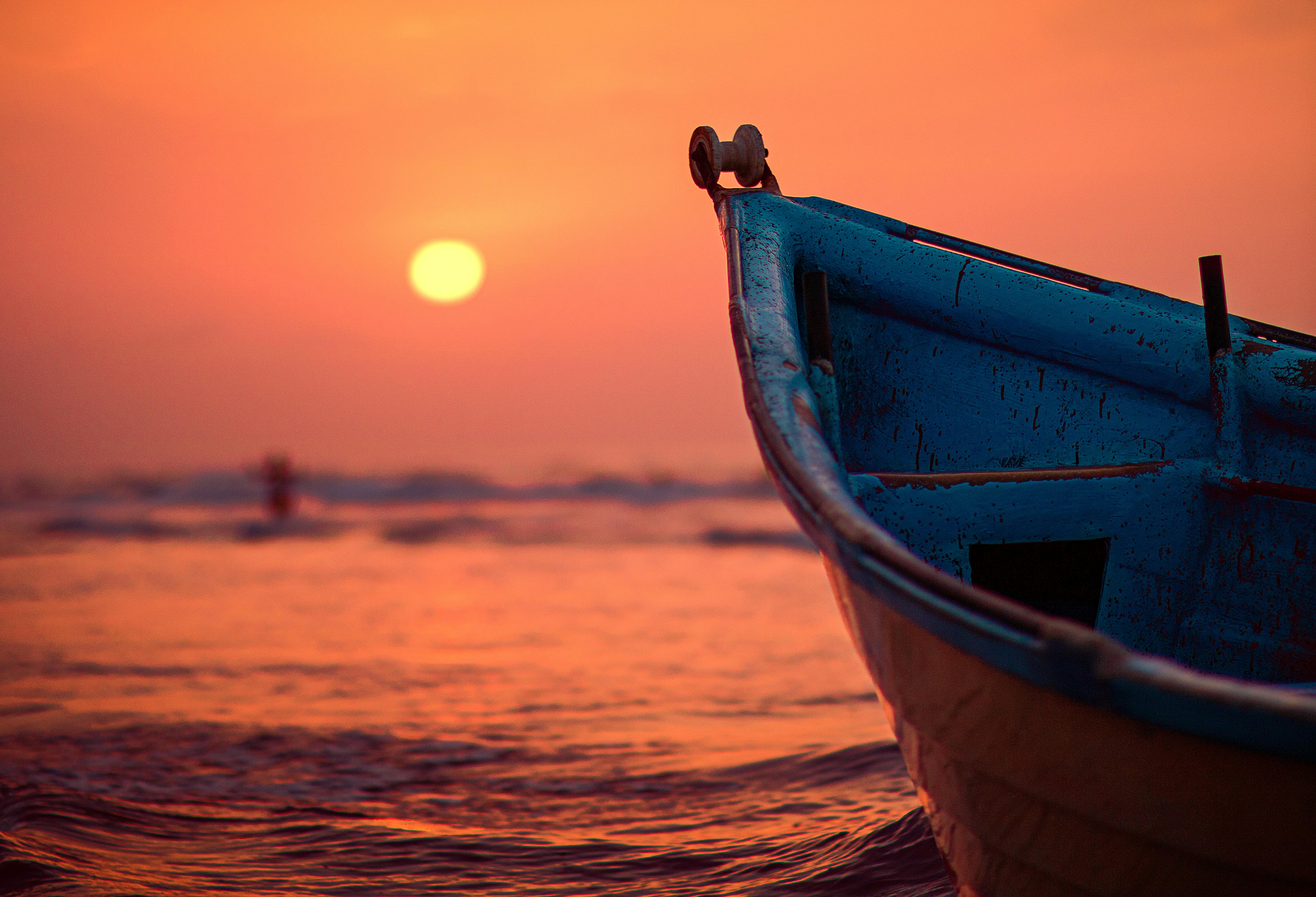
Camstrap is a brand that aims to change how photographers and adventurers carry cameras. Try the camstrap voyager or camstrap explorer for hikes. The camstrap nomad and camstrap magclip keep your phone safe and ready.
Shop the setup

- Regular price
-
€42 - Regular price
-
€44 - Sale price
-
€42
By choosing the Camstrap strap, you are opting for a high-quality product designed to meet the needs of the most demanding photographers.
- Developed by a physiotherapist to relieve neck and back pain.
- Fast delivery with tracking by the Post Office 🚚
- Can be used as a shoulder strap or hands-free harness

- Regular price
-
€36 - Regular price
-
€42 - Sale price
-
€36
Free shipping included

Why mobile-first Photography Matters in 2025
Phones now have big sensors, fast chips, and smart AI. So you can get great shots on trails, city walks, or boat trips. This matters for travel and outdoor adventure photographers who move fast.
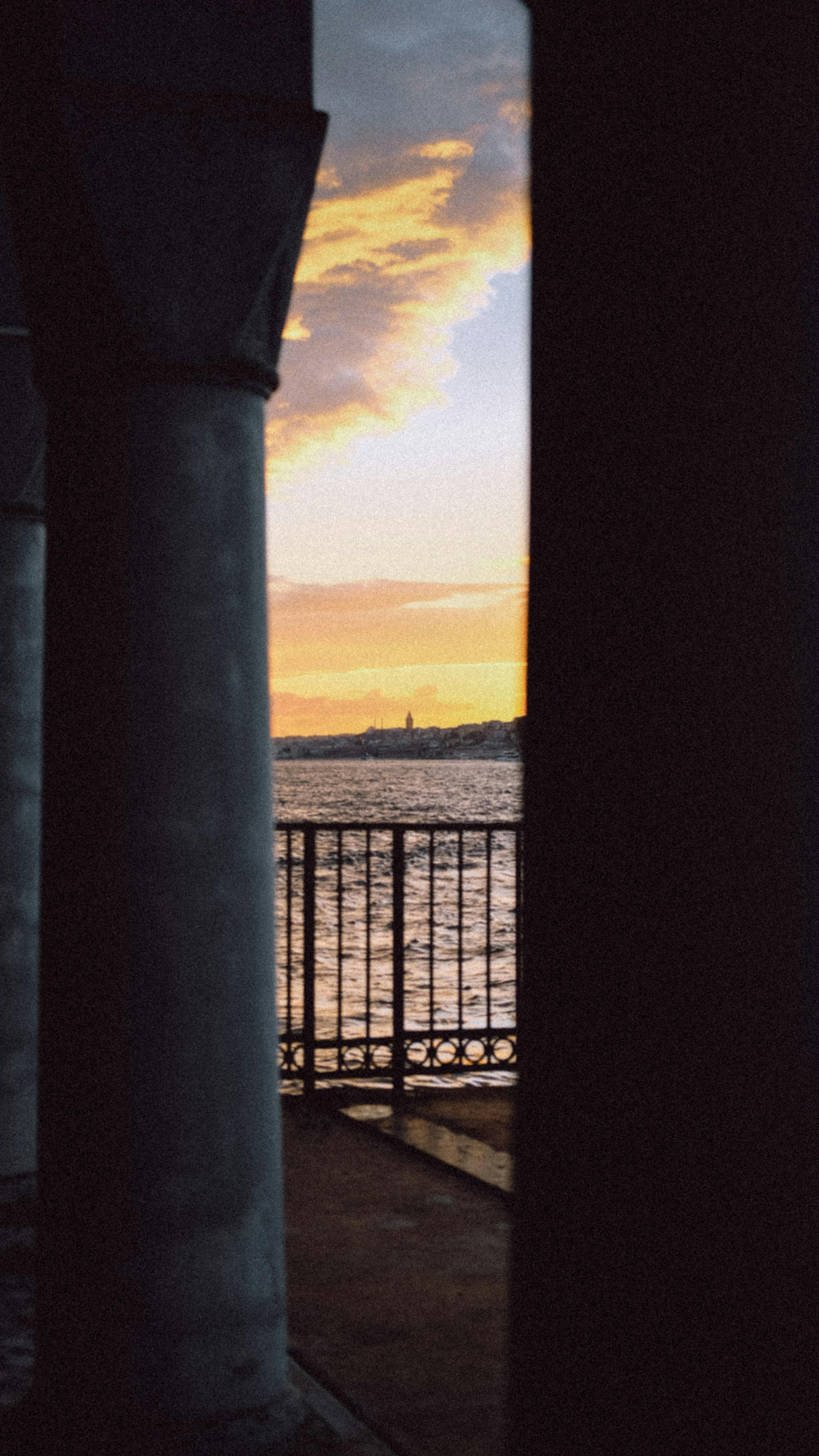
Also, you can edit and post while you travel. That keeps your story fresh online. For many amateur photographers, this speeds learning and sharing.
Mobile-first Composition Basics for Outdoor Shoots
Good composition starts with a clear subject and a simple layout. Use basic rules to guide the eye and make photos feel strong.
Rule of Thirds and Grid Lines
Turn on your phone grid lines. Place the key subject on an intersection. This gives balance and makes scenes feel natural.
Foreground, Middle, Background
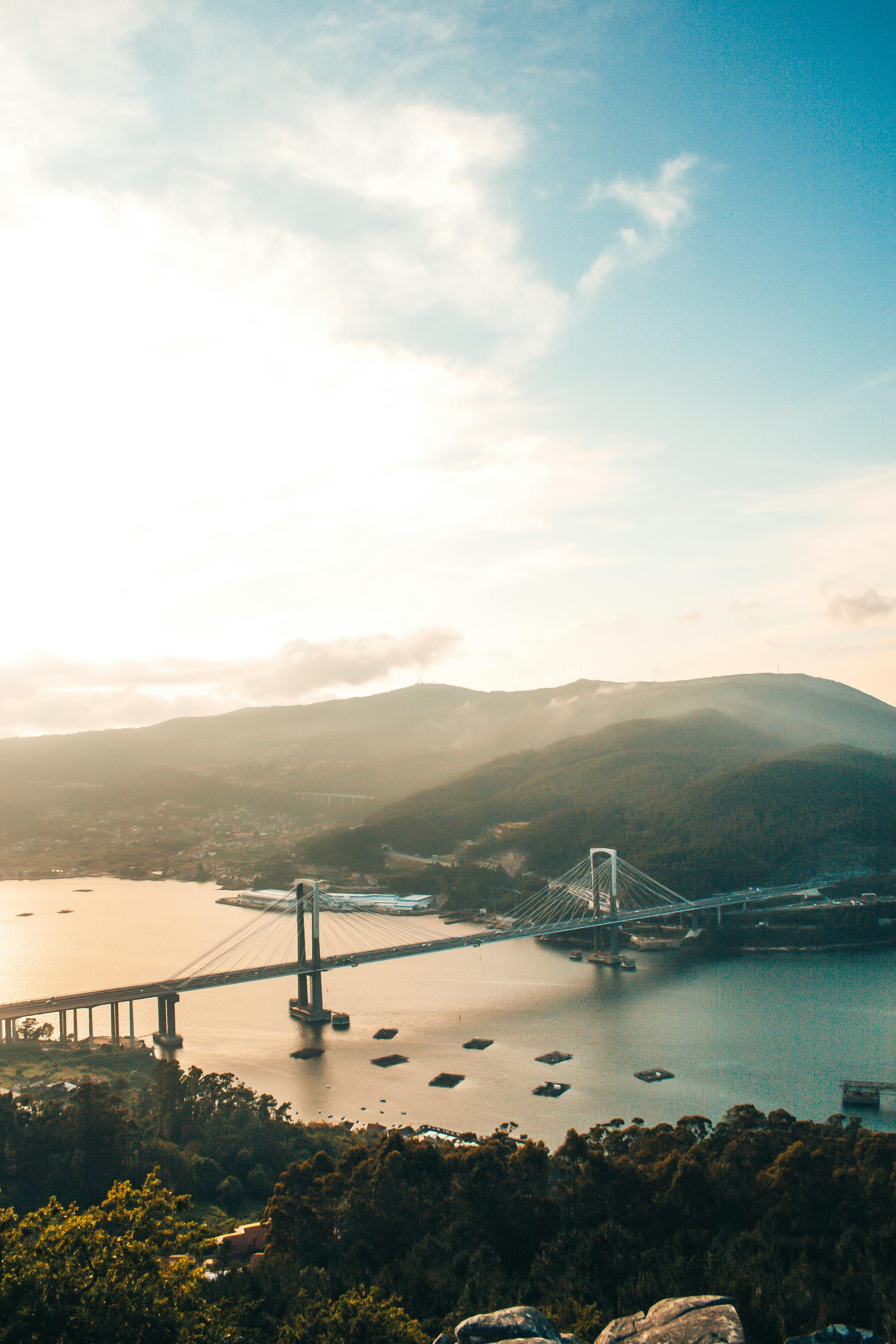
Layer your shot for depth. Put something in the foreground. Keep a clear middle and a strong background to show scale.
Use Negative Space and Minimalism
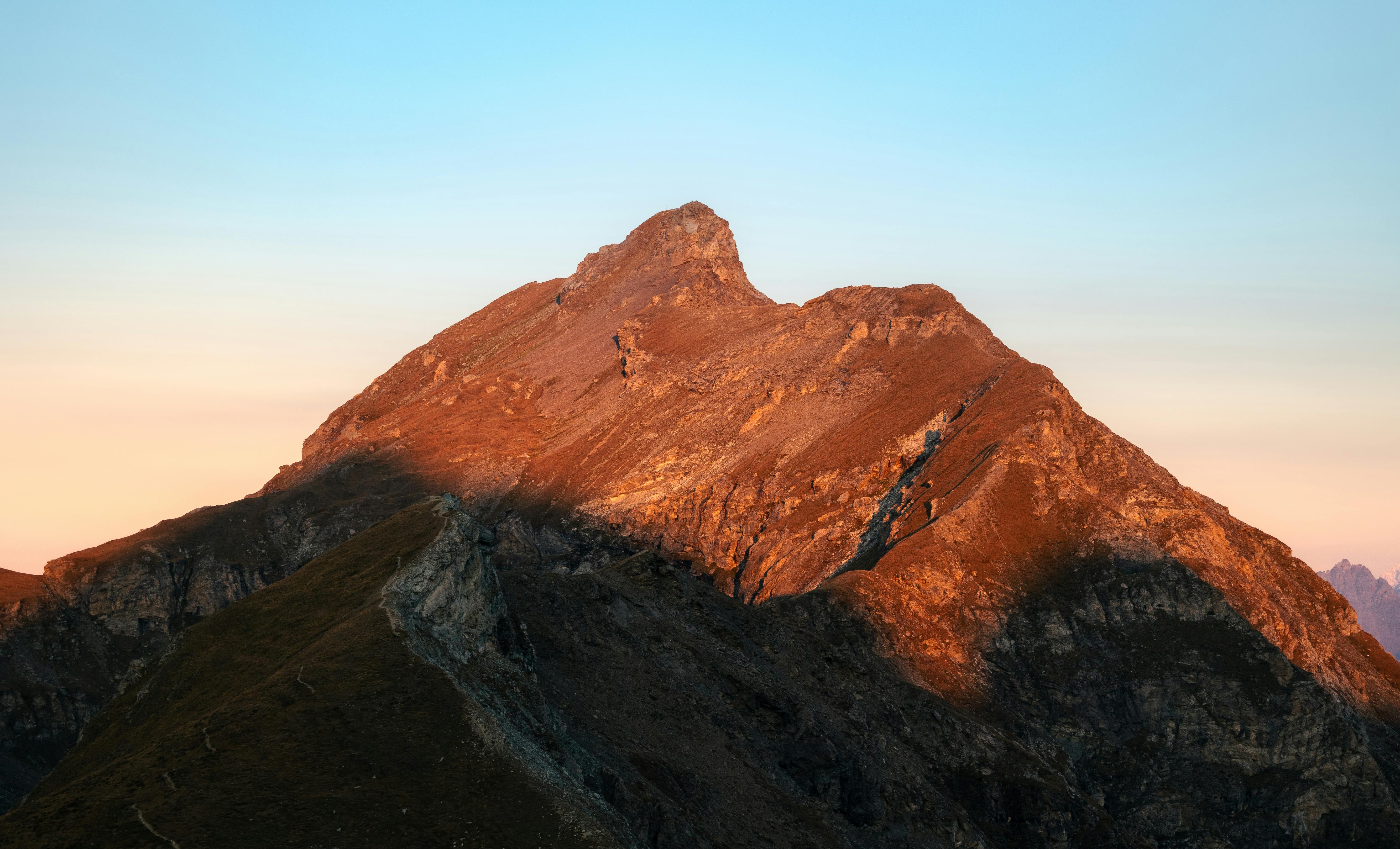
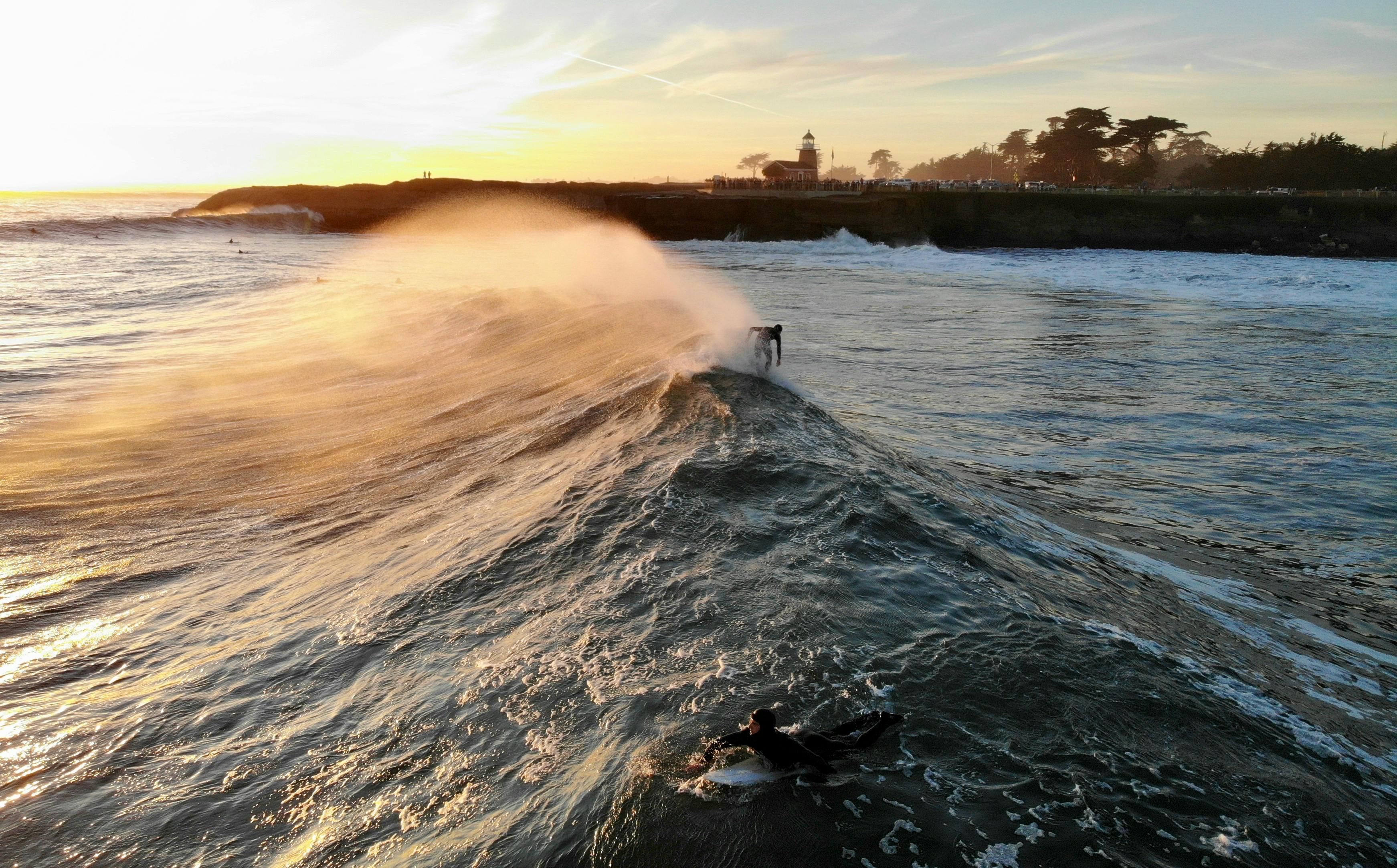
Empty space helps one subject stand out. Use wide skies, snow, or calm water to simplify scenes. This works well for moody landscapes.
Mobile-first Gear and Accessories for Outdoor Photos
Even with a phone, gear still helps your work. Use a mini tripod, a phone clamp, and a solid strap for rough trails. These items keep your phone steady and safe.

Camstrap makes gear that blends function and style. The camstrap voyager is good for long hikes. The camstrap explorer fits quick city shots. The camstrap nomad and camstrap magclip speed access on the move.

- Mini tripod or phone tripod for steady shots
- Clip-on wide or tele lenses for more range
- Protective case and screen film for rough use
- Fast power bank for long shooting days

Choosing When to Use a Phone or a Camera
Pick a phone with a large sensor and RAW support for low light. Phones with multiple lenses give more framing options.
But sometimes bring a mirrorless or DSLR. Use a Canon EOS R5 when you need top detail. Try a Canon PowerShot for quick zoom work. Pentax owners can add rugged bodies for rough trips.
Lighting, Exposure, and Motion for Mobile-first Shoots
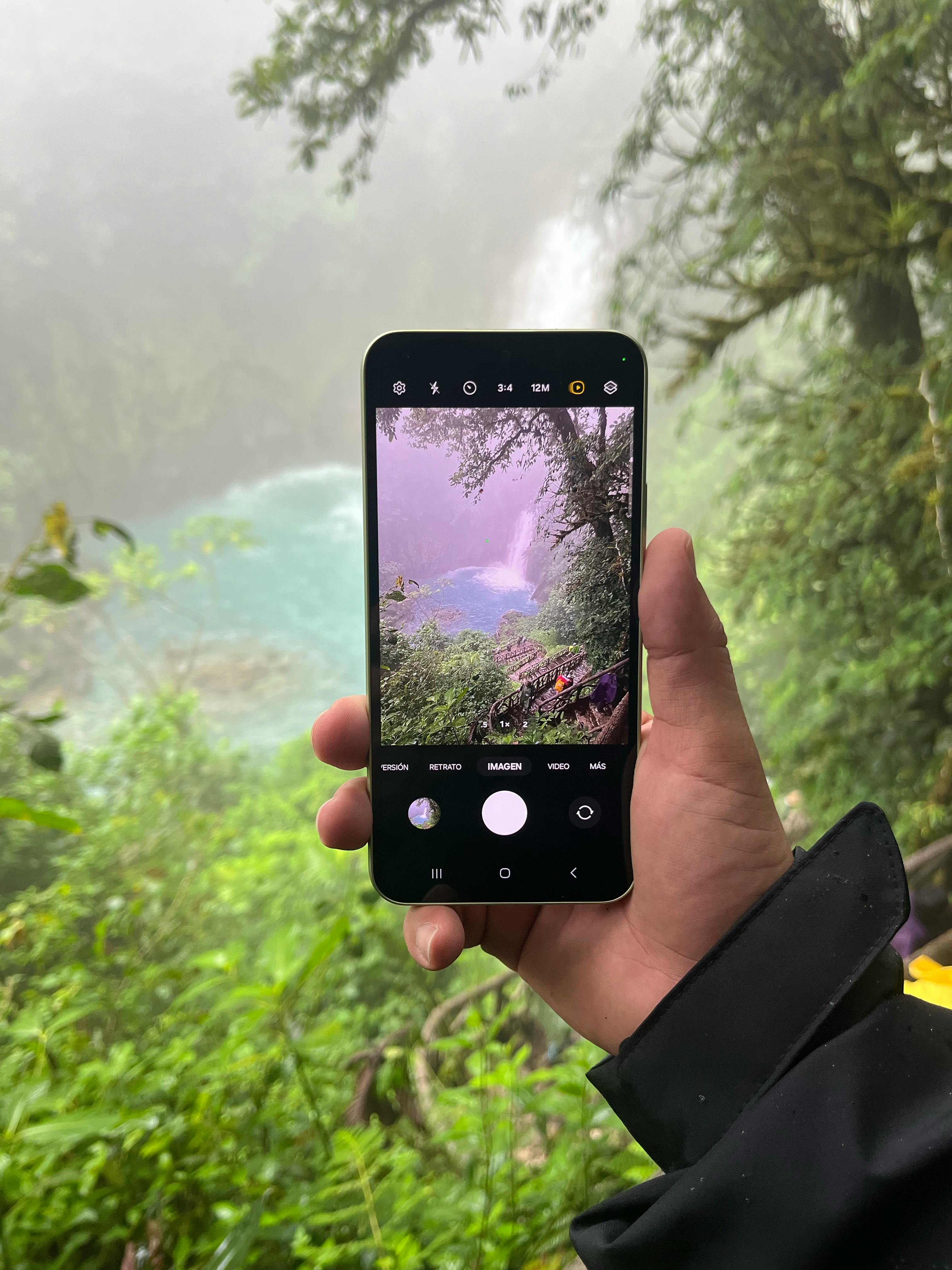
Light is the most important part of any photo. Move to find side light or backlight to add texture and depth. Tap to set focus and slide to set exposure on most phones.
Freeze Action or Show Motion
Use burst mode or a fast shutter to freeze action. To show motion, use a slow shutter app or pan with the subject. Use a tripod for slow-shutter shots to avoid blur.
Golden Hour and Blue Hour
Shoot at golden hour for warm, soft light on landscapes and portraits. Use blue hour for mood and calm cityscapes. Both times give great mobile-first results.
Editing and Workflow for Mobile-first Shoots
Do most edits on your phone to save time. Use apps that read RAW and let you do local edits. Keep your edits simple and true to the scene.
- Snapseed or Lightroom Mobile for RAW edits
- VSCO or Filmborn for film looks
- Halide or ProCamera for capture control
- Export in high quality for web or print
Backup and Speed Up Your Workflow
Back up originals to cloud storage right after a shoot. Use auto sync to protect files on long trips. Then use presets and batch edits to save time.
Planning Locations and Safety for Mobile-first Shoots
Pick spots that match your story. Banff gives epic mountains and lakes. Milford Sound offers dramatic fjords and water scenes. The Grand Canyon serves bold shapes and big light.
Study maps and read recent trip reports. Then plan for the right hour and weather. This helps you get the best light and angles.
Scouting and Travel Tips
Use Google Maps and satellite view to find vantage points. Pack light for long hikes. A small kit with a phone clamp, power, and a good strap keeps you ready.
- Check weather and sunrise times before you go.
- Bring an extra battery or power bank.
- Keep key gear in easy pockets for quick shots.
Advanced Composition and Storytelling for Mobile-first Shoots
Tell a short story with a set of frames. Mix wide scenes with tight details and portraits. Add hands or gear shots to show scale and emotion.
Using Color and Contrast
Pick a color theme and keep it across a set. Warm tones suit camp scenes. Cool tones fit mountain shots. Edit to keep the look steady.
Apps and Tools to Improve Composition
Use grid overlays and level tools to keep horizons straight. Some apps show a live histogram to check exposure. These tools help you get clean results fast.
Safety, Ethics, and When to Switch to a Camera
Stay on marked paths and respect closures. Ask before you photograph people. Leave no trace and pack out what you bring in.
Switch to a mirrorless like a Canon EOS R5 for jobs that need more reach or dynamic range. A Canon PowerShot can add zoom in a small body. Yet many outdoor photographers find a phone handles most quick shots.
Gear Security
Use a strong strap to keep your phone safe on steep trails. The camstrap magclip gives fast access and a firm hold. The camstrap nomad and voyager fit most outdoor needs.
Conclusion: Keep Shooting mobile-first
Mobile-first adventure photography gives you speed and freedom on the trail. It helps travel enthusiasts and outdoor adventure photographers make strong images fast. Use simple composition, good gear, and a clear edit plan to lift your work.
Pack smart and keep your phone ready with a Camstrap strap like the camstrap explorer or camstrap voyager. Try shoots in Banff, Milford Sound, or the Grand Canyon to test light and mood. Then edit on your phone and share your story. Keep practicing and keep exploring.


