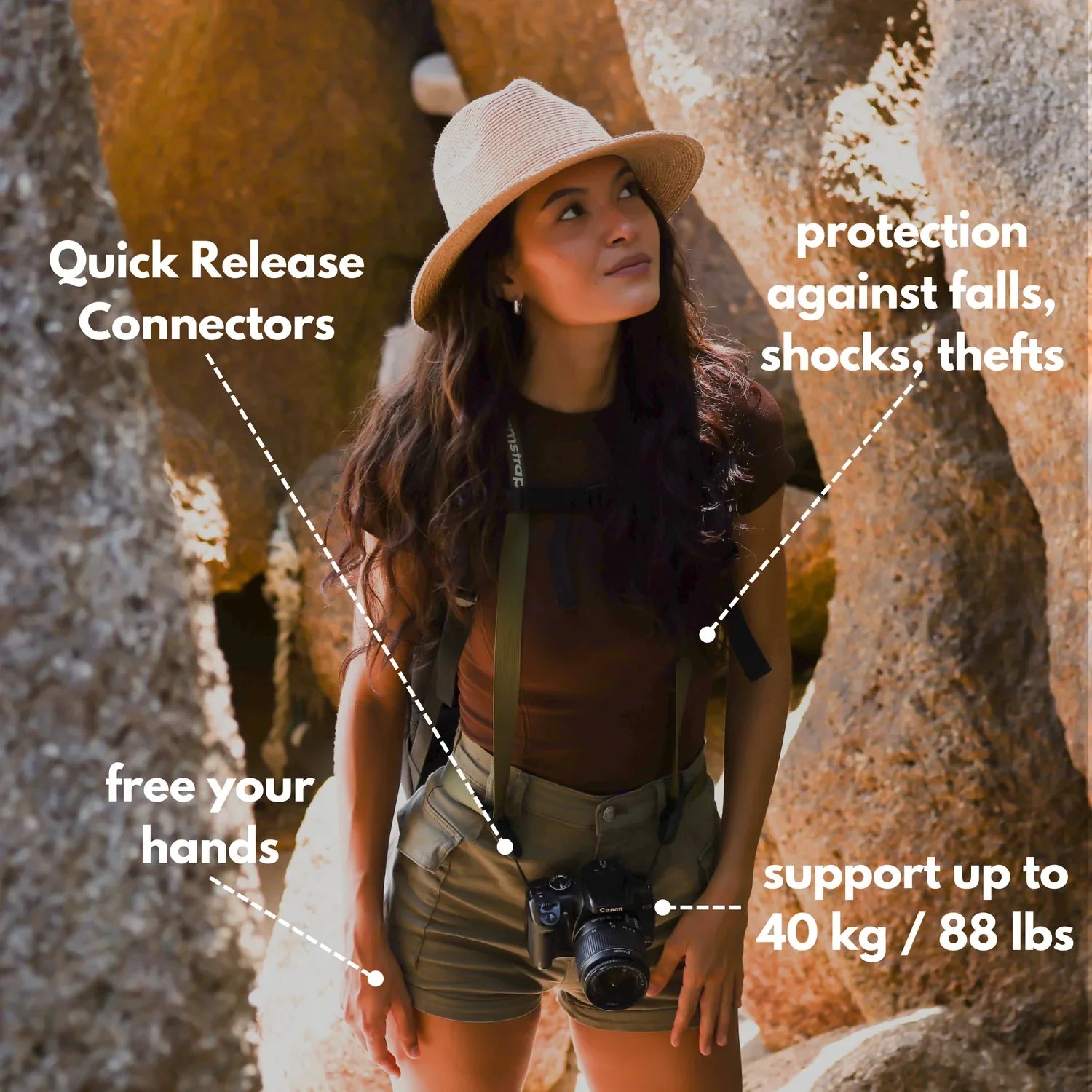
- Use open shade or soft overcast to flatter faces without a studio light.
- Keep subjects 10–20 feet from busy backgrounds so faces pop cleanly.
- Shoot while walking at an easy pace and guide with small, natural cues.
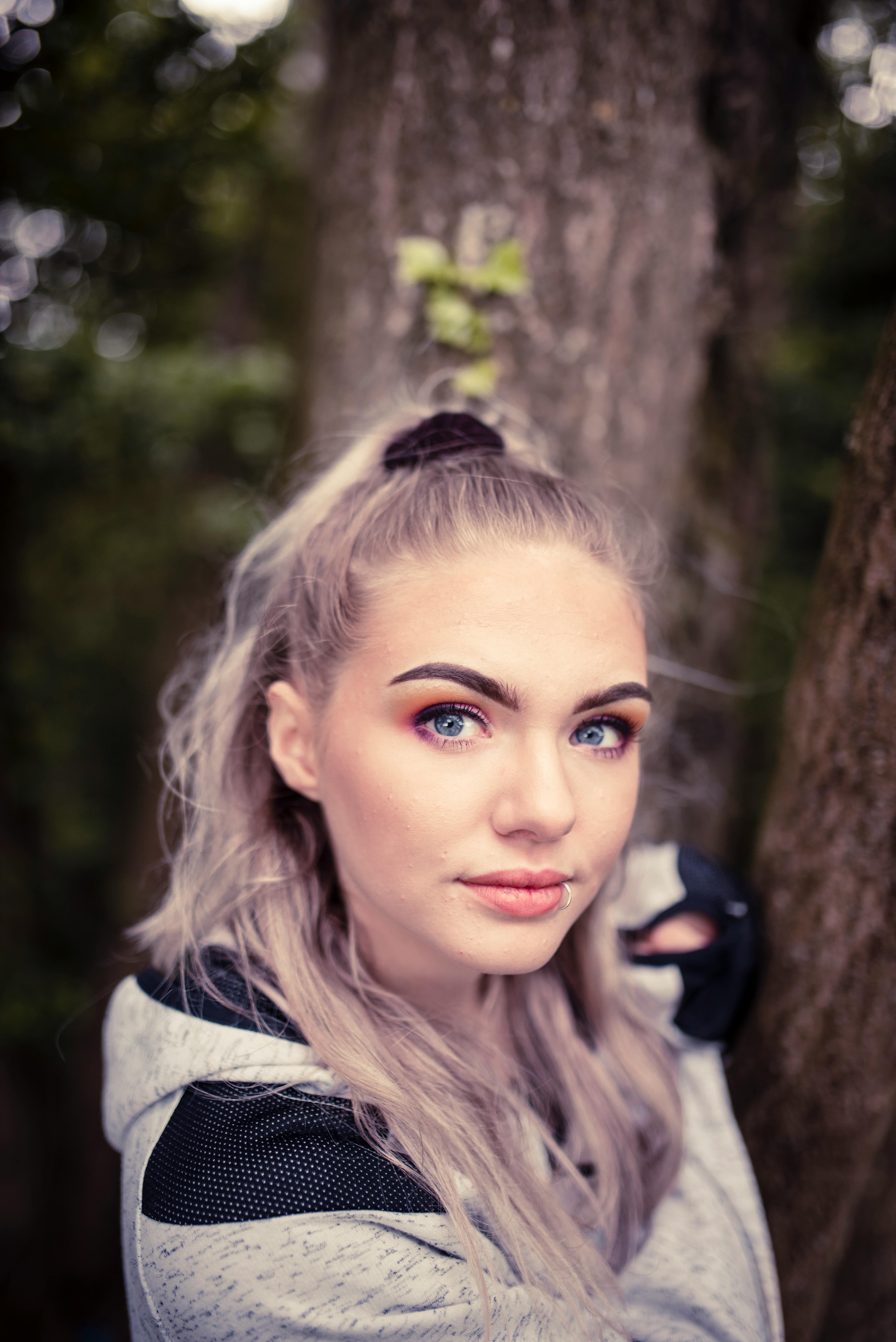
Depth of field is the sharp zone around your subject. On a city walk, that narrow band can pull a face away from signs, cars, and passing crowds. Natural portraits feel effortless because light, motion, and setting work together. Good results usually come from simple choices in lens, focus, and timing.
Translation missing: en.blog_cta.bundle_heading

- Regular price
-
€42 - Regular price
-
€44 - Sale price
-
€42
By choosing the Camstrap strap, you are opting for a high-quality product designed to meet the needs of the most demanding photographers.
- Developed by a physiotherapist to relieve neck and back pain.
- Fast delivery with tracking by the Post Office 🚚
- Can be used as a shoulder strap or hands-free harness

- Regular price
-
€36 - Regular price
-
€42 - Sale price
-
€36
Translation missing: en.blog_cta.free_shipping_included
Choose light that flatters faces
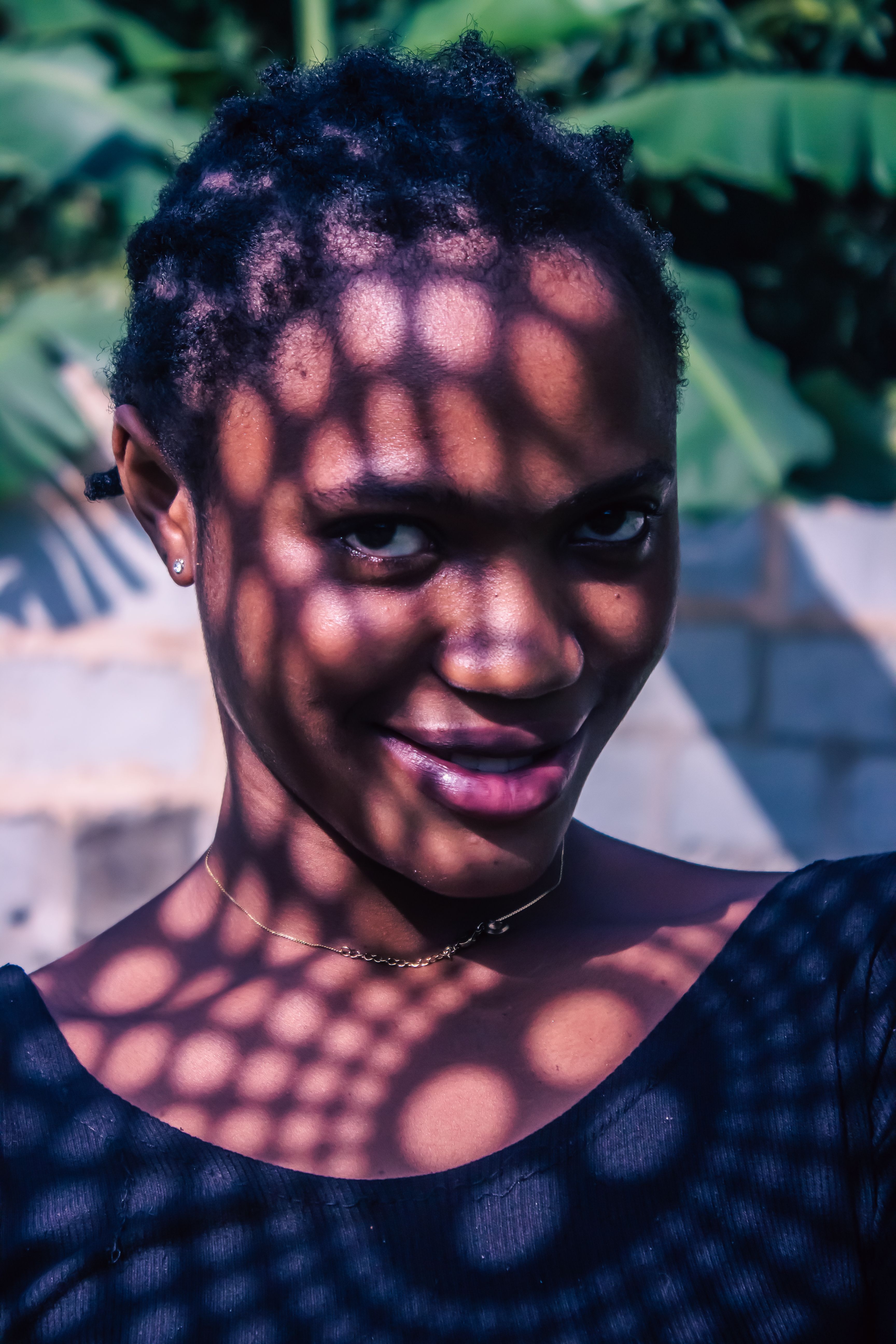
Soft outdoor light smooths skin and keeps harsh shadows from slicing across the face. Open shade, bright overcast, and the side of a building often act like a giant softbox.
Midday sun can still work if you move the subject. Put them near shade and let the bright background fall behind them.
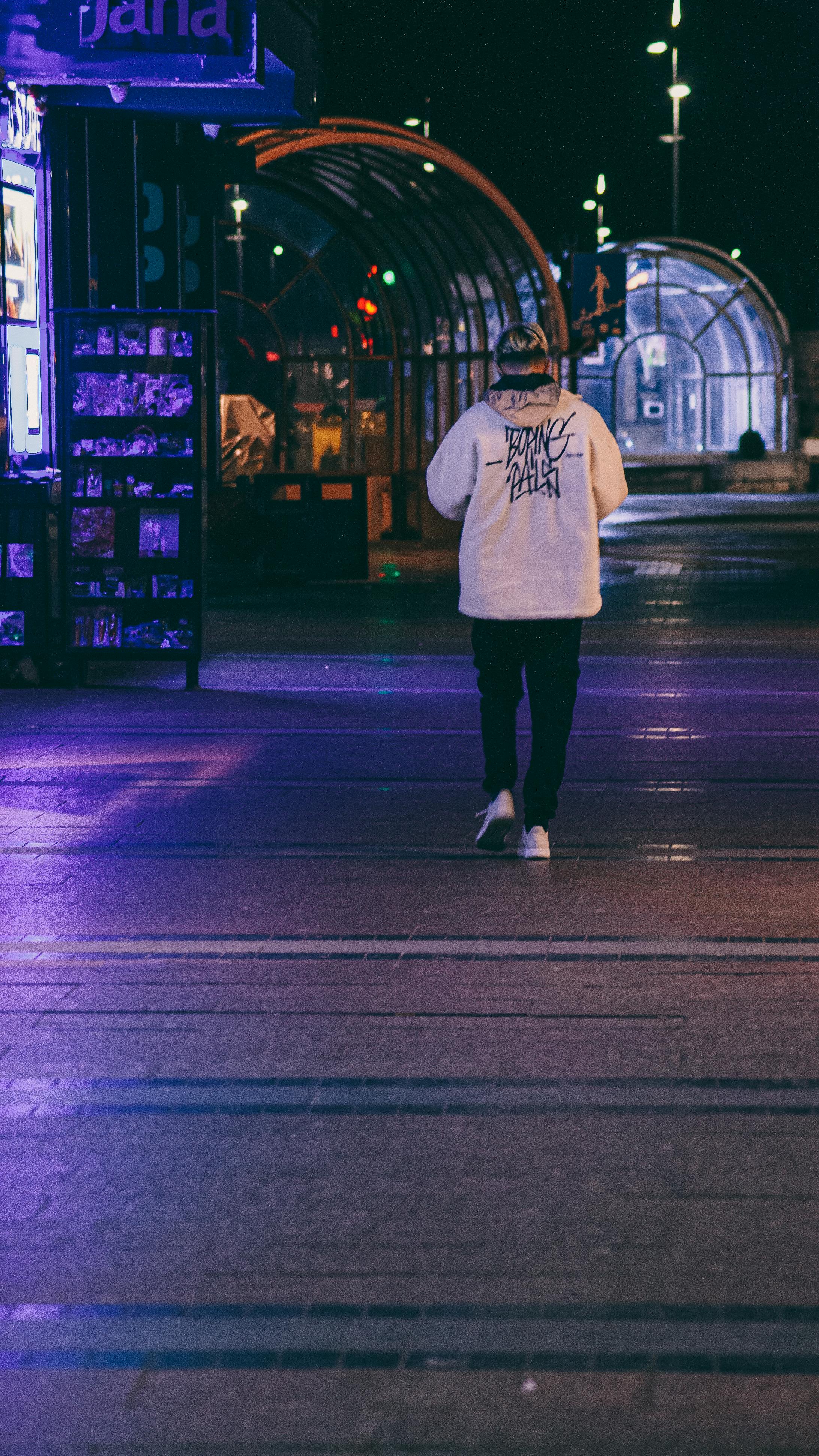
Street setups that make light usable
- Stand near a shop awning for even shade.
- Turn the person toward open sky, not direct sun.
- Use a wall to block harsh light on one side.
- Look for light on the face, not just light in the scene.
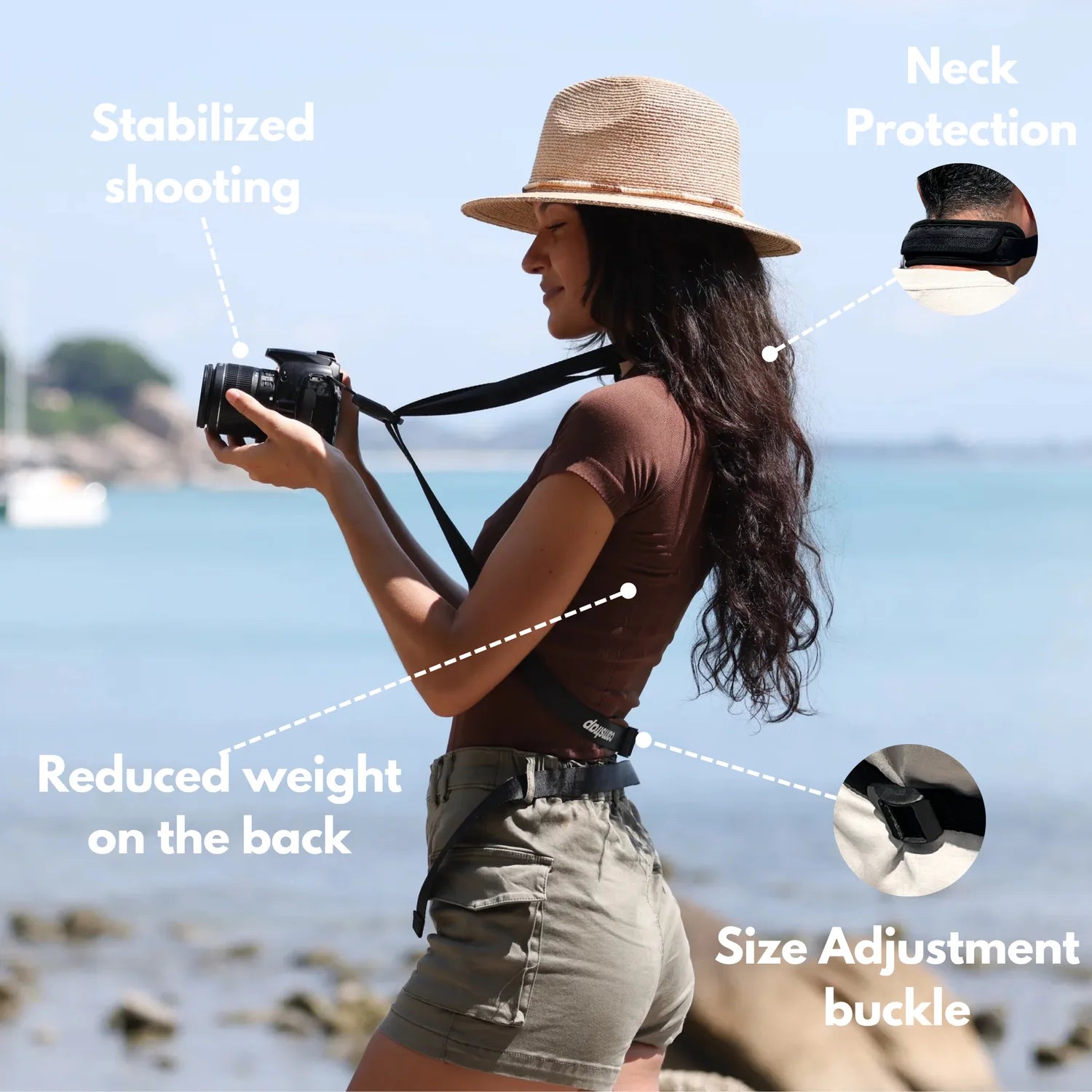
A reflector can help, though I rarely need one for walk-and-shoot portraits. A white wall, a pale sidewalk, or a light shirt can bounce enough light back to the face. Carrying the camera hands-free lets you move quickly between frames. A strap like the Camstrap voyager keeps the camera secure and ready for a fast lift.
Leave room behind the subject
Extra space between the face and the background helps the person stand out. A gap of about 10 to 20 feet works well on a busy street because signs and people soften into shapes.
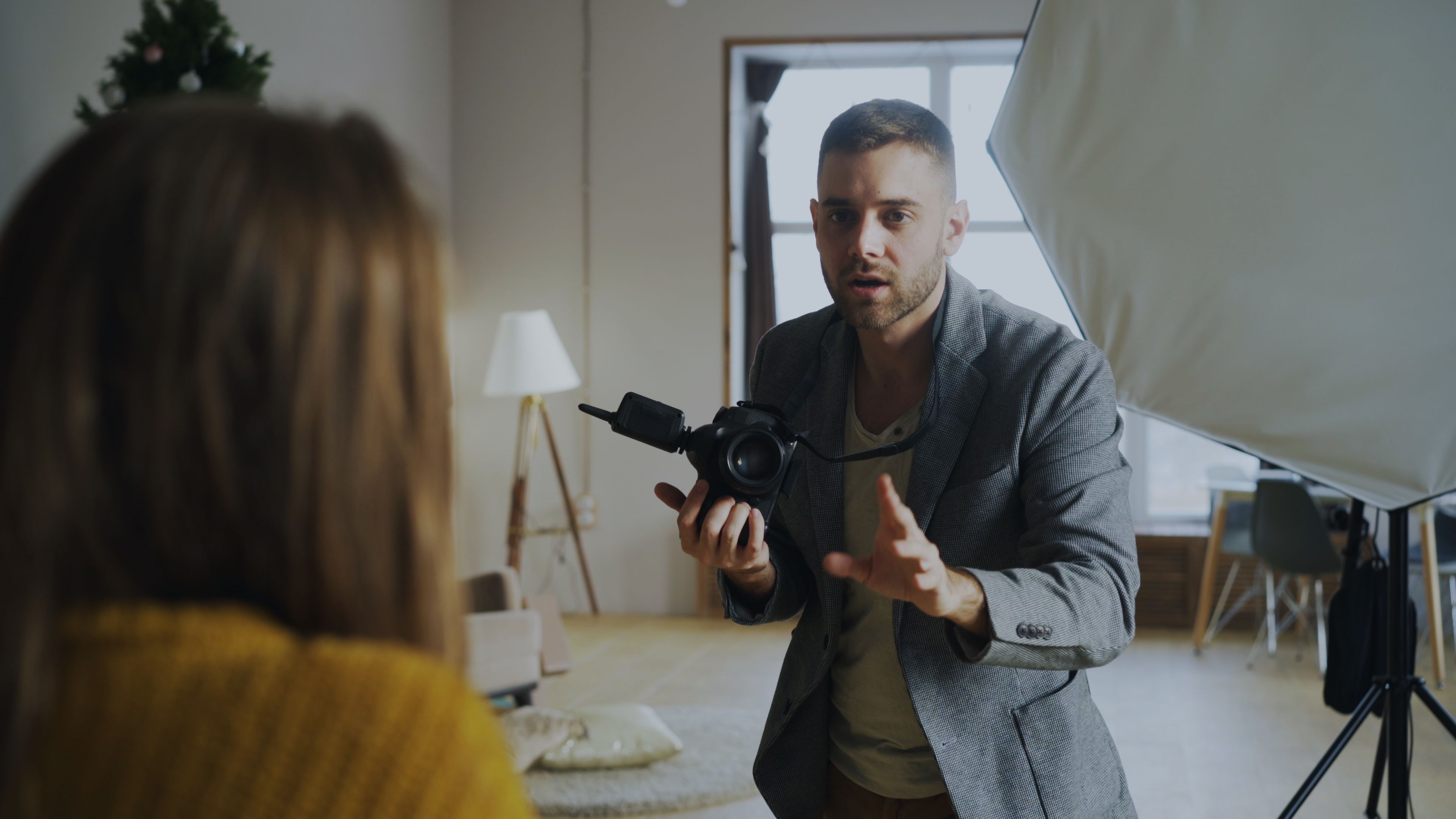
Distance does a lot on its own. Even a plain alley can look clean if the subject stands far enough from the cars and shop windows.
Why clutter pulls the eye
Busy streets create visual noise. Poles, bright logos, and moving traffic yank attention away from the face. Shallow depth of field helps, but it does not solve everything. If the background sits too close, it still reads as messy even at f/2.
Place the subject where the scene opens up behind them. A corner, a wide sidewalk, or a curb with open space often gives a better frame than the middle of a crowd.
How can I keep portraits natural while people are walking?
Steady motion, relaxed timing, and brief direction keep walking portraits looking natural. The best frames come when the subject moves at an easy pace and you keep talking as you shoot.
Ask for simple actions: a slow walk, a glance over the shoulder, or a small head turn. Those cues feel less stiff than a full pose and help the body stay loose.
Movement that looks real
- Walk beside the person instead of in front of them.
- Keep your pace close to theirs.
- Ask for one small change, not a long pose.
- Wait for a natural face, then press the shutter.
A calm voice helps too. People tense up when they think too hard about the camera, so short prompts work better than long direction. For this style, I prefer a shutter near 1/500s if the subject is moving at a normal pace. That speed freezes a step or hand gesture while keeping some motion in the scene.
Pick a lens that fits the street
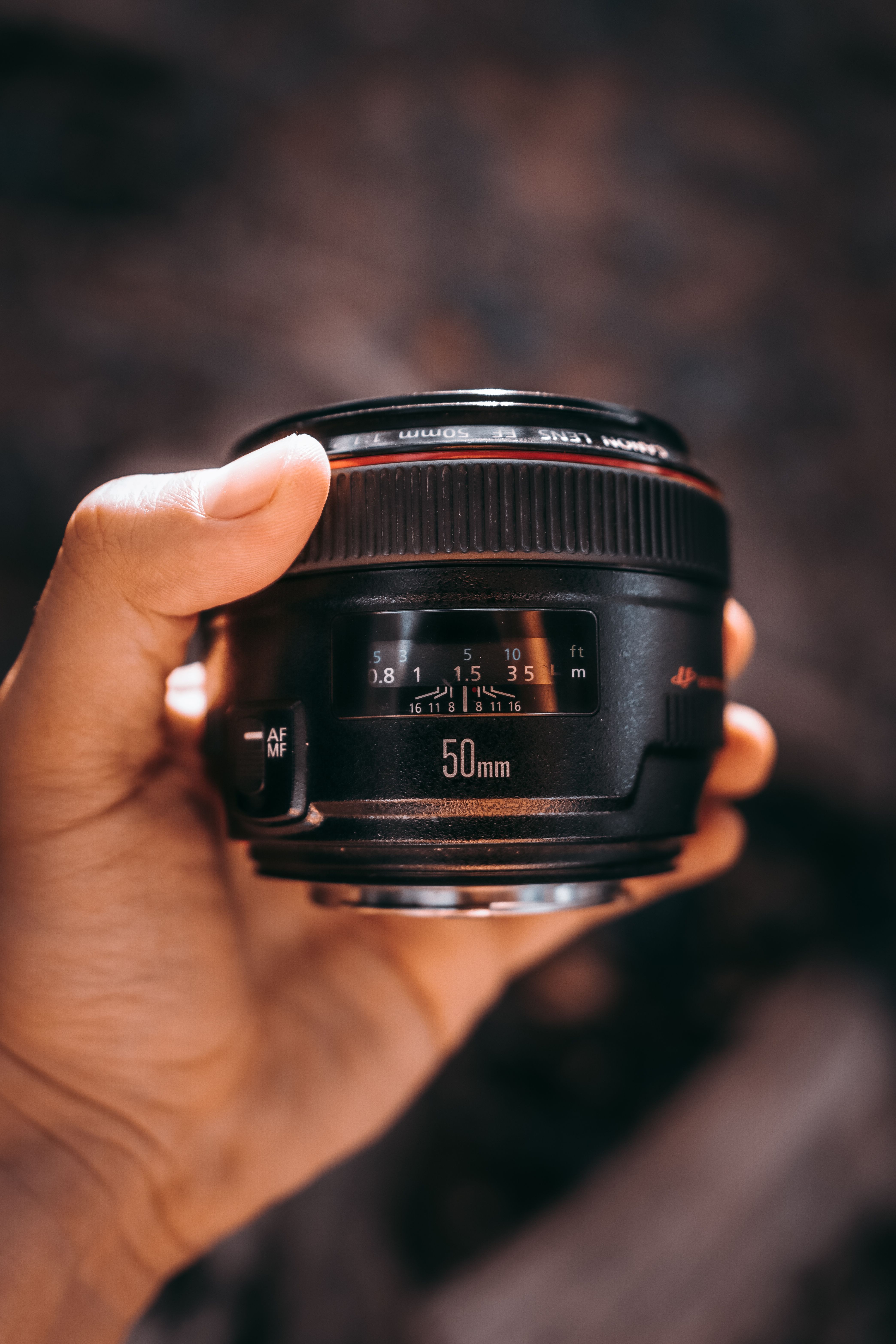
A 50mm to 85mm lens works well for casual portraits in public places. Those focal lengths keep faces looking natural and let you stand far enough away to avoid crowding the person.
A 35mm lens can work if you want more street context. Stay aware of edge stretch, since faces near the frame edge can look wider.
What each focal length changes
- 35mm: more scene, less background blur.
- 50mm: balanced look for half-body portraits.
- 85mm: stronger separation and cleaner framing.

Wide apertures matter here too. f/2 to f/2.8 gives a soft background and a clear face, but the focus zone gets thin. That thin zone makes your distance to the subject matter more. If you step forward or back by a small amount, the eyes can fall soft.
How do I get flattering outdoor portraits without studio light?
Flattering outdoor portraits come from soft light, careful angle choice, and simple fill from the scene. Open shade with a bright but blocked sky often gives the most even skin tone.
Face the subject toward the open part of the sky and keep the sun off the nose and brow. I underexpose by a third of a stop if the light keeps shifting and the skin starts to blow out.
Camera settings that keep the look clean
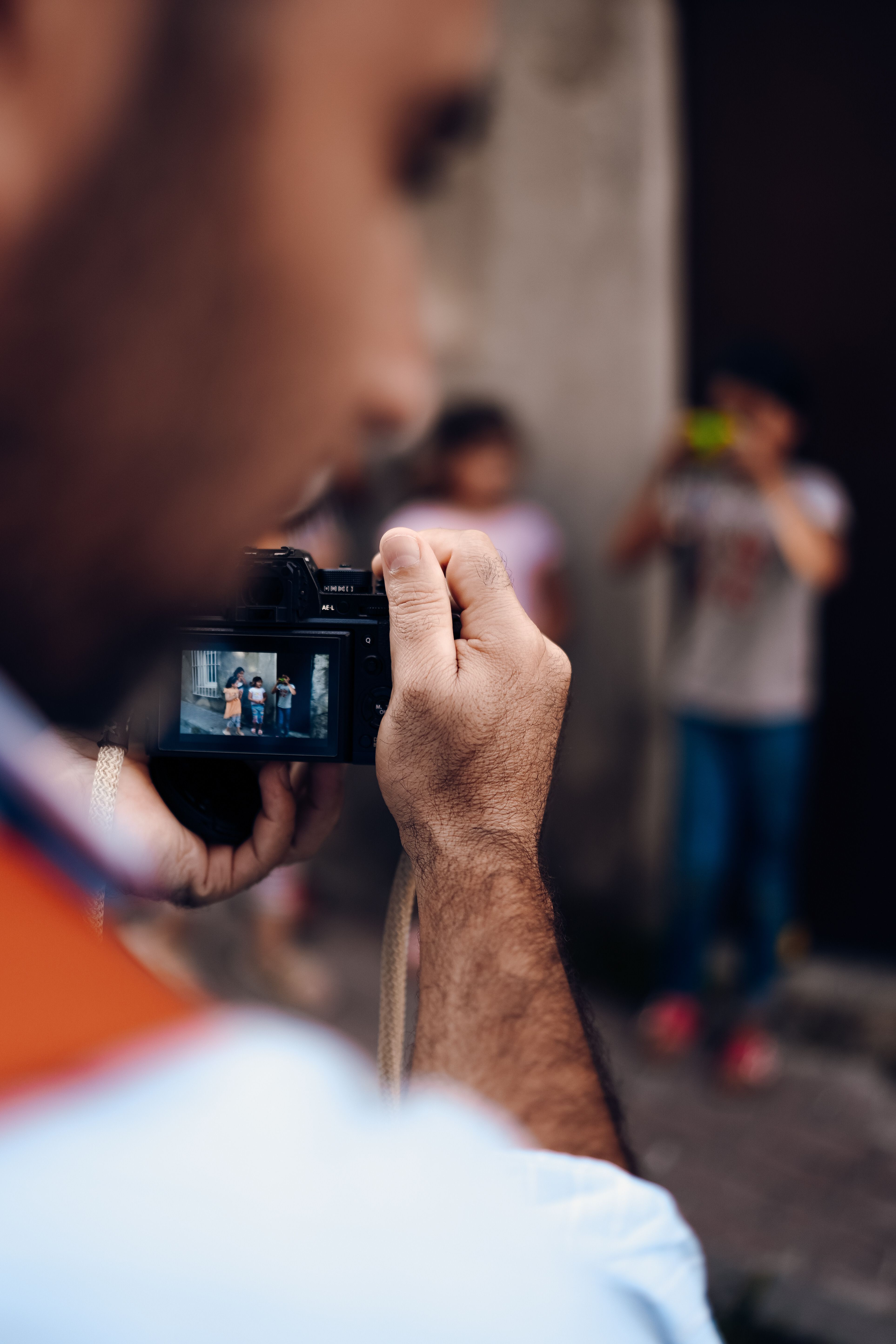
Use aperture priority or manual mode if the light changes fast on city streets. I keep ISO as low as possible, then raise it only when the shutter starts to drop below my target. A modern mirrorless body handles this well, but the always-on EVF or LCD drains power quickly. Image review eats battery too, so I turn it down when I need a long walk.
How do I focus on eyes when the subject keeps moving?
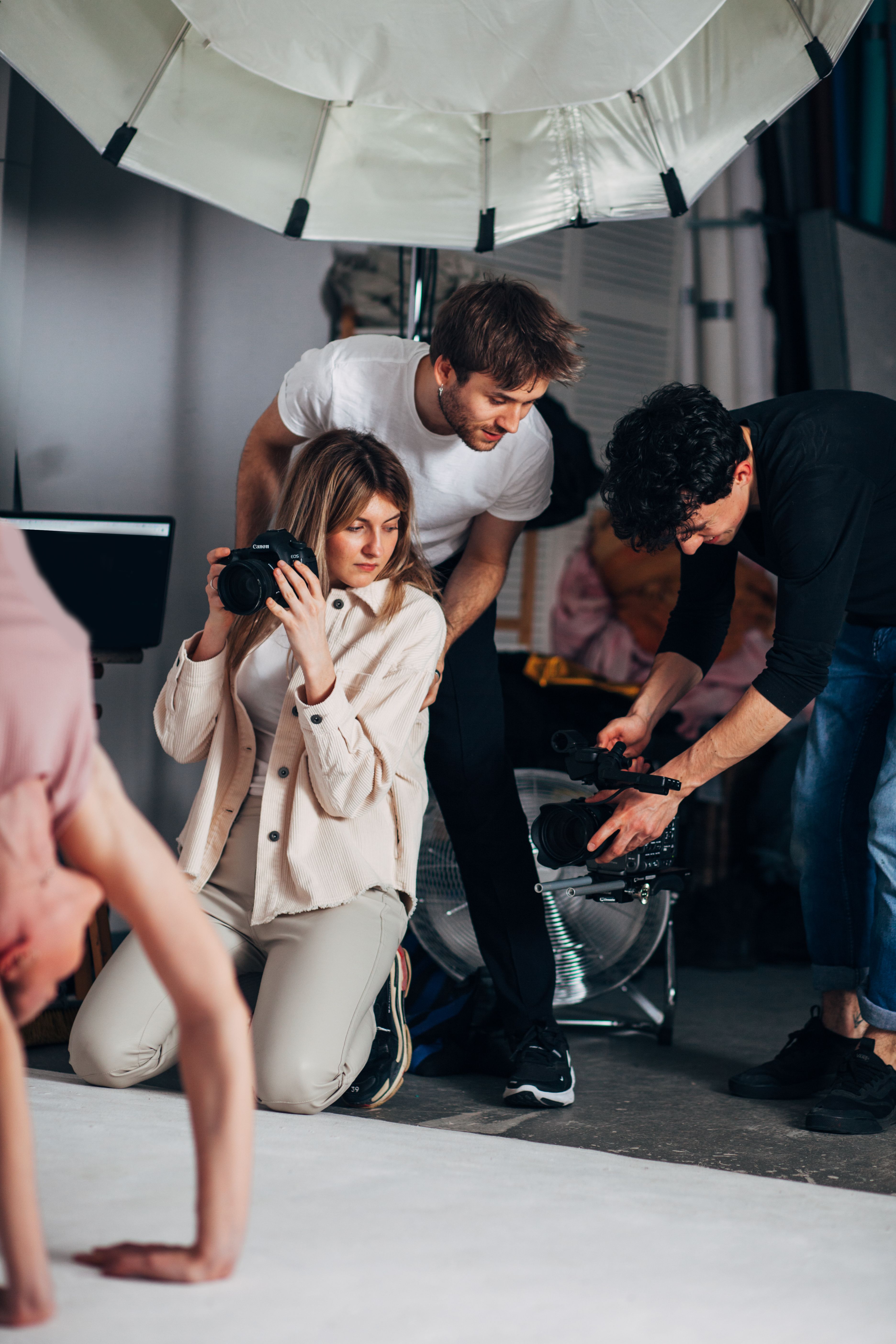
Eye focus stays easiest with continuous AF, also called AF-C or AI Servo, plus eye or subject detection. Those settings give the camera a better chance to track the face as the person walks.
Back-button focus helps by separating focus from the shutter press. Once the eyes lock, you can keep shooting without forcing the camera to refocus every time.
Practical focus settings for moving portraits
- Use AF-C / AI Servo for moving subjects.
- Turn on eye detection when the light is decent.
- Pick a single subject area or a small zone.
- Keep your own distance steady for a few frames.
Pre-capture or pre-burst can save a near miss when the person turns fast. It records frames just before the full press, which helps on quick head turns and laughs. A mid-tier body often slows after about 25 to 50 RAW frames, depending on the card and file size. A UHS-II V60 or V90 card clears the buffer faster than UHS-I, and for portrait work that matters more than a huge burst rate.
Watch the frame rate, but don’t chase it
A frame rate near 10 fps on a mechanical shutter is usually enough for walking portraits. Faster electronic modes can hit 20 to 40 fps, but they can bring rolling-shutter skew or LED banding.
Those problems show up quickly near traffic lights, shop signs, and phone screens. For city walks, a moderate rate usually gives cleaner files and easier culling.

Use burst only when the action changes fast. A short 3 to 6 frame run is enough for most candid turns, and it won’t fill a modern buffer by itself.
Review less, react faster
Walking portraits improve when you stay in the scene instead of checking the back screen after every frame. Constant review breaks the flow and makes people feel watched. Keep your eye on the subject, not the menu. That habit helps you catch small smiles, better steps, and cleaner hand placement.
Later, cull with pick and reject flags in Lightroom or Photo Mechanic. That workflow keeps the best frames moving fast without making the shoot feel rushed.
A simple city-walk setup that works
The best kit stays light, quick, and easy to handle. One camera, one lens, and one strap cover most portrait walks.
- Camera body with eye detection.
- 50mm, 56mm, or 85mm lens.
- Card rated UHS-II V60 or V90.
- Back-button focus set to AF-ON.
- Shutter target around 1/500s.
Keep your camera ready at chest height when you move between spots. That small habit saves moments that disappear before you can raise the body.
Natural city portraits come down to ease. When the light is soft, the face has space, and the focus keeps up, the picture feels honest. On my own walks, the best frame is often the one made three steps before the pose ends.
Frequently Asked Questions
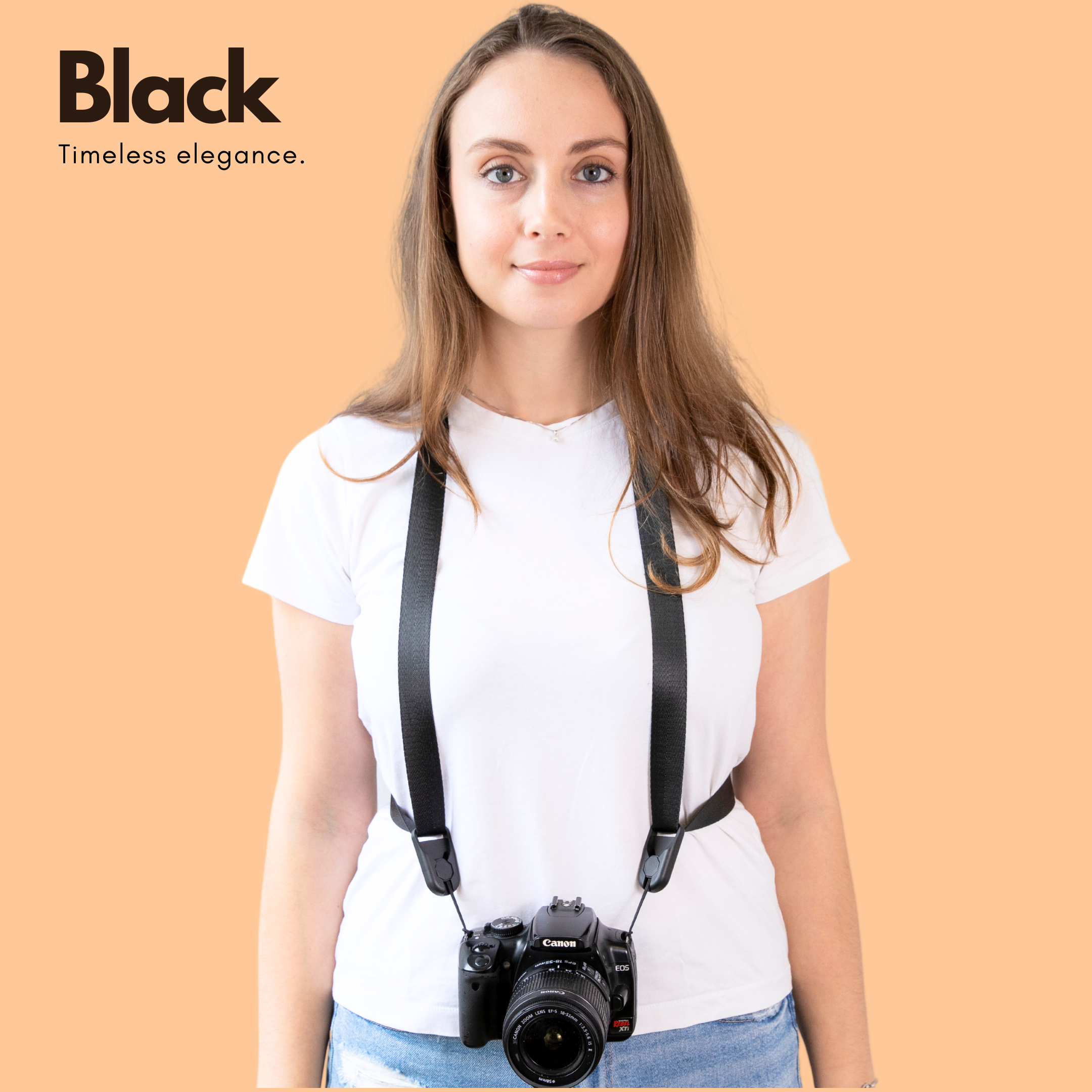
How do I get flattering portraits outdoors without a studio light?
Soft outdoor light flatters faces best because it smooths skin and reduces harsh shadows. Open shade, bright overcast, or light beside a building can act like a giant softbox, and a white wall or pale sidewalk can bounce extra light back onto the face.
What background distance helps faces stand out on a busy street?
A gap of about 10 to 20 feet between the subject and the background helps faces stand out on a busy street. That extra distance turns signs, people, and cars into softer shapes and reduces visual clutter.
How can I keep portraits looking natural when people are walking?
Keep walking portraits natural by matching the subject’s pace, giving short direction, and asking for simple actions like a slow walk or a glance over the shoulder. A calm voice and brief prompts help the body stay loose and prevent stiff poses.
What lens works best for casual portraits in public places?
A 50mm lens works well for casual portraits in public places because it gives a natural perspective and is easy to use while walking. Its moderate reach helps isolate the face without making the scene feel overly compressed.
How do I focus on eyes when the subject keeps moving?
To focus on eyes when the subject keeps moving, use continuous autofocus and keep the focus point on the eye as the person walks. A shutter speed near 1/500s also helps freeze a step or hand gesture while preserving a natural look.