


- Set drive mode to Continuous High, then hold the shutter in short bursts.
- Use burst mode to increase your odds; sharp shutter speed still freezes motion.
- Burst mode fires rapid frames, giving you several chances at the decisive action.

Burst mode photography captures a rapid string of frames while the shutter stays down. It fits sports, playground action, and any scene where the best moment flashes by in an instant. From the sidelines, the job stays straightforward: be ready, keep the camera steady, and land the peak of the action. Quick hands, the right focus mode, and a comfortable way to carry your gear make that possible.
Shop the setup

- Regular price
-
€42 - Regular price
-
€44 - Sale price
-
€42
By choosing the Camstrap strap, you are opting for a high-quality product designed to meet the needs of the most demanding photographers.
- Developed by a physiotherapist to relieve neck and back pain.
- Fast delivery with tracking by the Post Office 🚚
- Can be used as a shoulder strap or hands-free harness

- Regular price
-
€36 - Regular price
-
€42 - Sale price
-
€36
Free shipping included
What burst mode in photography actually does
Burst mode, also called continuous shooting, fires several frames per second while you hold the shutter button. Built for fast action, it helps when a single frame can miss the decisive move.
The advantage is timing. A kick, save, jump, or tag can happen between frames, and a short burst gives you more chances to catch it.
Why the feature helps at the field edge
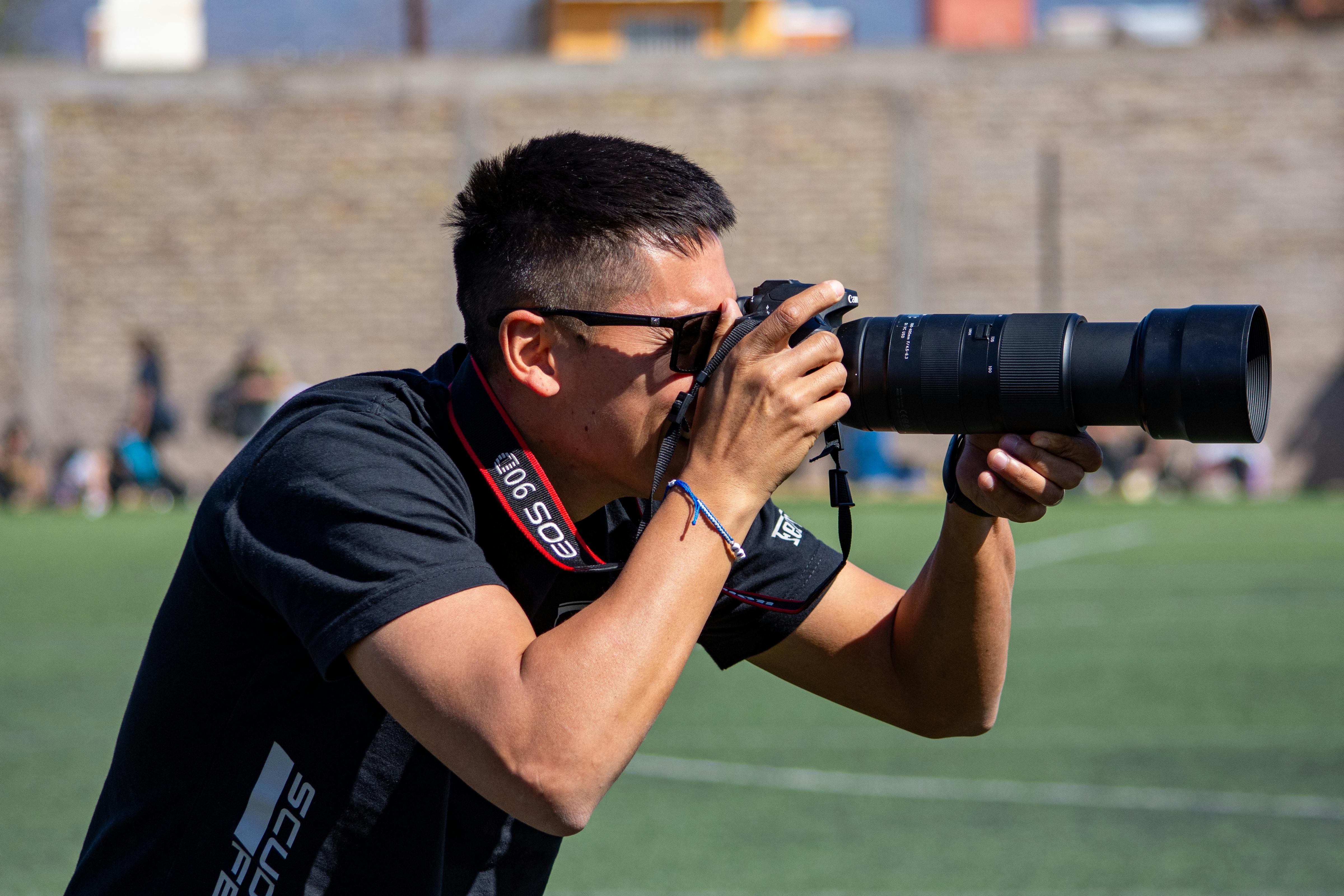
Players change speed fast from the sideline. A runner can go from open space to contact in less than a second. Short bursts let you react to that shift, and they let you start a touch early and hold through the peak move. That is often the winning frame.
What the camera is doing behind the scenes
Each frame still depends on shutter speed, focus, and card write speed. Burst mode alone does not freeze motion.
A setting around 1/1000s can keep a player sharp, while a slow shutter smears the whole sequence. The burst gives you options; the shutter gives you stop action.
How do you use burst mode for photos?
Use burst mode by setting the drive mode to continuous and holding the shutter button in short runs. On many cameras, that means switching from single shot to Continuous High or a similar label. Pair that with back-button focus or continuous AF, then fire for one to two seconds before the key action. Sports coverage often relies on that brief window because it catches the peak moment without wasting buffer space.

Setup steps that work on most cameras
- Choose Continuous High or a similar drive mode.
- Set shutter speed near 1/1000s for most sports.
- Use continuous autofocus, such as AF-C or AI Servo.
- Pick eye or subject tracking if your camera offers it.
- Hold the shutter in short bursts, not for the whole play.
That sequence keeps the camera responsive and your frame count useful. A three- to six-frame burst usually gives enough room to time the peak without flooding the buffer.
Dial in focus and exposure
Continuous autofocus keeps moving players in focus while you track them. With subject detection turned on, the camera can stay with a jersey, face, or body as the scene shifts.
For exposure, start around f/2.8 to f/4 if you need light, or stop down to f/5.6 when depth matters more. In bright daylight, ISO 100 to 800 is often enough, while indoor gyms can push you much higher.
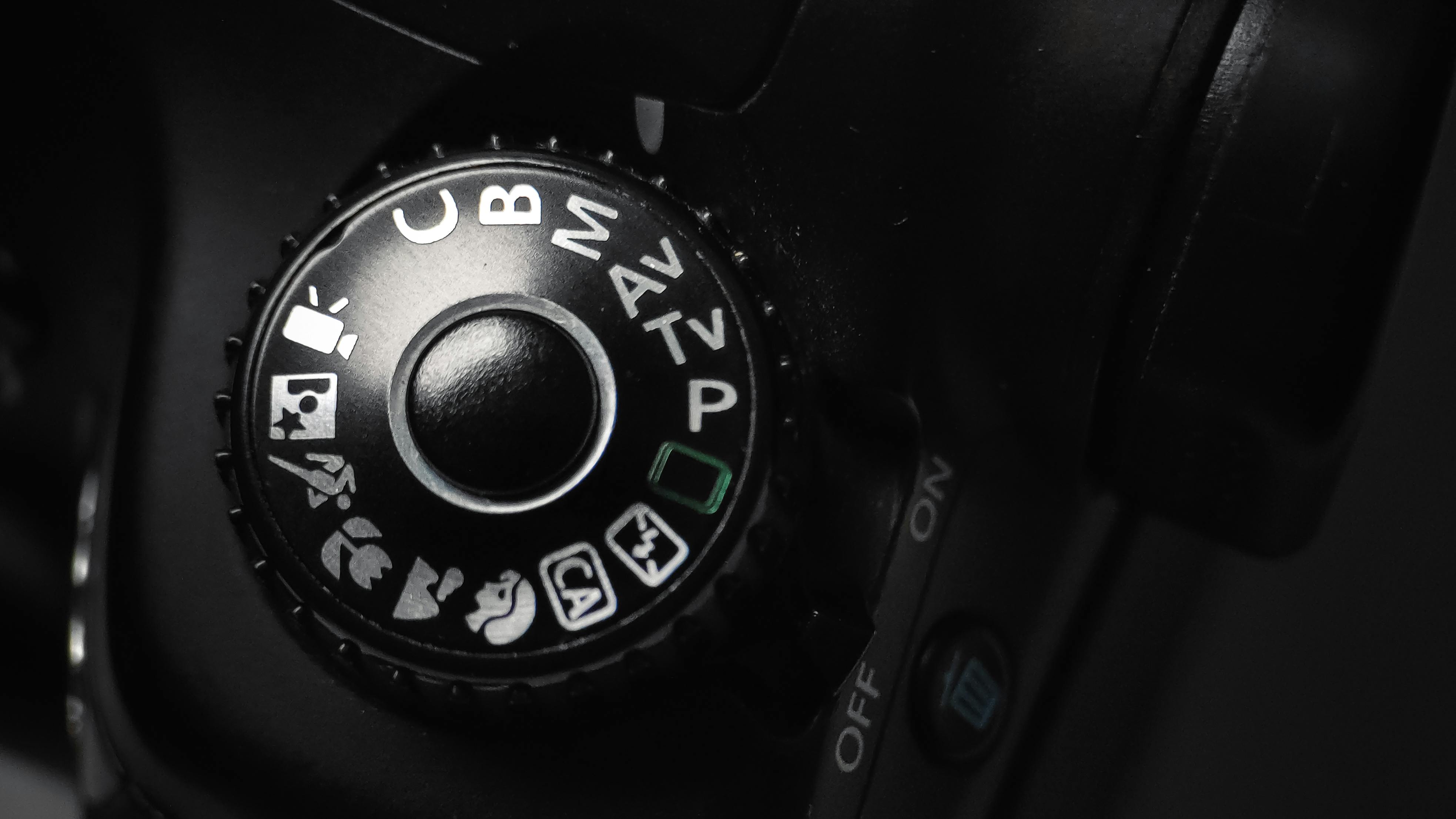
Fast action starts with a fast shutter. Most sports teaching points begin at 1/1000s, and very quick play can call for 1/2000s or faster.
Does burst mode take better photos?
Burst mode can improve action photos because it raises your chance of catching the right instant. It does not make images sharper on its own, and it will not fix a slow shutter or poor focus. What it really does is widen the net. You get more frames around the same event, so you can pick the one with the best body position, eye line, and ball contact.
When it helps most
It helps most when the key moment is hard to time. A goalie dive, baseball swing, foot striking a ball, or runner crossing a line all fit that pattern.
It also helps when players block your view for part of the action. A burst gives you a few extra frames before and after a hand, arm, or referee moves through the scene.
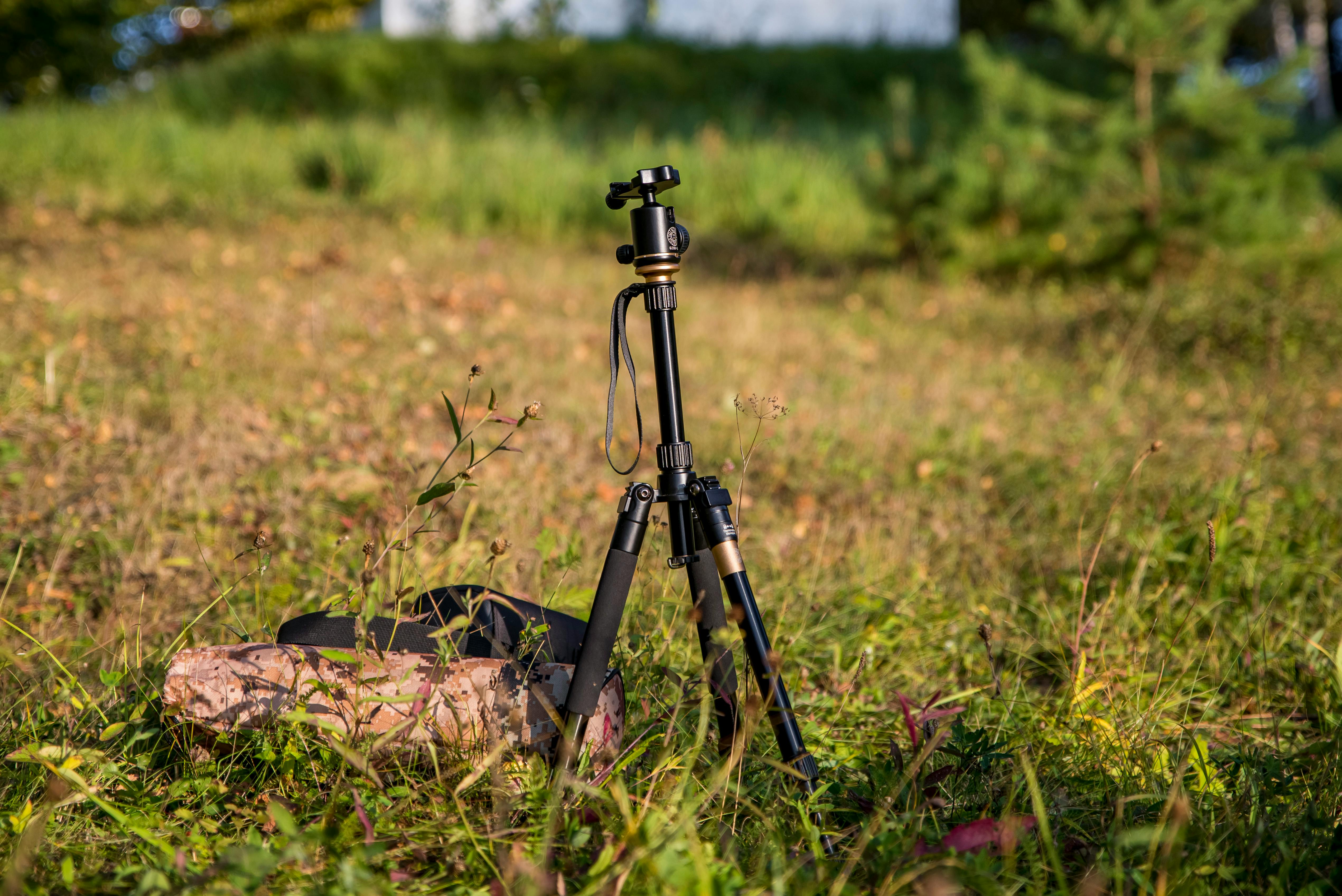
Where it can hurt your result
Long bursts can fill the buffer and slow the camera. They also create more near-duplicate frames, which makes editing slower. Rolling shutter can show up in some mirrorless cameras with electronic shutters, especially under LED lights. In gyms and night fields, that tradeoff can bring banding or flicker.
How do I get burst mode?
Choose burst mode in your camera menu or top dial. On many bodies, it sits beside Single, Continuous Low, and Continuous High.
Some cameras also add pre-capture, pre-burst, or a buffer mode that stores frames from just before you fully press the shutter. That can save a shot when the action starts a beat earlier than you expected.
What to check before the game starts
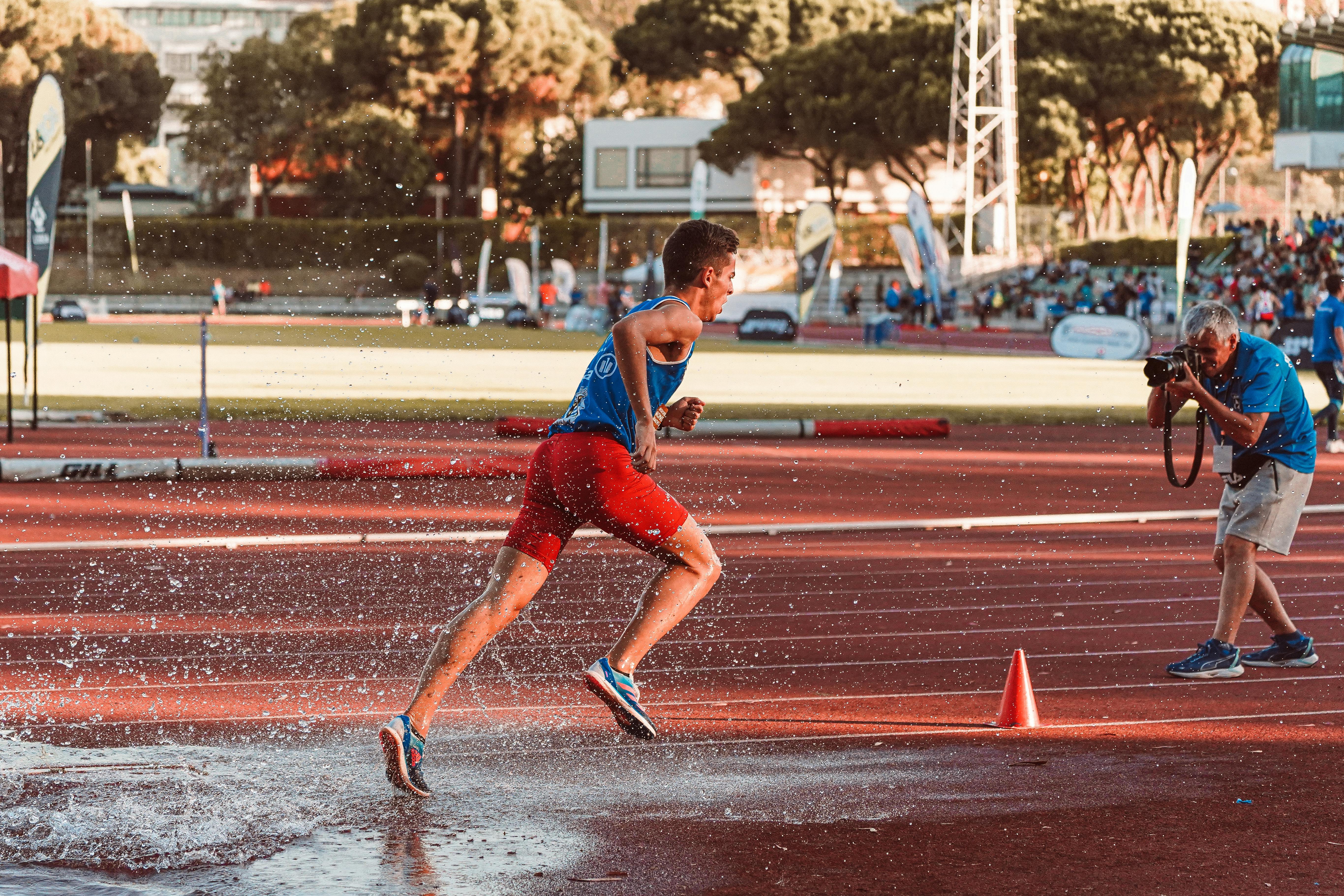
- Find the drive mode and set it to Continuous High.
- Pick AF-C, AI Servo, or another tracking mode.
- Set a fast shutter speed, starting around 1/1000s.
- Use a card that can keep up, such as UHS-II V60, UHS-II V90, or CFexpress if your body supports it.
- Test the burst length in RAW and JPEG before the first play.
Card speed matters because the camera has to write every frame after the buffer fills. A UHS-I card may work for light use, but faster cards keep the camera ready for the next run. Camera makers publish real burst numbers that show how different bodies behave. The Canon EOS R10 reaches up to 15 fps with its mechanical shutter and up to 23 fps with its silent electronic shutter, while RAW Burst mode can hit 30 fps with a 75% crop.
Nikon lists up to 10 fps on the Z 7II and up to 14 fps on the Z 6II in Continuous H extended. Those numbers sound huge, yet the real gain still depends on focus, buffer depth, and how long you hold the shutter.
Gear and settings that keep the moment clean
The best sideline frame comes from a stable setup, not just a fast frame rate. A camera that can shoot 15 fps still misses if your shutter is too slow or your focus mode is wrong.
Lens choice matters too. A 50mm to 85mm lens works well near the action, while a 70-200mm zoom gives room to frame players across the field.
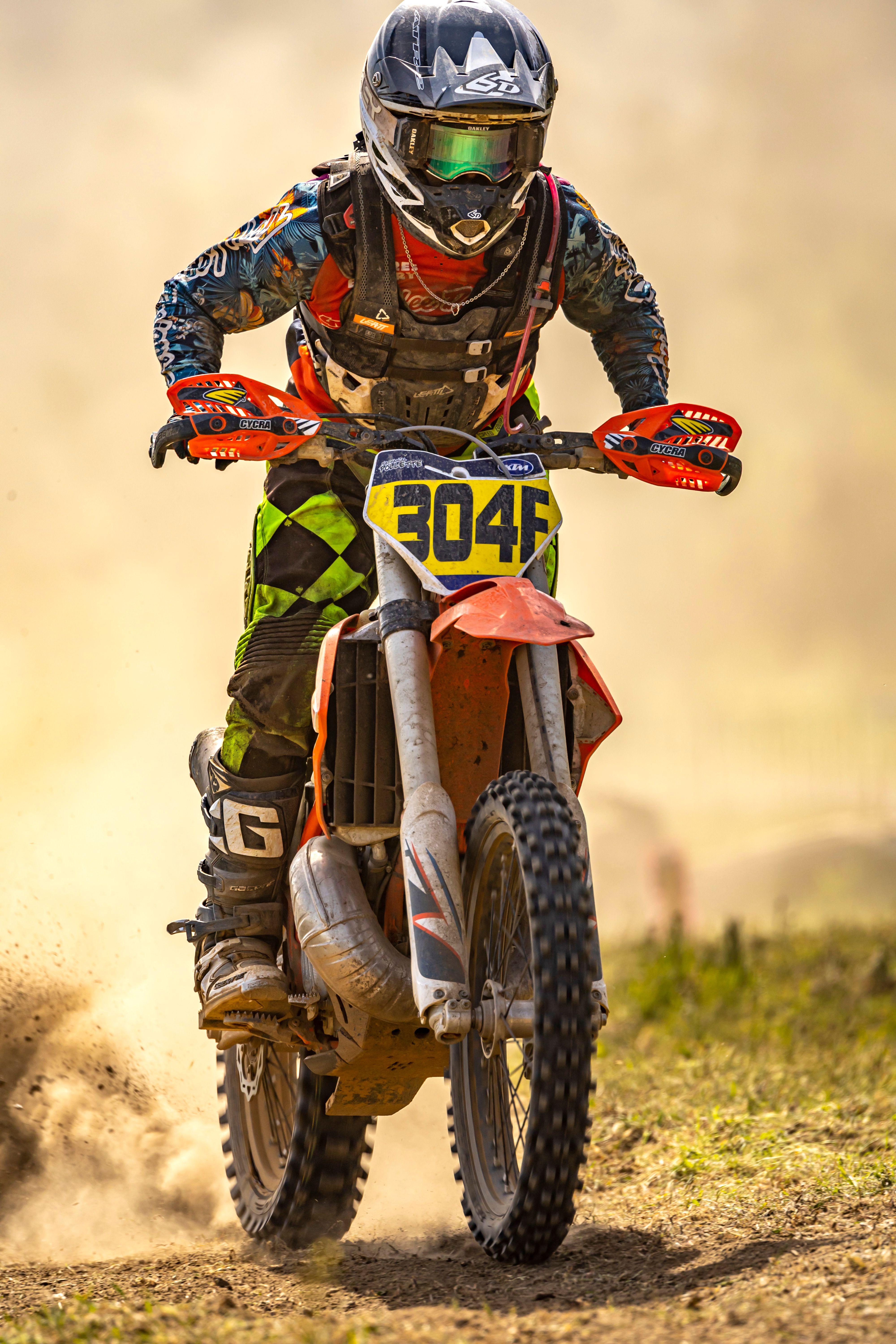
Use these settings as a strong starting point
For outdoor field sports, I start near 1/1000s, f/2.8 to f/4, and Auto ISO with a cap around ISO 6400. Indoors, I may move to 1/500s only when the action is slower and the light is weak. The tradeoff is real: a wider aperture helps light, but it can thin your depth of field. If two players overlap, a narrow focus zone can miss the face.
Know the buffer before you need it
Buffer depth affects how long your camera can hold top speed. Many mid-tier bodies slow down after about 15 to 25 RAW frames, though JPEG can run longer.
Short, timed bursts work better than long holds. You get the key play, then you let the camera clear before the next run.
Carry the camera in a way that keeps you ready
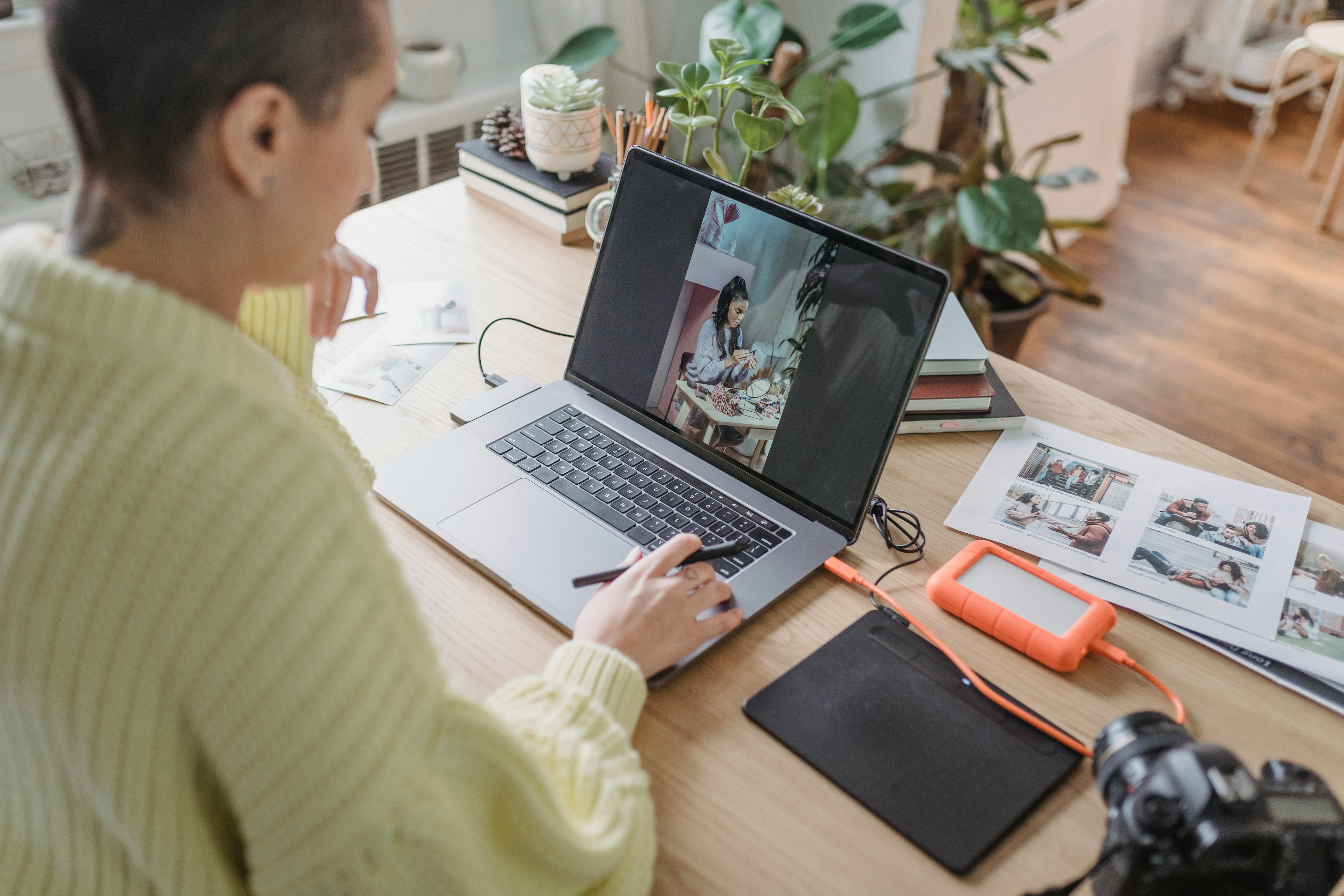
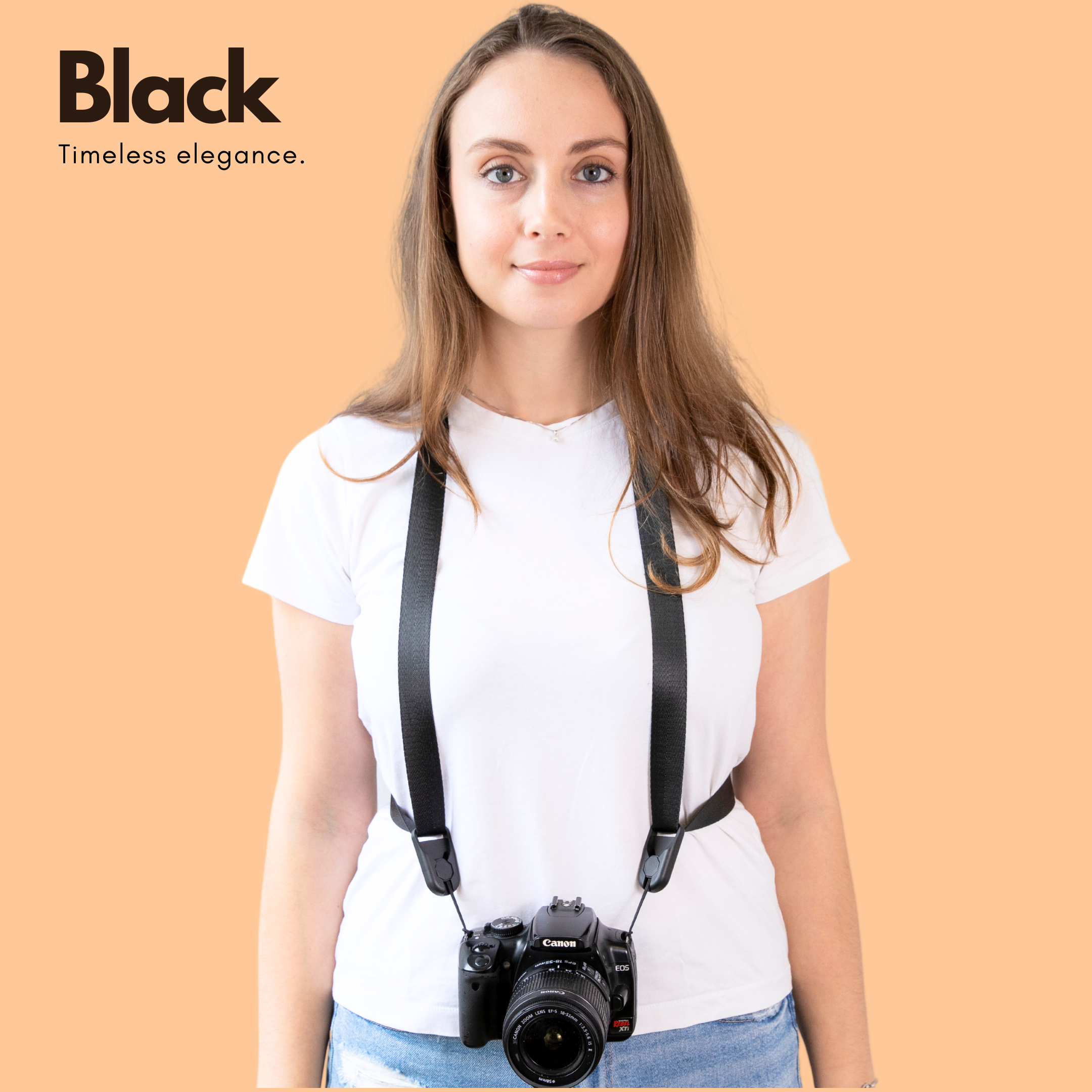
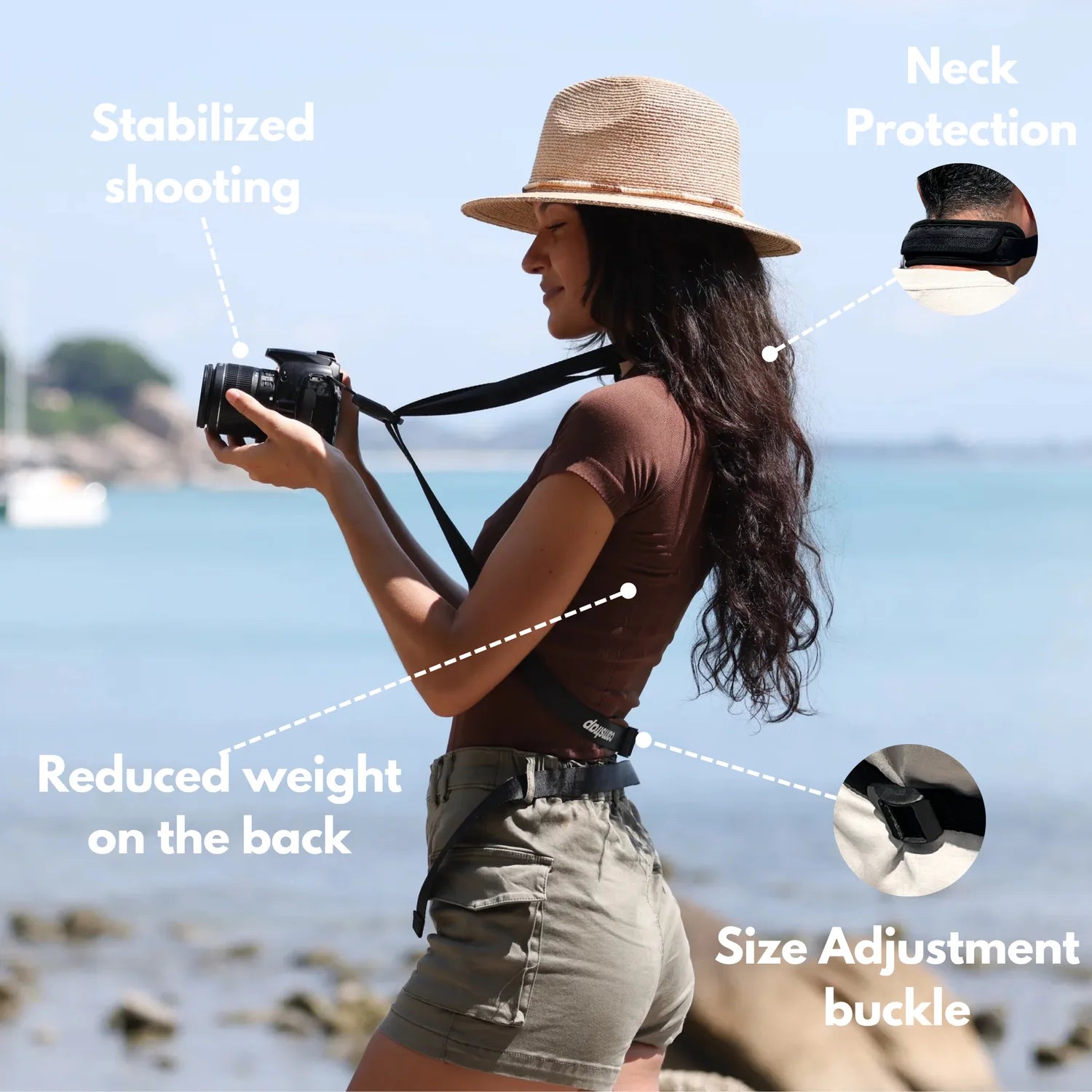
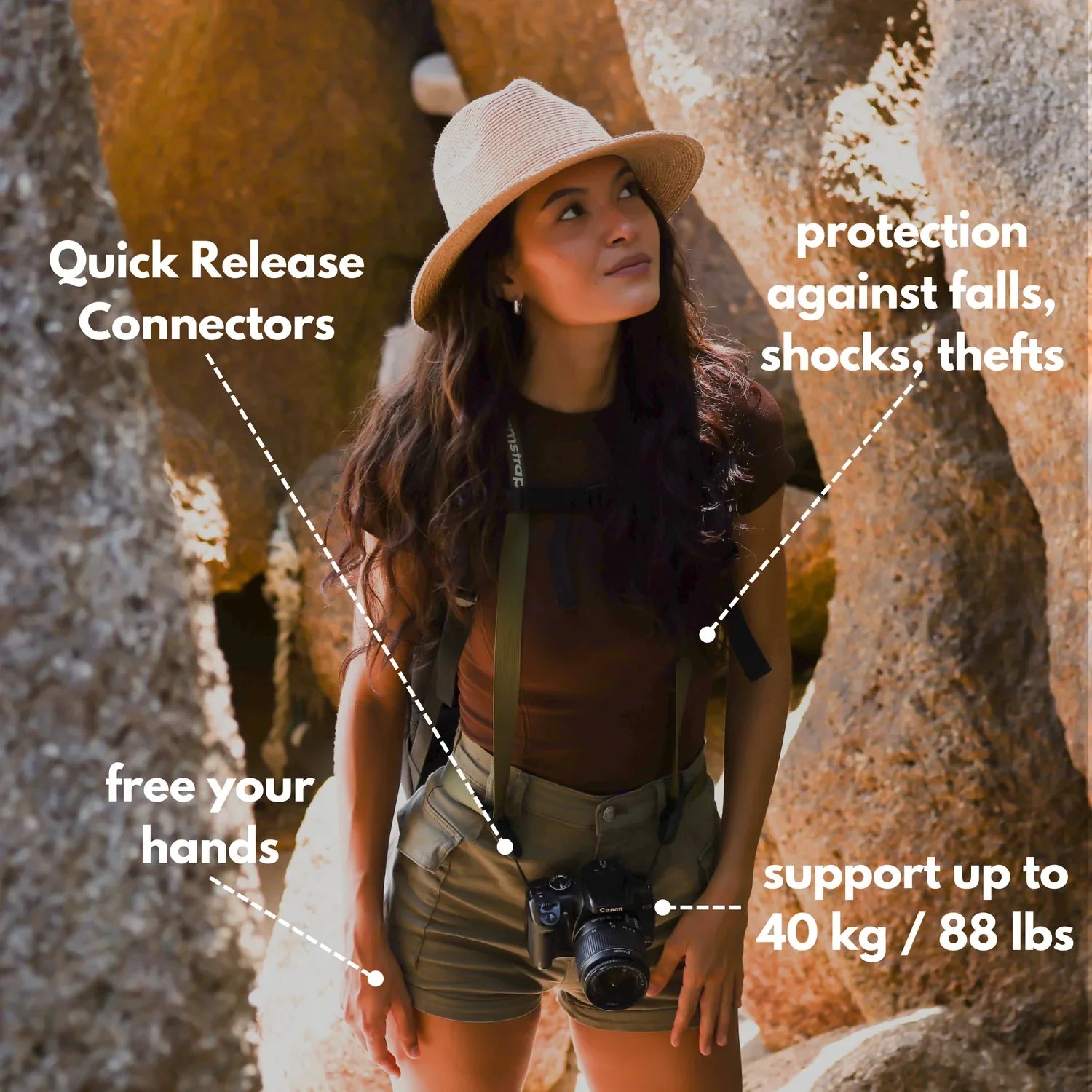
Hands-free carry helps because it keeps the camera secure and easy to reach while you move along the sideline. A strap with a quick, stable hold saves time when play changes direction. One example is Camstrap Voyager, which fits the job well because it keeps the camera close and ready without bouncing around while you walk. That matters when you need both hands free for a notebook, a fence gate, or a quick move down the touchline.
Power is another small detail that matters more than many people expect. Mirrorless bodies drain faster when the EVF or LCD stays on, and image review after each burst can add to that drain.
A fresh battery, less review time, and a dimmer screen can stretch a game far better than raw frame rate alone. In long events, that can mean the difference between getting the last play and watching it happen on a dead camera.
Sideline habits that help the shutter work harder
Good timing begins before the play, not during it. You want a clear line of sight, a stable stance, and a plan for where the action will go next. Start tracking early, then press through the main move. That is the best way to catch the face, the ball, and the body shape in one clean frame.
Read the play, not just the player
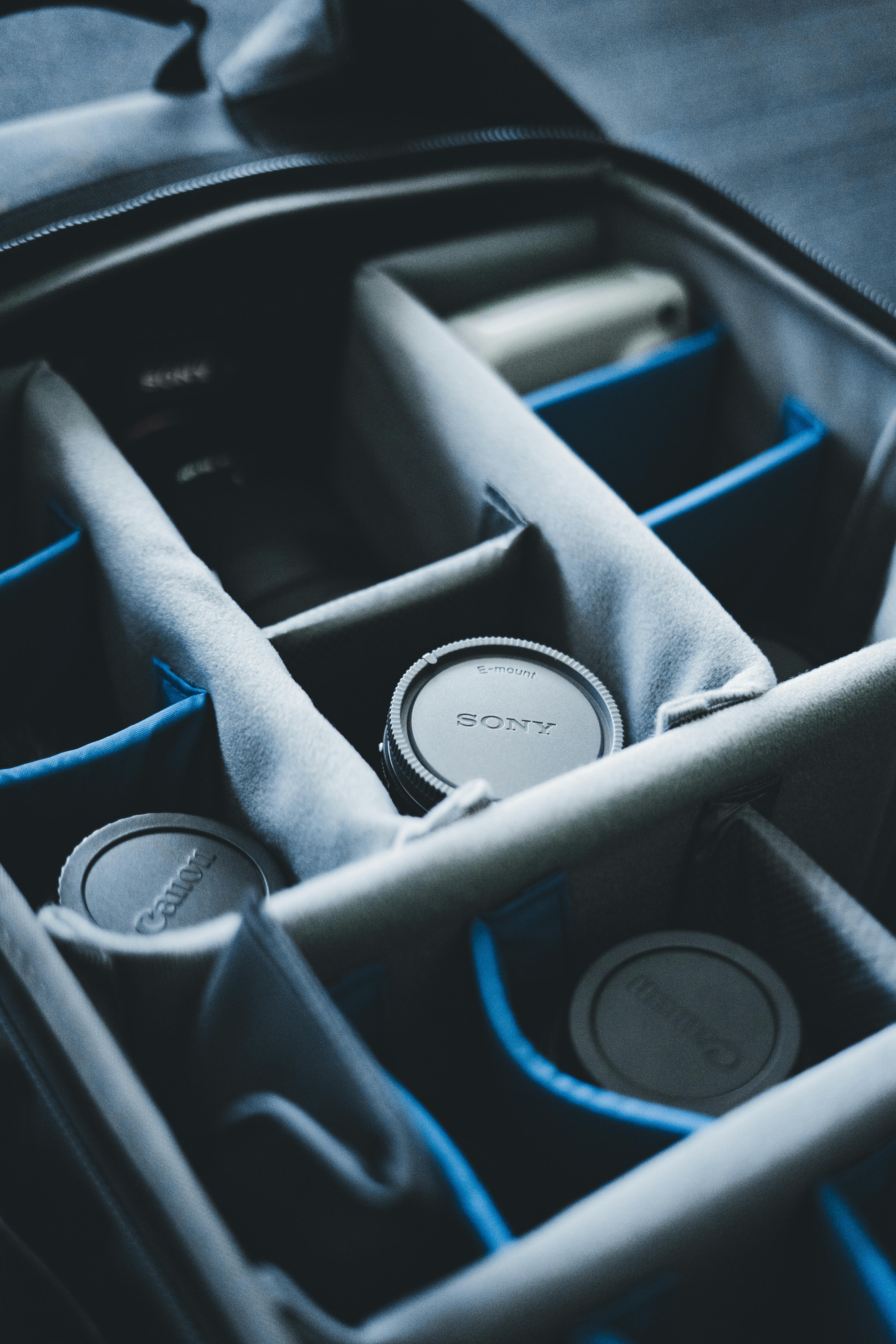
Sports have patterns. A pass, setup, or pitch often signals the next move one or two seconds ahead.
Once you learn those cues, you can fire a short run just before contact. Here, burst mode pays off most, because timing and sequence work together.
Keep your bursts short and useful
Short bursts reduce buffer strain and cut down editing time. They also keep the camera from spending too long on nearly the same frame. Try a three- to five-frame run, then pause, then try again. That rhythm gives you more control than a long spray of frames from start to finish.
Back-button focus can help as well. It lets you lock or track focus with your thumb, then fire frames without refocusing every time the shutter moves.
That split control is useful when a player crosses in front of other bodies or when the subject moves from open grass into a crowd of legs and gear bags.
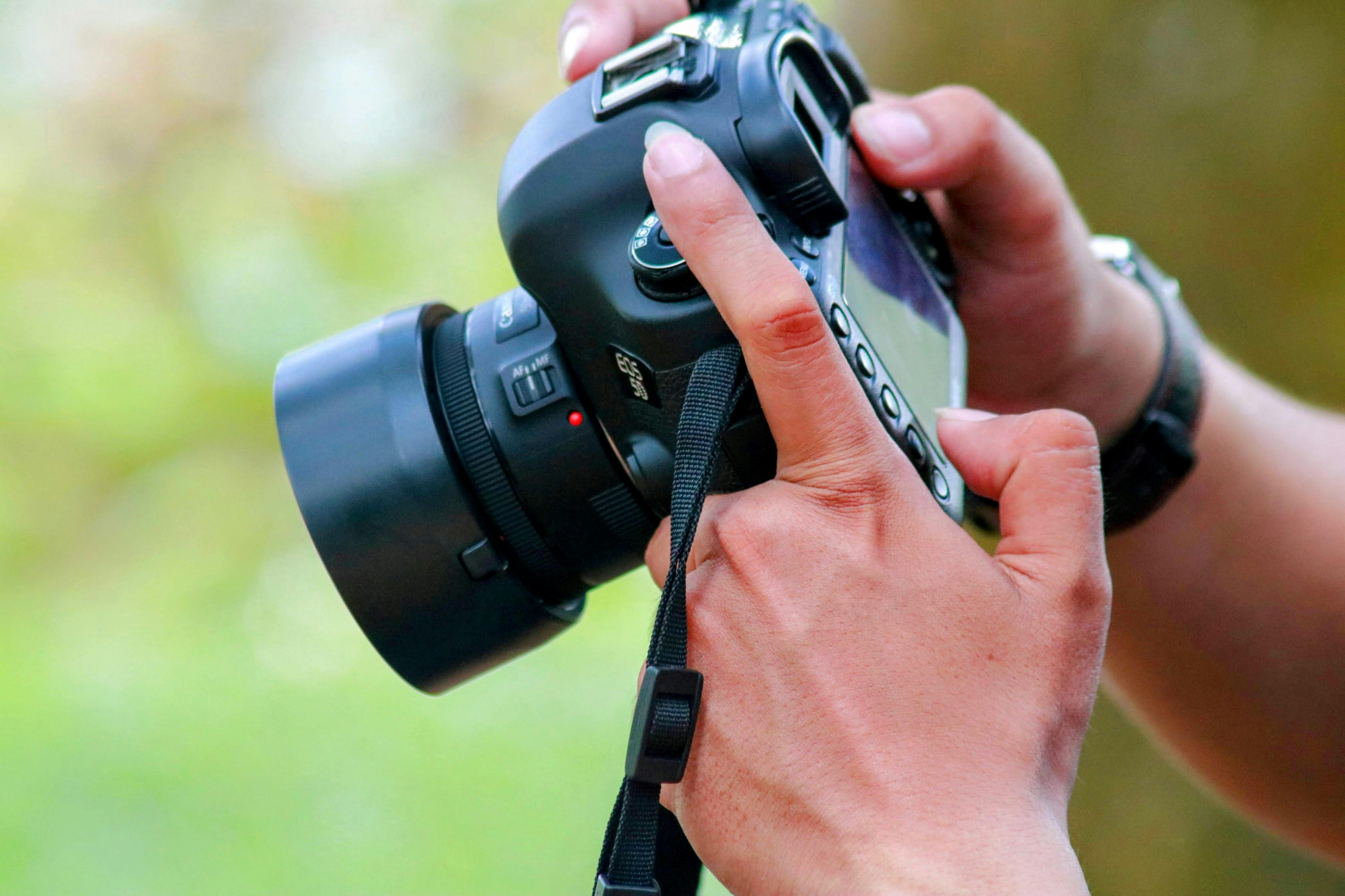
Why sharp sports frames still depend on shutter speed
Shutter speed is the amount of time the shutter stays open. In sports, that time needs to be short enough to stop motion. A burst cannot fix a slow shutter. If a player’s foot is moving fast and the exposure lasts too long, every frame in the burst can look soft.
Use the shutter first, then the burst
For most field sports, 1/1000s is a solid floor. Faster action, like a pitch, swing, or quick cut, often needs 1/2000s or more.
If light is weak, raise ISO before you let shutter speed drop too far. A slightly noisy frame is usually more useful than a blurry one.
Watch for light that fights the camera
LED and fluorescent lights can create banding or flicker, especially at high electronic burst speeds. Mechanical shutter modes often handle that better in gyms. Electronic shutter is still useful. It can be very fast and silent, but it works best when the light source is stable.
Editing the frames that matter
The work is not over when the whistle blows. A burst sequence often gives you ten or more near-matches, and the best one may sit in the middle.
Fast culling tools help here. Photo Mechanic or Lightroom can flag keepers quickly, then reject the rest in one pass.
A simple review flow
- Mark the frame with peak body shape first.
- Check the face and eyes next.
- Look for the ball, bat, or foot contact.
- Reject frames with blocked hands, bent limbs, or soft focus.
This flow saves time because it follows the shot, not the file count. You are looking for the one frame that tells the whole play. Zooming in at about 100 percent on a few key frames helps too. That quick check shows whether the focus point held on the eye or drifted to the chest or jersey.
Put the whole sideline system together
The cleanest action frame comes from a chain of small choices. The camera needs a fast shutter, the right drive mode, and continuous tracking.
Your body also needs to stay ready. A secure carry, a clear path, and a short burst rhythm all help you work faster without losing control.
Once those parts line up, the winning moment becomes much easier to catch. You are no longer hoping for luck on a single frame. Instead, you are building a small net of frames around the exact instant that matters. On a live sideline, that is the real edge.
Before the next game, set your camera to continuous high, aim for 1/1000s or faster, and test a few three-frame runs. Then keep the camera close, the strap stable, and the shutter ready for the next decisive second.
Frequently Asked Questions
How to do burst mode on photos?
To do burst mode on photos, set the camera drive mode to Continuous High or a similar continuous shooting option, then hold the shutter button down in short runs. Pair burst shooting with continuous autofocus and a fast shutter speed, such as around 1/1000s for most sports, to keep the action sharp.
Does burst mode take better photos?
Burst mode can produce better action photos by increasing the chance of catching the exact peak moment, such as a kick, jump, save, or tag. Burst mode does not freeze motion by itself; sharpness still depends on shutter speed, focus, and write speed.
What is burst mode in photography?
Burst mode in photography, also called continuous shooting, captures several frames per second while the shutter button stays pressed. It is designed for fast action when the decisive moment can happen between single shots.
How do I get burst mode?
To get burst mode, switch the camera’s drive mode from single shot to Continuous High or another continuous shooting setting. Many cameras place burst mode in the shooting menu or on a drive-mode dial, and some phones offer it by holding the shutter button or swiping the shutter control.


