


- Hold the shutter for a short burst to capture the peak action.
- Use burst mode for fast plays, but pair it with sharp focus and a fast shutter.
- Continuous shooting fires multiple frames per second, giving you a better chance at the decisive moment.
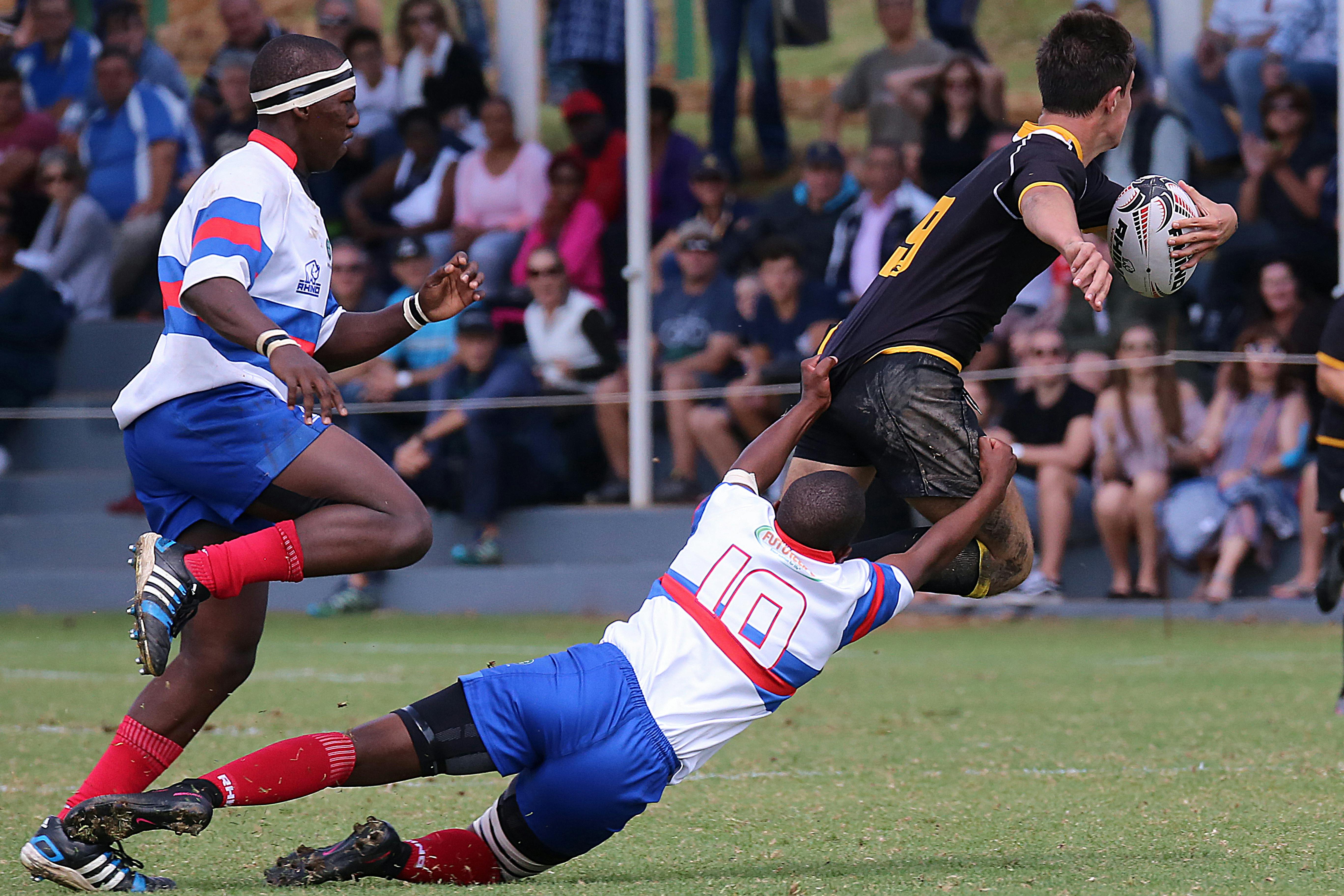
Burst mode fires several photos in quick succession while you hold the shutter down. Sideline shooters use it to catch the hit, grab, or turn that happens in a blink. On the edge of a field, timing beats luck. A player can cross the frame in less than a second, and the keeper may last for one click.
Shop the setup

- Regular price
-
€42 - Regular price
-
€44 - Sale price
-
€42
By choosing the Camstrap strap, you are opting for a high-quality product designed to meet the needs of the most demanding photographers.
- Developed by a physiotherapist to relieve neck and back pain.
- Fast delivery with tracking by the Post Office 🚚
- Can be used as a shoulder strap or hands-free harness

- Regular price
-
€36 - Regular price
-
€42 - Sale price
-
€36
Free shipping included
Why sideline action rewards quick timing
Sideline sports unfold in short, sharp bursts. A runner plants a foot, a tackle lands, or the ball pops free, and the scene changes instantly.

Single-shot timing is a gamble at that pace, while a short run of frames gives you more chances to land on the peak moment.
Key moments flash by
The strongest frame is often the one just before the hit or just after the dodge. Pre-focus on the likely spot, then wait for the play. Canon’s fast-action advice follows the same pattern: focus early, then fire a quick series to catch the peak action.
Fast motion also calls for a fast shutter. Around 1/500s works as a floor for many action scenes, while 1/1000s is safer for faster play.

A ready carry setup changes your timing
A camera hanging at your side gets into action faster than one buried in a bag. On a sideline, plays can change direction without warning.
A well-fitted strap keeps the camera steady between bursts. Camstrap voyager suits this use because it keeps the camera close and ready for a one-handed lift, which saves wasted seconds.
What burst mode actually does
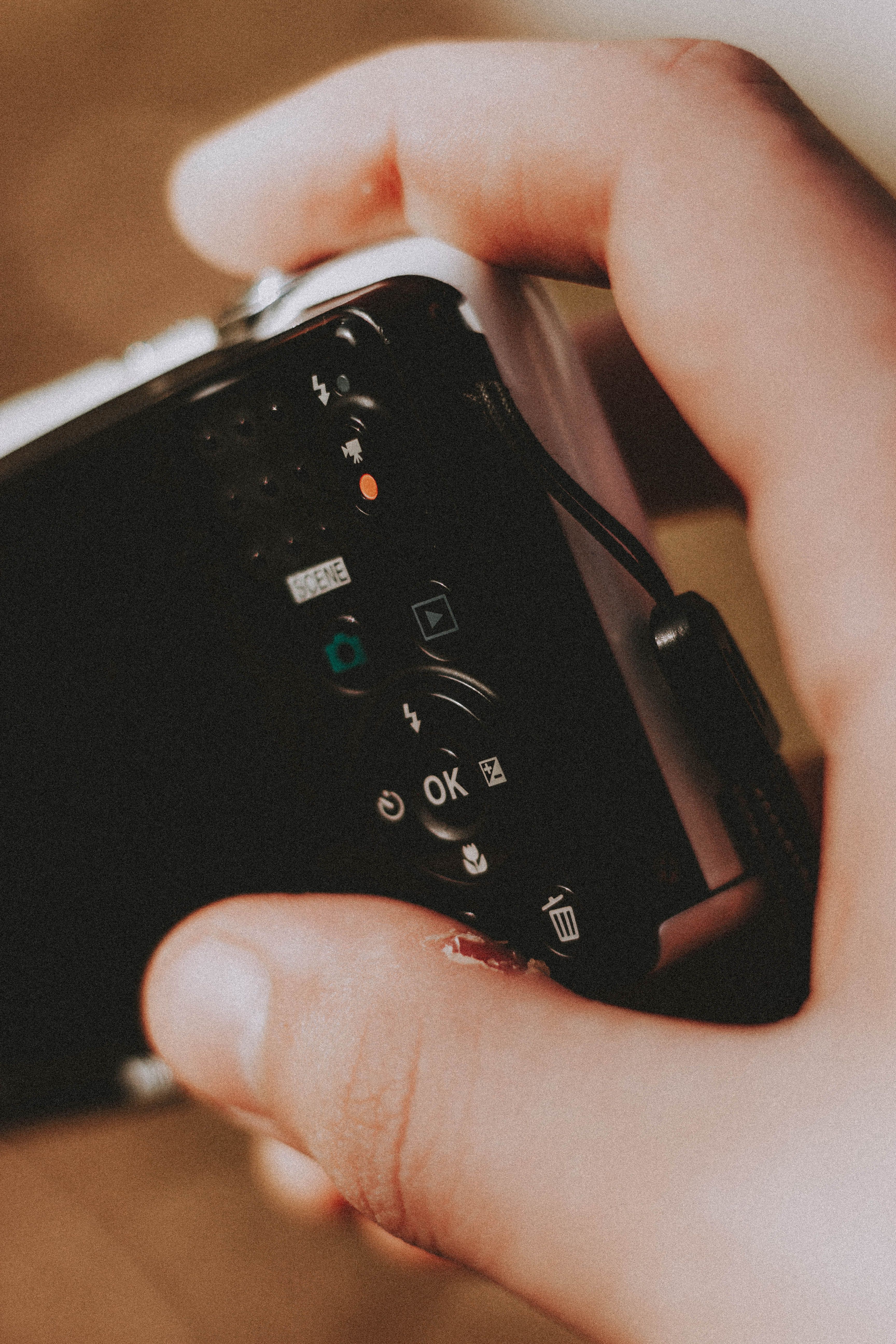
Burst mode, also called continuous shooting mode, captures several frames in quick succession while the shutter button stays pressed. It is built for action, not for scenes that move slowly. Most cameras let you choose a low, medium, or high drive speed. That setting affects how many frames you get each second and how long the buffer stays open.
How the camera handles speed
Mechanical shutters often land around 8 to 10 frames per second on mid-range bodies. Electronic shutters can reach 20 to 40 fps on some mirrorless cameras, though they may show rolling-shutter skew or banding under certain lights.
That tradeoff shows up on the sideline. Stadium LEDs and fluorescent lights can leave odd bands, and very fast pans can bend straight lines in electronic mode.

Buffer size matters too. Nikon’s D3500 can shoot up to 100 photos in succession under normal settings, while many mid-tier RAW setups slow sooner if the card is slow.
How to set the camera for fast play
The right setup keeps focus, exposure, and timing working together. One weak link can push the whole series past the moment. Start with a fast shutter, a steady focus mode, and a drive setting that matches the play. Keep the camera ready at your side between sequences.
- Set the camera to continuous drive or high-speed burst.
- Use continuous AF, known as AF-C or AI Servo, for moving subjects.
- Choose a shutter speed of at least 1/500s for most fast motion.
- Raise to 1/1000s for faster plays, sprints, or tackles.
- Open the aperture wide, often around f/2 to f/2.8, if light is low.
- Watch ISO closely, since a dark sideline may force ISO 3200 or higher.
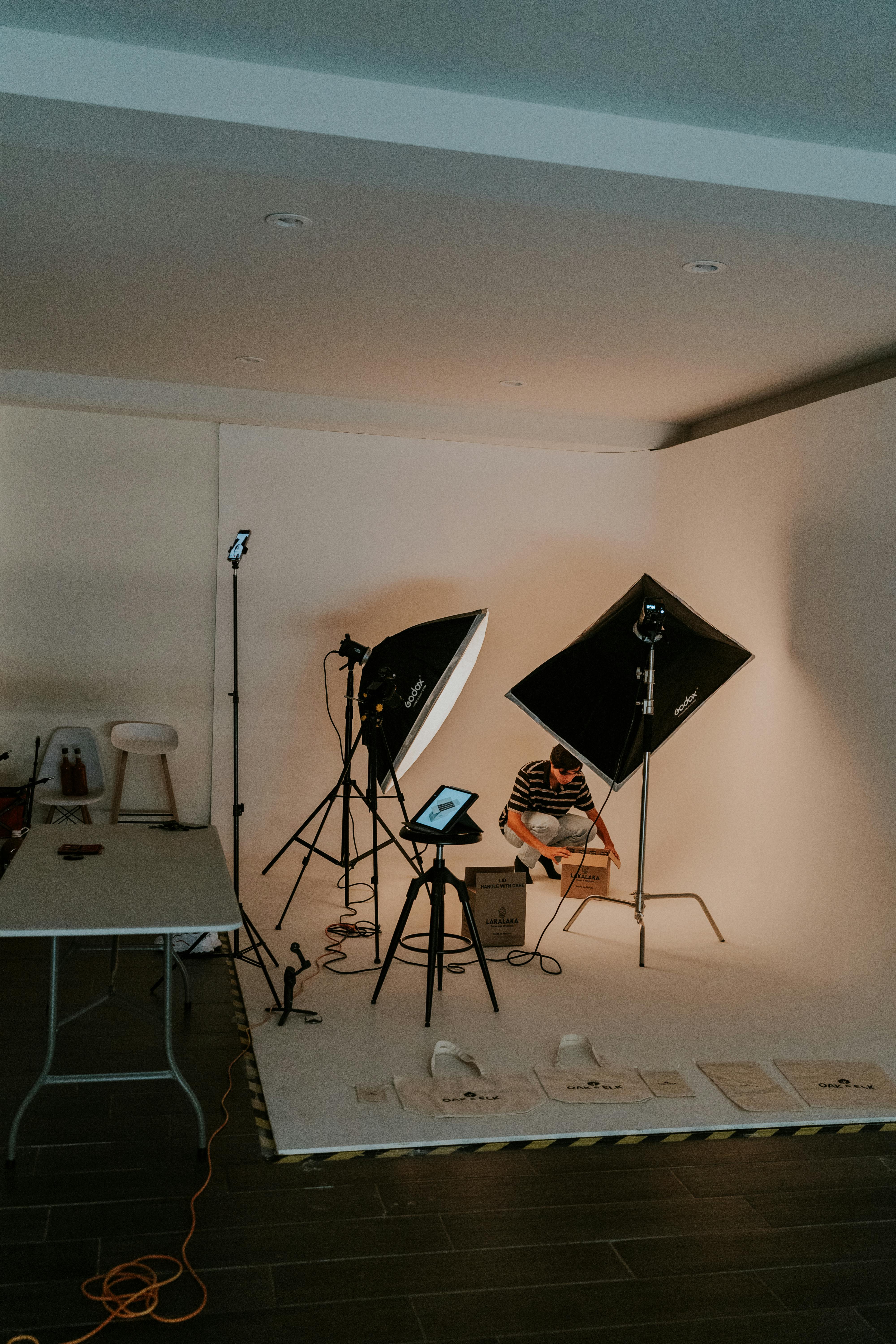
Back-button focus can make the process cleaner. Focus once, then keep shooting without refocusing every frame unless you want to.
For subjects moving toward and away from you, continuous AF is the safer pick. The camera keeps adjusting focus across the burst instead of locking on the first frame.
How to use burst mode for photos?
Open the drive mode menu, switch to continuous or high-speed drive, and hold the shutter button for the action. Many cameras also let you half-press first to lock exposure and focus. Pre-focus on the spot where the play should happen. Then press and hold as the runner enters that zone, since Canon’s fast-action guidance favors that method.

Some newer bodies add pre-capture or pre-burst buffering. That feature records frames just before the full press, which can save a hit or tackle that starts a fraction early.
Does burst mode take better photos?
Burst mode can produce better action photos because it raises your odds of catching the peak frame. It does not improve light, composition, or focus by itself.
It works best when the scene changes too fast for one clean click. A jump, twist, block, or dive often looks strongest in one narrow slice of time.

Action shooters use it for tiny body shifts too. A face may look calm in one frame and tense in the next, and the right frame can change the whole shot.
Where it helps most
- Football tackles and catches
- Basketball drives to the rim
- Soccer shots and keeper dives
- Track starts and finish-line lean-ins
Still, burst mode is only a tool. If your timing is off by a full second, ten frames will miss the peak.

What is burst mode in photography?
Burst mode in photography is a drive mode that fires many frames in a short time. It is also known as continuous shooting mode. The camera keeps firing while you hold the shutter button. That makes it useful for action, sports, wildlife, and any subject that changes fast.
On some Canon bodies, RAW Burst Mode keeps shooting until the buffer fills or you release the shutter. That leaves more room for unpredictable motion, but the card still has to catch up later.
Are burst photos lower quality?

Burst photos are not lower quality by default, though some camera settings can reduce quality. The main risks are focus miss, noise from high ISO, and slower write speed after long runs.
Image quality can dip if you use an electronic shutter under bad light. Banding, rolling skew, and less reliable motion shape can appear in some scenes.
Another tradeoff comes from RAW versus JPEG. RAW gives more editing room, but it fills the buffer faster and can slow the sequence sooner.
What to watch for

Check the files after a real action run, not just in a test shot. Look for sharp eyes, clean ball edges, and natural body shape in the frame that matters. If the camera slows too soon, try a faster card with UHS-II V90 or CFexpress support, if your body can use it. The card will not fix focus, but it can keep the burst from stalling too fast.
Keeping pace on the sideline
Sideline work blends timing and setup. The best frame usually comes when the camera is already in hand, focus is ready, and your feet are in the right spot.
A good carry system is part of that. A strap that keeps the camera close lets you move, lift, and shoot in one smooth motion instead of fumbling for gear.

Use a wider lens when the play is close, and step in only when it is safe. A 70mm to 200mm zoom still covers classic field action, but your position and sport decide the real need. Light shapes the result too. In daylight, 1/1000s and a wide aperture work well; at night, you may need to trade some speed for higher ISO and a cleaner crop.
Better sideline timing comes from simple habits. Keep the camera ready, use continuous AF, press before the peak, and let the burst carry you through the split second that matters.
That last frame is often the keeper, and it starts with the camera already hanging ready at your side.
Frequently Asked Questions

How to do burst mode on photos?
To do burst mode in photography, set the camera to continuous drive or high-speed burst and hold the shutter button down to capture several frames in quick succession. For moving subjects, use continuous autofocus and a fast shutter speed of at least 1/500s, with 1/1000s safer for faster action.
Does burst mode take better photos?
Burst mode can produce better action photos because it increases the chance of capturing the peak moment in a fast sequence. Burst mode does not improve every photo, but it helps when timing is critical and a single shot would be a gamble.
What is burst mode in photography?
Burst mode in photography, also called continuous shooting mode, captures several frames quickly while the shutter button is held down. It is designed for action scenes, where a subject can change in a fraction of a second.
Are burst photos lower quality?
Burst photos are not automatically lower quality, but high burst rates can bring tradeoffs such as buffer limits, slower performance with some RAW setups, and camera-dependent issues like rolling-shutter skew or banding in electronic shutter mode. Mechanical and electronic burst speeds vary by camera, and fast cards and larger buffers help maintain performance.


