


- Switch to continuous drive, hold the shutter, and let the camera fire a rapid frame sequence.
- Burst mode captures multiple frames in one press, giving you a better chance at the sharpest moment.
- Use AF-C and a fast shutter speed, because burst mode improves odds but not every frame.
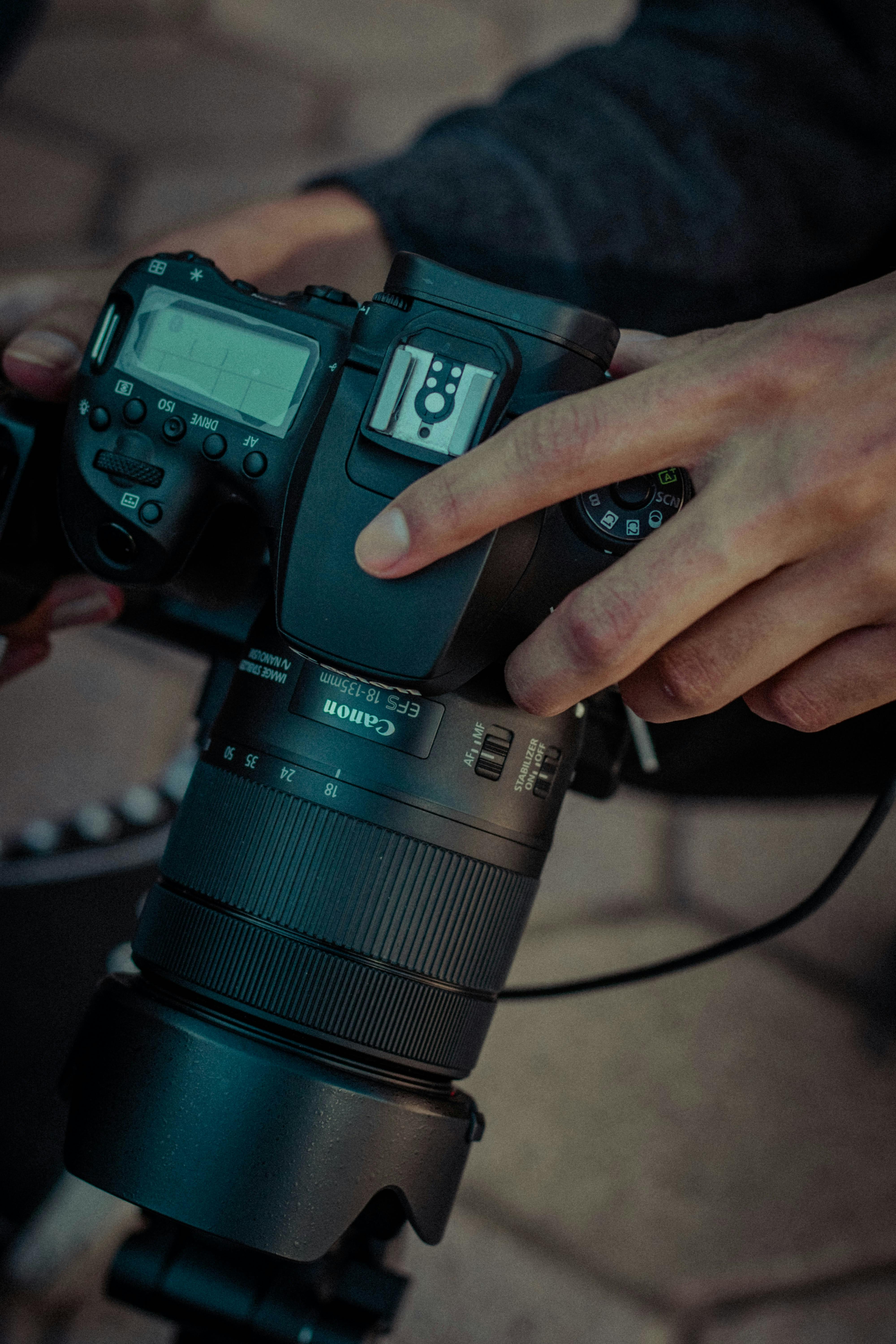
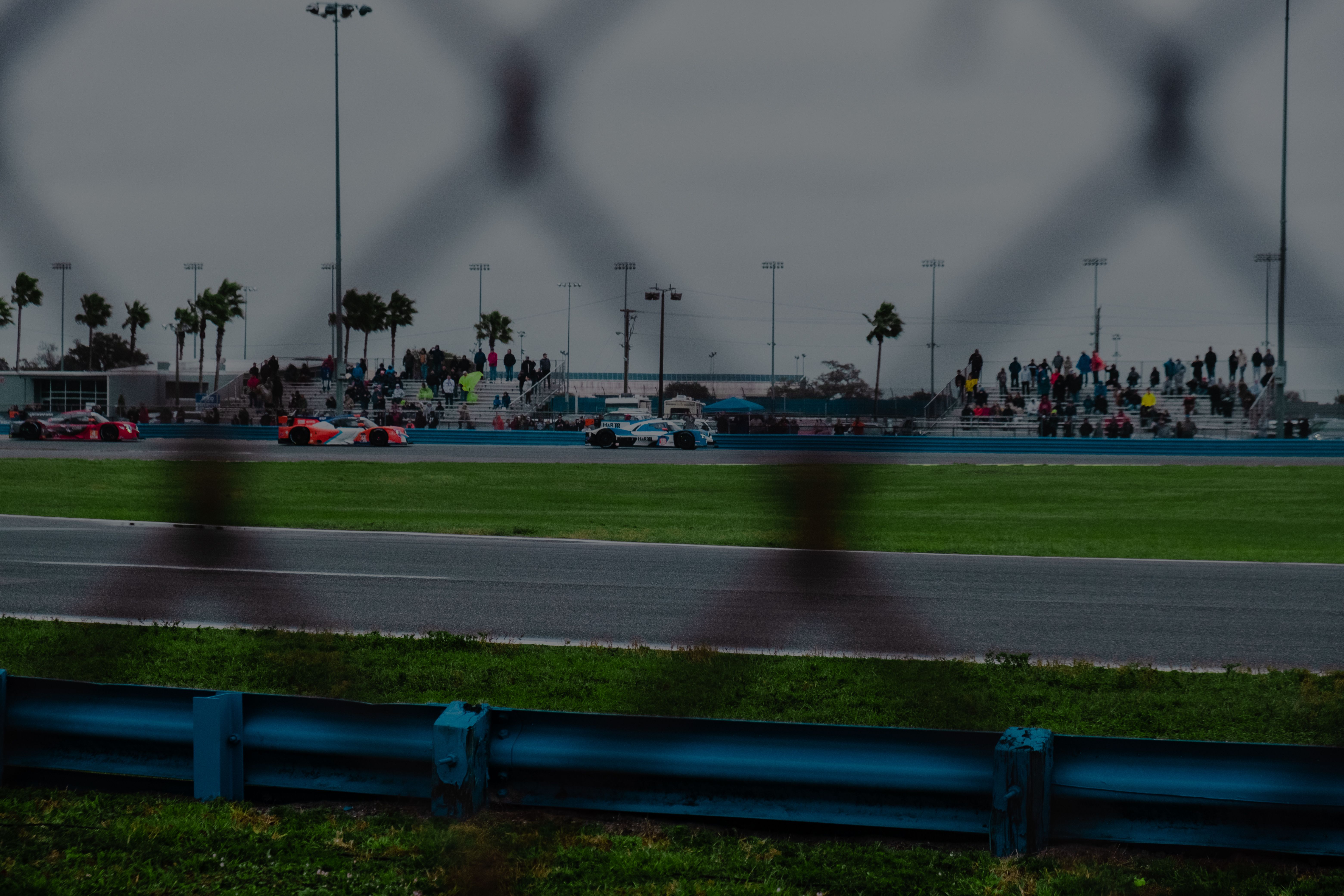
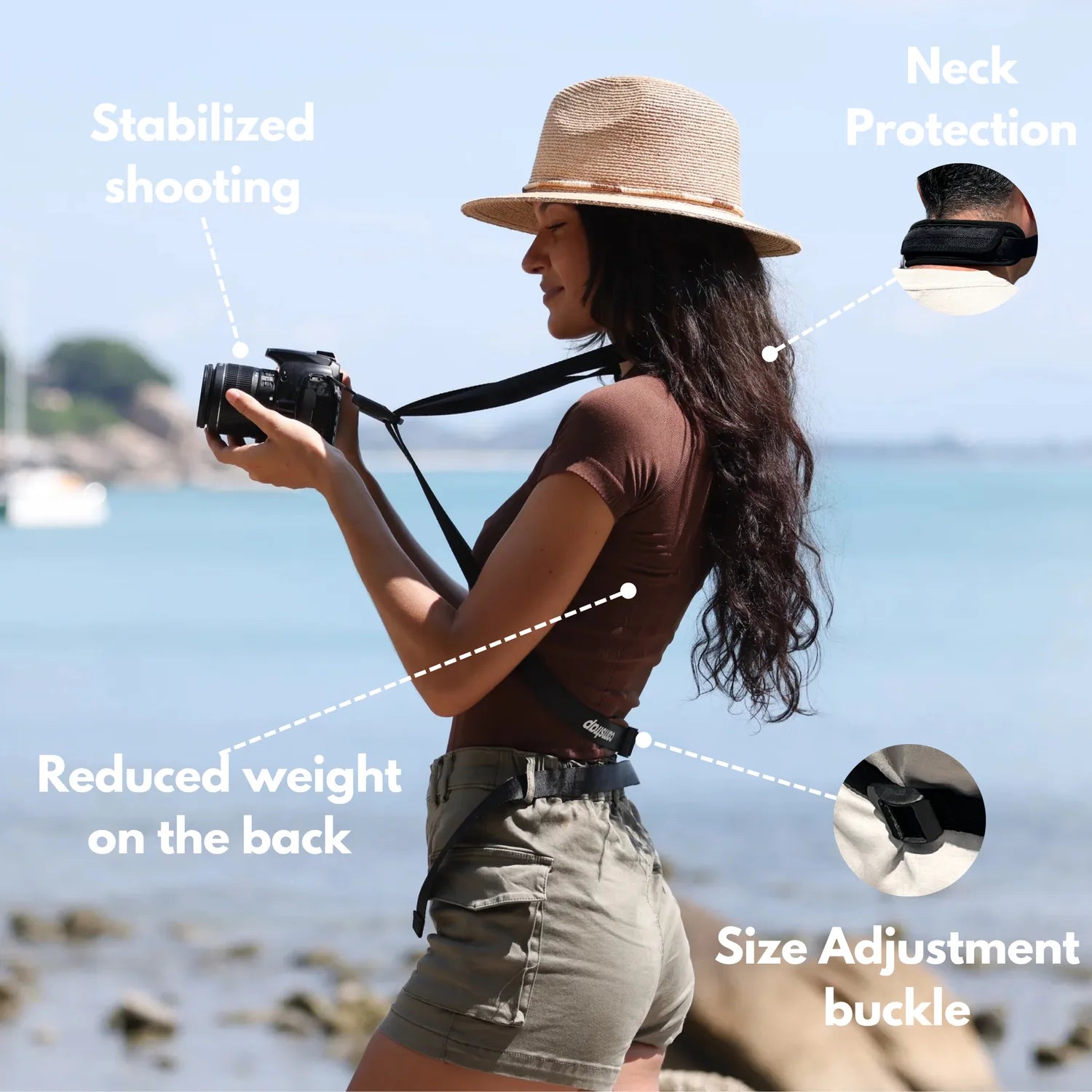
Burst mode records a rapid run of frames while you keep the shutter button down. At a race day fence, that stream can turn a split-second scramble into one clean keeper. Trackside action flashes by, and the best frame may vanish almost instantly. A hands-free strap like the Camstrap Voyager keeps the camera secure as you move between corners, stands, and fence gaps, so you can watch timing instead of wrestling your grip.
Translation missing: en.blog_cta.bundle_heading

- Regular price
-
€42 - Regular price
-
€44 - Sale price
-
€42
By choosing the Camstrap strap, you are opting for a high-quality product designed to meet the needs of the most demanding photographers.
- Developed by a physiotherapist to relieve neck and back pain.
- Fast delivery with tracking by the Post Office 🚚
- Can be used as a shoulder strap or hands-free harness

- Regular price
-
€36 - Regular price
-
€42 - Sale price
-
€36
Translation missing: en.blog_cta.free_shipping_included
Set up the camera before the subject arrives
The first useful frame starts before the horse or runner reaches your spot. Switch to continuous AF, use subject detection if your body offers it, and choose a shutter speed that freezes the motion.
For most race-day scenes, 1/1000s is a solid starting point for fast action. If the subject is close or the movement gets wild, 1/1600s to 1/2000s gives you more margin.
Match exposure to the pace
Wide open at f/2 to f/2.8 helps in low light, and it narrows depth of field. Focus has to stay locked on the eyes, head, or leading edge of the subject.
Keep ISO flexible. Under overcast skies, ISO 800 to 3200 may be normal, while a bright afternoon may let you stay lower. A sharp frame with a little grain is far more useful than a clean blur.
How do you use burst mode on photos?
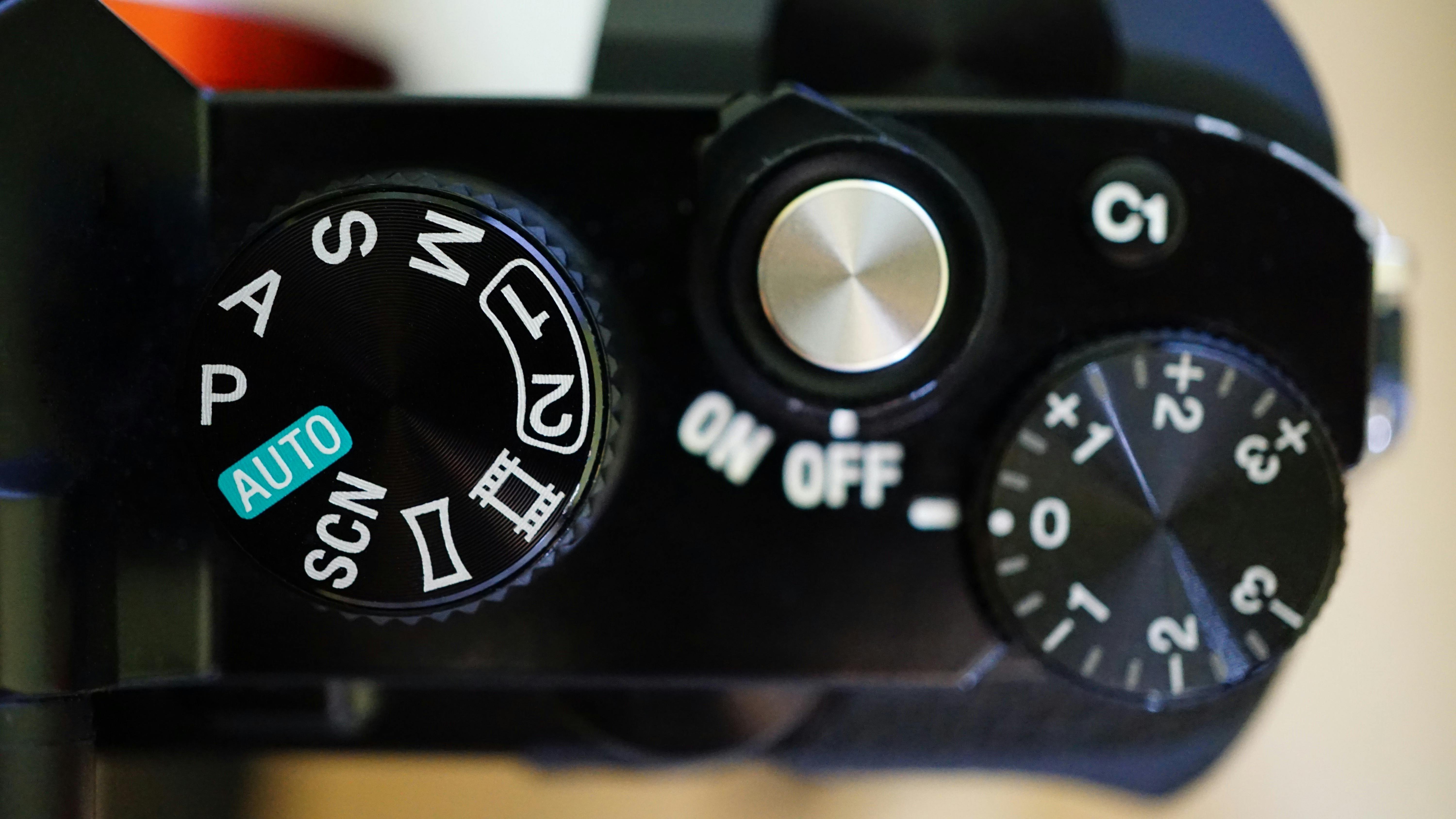
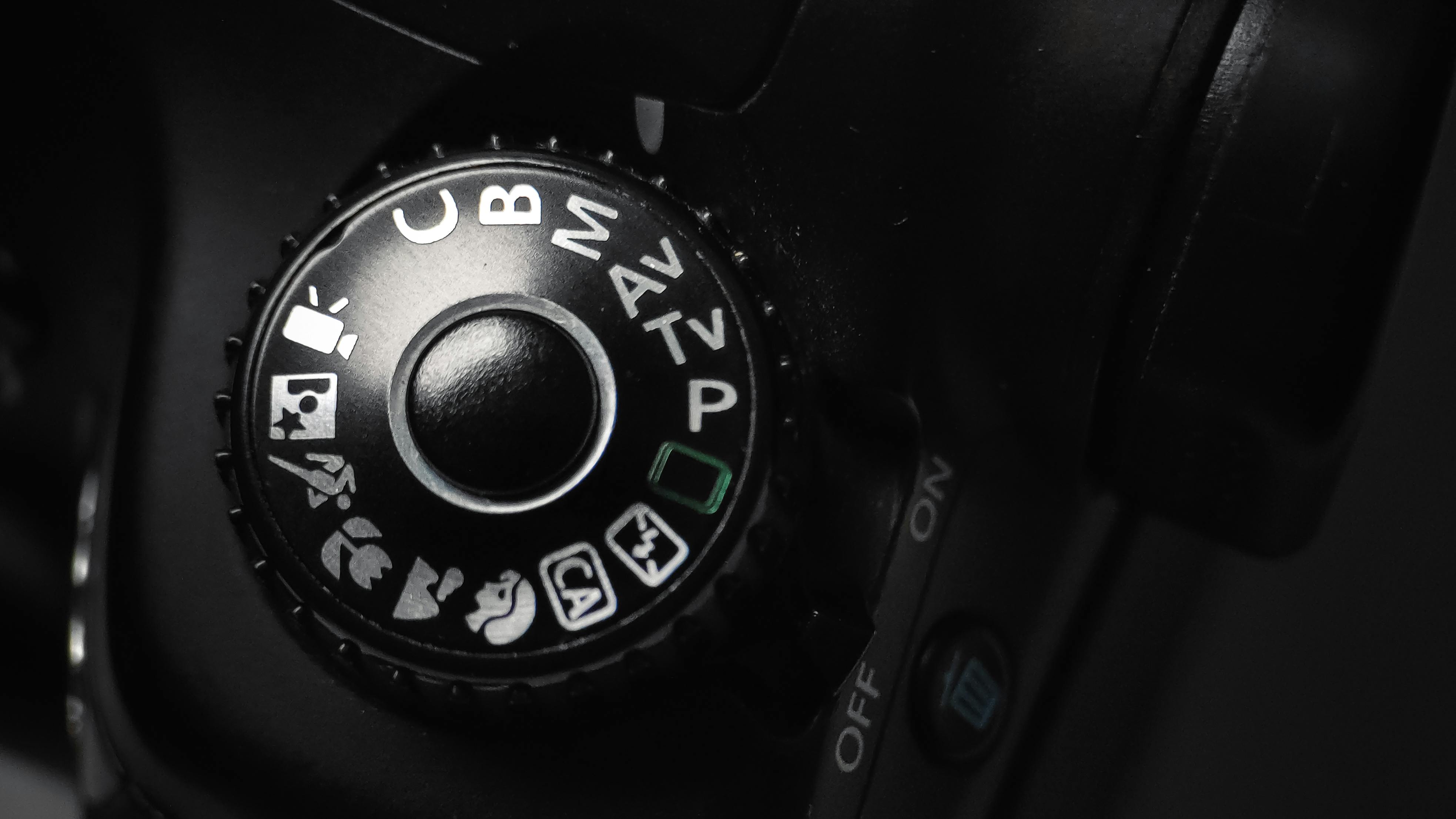
Switch the drive mode to continuous shooting and hold the shutter-release button fully down. On many cameras, you will see a drive icon, a multi-frame symbol, or a menu label for continuous. Use back-button focus if your camera supports it. Your thumb can manage focus while your finger fires the shot, which helps when the subject changes speed near the fence.
- Set drive mode to continuous high.
- Choose AF-C or AI Servo.
- Turn on subject or eye detection.
- Pre-focus on the fence line or jump point.
- Hold the shutter through the key moment.
This setup works because the camera handles the repeated firing. Your job is to place the subject and time the lead-in.
Read the action before it reaches you
Race day chaos often starts a beat before the obvious peak. Pre-capture or pre-burst features save frames just before the full press, giving you a small buffer.
Near a fence, that buffer matters. A horse can lift, land, and slip out of frame in a flash, and a runner can cut across your view even faster.
Use position as well as shutter speed
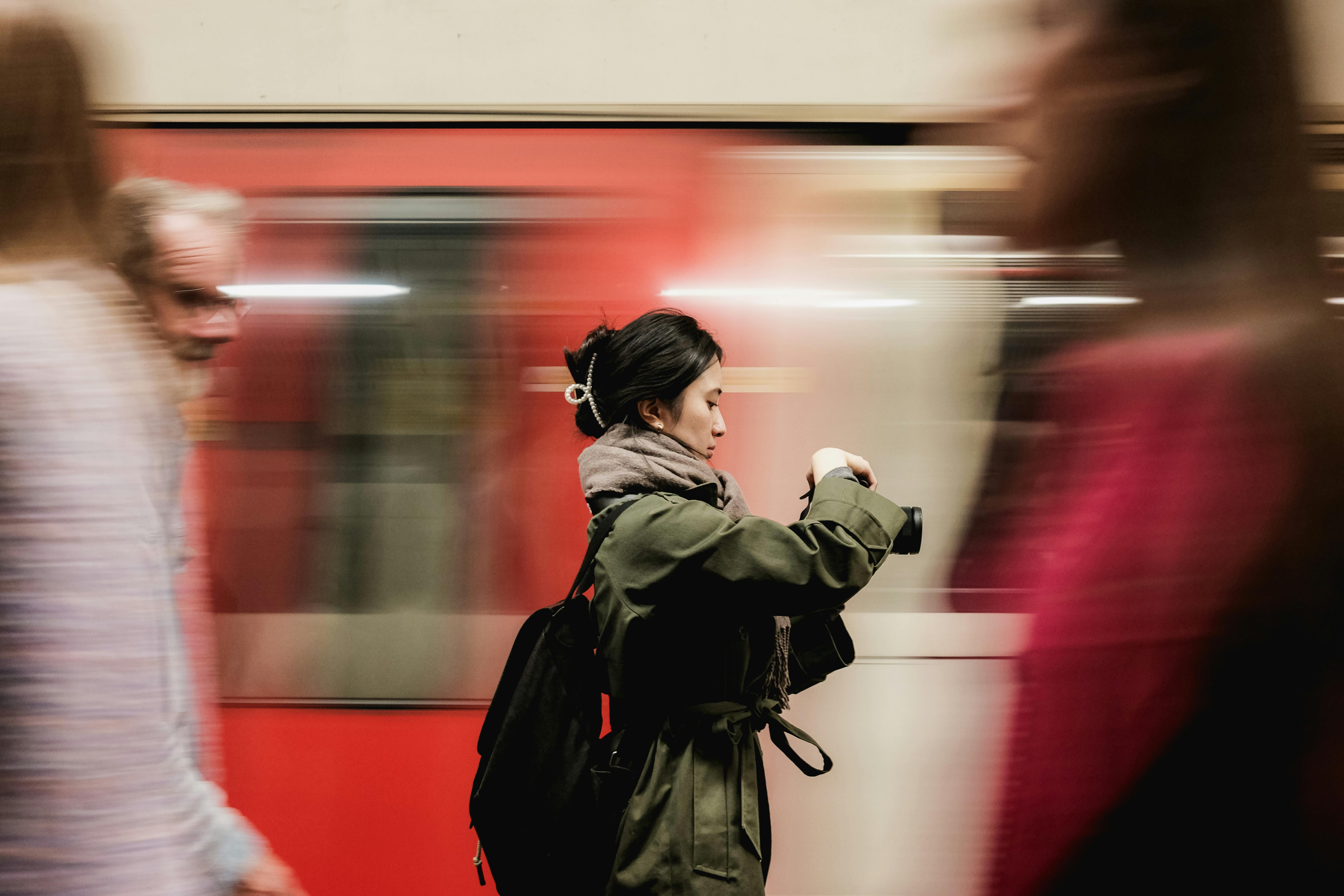
Stand where the background stays clean and the path stays open. A slight angle to the fence often gives you better shape than a flat side view. Leave room in the frame for movement. Pack the edges too tightly, and you may clip legs, heads, or hooves during the peak frame.
Does burst mode take better photos?
Burst mode can produce more keepers because it gives you several chances inside one action. It does not improve each frame by itself, and it cannot rescue poor timing or bad focus.
The real value is choice. A jump, turn, or finish kick may look similar to the eye, but the best frame often lands one or two shots before or after the one you expected.
Where it helps most at the rail
- Takeoff and landing on jumps
- Hooves kicking dirt or turf
- Sharp turns near the rail
- Finish-line drives
These moments can slip past between frames. A short sequence gives you options without making the scene feel stiff.
What is burst mode in photography?

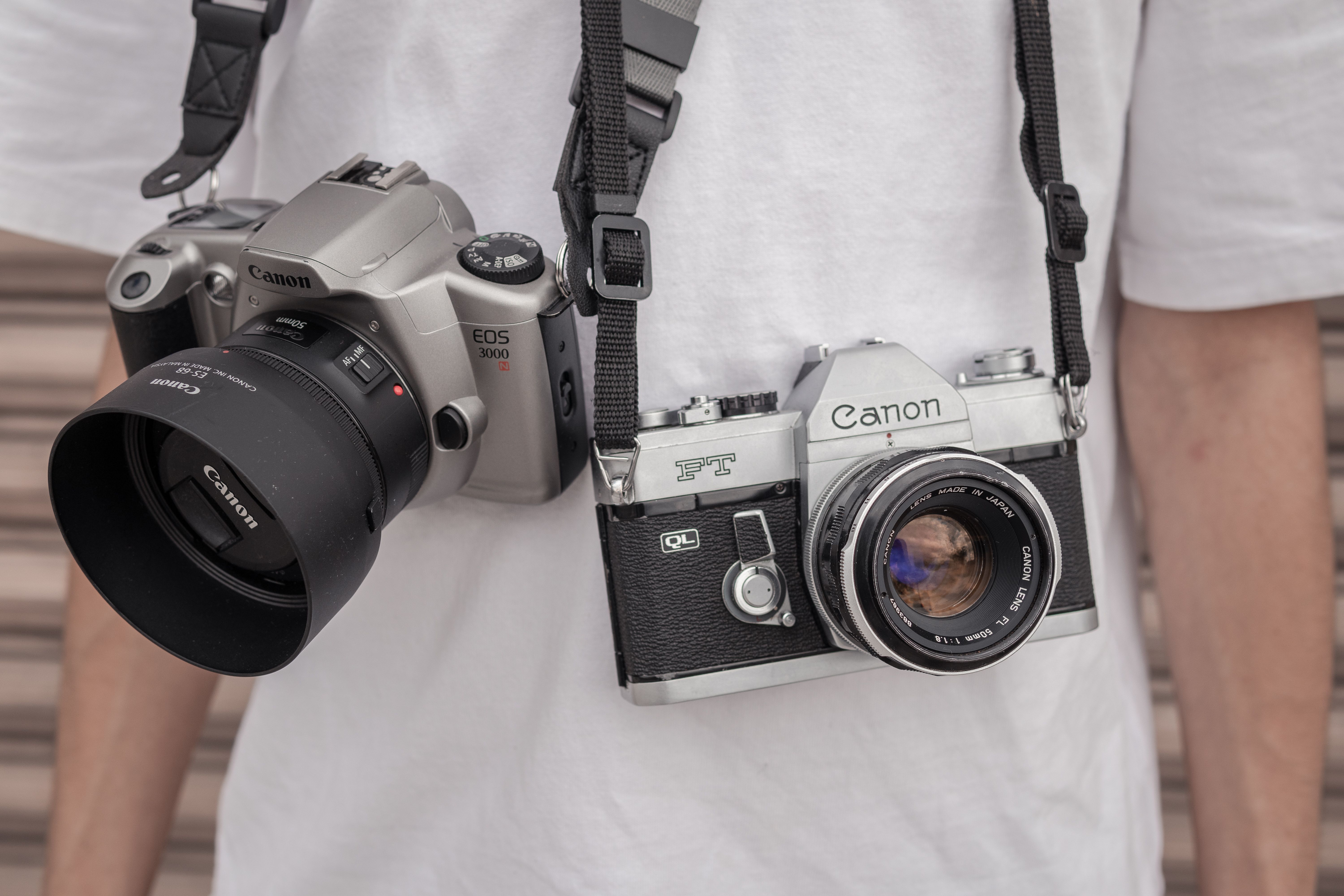
Burst mode is continuous shooting, which captures frame after frame while the shutter stays pressed. Many cameras let you choose a low, medium, or high drive speed, and some mirrorless bodies reach very high rates in electronic shutter mode. Canon’s EOS R7, for example, can shoot up to 30 frames per second in electronic shutter mode. The Canon EOS R10 reaches up to 23 frames per second in the same mode, which gives you a dense run of frames when timing is difficult.
Know the tradeoff behind the speed
Very fast electronic shooting can bring rolling-shutter skew on sudden movement. It can also show banding under some LED or fluorescent lights.
Mechanical shutters avoid some of that, but they are often slower. On a Nikon D7500, continuous shooting is rated at 8 frames per second, while the Nikon D300S shoots at 7 frames per second on its own battery and 8 with the MB-D10 grip.

Those numbers change the feel of the sequence. A faster rate can catch a cleaner leg position, while a slower rate may give you a better mix of frames if the light is tricky.
Carry the camera securely and still move freely
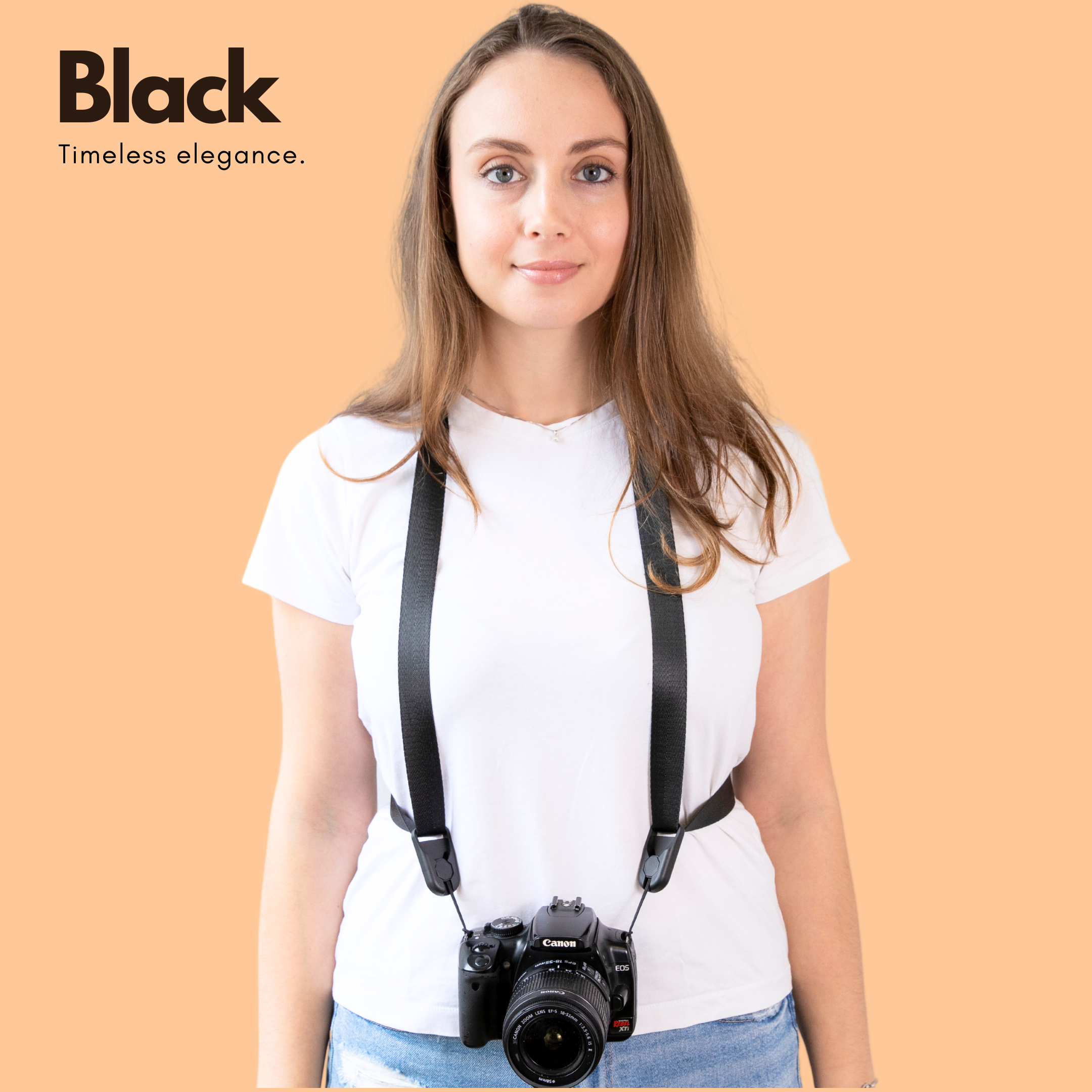
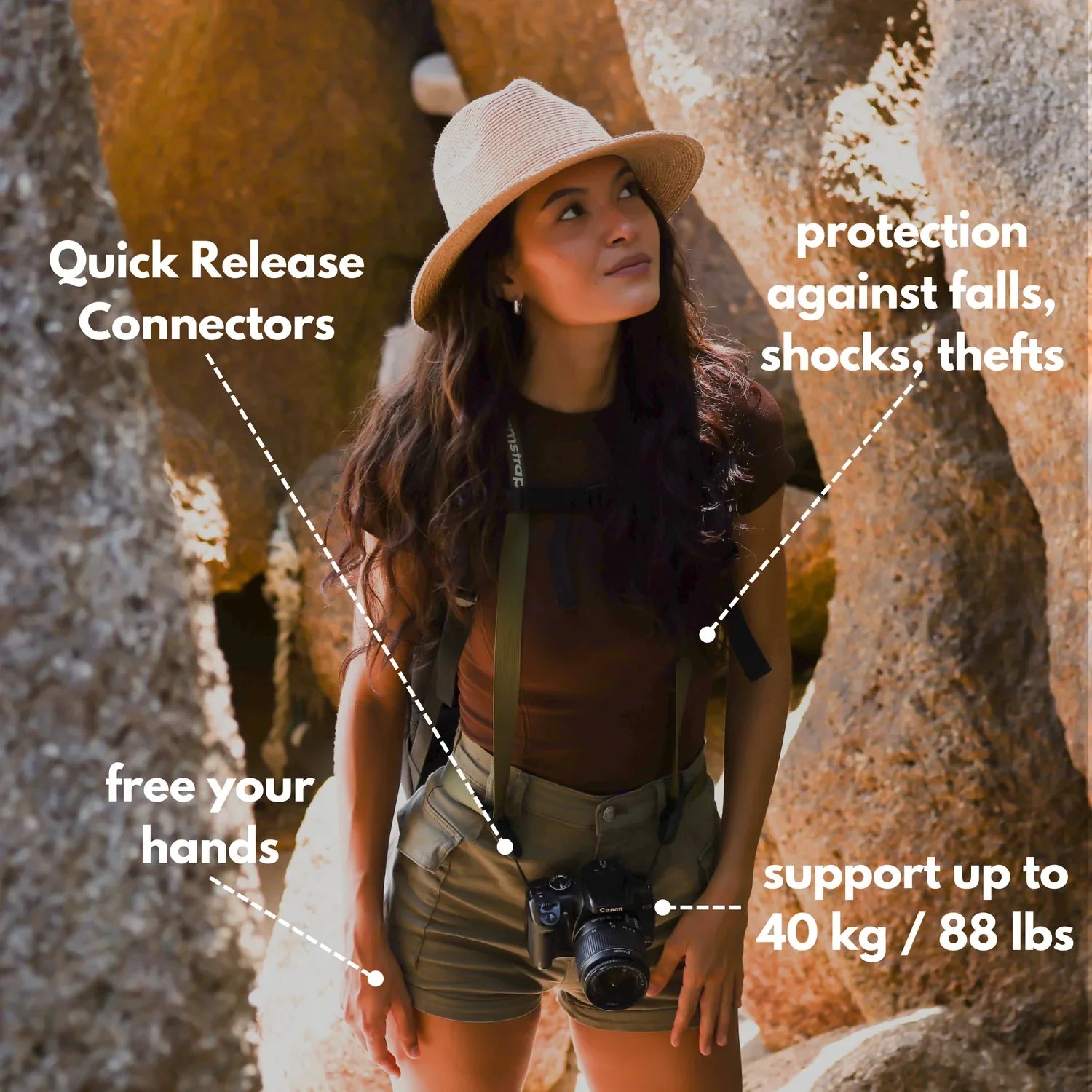
A race day fence gets crowded fast, and your hands stay busy. A strap that keeps the camera close and stable helps you move quickly without swinging gear into other people or the rail. Hands-free carry also leaves your grip free for settings changes. That helps when you are shifting from one viewing gap to another or stepping back from the track edge.
What to look for in a strap

- Load spread across the shoulder or chest
- Fast access with one hand
- Low swing when you walk or turn
- Secure attachment at the camera lug or plate
A strap that rides flat seems small, but it changes how you shoot. You can raise the camera, fire the sequence, and drop it back without fighting a dangling body.
Are burst photos lower quality?
Burst photos are not lower quality by default, though they can be if the camera is pushed past its limits. High frame rates may shrink buffer room, and some bodies slow down during long RAW runs.
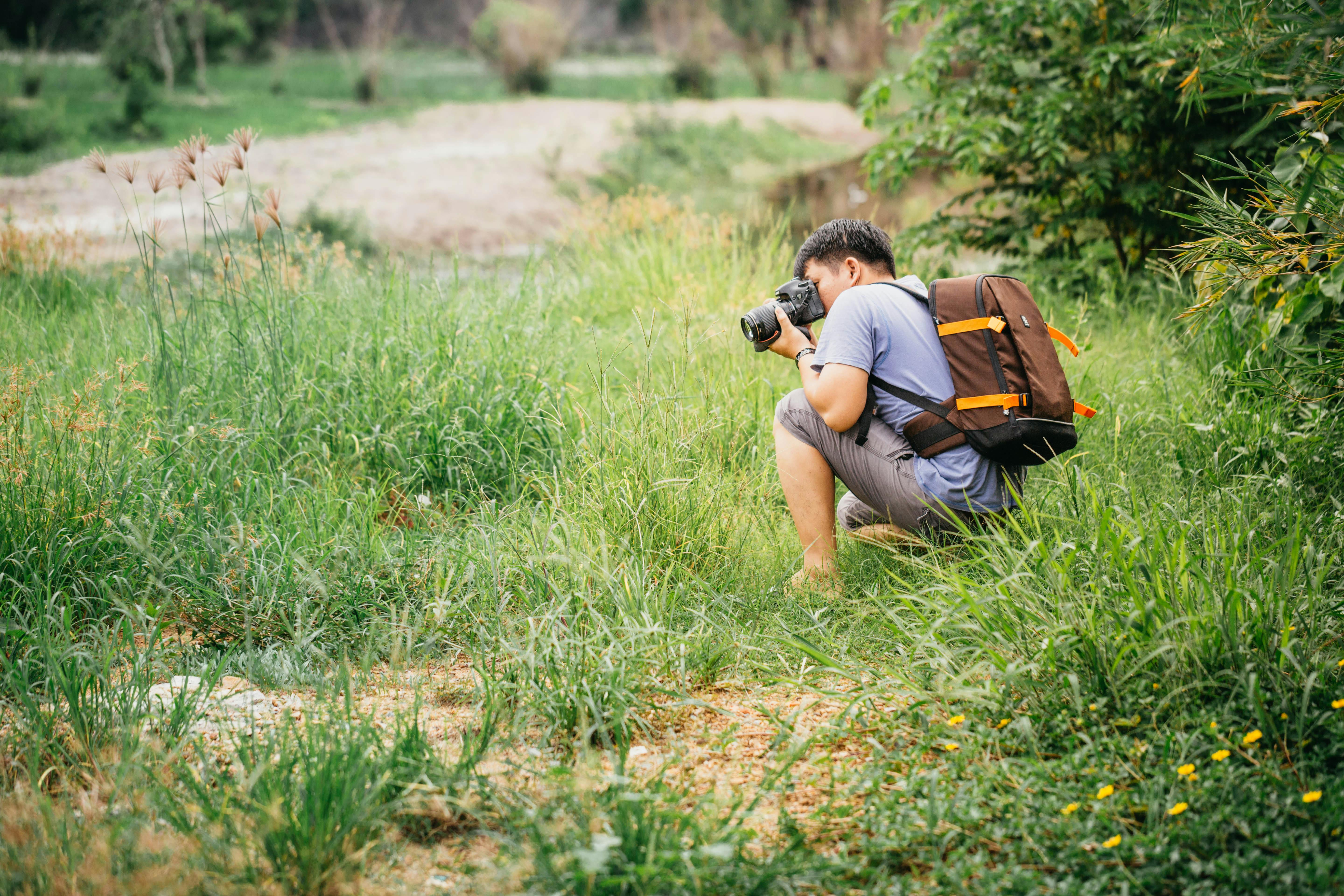
A mid-tier camera often gives about 20 to 40 RAW frames before it slows, though the exact number depends on the body and card. JPEG files usually clear faster, and cards with UHS-II V60 or V90 speeds help the camera empty the buffer sooner than UHS-I cards.
Watch the less obvious limits
Battery drain rises when the EVF or LCD stays on, and image review adds more use. On mirrorless bodies, that can matter as much as the drive speed during a long race day. Focus can also slip if the subject crosses busy backgrounds at the rail. A clear background, a steady stance, and a clean focus point often matter more than squeezing out one more frame per second.
Keep the sequence clean from start to finish
The best fence-side workflow stays simple and repeatable. It starts with a stable stance, then moves to focus, timing, and quick review after the moment passes.
Use a short practice run before the main action. Fire three to six frames at a walking subject, then check focus, framing, and motion blur on the back screen.
A fast field routine
- Arrive early and choose one strong angle
- Set AF-C or AI Servo with subject detection
- Pick 1/1000s or faster
- Keep aperture near f/2 to f/2.8 if light is low
- Keep the strap secure and out of the way
- Review picks later with flags or star ratings in Lightroom or Photo Mechanic
This routine cuts decision time. You are not guessing at each frame, and you are not fighting gear while the subject is moving. Race day fences reward calm hands and quick eyes. Use continuous shooting carefully, keep your strap secure, and watch the peak action for one clean frame at a time.
Frequently Asked Questions
How to do burst mode on photos?
To shoot burst mode, set the drive mode to continuous high and hold the shutter-release button fully down. On many cameras, burst mode appears as a drive icon or multi-frame symbol in the menu; AF-C or AI Servo and back-button focus can help keep the subject sharp.
Does burst mode take better photos?
Burst mode can produce more keepers because it gives several chances inside one fast action. It does not make each frame better on its own, and it cannot fix poor timing or missed focus.
What is burst mode in photography?
Burst mode in photography is a shooting mode that records a rapid sequence of frames while the shutter button stays pressed. It is used to capture split-second action and increase the chance of getting one clean, usable frame.
Are burst photos lower quality?
Burst photos are not inherently lower quality, but some cameras may slow down or compress performance during long bursts. The main tradeoff is that burst mode can favor quantity over perfect timing, while a sharp frame with a little grain is still better than a clean blur.


