


- Enable continuous shooting, then fire short bursts at the peak moment.
- Use AF-C and 1/500s or faster to freeze motion sharply.
- Burst mode boosts your odds of getting the keeper, not automatic perfection.

Burst mode photography records a string of photos in rapid succession while you keep the shutter button pressed. It’s a straightforward way to catch the exact peak of fast action, from a jump shot to a quick turn on the sideline. Sports, pets, kids, and travel moments all hinge on timing. The frame you want often lasts less than a second, so camera settings matter more than luck.
Shop the setup

- Regular price
-
€42 - Regular price
-
€44 - Sale price
-
€42
By choosing the Camstrap strap, you are opting for a high-quality product designed to meet the needs of the most demanding photographers.
- Developed by a physiotherapist to relieve neck and back pain.
- Fast delivery with tracking by the Post Office 🚚
- Can be used as a shoulder strap or hands-free harness

- Regular price
-
€36 - Regular price
-
€42 - Sale price
-
€36
Free shipping included
How do you use burst mode for photos?
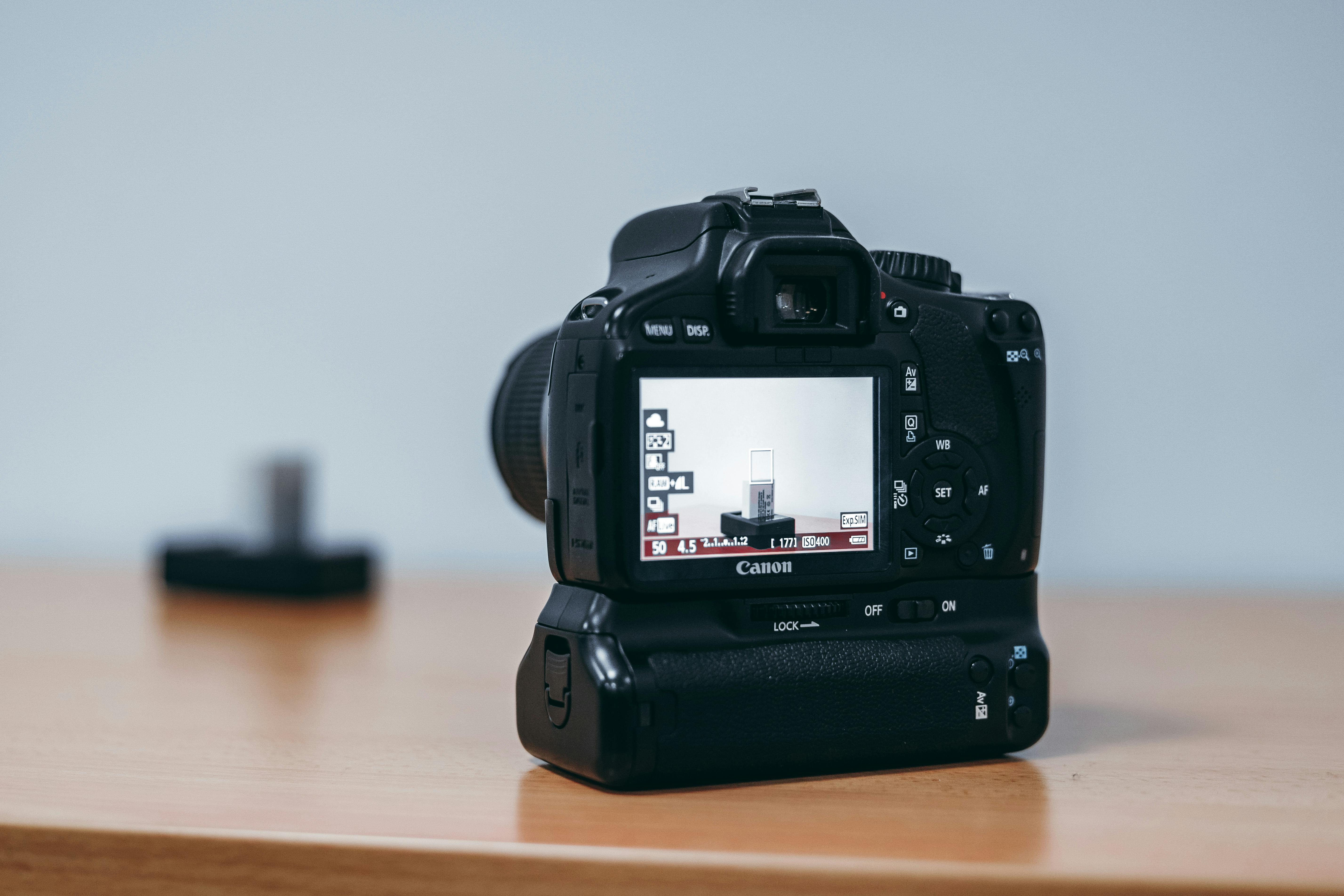
Set the camera to continuous shooting and hold the shutter button down. On many bodies, the same setting sits on a drive-mode wheel or behind a menu icon with stacked frames.
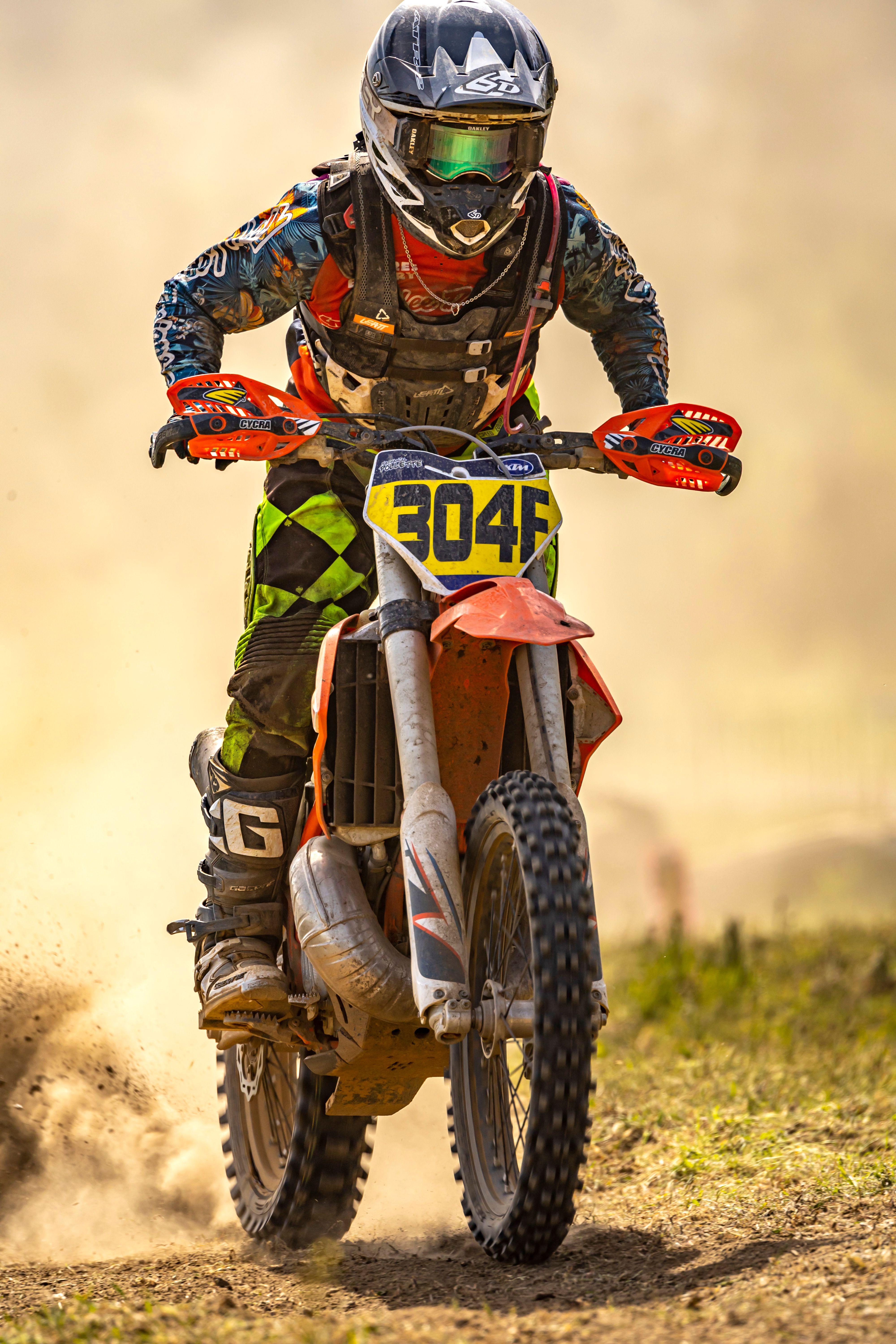
Use short, timed bursts rather than a long press. Canon recommends that approach because it helps you land on the peak moment and keeps the buffer from filling too early.
Start with a tracking focus mode
Continuous AF, also called AF-C or AI Servo, follows moving subjects during the burst. Sony points to the same kind of setup with subject-tracking options such as Continuous AF or Automatic AF. Back-button focus gives you more control. Your thumb locks focus, then your index finger fires the frames without forcing a refocus each time.
Match shutter speed to the motion
For most fast-action shots, Canon recommends at least 1/500s. Faster moves usually need 1/1000s or more to keep frames crisp.
That speed still needs light. In dim scenes, open the lens to f/2 or f/2.8 and raise ISO to hold the shutter speed where it needs to be.
- Set drive mode to continuous shooting.
- Choose AF-C, AI Servo, or Continuous AF.
- Use 1/500s as a floor, then move to 1/1000s for very quick action.
- Hold focus with back-button focus if your camera supports it.
- Fire in short bursts, then release and reset.
Can burst mode improve action photos?

Burst mode can improve action photos because it increases the odds of catching the peak frame. It won’t make every image stronger, but it does give you more chances when the subject moves fast. In sports and street scenes, tiny changes in body position can change the whole frame. A perfect step, leap, or face angle may last only one or two frames.
Timing beats spraying frames
More frames help only when each one has a clear purpose. Short bursts work best when you read the motion first, then press at the key moment.
Canon’s advice lines up with that. A quick burst usually works better than a long spray, because the buffer stays clear and the camera stays ready for the next peak.
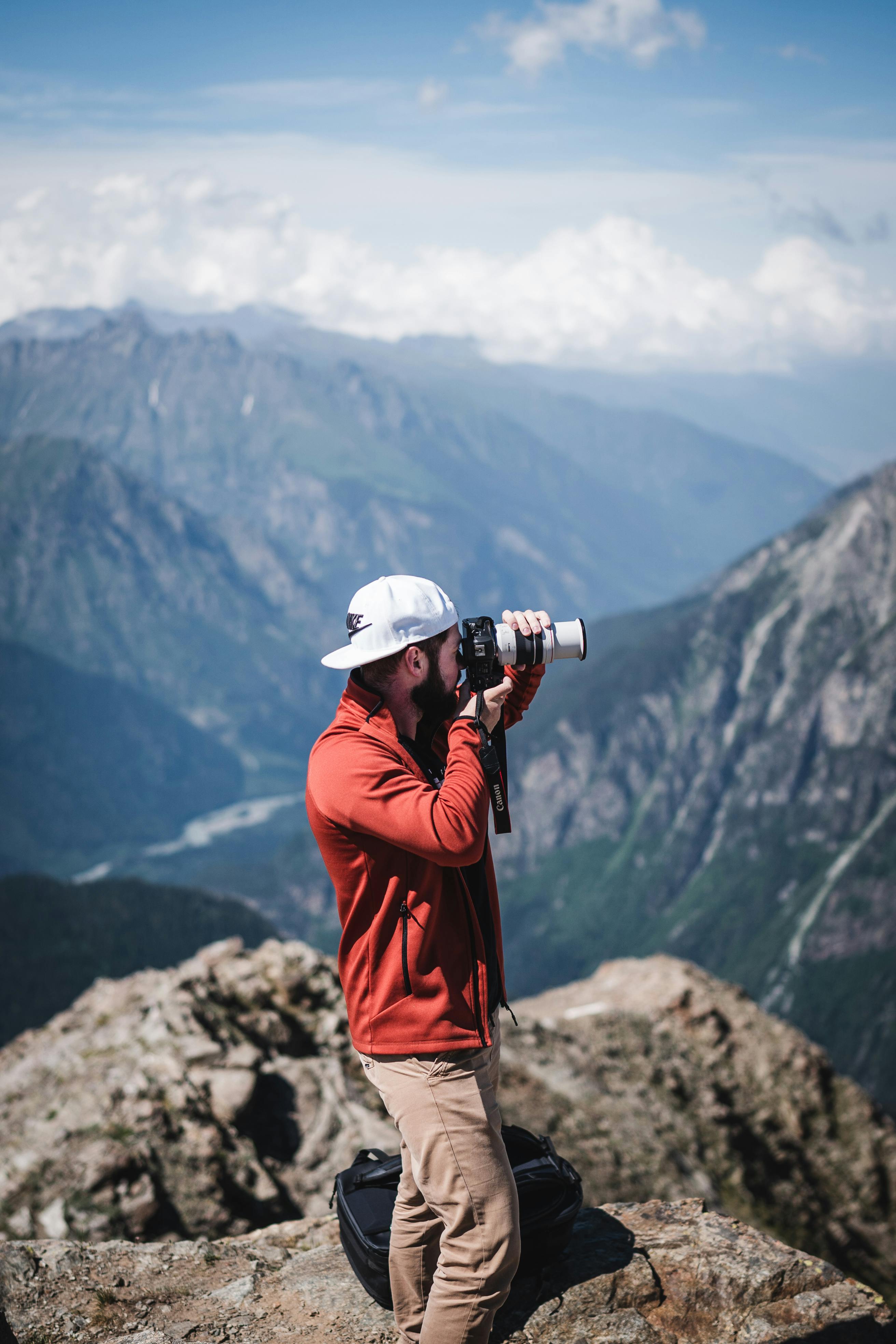
What is burst mode in photography?
Burst mode, also called continuous shooting, captures a run of frames while the shutter button stays pressed. It’s built for movement that changes too quickly for a single shot.
Camera speed makes a real difference. Older bodies may shoot around 3 frames per second, while many mid-range cameras land around 6 to 12. Top sports bodies can reach 20, 30, or even 60 frames per second.
Frame rate changes your reach
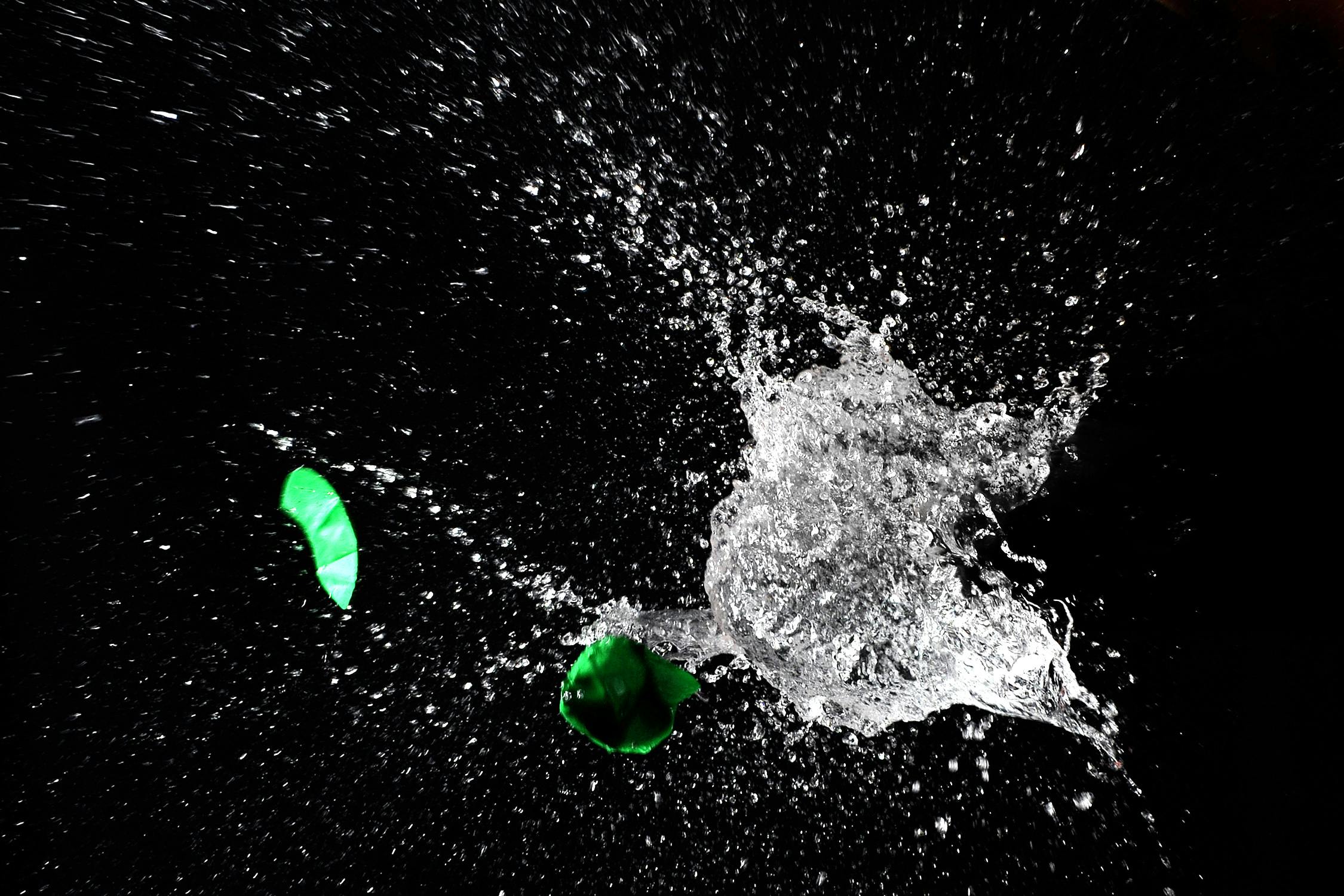
A 3 fps camera can still handle many scenes, but it leaves less room for error. At 10 fps, action gets sliced more finely. At 20 fps or more, you can catch tiny changes in pose, ball contact, or foot placement.
Very fast electronic modes can add rolling-shutter skew or banding under LED and fluorescent lights. Mechanical or slower electronic modes often look cleaner in those rooms.
Which settings keep action sharp?
Sharp frames depend on more than speed. Focus mode, shutter speed, aperture, and card write speed all shape the result. For daylight sports, I start near 1/1000s, f/2.8, and ISO 400 to 1600, depending on the light. Indoors, the same shutter speed can push ISO much higher, so noise and motion blur have to be balanced carefully.
Keep an eye on the buffer and card
Fujifilm notes that continuous shooting ends when you release the shutter or the memory card fills. In practice, the buffer is the real limit on many cameras, not the burst button itself.
A mid-tier body may hold about 20 to 40 RAW frames before slowing, while JPEG can run longer. UHS-II V60 or V90 cards help the camera clear the buffer faster, and CFexpress cards help even more on supported bodies.
Camera review can also drain power faster on mirrorless bodies. The EVF, rear LCD, and image playback pull more power than the burst itself, so limiting review helps on long sidelines.
What helps freeze the peak?
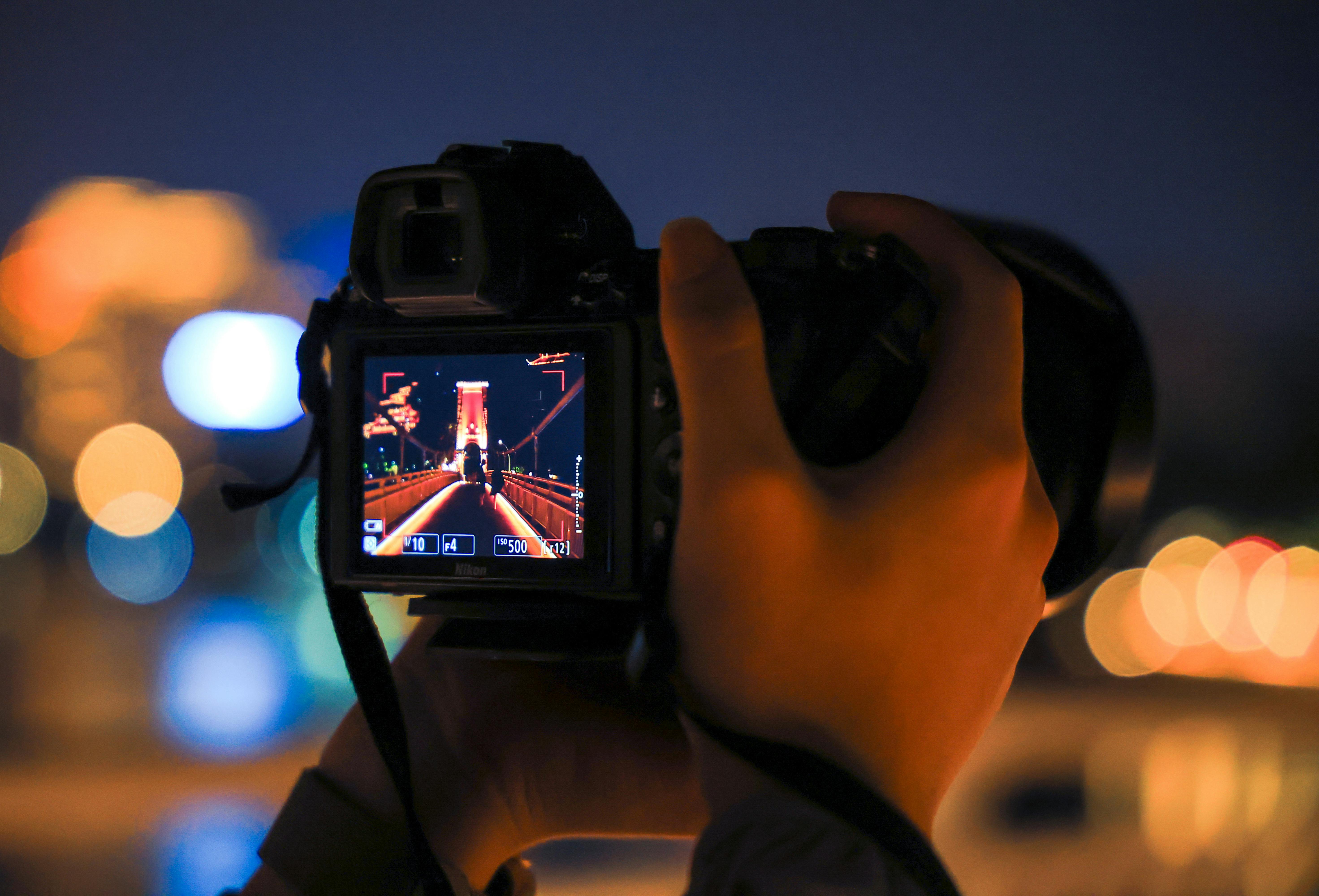
The best peak moment usually arrives just after you expect it. Pre-capture, or pre-burst, can be a real advantage here. It saves frames from just before you fully press the shutter, which gives you a small safety net.
Some cameras also offer pre-release buffering in sports modes. If your body has it, turn it on for jumps, kicks, or plays that end in one sudden move.
Seven ways to land the peak frame

- Watch the action path, then wait for the key body move.
- Use AF-C or AI Servo with subject detection when available.
- Set 1/500s as your starting point, then speed up as motion gets harder to catch.
- Keep bursts short so the buffer stays open for the next play.
- Use a lens around 50mm to 85mm for tighter field control in close action.
- Turn on pre-capture if your camera offers it.
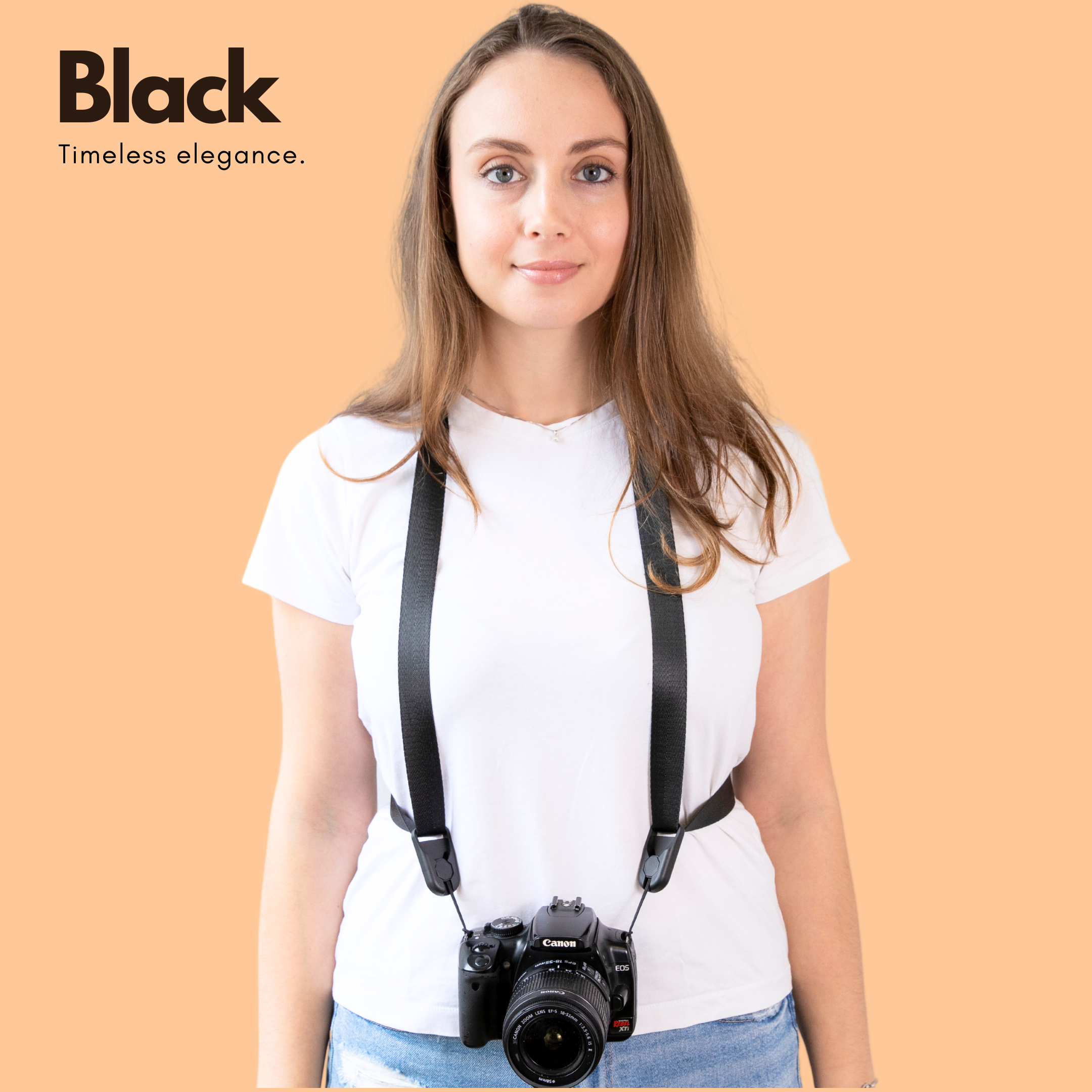
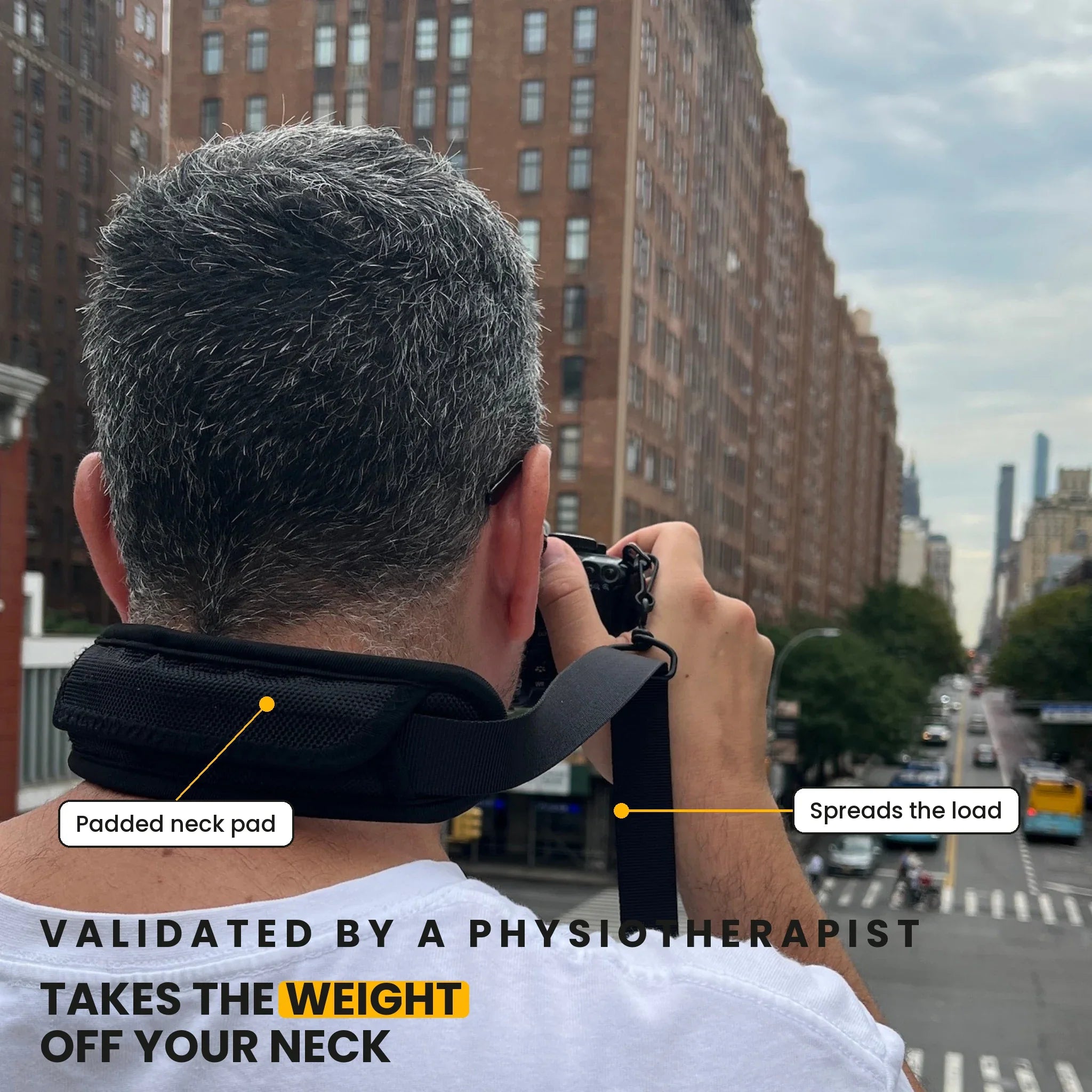
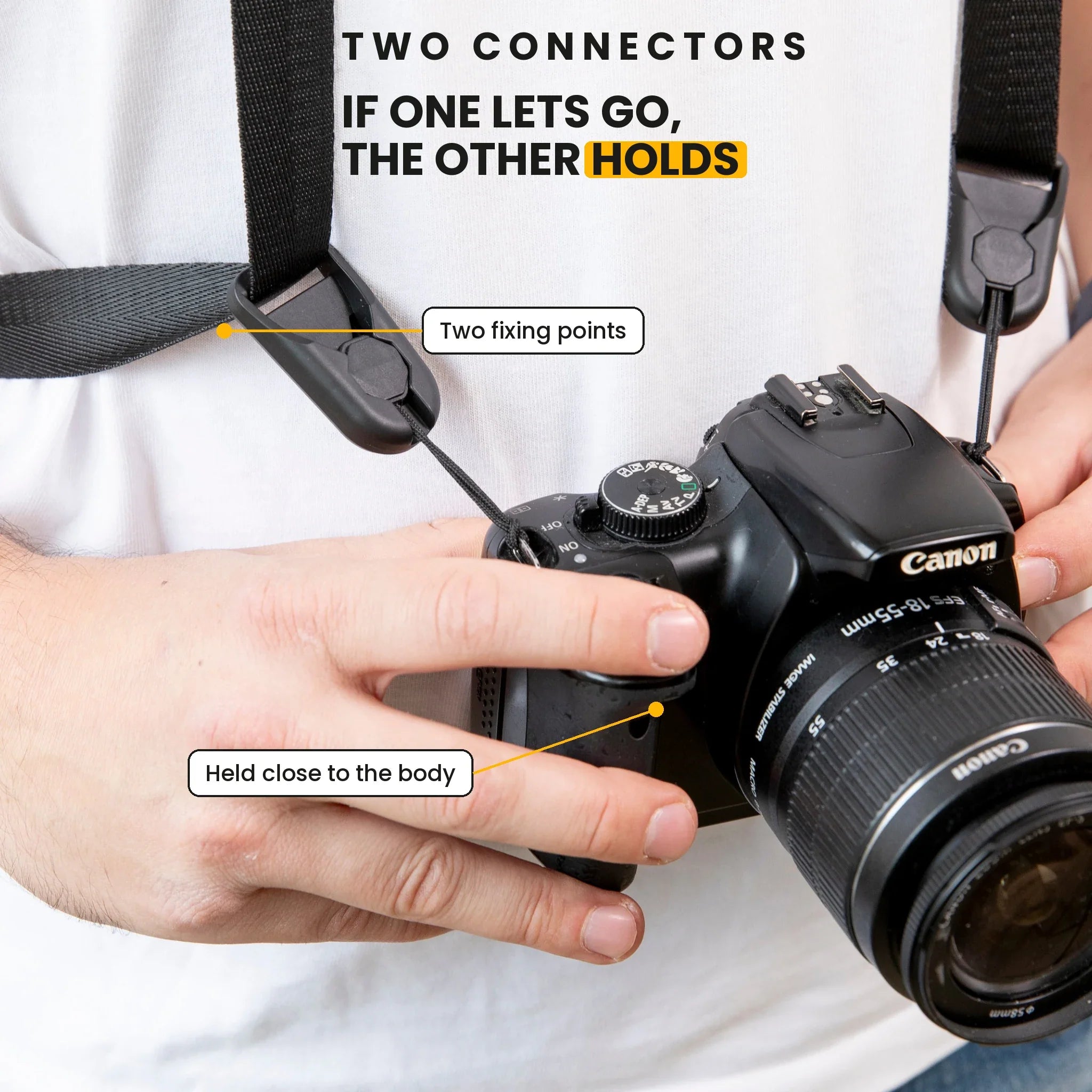
- Carry the camera on a secure hands-free strap, such as the Camstrap voyager, so it stays ready between plays without digging into your shoulder.
That last point pays off in practice. A hands-free strap keeps the camera close and stable, so you can move from sideline to sideline with less fumbling.
Do burst photos lose quality?
Burst photos are not lower quality by default. Image quality depends more on shutter speed, focus, light, and file type than on the burst itself.
Some tradeoffs can still show up. Fast bursts may increase heat, shorten buffer space, or force the camera into JPEG-only high-speed modes on some bodies. Electronic shutters can also show distortion on fast-moving subjects or under flickering lights.
RAW leaves more room to fix mistakes
RAW files keep more detail, which helps when exposure shifts across a fast play. JPEG files are smaller and clear the buffer faster, but they leave less room for rescue in editing. For most action work, RAW is the safer pick if your card and buffer can handle it. If the camera slows too soon, a short JPEG burst may still be the better choice for that one play.
How do you sort keepers quickly?
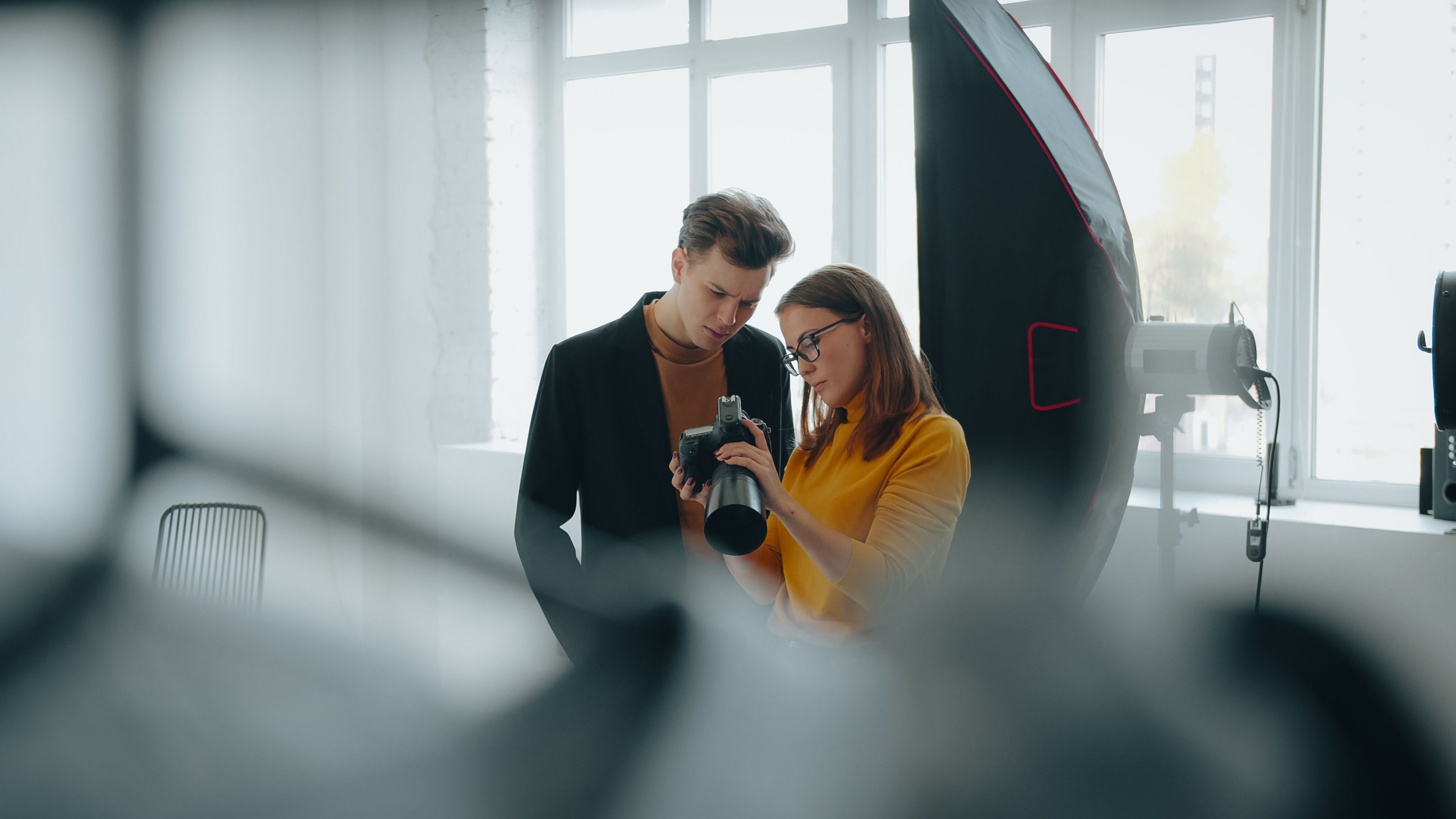
The job is not done when the burst ends. You still need to find the one frame with the best face, foot, or ball position.
Photo Mechanic and Lightroom both speed that up with pick and reject flags. I cull in one pass first, then go back only if the sequence still has two strong frames.
One clean workflow saves time:
- Flag the sharpest frame in each burst.
- Reject frames with closed eyes or bad hand positions.
- Compare only the top two or three if the play is close.
- Crop after culling, not before.
That method keeps you from overthinking every frame. It also makes the best shot easier to find later, which matters when a game gives you hundreds of files. Fast breaks reward setup, timing, and calm hands. Use a short burst, a fast shutter, and steady focus, then keep the camera ready on a strap that never slows your move to the next play.
Frequently Asked Questions
How to do burst mode on photos?
To do burst mode on photos, set the camera to continuous shooting and hold the shutter button down while the action unfolds. Use short bursts instead of a long press, and pair it with continuous autofocus or subject tracking to keep moving subjects sharp.
Does burst mode take better photos?
Burst mode can produce better action photos because it increases the chances of catching the peak moment. It does not make every image better, but it gives more opportunities to capture the exact body position, expression, or motion you want.
What is burst mode in photography?
Burst mode in photography is continuous shooting, where the camera records a rapid sequence of frames while the shutter button stays pressed. It is designed for fast-moving subjects that are hard to capture with a single shot.
Are burst photos lower quality?
Burst photos are not inherently lower quality, but fast frame rates can increase the risk of soft focus, motion blur, or a full buffer if the settings are not right. High shutter speed, continuous autofocus, and short bursts help keep quality high.


