


If you want to shoot cinematic winter landscapes, this guide will help you. It shows gear, camera tips, color work, and a simple workflow that helps you get filmic color fast.
This article covers the new DaVinci 2026 tools and easy field tricks. It also covers safety and kit choices for cold days so you plan a safe shoot.
Shop the setup

- Regular price
-
€42 - Regular price
-
€44 - Sale price
-
€42
By choosing the Camstrap strap, you are opting for a high-quality product designed to meet the needs of the most demanding photographers.
- Developed by a physiotherapist to relieve neck and back pain.
- Fast delivery with tracking by the Post Office 🚚
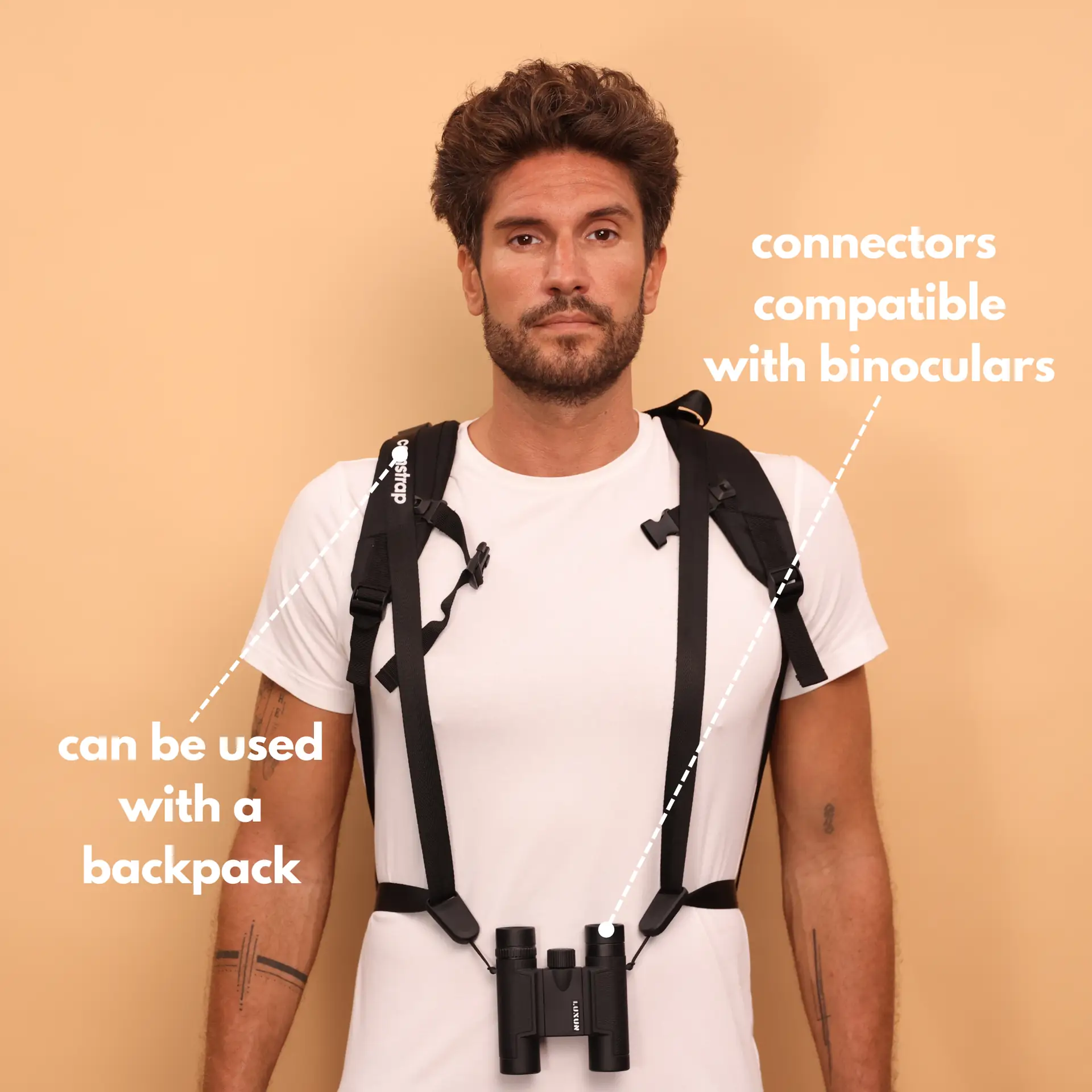
- Can be used as a shoulder strap or hands-free harness

- Regular price
-
€36 - Regular price
-
€42 - Sale price
-
€36
Free shipping included
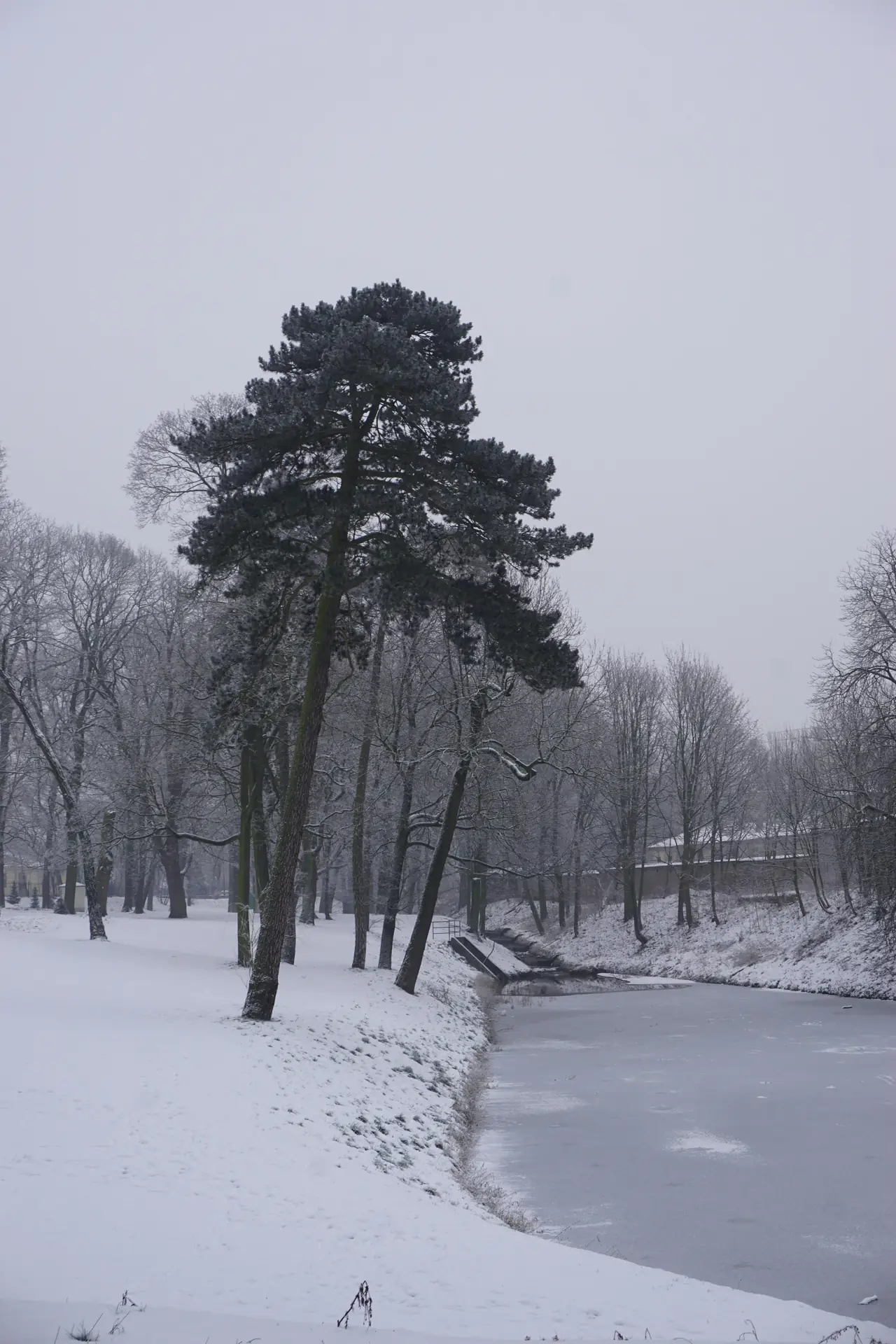
Why and how to shoot cinematic winter landscapes
Winter light feels clean and soft. This light helps you make quiet, epic images with mood and scale.
Snow reflects light and makes scenes bright. But snow can trick your camera meter, so plan exposure for highlights and skin tones.
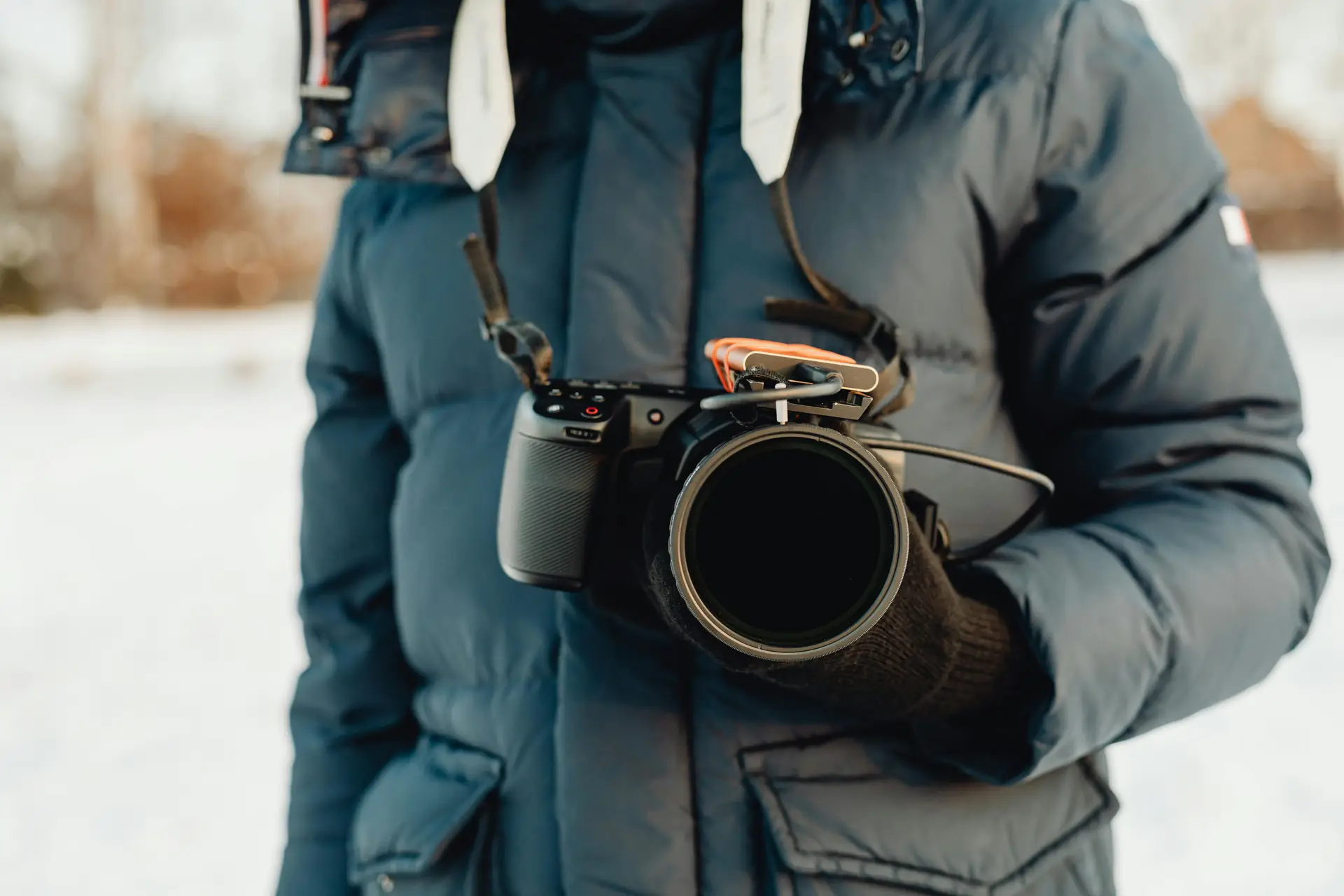
How to choose gear for cinematic winter landscapes
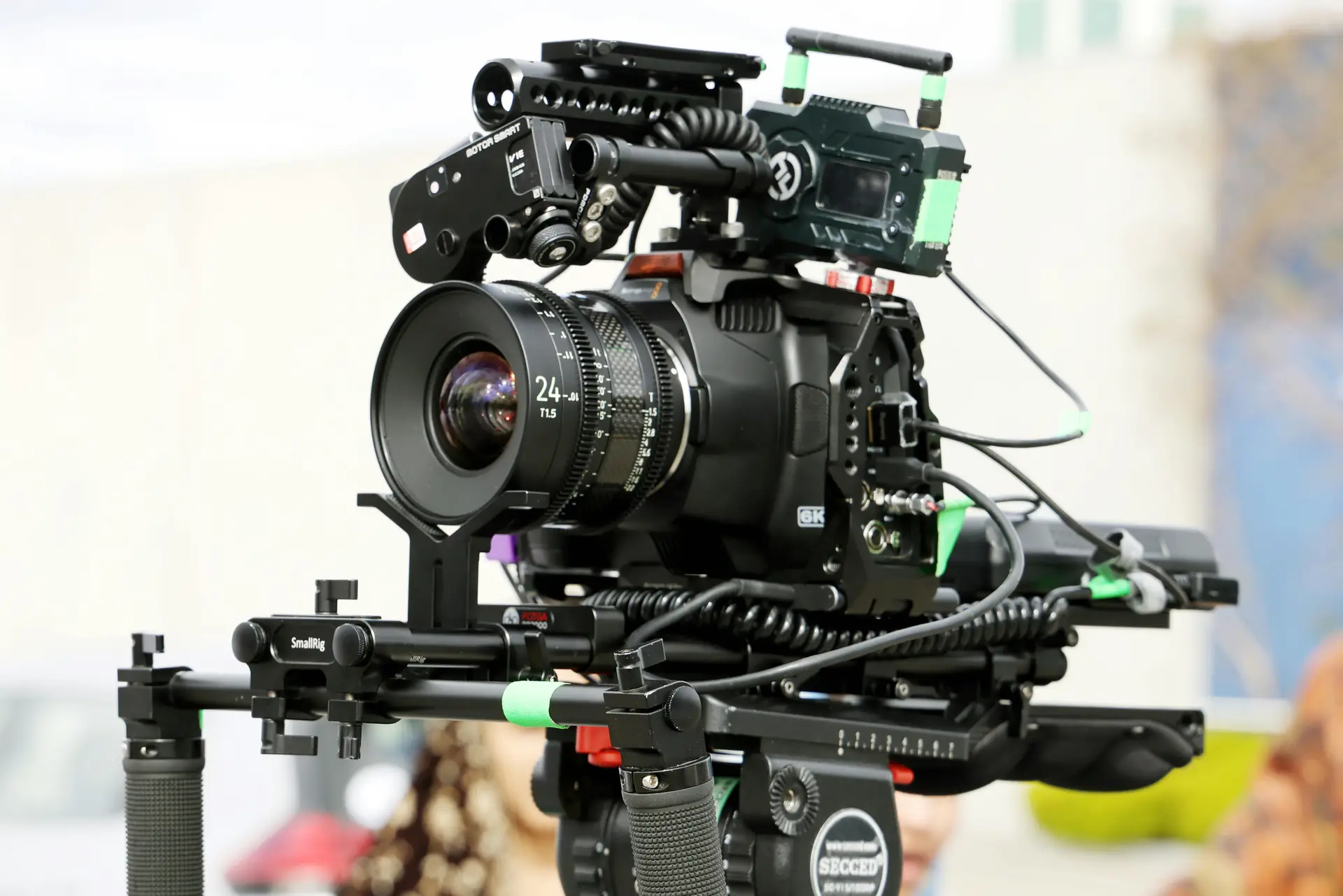
Good gear helps in cold weather and tough light. Pick gear that focuses fast and stays reliable when temperatures drop.
Travel Enthusiasts, Outdoor Adventure Photographers, and Amateur Photographers can all benefit from light kits and smart backups. Pack for comfort and for how you will move on the shoot.
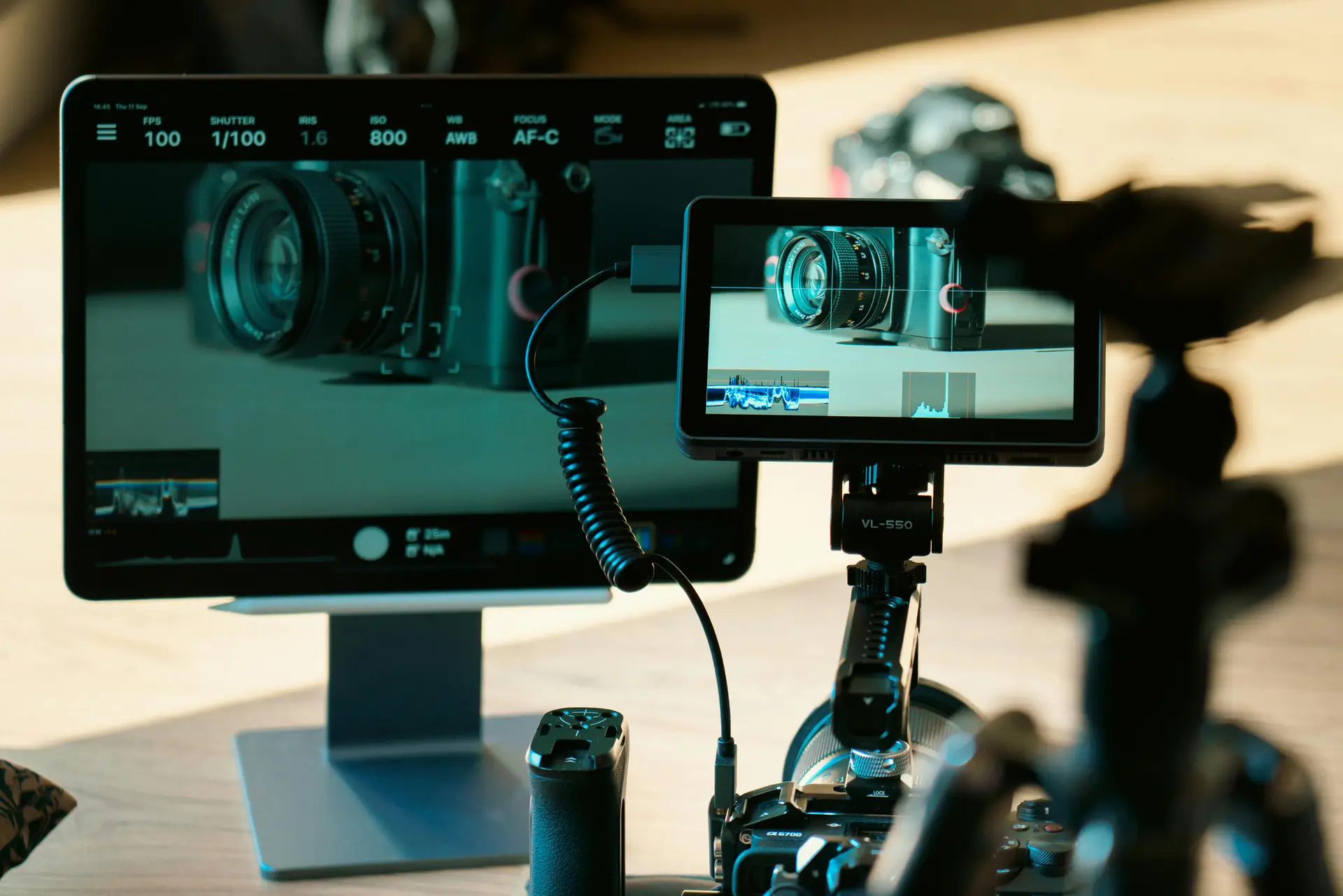
Cameras and lenses
- Full-frame mirrorless bodies for wide dynamic range in snow scenes.
- Fast primes to create shallow depth and filmic skin shots.
- Telephoto lenses to compress distance and isolate distant subjects.
Support and accessories
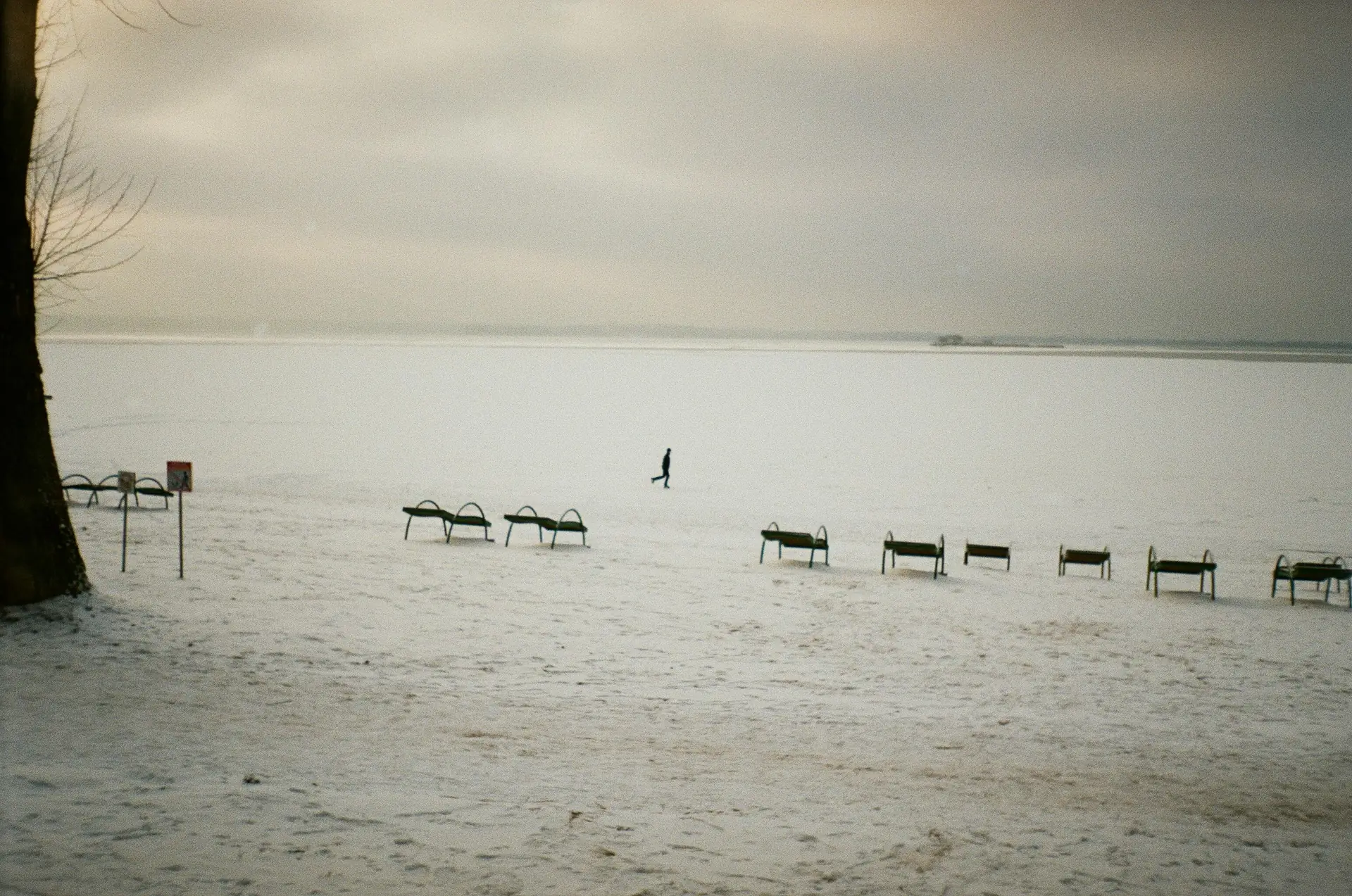
- Sturdy tripod that locks in the cold for long exposures.
- ND filters to slow the shutter and blur water or clouds.
- Hand warmers and a dry bag to keep gear dry and batteries warm.
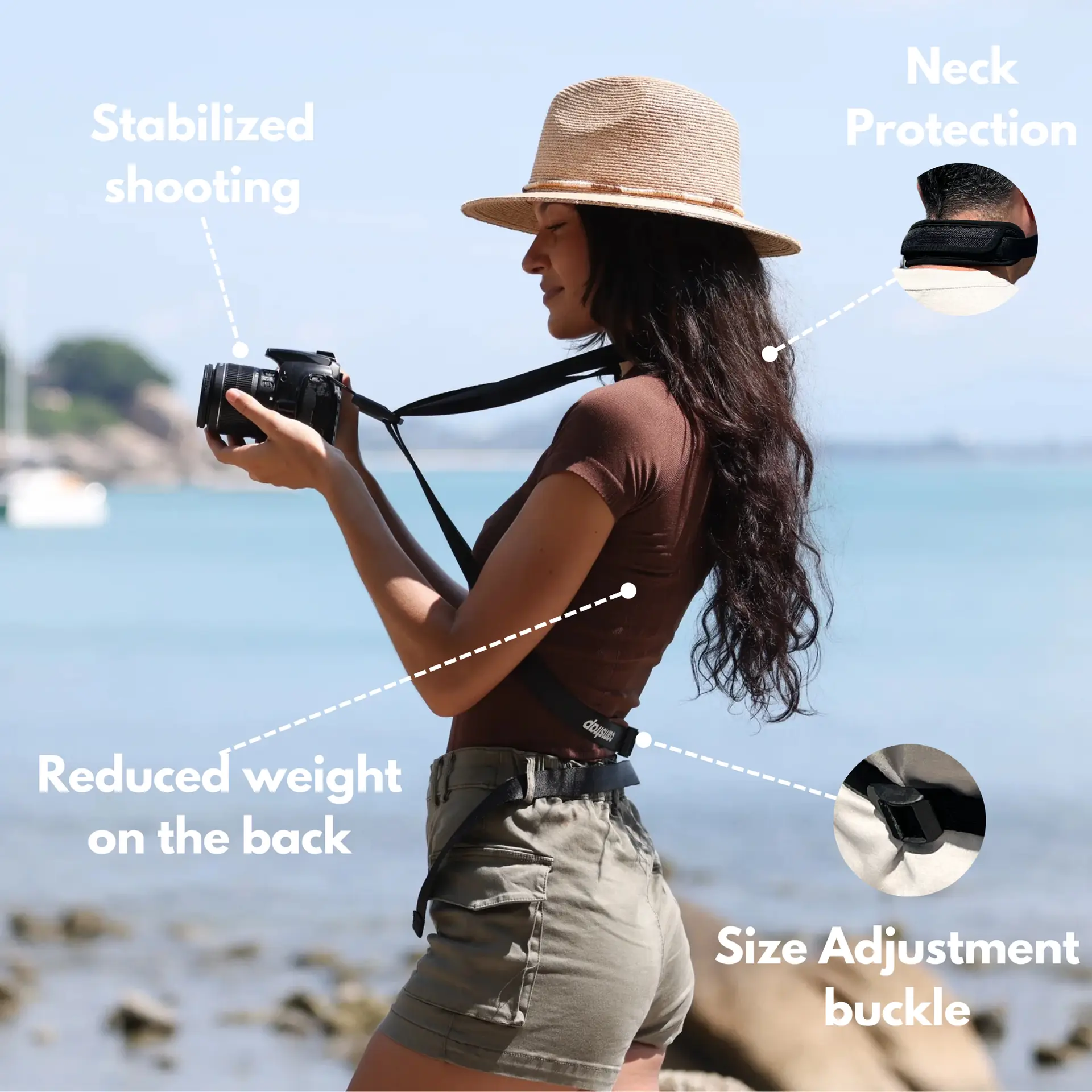
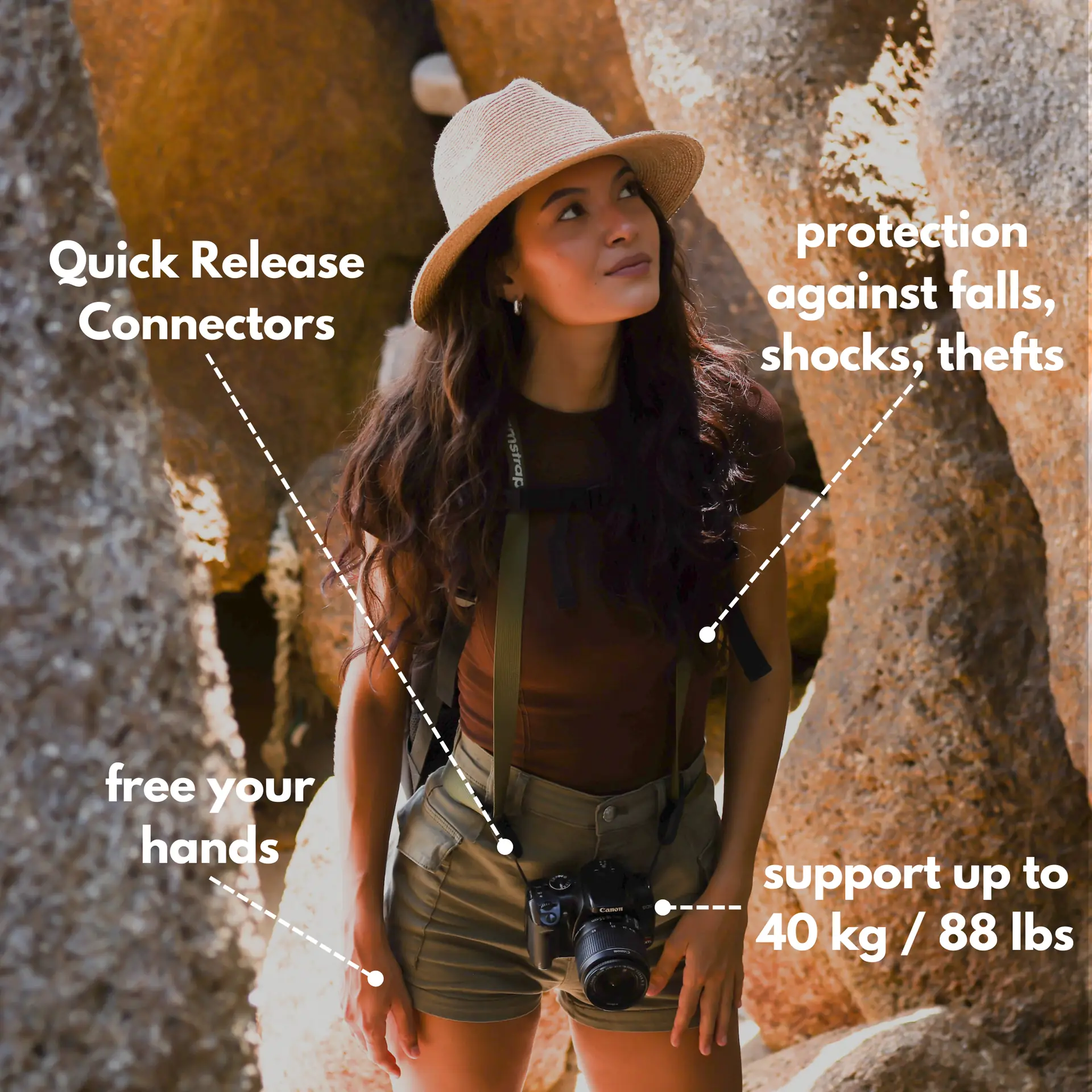
Also choose a strap you trust while you move. Camstrap makes straps for outdoor shooters. Camstrap blends function and style for hikers and pros. The Camstrap Voyager and Camstrap Explorer give padding and fast access. The Camstrap Nomad stays light for long walks. Use a Camstrap MagClip to hold a small pouch or lens cap for quick swaps.
How to set exposure and in-camera color for filmic color

Expose for highlights first when you shoot snow. Use your histogram and zebra tools to avoid blown highlights.
Shoot flat or log profiles when you plan to grade. Flat profiles keep detail in shadows and bright areas so you can shape color later.
White balance and simple color tips
- Set a custom white balance to avoid blue snow in camera.
- Shoot a gray card or color chart to match looks in post.
- Record in RAW or a high-bitrate codec to keep color detail for grading.
Add a slight warm bias to skin tones when you shoot people in snow. That warm hint helps subjects look alive against cool scenes. But do not push warmth too far or the snow will look yellow.
How to compose and add motion for cinematic feel
Frame for scale in wide winter scenes. Add a person, tree, or ridge to give depth and story to the shot.
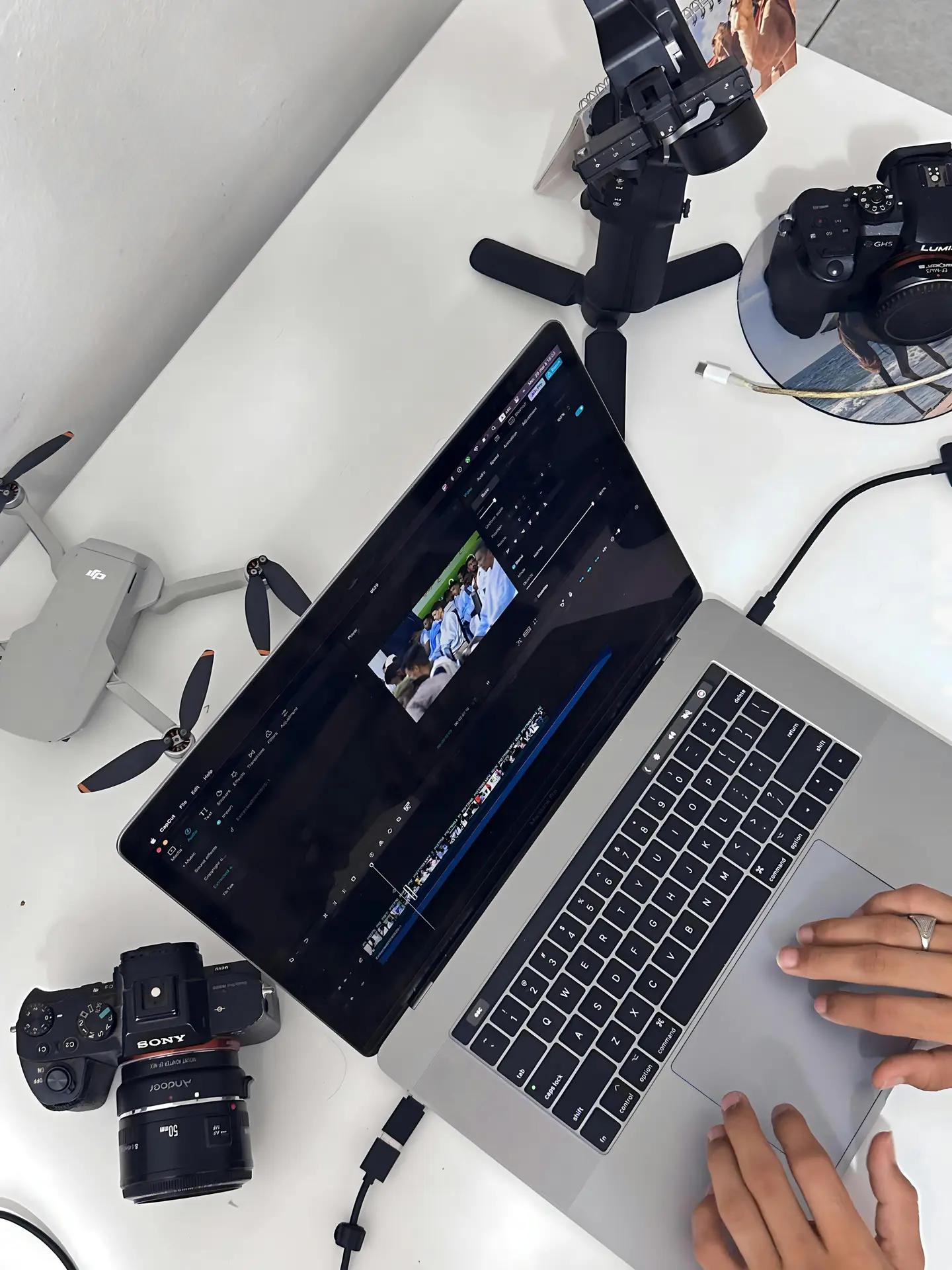
Use slow camera moves on a gimbal or slider to add life. Or use long exposures to blur clouds, snow, or water for calm motion.
- Shoot low to capture foreground shapes and snow texture.
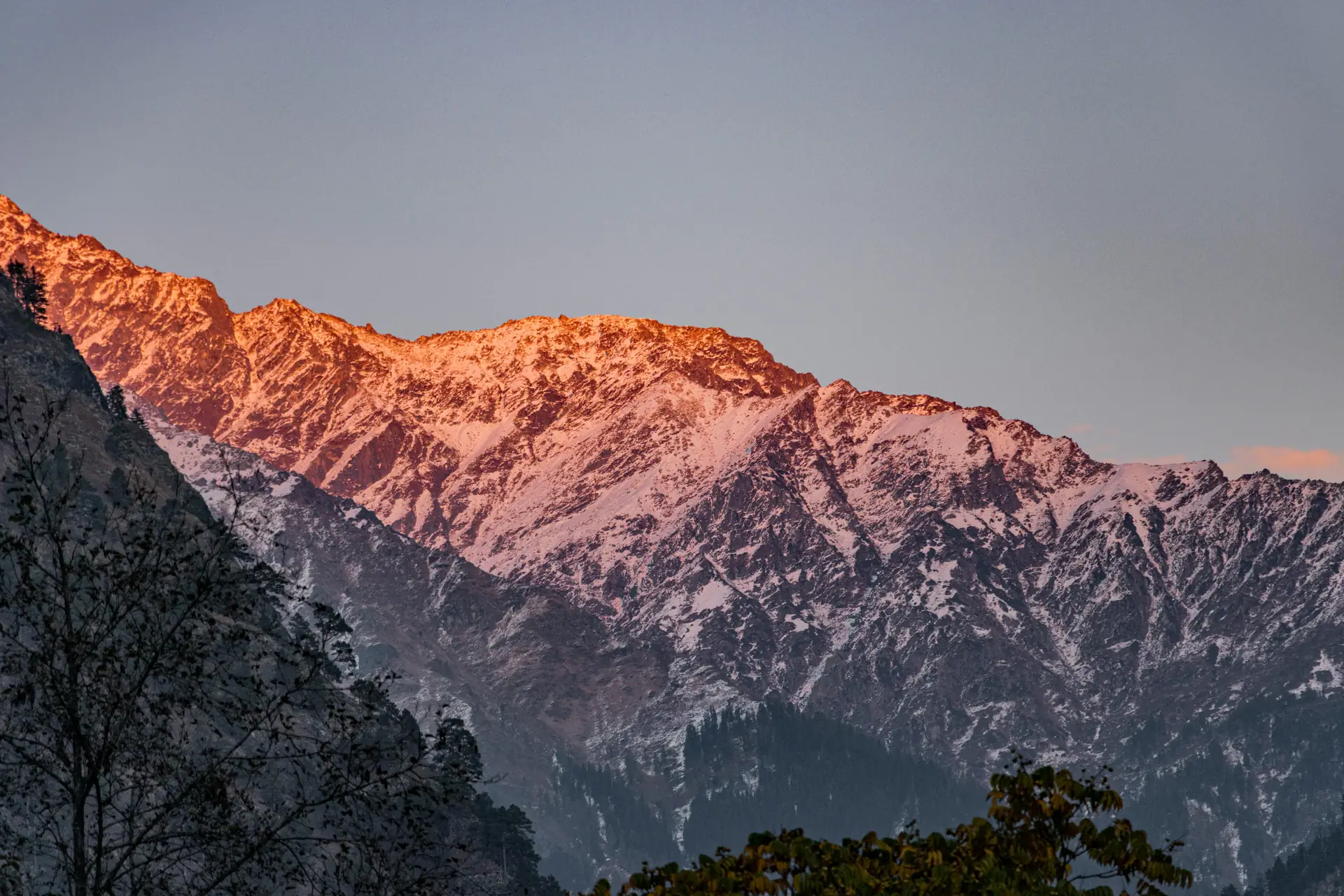
- Shoot at golden hour for warm, filmic light in winter scenes.
- Shoot wide and tight to give your editor more cut options.
How to grade with DaVinci 2026: step-by-step
DaVinci 2026 adds smart tools and fast film looks. These tools can match color across clips and help recover highlights in snow scenes.
Work top to bottom. Normalize clips, match shots, then refine skin and sky tones with local masks.
Step-by-step grade for winter landscapes
- Import and label clips by scene and time of day for clarity.
- Apply a base LUT or a log-to-Rec.709 transform to see the image.
- Use DaVinci’s match and AI tone tools to align shots across scenes.
- Tweak midtones and shadows to keep detail in snow and trees.
- Warm highlights slightly to protect skin tones when you grade people.
- Add subtle film grain and bloom to create a filmic texture.
Watch saturation closely. Snow can lose color or look fake if you over-saturate. Use selective color tools to keep scenes natural and filmic.
How to work safely in the field and keep workflow fast
Plan your route and pack like you will stay longer than planned. Cold drains batteries fast, so bring more power than you think you need.
Use a simple checklist to stay efficient and safe. Charge batteries, pack snacks, and bring warm gloves that let you work your camera.
- Label memory cards and back up files to a portable drive each day.
- Keep a dry bag and silica packs to protect gear from wet snow.
- Bring a headlamp and gloves that let you press buttons in low light.
Think about how you carry gear all day. Camstrap offers straps that spread weight and keep the camera secure on long hikes. The Camstrap Voyager and Camstrap Explorer add padding and fast access. The Camstrap Nomad keeps things light. Clip a Camstrap MagClip for quick gear swaps and less fuss on the trail.
How to edit, speed up work, and back up files
Import footage and make proxies if you shoot high-bitrate files. Proxies let you edit fast on a laptop and save time in the field.
Organize clips by scene, sun direction, and lens. This order helps when you cut and grade. Then relink to full files for the final grade.
- Back up at least two copies before you grade or hand off files.
- Use a simple edit template for winter looks and reuse it on new shoots.
- Export multiple formats and a deliverable LUT for clients and social use.
How to get a filmic look with simple, practical tips
Use lens choice and aperture to shape bokeh and focus falloff. Wide apertures make dreamy foreground detail. Small apertures keep wide scenes sharp.
Control highlights with small exposure tweaks on set. Pull bright snow down and lift shadows a touch to keep detail without heavy grading.
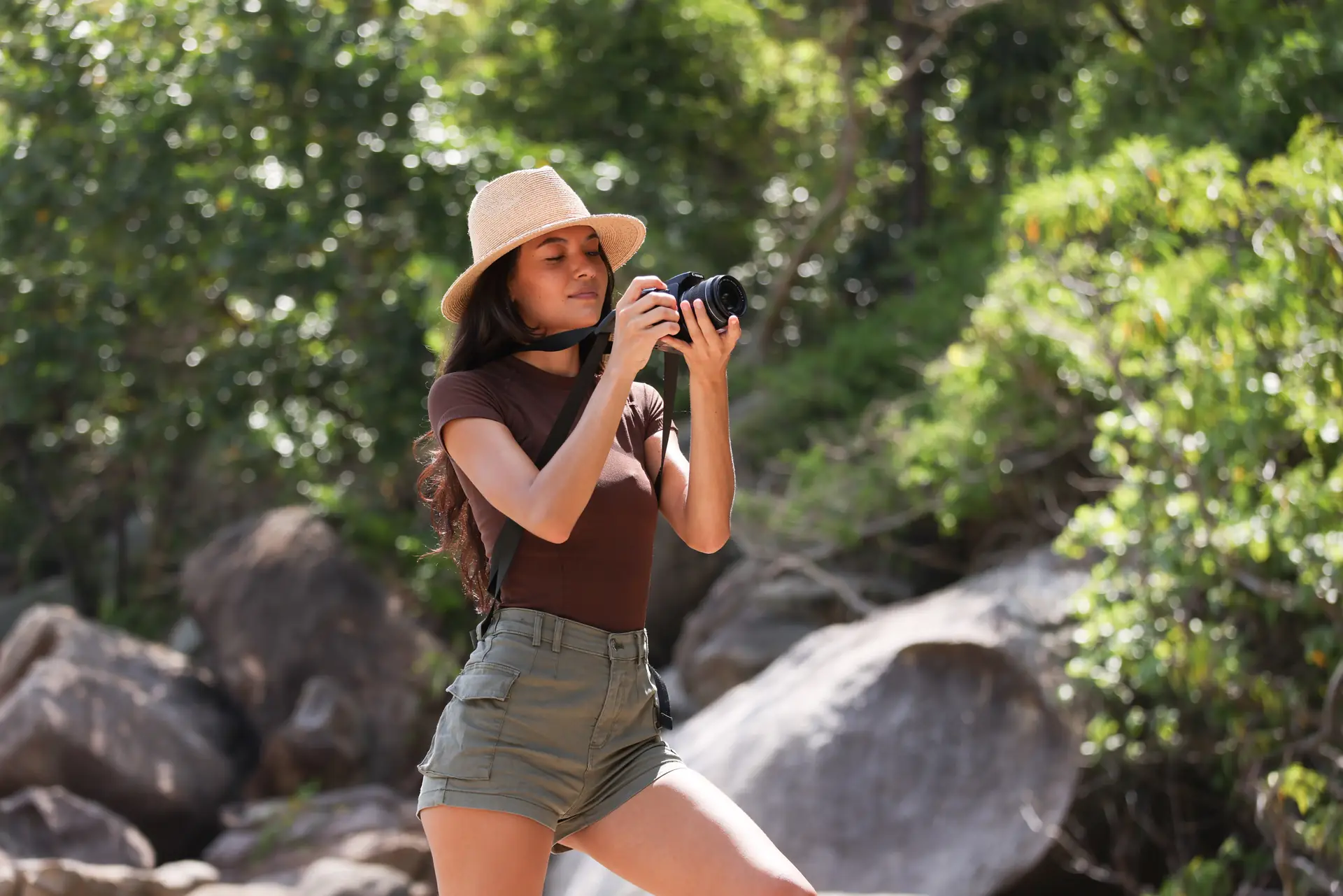
- Shoot a mix of wide and detail shots to tell a visual story.
- Use a neutral density filter to slow the shutter for smooth motion.
- Do a short color test on set to lock a feel before you shoot the main scenes.
Conclusion: how to shoot better cinematic winter landscapes
To shoot cinematic winter landscapes, plan, pack, and practice these simple steps. Think about exposure, white balance, and motion while you shoot and in post.
Pick gear that fits your style and the trip. Use secure camera straps like the Camstrap Voyager, Camstrap Explorer, or Camstrap Nomad to carry your kit all day. Add a Camstrap MagClip for quick swaps and less fuss.
Shoot with a clear plan and strong backups. Keep shots crisp and clean, then shape color in DaVinci 2026. Follow these winter photography tips to make memorable, cinematic winter images in 2026 and beyond.


