


The easiest way to capture great travel photos is to make your gear ready and light. The Camstrap Voyager gives fast access and safe carry for your camera. This guide will show step-by-step tips to capture better shots on the road in 2026.
Why the Camstrap Voyager helps you capture better travel photos
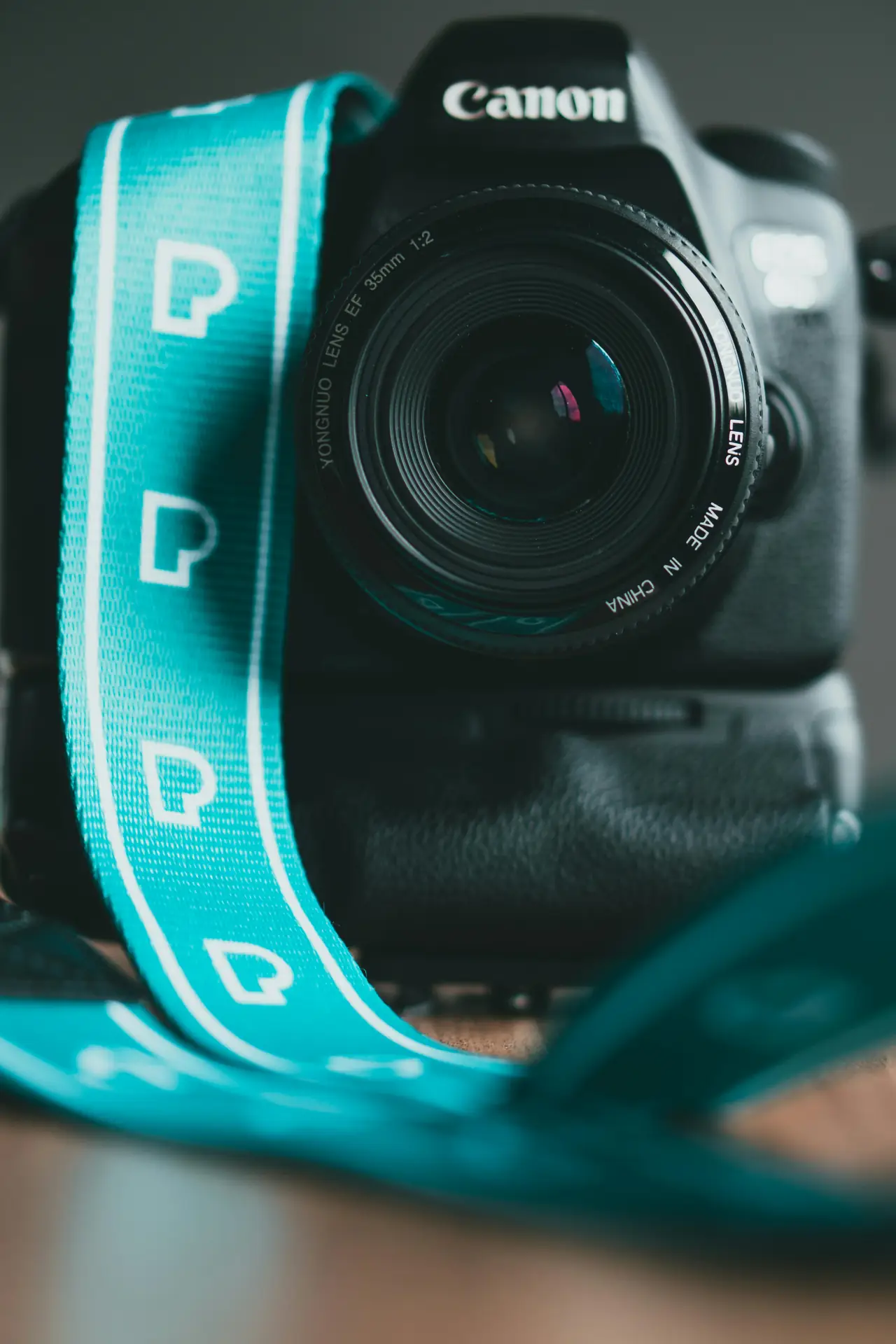
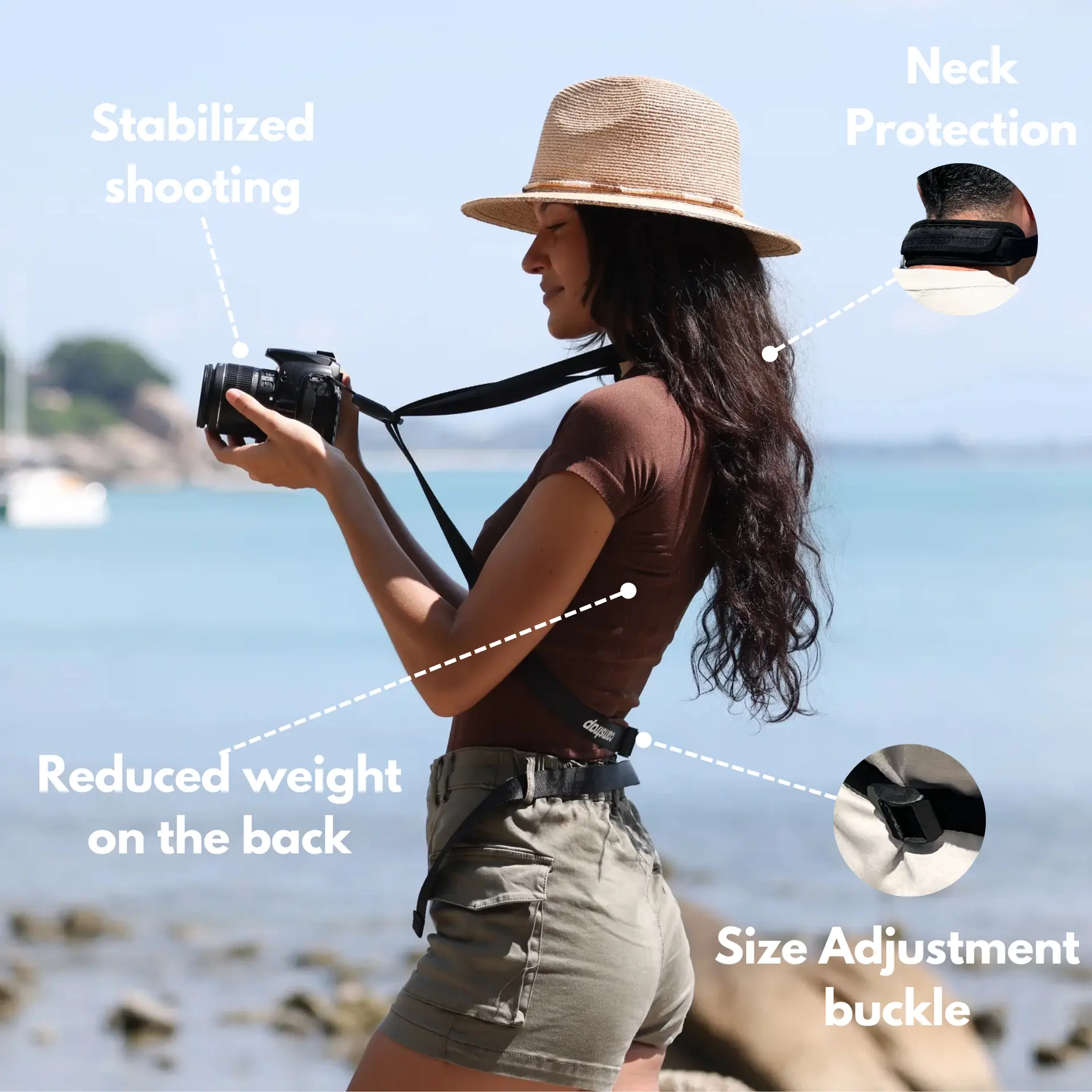
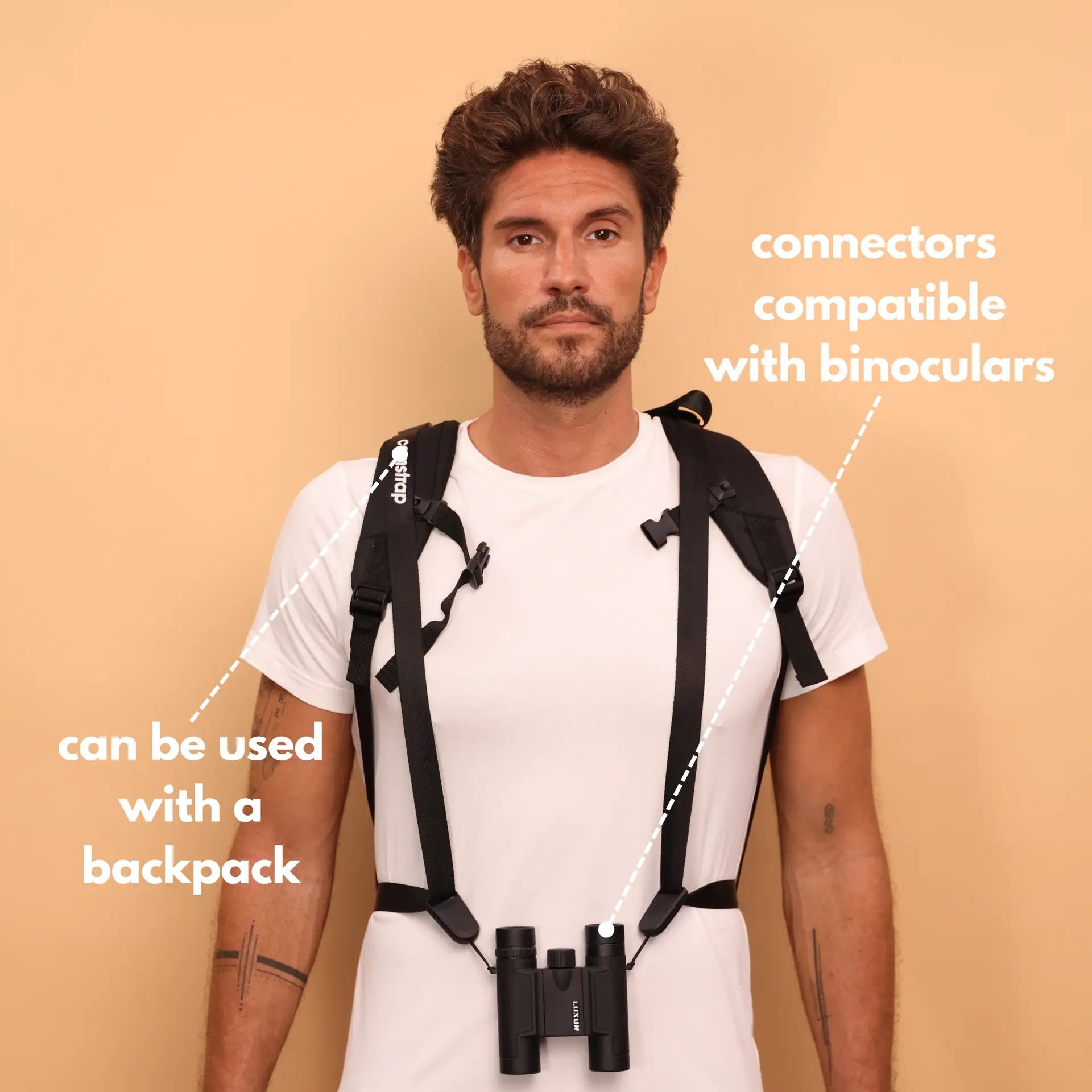
The Camstrap Voyager hugs your body and keeps your camera ready to capture moments fast. It has wide padding for long days and a secure lock to keep the camera safe. For many travelers, this strap cuts seconds off setup time and means more chances to capture the best light.
Translation missing: en.blog_cta.bundle_heading

- Regular price
-
€42 - Regular price
-
€44 - Sale price
-
€42
By choosing the Camstrap strap, you are opting for a high-quality product designed to meet the needs of the most demanding photographers.
- Developed by a physiotherapist to relieve neck and back pain.
- Fast delivery with tracking by the Post Office 🚚
- Can be used as a shoulder strap or hands-free harness

- Regular price
-
€36 - Regular price
-
€42 - Sale price
-
€36
Translation missing: en.blog_cta.free_shipping_included
The Voyager works well with the Camstrap MagClip for quick detach and attach. The MagClip helps you capture a shot without fumbling in a pack. Also consider the Camstrap Explorer for heavy kits and the Camstrap Nomad for long treks.
Gear and settings to capture stunning travel photos
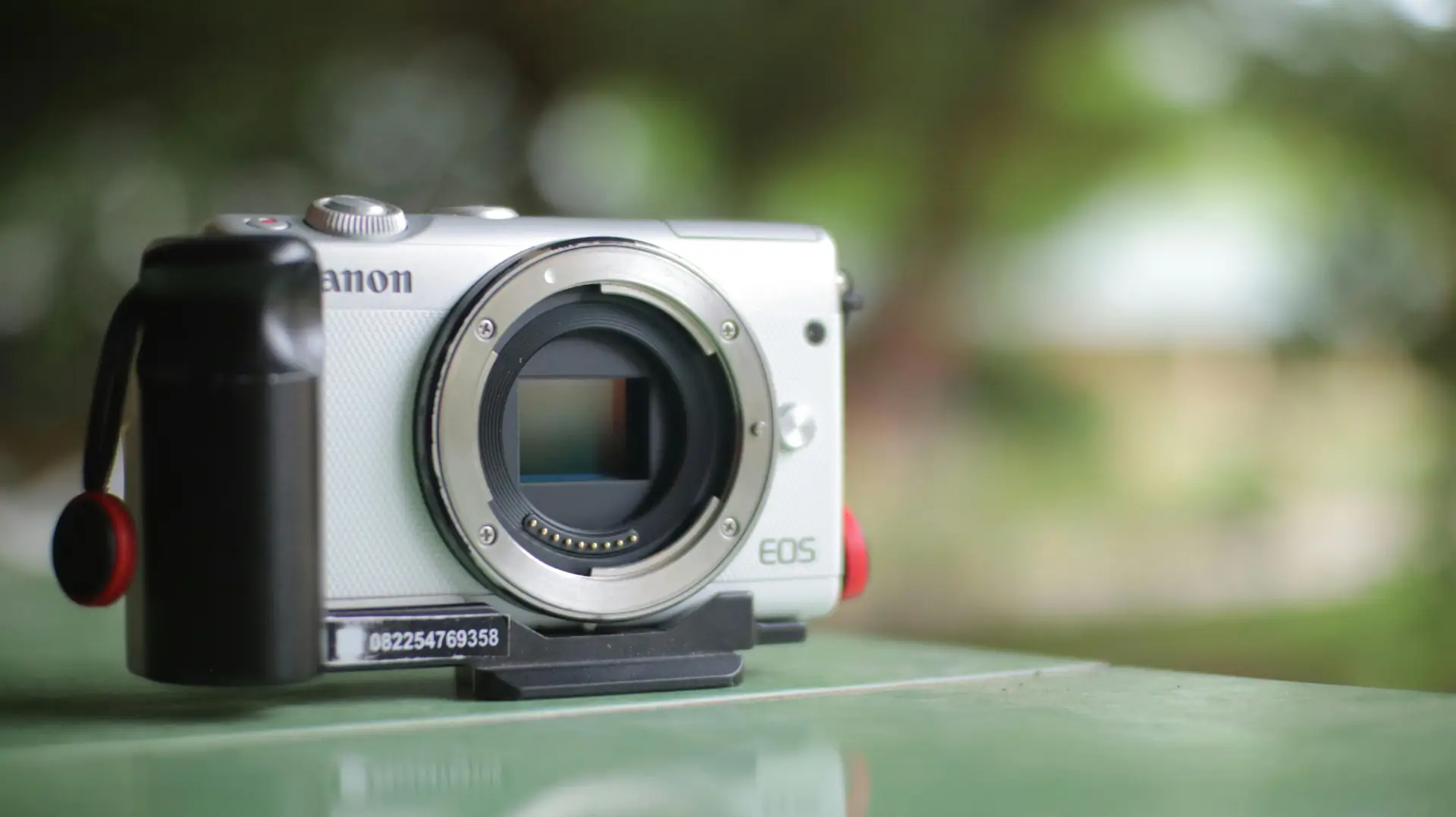
Pick gear that fits your travel style to capture consistent photos. A small mirrorless camera and a 24-70mm or 35mm lens work great for day-to-day travel. These lens choices help you capture scenes from wide to medium tight with little gear weight.
Camera and lens tips
- Use a lightweight mirrorless body to capture long days with less fatigue.
- Choose a fast prime like 35mm f/1.8 to capture low light and portraits.
- Carry a wide zoom for landscapes to capture more of the scene.
Settings to capture sharp and vivid photos
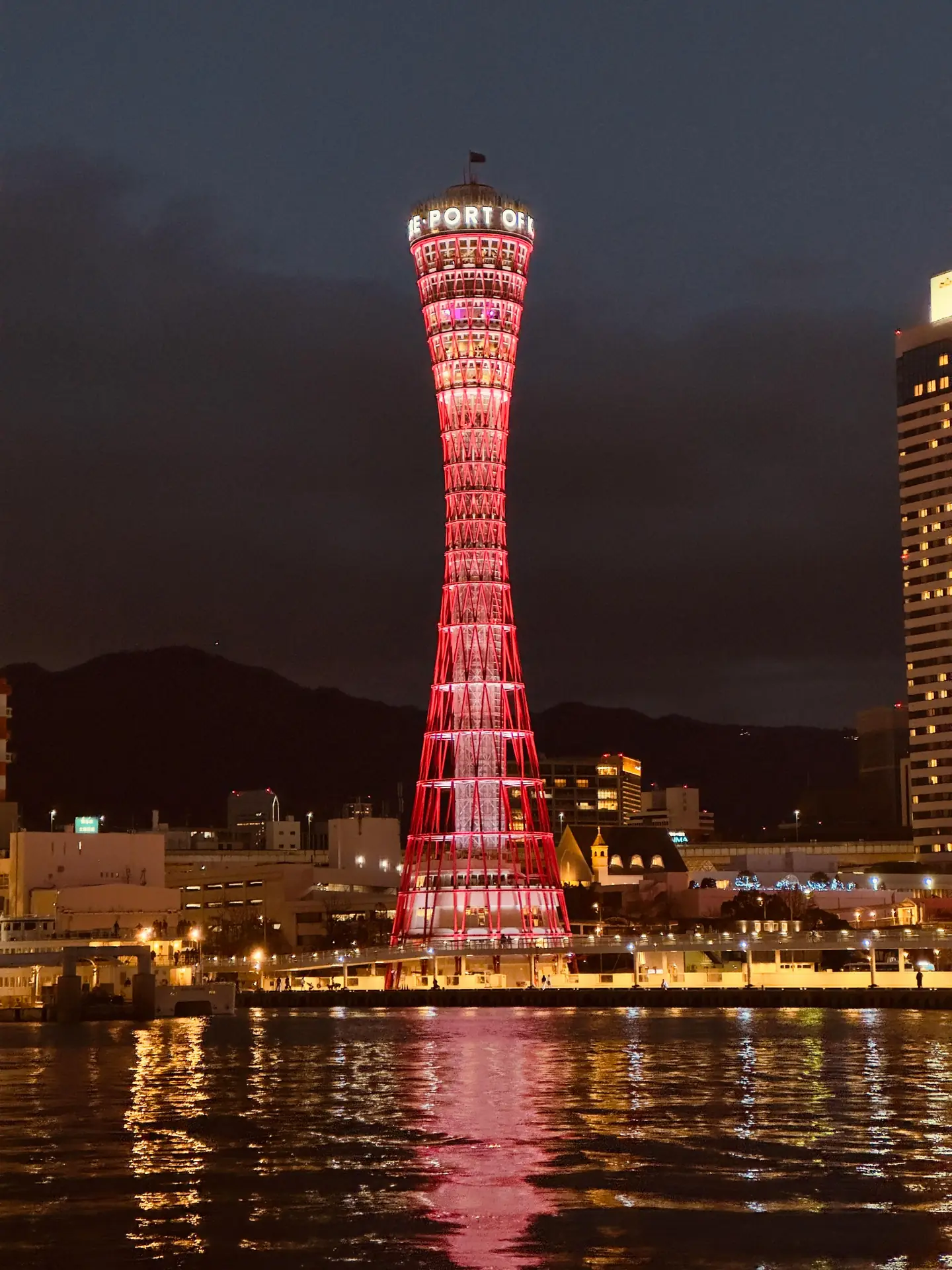
Set your camera to aperture priority to control depth of field and capture crisp subjects. Keep ISO low to reduce noise and raise it only when you must capture a low light scene. Use a shutter speed twice the focal length to avoid blur and to capture handheld shots with confidence.
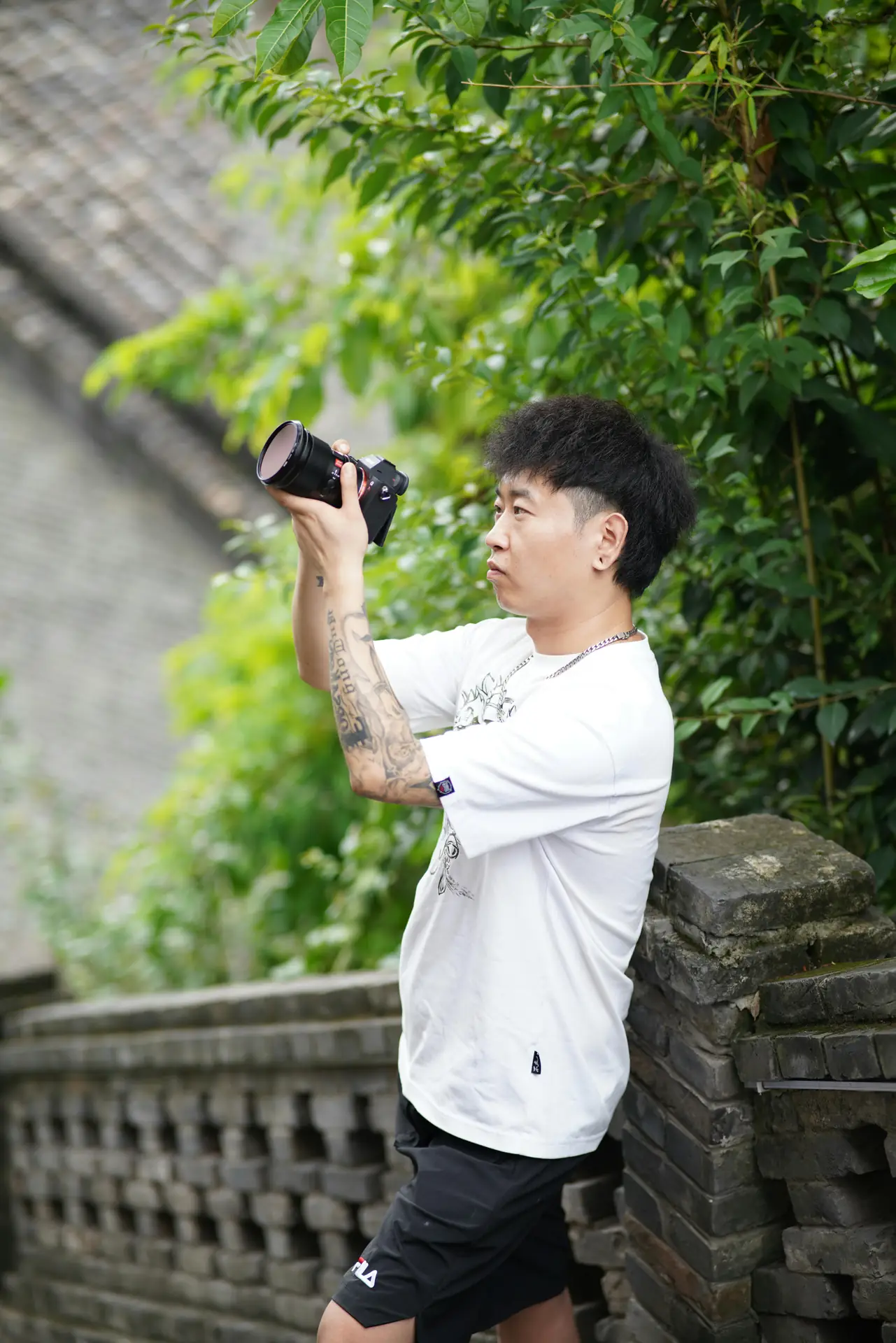
Capture movement: cinematic motion-blur techniques
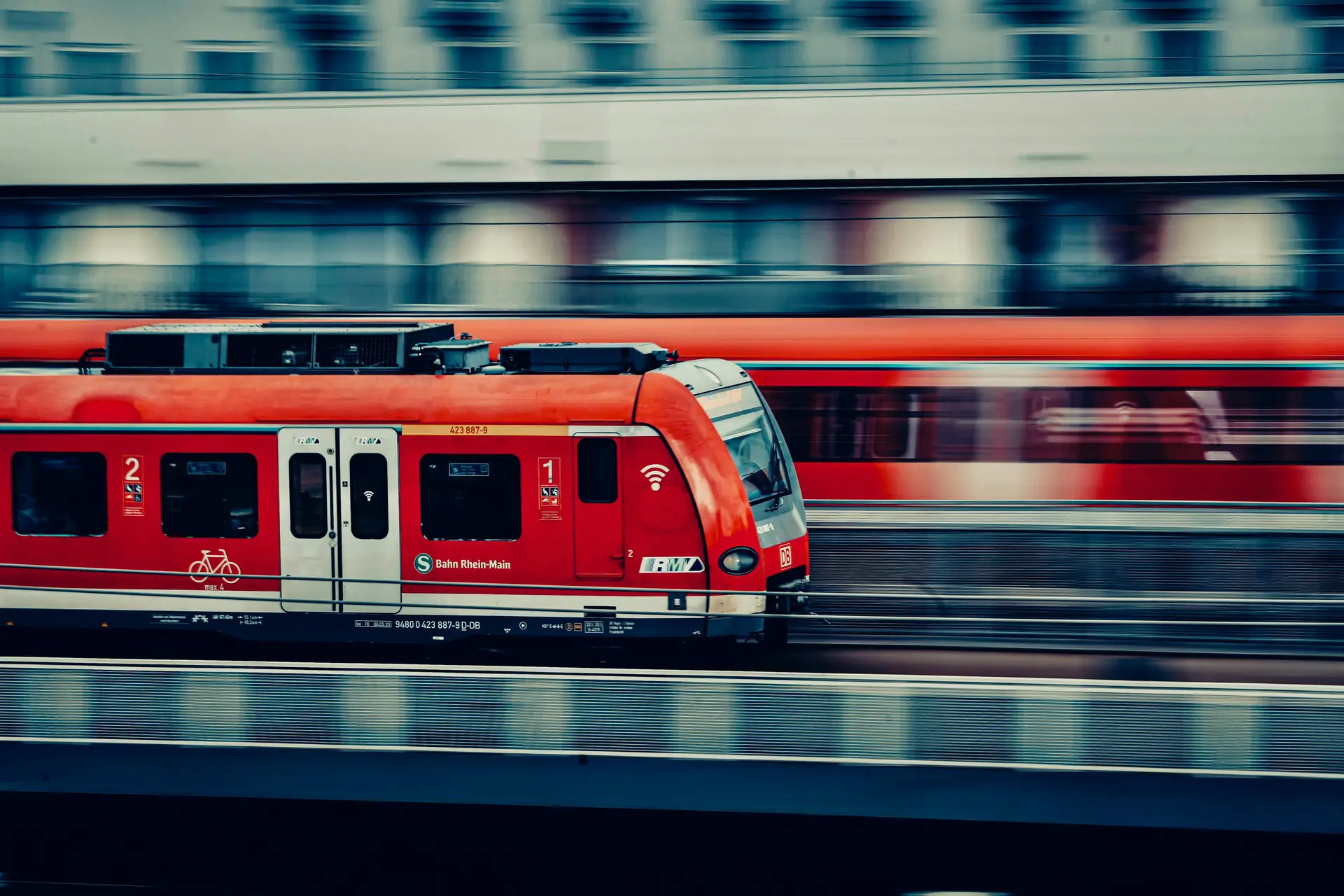
To capture motion in travel scenes, slow your shutter and pan with the subject. Use shutter speeds between 1/30 and 1/2 second to show motion in waterfalls, trains, and streets. A steady stance and a strap like the Camstrap Voyager help keep the camera stable when you shoot slow shutter images.
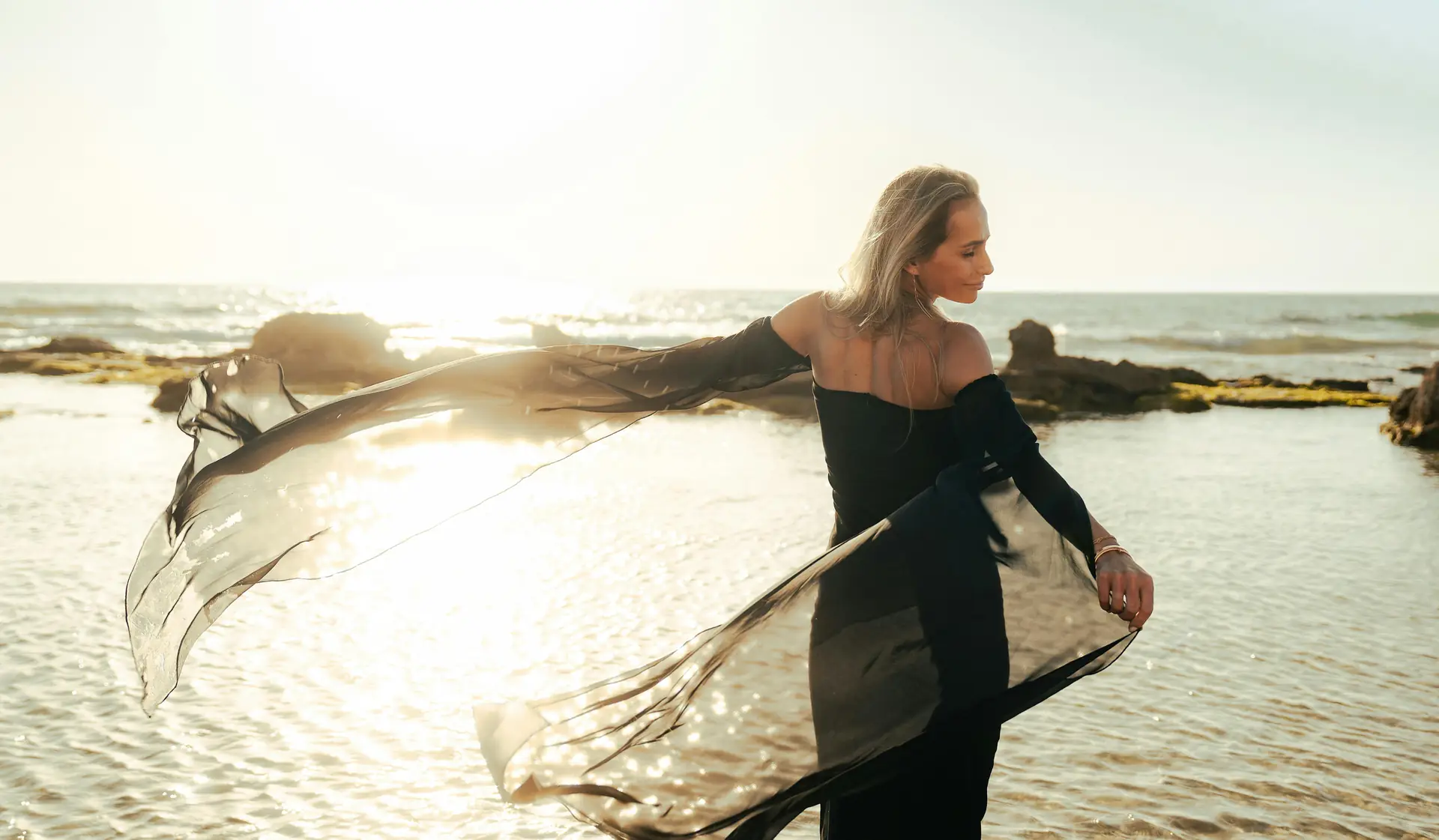
Try panning to capture moving subjects and blur the background while you keep your subject sharp. Practice a smooth follow-through and use continuous focus to capture sharp frames. This technique helps you capture dramatic travel images that stand out on feeds.
Hands-on examples to capture cinematic shots
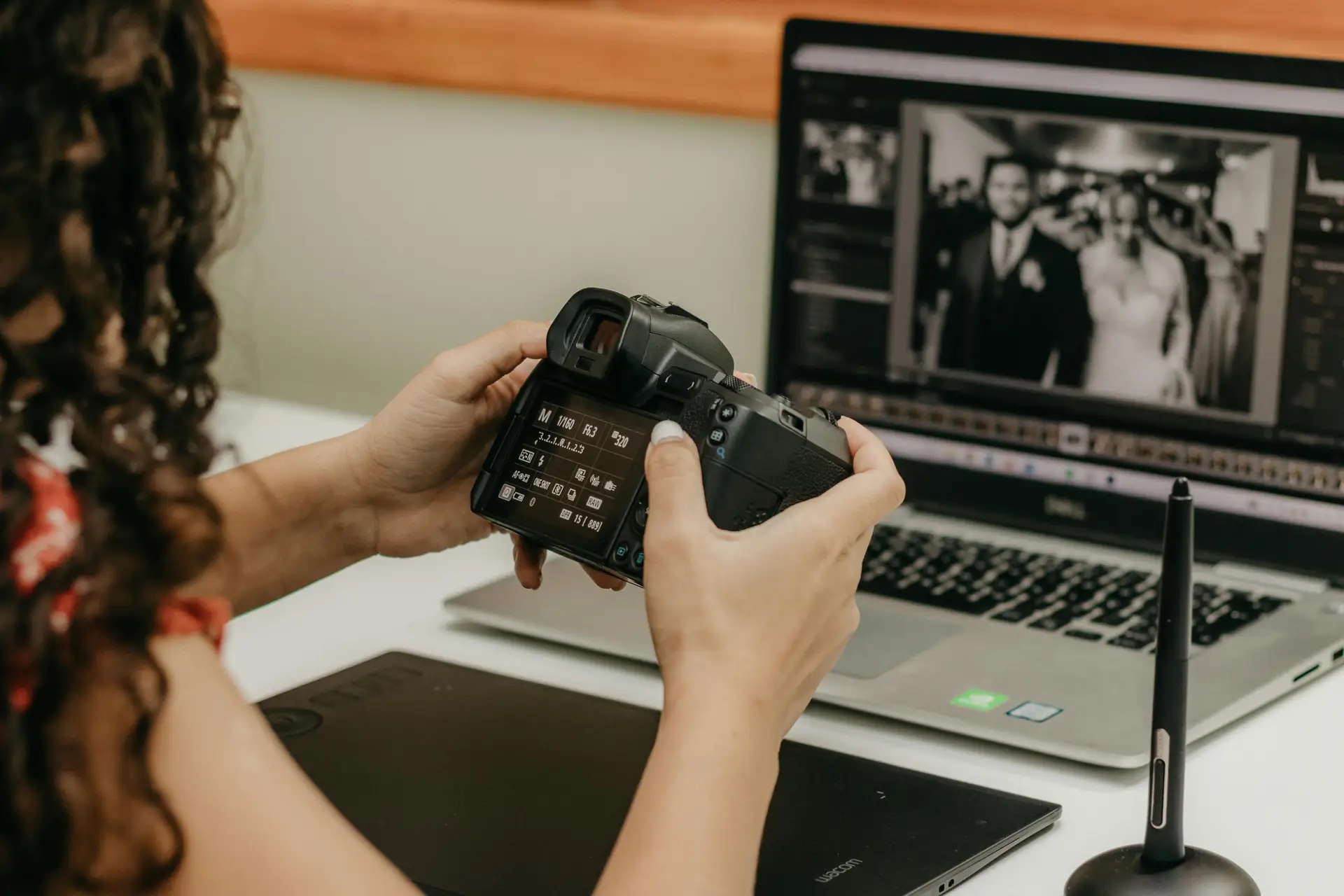
- Find a moving subject like a cyclist or car and set shutter to 1/60 to 1/30 second to capture motion.
- Pan with the subject while pressing the shutter smoothly to capture motion blur.
- Check images and adjust shutter speed to capture stronger blur or sharper subjects.
Capture vertical mobile-first photos and Reels
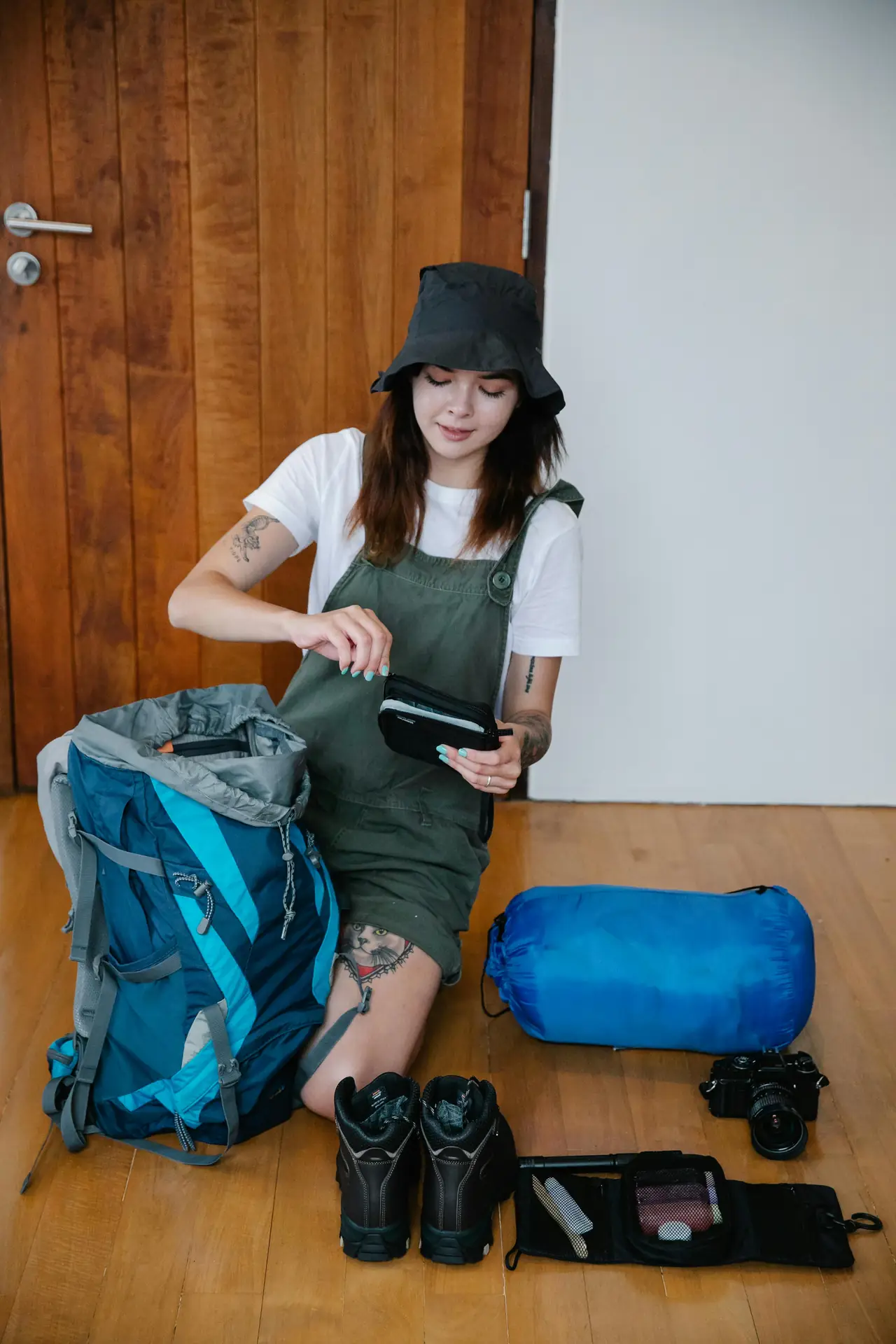
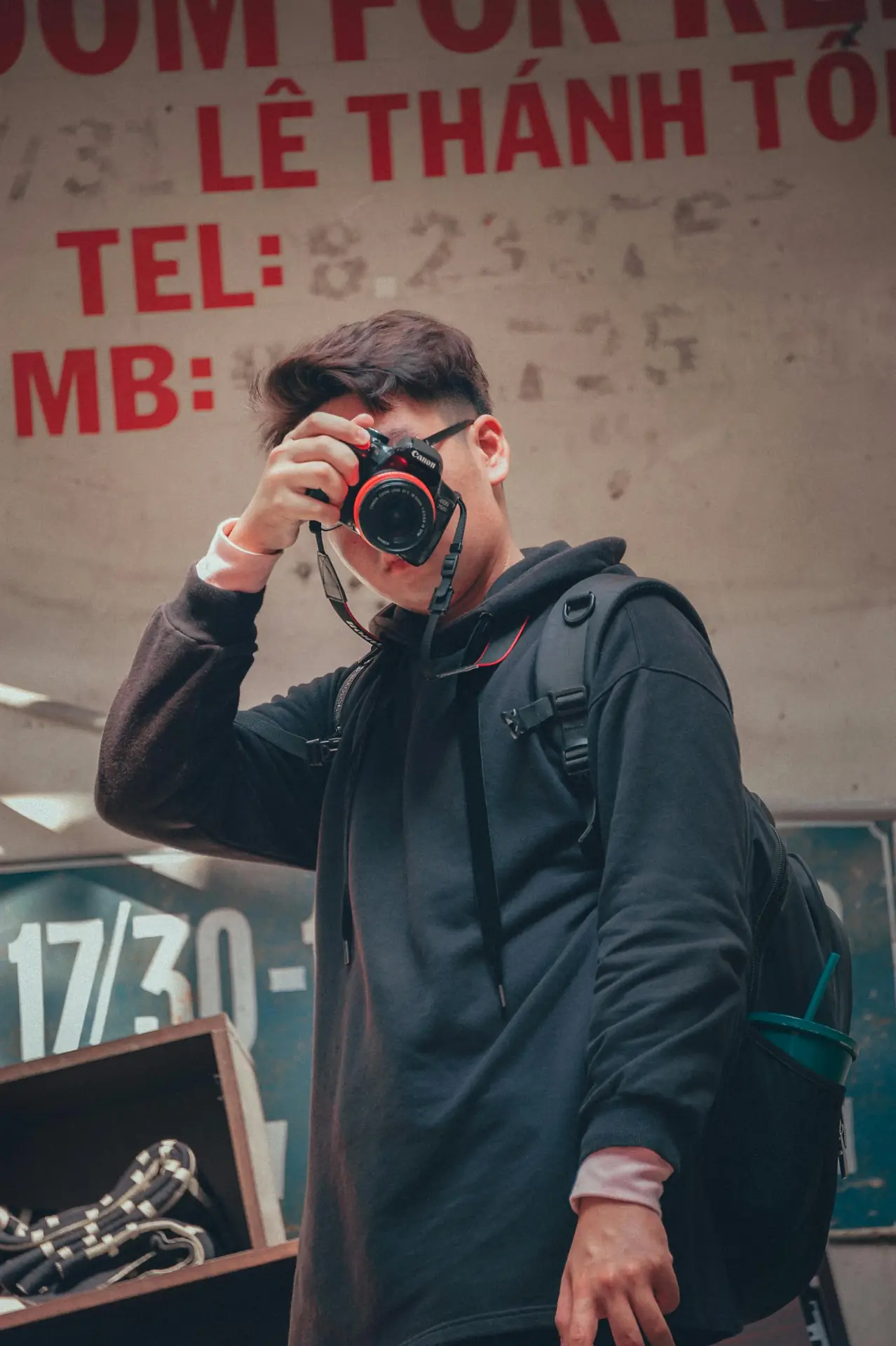
Mobile-first vertical photos perform best for Reels and stories, so learn to capture tight vertical frames. Use portrait orientation and frame for top and bottom balance to capture a subject with context. The Camstrap Explorer holds more gear and the MagClip gives quick access for mobile setups and mirrorless rigs.
When you capture vertical content, think motion and rhythm to keep viewers engaged. Use quick cuts, short pans, and close-up detail shots to capture attention in the first two seconds. Also use natural light to keep the image clean and sharp for mobile viewing.
Tips from 2026 mobile-first trends
- Shoot vertical first, then crop for horizontal if needed to capture social-ready content.
- Use a wider lens and step closer to capture immersive vertical scenes.
- For Reels, capture short clips of 3 to 7 seconds to keep energy high and viewers engaged.
Practical workflow to capture more travel photos
Create a simple workflow so you can capture more without stress. Keep your camera on the Voyager and set a single dial for quick mode changes. Use pre-set picture profiles so you can capture a look that needs less edit later.
Plan a shot list for each location to capture key scenes fast. Include wide establishing shots, medium scene shots, and close detail shots to capture a full story. This helps you capture varied images and make better edits back home.
Packing and access tips to capture on the move
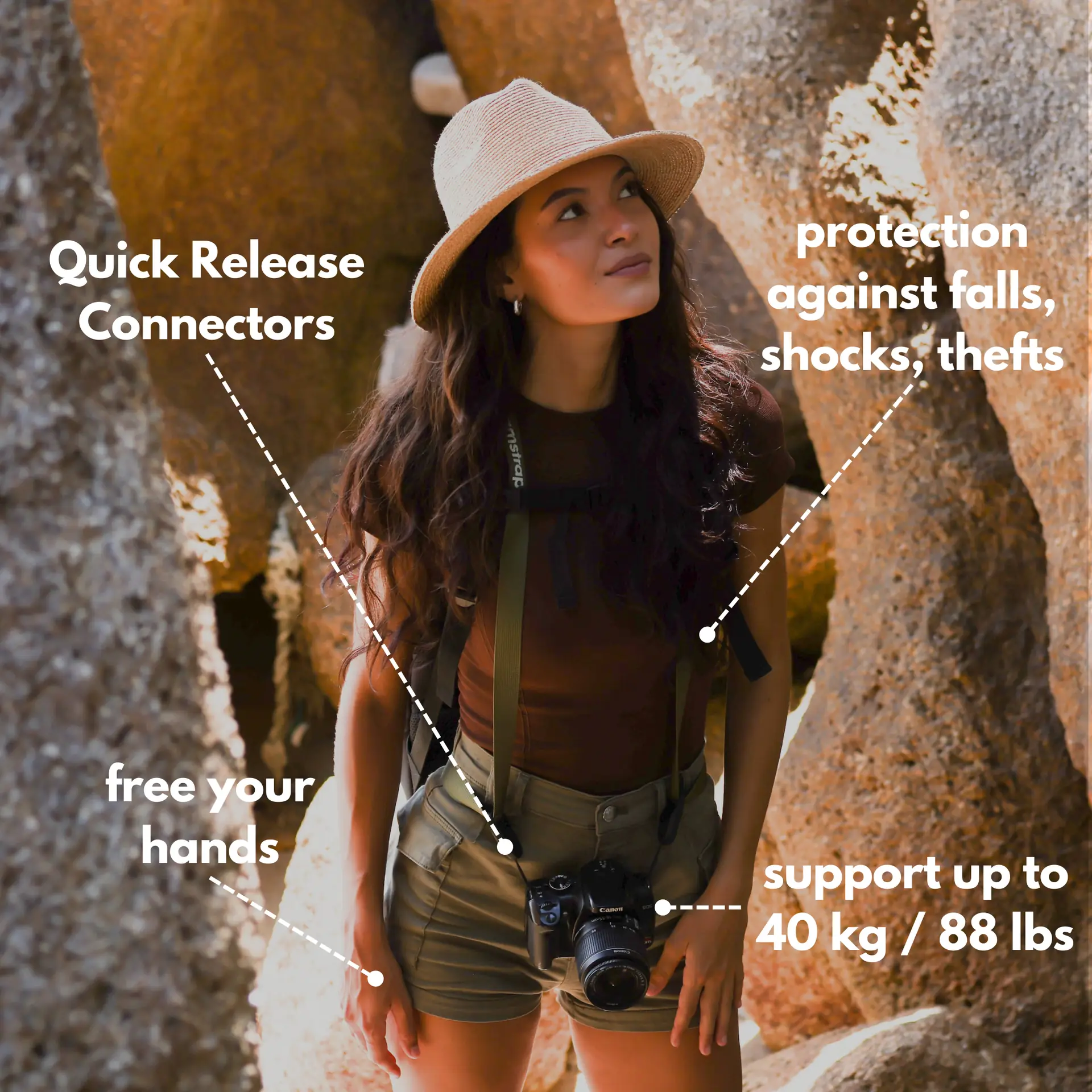
- Use the MagClip to attach your camera to a bag strap for quick capture of sudden moments.
- Keep an extra battery on the Camstrap Nomad or in a side pocket to capture long sessions.
- Store a small microfiber cloth on the strap to wipe lenses and capture clean images.
Lighting, composition, and simple rules to capture stunning results
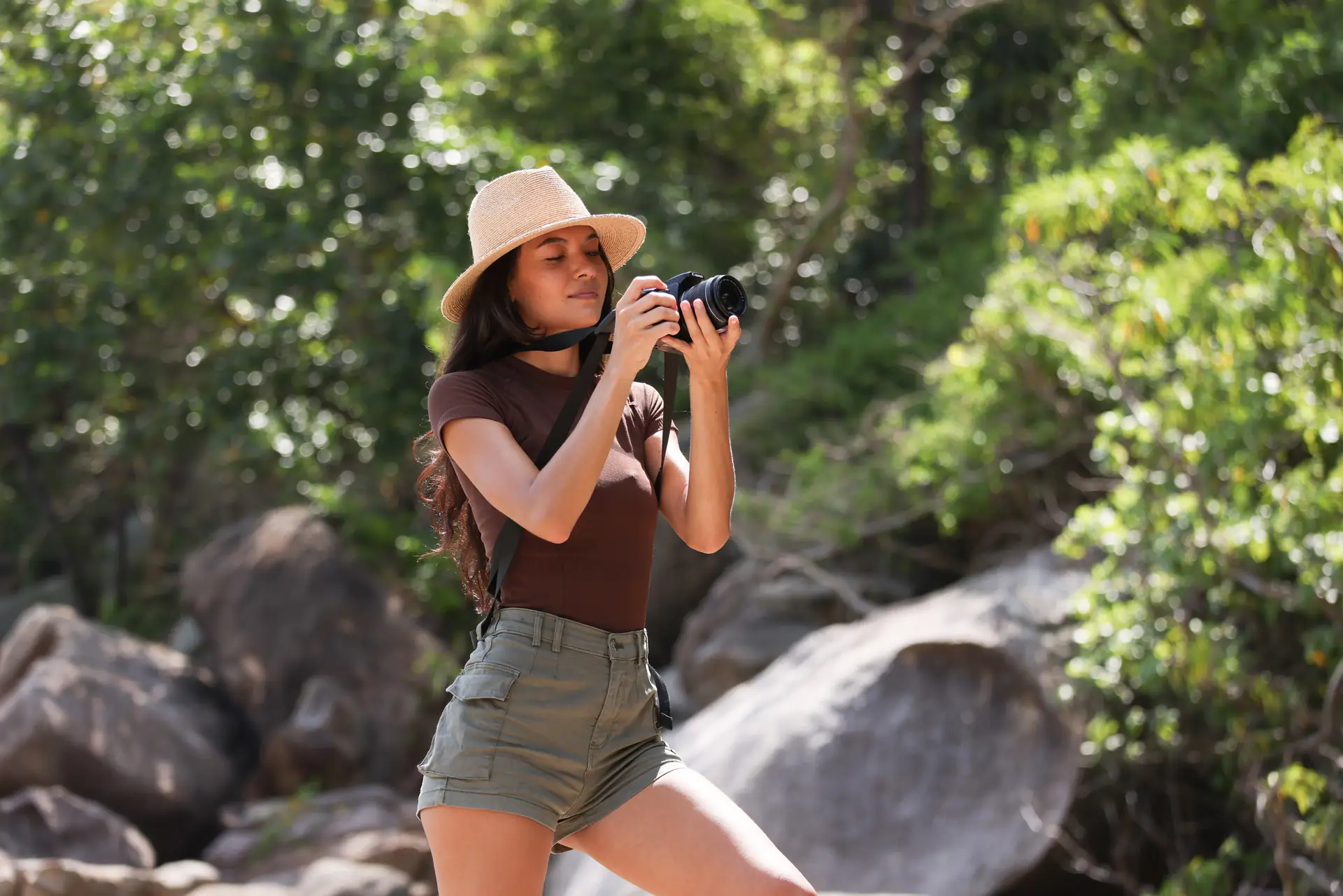
Good light will make your travel photos shine, so chase soft light for portraits and golden hour for landscapes. Use backlight for glow and side light for texture to capture mood and depth. When you control light, you capture scenes with more emotion and color.
Apply simple composition rules to capture cleaner images. Use the rule of thirds to place your subject and lead lines to draw the eye. Don’t forget to capture small details like signs and textures to build story sets for later edits.
Composition checklist to capture great frames
- Find a strong subject and position it using the rule of thirds to capture focus naturally.
- Use leading lines to guide the eye and create depth in your travel photos.
- Include foreground elements to capture scale and connect viewers to the scene.
Editing and sharing your captured travel photos
Editing can lift your travel photos and make them feel consistent across your feed. Start by straightening horizons and fixing exposure to capture a clean base image. Use a light touch on color and contrast to keep the image true to the scene you captured.
For Reels and short clips, edit to a 9:16 vertical frame and use music that matches the pace of your shots. Export at high quality and use clear captions so viewers can find context and locations after you capture their attention. This helps your work reach more people.
Quick edit steps to capture a polished look
- Crop and align to capture the best framing for each platform.
- Adjust exposure, shadows, and highlights to capture natural tone and depth.
- Apply a gentle color grade or preset to capture a consistent feed look.
Safety, care, and long-term tips to capture more over time
Keep your gear safe so you can capture every trip without worry. Use the Voyager’s secure lock and padded strap to prevent drops and fatigue. Clean and store your camera and lenses after each day to avoid damage and to capture the best shots long term.
Consider building a small kit with the Camstrap Nomad for hikes and the Camstrap Explorer for heavy days. The MagClip gives you quick detach options to capture spontaneous scenes. These small choices help you capture more while you travel.
Conclusion: Start to capture more stunning travel photos with the Camstrap Voyager
To capture stunning travel photos, start with a ready kit and a smart workflow. The Camstrap Voyager helps you keep the camera close and ready to capture quick, vivid shots. Use simple settings, learn a few motion and vertical techniques, and edit with care to capture images that tell your travel story.
Carry lighter, shoot often, and practice the techniques in this guide to capture more on every trip. Try the Voyager, Explorer, Nomad, and MagClip together to find the setup that helps you capture consistently. Above all, enjoy the trip and capture the moments that matter most.


