


Mobile-first photographers plan photos for phone screens first. In 2026, mobile-first thinking helps your shots stand out on small displays. This guide gives clear mobile photography and framing tips to help you shoot like a pro.
Mobile-First Mindset: Why It Matters in 2026
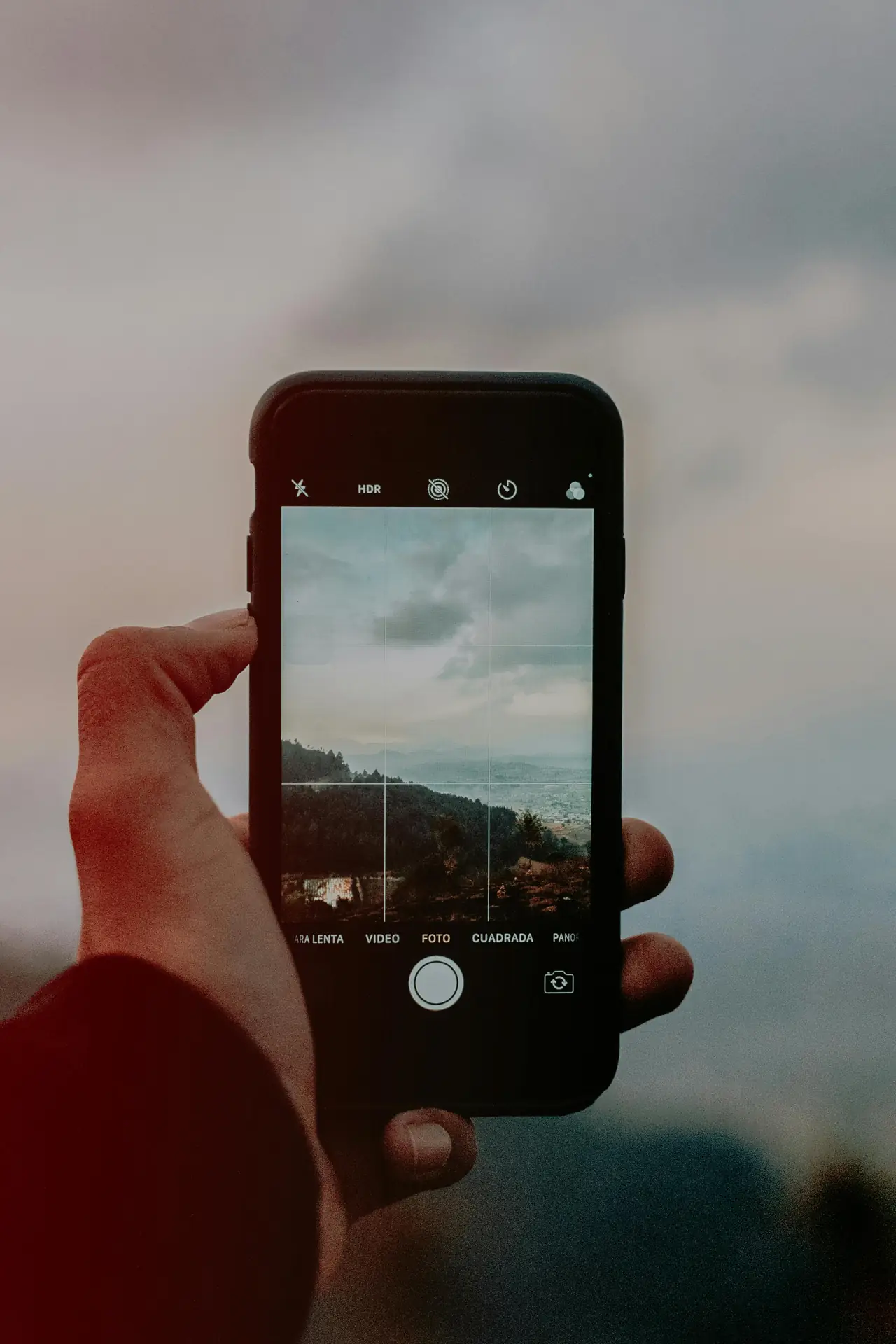
Smartphone cameras now match many small cameras for quality. So you should craft frames that look great on phones. Think of tiny screens, fast shares, and social crops when you shoot.
Stel je set samen

- Normale prijs
-
€42 - Normale prijs
-
€44 - Verkoopprijs
-
€42
Door voor de Camstrap te kiezen, kiest u voor een kwaliteitsproduct, ontworpen om aan de behoeften van de meest veeleisende fotografen te voldoen.
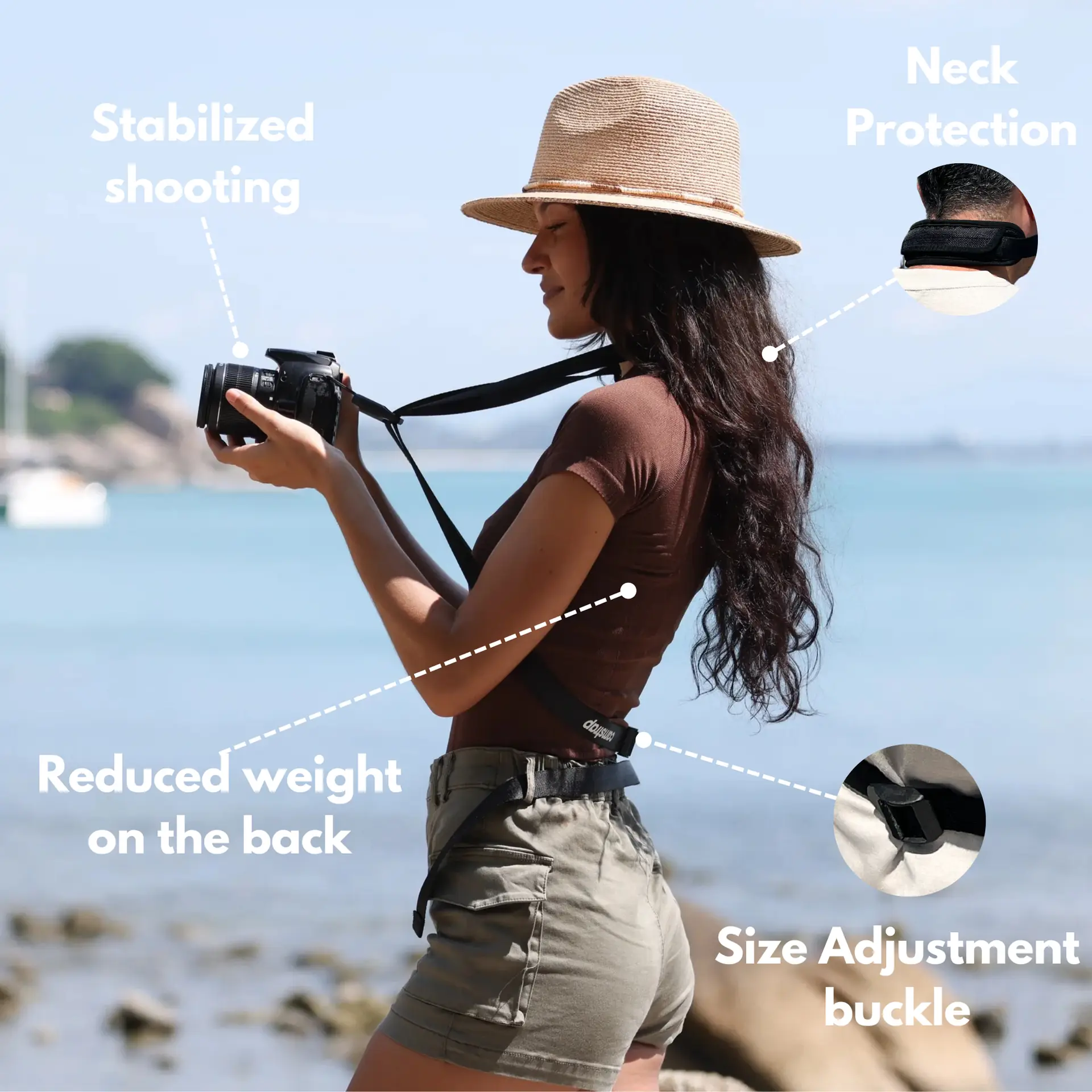
- Ontwikkeld door een fysiotherapeut om nekpijn en rugpijn te verlichten.
- Kan gebruikt worden als schouderband of handsfree harnas
- Internationale verzending met tracking 🚚

- Normale prijs
-
€36 - Normale prijs
-
€42 - Verkoopprijs
-
€36
Gratis verzending inbegrepen
Viewers scroll fast on phones, so your image must grab attention in one glance. Use bold shapes, clear subjects, and tight frames to win a quick view.
What mobile-first means for framing
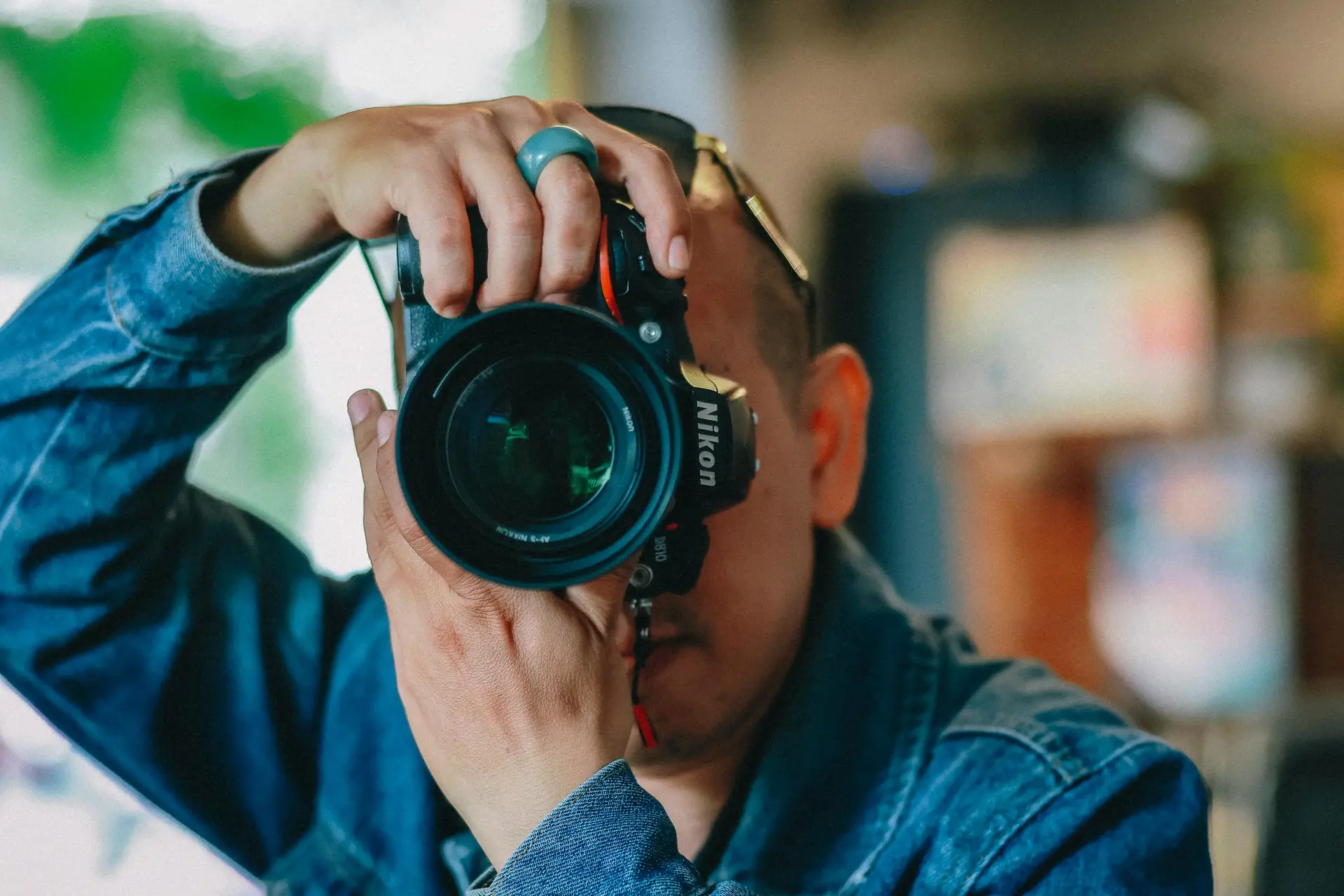
Mobile-first means set the main frame for a phone screen first. Then save a wider crop for other uses. This keeps the subject clear on a small display.
Trends shaping mobile-first photography in 2026
Phones now use multi-lens systems and AI to add detail and smart exposure. Camera apps give more manual control than before. Use gridlines and fresh angles to add depth and interest to phone shots.
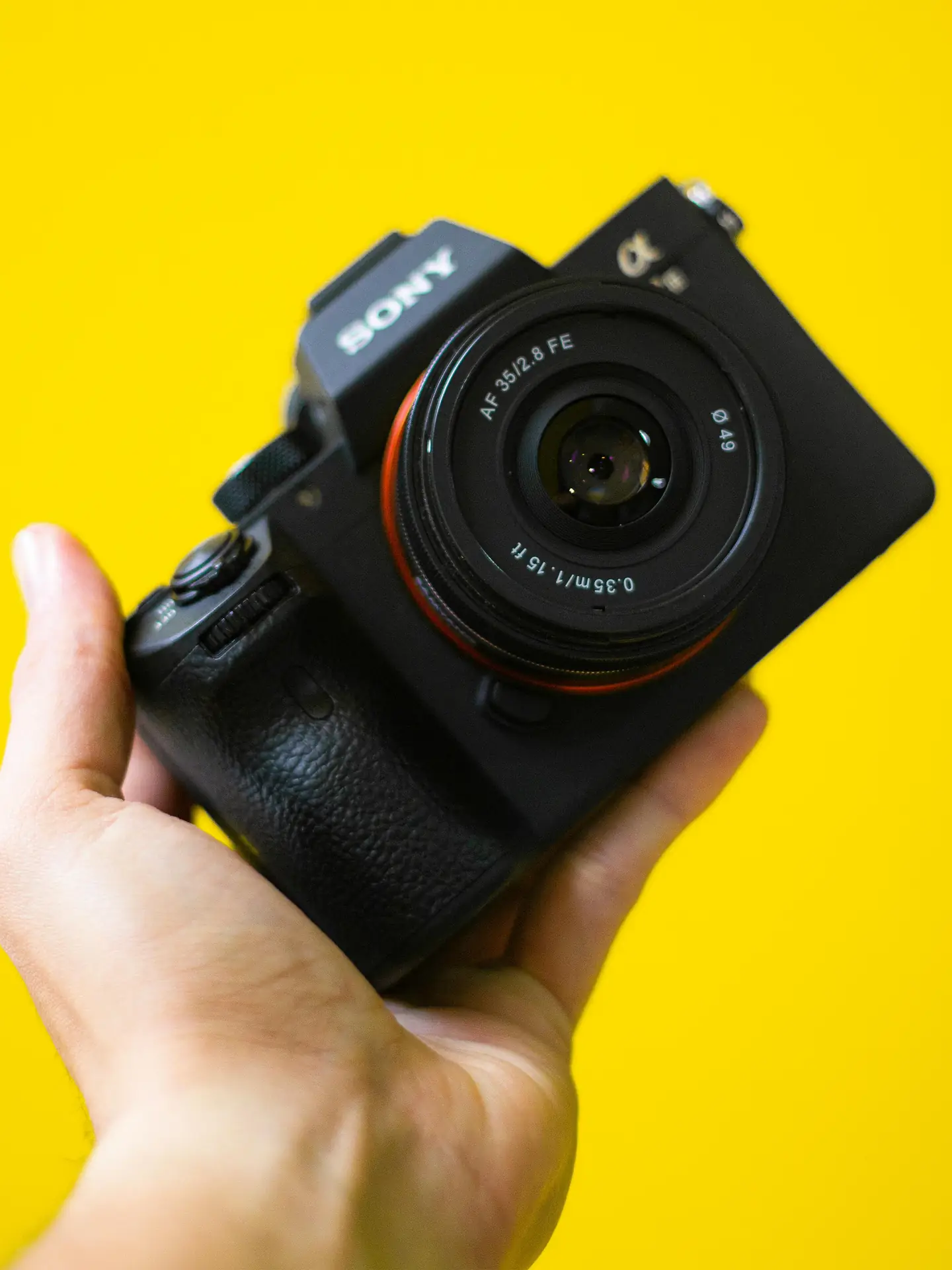
Classic Framing Rules for Mobile-First Photos
Good framing starts with a few simple rules. Use the rule of thirds, lead lines, and negative space to make subjects pop on phones. Turn on gridlines to place your subject with ease.
Move your feet to change angle instead of zooming. Zoom can cut detail and lower image quality on phones. A small step improves perspective and keeps the shot sharp.
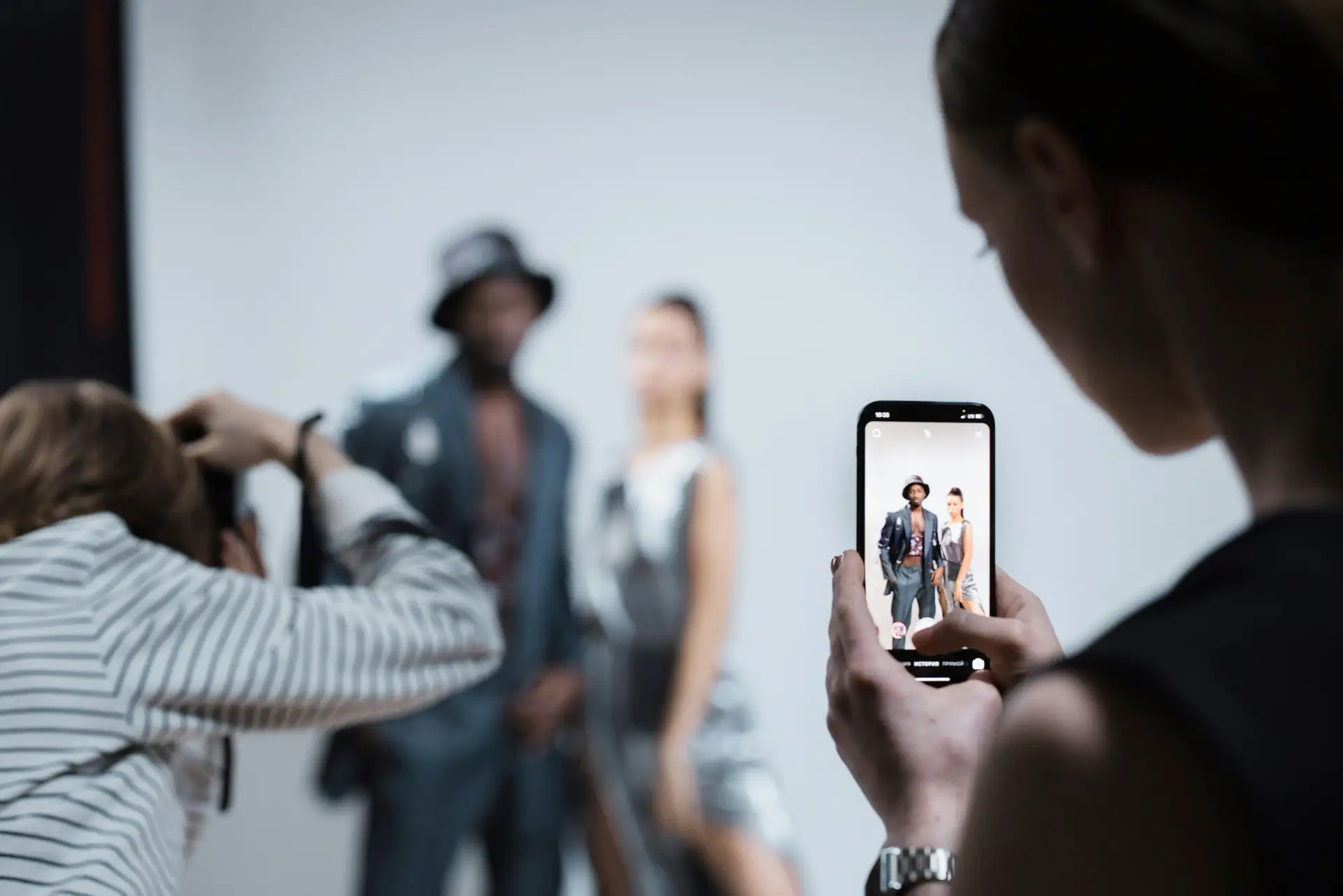
Rule of thirds and balance
Place key elements along gridlines or at intersections. This gives your photo a natural balance. On small screens, balanced photos read faster for viewers.
Use lines, shapes, and symmetry

Lead lines guide the eye to your subject. Use roads, fences, and edges to point to the main focus. Symmetry and strong shapes make images read fast on phones.
Mobile-First Framing Techniques Every Photographer Should Know
Learn framing moves that work best on phone screens. Try low angles, tight crops, and centered symmetry to see what fits your style. Test these moves in travel and street scenes to learn fast.
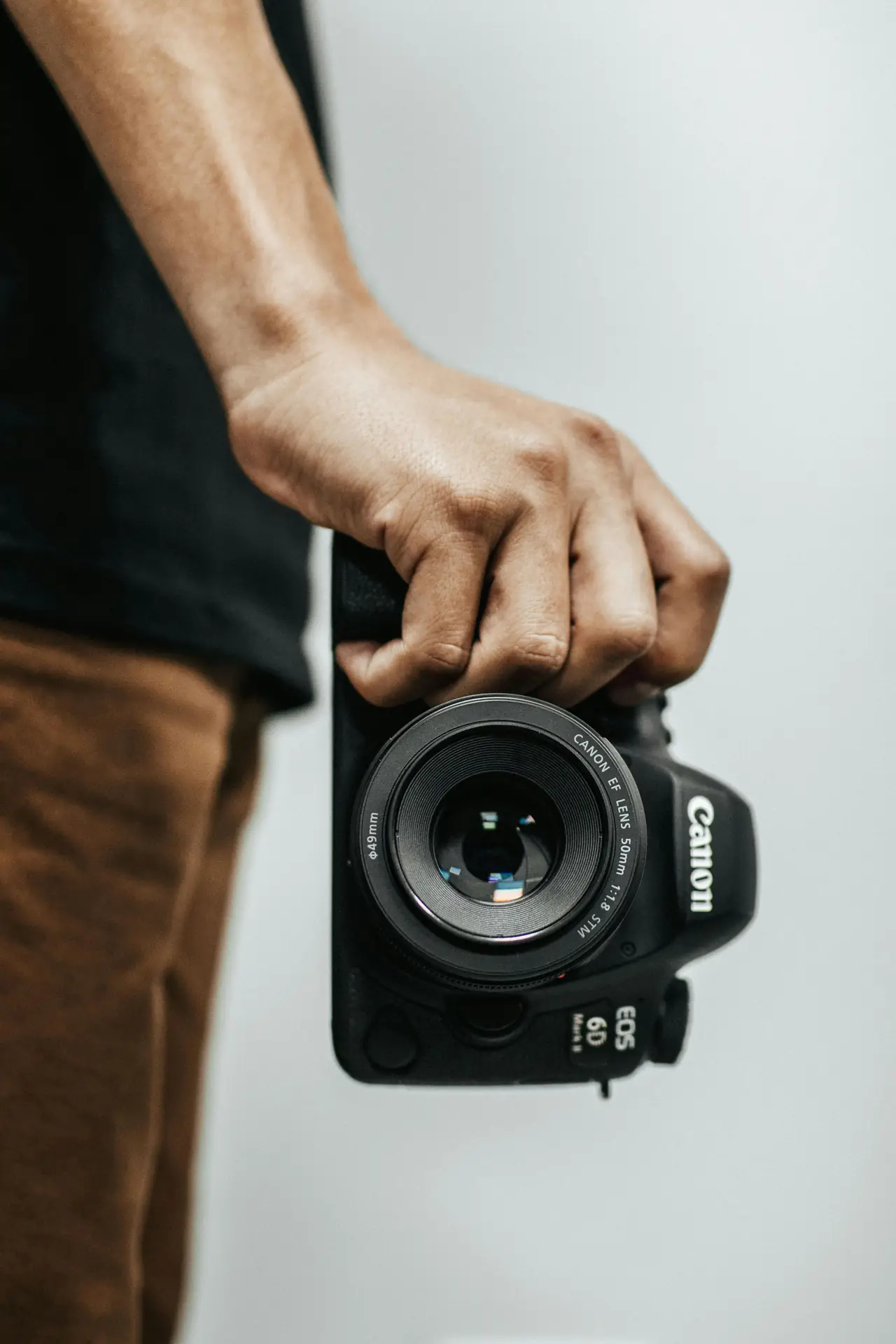
Also, add depth by using a clear midground subject and a blurred foreground. This trick helps viewers feel present in the scene on small displays.
Low angle and foreground interest
Get low to add drama and size to a subject. Low angles make small objects feel large. Put a strong object in the foreground to add depth to landscapes.
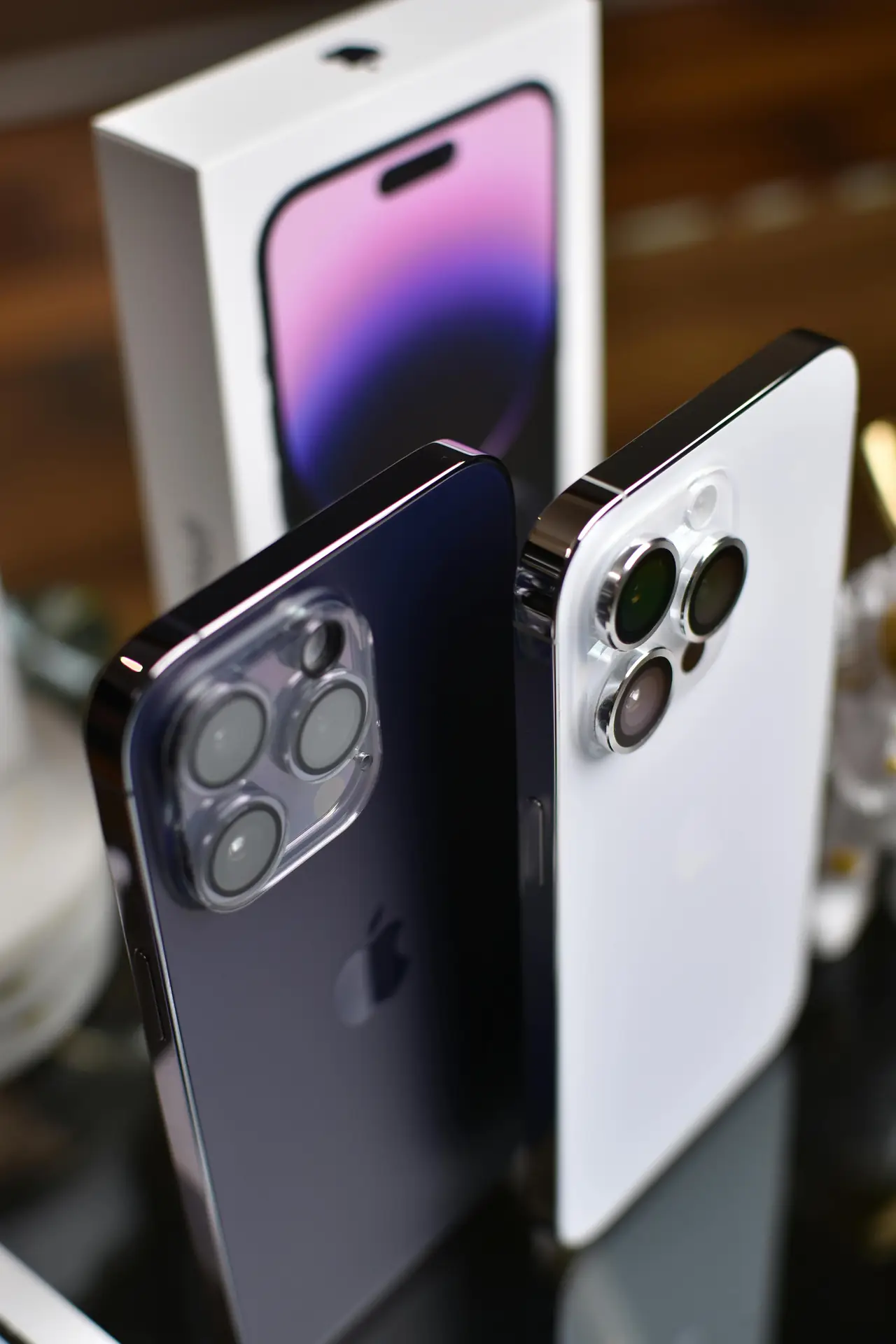
Tight framing and negative space
Close in on your subject to remove clutter and noise. Then add negative space for captions or social text. Tight frames keep the focus clear on phones.
- Crop to remove distractions and keep the main subject clear.
- Use symmetry for clean, striking phone images that read fast.
- Shoot close-ups for texture and detail that hold on phones.
- Try vertical crops first for social feeds, then save wider crops.
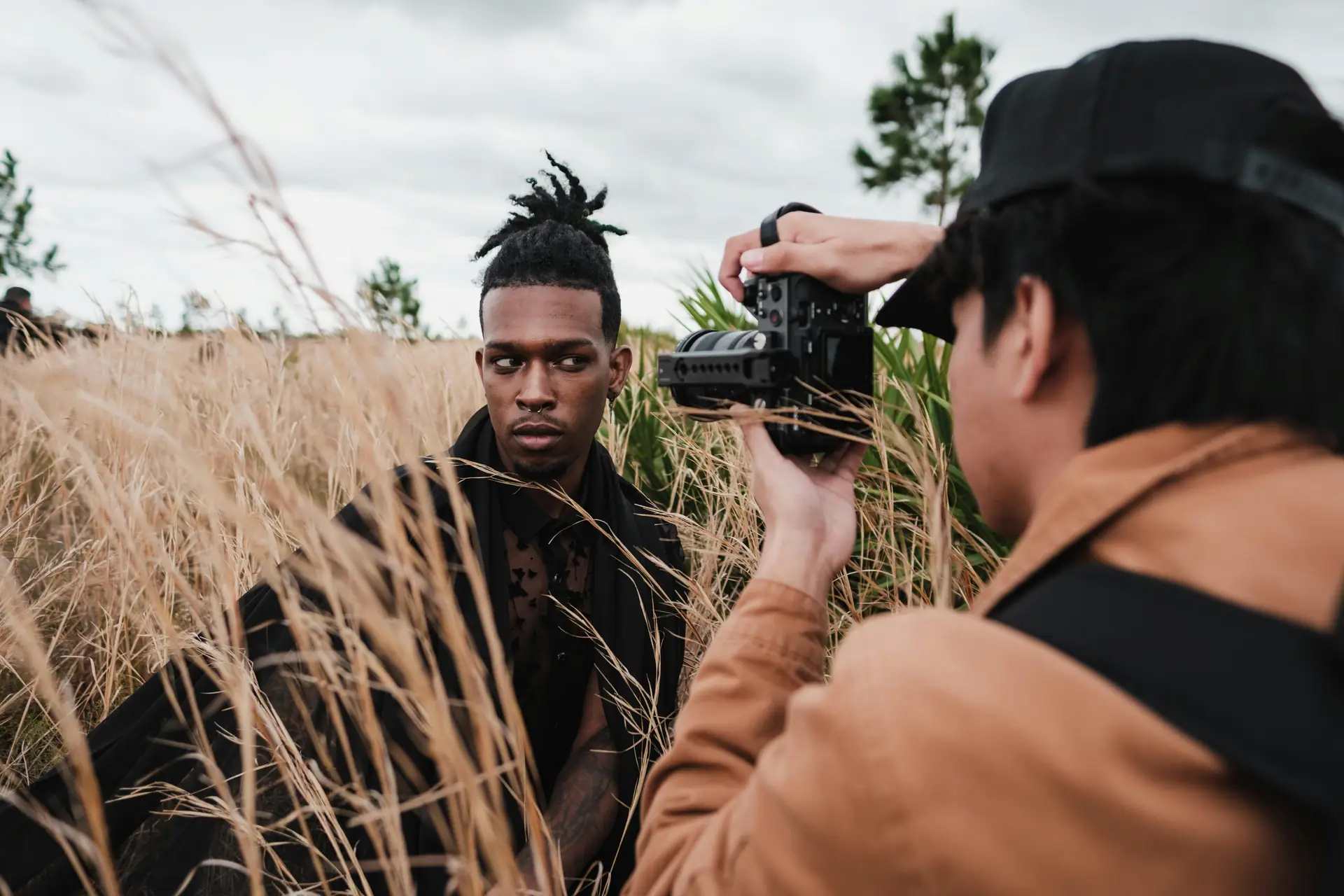
Light, Exposure, and Mobile-First Metering Tricks
Good light is the backbone of strong phone photos. Phones do best in soft light, so shoot at golden hour or in shade for kind tones. This reduces harsh contrast and blown highlights.
Tap to set focus and exposure on your phone. Lock exposure for scenes with bright and dark parts. This keeps skin and highlights from blowing out in your frame.
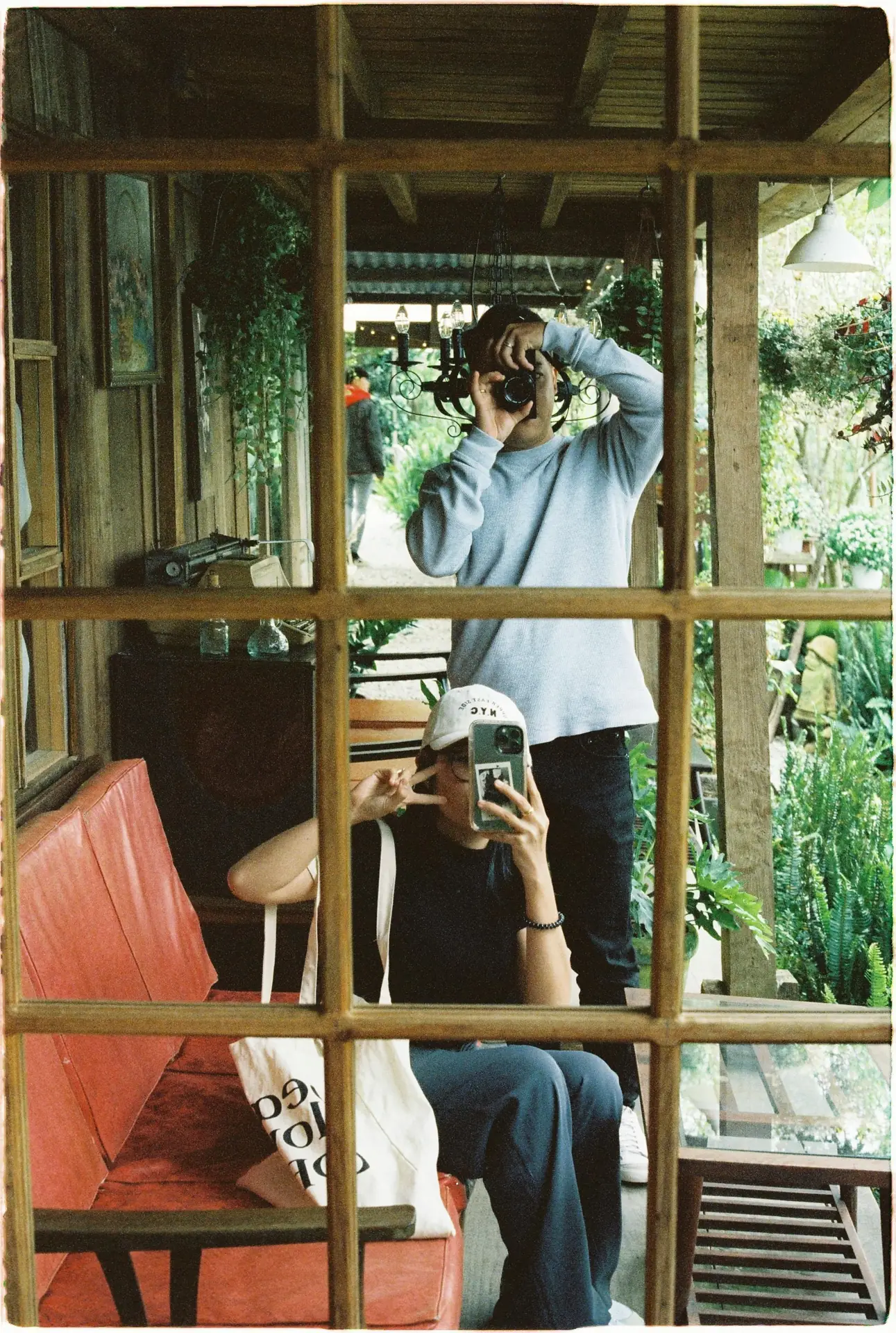
Use HDR and AI modes with intent
Many phones use HDR and AI to balance tones across shadows and highlights. Use these modes when you want detail in both dark and bright areas. Turn them off when you want deep contrast or mood.
Flash, reflectors, and soft fill

Built-in flash can flatten your subject. Instead, use a small reflector or a white card to bounce light back. A soft fill gives a nicer look for mobile-first portraits.
Apps, Tools, and Accessories to Boost Mobile-First Shots
Choose apps and tools that help you frame and edit for phones. Gridlines, exposure control, and manual focus apps give more control. Use editors like Adobe Lightroom Mobile for raw control and crop guides.
Also, use crop guides inside editors to test how a shot looks on different phone sizes. This helps you keep the main subject away from edges and safe from social crops.
Essential mobile apps and how to use them
Lightroom Mobile gives raw control and crop guides. Other apps add portrait depth or pro metering. Use apps that let you lock focus and exposure before you shoot to save time.
Accessories that help framing
A small tripod steadies low-angle shots and long exposures. A clip-on lens expands your options for wide or macro frames. Use a simple remote to avoid camera shake on close shots.
Straps, Gear, and Carry for Mobile-First Shooters
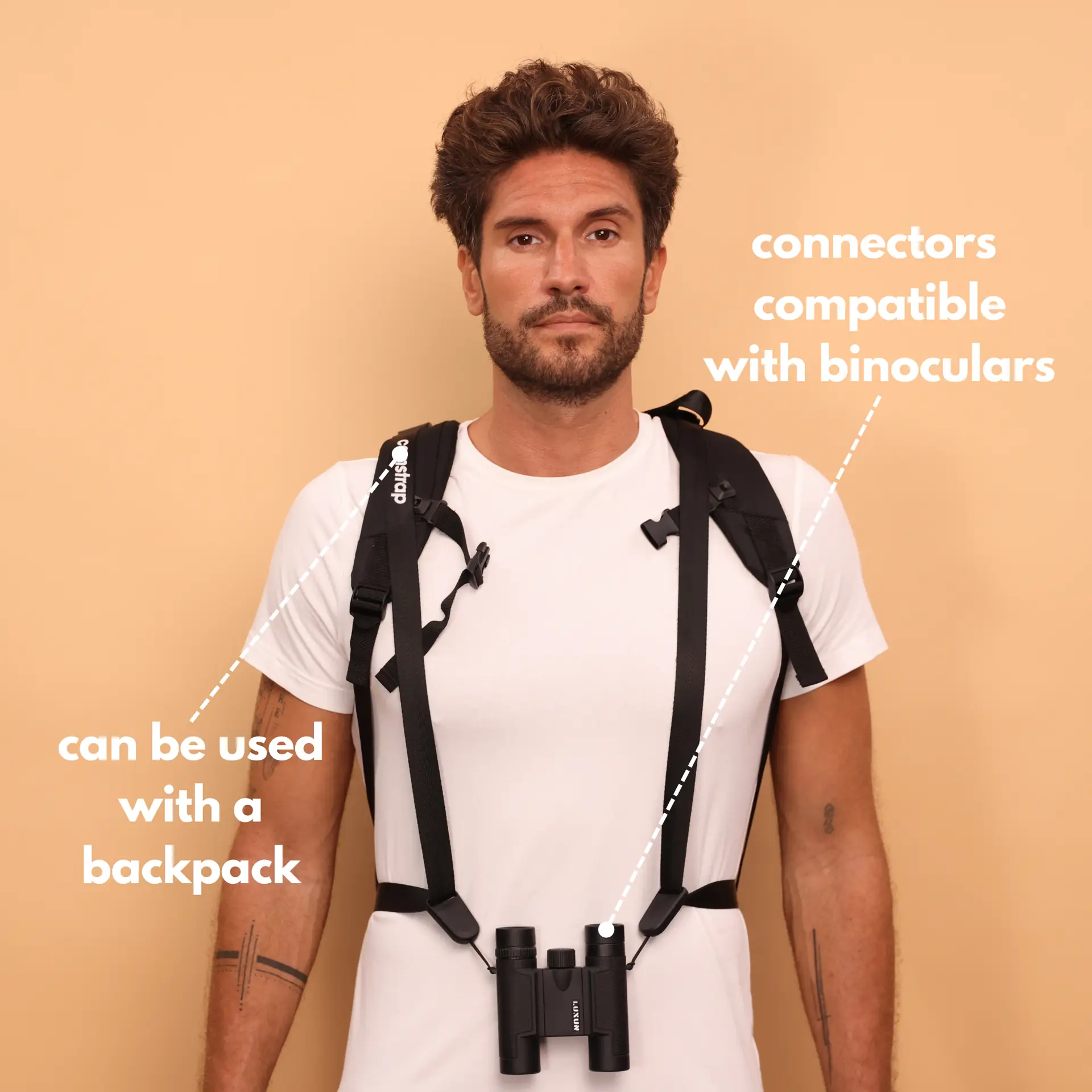
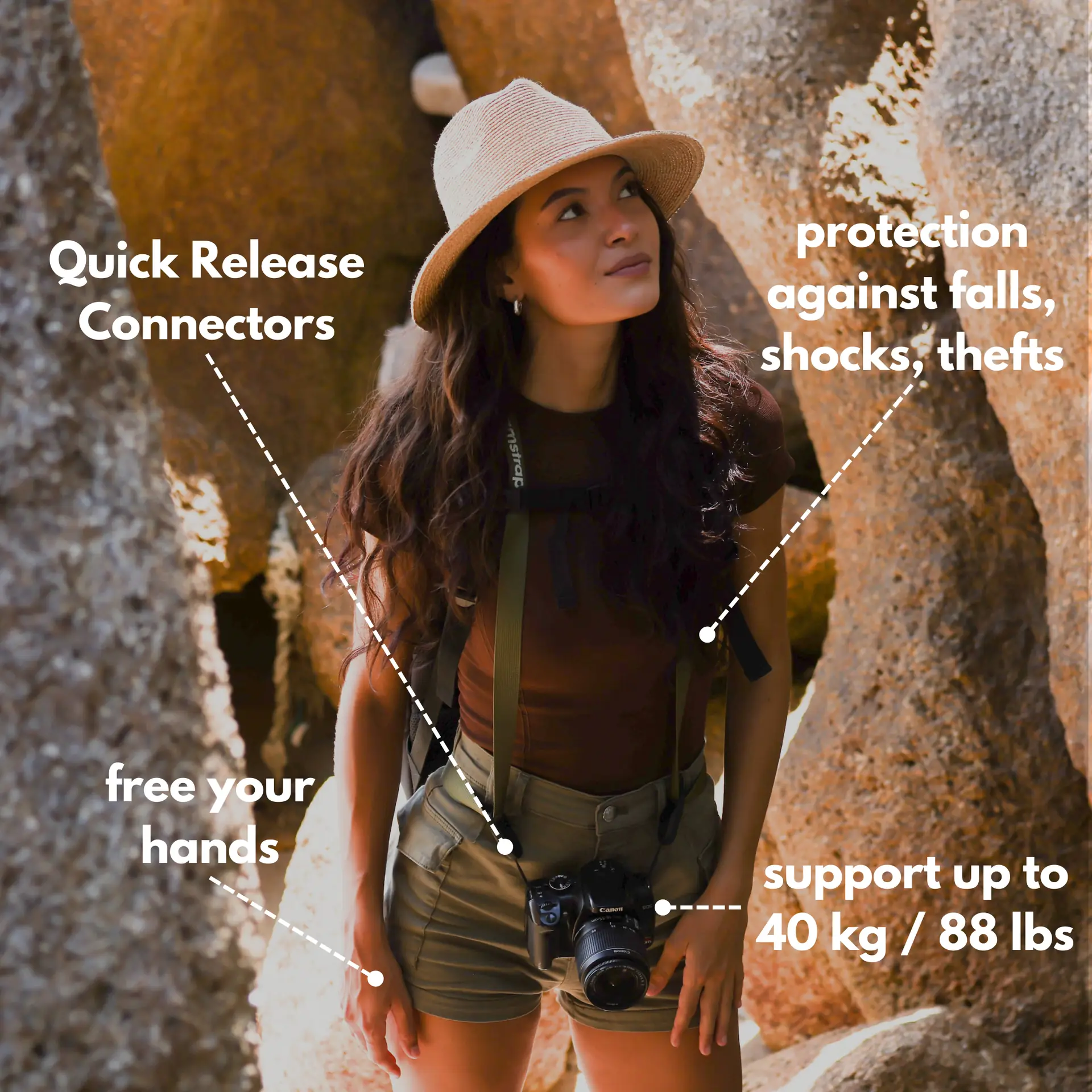
Protect your gear and stay ready with the right strap and carry choices. Camstrap makes durable straps for travel and outdoor work. Camstrap blends function and style for phone and small camera users.
Travel enthusiasts will like the Camstrap Voyager and Camstrap Explorer. These straps are light and comfy for long days on the road. Outdoor adventure photographers may prefer the Camstrap Nomad for rugged comfort and lock-in security.
For quick access, the Camstrap Magclip gives fast mounts and safe holds. Amateur photographers will like simple straps that look good and work well on the street. Pick a strap that fits your shooting style and gear load.
Choose a strap for your persona
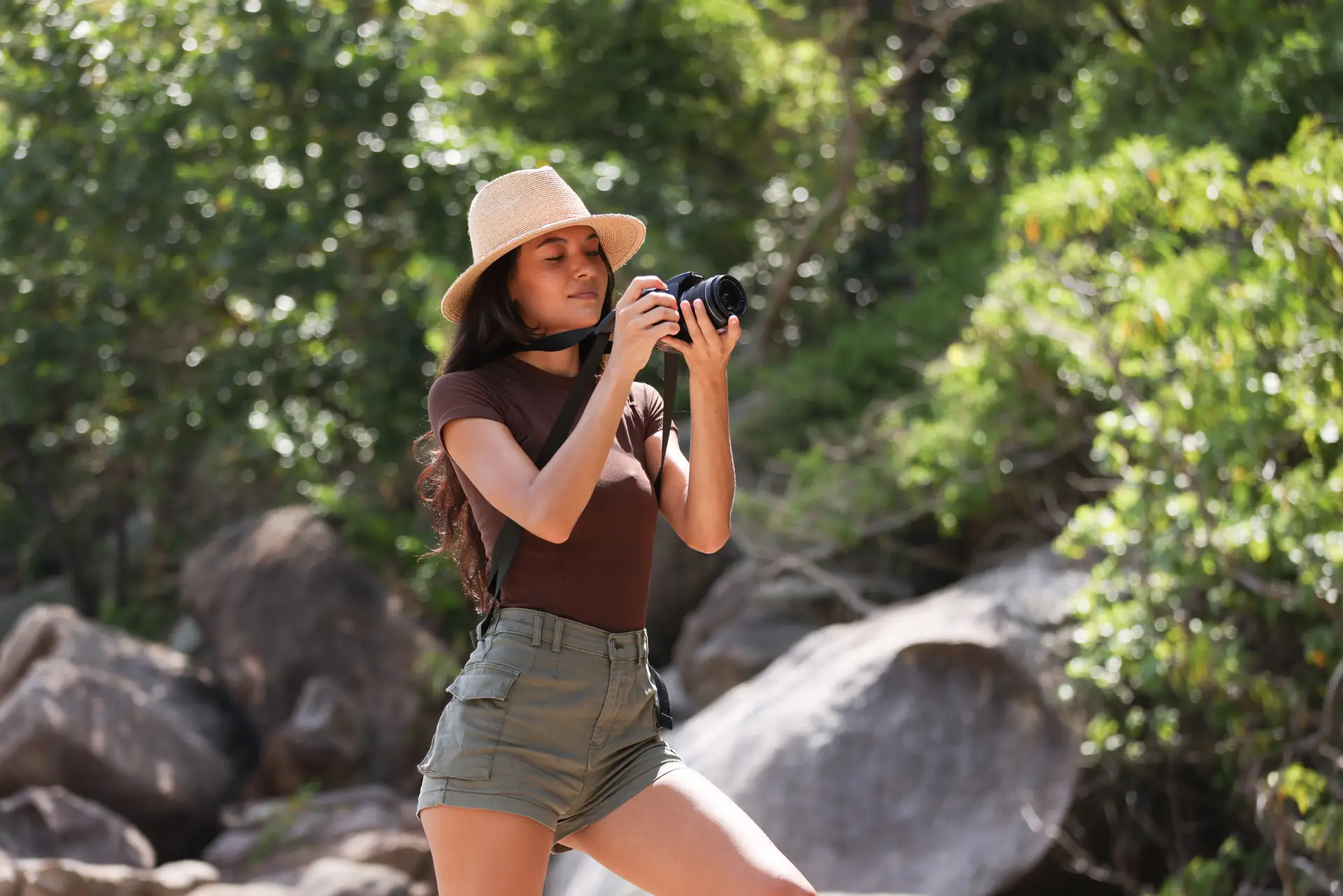
Travel Enthusiasts need light straps that carry gear all day. Outdoor Adventure Photographers want straps that lock and feel safe on cliffs and trails. Amateur Photographers want simple straps that look good and work well for everyday shoots.
Pocket gear checklist
- Phone with a multi-lens camera and manual controls.
- Small tripod or tabletop stand for steady low-angle shots.
- Clip-on wide or macro lens for extra framing options.
- Small reflector or LED for soft fill light.
- Camstrap Voyager or Camstrap Explorer for travel comfort.
- Camstrap Nomad for rugged adventures and Camstrap Magclip for fast access.
Quick Mobile-First Tips, Practice, and Wrap Up
Try these quick mobile-first tips to frame faster and take better phone photos. Use them on trips, in the street, and for portraits. Practice often to improve your mobile photography skills.
- Turn on gridlines and use the rule of thirds to frame subjects.
- Get close to remove background clutter; close shots read better on phones.
- Keep the subject clear and bright; phones lose detail in low light.
- Shoot vertical first for social feeds, then save a wider crop.
- Check edges so no limbs or objects get cut off in a crop.
- Use a strap like Camstrap Voyager to keep your phone or small camera ready.
How to practice mobile-first framing
Try a daily challenge. Take one vertical photo each day with a clear subject. Edit only for crop and brightness to learn what reads well on small screens.
Common framing mistakes to avoid
Avoid too much empty background on small screens. Also avoid tiny subjects that get lost while scrolling. Do not place the subject too close to the frame edge unless you plan to crop later.
Mobile-First Conclusion: Shoot Like a Pro in 2026
In 2026, a mobile-first approach helps your photos stand out on phones and social feeds. Think small to win big when you frame. Use the framing tips, light tricks, apps, and gear to sharpen your phone work.
Also, pick gear and straps that keep you ready on the road. Camstrap offers options like Camstrap Voyager, Camstrap Explorer, Camstrap Nomad, and Camstrap Magclip. These straps help travel enthusiasts, outdoor adventure photographers, and amateur photographers stay ready for the next mobile-first shot.
Now go practice one mobile-first tip each day. Try low angles, tight crops, or soft fills. Keep your frames clear and your subjects bold. Shoot often, learn fast, and share photos that read well on every smartphone screen.


